
AI customer support prompts: ready-to-use examples
Ready-to-use AI prompts for customer support: complaints, information requests, refunds and negative reviews with ChatGPT and other models.
Reading time: 9 min
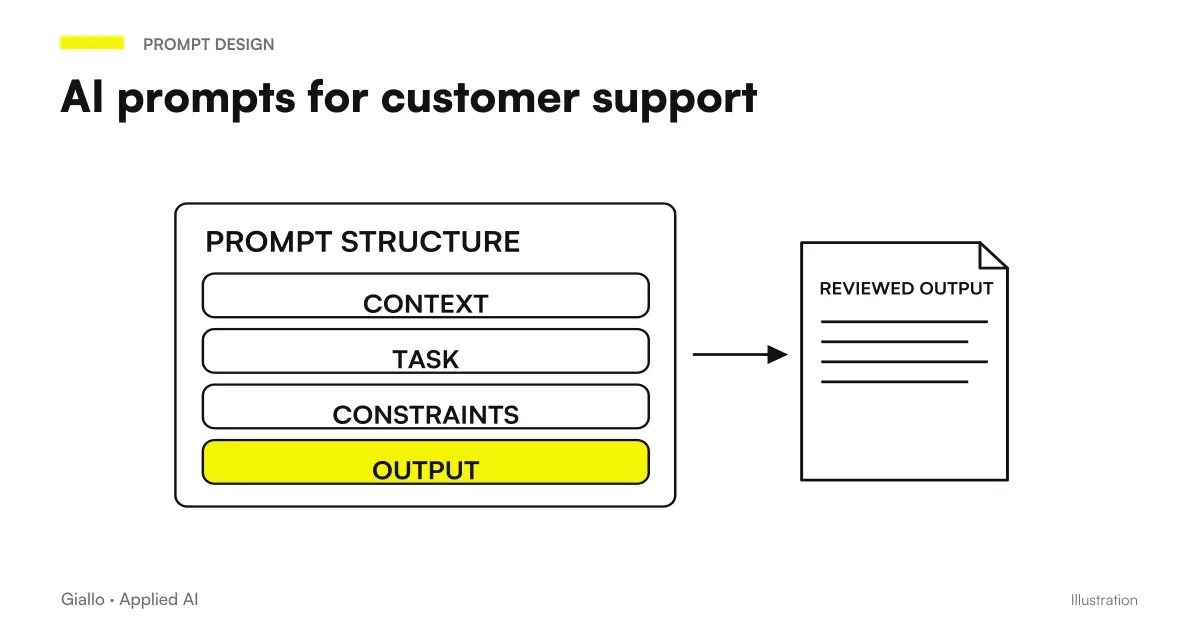
A AI prompt for customer care is a structured instruction that tells a model like ChatGPT or Claude who is, what he has to do and How to Respond to the customer. With the right prompt, an operator can turn 5 minutes of writing into 30 seconds of review, keeping the business tone and reducing errors.
The difference between a working prompt and one that produces generic responses lies in the context: the more details you include (the type of request, the desired tone, the policy constraints), the more useful the AI produces something. A vague prompt produces vague answers. A precise prompt produces drafts ready to be sent.
In this guide you will find examples of AI prompt for customer support ready to copy, adapt and integrate into your real workflow.
In summary
- A effective prompt for customer care includes: role, customer context, tone, constraints and goal of the response.
- AI works better as first draft generator: the operator revises and sends, does not delegate completely.
- The most robust use cases: complaints, standard info requests, refund management, responses to negative reviews, ticket closure.
- The prompt table below is copy-paste and fit: replace [Company], [customer name], [details] with your real data.
- For automated flows (chatbot, operatorless response), they serve AI agents configured ad hoc, not just a generic prompt.
Why AI prompts improve customer care
Customer care is made of repetitive texts: the same question about shipments, the claim for a defective product, the request for reimbursement. Each operator responds slightly differently, with varying times and inconsistent quality. AI does not solve the human complexity of relationships, but standardize the quality of the first draft.
A good one AI prompt allows you to:
- Reduce time per response from 4-5 minutes to less than 1 minute on standard requests
- maintain a consistent tone between different operators
- handle volume spikes (Black Friday, product launches) without hiring
- ensure that no request remains queued due to lack of bandwidth
The critical point is one: AI doesn't know your company policy, your orders, your customers. Each prompt must include the necessary context, and the operator must check that specific details are correct before sending.
Structure of an AI prompt for customer care
Before you see the examples, here is the structure that makes an effective prompt for customer support:
- Role. "You're a customer care operator from [Company], specializing in [sector]."
- Background to the request. Paste the client's text or describe it: "The client writes: [text]".
- Tone and style. "Reply empathically, professionally and concisely. Use the you/she." (specify whether formal or informal is needed).
- Constraints. "Don't make promises on specific timelines. Don't mention internal procedures. Length: max 5 lines."
- Objective of the response. "Confirm receipt of complaint, apologize for inconvenience, indicate next step."
This structure applies to any model: ChatGPT, Claude, Gemini. Quality depends on how precise the context is, not on the instrument. To deepen the basic technique, read the guide on ChatGPT prompt.
Prompt table ready for customer care
Here are the AI prompt for customer support most useful, ready to copy. Replace fields in square brackets with your real data.
| Scenario | Prompt to use |
|---|---|
| Response to complaint | "You are a customer care operator of [Company]. The customer [name] writes: '[text complaint]'. Respond empathically, acknowledge the problem without admitting fault, apologize for the inconvenience, indicate that the issue has been taken care of and the next step (e.g. 'we will contact you within 24h'). Professional but warm tone. Max 6 lines. Don't use empty formulas like 'we're sorry for the inconvenience'." |
| Reply to request info | "You're a customer assistant at [Company]. The client asks, '[question]'. Respond directly and comprehensively using this information: [relevant info]. If you don't have the information, say 'verify on our site' without inventing. Cheerful tone. Max 4 lines." |
| Refund Management | "You are a customer care operator of [Company]. The customer [name] requests a refund for [reason]. Our policy includes: [policy]. Write a response that: 1) recognizes the request, 2) explains the refund process, 3) indicates the times, 4) asks for the necessary data if they are missing. Empathetic and clear tone. No bureaucrats." |
| Response to negative review | “You are the customer care manager at [Company]. A customer has left this review: '[review text]'. Write a public reply (visible on Google/Trustpilot) that acknowledges the problem, apologises authentically, explains the corrective action or invites the customer to contact us directly. Human tone, max 4 lines. Do not make promises you cannot keep.” |
| Ticket closure satisfied | "You are an operator of [Company]. The customer ticket [name] was solved with [solution]. Write a short closing message that: confirms the resolution, asks if there is anything else we can help with, and concludes with a warm invitation without being picky. Max 3 lines." |
| Escalation to a specialized team | "You are a customer care operator of [Company]. The customer [name] has a technical problem that you cannot solve directly: [problem description]. Write a message that: recognizes complexity, informs that you are passing the case to the team [team name], indicates estimated response times ([X hours/days]). Tone reassuring. Max 5 lines." |
Practical examples: how to use them in the company
Clothing E-commerce — Peak Post-Shipping Complaints
An e-commerce from 200 orders/week receives on average 15-20 emails per day during campaigns (returns, delays, incorrect sizes). With a prompt calibrated on the complaint, the team of 2 operators manages the volume without hiring seasonal: the AI produces the draft, the operator verifies the order data in the management software and sends in 45 seconds.
The specific prompt includes the company's return policy (30 days, free return), real refund times (5-7 working days) and the indication not to mention the names of the couriers to avoid contractual frictions. This type of customization is what separates a generic prompt from one that really works in the business stream.
Professional study — answer to recurring questions
A firm of accountants receives the same 10-15 questions each month from clients: tax deadlines, documents to be uploaded to the portal, regulatory updates. With a AI prompt by email dedicated to each FAQ, the secretariat responds accurately and consistently, without having to wait for an accountant to free himself for routine answers.
The model does not know the deadlines of that year: the prompt always includes the contextual response ("the deadline for X in 2026 is the [date]"), and the draft must be reviewed before sending. The point is not to take away human control, but to make it faster.
AI prompt to respond to negative reviews
Public negative reviews are a special case: the answer is visible to anyone, not just the customer. A tone error can do more harm than the review itself.
The prompt for reviews must always include:
- the exact text of the review
- context (what happened, if you know)
- the explicit indication of not to defend or attack, but to recognize and invite direct contact
Example prompt for negative review on Google
Prompt: "You are the customer experience manager of [Company]. The customer left this review on Google: '[text]'. Write a public response that: 1) addresses the customer by name if possible, 2) recognizes the problem in an authentic way (no 'we're sorry for the inconvenience'), 3) invites you to contact us directly at [email/telephone] to solve. Human tone, max 3 lines. No promises about refunds or compensations in the public text."
This prompt also works for Trustpilot and Tripadvisor. It only changes the platform in context if you want AI to slightly adapt the register.
How to scale with chatbots and AI agents
Manual prompts work well for manageable volumes. When the volume grows or you want an automatic response around the clock, you need different tools: AI Chatbots for static FAQs and AI agents for flows with multiple steps (read the order in the CRM, generate the response, update it in the ticket system).
The difference between the two approaches is important: a chatbot answers predefined questions, an agent performs actions in sequence. To understand the distinction well, the guide on assistant, chatbot and agent It clarifies the three models.
To choose the right tool for your customer care, you can also consult the overview on best AI for customer care.
Mistakes to Avoid
- Feeding the customer's message without context. "Reply to this email" without specifying your company, tone, and policy produces generic responses that you need to rewrite from scratch.
- Using AI output without verifying specific data. The AI can invent an order number, shipping date or deadline that does not exist. Always check before sending.
- Prompt too long and vague. More than 400 words of confusing instructions make the result worse. Better short and precise prompts for each scenario.
- Not including policy constraints. If you don't tell AI what it can't promise (automatic refunds, free express shipping), it will anyway if it seems plausible at the same time.
- Delegating public responses completely to AI. Reviews Google, Trustpilot, forum: the tone must always be reviewed by a human. A registry error in public is expensive.
Before the draft, reconstruct the complaint
Tone and structure help the operator, but a dispute also requires facts and next actions. customer complaints with AI Prepare category, priorities and responsibilities before the response. It shows how to keep cases ambiguous, distinguish a proposed promise from one already sent and manage reopenings without losing history.
How to apply it in the company
Integrating AI prompts into customer care does not require an IT project: a clear process is all it takes.
- Map the 5-10 most frequent scenarios. Complaints, info requests, refunds, ticket closure: identify those that take up the most time.
- Write a dedicated prompt for each. Always include: role, context, tone, constraints, goal. Head with 3-5 real cases.
- Create a shared library. A document or note in Notion/Google Docs accessible to the whole team. Each operator copies, adapts the specific context, sends.
- Define review rules. What should always be checked before sending: order data, dates, specific policies. Revision becomes routine in 30 seconds.
- Measure before and after. Average response time, volume handled per operator, ticket reopening rate. If numbers improve, extend; if not, refine prompts.
If the volume is high or you want to automate flows with CRM and ticket system, the AI Automation is the next step. It allows you to connect AI to the tools you already use instead of manually working prompt for prompt.
Conclusion
The AI prompt for customer care They do not replace the operator: they break down the time of the first draft, standardize the tone and release band for cases that really require human attention. The starting point is simple: map the 5 most frequent scenarios, write a precise prompt for each and build a shared library.
The limit of the manual prompt is volume: beyond a certain threshold, you need chatbots or AI agents built into your tools. It is the time when it is best to structure the project with those who know how to configure it.
AI becomes useful when it enters processes. Giallo Studio helps SMEs and teams build concrete, measurable and sustainable automations — even in customer care.
Giallo Studio guides: methodology and sources
How we apply it in the company
Related resources
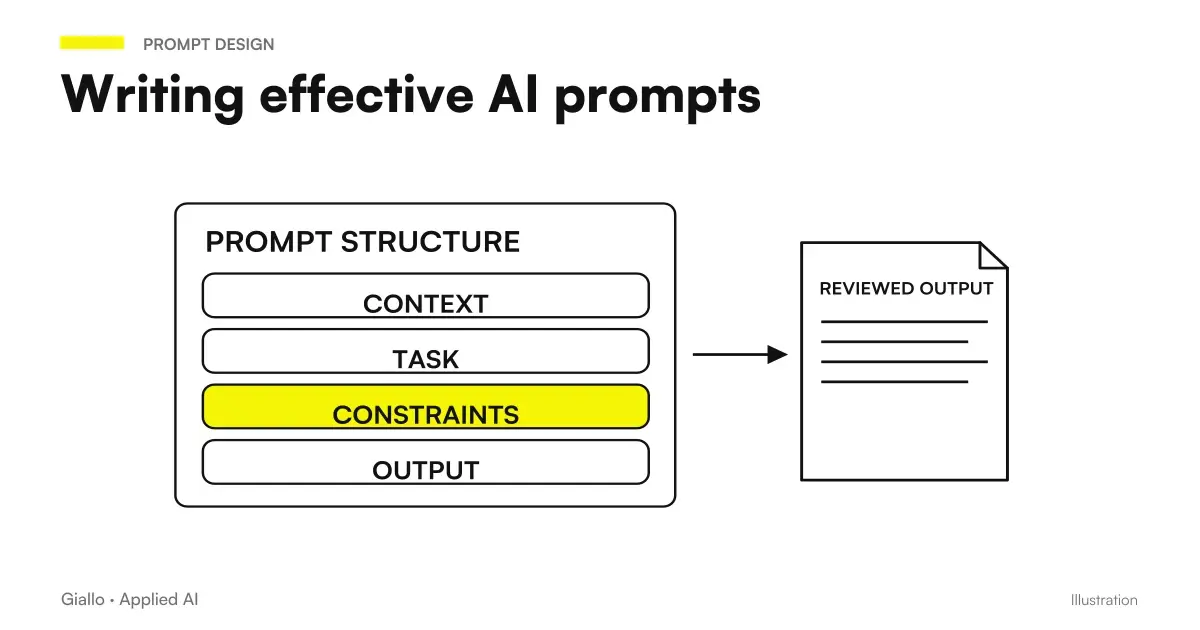 AI prompts: a complete guide to effective instructions
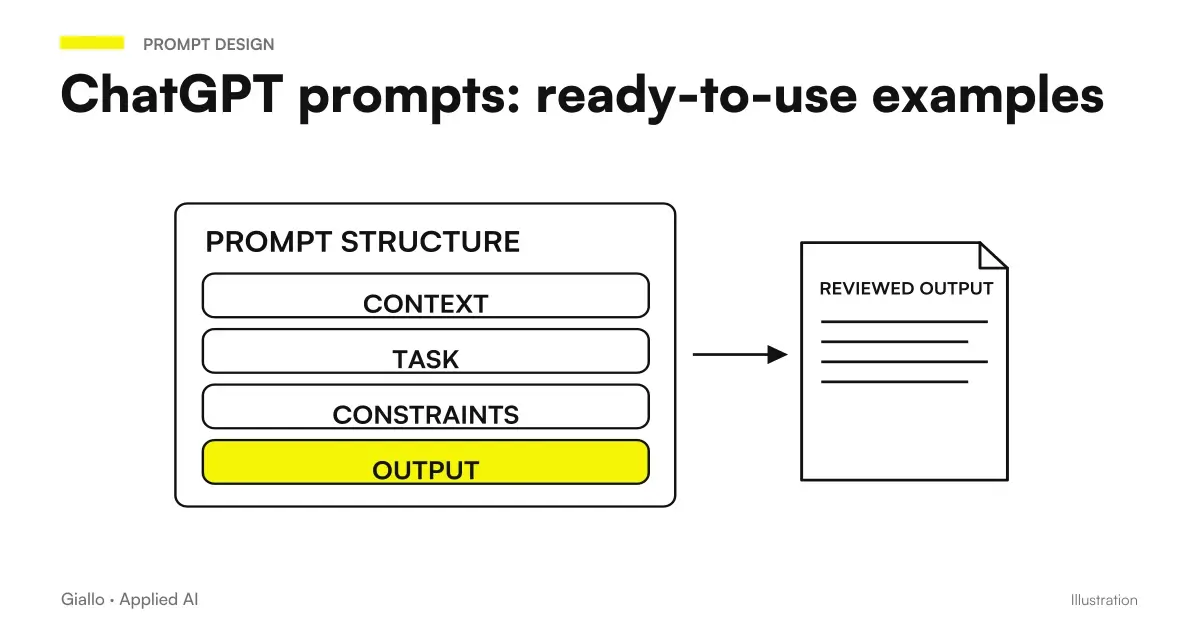 ChatGPT prompts: ready-to-use examples to copy and adapt
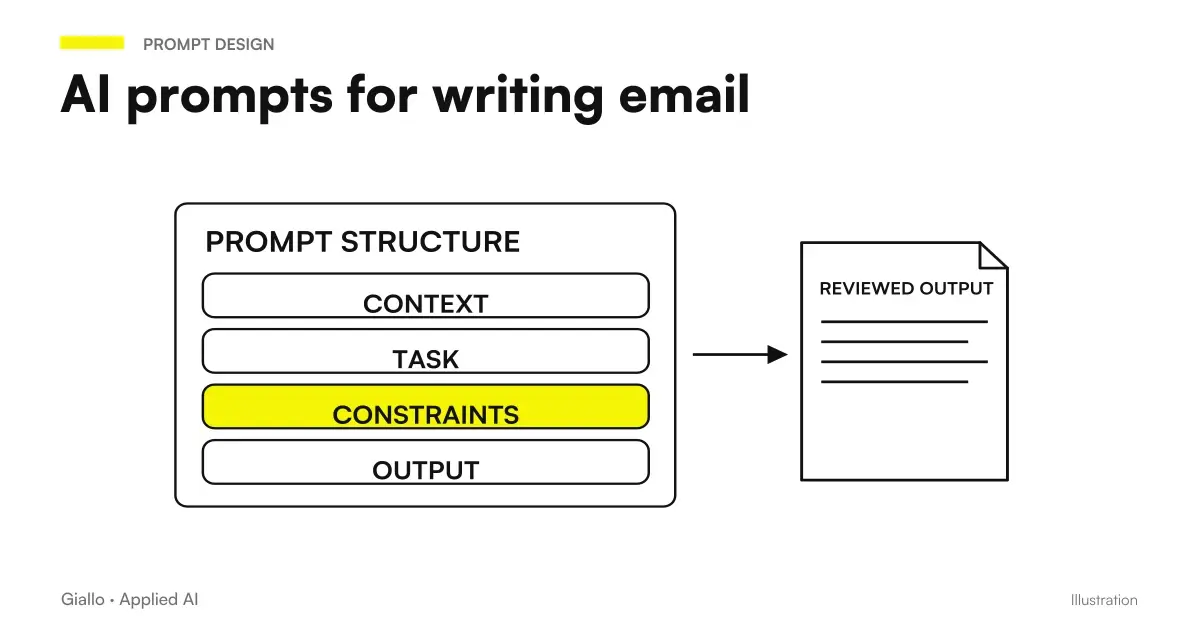 AI email prompts: ready-to-use examples for every situation
 AI Chatbots: What They Are and How They Work
 Best AI for Customer Care: Customer Service Tools
 AI automation: what it is and how it works
 Best AI model for customer care
 OpenAI Dots: ChatGPT's always-active agents explained
Prompt Collections
Ready prompts for other roles and tasks.
- AI prompts for accountants: ready-made examples for documents, analytics and clients
- AI document analysis prompts: contracts, reports and PDFs
- AI prompts for lawyers: legal documents and communications
- AI e-commerce prompts: product descriptions, email and support
- AI prompts for real estate agents: ready-made examples for ads, emails and customers
- AI email prompts: ready-to-use examples for every situation
- AI video prompts: Runway, Kling and Gemini alternatives to Sora
- AI prompts for Excel and Google Sheets: formulas and data analysis
- AI sales prompts: emails, offers and follow-ups
- AI image prompts: examples for Midjourney, ChatGPT and Firefly
- AI prompts for social media: ready-to-use posts, captions and content
- AI marketing prompts: copy, campaigns and content
FAQ
Can I use ChatGPT to respond to customers?
Yes, but with method. ChatGPT is effective for response drafts, complaint handling and repetitive FAQ responses. It should not be used in automatic mode without human review: it can hallucinate specific details (prices, dates, company policies) that you must always verify before sending.
What is the structure of a good AI prompt for customer care?
An effective prompt for customer care includes: the role of AI (e.g. 'You are a customer care operator of [Company]'), the context of the customer's request, the desired tone (empathic, formal, concise), any constraints (length, what not to say) and the goal of the response. The more context you give, the better the AI calibrates the tone.
How do I use AI to answer a complaint without sounding like a robot?
Specify explicitly in the prompt that you want an empathic tone, which recognizes the discomfort in an authentic and non-generic way. Add the phrase 'avoid standardized responses and empty formulas'. Then always customize: enter the customer name and the specific details of the problem before sending.
Can AI respond to customers on its own?
Fully autonomously only for low-risk FAQs (opening hours, shipping and standard returns policies). For complaints, refunds or situations outside the policy, the correct workflow is: AI produces a draft, and the operator reviews and sends it. AI chatbots with agents can handle more complex workflows, but testing and supervision are needed.
How much time does AI save in customer care?
It depends on the volume. For an e-commerce with 50-100 requests/day, AI can reduce response time by 40-60% on standard requests. The biggest savings are in the first draft: write from scratch 5 min, revise an AI draft 1 min. On the complex complaint the savings are smaller, but the tone is more consistent.
Can I use these prompts with any AI tool?
Yes, the prompts work with ChatGPT, Claude, Gemini and other text models. Quality varies: recent ChatGPT, Claude and Gemini models perform better for customer care in Italian because they write Italian well. Always check the official page for updated versions.