
AI for business knowledge bases: find the information you need
AI for business knowledge bases: RAG search across internal documents, integrations, data storage and keeping information current.
Reading time: 10 min
"Ask who's been around longer" is the answer that is heard in almost every SME when a written procedure is missing. It works as long as that person is in the office, is not on vacation and is still in the company: as soon as it is missing even for one day, knowledge becomes unreachable, even if it already exists somewhere inside a file that no one finds.
A business knowledge base with AI takes the documents you already have, in the forms in which they exist, and makes them questionable by asking a question in plain language, instead of knowing which folder to look for. You don't need a wiki to rewrite or change the habits of those who archive the files: the system reads what is there.
In summary
- The system allows for ask a question instead of searching in folders and scattered files.
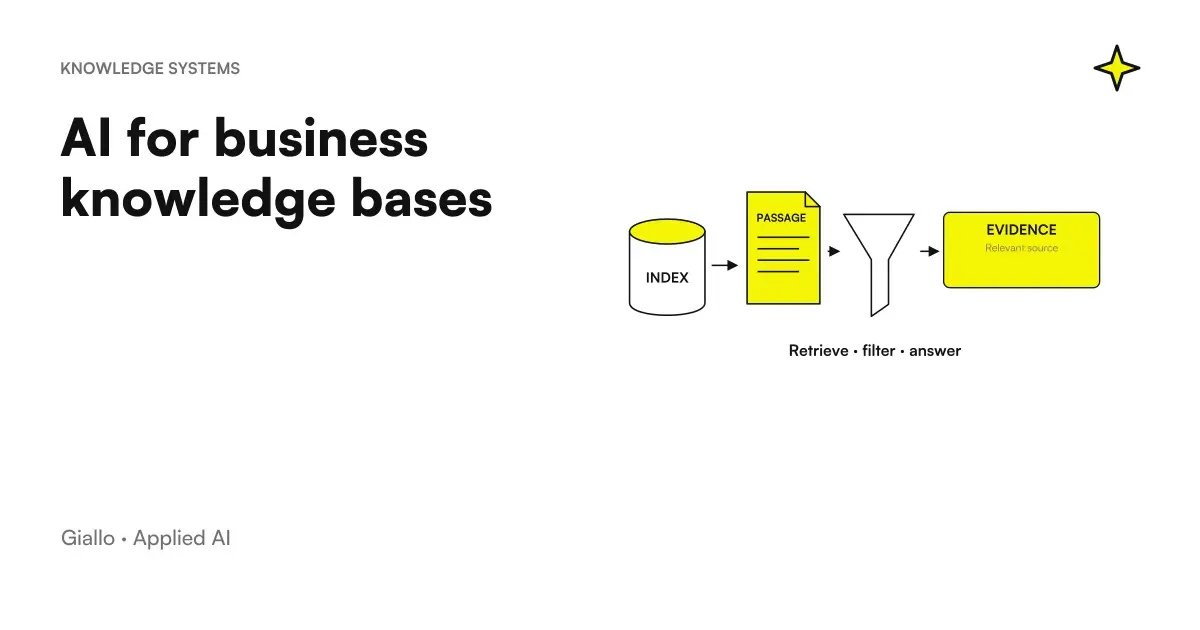
- The technique behind it is the RAG: retrieves the relevant fragments and uses them to respond by citing the source.
- Works on existing documents: procedures, internal FAQs, product sheets, minutes.
- It is useful only if the documents remain updated: maintenance matters more than the technology chosen.
- Where data remains depends on the architecture, and it is a question to ask before choosing a tool.
Business research with AI: how it finds the answer inside your documents
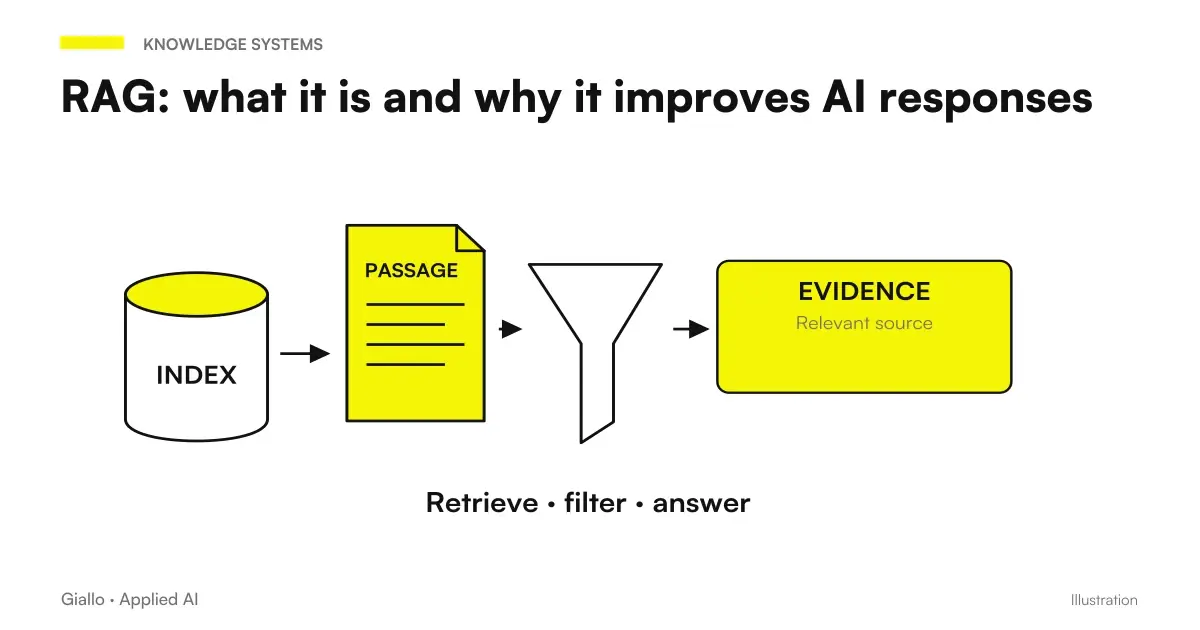
The principle is simple: instead of looking for a file, ask a question. The technique behind it is called RAG, Retrieval-Augmented Generation, explained in detail in RAG: what is it; here the three-step mechanism is concerned. Showing a document is not enough to prove that you confirm each sentence: citation verification with JEV distinguishes the support of the source from the presence of a link only.
- Documents are broken into fragments and converted into numerical representations that capture meaning, not just the words used.
- When a question arrives, the system retrieves the fragments most relevant to that specific question.
- A linguistic model generates the answer based only on those fragments, citing the source document.
The advantage over a keyword search is that it works even when the question does not use the exact terms of the document: those who ask "what is the return procedure for stores" are linked to a document that talks about "revenue management retail channel", even if the words do not coincide. The advantage over pasting everything in a generic chat is that the system scales to hundreds of files without having to reload them each time, and always indicates which document the answer comes from.
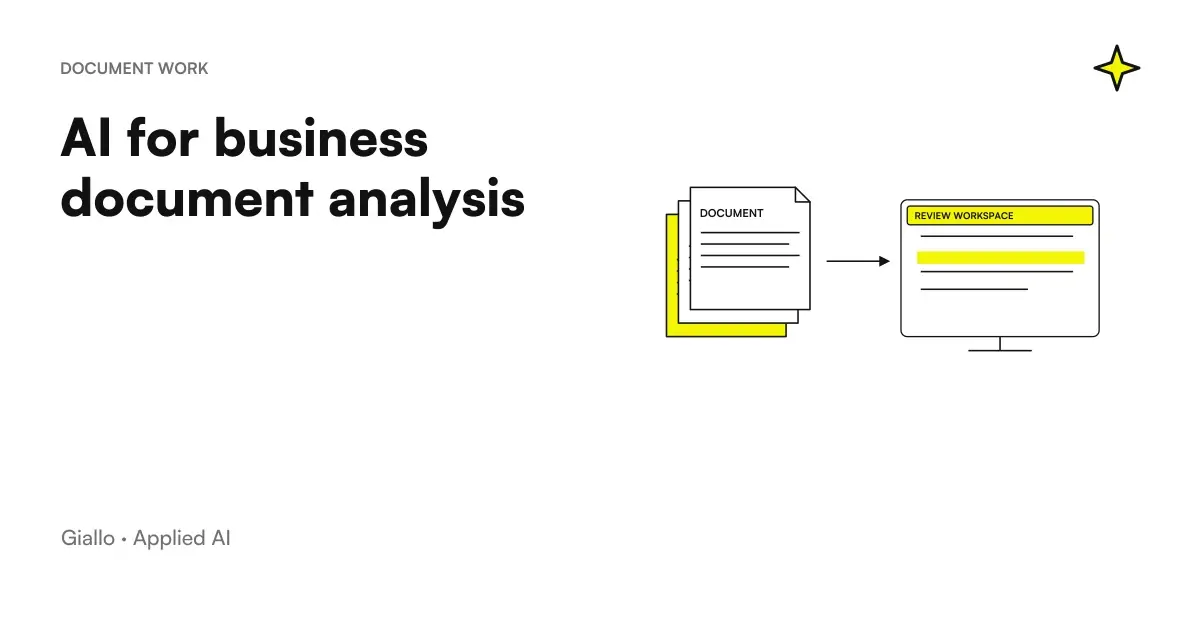
This mechanism is different from that used to read a single document on the fly, described in AI to analyze business documents: there you work on one file at a time, here the system has to choose the right fragments inside an entire archive, which requires prior indexing described above.
If the archive includes images, audio, or other media, EmbeddingGemma 2 is a new candidate to represent them in the search. The proof must compare the retrieved sources and keep the permissions of the original document.
For teams using Jira and Confluence, the news of Rovo with OpenAI they concern the use of the working context. The choice should be verified on the sources and permissions already present in the Atlassian environment, distinguishing available functions and announced developments.
What You Can Connect, and What You Should Leave Out
Any document with useful text can enter, but not everything has the same value.
| Document Type | Examples | When it's worth |
|---|---|---|
| Operational Procedures | Step by step instructions, process manuals | Always: Reduce questions to more experienced colleagues |
| Internal FAQ | Rules on holidays, permits, policy | Always: absorbs repetitive requests |
| Product Documentation | Technical data sheets, price lists, configurations | Useful for commercials and assistance |
| Minutes and Decisions | Meetings, documented strategic choices | Useful to recover the why of past choices |
| Email and chat | Written agreements, decisions made via message | Only if already organized: otherwise they add noise |
The quality of the answers depends on the quality of what comes in. A well-written manual produces precise answers. Ten versions of the same document with different information produce confusion in AI exactly as they produce it today among colleagues.
Emails and chats deserve a separate note, because they are often the most tempting source and the least suitable to enter as they are. An email thread contains the final decision but also the intermediate second thoughts, and without a selection job the system can recover a pass passed by posing it for the good version. It is best to extract the conclusion into a short and stable document, and leave the original thread out of the index.
Steps to build it without wasting work on the wrong documents
- Map what really exists. Where do documents live today, in what format, who updates them: without this step you do not know what to index.
- Select and clean before loading. Solve duplicate versions and conflicting information before, not after: better a few edited documents than an uneven archive.
- Choose a proportionate architecture. A ready-to-use tool to start without internal technical expertise, a configurable solution if you need specific integrations or stringent confidentiality requirements.
- Head with real questions, not generic, before launch: if the answers are inaccurate, the problem is almost always in the source document, not in the system.
- Connect it where the team already works: a tool that requires you to open a separate application is used much less than one built into everyday chat or management software.
For a SharePoint archive, the proof of concept Foundry IQ with metadata and Azure AI Search illustrates how to improve source retrieval. When switching to a custom index, metadata and permissions must be propagated and verified explicitly.
Verify accesses and revocations in responses
A useful search must retrieve content allowed for that person. The guide AI knowledge base and permissions examines identities, copies in the index, citations and caches. It proposes tests with different roles and revoked access, distinguishing document relevance from authorisation and product behaviour from the configuration of a custom system.
Where Your Documents Really Stay
It is the right question to ask before choosing any instrument, and the answer depends entirely on the architecture.
With an entirely internal infrastructure documents never leave the company, at the cost of more technical maintenance to manage. With tools that go through a provider's APIs, documents pass through but, with the right contractual arrangements, they should not be used to train third-party models: it is a point to ask explicitly, not to be taken for granted. The article AI and corporate privacy elaborates on how to verify it.
In practice, the question to ask a provider before signing is not "where are your servers", but "I can see the contract that regulates how you process my documents". A serious supplier has it ready and has no difficulty showing it before signing: if the answer is vague, it is a signal to be taken as seriously as a missing technical function.
There is also a reason for quality, as well as conformity, to cure this aspect: the GDPR, Art. 5 demands that personal data remain accurate and up-to-date, with measures to promptly correct what is no longer the case. A knowledge base with outdated documents violates this principle whenever it contains a personal data that is no longer correct, regardless of whether anyone notices it.
Two ways of applying it, in production and in a professional studio
A manufacturing company with procedures scattered between Word, SharePoint and printed sheets in the workshop. When a non-standard workmanship raised a doubt, the question always ended up on the same person responsible. The solution was to digitize the existing procedures and connect them to a system that can also be consulted from tablets in the department: the manager is interrupted much less, and for the first time the procedures are also interrogable, not just archived.
A professional studio that puts in new collaborators. The same questions arose with every new joiner: how to handle a particular type of case, where the document templates are, and the procedure for a particular body. A knowledge base fed with internal procedures and the most-used templates, accessible from the chat the team already uses, leaves the most experienced colleague only the questions that actually need their judgement.
In both cases access is often via a conversational bot integrated into the work chat. If so, the obligation of transparency of the Article 50 of Regulation (EU) 2024/1689, the AI Act: those who interact with the bot must be able to understand that they are talking with an artificial intelligence system, unless it is already evident from the context. For an internal knowledge base, usually, just say it clearly in the bot's welcome message.
What Makes It Age, and How to Avoid It
- No responsibility for content area. Without one owner per category, documents stand still as reality changes.
- Too many documents uploaded right away, poorly edited. The system finds three different procedures for the same process and responds confusingly.
- Interface disconnected from tools already in use. If the team works on the management software, a separate app remains unused.
- No reporting of the wrong answers. It has to get to the person responsible for the document, not get lost in the void.
- Zero tests with real questions before launch. Questions built to look good say nothing about true usage.
A review every six months or so, to understand which documents are never questioned and which questions remain without a good answer, costs little and identifies both the useless content and the holes to be filled. It is the same maintenance principle described for assistants on internal training: Software is never the part that ages first, it's the documents that are in it.
Those who look at this list for the first time tend to focus on choosing the instrument, when the factor that decides whether the project lives or dies is almost always the discipline with which someone, every once in a while, sits down to check what has changed and what needs to be corrected.
To start without dispersing, choose three processes where searching for information costs visibly more, not the entire company knowledge: the insertion of those who are new, the handling of complaints, a recurring production procedure are typical starting points. Collect and clean the documents of those only areas, test them with two or three people who will really use them, and enlarge only after seeing what works. The use of the same technique to respond to customers instead of colleagues is described in AI for corporate customer care.
Those who carry out the project day by day do not necessarily have to be a technical figure, and indeed often work better if it is not. In most SMEs it works best when it is the person who already knows by heart where the information is, because it is the one who immediately recognizes a wrong answer when he sees it, long before those who chose the software but do not use the documents every day. The technical role serves for the initial configuration part, not to decide what content really matters.
If you want to see how it works before you decide, the demo AI knowledge base on business documents show the search mechanism on real documents: it is the most direct way to understand if your case is the right one to start with.
Giallo Studio guides: methodology and sources
How we apply it in the company
Related resources
 RAG: what it is and why it improves AI responses
 AI for internal business training
 AI for business document analysis: a practical guide
 Business Data and AI: What Happens to What You Write
 AI for Business Customer Care: How It Really Works
 GDPR and artificial intelligence in the company
 AI for electricians: wallboxes, solar power and installation deadlines
 AI for opticians: prescriptions, collections, contact lenses and recalls
AI by sector
The same reasoning, applied to the other areas we follow.
- AI for estate agencies: leads, viewings, listings and documents
- AI for Logistics and Shipping
- AI for plumbers: quotes, on-site jobs and customers
- AI for stock and inventory management
- AI for hotels: booking, guest requests and automated reviews
- AI for shops: customer messages, stock by size, returns and loyalty cards
- AI for gardeners and grounds maintenance: quotes and customers
- AI for notaries and notarial firms: case files, documents and clients
- AI for ticket management: shorter waits, more resolutions
- AI for car workshops: quotes, appointments and customers
- AI for Business Functions: Where to Start
- AI for customer onboarding: automate the first moment that matters
FAQ
How does an AI knowledge base find the right answer without knowing the exact words of the document?
With the RAG technique, texts are converted into numerical representations that capture meaning, not just words. A question about a theme is linked to the relevant fragments even if it uses terms other than those written in the original document.
What happens if a document in the knowledge base is wrong or old?
The system still responds, and it does so with the same confidence with which it would respond using a correct document. For this reason the responsibility of each area of content should be assigned to a person, not left to the system that does not know how to distinguish a good version from an outdated one.
Do corporate documents really stay inside the company?
Depends on the architecture chosen. With cloud tools documents are processed on the provider's servers and a GDPR compliant data processing agreement is needed. With an internal infrastructure documents never come out, but it requires more technical maintenance.
Which documents should be included first in a business knowledge base?
Those related to an already visible problem: the questions of new starters, the most frequent complaints, the procedures that generate more interruptions to experienced colleagues. Starting from three measurable areas works better than loading the entire archive immediately.
Can an AI knowledge base invent an answer that doesn't exist in documents?
It can happen if it is not configured to recognize its limits. A well-set system states when it finds nothing relevant instead of generating a plausible but invented response: it is a configuration to verify before adopting a tool, not a technical detail.