
Collect client documents with AI: checklists and case status
AI client document collection: checklists, uploads, missing files and corrections, with permissions and a pilot that separates received from valid.
Reading time: 12 min
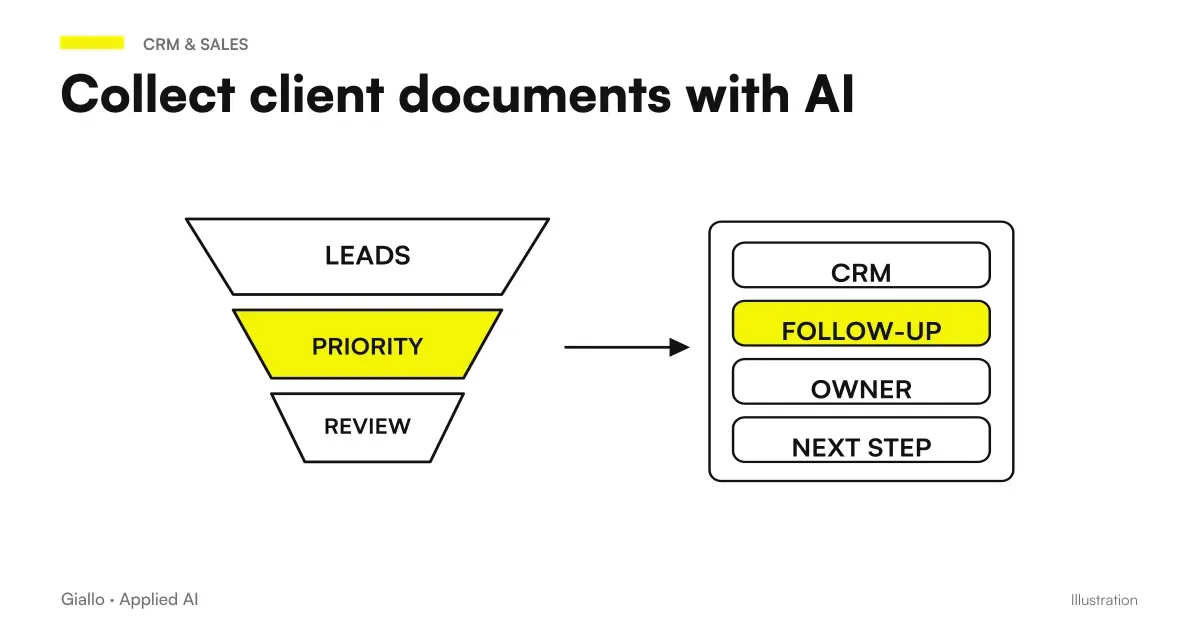
The customer document collection with AI is used to follow a practice checklist: what is expected, what has arrived, what is missing and what requires a fix. The AI can classify files and prepare structured information. Document received does not mean valid document, and the person in charge must be able to verify source, version and relevance before advancing status.
The need is tighter than the onboarding customers: here we deal with the document completeness of an already identified service. Technical sources verified the 9 October 2026; hypothetical Italian examples and no invented customer results. The framework of the projects is in the guide AI for businesses.
In summary
- The checklist changes according to service, practice and conditions already defined.
- The file must be associated with the correct customer and an identifiable entry.
- Reception, readability, relevance, and approval were distinct.
- Missing data and dubious versions require a correction path.
- Accesses, duration of storage and responsible must be defined before the pilot.
Which checklist is needed for each service?
Start with the service and the passage that needs to be completed. A technical assistance practice may require order, serial and relevant photos; an administrative practice may have different documents. Do not reuse a single list just because the portal allows many types of uploads. Each voice must have an understandable reason and condition for acceptance.
For each item write if it is mandatory, alternative or required only in one case. «Additional document» is too vague: the customer does not know what to send and the operator does not know when to mark the complete entry. If there are permissible alternatives, describe them without leaving the model with the task of inventing them.
The checklist must have a version. When the service changes, an open practice may have been born with different requirements. The project must choose how to deal with those practices and show the reference applied. A silent change to the list may suddenly cause a job that the client had already finished to appear incomplete.
What data do you link to the received file?
| Date | Why It Serves | Useful control |
|---|---|---|
| Practical ID | Avoid indistinguishable files | It exists and is accessible to the user |
| Customer ID | Attach the file to the correct subject | It is not just deduced from the name in the PDF |
| Checklist entry | Link document to need | Expected type or category to be reviewed |
| Original file | Preserve Source | Controlled upload and manageable format |
| Date of receipt | Explain the sequence | Distinguish arrival and date in document |
| Version or Period | Helps to evaluate update | Do not confuse new copy and new document |
| State and reason | Orient the next step | Rejection indicates a concrete correction |
| Maintainer | Assign verification | Person or role really available |
They are project fields, to be adapted to the process. A portal can already provide some in a structured way: you don't need to have them reread by the model. If a file contains the name of another company, it is a report to be verified, not a new automatic association. The identity of the practice must come from a reliable path.
The information extracted must remain linked to the original. The guide to AI Document Automation deals with the most extensive processing; here the reference is used to understand why an entry is ready or blocked. Without a source, a colored checklist can hide an invented value.
How to distinguish received, readable and approved?
Received means the system has acquired the file. Readable means that the necessary content is available. Relevant means it responds to the requested entry. Updated depends on the expected period or version. Approved is the decision of the authorized person or rule. You can use different names, but do not compress these conditions into a single "complete".
AI may propose type and data, but the extraction does not prove the validity of the document for the service. n8n documents a node to obtain structured information through a schema: it is a technical ability, not a guarantee on the accuracy of your practice. Information Extractor.
For the most delicate documents it presents source and proposal side by side. The person responsible must be able to mark acceptance or reason for correction. If the decision authorizes a next step, separate it from the processing of the file. The human review of the tools is a primitive documented by n8n, to configure in the real workflow.
What happens with unreadable files, copies, and wrong documents?
An unreadable file must not become a set of fields filled for plausibility. Report what part is missing: page, data, or scan quality. A specific correction request is more useful than ‘invalid document’, which leaves the customer unindicated. The system can prepare the draft, while the send path follows team permissions.
A duplicate copy is not necessarily useless. It could be an identical resend or a correct version with the same name. Compare content and reference, preserving the relationship with the previous file. Do not replace the original without making the change visible. The Guide to compare document versions deepens this case.
If the file belongs to the wrong practice, stop the association. Do not use the content as sufficient proof of the uploader's identity. A document can be forwarded by a delegate or uploaded by mistake. Correction must involve an authorized person without exposing the material to those who cannot read it.
How to prepare integration requests without sending double reminders?
Use the state of the practice as a source. If an entry arrives while a draft reminder is ready, the message must be re-evaluated before it is sent. A draft queue separated from the checklist may continue to ask for something already received. The project must then define when it rereads the missing ones and how it avoids duplication.
Group requests relevant to the same practice: entry name, reason and upload instruction. Do not automatically attach sensitive documents to the reminder. The customer must understand the next step without receiving copies of material that is not needed. For organizing the inbox you can connect the email sorting guide and attachments.
An entry appears missing but the customer says he sent it
Check practice, channel, date and possible file versions. Distinguish failure to receive from incorrect association and document received but to be corrected. Update the visible pattern and suspend reminders that are no longer relevant. The operator must be able to reconstruct the passage without searching in all mailboxes.
Access and preservation: who sees the documents?
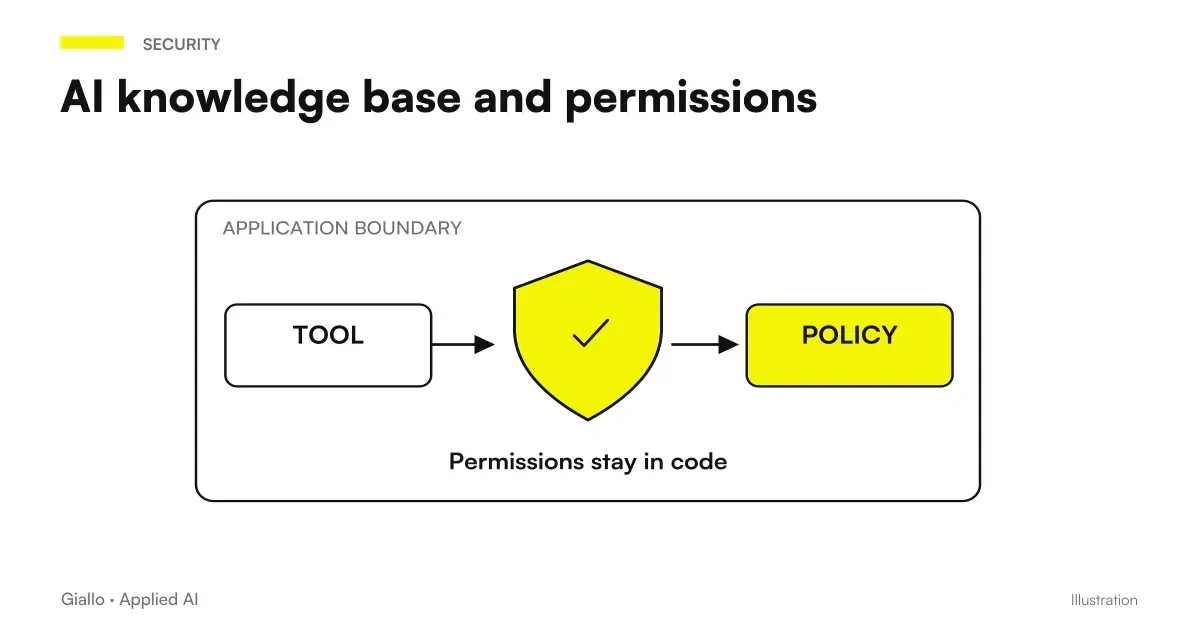
Define who can upload, read, correct, and approve. The technician working on the practice does not necessarily have to see all the other client files. Permissions must be applied in the system, not entrusted to a sentence in the prompt. The Guide to AI knowledge base and permissions It addresses access control when documents also become interrogable material.
The duration of storage should be established with whom the data and service are responsible. Do not turn the workbook into a permanent archive without a need. Originals, extracted data, and logs may have different functions; the project needs to know which copies exist and how they are handled. For the privacy framework we refer to AI and GDPR, without inventing a valid term for each sector.
The pilot also uses an environment and authorized people. Synthetic data can reproduce many anomalies without copying real files. If you need company material, select and reduce it according to the expected process. Realism does not justify distributing a complete archive to everyone.
Two hypothetical scenarios of document collection
Hypothetical example: a Monza installer prepares a service practice. The checklist asks for reference of the intervention, serial and photo of the problem. The customer uploads a readable photo but of a different component. The system proposes the type, signals the inconsistency with the serial and keeps the voice to be verified. The technician reads the source before accepting it.
Here comes a proper photo. The practice retains the link with the previous one and stops proposing the integration already satisfied. The final verification checks that the assistance receives the documents of the right practice, not only that the portal has three files. The group measures incorrect associations and corrections, without attributing recovered hours to the demo.
Hypothetical example: a consulting firm in Pescara collects documents for a service. The referent chooses a specific checklist and limits permissions to the group working on the practice. A file reports a period prior to the requested period. The system marks it as received but to be corrected, showing the data that motivated the reporting.
The client integrates into the same practice. A later document modifies an already accepted information: the person in charge sees the new version and decides whether to double-check the status. For related operational deadlines the group uses a distinct path, such as that described in Contract deadlines and renewals, without turning every date found in the file into a legal deadline.
The same practice across multiple channels: how to avoid two checklists?
A customer may upload a file through the portal and reply by email to an earlier request. The project must link both events to the same case, keeping their provenance visible. A new conversation must not automatically generate an independent checklist whose requests continue even after the material is received.
The association requires verifiable reference. If the file arrives without practice or from a different address, prepare a proposal for the operator. Don't attribute it to the most likely customer just because the name in the document resembles the one expected. The wrong link can make a practice complete and uncover information to another person.
When the operator corrects a classification, record which requirement is met and which remains open. The correction must not be erased by the model’s next run on the same file. If a new copy arrives, show the change and request the necessary verification. The document identity and checklist version must remain distinct.
Also try a change of manager during the harvest. The colleague who takes over should read documents present, verifications made and next request without reconstructing the emails. The pilot can measure how many times it is necessary to ask for information already available again. It is a concrete indicator of the quality of the file, separated by the extraction speed.
How to design a pilot with a difficult sample?
Choose a service and prepare an approved checklist. The sample must include complete, incomplete, unreadable, duplicated, out-of-period and poorly associated. A collection of only ordered documents shows little about the real problem. Define in advance what outcome each case should produce and who will verify it.
In the first step, compare the system proposal with manual verification, without closing practices automatically. If the model is wrong type but the operator notices it, it still records the error. If it completes a practice with a missing element, it records a false completeness separately from a false block. The two consequences do not have the same weight.
Measure time to prepare and review the checklist, correct integration requests, association errors, and pending practices. Specifies the percentage denominator and compares the same service. An increase in uploads can be an effect of reminders, not a proof that the customer has completed the practice better.
What costs and model choices come into the quotation?
The budget includes checklist, portal or upload channel, identity and permissions, extraction, verification screen and integration with the practice system. Add monitoring and requirements changes over time. A service change may require a new checklist even when the model remains the same.
By classification and simple extraction you can evaluate Haiku 5.5 as a candidate, following its official page. For articulated documents compare other models on the sample: do not assume that a more expensive name solves the customer-practice association. That relationship must be controlled by the system.
Where does an automated collection break?
The first mistake is choosing a universal checklist. The second is to equate upload and approval. The third is inventing values in illegible files. The fourth is asking for integrations without rereading the state. The fifth is to widen access because the documents have been indexed. These are contract and authorization issues, not just text quality.
Before extending the project, check that the customer understands what they need to send and the operator understands what they need to check. A practice with many technical states but no legible motif increases the work. The first version should make explicit a next step for each major anomaly.
What practice do you start from?
Choose a recurring practice and reconstruct which documents are asked, who verifies them and where integrations are lost. Bring an anonymized example and a current checklist to the table, not the entire archive. The pilot can thus measure a defined problem and decide whether the flow is worth the maintenance.
To link checklists, uploads and practice status, the path of Business Process Automation starts from the service and the person responsible for the verification. The reading of onboarding customers and Document Automation helps to place this step without confusing it with the entire customer journey.
Giallo Studio guides: methodology and sources
How we apply it in the company
Related resources
 AI for customer onboarding: automate the first moment that matters
 Document automation with AI: contracts, forms and PDFs automatically
 Comparing versions of documents with AI: finding changes
 AI knowledge base and permissions: who can read what answer
 Deadlines and renewals of contracts with AI: building a verifiable schedule
 AI and GDPR: What a company needs to know before using AI
 AI for businesses: a complete guide to getting started
 Document classification with Jev AI: build reliable categories
FAQ
What does it mean to collect customer documents with AI?
It is a workflow that associates files with a case and checks what arrives against a checklist. AI can classify documents and propose extracted data. The person responsible checks validity and completeness according to the requested service.
Is a received document automatically valid?
No. Received means the file has arrived; readability, relevance, currency and approval are separate checks. Use separate statuses to avoid closing a case that is still incomplete.
How to handle a missing document?
Identify the missing checklist item and who needs to act. Prepare a request consistent with the service, avoiding duplicate reminders. The client must be able to add documents to the same case without starting from scratch.
Does the AI have to read all the documents of each client?
No. Define the minimum content necessary for the process and who can access it. Document and extracted data must remain in the authorized perimeter. The checklist does not justify indiscriminate collection.
How should unreadable files or incorrect versions be handled?
Keep the original file and report the specific problem. If a value is not verifiable, do not invent it to fill in the field. The person in charge decides whether to ask for a correct copy or use another source.
How do you measure the document-collection pilot?
Count complete cases, incorrect associations, documents needing correction and waiting times between statuses. Also check what the system accepts when it should stop. Upload count does not measure case quality.