
AI to Respond to Business Emails: How It Works
How to use AI to respond to business emails: from semi-automatic systems to AI agents. Practical approach for SMEs that receive a lot of emails.
Reading time: 8 min
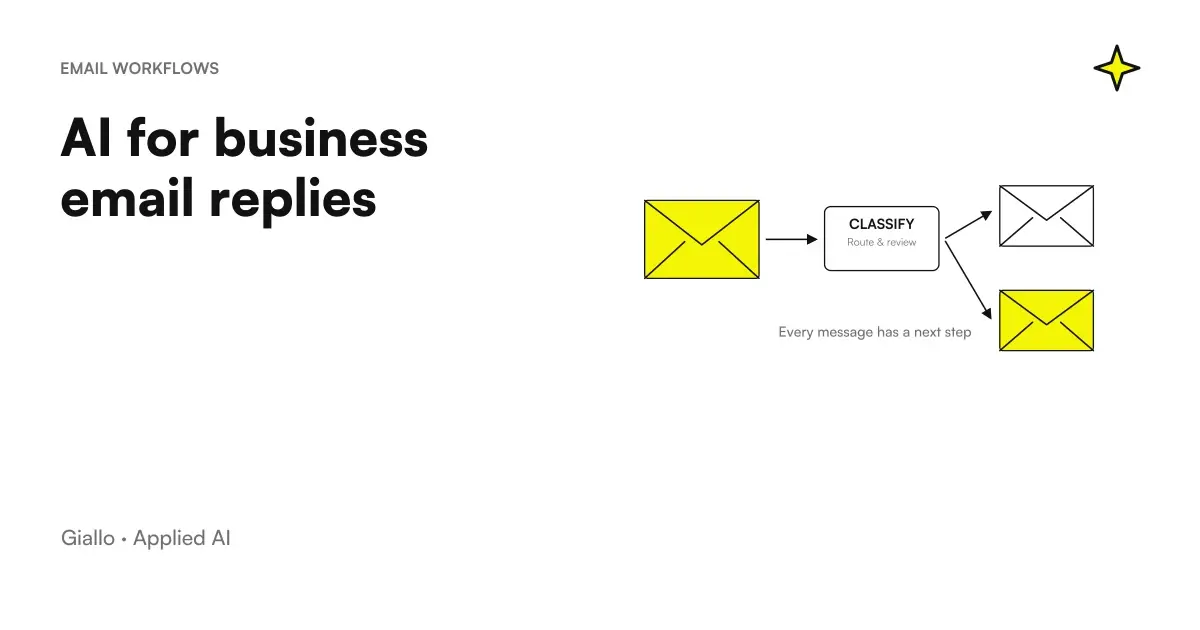
The corporate email box is often the bottleneck that no one wants to touch. The salesman responds to requests for quotes, the customer care handles complaints, the administrative office sorts incoming invoices. All handmade, all that requires attention, all that scales badly when the volume grows.
AI can take away repetitive load without taking away control. It doesn't mean that the system responds to everything on its own significa it means that the obvious answers come quickly and without human effort, while the delicate ones stay with the operator, who handles them with more time and less stress. In this article we see how it works in practice, what emails lend themselves to automation, how to build a flow that does not create problems and what never to delegate to an automatic system.
To understand the basis of how these systems work, you can start from what language models are and how they interpret the text.
In summary
- There are two models: Assisted Draft (the AI prepares, the human approves and sends) and automatic response (AI sends directly for low-risk categories).
- Not all emails are automated the same way: FAQs and confirmations are fine automatically, complaints and negotiations remain to the human.
- Technical flow is built into three steps: intent classification, response generation, routing to automation or operator.
- Privacy and GDPR are relevant: AI reads content that can include personal data, you need a correct approach from the start.
The two models: assisted draft vs automatic response
When you talk about AI by corporate email, you often confuse two very different things. It's worth separating them right away.
Assisted Draft: AI reads the incoming email, classifies the topic, retrieves the relevant information and prepares a ready-to-use response. The operator sees the draft in the interface, rereads it, possibly edits it and clicks "send". The time saved is real — writing a response from scratch takes 5-10 minutes, reviewing an already-corrected draft takes one. Out of 50 emails per day, the difference is substantial. But the human remains in the loop: nothing is sent without approval.
Automatic response: AI reads, classifies and sends directly, without human intervention. It works well on well-defined and low-risk categories: receipt confirmations, response to standard FAQs, order status notifications, sorting to the correct department. The ambiguous or at-risk categories (claims, refund requests, aggressive-sounding emails) are instead forwarded to an operator via automatic escalation.
The practical distinction: we always start from the assisted draft. Only after validating the quality of the answers on a real sample do we move to full automation, and only on categories where the error has low consequences.
To understand how this fits into the larger picture of AI agents and what they are capable of, it is also useful to read the distinction between chatbots, assistants and agents.
Which emails to automate and which not
Not every email has the same risk profile. This table simplifies reasoning:
| Type of email | Automable | Level of supervision |
|---|---|---|
| Requested receipt confirmation | Yeah | None |
| Response to Product/Service FAQ | Yeah | None or spot-checks |
| Internal Sorting (forwarding) | Yeah | None |
| Notification of order/shipment status | Yeah | None |
| Appointment request | Partial | Draft + approval |
| Simple quote request | Partial | Draft + approval |
| Customer Complaint | No | Always human |
| Email with sensitive data (legal, medical) | No | Always human |
| Trade negotiation | No | Always human |
| Emails from VIP interlocutors | No | Always human |
The practical rule: it automates where the wrong answer has low cost and recovers easily. It maintains human control where an error generates damage — reputational, economic, legal.
How an AI system works by email (simplified technical flow)
The flow is not complicated, but it needs to be precisely constructed. Here's how it works in the most common form:
-
Reading and Classification
The email comes in the box. The system reads it and classifies intent: information request, complaint, order, quote, FAQ, other. This classification is the heart of the system —if it goes wrong here, everything else goes wrong. -
Retrieving relevant information
Depending on the category, the system retrieves context: product FAQs, order status from the business management software, customer history from the CRM, return policy from the company document. This step is called retrieval and is what makes the answer relevant rather than generic. -
Generating the response
The language model produces the response using the recovered information. The tone and format follow the instructions you have defined: formal/informal, length, signature, any limits on what not to say. -
Routing: automatic or human?
If the category is in the "direct automation" list and the confidence of the model is high, the response is sent. Otherwise it is presented as a draft to the operator, or the email is forwarded to the correct department with a summary of the intent. -
Logging and monitoring
Each action is recorded: email received, classification assigned, reply sent or draft proposed. This log is essential to improve the system over time and to comply with the GDPR traceability requirements.
If you want to understand how to build this kind of pipeline and what distinguishes a AI Agent Email from a simple chatbot, the page about our services of Business Process Automation goes into detail.
Integration with existing systems
One of the most frequently asked questions: do we have to change everything? The answer is almost always no.
Email Client: Gmail and Outlook have mature APIs. A connector reads incoming emails, passes them to the AI system and can write drafts directly into the operator's box (Gmail Drafts, Outlook Drafts) or send from the same box. The end user sees no change in their interface.
CRM: if the system needs to customize the responses according to the customer history, a connection to the CRM is needed (HubSpot, Salesforce, Pipedrive or the internal management software). This integration is worth gold: the answer is no longer generic but contains the name of the customer, the reference to the order, the status of the practice.
Management software / ERP: for emails that require operational data (order status, invoices, availability) you need access to the management software. It can be done via API or, where there are no APIs, via a read database connection.
Ticketing: if the company uses a ticketing system (Zendesk, Freshdesk, Help Scout), the AI system can open tickets automatically, assign priorities and category, and attach the email summary. I'll look into that in the article on AI for ticket management.
Critical point: the more integrations there are, the more powerful the system is but also more delicate to maintain. For an SME that starts, it is wise to start with email and CRM integration only, and add management software at a later time.
Privacy and GDPR: what to consider when AI reads emails
This is often ignored at an early stage and becomes a problem later. Business emails almost always contain personal data: customer name, address, purchase history, sometimes sensitive data. When an AI system reads them, processes them, and in some cases sends them to an external model (e.g. OpenAI API or Anthropic), GDPR rules apply.
The concrete things to do:
- DPA (Data Processing Agreement) with the AI model provider: if personal data is sent to an external cloud service, a formal agreement is needed. It is mandatory by law.
- Minimization: the system must read only what is needed. If it classifies intent, it is not said that it must send the entire body of the email to the model. often the subject and the first lines are enough.
- Log with redaction: system logs must not contain clear PII. You mask your name, email, tax code before writing in the log.
- Legal basis: Automatic processing of customer emails is normally part of the performance of the contract (Art. 6.1.b GDPR), but must be documented in the processing log.
For an in-depth look at how to apply GDPR to AI systems in the enterprise, there is a dedicated article: AI and GDPR: what an SME needs to know.
Practical examples — two Italian SME scenarios
Consulting firm: 80 emails per day, 3 people in the team
The firm receives emails of three types every day: first-contact requests, document requests from existing customers, and general questions about services. Before the AI system, each email took 5-8 minutes between reading, rating, and replying.
After implementation: First contact requests are classified and the study receives a draft response with the relevant services pre-selected. Requests for documents are automatically sorted with a confirmation response. General questions are answered via the study's knowledge base — schedules, rates, working methods.
Result: 2 hours/day of work retrieved in the team. Free time goes to practices that really require attention.
B2C e-commerce: spikes of 200 emails per day during promotions
E-commerce received spikes in demand during sales and Black Friday. The main themes: order status, returns, product availability. Customer care struggled to dispose during peaks, with response times rising to 48 hours.
After the AI system: order status requests are handled automatically with data taken directly from the management software. Returns are instructed with the standard procedure and a dedicated link. Complaint emails (aggressive tone, refund request) are reported as a high priority to the operator with a summary of intent.
Result: Average response time dropped to 4 hours even during peaks. Customer care focuses on difficult cases, where it really makes a difference.
You can read more concrete examples of AI automation in the company or deepen the approach to customer care with AI.
Semi-automatic vs. automatic: comparison
AI Draft + Human Approval
- Suitable to get started: zero risk of incorrect mailings
- Operator maintains full control over each response
- Real savings: 60-80% of write time deleted
- Works on all categories, even the most delicate
- Requires the operator to be available to approve
- Ideal for commercial emails, quotes, customer relations
AI sends directly
- Maximum speed: immediate response, 24/7
- No human intervention on automated categories
- Requires preliminary validation of the quality of responses
- It should only be used on low risk and high standardization categories
- Needs clear escalation for cases outside the perimeter
- Ideal for FAQ, confirmations, notifications, sorting
Mistakes to Avoid
Automating too soon. The system does not know the exceptions of your business. Go gradual: first draft, then automation on simple categories, then eventually expand. Those who start from total automation find themselves with wrong answers sent to customers.
Not defining escalation categories. If the system doesn't know when to call the human, it answers everything. And some of the wrong answers have high costs. Before you go live, make an explicit list of "when the system has to stop".
Using a generic prompt. "Reply as a professional assistant" is not enough. The system must know your products, your policies, your tone, what you can and cannot promise. The more precise the context, the more helpful the answers are. I deepen how to write an effective prompt for emails in the article on how to write AI prompts for business emails.
Ignoring quality over time. A system that works well the first month can degrade if products, policies, or the type of incoming requests change. A periodic check Serveat least monthly.on the responses generated is required.
Not informing customers. In certain contexts (e.g. B2B with established relationships) it is appropriate for the customer to know that the first response is handled automatically, with an operator available to deepen. Transparency that avoids misunderstanding.
How to apply it in the company
There isn't a single right way. It depends on the volume of emails, the type of business and the existing infrastructure. Here's a practical way to start without risk:
-
Analyze emails from the last 3 months
How many do you receive per day? What are the most frequent categories? What answers are repeated identical? This census takes 2-3 hours but orients all subsequent work. -
Identify low-risk categories
Choose 2-3 types where the wrong answer has low and recoverable cost. Start with those for the driver. -
Build the knowledge base
Collect the documents the system will use as a reference: FAQs, policies, price list, product descriptions. The more complete it is, the more accurate the answers are. -
Start with the assisted draft
For the first 4-6 weeks, each response passes for human approval. Monitor quality. Correct the prompt and knowledge base where the draft is not satisfactory. -
Automate progressively
When a category has a rate of accepted drafts (without substantial changes) greater than 90%, it evaluates direct automation. Not before.
If you want to understand how this approach connects to the deletion of data entry and to reduction of repetitive manual work, there are dedicated articles that go into detail of the individual processes. For automatic follow-up via email, the same logic applies but with a focus on system proactivity.
The internal recipient is needed before replying
A well-written answer may come from the wrong department if the initial request contains an order, complaint and administrative question in the same thread. sorting emails and attachments with AI It addresses just the previous step to the draft: operational categories, separate attachments, responsibility and management of ambiguous messages.
Conclusion
An AI system for business emails is not a chatbot that answers everything on its own. It is a layer of intelligence that classifies, retrieves relevant information, and prepares quality responses —all in a traceable, correctable, and controllable way.
The real value is not total automation, but the release of cognitive time: less energy spent on obvious answers, more attention available for emails that really matter.
Do you want to understand how to apply it to your customer care? Read How to Use AI in Business Customer Care or find out how to build a ticket management system with AI.
If you prefer to talk about it directly, you can contact us from the page services nalizziamo we analyze your company's volume and email type and tell you what makes sense to automate and what doesn't.
Giallo Studio guides: methodology and sources
How we apply it in the company
Related resources
 AI for Business Customer Care: How It Really Works
 AI to eliminate manual data entry and copying in business
 AI to reduce manual work in the company
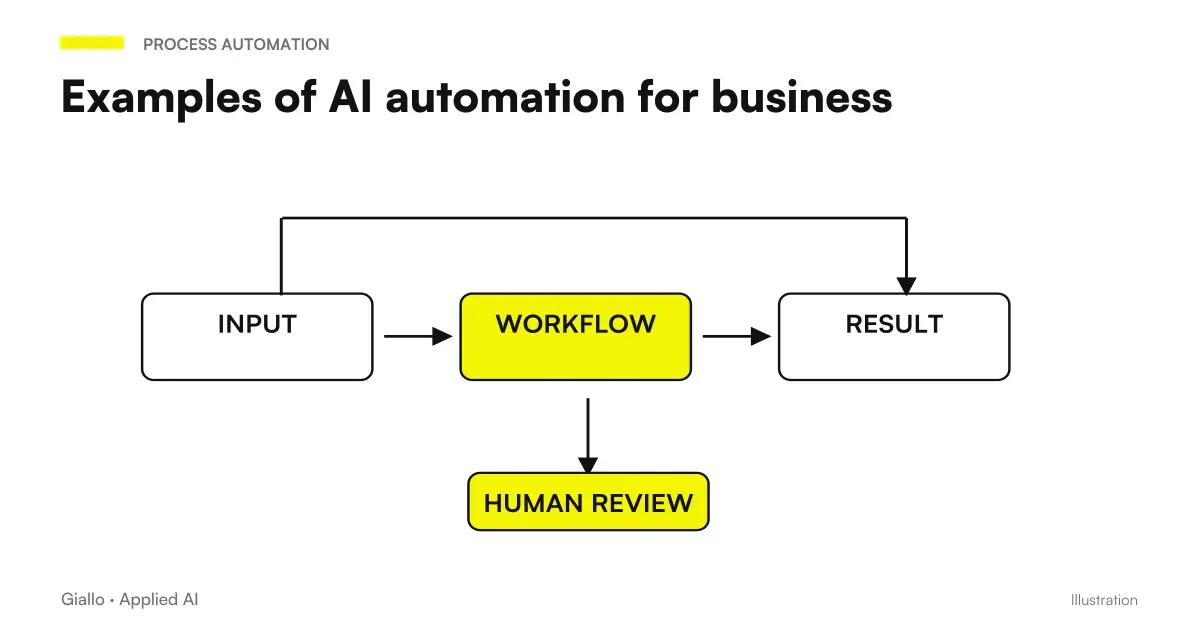 Examples of AI automation in the company: real cases for SMEs
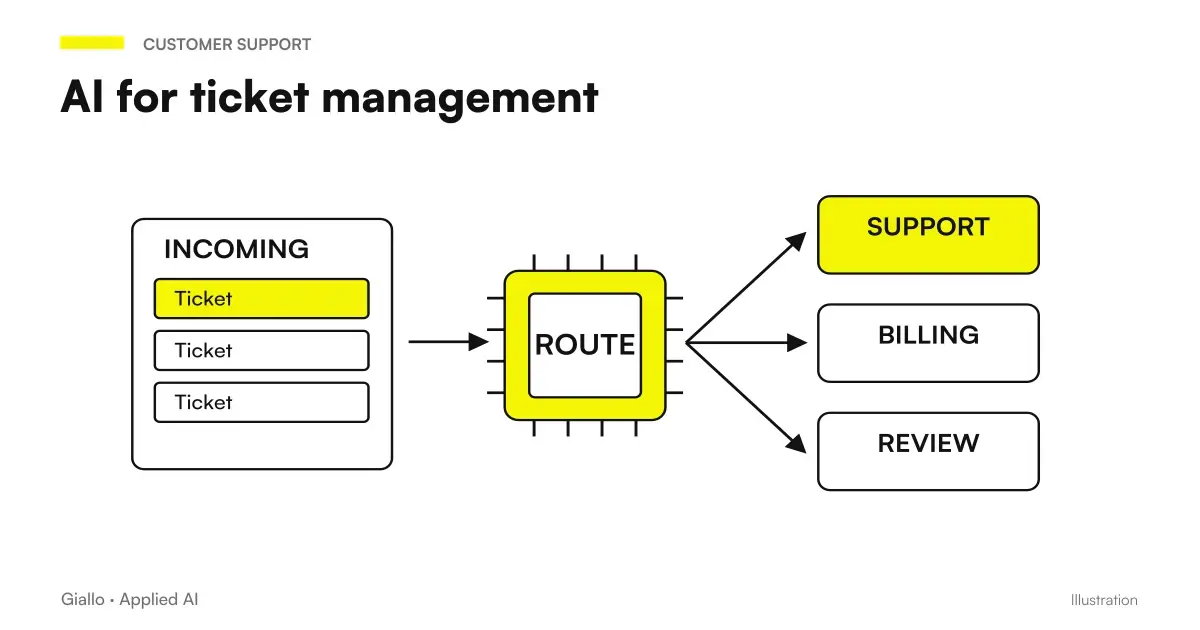 AI for ticket management: shorter waits, more resolutions
 AI for hairdressers and beauty salons: bookings and fewer schedule gaps
 AI for physiotherapists: bookings, reminders and patients
 AI for wellness centres and spas: admissions, gift vouchers and packages
FAQ
How can AI respond to business emails?
There are two main approaches. The first is semi-automatic: AI reads the email, understands the topic and prepares a draft response that the operator reviews and sends. The second is fully automatic for the simplest categories (FAQ, confirmations, sorting) with escalation to the human for complex cases.
What emails lend themselves to AI automation?
The most suitable are the repetitive and standardizable ones: requests for information about products or services, confirmation of appointment or order, answer to frequently asked questions, sorting to the correct department, status notifications. Emails that require judgment, negotiation or relationship remain to the human.
Can AI read incoming emails and figure out what the customer wants?
Yes. Modern language models classify email intent with good accuracy: information request, complaint, order, quote request, etc. This classification is the first step for any email automation.
How do you prevent AI from sending the wrong answers?
Never start with full automation. Start with AI preparing the draft and a person approving it. Only after checking quality on a meaningful sample should you automate progressively, always retaining human review for categories involving risk (complaints, orders, and sensitive data).
Is it necessary to integrate AI into the corporate email server?
Not always. Many systems work via connectors with Gmail, Outlook or major email clients, without changing the infrastructure. Some approaches read emails from a dedicated inbox and handle the response as a separate agent.