
Copilot prompts: examples for office work
Original Copilot prompts for sales, procurement, administration and operations: goals, sources and formats. Verify answers, numbers and missing data.
Reading time: 12 min
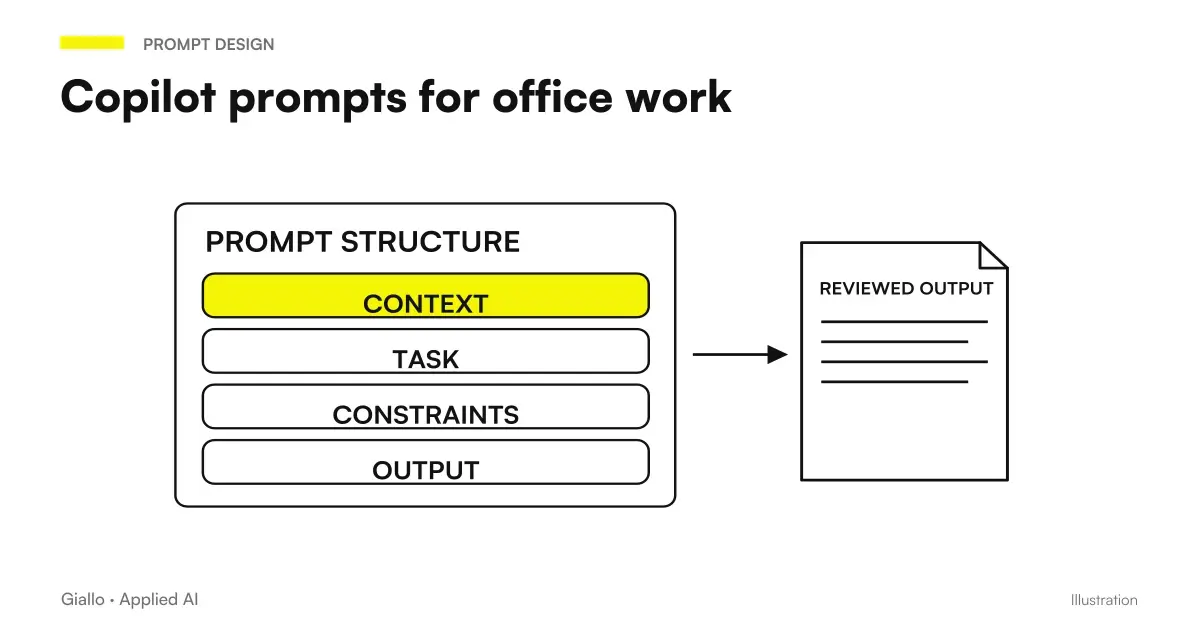
An effective prompt for Copilot indicates the required result, context, sources, and expected format. Microsoft proposes just these four elements as the structure of the requests; the usable source depends on the account and the available experience. The point is not to find a magic phrase, but to give the job boundaries clear enough to control the result. Microsoft, write prompt in Copilot.
In an SME a useful request can be short: compare three bids using defined criteria, build a schedule of deadlines from a selected file or distinguish decisions and proposals in a report. It becomes more complete when it specifies what to do if the source is not enough. An answer that highlights an absent date may be more useful than a seemingly finite answer that presumes it.
The following examples are Originals and Demonstrations. They do not represent Giallo clients or results. The Microsoft information was verified on 10 October 2026; files, names and prompt content must be adapted to the company’s authorised materials.
Before the request, choose the point at which to work
A prompt does not change the license or user permissions. Microsoft documents different experiences in apps based on plan, account, and configuration. Before the test you need to identify if you want an answer in chat, an open document change or a job that goes through multiple sources. Microsoft Learn, Copilot Requirements.
The comparison Copilot Chat and Microsoft 365 Copilot It clarifies this passage. If the company is comparing two licenses, it uses the same task with demonstration data and notes where it was executed. Otherwise a test could measure a different function, while using identical words.
Before asking, also prepare the source. An approved document, an export with clear columns or a complete record make the result more readable. The guide Copilot, SharePoint, and OneDrive explains how to organize that material: the prompt defines the request, the archive defines what can be found.
A method that adapts to each department
The structure of the request can be made practical with four questions and a verification. You do not have to fill out a long form every time: you need to know what elements are indispensable for that task.
| Item | Question to be answered | Example of useful information |
|---|---|---|
| Objective | What work is to be done? | Prepare a supplier comparison matrix |
| Background | Who will use the result and for what decision? | Purchasing manager evaluating a first shortlist |
| Source | Which authorized materials are relevant? | Three selected offers and approved requirements |
| Expectations | What form and limits must the answer have? | Table, citations, explicitly stated missing information, no automatic choice |
| Team Verification | How will we know if the result is usable? | Comparison of price, timing and conditions with original documents |
The fifth line is an operating criterion proposed here: the control remains distinct from the generation. If you have to compare quotes, first establish which fields cannot be wrong. If you need to prepare a text, define conditions and statements to keep. These criteria also help a colleague evaluate the same test.
Commercial: preparing a proposal without adding conditions
The commercial has notes of an approved call and model. Its need is to transform that material into a coherent structure, leaving visible the elements yet to be confirmed.
In the open document, prepare a draft proposal using the selected template and notes. Keep the sections for objective, scope, activities and points to confirm. Include prices and timelines only when they appear in the sources; when missing, write “to be confirmed”. Identify the source used for every commercial condition. Do not add new guarantees or services.
This prompt separates editorial work from the commercial decision. After the response, check at least three things: whether the scope matches, how missing information is handled, and whether approved terms are retained. If the model has added an unrequested guarantee, replacing one word is not enough: you need to understand whether the source was ambiguous or the criterion insufficient.
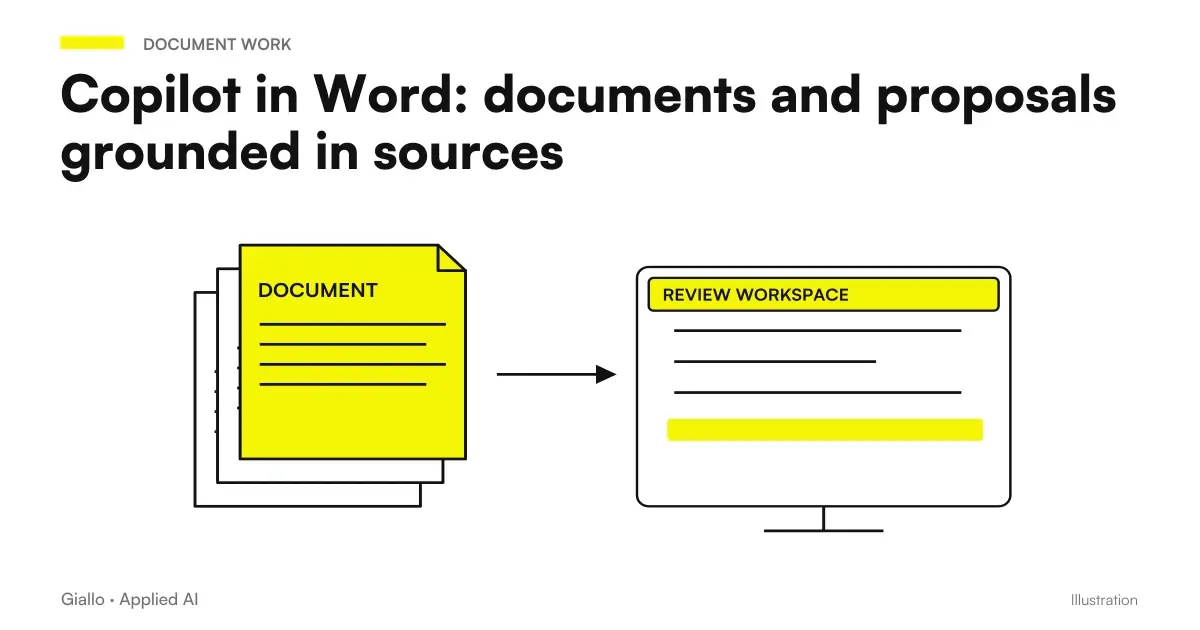
The Guide Copilot in Word for Proposals and Documents deepens the work in the app. For a second request choose a circumscribed change, e.g. make the task section clearer by keeping all the data already verified. Thus the revision does not unnecessarily reopen the entire content.
Purchases: compare bids with declared criteria
A supplier comparison becomes difficult when bids use different units or perimeters. Before asking for a recommendation, ask to make those differences obvious. The result should help the person responsible to formulate the missing questions.
Compare the three selected offers against the requirements of the file "Purchase Requirements". Create one line per supplier and columns for included quantity, unit price, transport, declared times, exclusions, and missing data. He cites the document that supports every value. Do not normalize incompatible units without explaining the hypothesis. Close with questions to send to suppliers, without choosing the winner.
For verification, check a critical condition of each offer and all proposed normalizations. If one figure is monthly and another annual, the comparison must retain this information. A seemingly affordable price may refer to a different volume or service.
When the work requires investigating multiple sources, Researcher is the Microsoft experience designed for multi-step research with reports and citations, available depending on the licence and account. It is not needed for every small table. Microsoft, get started with Researcher.
Administration: Check an export before calculating
In the administrative department a request may relate to the quality of the data, even before a formula. On an export demonstration of deadlines, an initial check may avoid aggregating incomplete values or uncomparable periods.
Use the selected table of deadlines. Identifies empty dates, non-numerical amounts, possible duplicate lines, and different currencies. Return a list of the lines involved with the reason for reporting. Do not delete rows and do not fill missing values. Before adding up the amounts, indicate which anomalies need to be resolved and which period of time the export covers.
The expected result is a list of verifiable problems, not a total presented as definitive. You can specially arrange a duplicate row and a missing date in the test dataset, so you know if they are detected. After the team-approved cleanup, a second request can apply the agreed aggregation criterion.
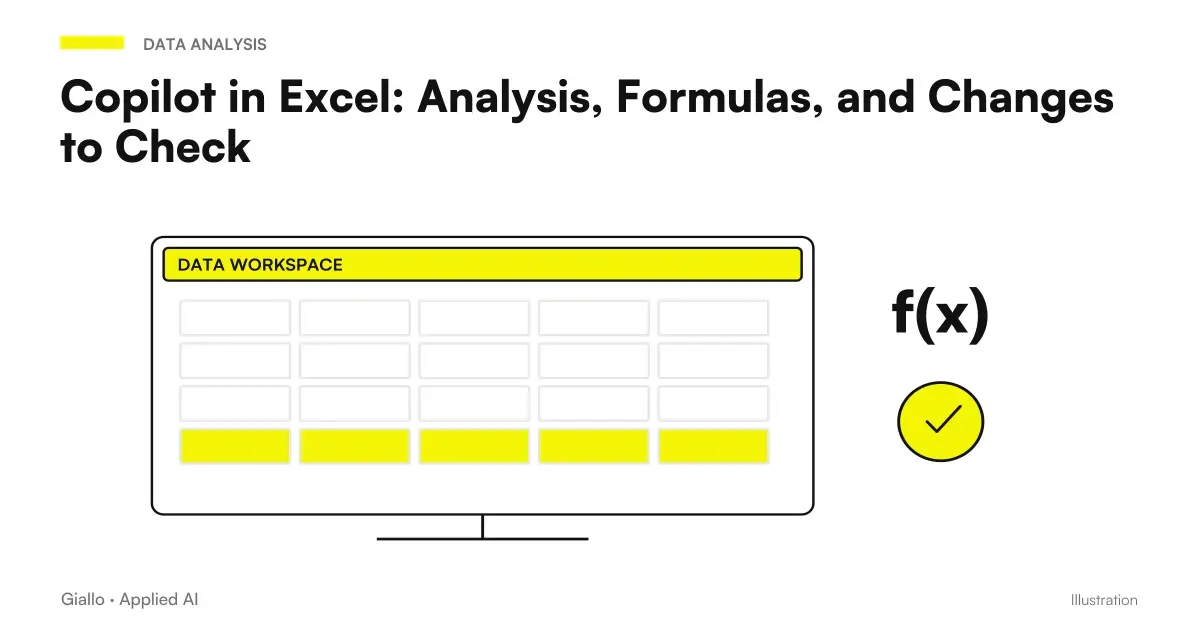
Copilot in Excel documents editing, scheduling, and chat modes; choosing the suitable mode avoids confusing a descriptive response with a workbook edit. Microsoft, Excel FAQ. The guide Data Analysis and Formulas with Copilot in Excel It faces the controls of the result.
Operations: turning a manual into a readable procedure
A staff procedure must maintain the conditions of the applicable manual. Here the prompt should preserve the steps that require competence, authorization or intervention of a manager, instead of inventing a simplification.
From the selected manual, prepare a checklist for the initial verification of the product, limited to the activities described in the section indicated. For each step it reports prerequisite, action, expected result and reference to the source. If the manual requires authorized personnel, keep this indication. If a passage is ambiguous, report it as an open question without completing it by hypothesis.
The procedure manager compares the checklist with the approved version. In the test it can include two manuals with different product codes and verify that the applicable document is recognized. Success is not about eliminating all doubt: it is about making it easier to perform the correct procedure and recognizing when a confirmation is needed.
If the request becomes recurring for many users, the next step may be a corporate agent in Copilot Studio. First it is useful to establish sources, cases and conditions of response, which will also remain important in the agent.
Project Manager: Distinguish Agreements and Proposals at Meeting
A record becomes operational when it separates what has been decided from the possibilities only discussed. The prompt must avoid attributing a liability or deadline that no one has confirmed.
On the content of the meeting available, prepare three sections: confirmed decisions, actions with explicit responsible and deadline, issues still open. Report a reference for each element. If the person responsible or the date is not declared, write "unassigned" or "undefined". It highlights any alternative proposals without turning them into decisions.
In control, the coordinator rereads in particular names, dates and formulations that may seem like commitments. The report can be shared for team confirmation before using it as a task list. The request prepares an artifact; it does not prove that all tasks have already been assigned in a system.
In Teams the content that can be used after the meeting also depends on the transcription: Microsoft distinguishes the use only during the meeting from the next. Microsoft, Copilot without transcript. The guide Copilot in Teams and Minutes It clarifies the path.
Communication: building a presentation with a verifiable thesis
A commercial presentation should not be limited to breaking a document into a slide. The prompt can ask for a sequence consistent with the recipient and separate evidence from hypothesis.
Prepare the structure of a presentation for the operations manager using the selected report. Organizes the slides into observed problem, evidence, proposal, conditions and next decision. For each it indicates a main message, the source and any data still to be validated. Do not introduce percentages or business cases absent from the report. The tone must be clear and concrete.
The verification concerns the thesis of each slide, not just the graphic aspect. If a demonstration chart is presented as a real result, the structure must be corrected before finishing. For the application path consult Copilot in PowerPoint; for an email accompanying the material, the guide Copilot in Outlook helps to maintain the recipient's context.
Customer Support: Prepare Questions Before Answering
A request for assistance may contain symptoms, client assumptions, and missing information. The first useful work is to separate these elements, before proposing a solution. In the demonstration material, prepare an email describing a problem without specifying the model or version of the product.
From the selected request extract the customer-reported problem and the available data. Separates described facts, client guesses, and missing information from the selected support procedure. Prepare three relevant questions to complete the take charge. Do not make a definitive diagnosis and do not promise time or replacements absent from the procedure.
The manager checks that the questions are necessary and understandable, rather than a generic list of all possible fields. If the model attributes a test to the customer that it did not perform, the response must be correct. A second request can prepare the email using only verified data and approved questions.
This example measures the quality of taking charge: understanding the need, recognizing the limit of information and proposing a useful step. Review time remains part of the test, as with the other roles.
Correcting the request through the error type
When the answer is not usable, describe the observed problem. "Do it better" modifies an implicit goal; "separates taxable amounts from other items and retains the reference" clarifies what result is needed.
| Observed problem | Useful review of the request |
|---|---|
| A figure is not traceable | Ask for the source of the value or mark it as absent |
| Two versions are mixed | Specify applicable document and ask for conflicts |
| The text is long but does not guide the decision | Define recipient and questions to answer |
| Trade commitments are added | Limit conditions to documented steps |
| A change alters already verified data | Separate stylistic revision from approved content |
Changing one item at a time helps to understand what has improved the result. A second answer, however, remains a new generation, not an independent proof of correctness: the decisive data must be checked on the source or with a known calculation.
The minimum card of a reusable prompt
Preserve task name, role, application, required input, prompt text and expected format. Add demonstration examples with known result and a case where data is not enough.
It indicates who keeps the card and when it needs to be reviewed, for example after a change in export procedures or fields. A useful library also contains the success criteria and conditions under which the request should not be used.
From the prompt library to a business proof
Choose a few frequent tasks and collect representative examples. For each measure also preparation and revision, not just generation. The guide Copilot and ROI pilot project links these comments to the adoption decisions.
Before using actual materials, clarify the experience and internal rules on data with the guide to Privacy Corporate Copilot. A precise request improves the perimeter of the work; it does not replace permits or the evaluation of sources.
Giallo can help you turn your office’s recurring tasks into reusable requests and tests. Bring a document, a demonstration export and the result you want to get: Request an AI consultation to build a method suited to the roles of your SME.
Giallo Studio guides: methodology and sources
How we apply it in the company
Related resources
 Copilot Chat and Microsoft 365 Copilot: What Changes
 Copilot in Word: documents and proposals from sources
 Copilot in Excel: Analysis, Formulas, and Changes to Check
 Copilot in Outlook: email, threads and shared mailboxes
 Copilot in Teams: meetings, minutes and actions to be confirmed
 Copilot in PowerPoint: slides from business documents
 Copilot for Microsoft 365
 Copilot for companies
FAQ
How do you write a good prompt for Copilot?
State the objective, context, sources and expected result. Add format, time period and verification criteria when needed: a useful request also clarifies what to do if information is missing.
Does a better prompt allow access to files without permission?
No. Permissions and the available experience define which sources can be used. If Copilot cannot access the correct document, clarify access or select an authorised source, rather than insisting with stronger instructions.
Can I reuse the same prompts in Word and Excel?
You can reuse the method, but the requested operation must fit the app. In Word you can ask for a structure or revision; in Excel you have to specify table, columns, periods and anomaly treatment.
Can Copilot confirm that its answers are correct?
A second model response is not an independent verification. For numbers, agreements, and procedures, the result must be compared with known values, approved documents, and criteria defined before the test.
When to use Researcher instead of a prompt in chat?
Researcher is designed for multi-step research and reports with citations. It is useful when you need to gather and compare several sources; availability and licensing must be checked. For a short summary of a known file, the available chat may be sufficient.
Are the examples of the article customer results?
No. They are original prompts and demonstration scenarios for designing tests in the office. Names, files and data are hypothetical and must be replaced with authorized materials in the company configuration.