
Best AI for presentations: tools to create slides
Best AI tools for creating professional presentations and slides in minutes. Compare prices, features and real SME use cases.
Reading time: 8 min
Preparing a presentation takes time: structure, text, design, images. The best AI tools for presentations They compress this process from hours to minutes, generating consistent slides, visually curated and ready to customize. It's not about magic, it's about intelligent automation applied to a repetitive task.
The market in 2026 offers a dozen serious tools, each with a different positioning: there are those who focus on speed, who on integration with Microsoft 365, who on an editorial look, who on presentations based on data. Choosing the wrong one means paying for features you don't use or missing one you need every day.
In this guide we analyze the main AI tools to create presentations — with functionality, limits, indicative prices and real use scenarios for Italian professionals and SMEs.
- Gamma: 60-second text prompt generation, automatic quality design, great for fast presentations and pitch.
- Microsoft Copilot in PowerPoint: integrated into the Office 365 stream, ideal for those who do not want to change tools.
- Beautiful.ai: Smart templates that fit the content, great for teams with brand guidelines.
- Tome: focuses on narrative stories and hybrid formats (slide + document), suitable for strategic presentations.
- Canva AI: practical choice for those who already use Canva for other marketing materials.
- All these tools generate a starting point: human review of content remains indispensable.
What are the best AI tools for presentations?
To evaluate a further path, Kimi AI for presentations starts from briefs and sources and comes to the review of slides. The comparison should also be made about the possibility of modifying the file and the time it takes to check its contents and graphics.
Gamma
Gamma is probably the most cited tool for quick generation of presentations. Enter a prompt — even just a title and a target — and in less than two minutes you get a structured presentation with text, layouts and placeholder images. You can also paste an existing document and let Gamma turn it into a slide.
The strong point is design: Gamma uses an adaptive layout system that makes presentations aesthetically sound without manual intervention. The limit is advanced customization: if you have a rigid brand manual with proprietary fonts and specific colors, you might encounter some friction.
Free plan available with limited features; paid plans with unlimited generations and advanced features. Check updated prices on range.app.
Microsoft Copilot in PowerPoint
If your company uses Microsoft 365, Copilot is already available (with proper license) directly inside PowerPoint. You can ask him to create a presentation from a Word document, add slides on a specific topic, or improve existing texts.
The main advantage is zero-friction integration: no new tools to learn, no exports/imports. The limit is that the quality of the design is closer to the standard PowerPoint templates than to the aesthetic level of Gamma or Beautiful.ai. For who works with Microsoft 365, it is however the most pragmatic choice.
Beautiful.ai
Beautiful.ai points to "smart templates": layouts that automatically adjust when adding or removing content, avoiding the classic problem of misaligned slides. It is the most suitable tool for teams that produce presentations regularly and want to maintain visual consistency without a dedicated designer.
It also offers brand kit functions to set fonts, colors and logos only once. The price is higher than average; mainly suitable for structured business teams.
Tome
Tome occupies a specific niche: hybrid narrative presentations, halfway between slide and long document. It is designed for strategic stories, pitch to investors, business plans — contexts where argumentative flow matters as much as design.
Tome's AI is particularly good at logically structuring content and suggesting the order of arguments. Less suitable for data presentations or operational reports.
Canva AI (Magic Design)
Canva has integrated AI capabilities throughout its ecosystem, including presentations. Magic Design generates layouts from a prompt or pasted content. The advantage is the ecosystem: if you already use Canva for social media, brochures and marketing materials, working here means not fragmenting your assets further.
The quality of the generated presentations is good but not superior to Gamma; the added value is the consistency with the other visual materials of the brand.
SlidesAI and other specialized instruments
There are also more vertical tools such as SlidesAI (add-on for Google Slides), Presentations.AI, Decktopus. They occupy market space but with less clear differentiation. They are worth exploring if you have a specific flow in Google Workspace or if you are looking for something cheaper than category leaders.
Practical examples for SMEs and Italian professionals
Consulting firm: pitch for a client
A strategic consultant in Milan must prepare a pitch for a potential customer in the manufacturing sector. It already has the document with the analysis — 8 Word pages. Instead of building the slides from scratch, paste the document into Gamma, specify the tone ("professional, direct, no technical jargon") and get in 90 seconds a 12-slide structure. It revises key texts, fixes a couple of layouts, adds the customer logo. Total time: 25 minutes instead of 3 hours.
Law Firm: training presentation for employees
A law firm in Rome must train employees on new GDPR regulations. The compliance manager uses Copilot in PowerPoint: starts from the internal normative document, asks Copilot to create a formative presentation with 15 slides, then manually customizes the most delicate sections. The result is compatible with the PowerPoint business template without any exports. The AI tools for long documents how Claude can also help in the synthesis of the original regulatory text.
AI tool comparison for presentations
| Tool | Strengths | Limitations | Indicative price |
|---|---|---|---|
| Gamma | Quick generation, neat design, import from document | Limited brand customization, export .pptx not always perfect | Free plan + paid plans (verification gamma.app) |
| Copilot in PowerPoint | Native Office 365 integration, zero change workflow | Aesthetics close to standard template, requires license M365 Copilot | Included with Microsoft 365 Copilot (Microsoft pricing check) |
| Beautiful.ai | Smart templates, brand kits, visual consistency for teams | Higher price, initial learning curve | Paid plans only (verify beautiful.ai) |
| Tome | Narrative and argumentative structure, hybrid format | Less suitable for operational data and reports | Free plan + Pro (verify tome.app) |
| Canva AI | Integrated ecosystem, easy for those who already use Canva | Unspecialized on presentations, variable quality | Included in Canva Pro (verify canva.com) |
When to use an AI tool for presentations — and when to avoid it
- Use AI when you already have content and you lack time for design.
- Use AI for quick drafts to be shared internally or used as a starting point.
- Use AI for standard presentations (pitch, report, training) where the format counts more than originality.
- Avoid AI as the only source for presentations to institutional audiences or at high reputational risk: always check every statement generated.
- Avoid AI when you have very strict brand requirements that the tool does not support.
- Avoid AI for presentations with a lot of data: Auto-generated charts often require significant corrections.
Mistakes to Avoid
1. Send the presentation without revision. AI generates plausible, not necessarily accurate, texts. Facts, numbers, names of people or companies must be verified. This applies twice as much to technical or legal content.
2. Rely on automatic design without adapting the brand. The generated presentations have a generic look. Without adding company logo, colors and fonts, they seem "made by AI" in an obvious way — and this can damage professional perception.
3. Use the free plan for confidential materials. Many AI tools in free plans have less restrictive data use policies. Before pasting confidential documents, read the terms of service and rate a paid plan with more robust privacy guarantees.
4. Ignore the output format. Not all tools export to .pptx with high fidelity. If you need to deliver an editable PowerPoint file to the customer, test the export before building the whole presentation.
5. Use the same tool for each type of presentation. Gamma is fine for quick pitches, but it's not the same as a quarterly report with 30 charts. Having 2-3 tools in your arsenal, each for a specific use case, makes the job more efficient.
How to choose it for your company
The choice depends on three variables: your current technology stack, the frequency with which you produce presentations, and the level of control over the brand you need.
If you are already in Microsoft 365: Start with Copilot in PowerPoint. Zero friction, zero additional costs if you already have the right license. Evaluate Gamma in parallel for cases where speed matters more than the format.
If you're in Google Workspace: SlidesAI or Canva are the paths of least resistance. Gamma remains a valid option because it works independently.
If you produce many presentations for customers or external stakeholders: Beautiful.ai or Gamma with brand kits are the most solid choice. Investment in a paid plan quickly depreciates.
If you need narrative presentations (pitch investor, strategic plans): Tome is the most suitable tool. Its structure helps to build a topic, not just to layout it.
Before buying, take advantage of the free plans or trials: in 30 minutes you can understand if the tool fits your way of working. The prompt engineering helps to get better results from any of these tools — a vague prompt generates vague slides. If you want to understand more in depth how the models behind these tools work, the guide on what are AI models is a good starting point. For those who work in contexts with sensitive data, it is also useful to know how to avoid AI hallucinations before relying on automatically generated content.
Conclusion
The best AI tools for presentations do not eliminate creative work, but eliminate mechanical work: layout, layout, basic structure. The time saved can be reinvested in what matters — content, argumentation, personalization for the specific audience.
For those who use presentations as a business or training lever, integrating one of these tools into the workflow is one of the most cost-effective automations available today. You can deepen the ecosystem of AI tools most useful for SMEs to understand where to add value in other processes as well.
AI becomes useful when it enters processes. Giallo Studio helps SMEs and teams to build concrete, measurable and sustainable automations.
Giallo Studio guides: methodology and sources
How we apply it in the company
Related resources
 Best AI Models for Writing
 Best AI Tools: Complete Guide
 Best AI for Marketing: Tools and Platforms
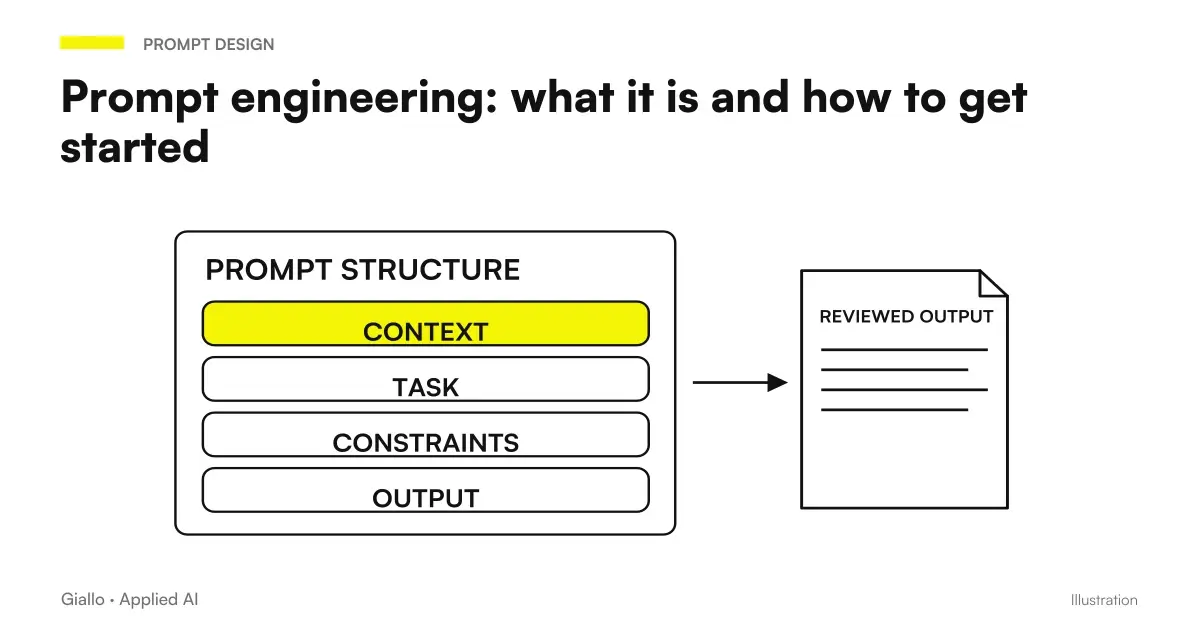 Prompt engineering: what it is and how to get started
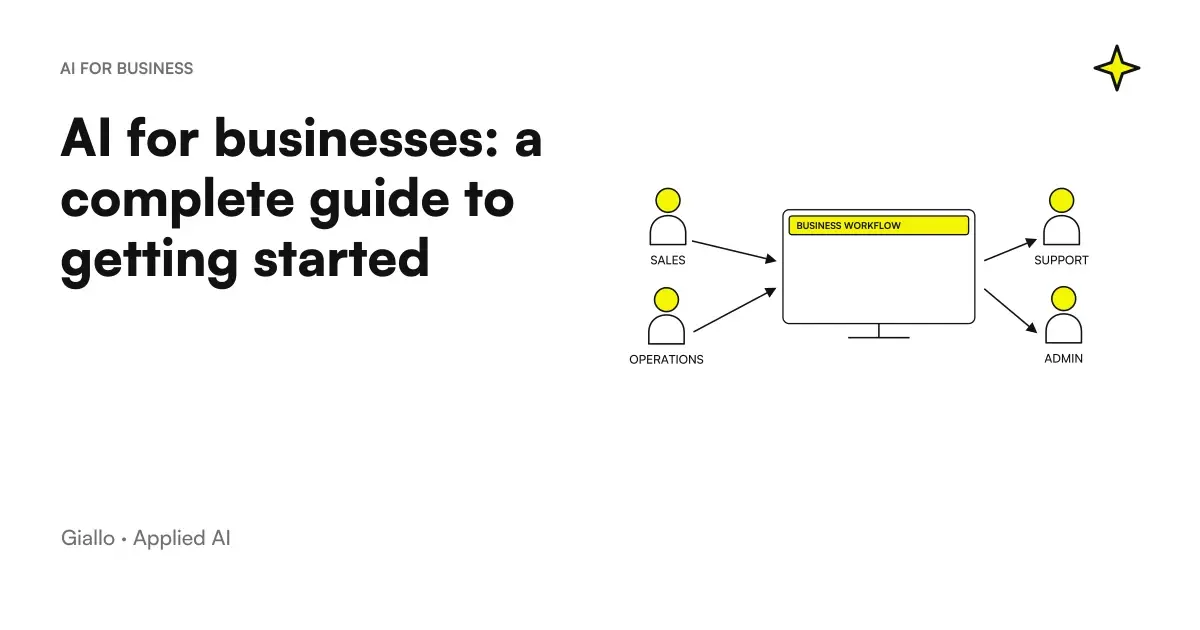 AI for businesses: a complete guide to getting started
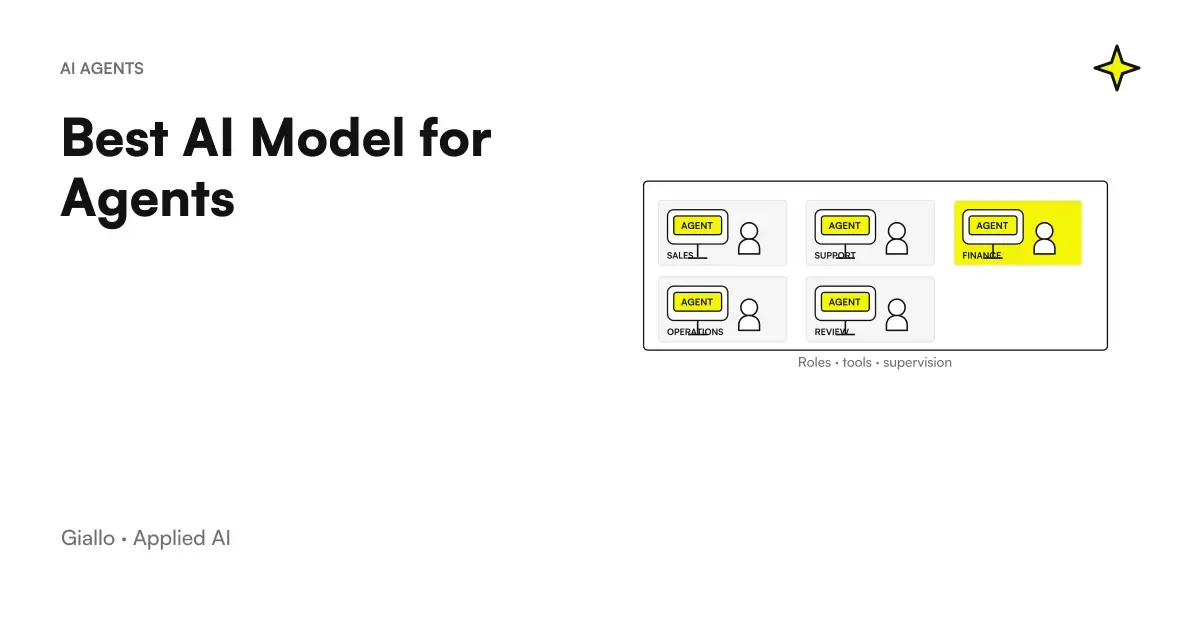 Best AI Model for Agents
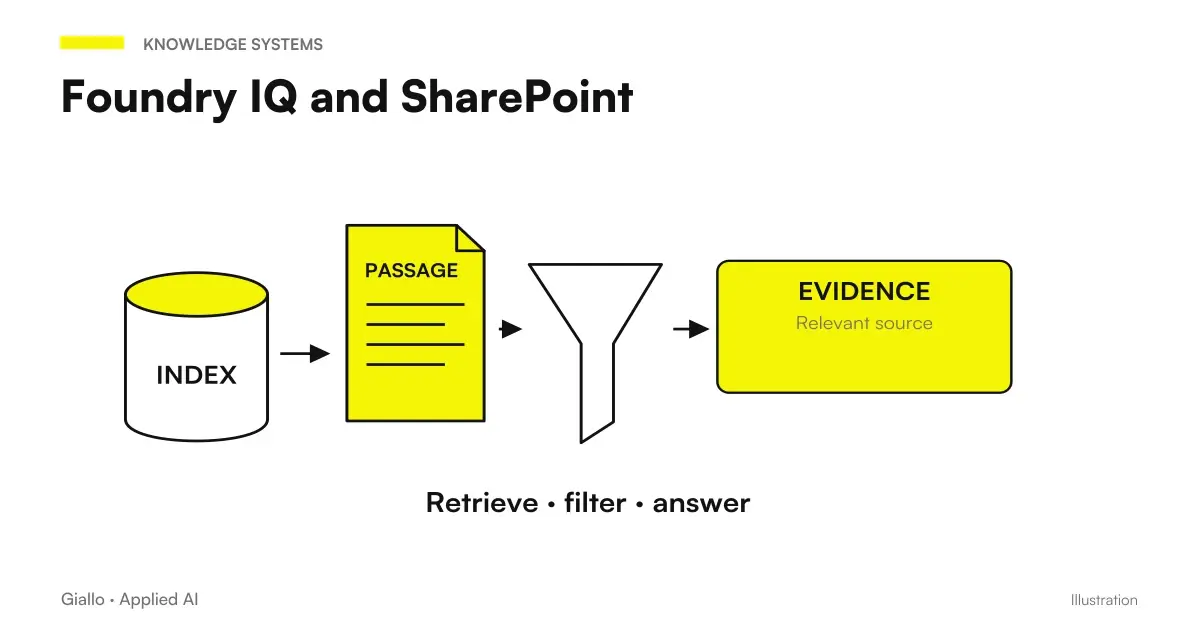 Foundry IQ and SharePoint: why metadata changes knowledge base responses
 SynthID Detector open to all: how to verify AI images, audio and video
Comparisons by activity
Which tool suits the other tasks.
- Best AI for Marketing: Tools and Platforms
- Best AIs to summarize PDFs and documents
- Best AI for Excel (October 2026): Copilot, ChatGPT, Claude or Gemini?
- Best AI for SEO: Tools to Optimize Content
- Best AI for email: tools to write and manage mail
- Best AI for social media: tools for content and management
- Best AI for Customer Care: Customer Service Tools
- Best AI for Students: Tools for Better Studying
- Best AI for CRM: Sales Management Tools
- Best AI for Translations: Tools and Comparison
- Best AI to Create Websites
- Best AI for Data Analytics: Tools and Platforms
FAQ
What is the best AI tool for creating presentations?
It depends on the use case: Gamma is excellent for quickly creating polished presentations, Beautiful.ai for business teams, Tome for narrative stories, and Microsoft Copilot for those already working in PowerPoint. There is no single winner: the choice depends on the existing workflow.
Are AI tools for presentations free?
Most offer a free plan with limitations (number of slides, watermarks, premium features locked). For continuous professional use you almost always need a paid plan. Check the updated plans on the official website of each tool.
With AI, can I create a presentation from scratch in minutes?
Yes. Tools like Gamma or Tome generate a complete structure from a text prompt in 60-90 seconds. The result should still be reviewed: the generated content is a starting point, not a finished product to be sent without modification.
Do slide AI tools work in Italian?
Most accept prompts in Italian and generate Italian text, but quality varies. Gamma and Copilot have the most mature multilingual support. For Italian presentations to institutional audiences, always check the language quality before sharing.
Can I import existing content and have it reformatted by AI?
Yes. Many tools (Gamma, Beautiful.ai, Copilot in PowerPoint) accept pasted text, Word or PDF documents as input and generate slide structure from them. This feature is among the most useful for those who already have content and just want to present it better.
Do these AI tools replace PowerPoint or Google Slides?
Not completely. They are complementary: they excel in rapid generation and automatic design, but lack PowerPoint's advanced customization options. Many allow export to .pptx, so you can finish the job in the tool you prefer.