
Best AI Models for Writing
Best AI for writing in Italian: Claude, ChatGPT, Gemini, Copilot in Word, Notion AI, Jasper and Italian proofreaders, with AI Act rules.
Reading time: 9 min
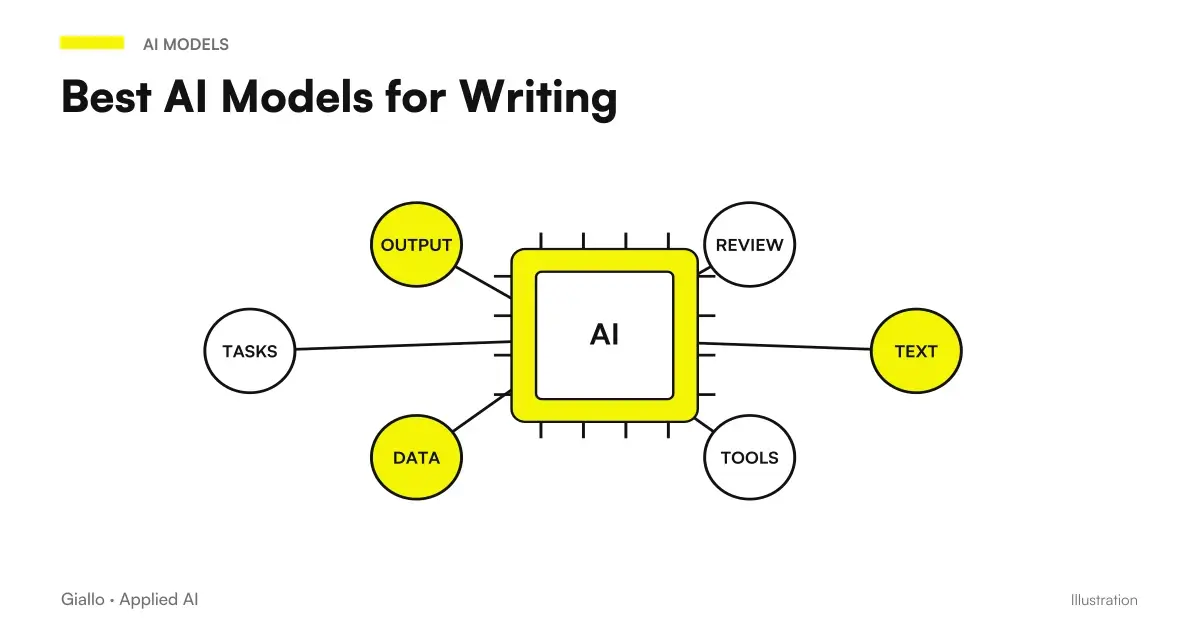
The best AIs for writing, for those who work in Italian, are the generalist models (Claude, ChatGPT, Gemini and Mistral's chatbot) used with saved style instructions, flanked by a concealer that really supports our language. Writing apps mostly change where you write: inside Word, Google Docs or Notion, or in a marketing platform that retains brand voice for the whole team. They change the quality of the single sentence less.
Also in this field the names move quickly. The chatbot of Mistral, known as Le Chat, today is called Vibe; Copy.ai today looks like platform for sales and marketing and Writesonic as tool for visibility into AI engine responses, more than as word generators. Here you find the families of tools, what the office plan you already have includes, how to teach a tone to a model and when a text written with AI should be declared.
In summary
- The best AIs for writing in Italian are the generalist models guided by instructions and sample texts; the apps change especially where you work.
- The tools are divided into four families: generalist chats, assistants inside the office, marketing platforms, checkers.
- Copilot in Word, Gemini in Docs and Notion AI depend on the plan: before buying anything else, check what you already have.
- To review Italian you need correctors that really support it, not everyone does it for every function.
- From August 2, 2026, texts of public interest generated with AI must be declared, except human review with an editorial manager.
Generalist chat, office assistant, platform or concealer
| Family | Examples | What Changes for Writers | To be checked before choosing |
|---|---|---|---|
| Generalist Chat | Claude, ChatGPT, Gemini, Vibe of Mistral | Maximum freedom on texts and formats; the result is yours in the document | Plan, use of data for training, where data is hosted |
| Assistants inside the office | Copilot in Word, Gemini in Docs and Gmail, Notion AI | Write where the documents are already, with less copy-paste | If the function is included in your plan and in Italian |
| Marketing Platforms | Jasper | Shared brand voice, team tone controls | To whom it is addressed, languages, cost per station |
| Correctors | Grammarly, LanguageTool, DeepL Write | Revision of texts already written, not written | What functions do Italian really cover |
The first line is the one from which almost all start, and for many SMEs it remains sufficient. The others serve when the problem is not writing the draft but making it live inside the team's tools, keeping the tone consistent between multiple people or quickly reviewing texts that come from different hands.
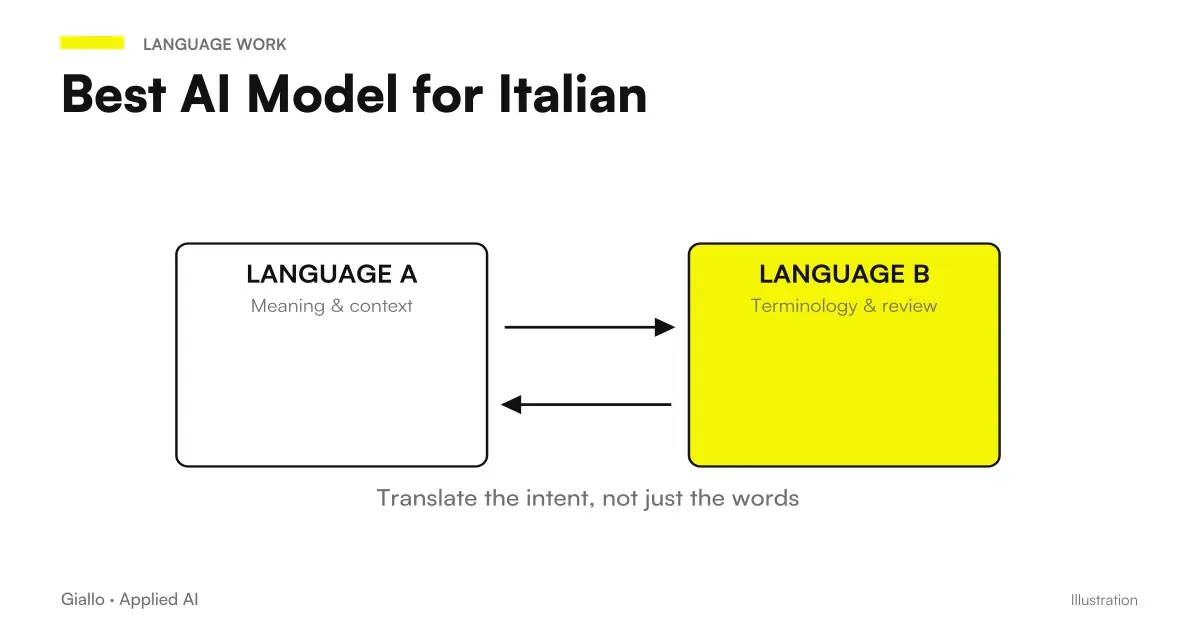
Among general-purpose chats, choose based on your actual text, not reputation. Give two models the same request, with the same brief and materials, and compare their drafts after correcting them: what matters is how much review work remains, not which text seems more brilliant at first reading. For long documents, check whether the tone holds through the last page; for short emails, whether the model follows the requested wording and length. Differences in how models handle Italian, with a method for measuring them, are in Best AI Model for Italian; a comparison by type of text is in Best AI for Writing.
Word, Docs, Notion: What gives you the plan you already have
Many companies pay for a second tool without knowing what includes what they use every day. With Microsoft 365, Copilot Chat is also available without an additional license, but only works on business data from the files you upload; the Microsoft 365 Copilot license adds access to emails, meetings, chats, and documents (Differences with and without license). Italian is among the languages supported. Daily uses are told in Copilot for Microsoft 365.
In Google Workspace Gemini's "Help Me Write" feature works in Documents and Gmail in Business and Enterprise plans, and Italian is one of the seven languages indicated by Google (support page). If your team already lives there, guide them to Gemini for Google Workspace Shows where to use it.
Notion AI, finally, is included in Business and Enterprise plans, while Free and Plus have a limited number of answers to try it out; it writes and improves texts inside the page, summarizes, translates and changes the tone (Notion AI FAQ).
Generalist chat is enough when
- Write alone or in a few, on texts that you then paste into different instruments.
- You need very varied formats: articles, emails, cards, minutes.
- You want to choose the best model for each job.
The assistant in the office is recommended when
- Reference documents are already in Word, Docs, or Notion.
- The team writes with multiple hands and must stay in the same space.
- The plan you pay already includes it, and you just activate it.
How to Teach a Tone to a Model
No model guesses the tone of your company. Teach it to him with saved instructions, which all the main tools now provide. Claude distinguishes valid instructions for the whole account, project instructions and Skills that change the way you communicate and format (Customization functions). ChatGPT has the projects, with instructions that only apply within the project and prevail over the general ones. Gemini has the Gem, personalized assistants with instructions and reference files. Jasper, designed for marketing teams, saves voice, tone and brand guidelines and signals out of tune steps (Brand Voice).
The tool matters less than you put in it. A good style brief, prepared once and saved, contains few precise things:
- Who you write to and with what register: private customers, purchasing offices, public administration.
- Two or three successful texts of yours, to use as an example of rhythm and lexicon.
- Words and formulas to avoid, including casts from English you can't stand.
- The technical terms of your industry, written as you write them.
- Typical lengths, greeting and signature formulas for each type of text.
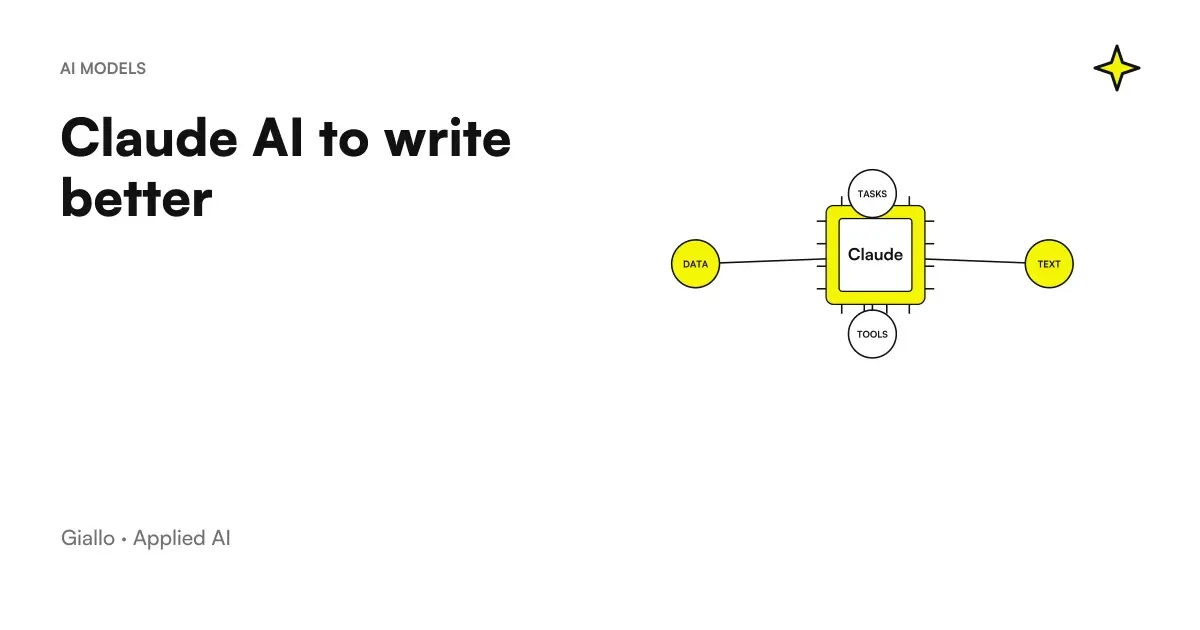
For examples of instructions constructed in this way, see Claude to write better.
Who corrects Italian: correctors and human review
Not all correctors cover Italian the same way. Grammarly offers writing support in more than twenty languages, including Italian, and with paid plans rewrites entire paragraphs in six languages, including Italian (Grammarly languages); the company that develops it It's called Superhuman today.. LanguageTool also corrects Italian (list of languages), but the page of its AI reformulation tool only indicates variants of English (rewording). DeepL Write includes Italian among the languages in which a text improves.
The proofreader fixes the wording. The facts remain your responsibility: dates, amounts, names, legal references and citations must be checked against a source, because a model can confidently write things that do not exist. How to recognise and reduce the problem is explained in AI hallucinations: what they are and how to avoid them.
When a text written with AI is to be declared, and whose is it
The AI Act asks those who publish a text generated or edited with AI for the purpose of informing the public about matters of public interest to declare it. The obligation does not apply if the text has passed from a human review or editorial control and a person, whether natural or legal, has editorial responsibility for the publication (Article 50 of the AI Act, applicable from 2 August 2026).
Then there is the question of ownership. After the Act 132 of 2025, copyright law also protects works created with the help of AI, as long as they are the result of the intellectual work of the author. A text generated with a one-line request is weak to defend; one built with your own choices, cuts, and rewrites is much less so.
Customer data inside a text: what you can paste and where
A business text often contains information that should not leave the company: customer names, bid amounts, details of a practice or a complaint. Before choosing the tool it is best to decide what you can paste. The easiest rule is to separate: the chat receives the general structure and content, personal data is added later, in the final document.
When the data has to enter the request, the plan counts. Many vendors distinguish between personal plans, where conversations can serve to improve models except for different settings, and business plans or APIs, where normally this does not happen and you sign a data processing agreement: read the privacy page of the plan you really use. It also weighs the place where the data is stored. Mistral, for example, declares that by default it hosts them in the European Union, except for the explicit use of its US endpoint and some transfers related to specific functions (where is the data). What happens to what you write in the different tools is explained in Business Data and AI.
Circulars, product sheets, minutes: three office cases
A firm of accountants sends monthly circulars on deadlines and has it all in Microsoft 365. The professional uploads the text of the standard in Copilot Chat, asks for a draft in the format of the circular and rewrites it where it is needed; customer data does not enter the request. Before sending check dates and amounts on the official source, and the circular comes out with his signature.
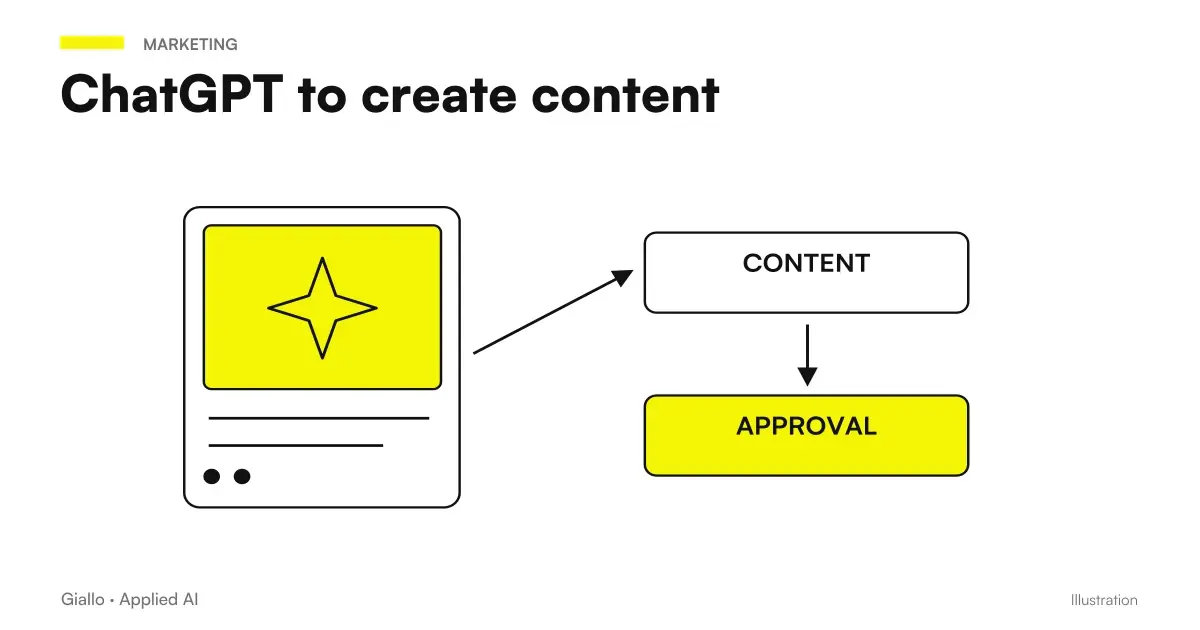
An e-commerce with a few hundred product cards works on the volume. Saves style instructions and three successful tabs in a project, has a generalist model write drafts from real technical data, and passes each tab into the concealer before publication. Reviewers mainly check for measures, materials and promises about the product, which are the most expensive mistakes. How to organize recurring content is explained in ChatGPT to create content.
A service agency keeps meeting notes and project documents in Notion, with a Business plan. Notion AI turns the notes into a first minutes and a proposal for the customer, directly on the page, and a colleague rereads before sending. The voice of the agency lies in the style brief and the review, not the instrument.
The first text to be entrusted to AI
Choose the text that costs you the most time each week, prepare the style brief and try the same request with the generalist chat and plan assistant you already have. Judge the final text after your revision, not the first draft. If the problem concerns the data that is allowed to be pasted into these tools, start from the corporate policy on the use of AI.
When writing becomes a process that draws on your documents, such as offers, recurring responses or data sheets, an AI agent built on your sources prepares the first draft and leaves a person with approval. It's the work he does Giallo Studio with agents for companies.
Giallo Studio guides: methodology and sources
How we apply it in the company
Related resources
FAQ
What is the best AI for writing in Italian?
The most widely used general-purpose models, such as Claude, ChatGPT and Gemini, write fluent Italian when given style instructions and examples of your own texts. For review, what matters is that the proofreading tool actually supports Italian: Grammarly and DeepL Write include it, while LanguageTool corrects it but offers AI rephrasing only in English.
Better a generalist model or a writing app like Jasper?
The generalist model is enough for those who write for themselves or for a few channels. A platform like Jasper serves marketing teams who need to share brand voice, guidelines and tone controls between multiple people, multiple brands and multiple languages.
Is Grammarly an AI tool for writing?
It is primarily a proofreading tool: it corrects and improves existing text in more than twenty languages, including Italian, and paid plans rewrite entire paragraphs in Italian as well. A general-purpose model is still needed for the first draft. The company is now called Superhuman; the product remains Grammarly.
Can writing AIs replace a copywriter?
No. They speed up drafts, variants and reviews, but the brand voice, topic selection and fact-checking remain the writer's responsibility. Without review, generated text may contain errors and fabricated claims.
Do I have to state that a text was written with AI?
Since August 2, 2026, the AI Act requires this for text published to inform the public about matters of public interest, unless it has undergone human review or editorial control with someone responsible for publication. For product descriptions and commercial communications, the obligation generally does not apply: consult your adviser in doubtful cases.
Can I use AI to write business texts without GDPR risks?
Yes, if you don't paste personal customer data or confidential information into tools without proper safeguards. For sensitive texts use business plans with a data processing agreement, or providers hosting data in the EU, as Mistral claims to do by default.
Are writing AIs free?
Almost all have a free plan with limits. Assistants within office tools depend on the plan: Notion AI, for example, is included in Business and Enterprise plans, while Free and Plus have only a limited trial. Always check the official pricing page.