
Best AI for Programming
What is the best AI for coding? Compare code quality, repository context, languages and IDE integration. The choice depends on your work.
Reading time: 10 min
The question "what is the Best AI for Programming" does not have a unique answer, and whoever gives you one is simplifying. The practical truth is that depends on what you write, on which project and in which editor: to refactor on a large repository, to debug a dark error or to complete functions while writing, different qualities are needed. The good news is that the criteria for choosing are clear and few.
In short: today the most used tools by developers are Claude, ChatGPT, GitHub Copilot, Gemini and, for those looking at cost, models such as DeepSeek and the open source. Everyone has a strong point. Claude is often preferred for complex code and broad context; ChatGPT for versatility and diffusion; Copilot for those living in Visual Studio and Microsoft 365; Gemini for the Google ecosystem; DeepSeek and open source to reduce costs.
In this guide we compare options on criteria that really matter — code quality, repository understanding, language coverage, IDE and agent integration — without electing an absolute winner. For the complete overview model by model find the best AI models for programming; here we give you a reasoned recommendation by use case.
In summary
- There is no one Best AI for Programming absolute: the choice depends on the languages, project size and editor you use.
- Claude is often chosen for complex code, refactoring and broad context; ChatGPT for versatility and for learning; Copilot for those working in Visual Studio and Microsoft 365.
- To reduce costs there are DeepSeek and models open source, with caution on privacy and residence of data.
- Integration in the IDE (extension or agent that sees the repository) counts more than the single model: better context, changes applied where they are needed.
- Whatever tool you use, the code always goes read, tested and executed: AI proposes, developer decides.
Why there is no better AI for programming than ever
"Programming" is not just a task. Writing a function from scratch, understanding why a test fails, reorganizing a legacy module, translating a script from one language to another, or completing code while typing are different tasks, and rewarding different models.
A second reason is the context. An AI good at answering an isolated question can get lost on a repository of hundreds of files, where it matters to keep in mind how the parties talk to each other. Here the difference is how much context the model manages and how well the integration makes it "see" your project.
Third: the models change quickly. Versions, context windows and prices are constantly updated, and today's benchmarks age in a few weeks. That's why you don't find ranking numbers here: find the criteria to decide, which remain valid even when the next model comes out.
The criteria that count to choose
Before names, parameters. Evaluate each option on these five points, weighing them based on your actual work.
- Code quality. Is the code running at the first stroke? Is it readable, idiomatic and lacking in invented functions? It counts more than the response speed.
- Understanding the repository. Does the model hold the context of multiple files, understand dependencies, and propose changes consistent with the rest of the project?
- Language coverage. Does it go strong on popular languages (Python, JavaScript, TypeScript, Java, SQL) but also on those you use, recent frameworks and legacy code?
- Integration into IDE and agents. Does it only live in chat or integrate into the editor, see open files and apply changes? Are there agent modes that run commands and tests?
- Privacy and Cost. Where do your data end up? Does the free plan use the code for training? How much does it cost to scale on the team?
- Choose first the Dominant use case (writing, debugging, refactoring, completion), then the tool.
- Give more weight to the editor integration if you work on real projects, not isolated snippets.
- Verify the Privacy Terms before pasting proprietary code.
- Try two tools on the same real task and compare the results, not the promises.
Comparison: Comparison options on criteria
Here are the most used options compared on the practical criteria. It is a map to orient yourself, not a ranking: the column that weighs the most depends on your work.
| Option | Code Quality | Background to the repo | IDE Integration | Privacy / Cost |
|---|---|---|---|---|
| Claude | Very solid on complex code and refactoring | Wide context, good on large projects | Mature extensions and agents for editor and terminal | Paid plans with business options; check terms |
| ChatGPT | Reliable and versatile, great for learning | Good, growing context management | Widespread integrations; strong even in chat | Useful free plan; for work evaluate the upper floors |
| GitHub Copilot | Strong on Real-Time Completion | See the open code in the editor | Native in Visual Studio, VS Code, JetBrains | Designed for developers and teams; plans per location |
| Gemini | Good, integrated into the Google ecosystem | In improvement, wide context | Integrated into Google and some editors | Linked to Google Workspace; verifies plans |
| DeepSeek / open source | Good results at reduced cost | Variable according to model | Requires more configuration | Low cost or self-hosting; attention to data and GDPR |
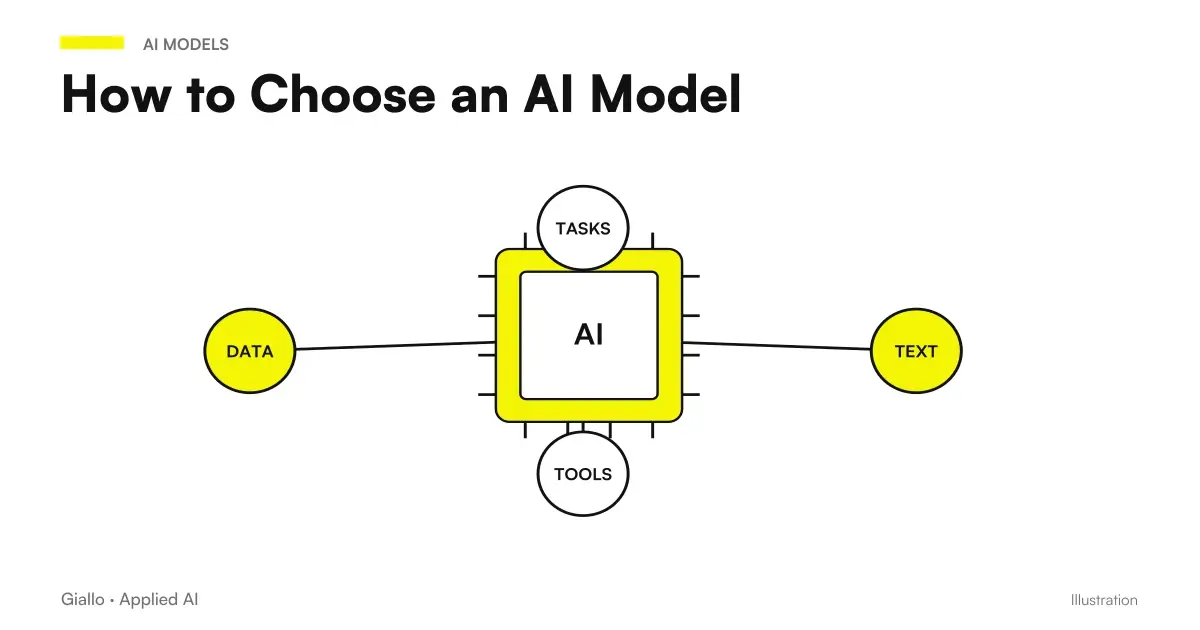
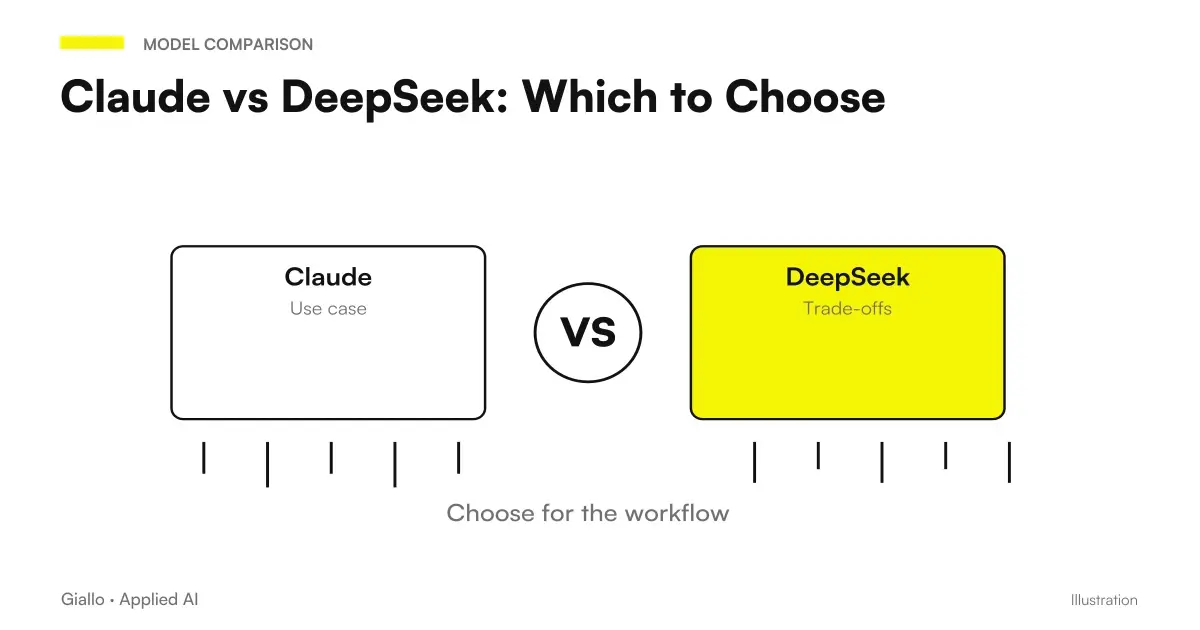
Trade names (extensions, plans, specific models) often change: use this table for criteria, then check the updated details on how to choose an AI model and on the official pages. If you are interested in the cost/quality comparison between a premium model and a low cost one, see Claude vs DeepSeek.
When to choose one and when the other
Translated into practical choices, that is when each direction is convenient and when not.
When to bet on a premium model (e.g. Claude / ChatGPT)
- Works on complex code, architectures, or extended refactoring.
- You have a large repository where it counts to keep the context of many files.
- You need the highest quality possible on delicate tasks.
- You want an agent to read the project, run tests, and propose changes.
When lighter or low-cost alternatives are enough
- Do mostly completion and snippets (Copilot shines here).
- You're learning or exploring: ChatGPT's free plan is enough.
- Budget is the main constraint: DeepSeek or open source.
- You have strong privacy requirements: rate self-hosted models at home.
Note that it is not an exclusive choice: many developers use Copilot for Completion while typing and a premium model in chat or as an agent for difficult tasks. Combining tools is often the best strategy.
Practical verdict for use case
No "best of all": here's a reasoned recommendation for the most common cases. They're starting points, not truths — try them on your code.
Write complex code and refactoring on large projects
Many developers choose Claude for code quality and context management on large repositories. Alternatively, ChatGPT with higher models. For more see Claude for code and development.
Debugging and explaining errors
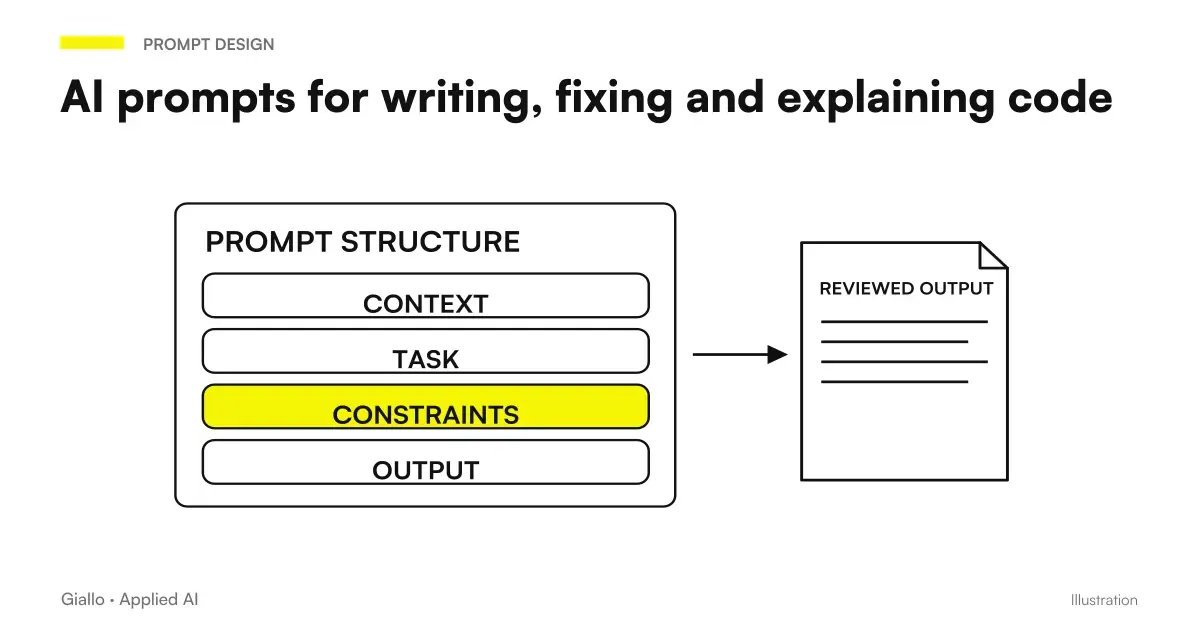
Sia Claude both ChatGPT explain the errors well and propose corrections. The difference is the context you provide: paste error message, relevant code and what you expected. Always check by running the tests.
Completion while writing in editor
GitHub Copilot was born for this: real-time suggestions inside the IDE. Great for reducing repetitive typing, less suitable for complex architectural reasoning.
Learn to program or explore a new language
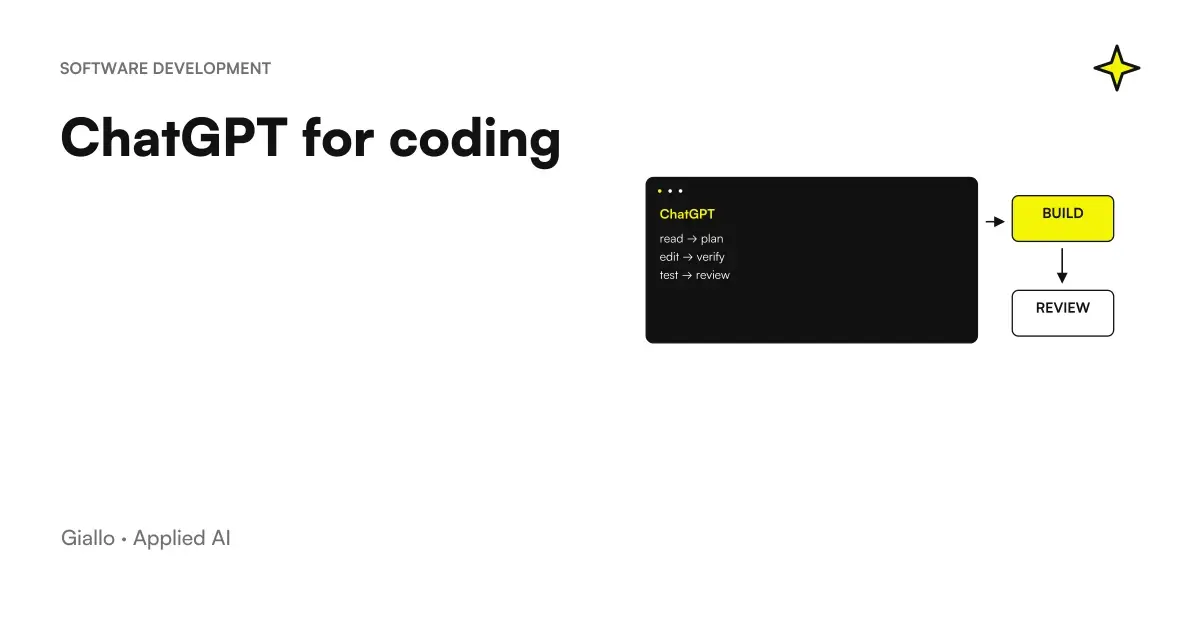
ChatGPT in the free plan is a good starting point for explanations and evidence. See ChatGPT for coding for examples and limits.
Reduce costs or keep code at home
Models such as DeepSeek or the open source offer good results at a reduced cost. Warning: Some cloud services use data for training and data residency can be extra-EU, with GDPR implications. For business data, it evaluates self-hosted versions.
Practical examples
Two realistic scenarios of Italian realities, to understand how the choice changes in the concrete.
1. Software house that maintains a legacy management software. The team works on a PHP/SQL repository of years, where the problem is not to write new lines but to understand other people's code and refactor it without breaking anything. understanding the repository and quality on refactoring: the choice falls on a premium model with wide context, used as an agent in the IDE that sees the linked files. Fast completion is secondary. However, any changes go through review and testing before the merge.
2. Full-stack freelance developing custom sites. He works alone, on medium-sized JavaScript/TypeScript projects, and he wants speed and less typing above all. Here Copilot for more real-time completion ChatGPT in chat for difficult pieces is an efficient and cost-effective combination. Customers' proprietary code does not end up in free tools that would use it for training.
In both cases the model does not "do everything": it prepares, completes, explains. The developer reads, tests and decides. It is the same principle with which we build our custom software: AI accelerates, the person remains responsible for quality.
Mistakes to Avoid
- Looking for the "best" model instead of the best for you. The right question is "best for which task, language and editor", not in the abstract.
- Trusting the code without testing it. AI generates the most likely output, not the correct one: plausible but wrong code (even invented functions) is the number one risk. Always run tests.
- Ignoring code privacy. Pasting proprietary code or credentials into free tools that train on data is a security issue and, in the EU, GDPR.
- Evaluating only chat and not integration. On real projects the difference makes it how well the tool sees the repository and applies the changes, not how nice the chat response is.
- Choosing on the benchmarks of an old article. Versions and prices change: the ranking of six months ago can already be exceeded. Check the official pages.
How to apply it in the company
For a development team to introduce AI in a sensible way is a short and measurable path, not a belly purchase.
- Define the dominant tasks. Does the team spend more time writing new code, maintaining the legacy, or doing review? The answer orients the tool.
- Set the data rules. Which code can be given to external tools and which cannot. Choose plans with no-training options for the proprietary code.
- Try two options on the same real task. Same bug, same refactoring, two tools. Compare quality and time, not marketing promises.
- Keep review and testing mandatory. No code generated goes into production without human review and green test suite.
- Measure and decide. Saved hours, bugs introduced, speed of delivery: if numbers improve, extend; if not, change.
This is the kind of assessment where a AI Consulting: choose the right tools, define privacy and code rules and integrate them into the workflow without creating risks. If you want to see how we apply these models to real projects, take a look at the experiments of the The Lab.
On this topic we have more recent insights: Best AI Model for Programming and Best AI Model for Agents.
Conclusion
There is no Best AI for Programming valid for everyone: there is the right one for your task, your languages and your editor. As a direction, Claude is often preferred for complex code and refactoring, ChatGPT for versatility and for learning, Copilot for completion within Visual Studio and the Microsoft ecosystem, while DeepSeek and the open source They respond to the constraint of cost. Choose on the criteria —quality, context, languages, integration, privacy — and remember that whatever tool you use, the code should always be read, tested and executed by a person. For the complete overview start from best AI models for programming; for the method of choice see how to choose an AI model.
Do you want to understand what processes in your company can be automated with AI? Giallo Studio can help you turn the problem into a real workflow.
Giallo Studio guides: methodology and sources
How we apply it in the company
Related resources
FAQ
What is the best AI for programming?
There is no single best AI for programming overall. For complex code and refactoring large projects, many developers choose Claude; for a free, versatile tool, ChatGPT; for those working within the Microsoft ecosystem, Copilot; and for those seeking lower costs, models such as DeepSeek or open-source models. The choice depends on the languages, repository size and your editor. Always check official pages for current versions and prices.
Can AI write code for me?
It can write the first draft, complete functions, explain errors and propose refactoring, but it does not replace the developer. The generated code must always be read, tested and executed: AI produces the most likely output, not the correct guaranteed one. The responsibility of review and testing remains human.
Is AI better in a chat or integrated into the editor?
For isolated questions and explanations the browser chat is fine. To really work on a project it is worth integrating into the IDE (extension or agent), because it sees the open files, the context of the repository and applies the changes where they are needed. Most developers use both modes.
Does AI for programming handle all languages?
The main models handle the most widely used languages (Python, JavaScript, TypeScript, Java and SQL) well because they are strongly represented in the training data. Quality drops for niche languages, recent frameworks and legacy code: these need more review and manually supplied context.
Can I give the company code to an AI to program?
It depends on the tool and plan. Some free services use conversations for training, so they must not be used with proprietary code or sensitive data. Business work requires business plans, no-training options and attention to where data resides (relevant to the GDPR). Always check the official terms.
How much does a good AI tool for programming cost?
There are free versions useful to get started and paid plans (usually around 20 euros per month per user) that unlock better models and higher limits. Agents and advanced integrations in the IDE can cost more, billed on consumption or per seat. Prices change often: check the official list of the individual supplier.