
CRM automation with AI: keep your business system up to date
Discover how AI-powered CRM automation eliminates manual data entry, synchronises contacts in real time and saves your sales team hours.
Reading time: 8 min
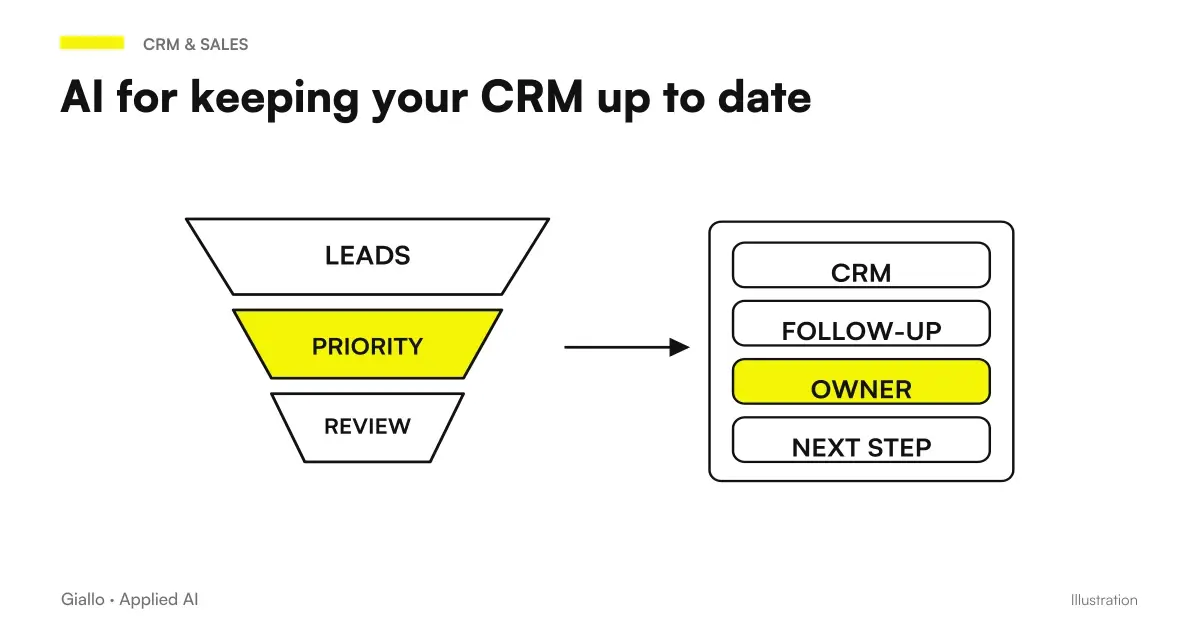
The CRM updated is one of the most frustrating problems in SMEs: everyone knows it should be done, nobody has time to do it. CRM automation with AI is not a utopia — it is a concrete stream that reads emails, conversations, and forms, extracts relevant data, and writes it into management software for you.
The direct consequence is that the commercial team stops losing half an hour a day on data entry, and the CRM stops being "the tool that nobody updates". A firm CRM is worse than no CRM, because it generates mistrust: you look at the data, you think you understand the pipeline, but you're looking at a photograph from three months ago.
In this guide we see how CRM automation works with AI, when appropriate, how to implement it in an Italian SME and what mistakes to avoid.
In summary
- The CRM automation with AI replaces manual data entry: AI reads emails, forms and chats and updates management software fields in real time.
- The most solid use cases: Synchronizing Contacts by email, update negotiation stages, automatic logging of interactions, sending scheduled follow-ups.
- There is no need to change CRM: most solutions integrate on HubSpot, Pipedrive, Zoho, Salesforce via API or Make/n8n connectors.
- The main risk is the accuracy of data: in the first months you work with human review, then you measure and decide how much autonomy to give to the system.
- GDPR: legal basis, information and SCC for non-EU vendors are mandatory. Consult a legal expert.
Why CRM always remains empty (and what AI has to do with it)
The problem is not the motivation of the team. It is structural: updating the CRM after every call or email requires three or four manual actions — open the record, find the right field, copy the information, save. Multiplied by ten interactions a day, ten commercials, five days a week: they are pure working hours at low value.
The AI Automation changes the equation by removing these actions from the list of human responsibilities. A well configured system:
- Read every incoming and outgoing email on the corporate domain
- Identify the sender, associate it with the existing CRM record (or create a new one)
- Extract context: conversation stage, next step, any dates or amounts cited
- Update matching fields in CRM
Commercial doesn't do anything. Opens the CRM and finds the record already updated. If the AI did something wrong, it corrects it in two seconds — but this happens much less often than you fear with a well-trained system.
How CRM Automation Works Technically with AI
It is not necessary to understand every technical detail, but having the picture helps to ask the right questions to the supplier and to understand where problems may arise.
- Data source. The entry point can be email (Gmail, Outlook), web forms (Typeform, native forms), conversations (WhatsApp Business, Teams, Slack), or documents (quotes, contracts). The more sources there are, the more complete the framework in CRM.
- Extraction with AI. A language model (LLM) reads the text and extracts the relevant entities: name, company, role, intent, amount, date, negotiation status. This step is the one where the AI Agent He does the heavy work.
- Normalization. The extracted data is mapped on the CRM fields: "Marco Bianchi di Alfa srl" goes into the field Contact Name and Company, not in a generic note.
- Writing via API. The system calls the CRM API to create or update the record. If the contact already exists, add or update; if it is new, create the record with the found data.
- Logs and traceability. Each automatic update is marked as such, so the operator can distinguish what the AI entered from what a person entered.
For the most popular CRMs there are ready-made connectors on platforms like Make or n8n that cover steps 3 and 4 without writing code. Step 2 (smart extraction) is the one that requires the most care in configuration.
To route requests or classify a contact, a structured response may be more suitable than a free text. OpenAI Decisions introduces an API dedicated to these choices: before updating the CRM, the flow must verify the outcome and predict the review of uncertain cases.
What can be automated in CRM: overview
Not everything in CRM is worth the same automation effort. This table helps prioritize:
| CRM Activities | Automability | Setup Effort | Typical value |
|---|---|---|---|
| Creating contact from email | High | Low | High elimina eliminates 90% of data entry |
| Negotiation Stage Update | Medium | Medium | High leggibile pipeline always readable |
| Log calls and notes | Medium | Medium | High sforzo complete historical effortless |
| Sending automatic follow-ups | High | Low-medium | High — no forgotten deals |
| Assignment lead to commercial | Medium | Medium | Medium — depends on routing rules |
| Closing forecast (scoring) | Low-average | High | Variable — needs volume of data |
| Generating Quotes in CRM | Low | High | High if volume is high |
The "automability" column drops when the action requires contextual judgment (e.g. deciding if a negotiation is really lost) or when the input data is ambiguous.
Practical examples
Communication agency — contacts from LinkedIn and email
An agency with six people at the commercial received about fifty emails a day from potential customers. Each email was read, evaluated, and (sometimes) entered into the CRM. The "sometimes" was the problem: in intense periods, three to four out of ten contacts were never recorded.
The automatic stream reads every incoming email, extracts sender and text, identifies if it is a commercial request and creates a lead in HubSpot with "New" stage and automatic note with the original text. The salesperson finds the lead already in the queue and decides what to do with it. Result: Zero lost leads, first contact time dropped from 6 hours to 45 minutes on average.
Tax consultancy study — follow-up on deadlines
A studio with forty active customers manually handled reminders for sending documents, F24 deadlines, practical updates. CRM was there (Zoho), but the communication log was sporadic.
With the follow-up automation, every email sent by the studio is automatically logged into the customer record in Zoho, and an agent will schedule an automatic reminder if no response arrives within five days. The contributor does not manually set any reminders: the system does this on its own based on the status of the email thread.
When to use CRM automation and when to avoid it
When it is best to automate
- The sales team has more than 20-30 interactions per week to log in.
- CRM is updated late or only partially.
- Emails are the main source of customer information.
- There are Recurring Follow-ups which are often forgotten.
- The pipeline is unreadable because the stages are not moved.
When to Wait
- The sales process is fluid and not yet defined: first you have to structure the funnel, then it automates.
- CRM is less than six months old and people don't use it yet: automation doesn't solve an adoption problem.
- Interactions are highly contextual and each negotiation is a unique case: AI struggles to extract structured data.
- The volume is low (a few dozen total contacts): the manual is faster to maintain.
A simple rule: if CRM is already used but always late, automation helps. If it is not used because no one believes it, first you have to solve the cultural problem.
If the contact comes from advertising in a chat, the integration must retain its origin. ChatGPT Ads on conversion formats and events should be evaluated together with the pipeline, avoiding confusing the attributed contact with the acquired customer.
CRM and management software: which field can change where?
Two connected systems require an authoritative source for each field and a stable match between records. The guide for synchronize CRM and management software with AI treats competing updates, external IDs and retry. The model can interpret notes and messages, while rules and review decide which proposals can become scriptures.
Integrations most used in Italian SMEs
Italian SMEs almost always work on a few established CRMs. Here's how they typically connect to AI automation:
| CRM | Strong point for automation | Recommended Connector |
|---|---|---|
| HubSpot | Well-documented API, robust free plan | Make, n8n, HubSpot Workflows native |
| Pipedrive | Simple API, great for small sales teams | Make, Zapier, n8n |
| Zoho CRM | Strong in Italian SMEs with a low budget | Zoho Flow, Make |
| Salesforce | Powerful but expensive, has Einstein AI native | Salesforce Flow, n8n enterprise |
| Monday.com Sales | Used by hybrid sales/project teams | Make, n8n |
To connect Gmail or Outlook to one of these CRMs, Make and n8n are the most used platforms. For those starting from scratch, Make has a lower learning curve; n8n is preferable if you want self-hosting for privacy reasons.
GDPR and privacy: what you need to know before you leave
CRM Automation Almost Always Treats personal data — emails of natural persons, contact information, content of conversations. This means that the GDPR fully applies.
The key points to check with a legal expert:
- Legal basis (Art. 6 GDPR): for current customers, execution of the contract or legitimate interest is typically used; for prospects it is necessary to evaluate on a case by case basis.
- Information (Art. 13-14 GDPR): data subjects must know that their data is processed in an automated manner and for what purposes.
- Retention period: CRM records are not kept forever. Defining a retention policy and a cleaning cron is mandatory.
- Non-EU Vendor: if you use American cloud tools (HubSpot, Salesforce, etc.), check standard contractual clauses (SCC) and extra-EU data transfer. Read also AI and GDPR for a general picture.
- Access and cancellation (Art. 17): the person concerned has the right to cancellation — your CRM must allow it in a real, not just theoretical way.
Mistakes to Avoid
- Automating before defining mandatory fields. If the CRM has thirty custom fields but you really use five, the AI doesn't know where to put the information. First you clean the data model, then you automate.
- Giving full autonomy from the start. In the first two to three months, each automatically created record should pass from a review queue. Only after measuring accuracy can full autonomy be given.
- Ignoring duplicates. Without a deduplication logic, automation creates the same contact ten times with variations in the name. A merge system is an integral part of the project.
- Not logging automatic updates. If you can't tell what AI wrote from what a person wrote, you can't do audits or fix systematic errors.
- Neglecting the security of API access. CRM API keys have access to all commercial data. Periodic rotation, fixed IP access, and limited scope are minimal practices. See AI and Data Security.
How to apply it in the company
A realistic path for an SME starting from scratch:
- Audit of current CRM. How many records are updated? Which fields are really used? Which processes generate the most manual updates? Answering these questions defines where to intervene.
- Choose a single source to begin with. Emails or web forms, not both. The simplest stream is: email → AI Extraction → CRM record creation/update. You start with that and you measure.
- Configure flow in "draft" mode. AI proposes, a person approves. You don't want a CRM full of wrong data. You measure false positives and correct the instructions to AI (the prompt of extraction).
- Measure after four weeks. How many records do you create? How many manually corrected? If the accuracy exceeds 90%, you can consider partial autonomy. If it is below, you understand where it is wrong and you correct it.
- Extend to other sources. Only after the first stream is stable, other channels (WhatsApp, Teams, form) and other automations (stage update, follow-up) are added.
This incremental approach avoids the classic mistake of building a complex system that no one uses because no one trusts the data it produces. Trust is earned one flow at a time. To understand what other processes can be automated in a similar way, the guide on what to automate in an SME It's a good place to start.
For those who want to deepen the specific tools, the articles on Best AI for CRM and AI for CRM and Sales cover the comparison between the most used solutions in the Italian market.
To go deeper with verified price lists and benchmarks, Claude Haiku 4.5 vs Gemini Flash-Lite and Best AI model for customer care.
Review duplicates before merging records
The similar name of two contacts does not prove that they are the same person or company. duplicates in CRM with AI distinguishes candidates, identity verification and choice of fields to be retained. The union remains a separate action to be authorised, also considering associations and history that a simple export might not restore.
Conclusion
The CRM Automation with AI solves a concrete, measurable problem: stagnant business software that nobody updates. The mechanism is simple — the AI reads communications, extracts the data and writes to the CRM — but success depends on how the workflow is configured, accuracy is managed and personal data processing rules are respected.
The right starting point is always one: choose the richest data source (almost always email), configure a stream with human review, measure for four weeks and decide. Not a big project, but a small measurable experiment. If you want to go from testing with ChatGPT to an AI system integrated into business processes, Giallo Studio custom designed agents and automations.
Giallo Studio guides: methodology and sources
How we apply it in the company
Related resources
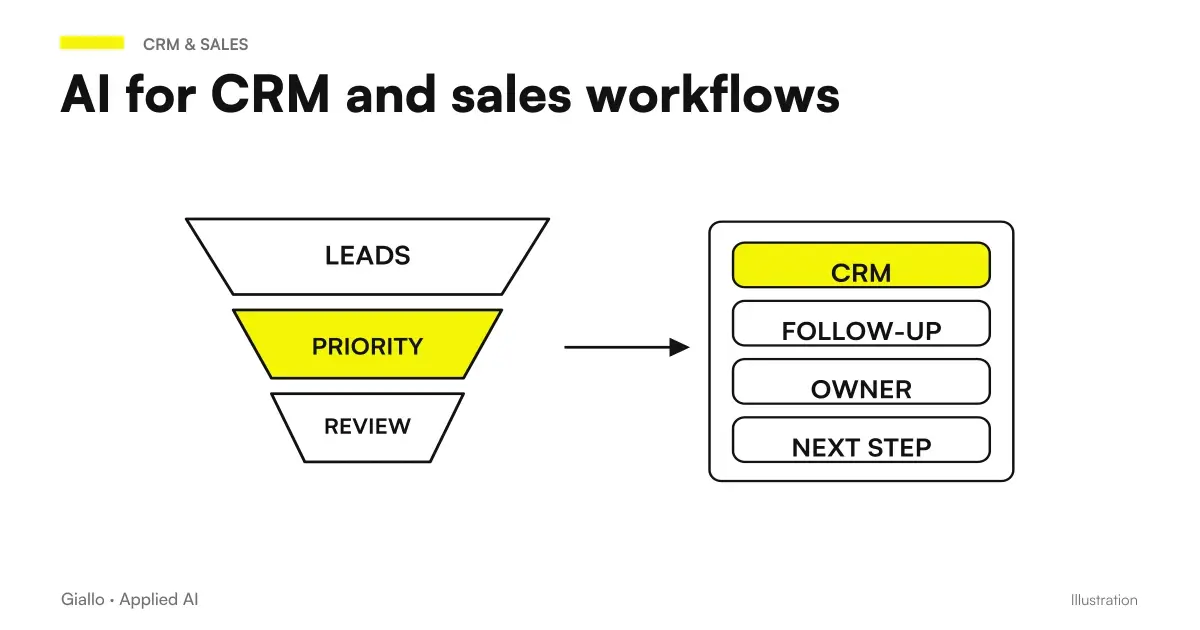 AI for CRM and sales: automate the sales process
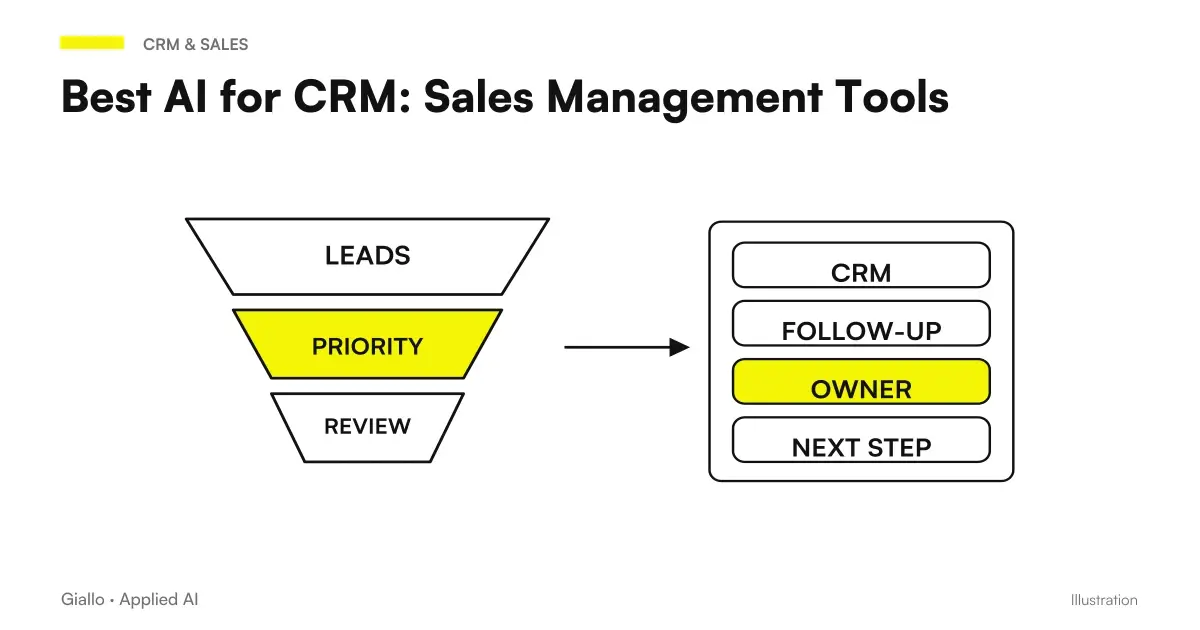 Best AI for CRM: Sales Management Tools
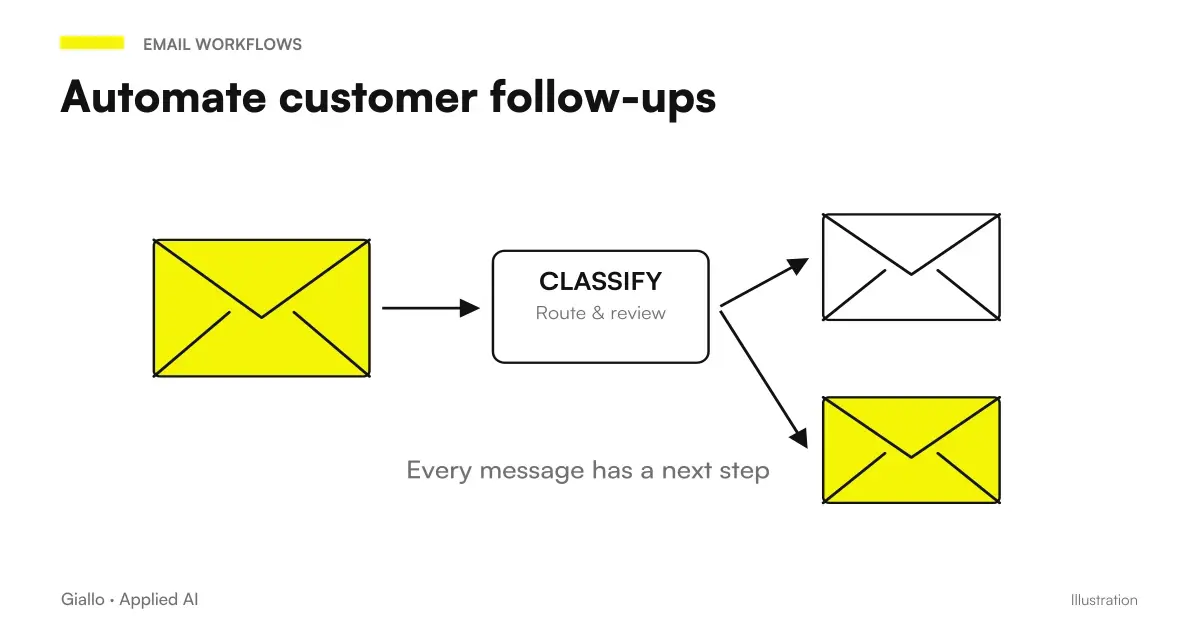 Automate customer follow-ups: fewer missed contacts, more closed deals
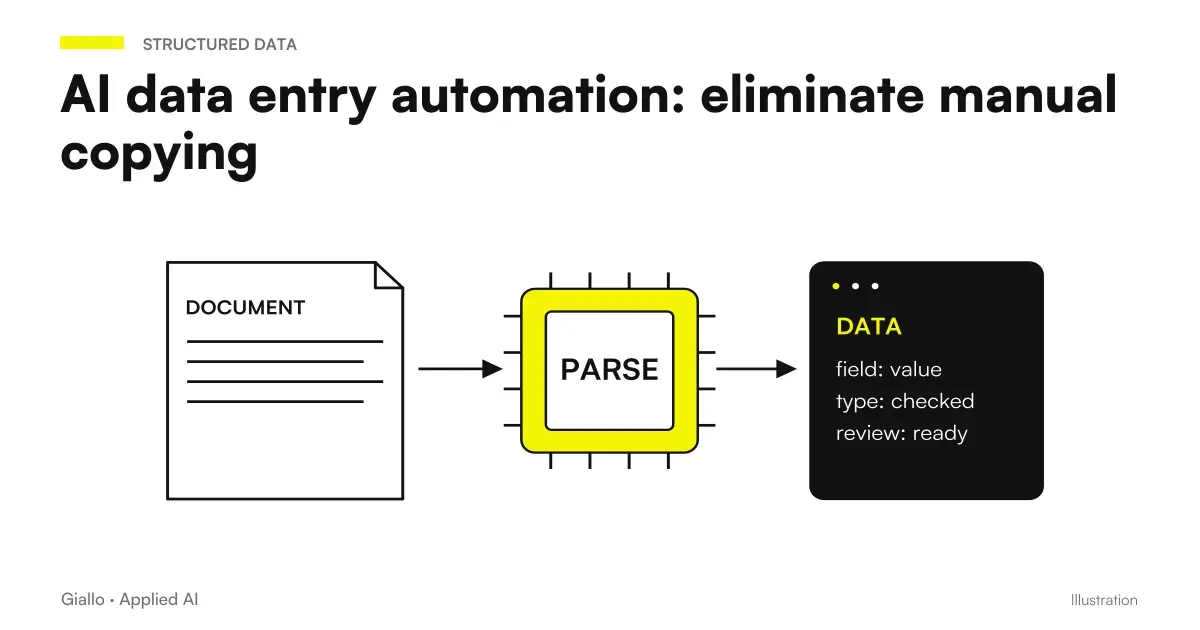 AI data entry automation: eliminate manual copying
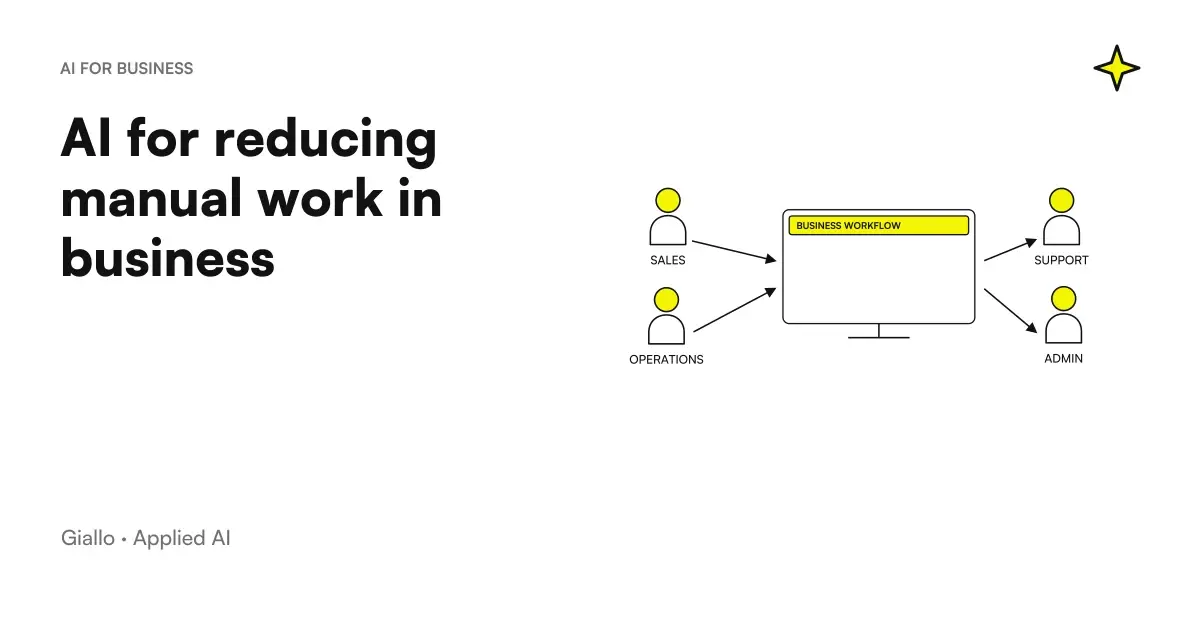 AI to reduce manual work in the company
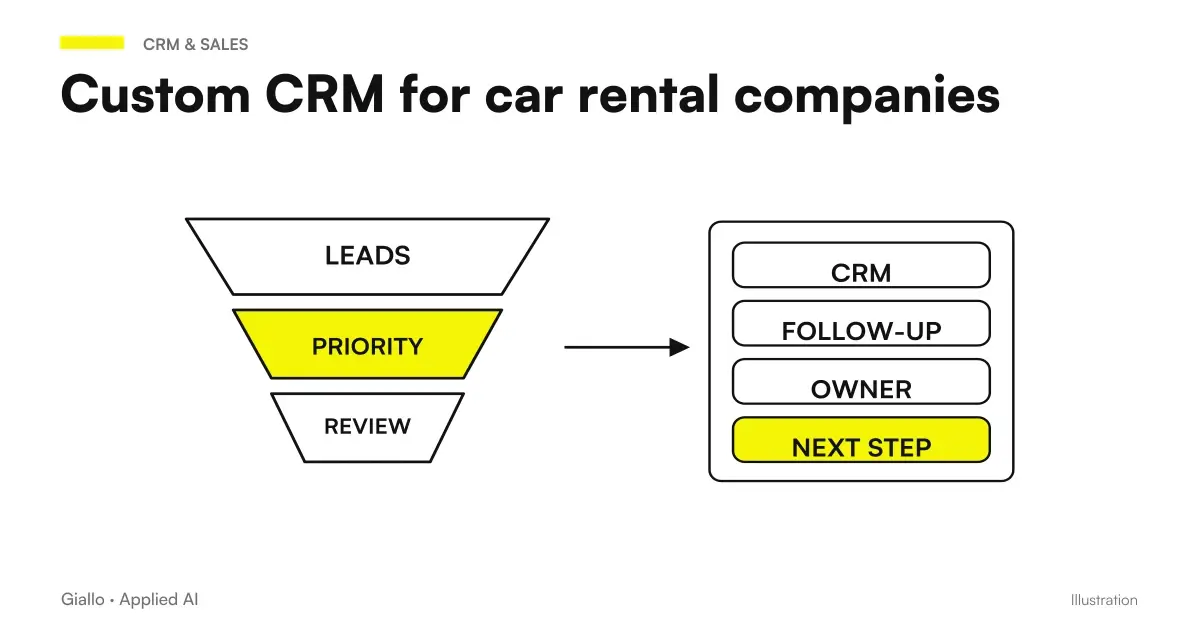 Custom CRM for car rental: the full case study
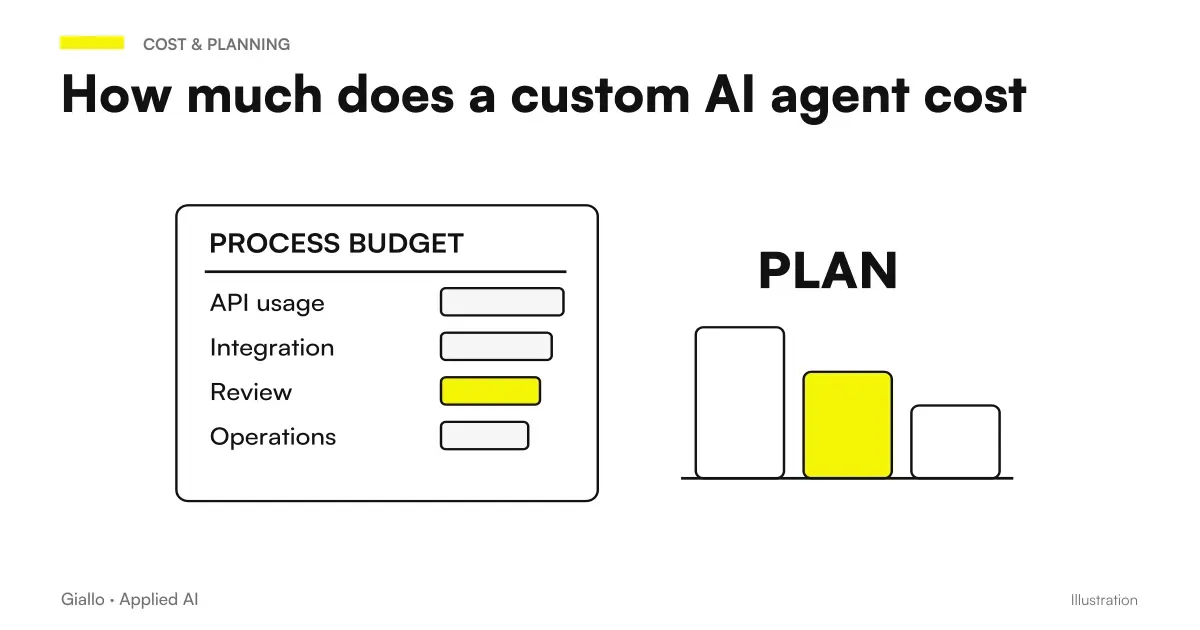 How much does a custom AI agent cost
 Frontier-Bench: what it is and what it measures
FAQ
What is CRM automation with AI?
It is the set of systems that automatically update the company CRM without a person having to manually paste data from emails, forms or conversations. AI reads communications, extracts the relevant information (contact, company, negotiation stage) and writes them in the correct fields of the business management system.
Which CRMs support automation with AI?
The CRM systems most widely used by Italian SMEs (HubSpot, Pipedrive, Salesforce, Zoho CRM, monday.com) offer native integrations or integrations through platforms such as Make or n8n. You do not necessarily need a high-end CRM: even simpler solutions can be connected to an AI agent via API.
How much does it cost to automate CRM?
It depends a lot on the case. A basic automation on existing tools (Make + HubSpot, for example) can cost between 50 and 300 euros per month of licenses, plus one-time configuration work. Custom AI agents with complex integrations start from a few thousand euros. The cost should always be assessed against the hours saved.
Is CRM automation compatible with the GDPR?
Yes, provided that certain constraints are respected: legal basis for processing (Art. 6 GDPR), information to data subjects (Art. 13-14), defined retention period and, if using non-European cloud tools, the standard contractual clauses (SCC). Consult a legal expert for your specific case.
Do I have to change CRM to use AI?
Almost never. Most automations plug into the CRM you already have, through its APIs or connectors. Changing CRM only for AI is usually the most expensive and slow way to achieve the same result.
What happens if AI inserts the wrong data into CRM?
It's the main risk: an incorrect record in CRM can be worse than no record. That's why in the first few months you work in 'draft' mode or with a review queue: AI proposes, a person approves. After measuring accuracy, you decide how much autonomy to give to the system.
Does CRM automation replace the salesperson?
No. It automates operational work, such as entering data, updating stages, and writing routine follow-ups, so the salesperson can focus on real conversations and negotiations. The value of the customer relationship remains human.