
Zapier: what it is and how it works, practical guide for SMEs
Zapier explained for SMEs: Zap, triggers and tasks, prices in October 2026, English interface, code, GDPR and DPA, examples with Shopify, CRM and email.
Reading time: 11 min
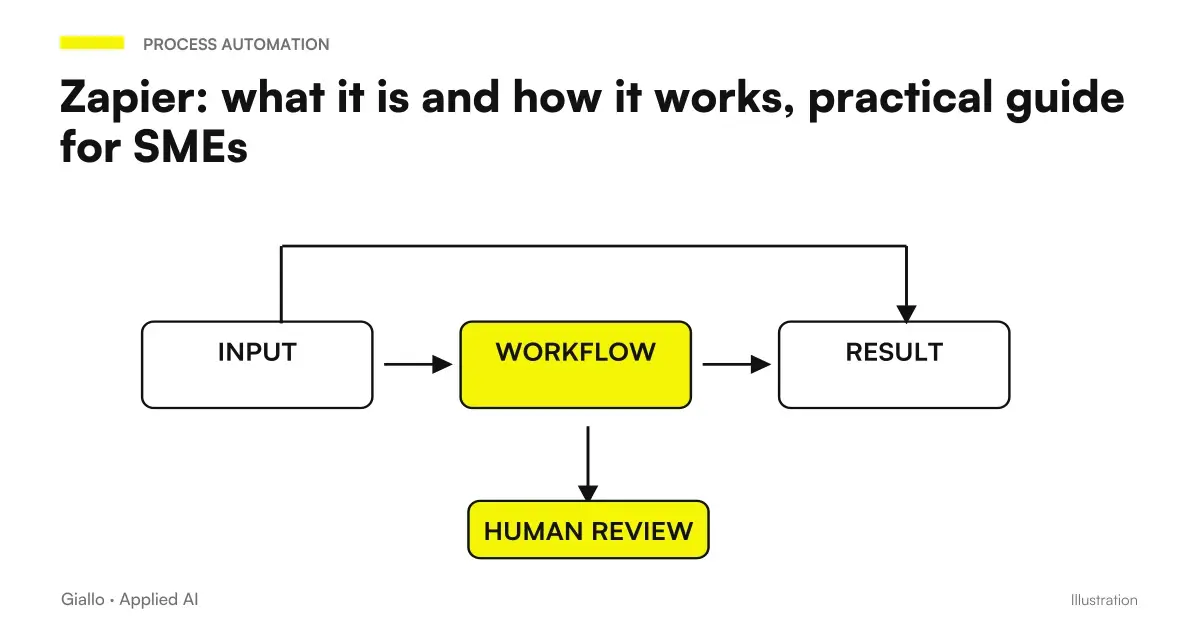
Zapier is an online platform that connects to each other over 9,000 apps and automate repetitive steps without writing code: when something happens in an app, the trigger, Zapier performs one or more actions in the others. Every automation is called Zap.
For an SME it means removing the copy and paste between site module, CRM, shared sheets, mail and e-commerce: the lead enters the CRM alone, the paid order ends up in the shipping register, the commercial receives the notice without anyone forwarding anything.
In summary
- Zapier connects over 9,000 apps with automations called Zap: a trigger He initiates them, actions They do the work in other apps.
- You pay to task: counts every successful action, while triggers, filters and formatting are free.
- No need to program: Code by Zapier, in JavaScript or Python, enters only in particular cases.
- Interface only in English; Free with 100 tasks per month, Professional from $19.99 per month with annual payment (price list as of October 3, 2026).
- Data on servers in the United States: the DPA is already in terms of service, but the health data remains out.
What Zapier is and what it is used for in an SME
Zapier is a cloud service of Zapier, Inc., an American company born from a project started in 2011 in Missouri by Wade Foster, Bryan Helmig and Mike Knoop (Wikipedia). You don't install anything: you connect company app accounts and build Zaps from your browser. Around the Zaps are Tables to store data, Forms for the modules and AI agents of Zapier Agents (price list).
In an SME, it serves three things: bringing customer requests to the right place, keeping tools that don't speak to each other aligned, such as e-commerce, CRM, and billing, and alerting people when it's their turn. Where AI enters these flows explains the guide to AI Automation.
How Zapier works: Zaps, triggers, actions and tasks
One Zap is a stream made of a trigger and one or more actions: turned on, executes the actions every time the trigger triggers (Price list FAQ). It builds in the visual editor, one step under the other.
- The trigger. The event that starts the Zap: a paid order, a lead from Facebook, an email with a certain word. The triggers instant they come right away via webhook; those polling depend on how often Zapier questions the app, and the frequency changes with the plan.
- Actions. What Zapier does in other apps: create a contact in the CRM, add a line to Google Sheets, write to Slack. In the Free there is only one action for Zap, from the Professional as many as you need.
- Logic. Filter (continue only if), Paths (different routes according to the data) and Formatter, which system dates, numbers and texts: all three from the Professional plan up.
- Proof. Each pass is tested on real data; on the Zap, the Zap history records executions and errors.
What is a task and how many a Zap consumes
The task is the unit of consumption: counts every action completed successfully, while triggers, empty controls, failed actions and steps stopped by a filter cost nothing (how tasks are measured). A Zap that saves a Gmail attachment to Dropbox and then alerts on Slack uses two tasks per turn: ten laps, twenty tasks. Agents of Zapier Agents have a separate share of activity instead.
| Zap Passage | Tasks consumed |
|---|---|
| Trigger, even when checking the empty app | 0 |
| Action in an app: create, update, send | 1 for successful execution |
| Filter, Paths, Formatter, Delay, Looping, Tables, Forms | 0 |
| Code by Zapier | 1, plus 1 every 30 seconds beyond the time included in the plan |
| AI by Zapier | 1 with Standard models or with your own model, 3 with Advanced, 5 with Premium |
| Action called by an AI assistant with Zapier MCP | 2 |
Sources: Task rates and, for triggers that do not consume tasks, the Task Guide by Zapier, read on 3 October 2026.
Does Zapier always require code writing to work?
No. In the official FAQs the answer is clear: to move data between apps you don't need to be a developer (Price list FAQ). Apps, events, and fields are chosen from menus, Formatter covers common conversions, and in the editor there is Copilot, an AI assistant also included in the Free.
The code serves in precise cases: a calculation that Formatter does not do, a service without integration to call via API, a JSON or an XML to read or generate. The step Code by Zapier accepts JavaScript (Node.js 22) and Python 3.13 (Code by Zapier); in the Free the code has 1 second and then stops, in the Professional and in the Team 30 seconds; besides, with the extended time active, each block of 30 seconds costs an extra task (Code Consumption). You can have it written to AI describing it in words, but it must be reread by those who understand it.
For apps without integration there is also Webhooks by Zapier, which receives and sends HTTP calls: it is not programming, but asks to be able to read the API documentation of the app, and is included by the Professional (price list). Code is an option, not a requirement.
Is Zapier in Italian? Interface, guides and assistance
No, and it's better to know first. The help center writes it plain: Zapier is only available in English, such as the help articles and their research (account language, page updated January 2026). zapier.com has German, Spanish, French and Japanese versions, not Italian.
Zapier suggests translating the browser, warning that translated labels may not match those in the documentation. Basically a basic English is enough, because the terms are always those: Zap, trigger, action, task. The texts that the Zap sends to customers, such as emails and messages, you write them in Italian, and among the integrations there are Italian software such as Fatture in Cloud.
How much does Zapier cost: plans and prices as of October 3, 2026
Zapier charges a plan and a monthly task cut: the more tasks, the more the price goes up. Here are the entry cuts of the official price list, read on October 3, 2026, in dollars (the page also shows them in euros).
| Plan | Monthly | Per month, paying the year | Task per month | What it adds |
|---|---|---|---|---|
| Free | 0 $ | 0 $ | 100 | Zap with trigger and one action; trigger polling checked every 15 minutes |
| Professional | 29,99 $ | 19,99 $ | 750 | Zap with more actions, Premium apps like Shopify, webhook; check every 2 minutes |
| Professional | 58,50 $ | 39 $ | 1.500 | As above, with twice as many tasks |
| Team | 103,50 $ | 69 $ | 2.000 | 25 users, Zap and shared connections, unique SAML access; control every minute |
| Enterprise | On request | On request | Tailored | Unlimited users, advanced permissions, custom data retention |
Two details weigh in the account. Each new account has 14 days trial of the Professional without credit card (Price list FAQ). On paid plans, after the tasks are finished, Zapier switches to pay on consumption, unless you deactivate it, with a higher fee per task (Price list FAQ) and up to three times the quota; then puts the executions on hold until the new cycle (task limits).
To estimate the cut, the expected executions for the actions of each Zap are multiplied: twenty requests per day that enter the CRM with two actions do about 1,200 tasks per month, so the cut from 1,500 is needed. If the expense comes back, says the ROI of the project.
Zapier and Shopify: what automates in an e-commerce
Shopify integration has triggers for new order, paid order, evaded or canceled, refund and new customer, all instant: the Zap starts as soon as Shopify sends the event. Among the actions are creating customers, evasions with tracking number and updating products. Shopify, however, is a Premium app: you need at least the Professional (Shopify Integration).
Example: a roasting in Bergamo with about 300 orders online per month. The Zap starts from paid order, writes a line in the Google shipping sheet and, with a Filter on the country of delivery, warns by email who prepares the packages only for foreign orders: at most two tasks per order, 600 per month. A second Zap brings to the newsletter only new customers with consent to marketing, a task in writing: over 150 registrations per month the 750 cut is no longer enough.
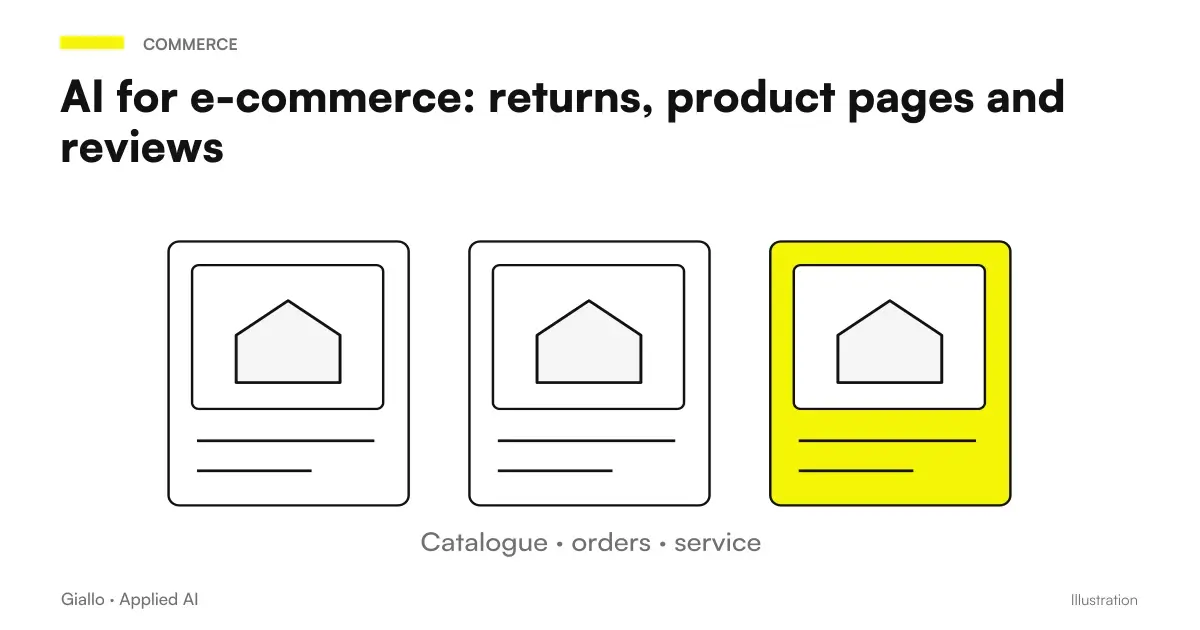
Those who use Fatture in Cloud find on Zapier actions to create customers and documents issued and to send the electronic invoice (Fatture in Cloud integration). Our advice: the Zap prepares the document, the sending to the SdI remains, at least at the beginning, a click of the administration. For returns and product sheets there is the guide to the AI for e-commerce.
Two Zaps for SMEs: Requests in CRM and Inbox
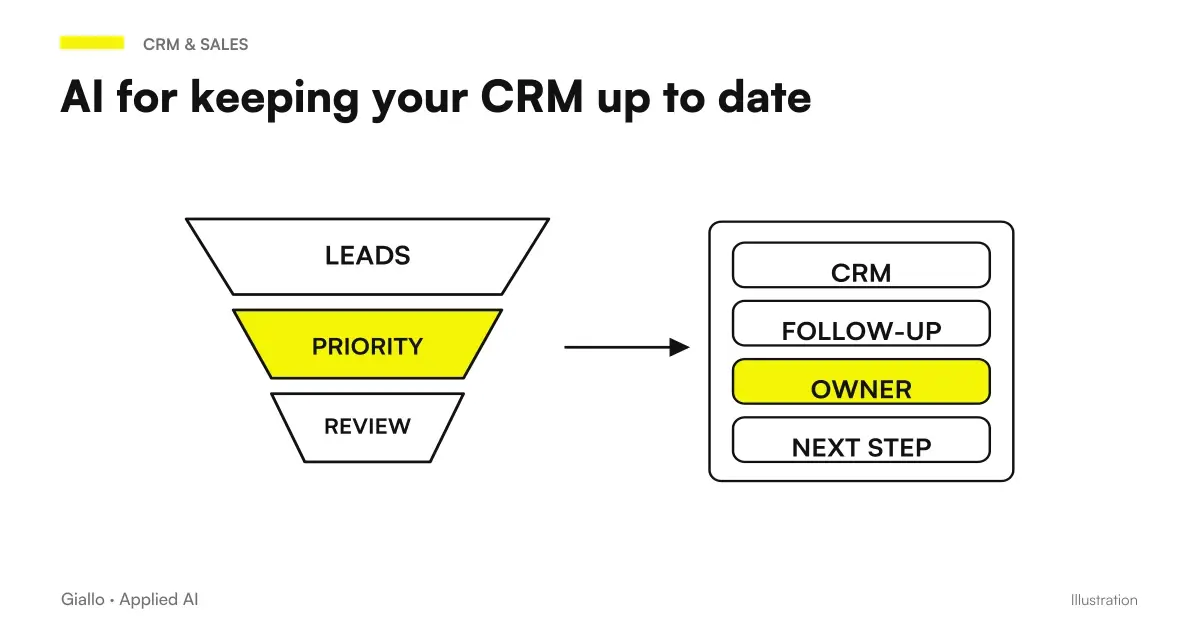
Requests in CRM. Imagine a Brianza window company collecting requests for quotes with Facebook Lead Ads and with the site form. The Zap looks for the person in Pipedrive and only creates it if there is no (Find or Create Person avoids duplication), opens the negotiation and assigns the area business a recall task. Facebook Lead Ads, like Shopify, is a Premium app (Pipedrive IntegrationOther flows are in CRM automation with AI and, for reminders, in customer follow-up automation.
Inbox. Think of a technical study that receives survey requests in the info box. The trigger New Email Matching Search by Gmail only takes messages with certain words, AI by Zapier extracts name, address and urgency, one line goes into the request sheet and Gmail prepares a draft reply (Create Draft Reply) that a person rereads. With a Standard model are three tasks on demand (Task rates). To go beyond sorting there is the email automation with AI.
Zapier and GDPR: where data goes and what DPA predicts
For data passing in the Zap you are the data controller and Zapier responsible (Privacy Overview). The contract required by Article 28 of the GDPR is the Data Processing Addendum: is already part of the Terms of Service, should not be signed apart and the version in force is of 27 August 2026 (Official DPA). For the treatment log, from the same page generate an electronically signed copy; Zapier does not sign the DPAs prepared by customers instead. The DPA does not cover the data arrived in the connected apps: there the contracts of Shopify, the CRM or the AI provider connected with an account are valid.
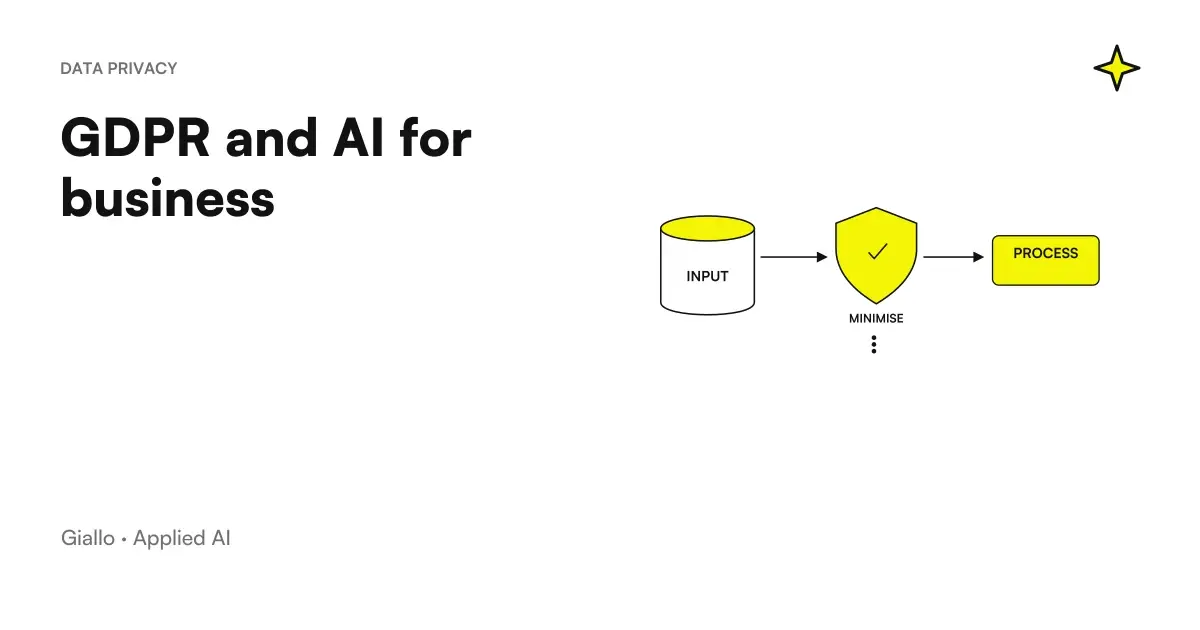
Data is stored on AWS servers in the United States, with no option to keep it only in the European Union; the transfer relies on Zapier certification to the EU-US Data Privacy Framework. The Zap history stays in the account for 29 to 69 days, then deletes (Data Retention). For AI functions Zapier uses suppliers such as OpenAI, Anthropic and Google, which according to the list of sub-processors do not train models on customer content. The practical rules are in GDPR and artificial intelligence in the company.
When to switch from Zapier to Make or to n8n
The three tools count consumption differently: Zapier each action; Make credits, one per module operation in AI-free apps (Make Credits); n8n workflow executions, whatever the number of steps, with the cloud in Frankfurt (n8n price list). With long and frequent flows the difference is felt.
Stay on Zapier if
- Who builds the automations is not a technician and the flows are linear;
- you need niche apps: Zapier declares over 9,000 integrations;
- Volumes are in a few thousand tasks per month;
- You want to start the day, with no servers to manage.
Consider Make or n8n if
- Zaps have many passes and run hundreds of times a day;
- you need cycles, aggregations and nested branches difficult to follow in Zapier;
- you want data in Europe or on your servers;
- you want AI agents with full control over models and tools.
The cost and limit comparison is in Make vs Zapier vs n8n; the dedicated guides are Automation with Make and n8n explained: how it works and how to use it in business. Often a mix is convenient: Zapier for simple connections, a more robust engine for the process that holds the turnover. If the program to be connected does not have API, look at the RPA.
An AI step can only be dedicated to routing a request. Perplexity Decider by ticket and probability is an example: a high probability does not guarantee correctness, so the workflow must provide review thresholds and a safe destination for uncertain cases.
Mistakes that cause tasks (and risks) to rise
- Filter late. The Filter goes immediately after the trigger: Steps that do not start do not consume tasks.
- Create duplicates. If the trigger can repeat on the same record, such as an updated order, use the actions Find or Create or a check on the ID.
- Connect personal accounts. If the Zap uses a colleague's Gmail and he changes his password or leaves the company, the flow stops: better business accounts and, from the Team plan, shared connections.
- Ignore mistakes. Paid plans have custom error notifications, but you need someone to read them.
- Trust AI with your eyes closed. The step that pulls data from emails every now and then is wrong: at first, you double-check and leave the answers in draft.
For those who already use Agents, the updated path passes from the editor AI by Zapier and Agent Migration. Before the transfer, it is advisable to count sources of knowledge, tools and approvals: integrations with an app and sources supported by the agent are not the same thing.
Where to start with Zapier in the company
- Choose a frequent and tedious process, with already digital data; the list of what to automate in an SME Helps.
- Search apps in Zapier catalogue and see if they are Premium: decide the plan.
- Build the Zap in the Professional's 14-day trial, on real data, and count tasks.
- Turn him around for a week with a person he controls, then move on to the second.
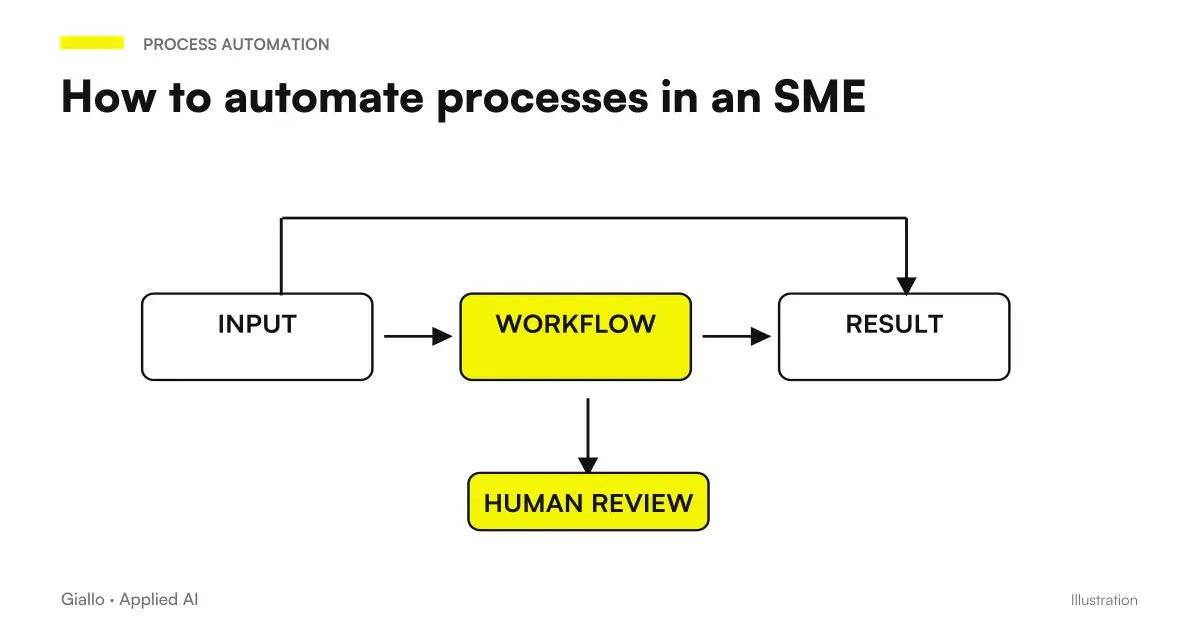
Zapier yields more when he connects well a few things that are repeated every day; to choose them there is the guide on How to automate processes in an SME. If you want to understand which streams to entrust to Zapier and which to a different instrument, Giallo Studio designs and puts into production the automation of business processes, starting with how you work today.
Giallo Studio guides: methodology and sources
How we apply it in the company
Related resources
 Make vs Zapier vs n8n: which one to choose for your company
 Automation with Make: what it is and how it is used for SMEs
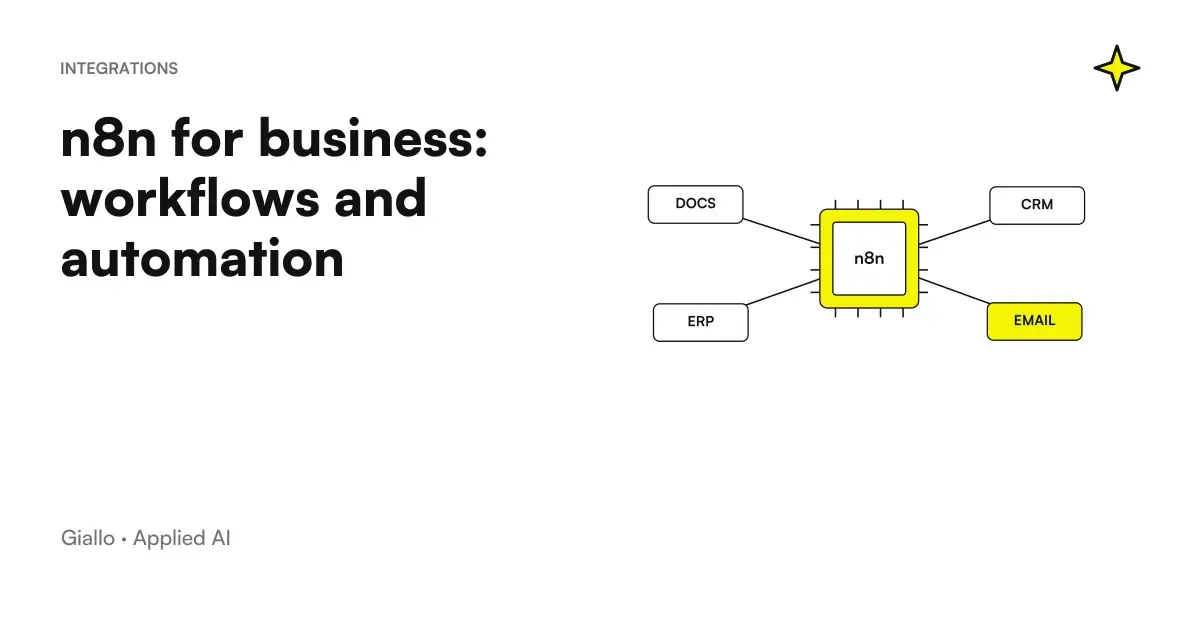 n8n explained: how it works and how to use it in business
 How to automate processes in an SME: the practical guide
 CRM automation with AI: keep your business system up to date
 GDPR and artificial intelligence in the company
 AI for e-commerce: compliant returns, product descriptions, discounted prices and reviews
 Kimi AI Agents for Companies: Roles, Tools, and Controls
FAQ
What is Zapier?
Zapier is an online no-code automation platform that connects over 9,000 apps; it is developed by the American company Zapier, Inc. When an event happens in an app, such as a new order or email, Zapier automatically performs one or more actions in the others. Each automation is called Zap.
How does Zapier work?
Each Zap starts from a trigger, the event that starts it, and continues with one or more actions, the steps that Zapier performs in the other apps. Filters, alternative paths, and data-formatting steps are added between steps. Each action successfully completed consumes a task, the unit on which the plans are based.
Does Zapier always require code writing to work?
No. Zaps are built from the visual editor by choosing apps, events, and fields to link, and Zapier itself states that you don't need to know how to program. Code only goes into particular cases, with the Code by Zapier step in JavaScript or Python, for example to call a service that doesn't have a ready integration.
Is Zapier in Italian?
No. According to the official assistance center Zapier is only available in English, like its documentation, and the site has versions in German, Spanish, French and Japanese but not in Italian. You can use the translation of the browser, knowing that the translated labels may not match those of the guide. The texts that the Zaps send to customers, instead, you write them in Italian.
Is Zapier free?
There is a Free plan with no expiry, offering 100 tasks per month and Zaps consisting of one trigger and one action, useful for testing. Zaps with multiple actions, webhooks, and Premium apps such as Shopify require at least Professional: as of 3 October 2026, it costs $19.99 per month with annual billing, or $29.99 with monthly billing, for 750 tasks.
Does Zapier work with Shopify?
Yes. The official integration has triggers such as new order, paid order, new customer, and refund, which start immediately through webhooks, and actions such as creating customers and fulfilments. Shopify is a Premium app, however, so a paid plan is required, from Professional upwards.
Does Zapier have a DPA for the GDPR?
Yes. Zapier’s Data Processing Addendum is already part of its Terms of Service, so it does not need to be signed separately, and includes standard contractual clauses for European data. If you need a copy for the record of processing activities, you can generate an electronically signed one from the official page. Zapier does not sign DPAs prepared by customers.
Where are the data passing through Zapier saved?
On AWS servers in the United States: Zapier does not offer the option to keep them only in the European Union. The transfer is based on Zapier's certification to the EU-US Data Privacy Framework. The Zap history, with the data that has passed, remains in the account for a limited period and then is deleted.
Better Zapier, Make or n8n?
Zapier is the quickest to learn and states that it has the largest integration catalogue, with over 9,000 apps, making it suitable for linear automations and limited volumes. Make handles scenarios with many branches and loops better; n8n is worthwhile when you need code, AI agents, or data in Europe or on your own servers. Switching makes sense when spending on tasks grows faster than the value delivered by the automations.