
AI data entry automation: eliminate manual copying
How AI data entry automation eliminates manual input: intelligent OCR, data extraction and real workflows for Italian SMEs. A practical guide.
Reading time: 9 min
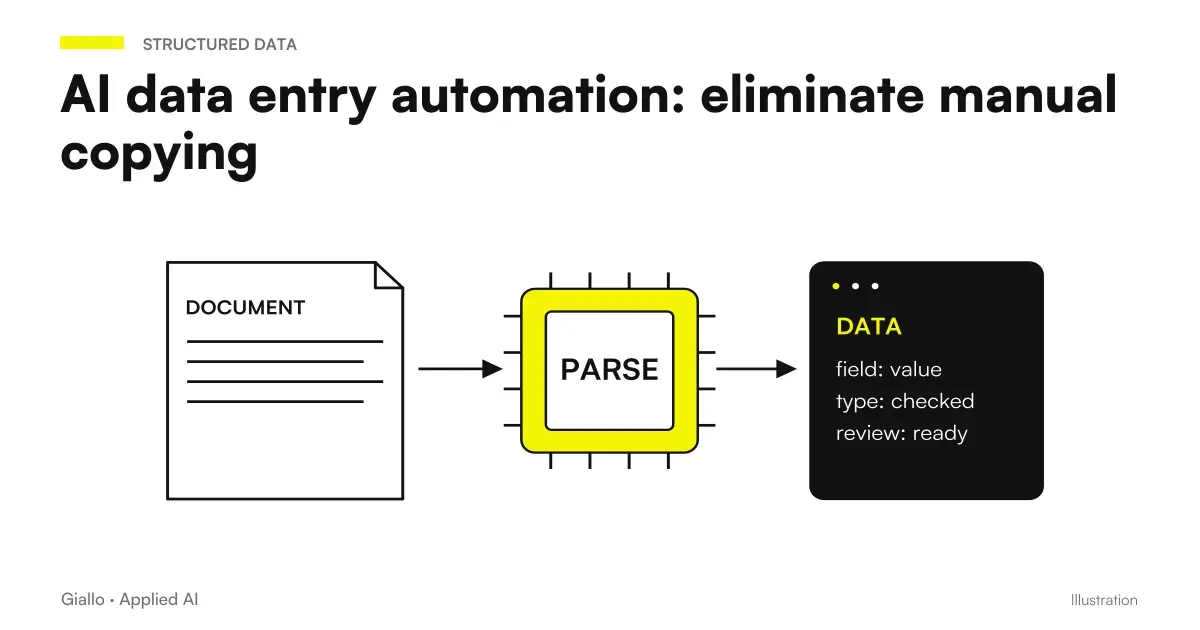
The manual data entry is one of the most expensive and least valuable jobs that exist in a company: take a data from a document and copy it into another system, field by field, tens or hundreds of times a day. The AI data entry automation solves exactly this problem —not with rigid software that only works on fixed layouts, but with systems that understand the context, extract relevant information, and place it where it is needed.
The basic mechanism combines Intelligent OCR (reading the document), Language Models (interpretation of the content) and workflow automation (insertion in destination system). The result is a stream in which the person intervenes only for exceptions. the abnormal cases that the system reports as uncertain — instead of manually handling each individual record.
In this guide we see how it works concretely, when it is convenient, what mistakes to avoid and how to assess whether it makes sense to introduce it in your company.
In summary
- The AI data entry automation It extracts data from documents (invoices, emails, forms, Excel) and automatically inserts it into business systems, without manual copying.
- Combine Intelligent OCR, language models and workflow automation: understand the context, not just the position of the text.
- Works better on ad processes high volume and predictable structure: Passive invoices, orders, DDT, structured forms.
- You always need one. Human Review Queue for cases below the confidence threshold: zero errors is not the realistic goal.
- The GDPR applies whenever documents contain personal data: DPA, minimization, technical security.
- ROI is measured in hours saved and error reduction, not in "Implementing AI".
What is AI data entry automation and how it works
The AI data entry automation is a stream in which a system reads an incoming document, extracts the relevant fields and writes them into another system without human intervention — or with human intervention only on exceptions.
The typical flow has three stages:
- Acquisition of the document. The document comes via email, shared folder, manual upload or API. It can be a PDF, an image (JPG/PNG of a scanned receipt or paper form), an Excel file, a structured email message.
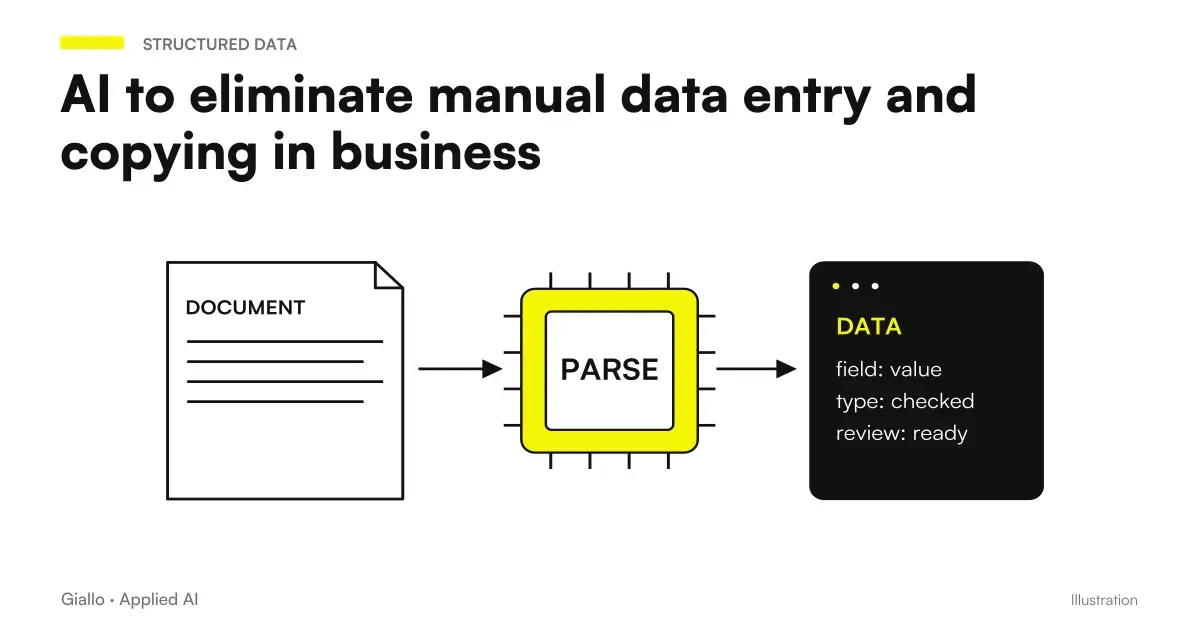
- Extracting data. An OCR system reads the text; an AI model interprets the content and identifies the relevant fields (invoice number, date, amount, article code, company name, etc.). If the confidence is high, the data passes; if it is low, it goes into review queue.
- Insertion into target system. The extracted data is written to the CRM, business management software, database or an Excel spreadsheet — via API, direct integration or workflow automation (Make, n8n, Zapier).
The difference from the traditional OCR lies in the second stage. A classic OCR reads characters in fixed coordinates: it works if the layout is always the same, it fails as soon as the provider or version of the document changes. A system with AI understands that "date" can stand in different corners of the document, that "total VAT included" and "total amount" mean the same thing, and that a number that looks like an amount but is actually an article code stands out by context.
Which documents are suitable for automatic data extraction
Not all documents are the same. Some categories have an immediate return; others require more configuration work than the benefit.
| Document Type | Structure | Typical Volume | Feasibility automation |
|---|---|---|---|
| Passive Invoices (PDF) | Semi-structured | High | Alta — many dedicated tools |
| DDT / Delivery Bubbles | Semi-structured | High | High |
| Purchase Orders | Semi-structured | Medium | High |
| Paper Forms (scanning) | Variable | Medium | Media — depends on quality |
| Structured Emails (web form) | Structured | High | Very high |
| Receipts and receipts | Low Structure | Medium | Medium |
| Contracts and legal documents | Unstructured | Low | Lower — better AI Analysis Documents |
| Excel Sheets with Fixed Layout | Structured | Medium | Very high |
Practice rule: the more structured the document and the volume is high, the more convenient automation is. For complex, low-volume documents, an AI assistant that supports the operator is often advisable instead of completely replacing it.
Tools for automation data entry AI
There are three categories of tools, with different profiles for cost, flexibility and ease of configuration.
Specialized tools for financial documents (e.g. Mindee, Nanonets, Rossum, Docsumo): trained on millions of invoices and DDT, they extract standard fields with high accuracy without configuration from scratch. They cost more per document but require less setup work. Suitable for high volumes of passive billing.
Workflow automation with integrated AI (Make, n8n, Zapier with AI modules): allow you to build custom streams that combine text extraction, calls to a language model (to interpret the content) and writing in the target system. More flexible, they require someone who can build the workflow. Suitable for specific company cases.
Language models via API (e.g. OpenAI, Anthropic or Google models via AI API): the document is converted to text or image and passed to the model with a prompt asking to extract the fields in JSON format. Maximum flexibility, requires a developer for integration. Suitable for non-standard documents or use cases that specialized tools do not cover.
Practical examples in Italian SMEs
Accountancy firm — Passive invoices. The firm receives 200-400 invoices per month from different suppliers, in non-homogeneous PDF formats. With an automatic extraction system, each invoice arrives, is processed in 2-3 seconds, the key fields (number, date, supplier, taxable, VAT, total) end up directly in the management software. Invoices with low confidence or missing fields go into a review queue that the operator disposes of in 15 minutes instead of an hour. The system is not foolproof, but it reduces manual insertion work by 80%.
Mechanical workshop — spare parts orders. Every morning 30-50 emails confirm orders from suppliers. Before, an employee would manually copy item code, quantity, and price into the management software. Now an automatic workflow reads emails, extracts data with an AI model, and updates the warehouse in real time. Transcription errors —which caused inventory discrepancies —almost disappeared.
E-commerce clothing — returns management. Customers fill out an online return form. The data (order number, article, motivation) are automatically extracted and inserted into the management software to start the refund process, without anyone having to re-read every email. The support team only intervenes for abnormal cases.
When to use it and when to avoid it
When it makes sense
- High volume of documents of the same type (tens or hundreds per day/week).
- The documents have a recurring structure, though not identical.
- The manual insertion process is clearly defined and measurable.
- Transcription errors cause downstream problems (wrong invoices, bad warehouse, inconsistent CRM data).
- Staff spend significant hours in recopying instead of value work.
When to Avoid It (For Now)
- Documents are few (less than 20-30 per month): ROI does not cover setup.
- Each document is completely different from the others: AI struggles to generalize.
- The extracted data feeds critical systems without human review possible.
- The upstream process is already in disarray: automating chaos produces chaos faster.
- The documents contain very sensitive data and you have not yet evaluated the GDPR implications.
Mistakes to Avoid
To think that "automation" means "zero errors". No AI extraction system is 100% accurate on every document. The value lies in reducing 80-90% of manual volume and managing exceptions in a structured way —not in eliminating any human control. Those who promise perfect accuracy are selling air.
Not configuring a review queue. If the system is wrong and there is no one to control the doubtful cases, the errors go directly into production. Every serious system has a confidence threshold under which the document goes to an operator.
Choosing the tool before you understand the flow. First you map the current process (which documents, how many, where they come from, where the data has to end), then you choose the tool. The opposite leads to setting up expensive tools to fix the wrong problem.
Ignoring format variants. A supplier changes the layout of the invoice, a module is updated, a foreign language document arrives: without a maintenance process, the system degrades over time. We need someone to monitor and update the configurations.
Forgetting about data security. Scans of invoices and forms often contain IBANs, tax codes, supplier data. Switching them to cloud tools without verifying data residency and DPA can create serious problems. See also AI and GDPR for an in-depth study.
How to apply it in the company
- Map the current process. What documents do they come from? Where (email, portal, mail)? How many per month? Who inserts them, where, how long does it take? This is the "before" it takes to measure ROI.
- Choose a single document type to automate. Don't start with everything. Passive invoices are the most common case and most supported by tools: start there if there are volumes.
- Define the fields to be extracted and where they must end. Invoice number → field X in the business management system, total amount → field Y. The more precise the specification, the easier configuration and quality control are.
- Configure a confidence threshold and review queue. Under what accuracy does the document go to an operator? Who handles it? How long? These operational details are as critical as the technical configuration.
- Measure after 4-6 weeks. Saved hours, errors detected in queue, documents processed automatically vs. manually. Then decide whether to extend to other document types.
If your management system has an API or supports structured CSV import, integration is simpler. If it is a legacy system without API, you can work on periodic exports or via workflow automation with tools like Make or n8n which support custom connectors.
To assess whether the project makes sense economically, read also ROI of an AI project and AI cost in the company: Ranges vary greatly according to the volume and complexity of the integration.
How Extraction Works Technically with an LLM
The document is converted to text (through OCR) or, if the model is multimodal, passed directly as an image. The model receives a prompt with instructions (“extract the following fields in JSON format: numero_fattura, data, fornitore, totale_iva, totale_lordo”) and an example of the expected format. It returns a structured JSON object. For documents with highly variable layouts, a few-shot example is added to the prompt (1-2 example documents plus the expected output). Confidence is not native to generative models: it is obtained by explicitly asking the model to flag uncertain fields or by comparing multiple extractions.
If you want to go into detail about specific models, AI models for high volume work and When a low-cost AI model is enough.
Conclusion
The AI data entry automation It is not a digital transformation project: it is a surgery on a defined, measurable process with a high volume of repetitive work. It works when the flow is clear, the volume justifies it, and a structured human control over exceptions is maintained.
The starting point is not to choose the tool: it is to understand how many hours per month you are spending in recopying and on which documents. From there, the return calculation becomes simple. To explore other automated processes with a similar approach, read what to automate in an SME and examples of AI automation in the company.
Do you want to understand what processes in your company can be automated with AI? Giallo Studio can help you turn the problem into a real workflow.
Giallo Studio guides: methodology and sources
How we apply it in the company
Related resources
 RPA explained: robotic process automation and when it makes sense
 How to automate processes in an SME: the practical guide
 AI to eliminate manual data entry and copying in business
 Document automation with AI: contracts, forms and PDFs automatically
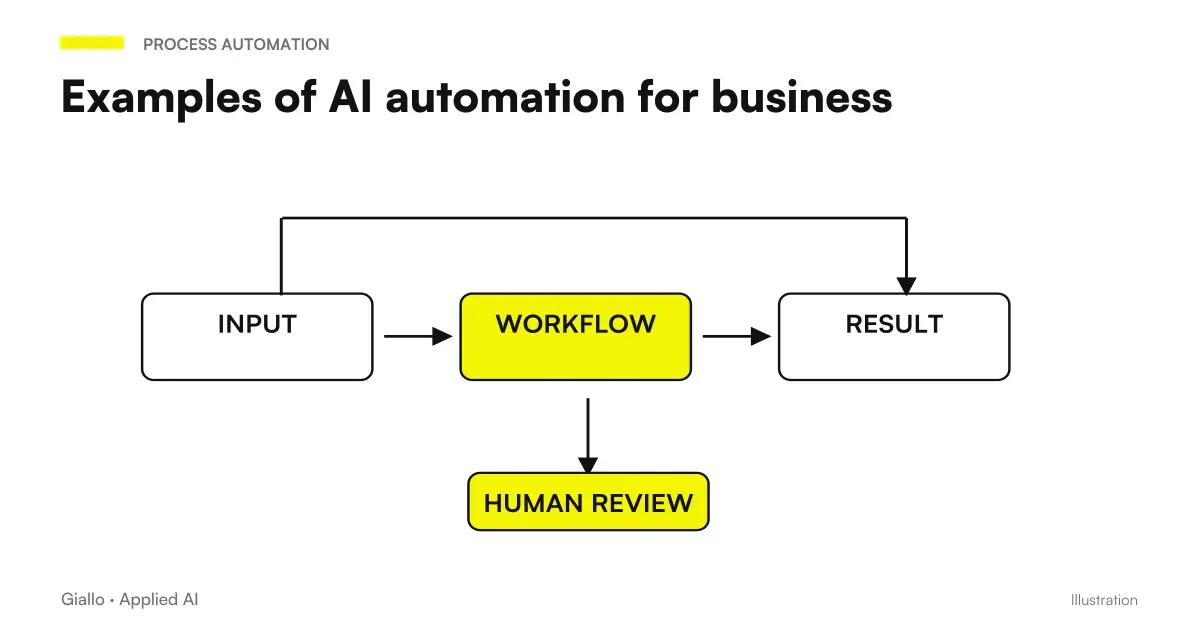 Examples of AI automation in the company: real cases for SMEs
 RPA vs AI automation: differences, costs and when to use which
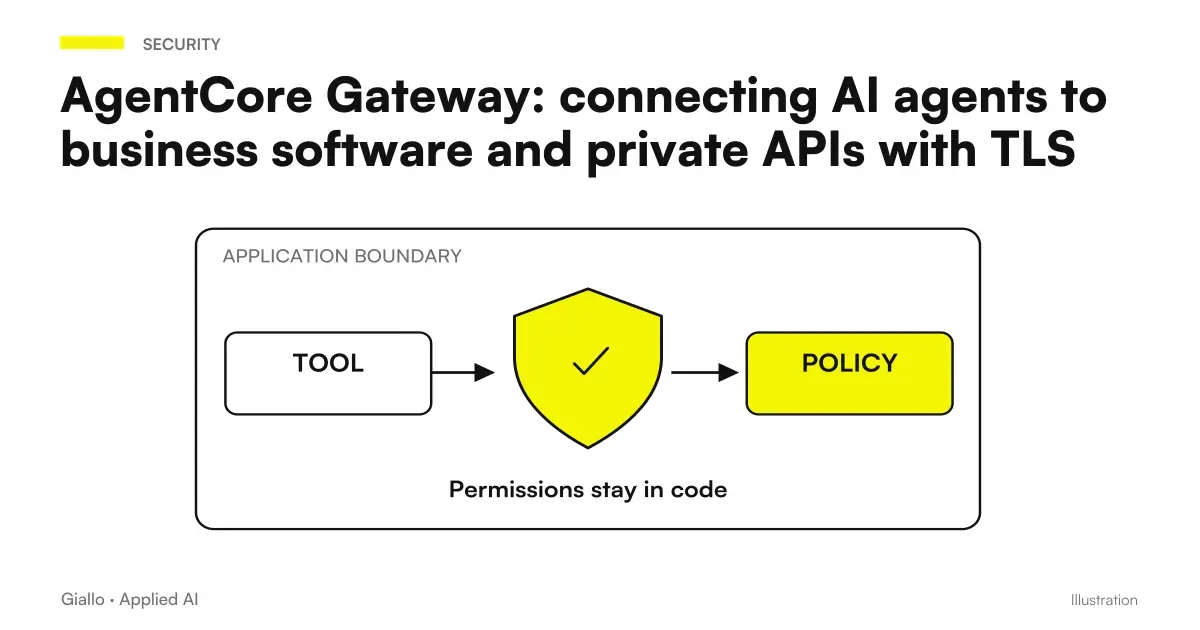 AgentCore Gateway: connect AI agents to business software and private APIs with TLS
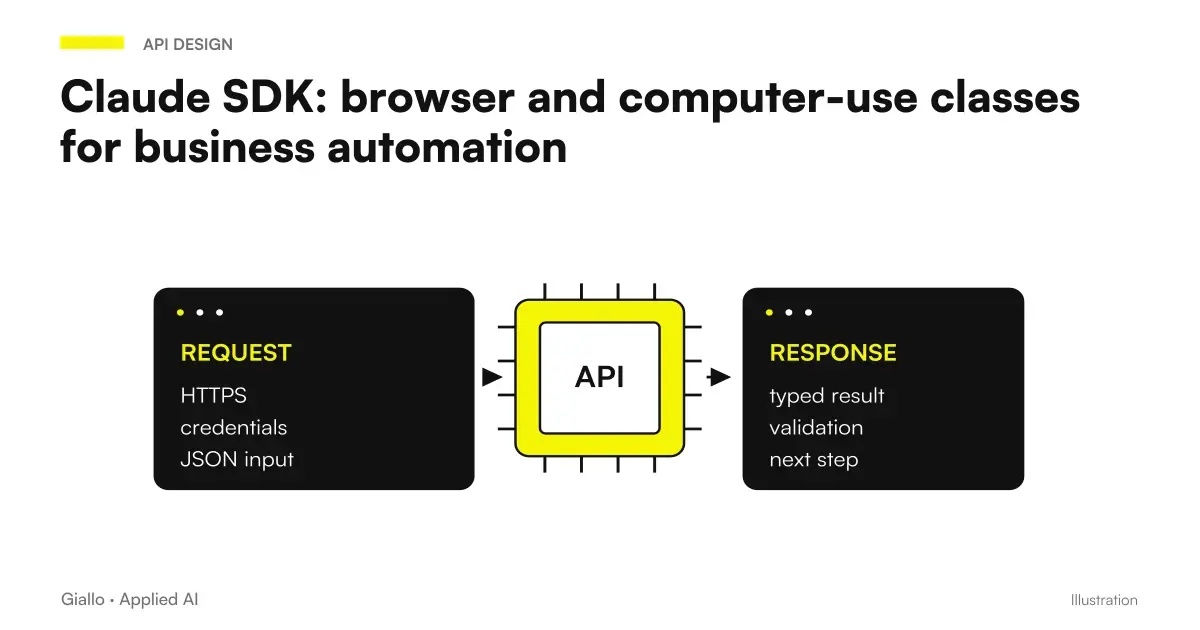 Claude SDK browser and computer use classes: automating business software
FAQ
What is data entry automation with AI?
It is a set of technologies, including intelligent OCR, LLMs, and workflow automation, that extract data from documents (PDFs, emails, photos, and Excel sheets) and automatically enter it into business systems (CRM, business management software, or databases), without a person copying each field manually.
What is the difference between traditional OCR and intelligent OCR with AI?
The traditional OCR reads characters in fixed positions: it works on standardized layouts but fails on documents with variable layouts. The intelligent OCR combines machine vision and language models: it understands the context, finds the order number even if it changes position and corrects reading errors according to meaning.
What documents can be processed automatically?
Invoices, DDTs, purchase orders, quotes received, receipts, scanned paper forms, structured emails, Excel files with fixed layout. In general: any document with recurring data and reasonably predictable structure.
How much does a data entry automation system cost?
It depends a lot on volume and complexity. A solution based on existing tools (Make/n8n + an AI model) can start from a few hundred euros of setup plus 50-200 euros/month of licenses. A custom system with integration with proprietary business management software costs more, but is evaluated on the saving of hours: often the ROI is under 6 months. Always ask for an analysis of the specific case.
Does automatic data entry comply with the GDPR?
It depends on how it is configured. If the documents contain personal data (customer name, CF, IBAN), articles 5, 25 and 32 of the GDPR apply: data minimization, privacy by design and technical security measures. The data should not be passed to cloud services without signed DPA. Consult a legal expert before automating flows with PII.
Does it take a technician to configure these systems?
For no-code solutions (Make, n8n, Zapier) you need someone familiar with workflow builders, not necessarily a programmer. For integrations with proprietary business management software or high volumes, you should involve a consultant. The critical point is not the initial configuration, but the handling of exceptions over time.
Can AI be wrong in extracting data?
Yes. Especially on low-quality documents (fuzzy scans, abnormal layouts, handwritten). That is why every serious system provides a human review queue for cases below the confidence threshold. The goal is not zero errors, but to reduce 80-90% of manual volume and manage exceptions efficiently.