
AI to reduce manual work in the company
How to use AI to eliminate or reduce repetitive manual work in your business. Processes, tools and a practical approach for SMEs.
Reading time: 8 min
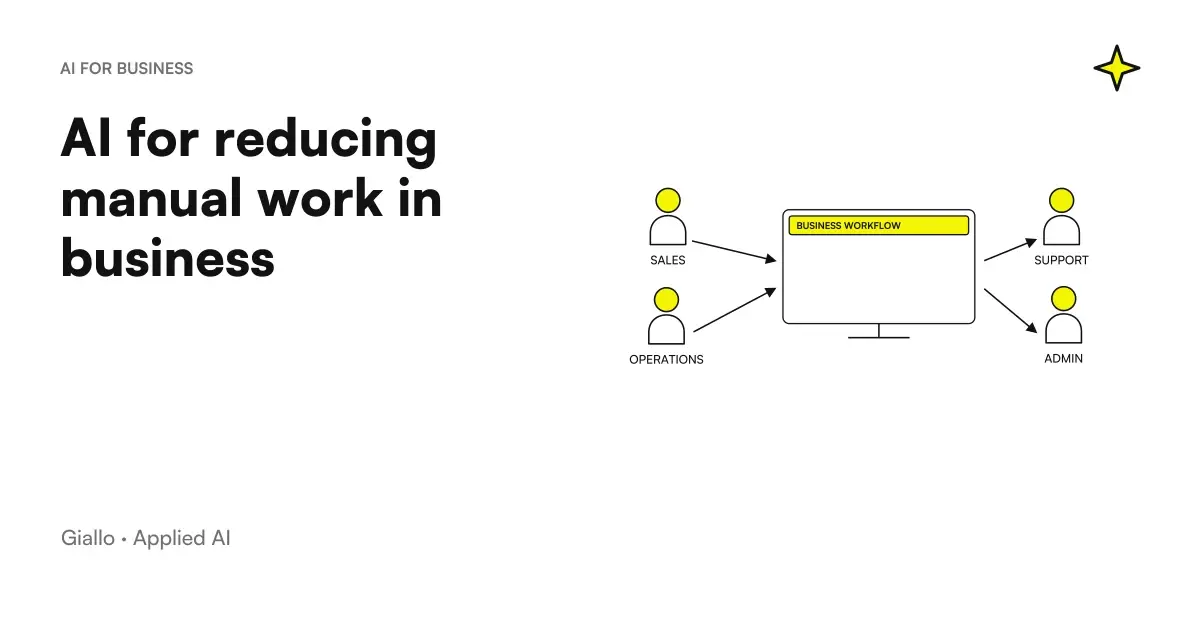
In Italian SMEs, manual labour is never in the headlines, but it is always in the income statement. Every day someone in the company spends hours copying data from one document to another, filling out forms already filled out elsewhere, sorting emails that always follow the same pattern. It's a job you do, pay for, and rarely see.
AI doesn't solve everything. But in this type of activity èthe most mechanical, the most standardized, the least judgment-dependent.it has become a concrete and accessible tool even without an IT department. It does not eliminate work: it eliminates the mechanical part, the one that an intelligent person does automatically because he has no choice.
This article explains how to identify the right tasks, what tools to use, and how to set up an approach that works in real companies — not vendor case studies.
To first understand what AI automation is in a broader sense, read AI and automation: what it is and how it works.
What you find in this article
- What manual tasks lend themselves to AI automation (with table)
- How to Identify the Right Processes in Your Business
- AI tools by category, with no fixed price promises
- Model "AI Prepares, Human Approves" and Why It Works
- Two practical scenarios on real Italian SMEs
- Common mistakes and how to avoid them
What manual tasks lend themselves to AI automation
Not all manual work is automatable. AI works well where repeatable patterns exist: similar inputs, predictable outputs, rules that can only be defined in broad lines.
| Tasks | Features | Applicable type of AI | Difficulty |
|---|---|---|---|
| Data entry from documents | High volume, variable format but known structure | Extractive AI (OCR + LLM) | Low–Media |
| Email Sorting | Defined categories, text in natural language | NLP Classification | Low |
| Reply to FAQ | Frequently Asked Questions, Standardized Answers | LLM + knowledge base | Low |
| Compilation of periodic reports | Data from known sources, fixed format | Flow Automation + LLM | Medium |
| Drafting first draft (offers, type contracts) | Template with known variables | Generative LLM | Low–Media |
| Extracting data from invoices/DDT | Semi-standard structure, default fields | AI Extractive | Low |
| CRM update after contacts | Sales notes → structured fields | LLM + API integration | Medium |
| Document compliance verification | Note checklist, text-requirements comparison | Reasoning LLM | Media–High |
High difficulty tasks are not necessarily impossible, but they require more configuration, more supervision, and more time to validate the result.
To learn more about the specific case of the data entry, read How to delete data entry with AI.
How to identify processes to automate
The starting point is not to look for the right technology: it is to find the wrong process — the one that consumes the most time with the least added value.
-
Map the time spent on activities
Ask each person on the team to track their hours for a week, grouping them by activity type. There is no need for absolute precision: honest estimates are enough. The goal is to find the largest blocks.
-
Search for activities without judgment
It filters activities that could be delegated to a new hire without explaining the business context. If the answer is "yes, just tell him how to do it", he is a candidate for automation.
-
Evaluate Input Standardization
An AI automation works the better the more predictable the input is. Emails always in Italian from Italian customers: good. Emails in different languages with attachments in various formats and unstructured requests: difficult.
-
Count Process Variants
If the process has many exceptions ("except when... or if... but not in the case of..."), automation becomes complex. Start with processes with fewer variations: 80% of cases handled by AI are already a concrete result.
-
Estimate current volume and cost
Hours per week × hourly cost = annual cost of the task. Compare this to the estimated cost of automation. If the return is under 12 months, it is worth the test.
-
Head on a small scale
Before automating the entire flow, automate 10%. Check results manually for 2–4 weeks. Only after scale.
This logic is also described in detail in AI for SMEs: a practical guide and in Examples of AI automation in the enterprise.
AI tools to reduce manual labor
The overview by category, without fixed prices because they change all the time.
Automation of flows (workflow automation) Tools like Make (formerly Integromat) and n8n allow you to connect different apps and insert AI steps into the middle: "when an email arrives with this tag, you extract data with AI, create a record in the CRM and send a notification". They are no-code or low-code, designed for those who do not program. n8n has a useful self-hosted option if you have sensitive data.
Extracting from documents There are APIs specialized in extracting structured data from invoices, DDTs, scanned paper forms. They combine OCR with LLM to handle variable layouts. Some Italian management systems already integrate them natively or through plugins.
Generative LLM (ChatGPT, Claude, Gemini via API) For drafting drafts, summary of documents, reply to type emails, classification of texts. They are used via APIs integrated into automation workflows or directly via interface. The key is to define precise prompts with business context —don't use them "on the fly" without structure.
Email and communication assistants Tools that integrate with Gmail or Outlook and propose context-based response drafts. Useful for business teams and customer service. In-depth: AI to Respond to Business Emails.
Automatic reporting Scripts or connectors that aggregate data from multiple sources and generate reports in text or slide format. They require a clean data structure upstream. Read AI for Business Reporting.
Quotes and offers AI can generate the first draft of a quote from a template and customer parameters. Details in AI to create quotes.
For an overview of AI tools for companies, see also AI for Companies: Complete Guide.
Model "AI Prepares, Human Approves"
The most common error in automation is thinking in binary terms: either the process is 100% manual, or it is 100% automatic. In fact, most business processes work best with a hybrid model.
AI prepares: extracts, ranks, drafts, compiles. The human approves: checks, corrects, signs, sends.
This model has three practical advantages. First, it reduces the time of the task even without eliminating it: moving from 20 minutes of work to 3 minutes of review is already a real savings. Second, it maintains control over decisions that have consequences — a wrong trade offer or poorly compiled document can cost more than the time saved. Third, it allows you to build trust in the system before removing human supervision on increasingly simple cases.
In practice: AI generates a draft email response, an employee reads it in 30 seconds and sends it with a click. AI extracts data from an invoice, an operator verifies critical fields and confirms import. AI compiles 90% of the report, a manager integrates the final comment.
To understand how AI agents that can operate with greater autonomy in this model work, read AI agents: what they are and how they work.
What remains of the human after automation
Automating mechanical work does not mean emptying the role of people. It means moving work to the part that machines can't do.
It remains to the human:
- exception handling — cases that do not fall under the standard pattern
- the relationship with customers, suppliers, colleagues in the moments that matter
- judgment on ambiguous situations, where the business and historical context makes the difference
- the responsibility for final decisions — especially those with economic or legal effects
- Continuous improvement of the automated process: understanding when AI is systematically wrong and intervening
In many SMEs, this shift has had a positive effect on work: people do less boring things and more things where their judgment really matters. It is not a guaranteed result, but it is frequent when automation is introduced with care.
Practical examples — two Italian SME scenarios
Scenario 1: real estate agency with 8 agents
The problem: every time a new property enters, an agent spends 45–60 minutes filling out the form (description, features, texts for portals, submission emails for listed customers). Total: about 12 hours per week of low-value work for the entire agency.
The implemented solution: a structured form where the agent inserts the essential data (size, plane, zone, features, price). An AI workflow automatically generates long description, short description, text for Immobiliare.it and email draft. The agent reviews in 5 minutes and publishes.
The result: from 60 minutes to 8 minutes per property. The 12 hours per week become less than 2. The agents use the time recovered for inspections and negotiations.
Scenario 2: Work consultancy study with 5 people
The problem: every month the staff dedicated to consulting prepares summary reports for about thirty clients — one per client, with data from different systems (presences, coupons, variations). Each report requires 20–30 minutes of manual aggregation.
The implemented solution: a script that extracts data from management systems and formats them into a template. An LLM generates the comment text from the data (significant variations, anomalies, points to report). The consultant reads, integrates with the context of the report and sends.
The result: from 25 minutes to 7 minutes per report. In a month, the savings exceed 9 hours. The consultant can manage more customers or devote more time to complex ones.
For other examples such as these, read Examples of AI automation in the enterprise and AI to analyze business documents.
Traditional manual labor
- Hours dedicated to copying-paste between systems
- Transcription errors not detected immediately
- Available person-dependent speed
- Work peaks on recurring deadlines
- People stuck on mechanical tasks during rush hours
Work Increased by AI
- AI manages the mechanic, human oversees
- Errors detected upstream in automated flow
- Constant speed, independent of availability
- Peaks absorbed by bottleneckless automation
- Persons available for judgment, report, exceptions
Mistakes to Avoid
Automating undefined processes. If the manual process is chaotic — implicit rules, undocumented exceptions, dependent on who does it — automation amplifies chaos. First you standardize the process, then you automate.
Expecting 100% accuracy. AI systems make mistakes. The question isn't "does it always work?" but "does it work often enough to justify the necessary supervision?". Automation with 95% accuracy and human review is still a net saving compared to 100% manual.
Starting with the most critical processes. The first automation project should be on a relevant but not mission-critical process. It is used to learn how the system works in the real environment, not to put at risk a flow that cannot afford errors.
Ignoring maintenance. Automated workflows break down when something changes upstream: a vendor changes the format of invoices, an app updates its API, a business process is changed. We need someone to monitor and update.
Selling automation as "no one will touch that thing again". People who use the system must understand its limits and know how to intervene. Automation must always have a manageable fallback path.
How to apply it in the company
If you are starting from scratch, this is the most direct approach:
Week 1–2. Map manual tasks and estimate the time spent. No need for precision: one order of magnitude is enough. Identify the three most onerous tasks.
Week 3–4. Select the best candidate among the three: the most standardized, with the highest volume, and the lowest risk in case of an error. Document how the process works today, including known exceptions.
Month 2. Configure a pilot automation on a subset of cases (e.g., only one type of email, or only customers in a category). Use existing tools before developing something custom.
Month 3. Measure real savings and error rate. Decide whether to scale, adjust or change approach. Only at this point does it go to the second process.
For a structured guide to this approach, see AI for Companies: Complete Guide and our Business Process Automation Services.
Conclusion
AI to reduce manual labor is not a promise of the future: it is a category of tools that today works, is accessible to SMEs and has justifiable costs with simple calculations.
The starting point is not technology. It's the process: finding the one where the time spent is high, the value added is low, and the rules are definable. There AI brings real, measurable and sustainable savings.
The next step depends on where you are:
- If you want to understand specifically how to delete the data entry, read How to delete data entry with AI.
- If you are looking for concrete examples on different sectors, see Examples of AI automation in the enterprise.
- If you want to evaluate the processes of your company with those who have already done this path with Italian SMEs, look at our services.
Giallo Studio guides: methodology and sources
How we apply it in the company
Related resources
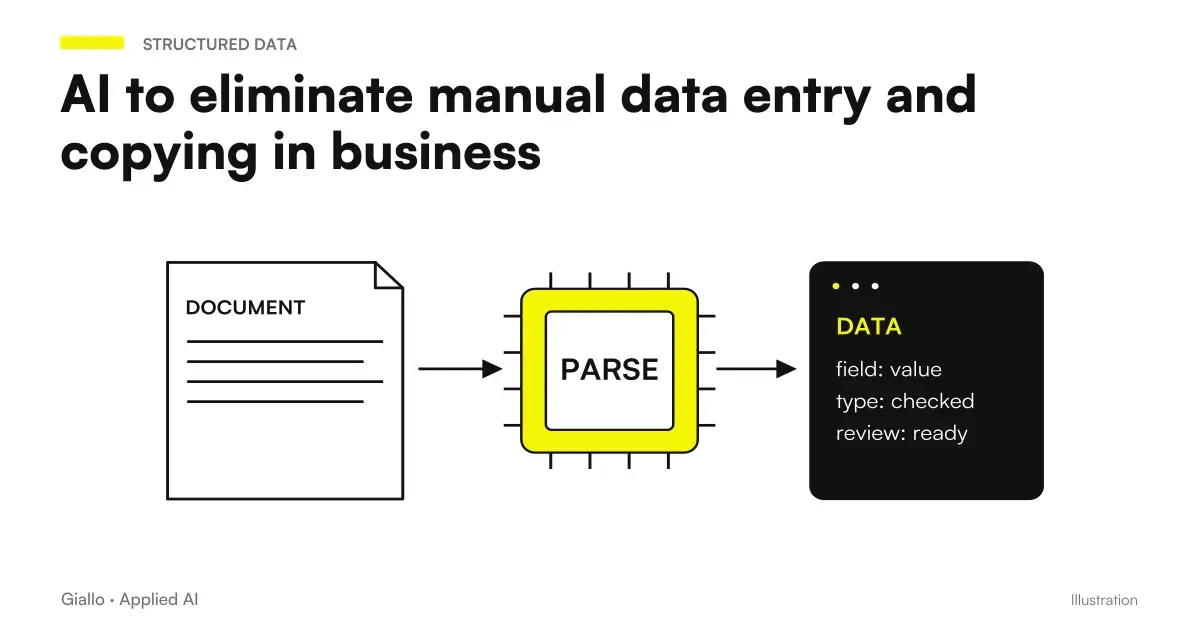 AI to eliminate manual data entry and copying in business
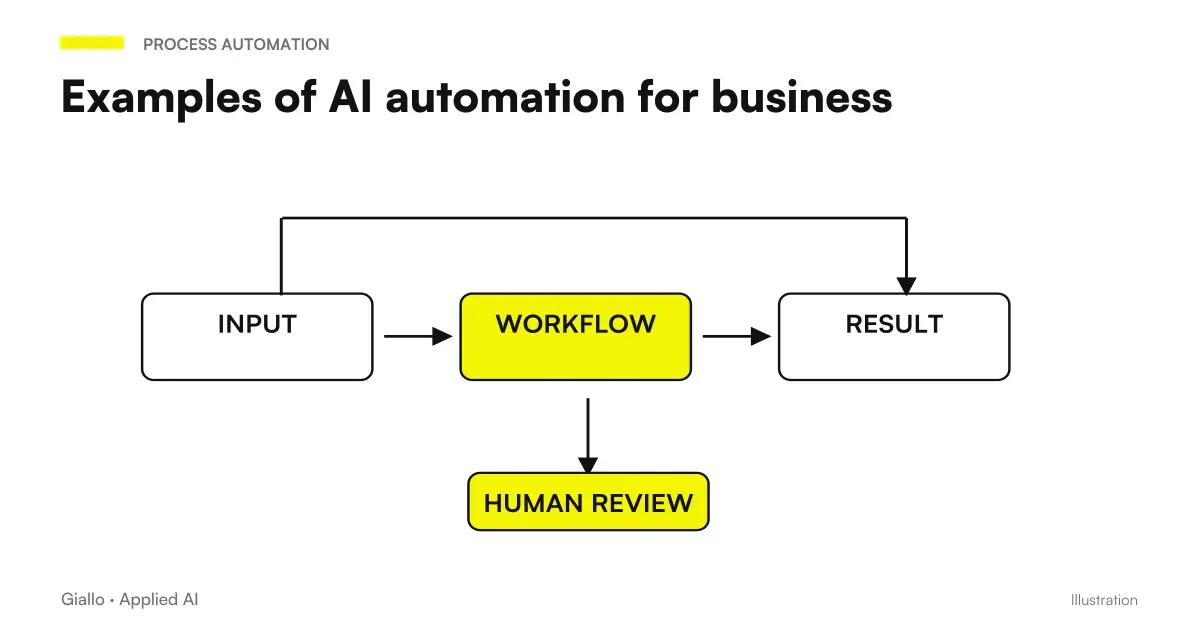 Examples of AI automation in the company: real cases for SMEs
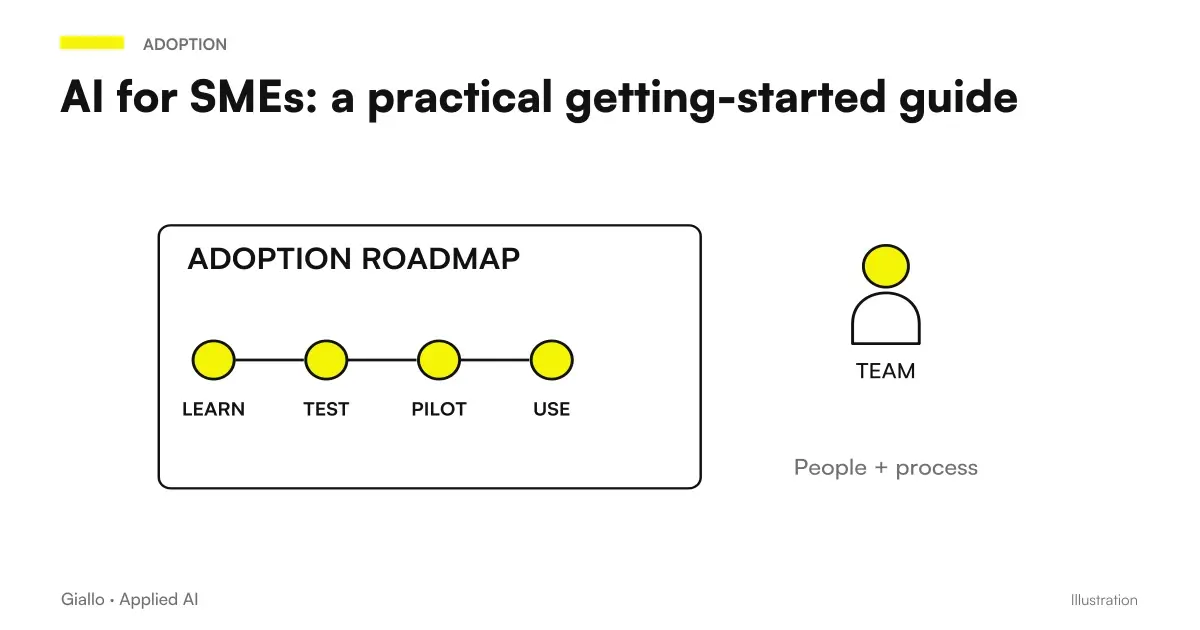 AI for SMEs: a practical guide to really getting started
 AI to Respond to Business Emails: How It Works
 Creating quotes with AI: how to speed up the process
 AI for hairdressers and beauty salons: bookings and fewer schedule gaps
 AI for pharmacies: customers, service bookings and loyalty
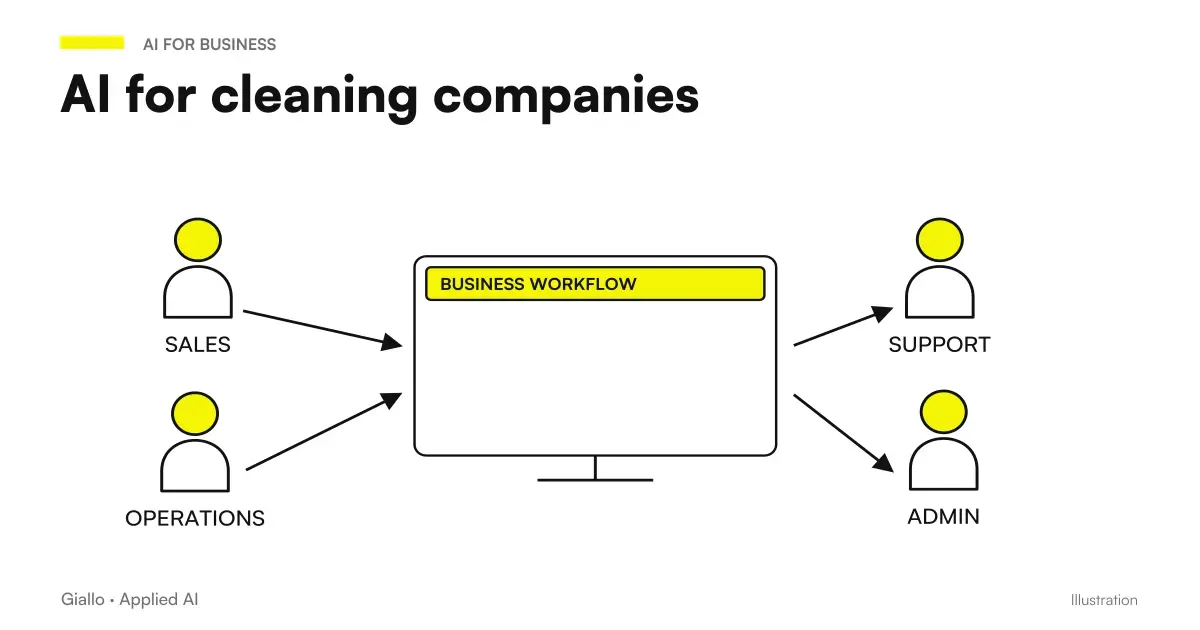 AI for cleaning companies: specifications, shifts, DUVRI and safety data sheets
FAQ
What manual work can be reduced with AI?
The best candidates are repetitive high-volume tasks: copying-pasting data between systems, filling out forms, sorting emails, answering frequently asked questions, extracting information from documents, drafting first drafts of standard texts. AI does not eliminate human judgment, but removes mechanical load.
Does AI replace workers or does it change their jobs?
It changes work more than replacing it. In practice, repetitive tasks are handled by AI and people focus on what requires judgment, relationship or creativity. In many SMEs this has meant moving from data entry activities to quality control and exception management activities.
Where to start to reduce manual work with AI?
Identify the task that takes the most hours per week while adding the least value (data entry, sorting, or form filling), measure the time currently spent, and look for the most standardised process: the one with the fewest variations and the most predictable behaviour. Then test an automation on a small scale before expanding it.
Do you need a technician to automate manual work with AI?
Not always. For simple workflows, no-code tools can be configured without programming. Integrations with business management systems, CRMs, or legacy systems may require a consultant. Complexity depends on how many systems need to communicate with one another.
How do you measure the savings achieved by reducing manual labor?
Measure time spent on the task before and after automation, multiply it by the staff’s hourly cost, and compare it with the automation cost. An Excel sheet with these three columns is enough to decide whether it is worthwhile.