
Google Docs now modifies Markdown files: what changes for AI workflows
Google Docs Markdown keeps files in their original format: collaboration, rollout and checks for procedures, knowledge bases and AI workflows.
Reading time: 11 min
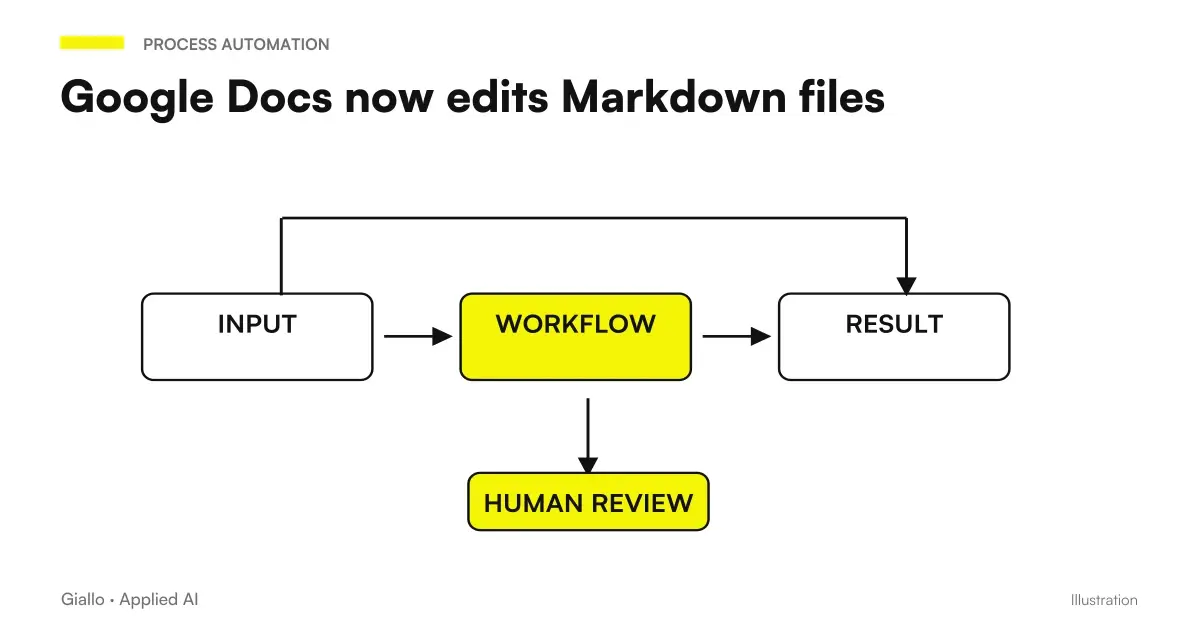
Google Docs can now open, edit, and share Markdown files in their original format. For those who prepare procedures, content and instructions also intended for AI systems, the potential advantage is working on the same source file without converting it each time into a different document.
Google announced the native edit and collaboration on October 5, 2026, along with the rendered preview in Drive. The rollout for Rapid Release and Scheduled Release can take up to 15 days and concerns Workspace and personal accounts: it does not mean that the function has already appeared in every Italian account. Official announcement Workspace.
In summary
- The novelty concerns Markdown files maintained in their format, not just import and export.
- Drive lets you view rendered content, while Docs offers collaboration.
- A common format can reduce divergent copies between people and automatic systems.
- Permissions, connectors, and version approval remain to be arranged.
- Before changing the flow, the files actually used by the company must be tested.
What's the difference to Markdown import?
Importing a file means taking its contents to another environment, often producing a different representation or document. Exporting takes the opposite path. It may work well for an occasional exchange, but in a continuous review you risk losing the reference: which is the source, which copy has been approved and which version uses automation?
Google had introduced import and export Markdown in 2024. The new function is distinct: the ad is about opening, editing and collaborating on files with the extension .md or .markdown while maintaining the format. The historical comparison is documented by the Post Workspace on Import and Export, while the current behavior must be verified in the Google Docs Guide.
For a team it means being able to evaluate a stream in which the file remains recognizable even outside of Docs. It does not mean that all functions of a complex document are automatically translatable into Markdown. It is advisable to start from suitable materials: structured text, titles, lists, links and instructions. The elaborate layout needs must be tested separately, without assuming that a lightweight format replaces every business document.
Why does the format interest an AI workflow?
Markdown is a textual way of expressing a structure. A title, list, or link remain readable in the source and can be interpreted by different tools. This makes it useful when people and applications have to work on the same content: for example a procedure approved by the manager and subsequently acquired by a knowledge base.
The value does not derive from a special property that automatically makes AI responses correct. It comes from the possibility of organizing a clear source, with recognizable sections and references to the sources. An ambiguous document remains ambiguous even if saved as a .md file. Similarly, an old procedure does not become valid because it is simple to read for a model.
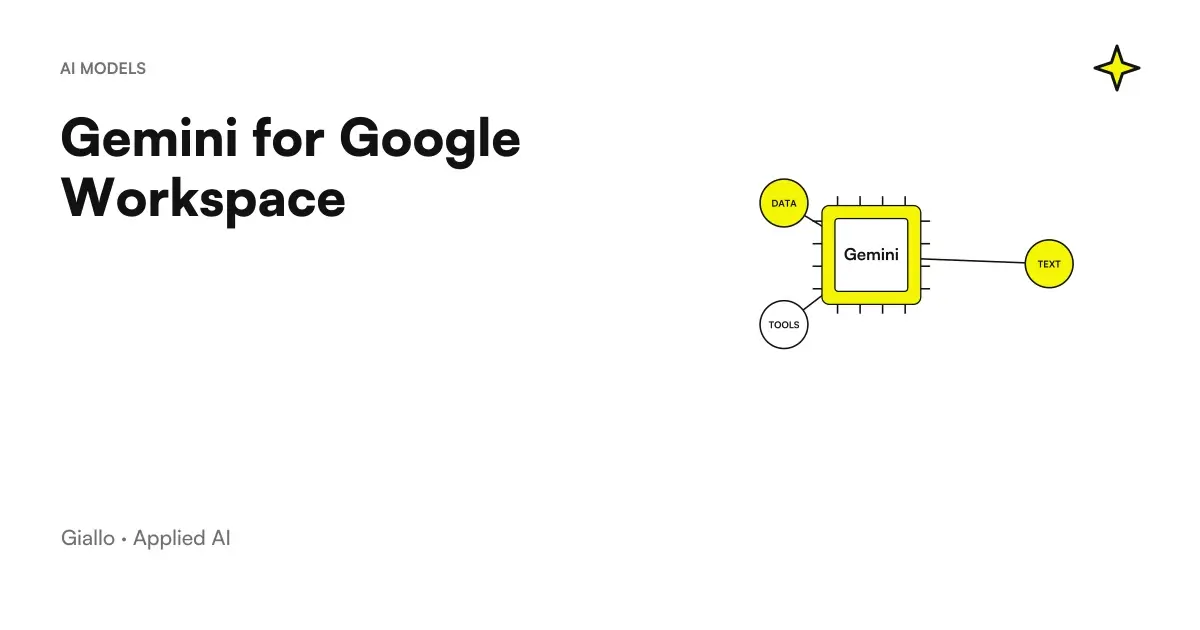
Who Uses Gemini in Google Workspace should therefore distinguish two decisions: how the material is written and revised, and which assistant can access it. Markdown's native modification concerns the first. Agent access, connectors, and permissions relate to the second. The ad does not automatically allow an AI system to read all files shared by the team.
How to check if the function is suitable for your files?
You can start with an authorized copy of a simple document, retaining the reference source. The team checks for opening, editing, sharing, and subsequent reading in the program that uses that file. The aim is not to look for a perfect demonstration, but to find out if the real path preserves what is needed at work: structure, links and essential information.
If a file contains particular elements, they should be included in the test. A procedure might have a table, relative link, or block that the recipient application interprets specifically. The Google Docs official guide is the reference for the available operation; it is not prudent to take for granted compatibility with any extension or convention adopted by external instruments.
Collaboration must also be tried: who edits, who comments according to the available functions and who decides that the content is ready. A good test ends with the recipient system reading the file, not just the pleasant preview in Drive. If the document feeds a site, knowledge base, or internal application, that destination must recognize the result as expected.
Where is the human review placed?
| Pass | Recommended Responsibility | Useful control |
|---|---|---|
| Drafting the content | Person who knows the process | Correctness of instructions and references |
| Shared Review | Document Manager | Ambiguity, missing information, and version |
| Approval | Contact person identified by team | Explicit indication of usable content |
| Auto Acquisition | System with limited access | Read the approved source and handle errors |
| Update | Content Owner | Replacement of the version and withdrawal of the outdated one |
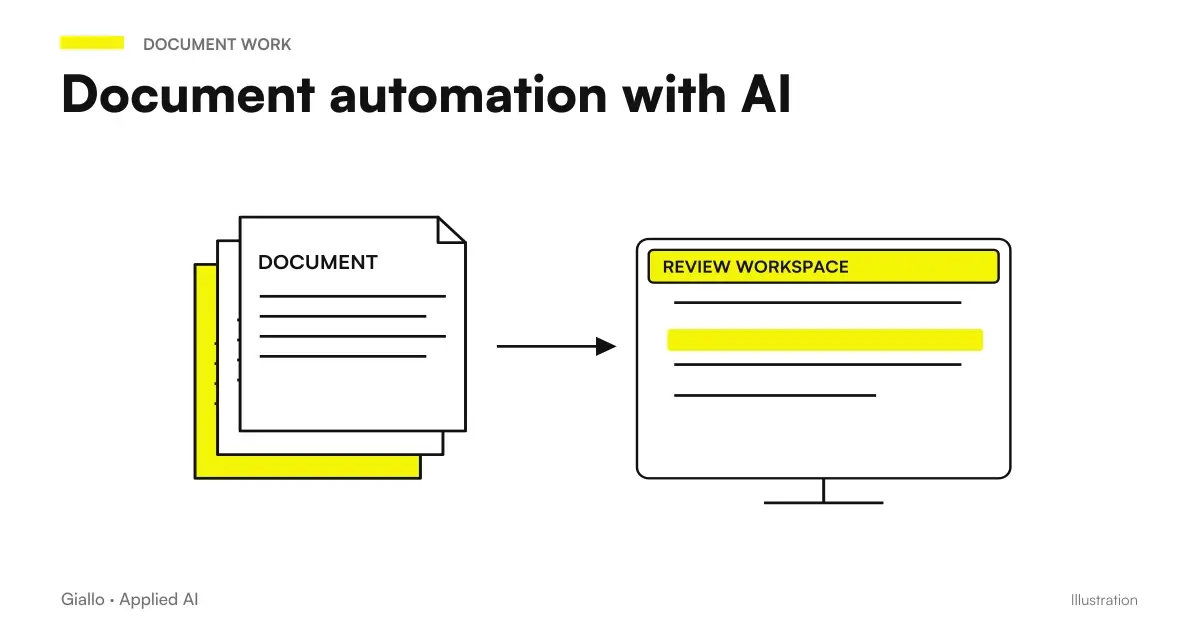
This separation allows you to adopt Markdown without changing all the tools at once. A department can write and review in Docs, while a distinct process acquires approved files. The Guide to the Document Automation with AI helps to place classification and transformation in the stream: the common format simplifies a few steps, but does not decide for itself when a document is ready.
Approval should also be understandable outside the editing interface. If an automation reads everything that appears in a folder, a draft could become a source before checking. A separate folder, state information, or other explicit mechanism may represent the boundary. The choice depends on the capabilities of the systems involved and must be verified with a real change.
A small software house: hypothetical scenario
Let's imagine a software house that prepares operational instructions for customers. Developers maintain textual materials, while those who follow the customer prefer to review them in a collaborative environment. In this hypothetical scenario the novelty could facilitate the work on a common file, avoiding that the corrections remain only in a document separate from the version used to publish the guide.
The evidence would start with a procedure without confidential information. The commercial contact would control clarity and terminology, the developer the correctness of the steps, the product manager the final version. Before publication, links and structure would also be correct at the intended destination. It is not assumed that Docs replaces the versioning system or the software release process.
The most important point would be to choose where the ultimate source lives. If the file is copied to a repository, a rule is needed to report or manage subsequent changes. If the publication reads from Drive, a compatible approval path is needed. Without this choice, a new editor makes it easier to create copies but does not solve the problem that motivated the change.
A maintenance company: hypothetical scenario
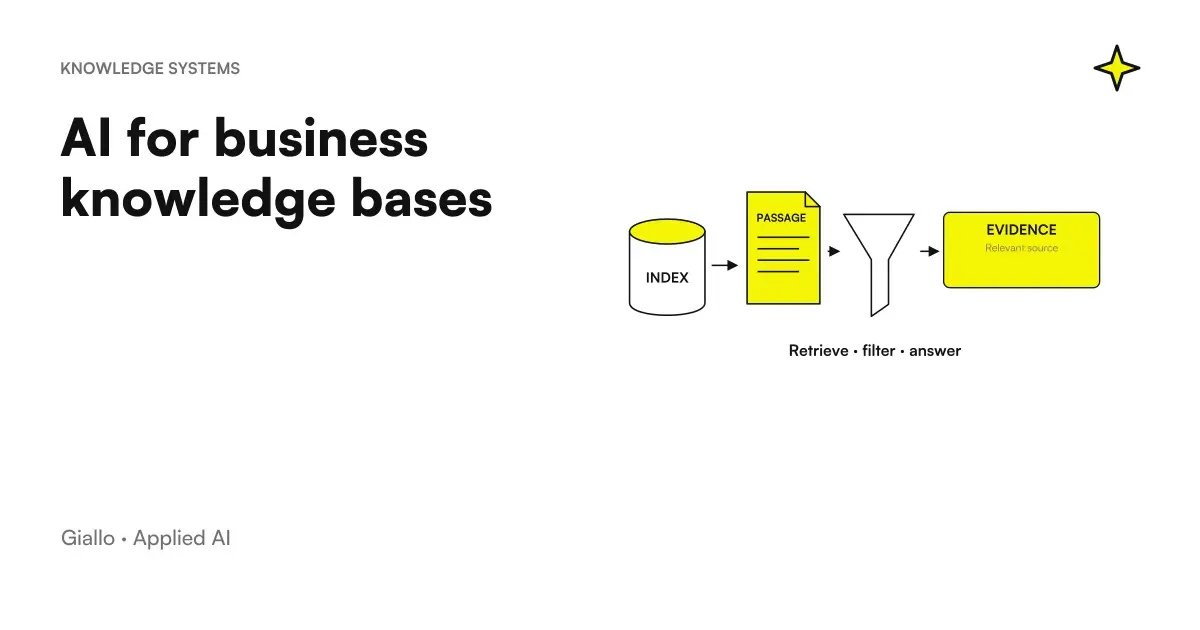
Consider an SME that collects maintenance procedures written by technicians. The manager must standardize titles, warnings and references to manuals before making the material searchable. In this second hypothetical scenario the advantage would be to allow a shared revision of light files, subsequently acquired by a knowledge base company.
The document should distinguish what is an approved procedure from a simple intervention note. An informal description may be useful as a working material, but it should not become a definitive instruction without control. The collaborative editor helps write and discuss; responsibility for the content remains with the technical referent.
Automation could only read approved files and report those that it fails to process. When a procedure is replaced, the search should stop proposing the previous one. The test would include just this step: updating the source and checking what the seeker sees. It would be a more significant success criterion than simply being able to open a Markdown file in Docs.
Does the team edit in Docs, but the knowledge base continues to use the old procedure?
It controls which source is read from the integration, how it recognizes the approved version, and when it updates the index. Editing the file does not prove that all connected systems have already acquired the change. Look for an import outcome and verify the document shown in the response before intervening on the AI model.
What information should not live only in the text?
The body of the document may contain instructions, examples, and references. Other information serves mainly to govern it: owner, approval status, authorized department and classification. They must be made explicit in the process, without entrusting an agent with the decision to infer them from a sentence. The fact that a file is readable does not tell whether it is approved or accessible to every employee.
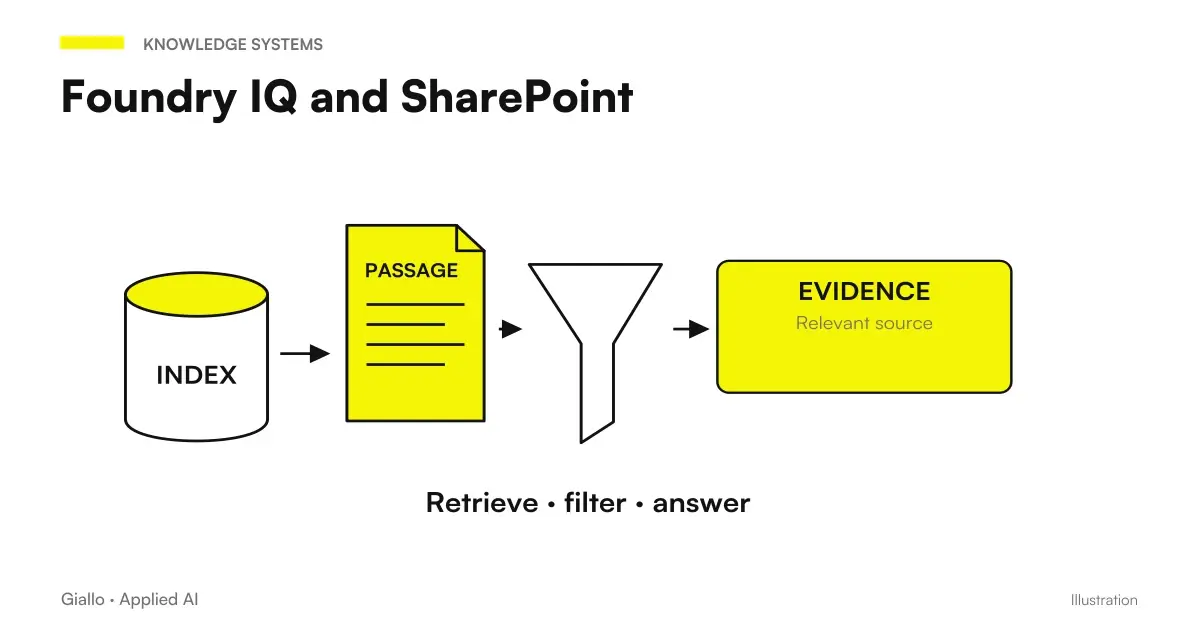
This theme also emerges in PoC Foundry IQ on SharePoint metadata. In a different technological environment, the problem is to retrieve information that is in the columns and not inside the PDF. The link to Markdown is organizational: content and attributes have different roles. Choosing a common source format does not eliminate the need to retain the attributes that determine validity and access.
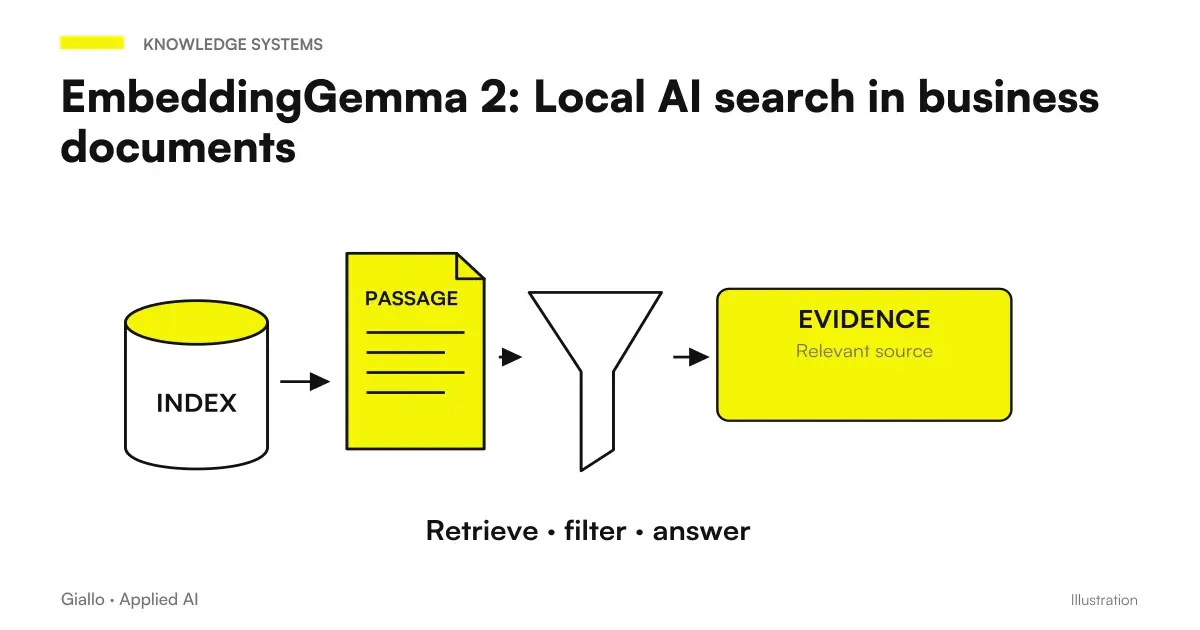
Also a local search with EmbeddingGemma 2 requires this level of design. A model may semantically represent a procedure, but the application must know which version to use and who can see it. Therefore the folder structure, identities and upgrade path must be decided along with the format, before entrusting the material to an assistant.
What to do when people and automation edit the same file?
A common file does not mean that everyone should write to us freely at the same time. If an application updates the document while a person revises it, you need to understand which change prevails and how the conflict is reported. Before automating the writing it is useful to separate the proposal from the approved version. The agent can prepare material, while the referent decides when that material enters the source used by the team.
The origin of the changes must also be recognizable in the process. A correction of a person who knows the customer has a different meaning than an automatically proposed rewrite. It is not necessary to burden the text with technical details, but those who approve should be able to see what changes and why. If the new version removes a warning or alters a link, the revision must make that step visible.
The test should include an intentional conflict over a controlled copy: a person modifies a point while the system prepares an update. It is observed if the work is stopped, if a change is lost or if the person responsible manages to reconstruct the situation. This verification concerns the integration built by the company; the announcement of the native change does not guarantee the behavior of each external application.
When the flow is simple, you can just leave the automatic writing in a draft area and publish only after review. It is a reversible and understandable choice. The goal is to use the common format to reduce ambiguity, without creating a seemingly unique source that changes for reasons invisible to the people who have to trust it.
Errors that bring the team back to divergent copies
A frequent mistake would be to keep a Google document, a Markdown file and a copy attached to the emails at the same time, all of which can be edited and all of which are called ‘finals’. Native modification provides an opportunity to reduce this ambiguity, but does not impose a single source. The team must name the source and explain which path reviews and approvals follow.
Another mistake is to immediately transform the entire archive without a proof of the most representative files. Specific tables, links, and conventions may require attention. It is better to discover the limit on a controlled copy than after changing the flow of the department. The same goes for permissions: sharing the document for review does not imply wanting to make it available to any future integration.
Finally, the function should not be confused with Gemini licenses. The ad does not have a supplement for this specific capability; this does not describe the cost of AI functions or a custom integration. Availability, licenses, and actual behavior should be read on the respective pages and in your account. Official Markdown Rollout Details.
How do you start with a document that really matters?
Choose a material that today passes several times between those who write and those who approve. It notes where it is born, who modifies it, how the final version is recognized and which system uses it. Then try the new path with an authorized copy, having the result read to the real destination. If one of these answers is missing, the problem is first and foremost in the document flow.
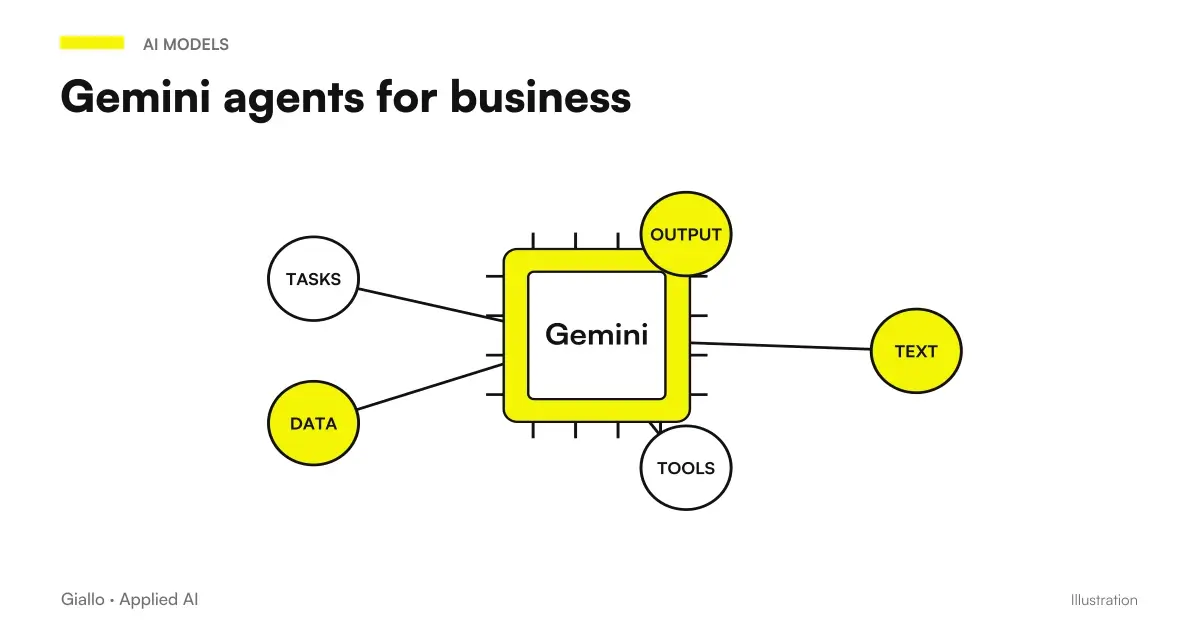
When an agent later enters, the border must remain explicit. The possibilities announced for Gemini agent They relate to job execution and integrations; they do not turn every shared file into an authorized instruction. The document should be treated as a source with an owner and a state, especially if it can affect actions on other systems.
Native Markdown editing is therefore interesting when it makes the path between written content, revision and usage clearer. We can design a Document workflow with approval and update of sources starting from that concrete document. The first result to look for is to know which version is used, by whom and with what authorization.
Giallo Studio guides: methodology and sources
How we apply it in the company
Related resources
 Gemini for Google Workspace
 Document automation with AI: contracts, forms and PDFs automatically
 AI for business knowledge bases: find the information you need
 Foundry IQ and SharePoint: why metadata changes knowledge base responses
 EmbeddingGemma 2: Local AI search in business documents
 Gemini agent for companies: what Google announced and what to check before using it
 AI purchase approvals: complete requests and traceable decisions
 PEC management with AI: sort messages, attachments and receipts without losing the thread
FAQ
Can Google Docs edit Markdown files without converting them?
The announced feature allows you to open, edit and share Markdown files while maintaining their format. Drive also offers a rendered preview.
Is it the same Markdown import function?
No. Native editing is about working on files in the original format. Import and export were already available as separate functions.
Is the feature already available in each account?
The rollout is gradual and concerns Workspace and personal accounts. The announcement does not prove that it is already present in every Italian account.
Can an AI agent automatically read these files?
No. The format and editor do not automatically assign permissions to an agent. Connectors, identities, and permissions must be configured and verified.
Does Markdown make a knowledge base more reliable?
It can help keep text content structured and shared. Reliability and keeping it up to date also depend on approved sources, versions, access and the acquisition process.
What should you test before adopting the new workflow?
Use an authorized copy of a representative document and verify editing, collaboration, and reading in the real destination. Also check the transition from draft to approved version.