
Kimi AI for PDFs and documents: analysis to verify
Kimi AI PDF for document summaries, extraction and comparison. Prepare files, request references and verify scans, numbers and versions.
Reading time: 11 min
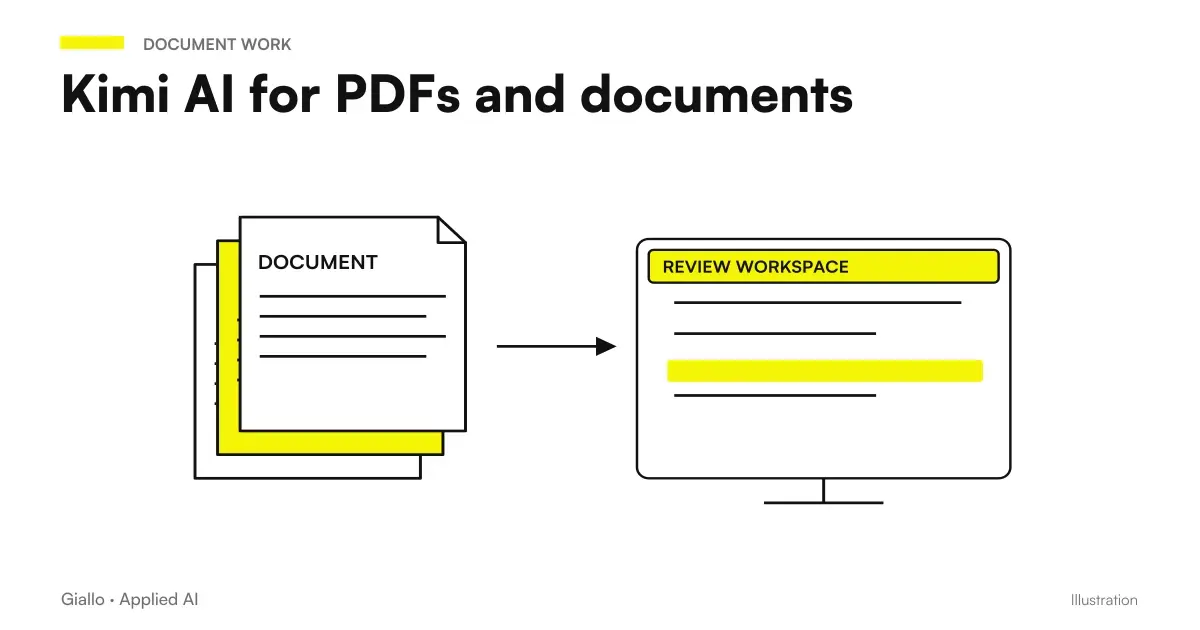
Kimi AI can help you summarize PDFs, extract information and compare documents, as long as the result remains linked to the sources. The useful work does not end with a shorter text: it ends when a person can find the original passage and understand what was omitted, interpreted or unread.
The Official Kimi Ability Guide, accessed October 9, 2026, includes PDF, Word and other attachments. This article proposes a method to use them in the work of an SME, distinguishing loading, reading and verification. For the product picture you can consult Kimi AI: what it is and when to use it.
In summary
- A PDF accepted by the app can still contain parts that are difficult to read.
- Ask for references to the original file and passage for any decisive information.
- Summary, extraction and comparison are different tasks: choose the one you need.
- In scans, first check for reading numbers, tables, and notes.
- Preserve the original and approve the result before using it in a business process.
How to prepare a PDF before uploading it to Kimi?
Open the document and check what it really contains. Try to select a sentence and copy it: if you get readable text, you have a first clue as to the availability of textual content. If you copy anything or inconsistent characters, you may have a scan or problematic export. This check does not certify the entire file, but avoids going blind.
It also checks index, attachments, and page numbering. The number printed on the sheet may differ from that of the viewer, for example when the cover is not counted. Decide what reference you want to use. If the document contains numbered sections, ask to report the section along with the page: the verifier will have a second way to find the passage.
Give files names that distinguish content and version. "Contract-supplier-revision-A" and "Contract-supplier-revision-B" are more useful than two attachments called "definitive". It retains an unchanged copy of the original and only loads materials allowed by company rules. The file name should help search, without exposing unnecessary personal data.
For the app the help indicates 100 MB per file and up to 50 files per upload: are documented thresholds, not a measure of the readability of content, and do not describe APIs. The source is the Kimi official page on formats and uploads. Avoid filling the upload only because the limit allows it: include documents relevant to the question.
Summarizing PDF with Kimi: what result to ask?
“Summary this PDF” leaves too many choices open. A management wants decisions and risks; a purchasing department wants deliveries, conditions and exceptions; a technician looks for requirements and dependencies. Indicates recipient and use of summary. The more the result must guide a concrete action, the more the selection of information must be explicit.
An operational prompt could be: “Only use the attached PDF. Prepare a summary for the purchasing office with subject matter, delivery obligations, payment conditions, exclusions and points to be clarified. For each entry, indicate section and short quote. If any information is missing, write not present; do not infer it from industry practices." It is an example of an instruction, not a verified output.
He works in two steps. First ask for a map of the sections and attachments; then ask for the targeted summary. A wrong map reports a reading problem before it turns into a conclusion. It is not necessary to demand a reproduction of all the text: it must be ascertained that the assistant recognizes the structure on which he must work.
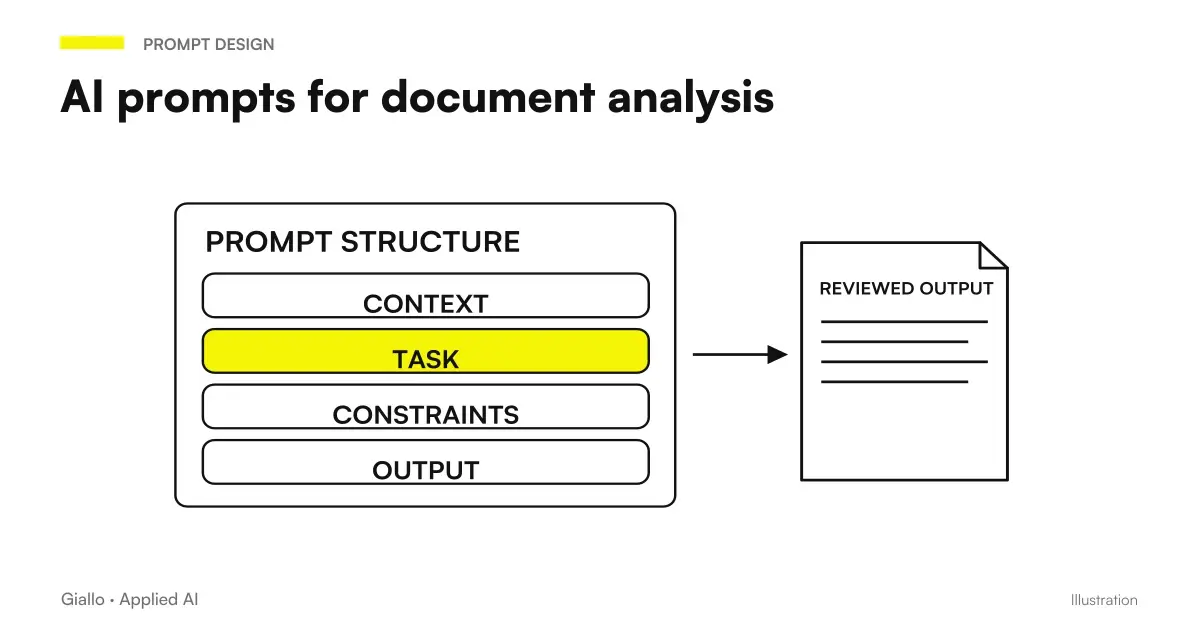
If you want to adapt the method to other tools, the guide to AI prompt for documents develops the same distinction between source and task. To take the first steps in the interface, instead, you find how to use Kimi AI.
When is it better to extract data than to make a summary?
A summary compresses information; an extraction organizes it into fields. If you need to register deadlines, compare bids, or fill out a list of obligations, ask for a table with defined columns. Each line should contain the data, the reference and the possible ambiguity. An empty field must not automatically become zero, nor an implicit obligation.
Define units before extraction. Net amount and amount with taxes are different data; business days and calendar days are not interchangeable. Ask to retain the original formulation when the unit is unclear. Normalization can be a second step, approved by those who know the process.
| Objective | Output to ask | Indispensable control |
|---|---|---|
| Understanding a Document | Summary by recipient with references | Presence of relevant exclusions and attachments |
| Record Deadlines | Event table, date, condition and source | Distinction between definite date and conditional term |
| Compare offers | Equal fields for each provider | Perimeter, units and performance excluded |
| Recovering a Table | Lines and columns with reading notes | Totals, merged cells, and missing values |
| Preparing a Communication | Draft based on verified data | No additions to original conditions |
The current documentation associates the production of DOCX, XLSX and PDF with K3. The final format must be requested and checked; the documented capacity does not guarantee an identical conversion to the original. See the Kimi guide to models and outputs. For data intended for a sheet, continue with Kimi AI for Excel.
How to compare two versions of a contract or specifications?
It clearly indicates the order of the versions. Ask to separate additions, cancellations, substantial changes and shifts. A same paragraph transferred to the appendix may seem to have disappeared if the comparison is limited to the order of the pages. The result must refer to the content, keeping the steps from both files visible.
A useful request is: "Compare A as the previous version and B as the new one. Return topic, difference, short text from A, short text from B and reference. If the paragraphs do not match, report it. Do not make a legal assessment; only indicate those aspects that require professional verification."
Check high-impact points first: amounts, duration, penalties, responsibilities and exclusions. The layout check may come later. It is important to distinguish a literal change from an interpretive consequence: "the term has changed" and "this term could create a risk" belong to different levels.
For repeated use, prepare a list of clauses that the department always checks. The assistant may propose differences out of the list, but must not skip the mandatory fields. The guide to Analyzing Business Documents with AI helps to choose which steps to turn into recurring tasks.
If multiple people correct the result, assign a reference to the version of the approved output. A fix made on a copy must not be lost when someone regenerates the table in the chat. It also keeps the points rejected and the reason: they will be used to recognize the same error in subsequent documents. The control is not only about the response of the model, but the continuity between source, revision and file actually used by the department.
Does Kimi also read scans, stamps, and complex tables?
Attachment support does not amount to a perfect OCR warranty. A stamp can cover a number; a table can break between two pages; a handwritten note can change the sense of a clause. If the file contains these items, do a preliminary check on steps you can read personally.
Ask to transcribe a small selection, keeping the parts uncertain as uncertain. Then compare the transcript with the page. If reading fails, improve the material or use a suitable extraction process before synthesis. Repeating the same prompt on the same unreadable file hardly solves the cause of the problem.
For complex tables, ask to describe headings and units before reporting values. Separately check sums and columns. If a digit is not readable, the correct choice is to ask for a point verification, not assign a probable value. The apparent accuracy of a compiled table can hide an error that occurred at the beginning.
How to tell if the problem is in the PDF or the question
Ask for a short transcript of a known passage first. If the text is wrong, correct readability or extraction. If the text is correct but the answer does not address the question, rewrite the target and required fields. If the reference leads to a different page, clarify the numbering. These checks isolate different causes before processing the full document.
How to use Kimi to compare maintenance offers?
Imagine one hypothetical scenario: a small food company in Parma receives offers for the maintenance of a plant. PDFs have different structures and the main price does not always include the same interventions. The manager wants a homogeneous comparison, without having the assistant automatically choose the supplier.
Prepare the fields: frequency of work, spare parts included, extraordinary call-outs, stated response times, conditions and exclusions. Kimi receives only permitted copies, with instructions to state “not specified” when data is missing. An amount or service obtained from the provider’s website must not be attributed to the uploaded offer.
The manager checks the references and sends the missing questions to the suppliers through the ordinary business process. The table remains a preparation tool. The decision also requires elements that may not be in the PDFs: real availability, technical compatibility and negotiated conditions. The benefit should be assessed on the verified comparison, without inventing saved hours.
Can a condominium administration extract deadlines from documents?
One second hypothetical scenario concerns a condominium administration study in Turin. The need is to retrieve deadlines and conditions from maintenance documents, initially using anonymized samples. The process must distinguish explicit dates, conditional renewals, and events that start a term.
The prompt asks for a table with document, event, date or rule of calculation, reference and doubt. "Within a term from communication" is not transformed into a date if communication is not present. The assistant reports the missing dependency; the person in charge retrieves it before creating a deadline in the management software.
Once the extraction has been verified, the study may evaluate a recurrent procedure. The transition to reminders or software should retain source and approval. Documents are not simply uploaded and forgotten: any information transferred must be traceable to the original. For permitted data and service conditions please refer to Kimi AI and privacy.
When reviewing, it also checks the wording of the transferred deadlines. A date extracted without the condition that makes it applicable can produce a misleading reminder. Then keep the original sentence next to the normalized entry and assign a state: confirmed, to be clarified or not applicable. The manager can thus approve the certain entries and leave the others pending, without blocking the entire list. If a new version of the document arrives, repeat the check on the already recorded deadlines: do not simply add the new lines, because some may replace previous terms.
What errors to avoid when the summary seems correct?
The first is to read only the summary, without opening the critical steps. The second is to ask for a summary too short for a document with many exceptions. Shortness must be chosen according to the recipient, keeping visible what is excluded and what requires a decision.
The third mistake is mixing uploaded material and web search. If the task is about a contract, explicitly ask to use the attachments; if external context is needed, request it in a separate section with your own sources. The Guide to Kimi AI Deep Research deals with the second job, which has different verification criteria.
The fourth is overwriting the original with an "improved" version. Keep document received, output, and fixes separate. Finally, avoid turning an interpretation proposal into operational instruction without approval: the document can be corrected while the use you make of it remains wrong.
When to switch from chat to a document process?
The chat is suitable for an occasional controlled analysis. If similar documents arrive frequently, define fields, exceptions, and responsibilities first, then evaluate integration. The starting point is a heterogeneous sample with expected responses, not the maximum amount of attachments supported by the product.
It also preserves difficult cases: illegible scans, broken tables, missing clauses and ambiguous versions. They will serve to understand whether an update improves the process or introduces new errors. The goal is to make the control work easier, keeping the reasons for the answers visible.
If you want to turn recurring PDFs into approved, management software-ready data, Giallo Studio can design the path between extraction, verification and recording. The first result to be obtained is a table that the manager knows how to check each row.
Giallo Studio guides: methodology and sources
How we apply it in the company
Related resources
 Kimi AI: what it is, what it does and when to use it
 How to use Kimi AI in Italian: a practical guide
 Kimi AI for Excel: Data Analysis and Controls
 Kimi AI and privacy: what to check on company data
 AI for business document analysis: a practical guide
 AI document analysis prompts: contracts, reports and PDFs
 Jev AI to extract data from emails and invoices: first find, then choose
 Jev AI in RAG: choose sources before answering
FAQ
Can Kimi AI summarize a PDF?
Kimi documents PDF uploads and work on documents. For a reliable summary, request a precise structure and references to the original passages, then check the points that affect decisions.
How large can PDFs uploaded to Kimi be?
The app's help, accessed on October 9, 2026, indicates 100 MB per file and up to 50 files at a time. They are app limits: they should not be transferred to APIs and do not ensure that any content is read correctly.
Does Kimi read scanned PDFs perfectly?
Do not assume perfect reading. Scan quality, tables, handwriting and orientation can make the content ambiguous; check a few passages before processing the entire document.
How do I compare two versions of a document with Kimi?
Clearly identify previous and new version, then ask for differences with original text and reference for each file. Check separately for additions, removals, changes and section shifts.
Can Kimi turn a PDF into Excel or Word?
The current documentation associates K3 with producing XLSX, DOCX and PDF files. Extracting a table or rewriting a document does not guarantee perfect preservation of formulas, layout and content: check the exported file.
Can I upload contracts and confidential business documents?
First check the internal rules and conditions of the product used. Anonymizing a test copy reduces exposure, but does not replace authorizations and evaluation of data processing.