
Copilot Studio and Power Automate: agents and workflows
Connect Copilot Studio and Power Automate: conversations, agent flows, approvals and errors. A guide to designing verifiable business automation.
Reading time: 12 min
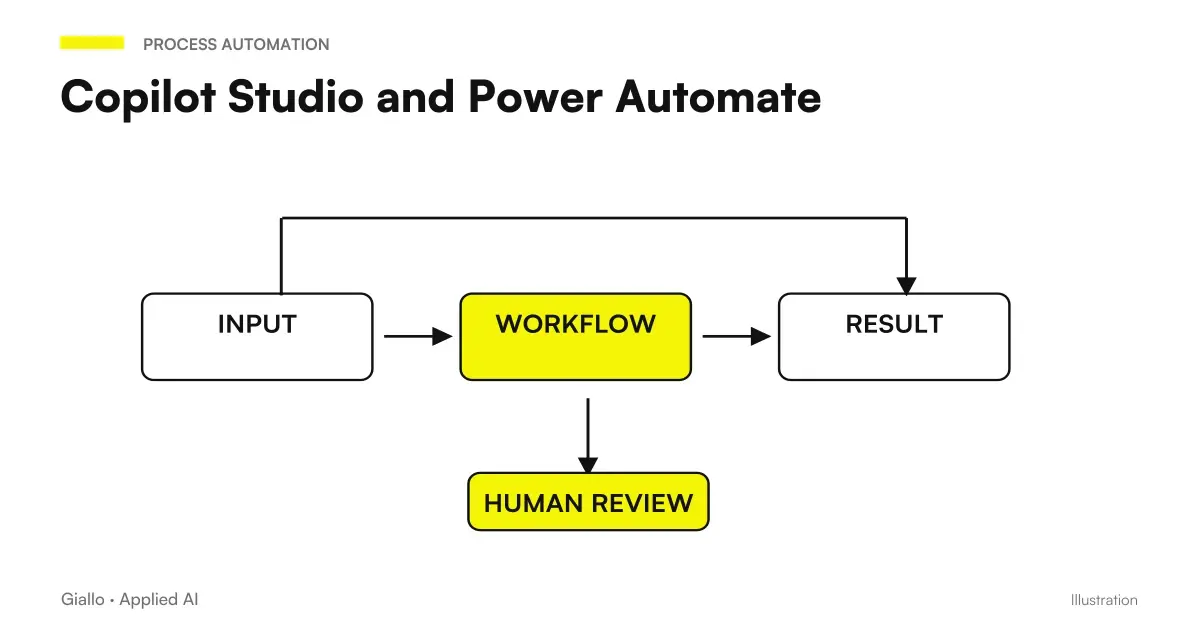
Copilot Studio and Power Automate can link a natural language request to an operational process. The agent helps to interpret what is needed; the workflow organizes data, conditions, approvals and actions. The best design keeps the moment when you switch from conversation to a system operation recognizable.
For an SME the useful case can be very concrete: collect a discount request, check the essential data and prepare the decision of the manager. The opportunity is to reduce repetitive steps and missing information. There is no need to entrust the agent with the whole negotiation to make the process easier.
In this guide we use a discount request entirely hypothetical, with no customer results or invented project prices. Microsoft functions are verified on official sources at 10 October 2026; the real tenant must confirm availability and licenses of the chosen route.
Chat picks up the need, stream runs the path
A salesperson could write "I need 12% for this offer". The phrase does not necessarily contain customer, offer, duration or motivation. The agent can help collect these items before calling a tool. Instead, the stream must receive a sufficiently defined input to perform the intended controls.
Microsoft describes the standard harness agent flows as rule-based sequences, with conditions, connectors, and human intervention steps. They are a specific capability of Studio; a cloud flow Power Automate remains a distinct object until it is converted. Source: agent flows overview.
A deterministic rule can check that a percentage is numerical and belongs to the accepted range. The fact that the rule is deterministic does not make a wrong starting point true. For this reason it is useful to distinguish format checks, source verification and authorization to proceed.
The Guide to Copilot Studio and Corporate Agents helps define the mandate. Here we deepen the executive path: what data enters, what steps take place and how the result is returned to the person who started the request.
Draw the practice before choosing actions
In the hypothetical example, the practice contains offer identifier, customer, reference value, required percentage, reason and responsible. The desired result is a request ready for decision. It is not yet a change in the offer sent to the customer: the distinction allows to start a controllable pilot.
Define team-understood states: draft, data to be completed, approved, rejected, and technical issue to be solved. States describe the work; chat messages must reflect them. An answer as ‘fact’ is insufficient if the person responsible has not yet decided.
| Example Pass | Responsibility | Expected outcome |
|---|---|---|
| Collect offer and pattern | Assisted Conversation | Complete Fields or Targeted Questions |
| Retrieving bid data | Reading the System | Record identified and date of recovery |
| Validate Percentage and Fields | Workflow rules | Accepted input or blocking reason |
| Preparing the Summary | Verified Agent and Data | Data, expected effect and missing information |
| Request a decision | Authorised Manager | Attributable approval or refusal |
| Record the allowed outcome | Operation on system | ID has been confirmed |
The table is a design scheme, not a list of guaranteed actions for each connector.automation of business processes helps to identify which steps are repetitive and which really require a decision.
Define input and output that the system can control
The offer number should be a stable identifier, not a description such as "the one from yesterday for Rossi". If the user does not know it, the agent can propose a search and show candidates. Ambiguity must be resolved before writing: a name similarity is not a confirmation of the identity of the record.
The input contract must indicate which fields are mandatory, which values are allowed and where they can be retrieved. A free note can explain the reason for the discount; it should not replace the percentage field that the workflow must validate. Structured data also makes subsequent maintenance clearer.
The output contract should distinguish success, incomplete request and error. In success it includes at least practical identification and actual status. In the incomplete request it indicates exactly what is missing. In the error it avoids to declare that no operation has happened if the system does not allow to verify it.
To improve initial requests, use the examples of Copilot prompt for office. The prompt can guide the collection; validation and authorization belong to the technical path. This separation allows to change the tone of the conversation without weakening the rules of practice.
Put approval on the spot where the effect changes
Useful approval shows what the person is authorizing. In the example: customer, bid number, required percentage, motivation and recovered reference value. The person in charge must recognize the object of the decision, without rereading the whole conversation to reconstruct it.
If the applicant changes the percentage after approval, the previous decision should not be treated as valid for the new value. This rule must be designed: linking approval and version of the request reduces ambiguity. The correct version cannot be deduced from the simple fact that the chat contains a "yes".
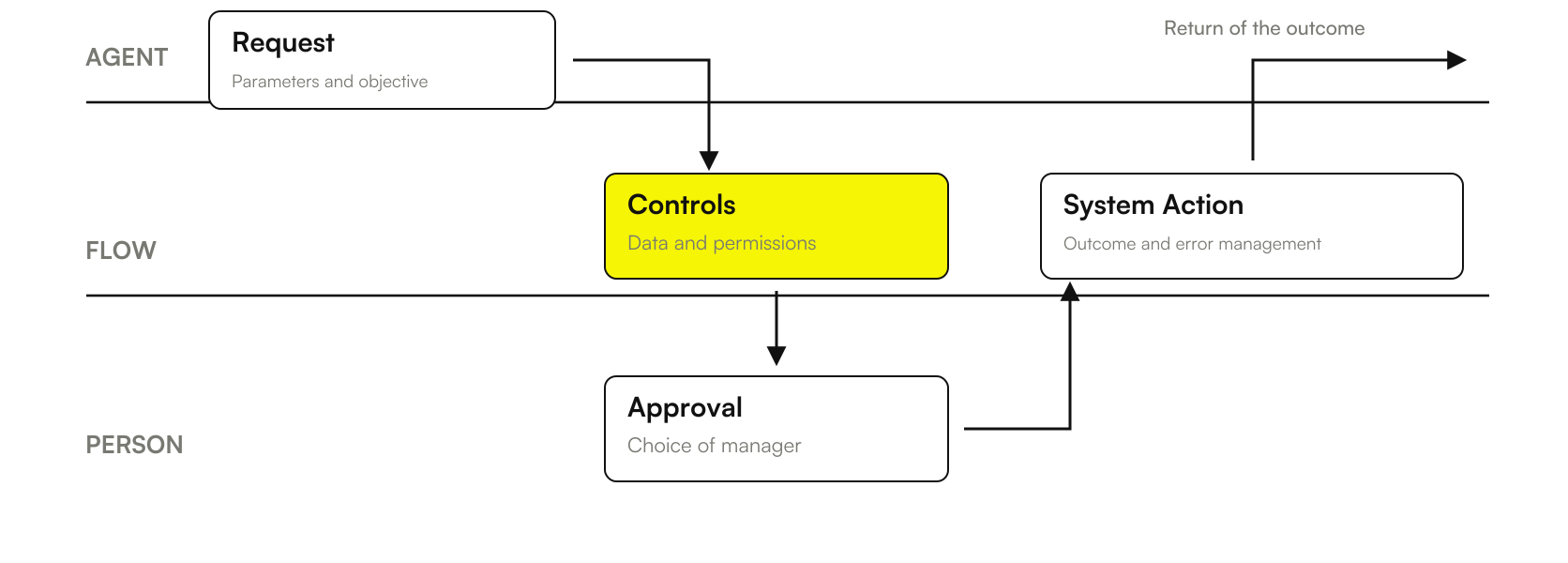
Conceptual scheme: the approval concerns proposed data and actions, while the final outcome comes from the verification on the system. The figure does not represent a Microsoft screen or a workflow already installed.
For the transition from mail to process, read Copilot in Outlook and Business Emails. A draft reply, the sending of a message and the registration in the management software are separate operations: the authorization must concern the one that the project really intends to perform.
Manage uncertain outcomes before adding automatic attempts
A network error after writing is different from an input rejected before writing. In the first case the operation could have happened even if the answer did not arrive. Repeat it immediately can create a duplicate. The project should provide for state control through a recognizable identifier.
The same attention is used when a sequence only partially succeeds. If a request is created but the summary update fails, the team must know that the practice exists. A generic error message could prompt the operator to recreate it manually, increasing precisely the work that automation should reduce.
Determine which errors can be retried and which ones require intervention. A temporary unavailability may have behavior other than a missing permit. An automatic attempt should have a limit and an observable outcome, so a practice does not remain hidden in an indefinite repetition.
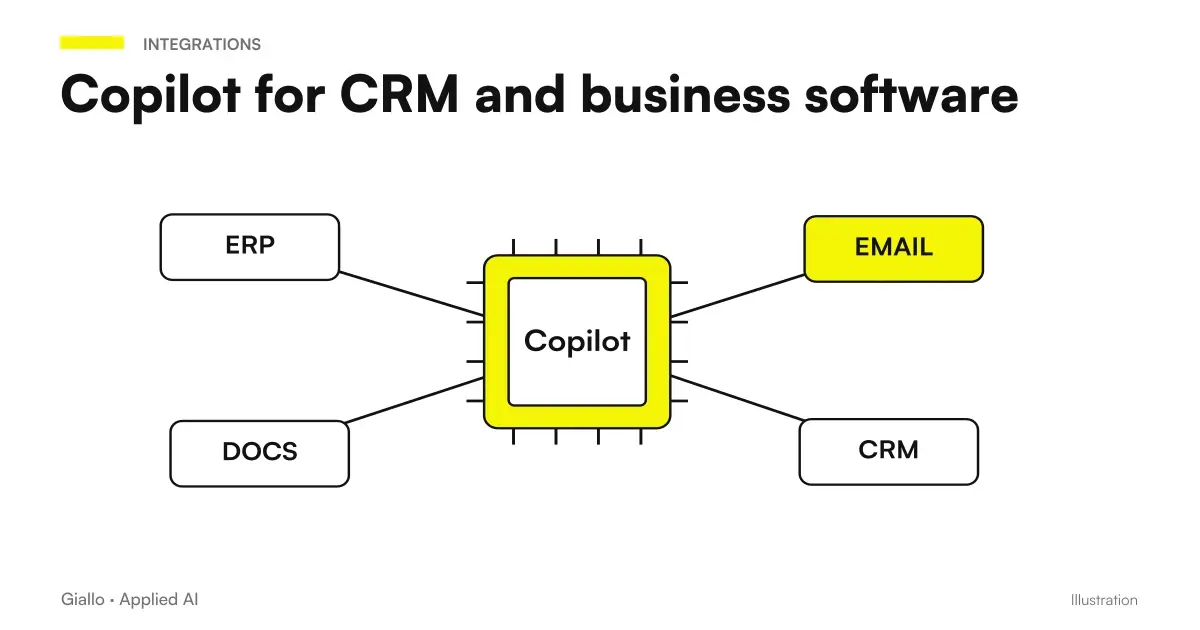
The Copilot integrations with CRM and ERP are the point at which to verify identifiers, available operations and permits. The robustness of the flow also depends on the responses of the API or connector, not just the language instructions of the agent.
Verify the identity used by each link
The operator talking to the agent and the identity of the connection to the system can be different. Before the pilot, clarify which identity reads the offer and which can register the request. The choice must correspond to the public and the intended proxy, with the tenant's manager.
If a connection has extensive permissions, the workflow must avoid turning them into operations available to anyone starting a chat. The permissions summary should show recipients, readable data, and allowed actions. An instruction that calls for prudence does not replace an effective access boundary.
The test must also include users with different rights. A request that works for the administrator may not work for the commercial; the correct answer in that case is not to pretend to have concluded. The test should verify that the team receives a clear message and an alternative procedure.
The Guide to privacy and business data Microsoft Copilot helps to prepare this assessment. The practical aim is to have a usable route from the real recipient, avoiding basing the pilot on the exceptional permissions of those who built it.
Power Automate conversion: preparing the concrete choice
The conversion of a cloud flow Power Automate to agent flow changes the billing path and is one-way in Microsoft documentation. Requires a flow in a solution and Studio capability in the environment. It is a choice to be evaluated on a copy or test before production. Source: Agent flow conversion and management.
The useful question is: what improves with conversion? If the existing process works and the agent only has to collect input, it is not enough to change the label to get value. Compare management, distribution, cost and behavior of tools on the concrete solution.
Before the decision, it retains the description of the current route, dependencies and economic conditions. Prepare the alternative in a test environment, avoiding to discover after the change that a step requires a different configuration. The documentation should allow another person to reconstruct the operation.
For the budget, use Copilot Studio prices and credits. An ordinary cloud flow does not automatically become included because the project uses Copilot. In the standard path, the inclusion of flows is about the trigger When an agent calls the flow and the authenticated user licensed; other triggers have consumption. Source: Billing conditions.
Prepare a test that follows the whole cycle of the practice
A full test starts before the flow call and ends when the operator knows the outcome. Measure information collection, approval, registration, and exception handling. Limiting yourself to the time of the technical call can hide waits and corrections that dominate the actual process.
In the hypothetical case, it prepares synthetic offers: an ordinary one, one without a valid customer, two with similar names, one already approved and one modified after approval. Add an unavailable system and an answer without conclusive confirmation. The expected result must be written first, not chosen to make the demo look successful.
Open a trial card for the discount request
Define initial request, reference record, user identity and expected status. Verify that missing data and ambiguous candidates produce a targeted question before proceeding.
Check the summary shown to the manager, the approved version and the action allowed. Edit a given after approval to verify that the project recognizes the new request.
Simulate repetition, system unavailability, and partial outcome. Record practical identification, confirmed operations, steps still to be done and time of manual intervention. The test serves to evaluate the process, not just the fluidity of the response.
The Copilot pilot for SMEs It allows to connect these measures to quality and value. An extra manual step can be acceptable if it avoids onerous errors; however, it must appear over time and in the overall cost, instead of remaining out of the comparison.
Addressing the expectation of approval as part of the process
A practice can stand still even when all integrations work. The manager is absent, lacks a reason or the salesman changes the offer in the meantime. Before the driver, clarify how long a valid request lasts and what behavior the team must follow when the decision does not arrive.
In the example, a practice deadline may mean that the request returns to the applicant for verification. It does not mean automatic discount approval. This choice belongs to the company and should be described in the project: a technical timeout should not be confused with a commercial consensus.
The changeover to a replacement manager must also keep the version to be decided recognizable. The new contact should see the same essential data and know if the previous one has already responded. Recording the decision serves the day-to-day work, preventing two people from interpreting the state of the same practice differently.
For suspended requests, prepare a short summary: what has been verified, what is missing and who needs to intervene. This prevents each operator from repeating the entire collection. When the case returns to the manual procedure, it retains the already assigned identifier and the distinction between actions concluded and actions only proposed.
During the test, it also measures the wait, separating it from the time worked. A workflow can reduce build minutes without reducing the days needed to make the decision. The distinction helps to understand whether the next improvement should be about the agent, the approval rule or the organization of the department.
Making automation manageable by the team
On delivery, the team should know who approves, who intervenes on a firm practice, and who maintains connections. In an SME these roles may be concentrated, but replacement of the referent during an absence must be prepared. An operational process cannot depend on the constant presence of those who built the demo.
Also document changes that require a new test: a renamed field in the business management software, a new discount policy, a changed approval recipient or an expansion of actions. This prevents a seemingly small update from making instructions, checks and the summary inconsistent.
The link between agents and workflows is useful when it makes people's work easier, not when it multiplies tools. To compare this solution with alternatives, the guide Make, Zapier and n8n offers another path; the criterion remains compatibility with process, systems and management available.
Giallo can help you define a first automation with the service Custom AI Agents. If you have to choose what practices the pilot deserves, start from a AI Consulting: input, approval and outcome are designed together, so the test measures a concrete and usable work.
Giallo Studio guides: methodology and sources
How we apply it in the company
Related resources
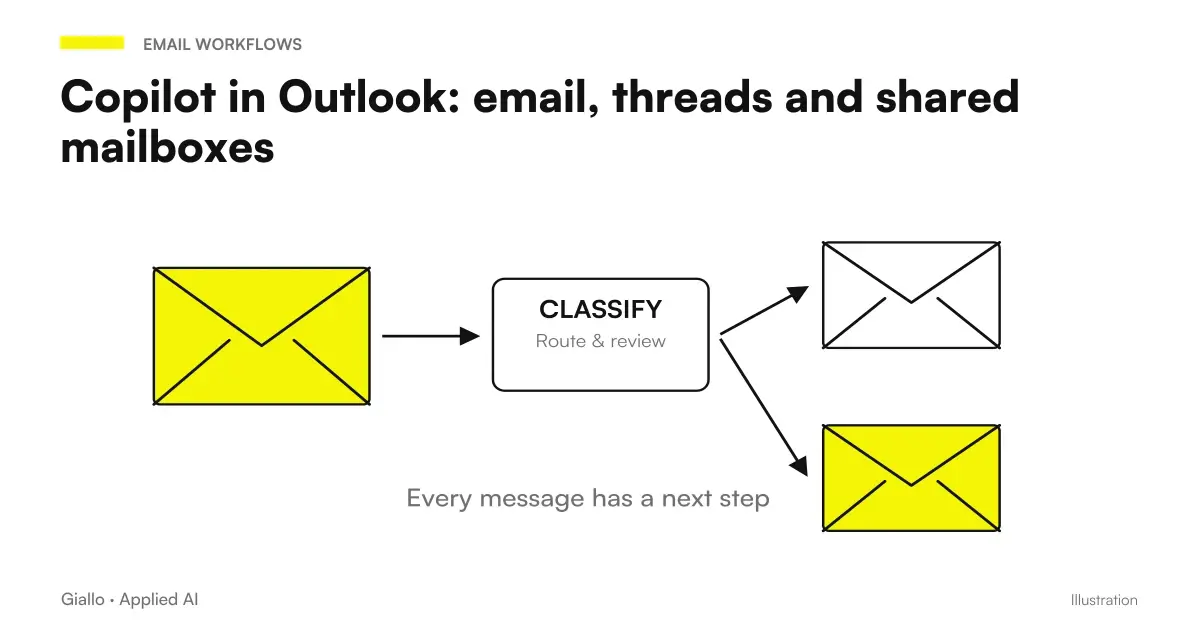 Copilot in Outlook: email, threads and shared mailboxes
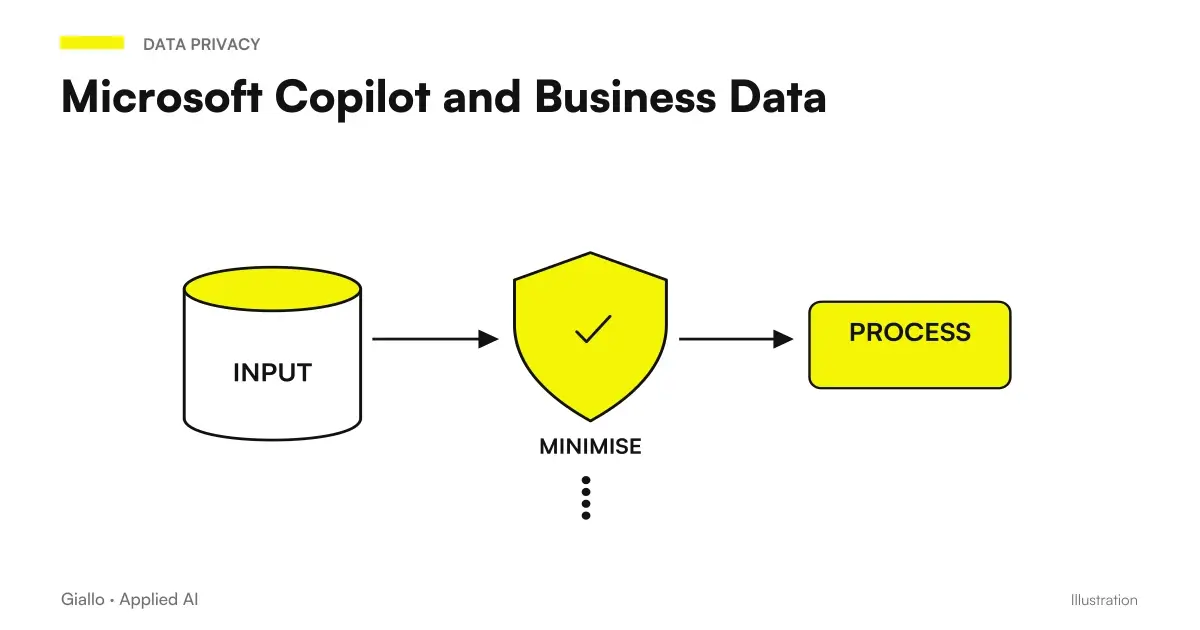 Microsoft Copilot and Business Data: Privacy and Permissions
 Copilot Studio: creating an AI agent for the company
 Copilot Studio: prices, credits and cost of agents
 Copilot with CRM and business software: connectors and actions
 Copilot for SMEs: pilot project, adoption and ROI
 Copilot for Microsoft 365
 Copilot for companies
FAQ
What is the difference between a Copilot agent and an agent flow?
The agent manages the interaction and can choose tools in relation to the request. An agent flow organizes a defined sequence of actions and conditions. The two can work together, keeping clear inputs, outputs and responsibilities.
Is Power Automate automatically included when I use Copilot?
No. A cloud flow Power Automate maintains its licensing path; an agent flow Studio uses the capacity expected for that experience. The presence of AI or a chat does not make the two contracts equivalent.
Can I convert a cloud flow to agent flow and go back?
Microsoft documents the conversion as a one-way operation for the change of billing. It requires flow in a solution and capacity in the environment. Before intervening on the production it is useful to prepare a copy and verify the new path.
How do you prevent the workflow from recording a request twice?
The project must include a request identifier, status checks and explicit behavior for repeated attempts. It is not enough to ask the agent not to duplicate: the control must be carried out on the execution path.
How do you manage a failed action?
Distinguish between a confirmed error, an unknown outcome and a partial result. An unknown outcome requires checking the state before repeating a write; the operator must see what has been completed and what is missing.
Is an automatically started flow always covered by the user's Copilot license?
No. Documented inclusion for flows requires the When an agent calls the flow trigger and the licensed authenticated user. Different triggers consume credits according to the intended path; the actual configuration must be verified.