
RPA vs AI automation: differences, costs and when to use which
RPA vs AI automation: what they are, how they work, costs and choosing for your process. A practical guide for Italian SMEs.
Reading time: 9 min
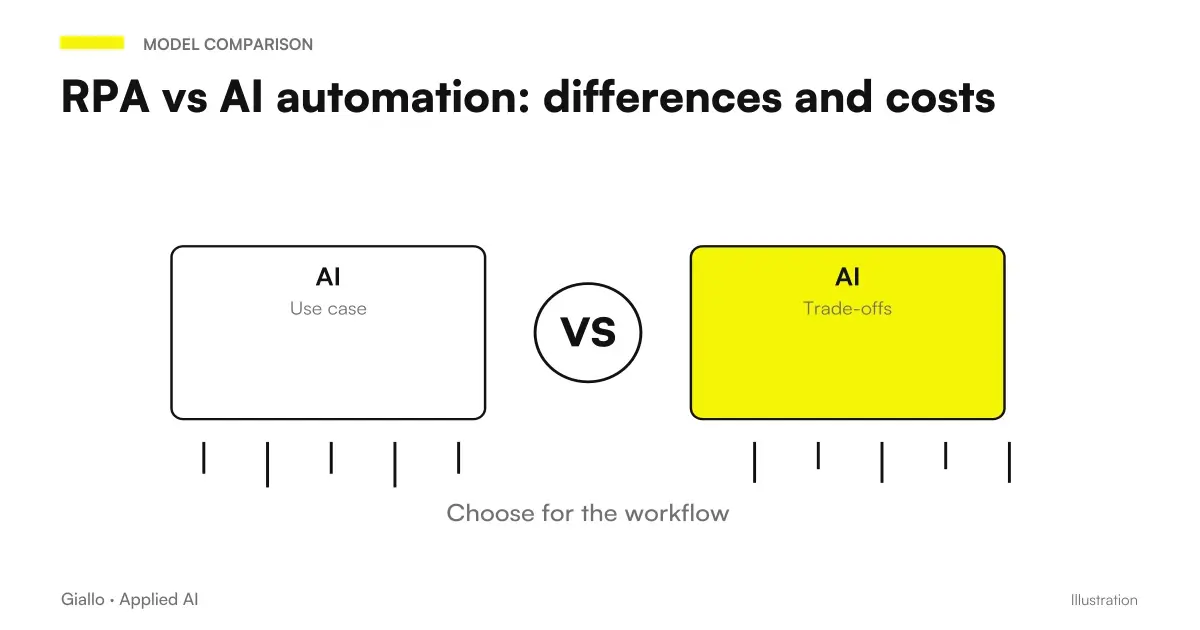
RPA (Robotic Process Automation) and AI automation are both automation technologies, but they work in a profoundly different way and solve different problems. Confusing them is one of the most common mistakes in SMEs that want to automate processes: you choose the wrong tool, you spend more, you get worse results.
In summary: RPA performs predefined action sequences on software interfaces, such as a robot clicking and copying. AI automation adds intelligence at the process — understand the text, classify documents, decide according to context. The choice depends on the type of process, the stability of the rules and the input you need to manage.
This guide compares the two technologies on practical criteria, with real examples of Italian SMEs, a comparison table and clear indications on when to use which. If you need the definition first, with RPA types and limits, start from RPA: what it is and how it works.
In summary
- The RPA follows fixed rules on software interfaces: efficient where the process is stable, fragile where it changes.
- The AI automation manages variable and ambiguous inputs: texts, documents, emails, conditional decisions.
- It is not a race: the two approaches you complement in most real workflows.
- For SMEs, tools such as Make, n8n or Zapier already combine both logics without requiring custom development.
- The decisive criterion is one: is your input structured and predictable, or variable and textual? From there you choose.
What is RPA (Robotic Process Automation)?
RPA is a technology that allows a software — the "robot" — to perform repetitive actions on digital interfaces exactly as a human operator would: open an application, read a field, copy a value, paste it elsewhere, click a button, send an email. All based on a precise script, with no intelligence of its own.
The RPA robot doesn't understand what it does: follow instructions. If the interface changes, if a field moves, if a document arrives in an unexpected format, the robot freezes or produces silent errors. This is its structural limit.
The classic use cases of pure RPA are:
- Copying data between systems without integration (e.g. from a banking portal to business management software)
- Automatic generation of fixed-time recurring reports
- Sending notifications when a record changes status
- Compilation of forms with already structured data
- Extracting tables from websites with stable layout
The most well-known enterprise-level platforms are UiPath, Automation Anywhere and Blue Prism. For SMEs with web-based processes, tools such as Make, n8n and Zapier offer similar functionality with less technical complexity and lower cost.
What is AI automation?
AI automation is the automation of processes that requires a cognitive component: understanding a text, classifying a document, extracting information from unstructured content, generating a response, making a conditional decision. It does not follow a fixed script: it uses AI models to interpret the input before acting.
Practical examples of AI automation:
- Read a customer email, understand if it is a complaint or a request for quote, and sort accordingly
- Extract data from a PDF invoice in variable format (not always the same layout)
- Classify support tickets by priority and category
- Generate the draft of a custom standard response
- Summarize a long document and prepare a report
AI automation is powered by Language Models (LLM), from intelligent OCR systems, from classifiers trained on business data. It can handle changing inputs, documents with different layouts, ambiguous texts — things that block classic RPA.
Its limit: is not deterministic. May err on rare cases, produce plausible but incorrect answers (the AI Hallucinations are a real risk), and requires human supervision over critical points.
RPA vs AI automation: comparative table
| Criterion | RPA | AI automation |
|---|---|---|
| Input Type | Structured, predictable | Variable, textual, unstructured |
| Logic | Fixed, deterministic rules | Model AI, adaptive |
| Fragility | High (change UI → it breaks) | Low (manages variations) |
| Complexity Implementation | Medium-high (scripting/configuration) | Media (depends on instrument) |
| License cost | High (enterprise) / Low (Make/n8n) | Variable (AI API + platform) |
| Maintenance | Continue if UI changes | Less, but output monitoring is needed |
| Typical use cases | Copying data, recurring reports, notifications | Classification, extraction, generation |
| Human supervision | Low (if stable) | Necessary on critical points |
| Privacy/GDPR | Internally Processed Data | Depends on the AI provider (assess data residency) |
When to use RPA and when to use AI automation
Use RPA when
- The process has fixed rules and does not change often.
- The input is always structured (same fields, same format).
- The software interface is stable over time.
- You need deterministic executions: same input = same output all the time.
- The volume is high and the cost per transaction must remain low.
Use AI automation when
- The input is free text, email, PDF documents in variable format.
- The process requires understanding of context or classification.
- Rules have frequent exceptions that a robot cannot handle.
- You want to generate content (drafts, summaries, answers) as part of the flow.
- The process changes and you don't want to rewrite scripts every time.
Practical examples: Italian SMEs
1. Tax consultancy study — incoming practice management. Every day different documents arrive via email: F24, visures, balance sheets, signed forms. Layouts and senders change. A pure RPA solution would break at the first PDF in unexpected format. An AI automation solution reads the attachment, understands what document it is, classifies it and assigns it to the correct practitioner. The accountant only checks for doubtful cases. The AI does not guess: it extracts with high confidence or passes to the human if uncertain.
2. E-commerce of technical products — handling pre-sale requests. A customer writes: “Do you want product X with a USB-C connector? I need 50 units by the end of the month.” RPA does not understand this email. An AI automation system classifies it as a “quote request”, extracts the quantity and the product mentioned, creates a draft in the CRM and alerts the salesperson. The salesperson completes the draft and sends it. Response time drops from hours to minutes.
3. Mechanical workshop with legacy management software — order placement. The customer sends a PDF form always the same, with the same fields. The management software has no API. Here the RPA works well: the robot reads the PDF (with OCR base), opens the management software, fills out the fields, saves. Stable, repeatable, does not need the AI. If one day the supplier changes the layout of the module, the script needs to be updated — but it rarely happens.
4. Communication agency — monthly reporting. Every first of the month: download data from Google Analytics, from Meta Ads, from three Google sheets, fill out the PowerPoint template, send to customers. Structured input, fixed rules, low volume. RPA (or a Make/Zapier workflow) handles everything. No need for AI.
The concrete case of a management software without API
The choice between tools becomes operational when you need to record data in an existing software. The guide to automate a management software without API evaluates first documented exchanges, then interface and computer use on a controlled perimeter. Separate input interpretation, validation, and proof of outcome, including logins, changed screens, and budget maintenance.
RPA and AI automation together: the hybrid model
In practice, the net separation between RPA and AI automation is a useful abstraction to understand, not an obligatory choice in production. AI workflow more effective often combine both logics:
- AI read and classify an incoming PDF document.
- AI extract key fields (amount, supplier, due date).
- RPA/ Structured Automation inserts that data into the business management software.
- AI generates a draft confirmation email.
- Fixed rule send the draft to the person in charge for approval.
Tools like Make and n8n allow you to orchestrate this hybrid stream without custom code, by connecting AI APIs (OpenAI, Claude, Gemini) and mechanical actions on other software in the same workflow. You can deepen the comparison between platforms in Make vs Zapier vs n8n.
Costs: Indicative ranges
Costs depend very much on context. These ranges are indicative, not guarantees.
| Scenario | Typical Tool | Guideline cost |
|---|---|---|
| Simple RPA-like workflow (web app) | Make / Zapier | 10–100 €/month license |
| AI automation workflow (LLM + Make/n8n) | Make + OpenAI API | 50–300 €/month (depends on volume) |
| Enterprise RPA with dedicated platform | UiPath / Automation Anywhere | From 2,000 €/year + development |
| Custom-made project with AI agents | Custom development | Variable, evaluate ROI on saved hours |
Practice rule: always start from the simplest tool which solves the problem. If Make or n8n cover the use case, you don't need an enterprise platform. Add complexity only if volume or integrations require it. For a more structured assessment of the return, see ROI of an AI project.
GDPR and privacy: what to consider
Both RPA and AI automation often process personal data (names, emails, invoices, customer communications). Some things not to be ignored:
- The Art. 25 GDPR (privacy by design) requires evaluating the impact on data processing already in the design phase of the workflow.
- If you use AI Provider API (OpenAI, Anthropic, Google) to process customer data, verify the provider's Data Processing Agreement (DPA) and data residency. For EU data, you prefer providers with European endpoints or contracts with Standard Contractual Clauses.
- The Art. 28 GDPR obliges to formalize the relationship with every external "processor": every AI API that receives personal data must have a signed DPA.
- Workflow logs often contain sensitive data: define retention times and who can access them.
To learn more, see AI and GDPR. Always consult a legal expert before automating flows that process personal data of customers or employees.
Mistakes to Avoid
- Automating a broken process. RPA and AI automation speed up processes, not correct them. If the flow is confusing, automation amplifies chaos. First you map and systematize the process, then you automate.
- Choosing the enterprise RPA for a simple case. Many SMEs do not need UiPath: Make or n8n solve 90% of cases at one-tenth the cost. Enterprise RPA justifies itself with high volumes or specific security requirements.
- Ignoring maintenance. The RPA breaks down when the interface of the underlying software changes. An "installed and forgotten" automation produces silent errors for months before anyone notices. We need alerts and monitoring.
- Using AI automation without supervision over critical data. An AI model that misclassifies an invoice or extracts the wrong field can generate accounting or tax errors. On high risk points, maintain human review.
- Not considering GDPR when designing the workflow. Adding back compliance is always more expensive than integrating it from the start. See also AI and corporate privacy.
How to apply it in the company
- Map the candidate process. Draw each step: input, output, who does what, frequency, volume. An unmapped process doesn't automate well.
- Classify the input. Is it always structured and predictable? → RPA/ structured automation. Is it free text, variable documents, contextual decisions? → AI automation.
- Choose the minimum instrument. Start at Make or n8n before evaluating enterprise platforms. Add an AI API only if you really need the cognitive component.
- Build a prototype on a subset. Before automating 100 practices a day, automate the simplest 10 and verify the output for two weeks.
- Define human control points. Where the error has significant consequences (tax data, contracts, critical communications), keep a pass of approval before the final action.
- Measure and iterate. Count the hours saved, the errors avoided, the cases that the system cannot handle. Use that data to decide whether to extend or change approach.
If you want to understand which processes of your company are ready for automation, the guide what to automate in an SME is a good place to start. For more specific examples, see data entry automation and email automation with AI.
Conclusion
RPA vs AI automation is not a competition: they are complementary tools for different problems. The RPA is the right choice when the process is stable, the input is structured and the rules do not change. AI automation is necessary when input is variable, textual, or ambiguous, and when an understanding of context is needed before acting.
For most Italian SMEs, the most efficient way is to start with hybrid tools such as Make or n8n — that allow you to combine structured automation and AI in one flow, without facing the complexity of enterprise platforms. The leap to more sophisticated solutions is only made when volume or complexity justifies it, measured on real data.
Do you want to understand what processes in your company can be automated with AI? Giallo Studio can help you turn the problem into a real workflow.
Giallo Studio guides: methodology and sources
How we apply it in the company
Related resources
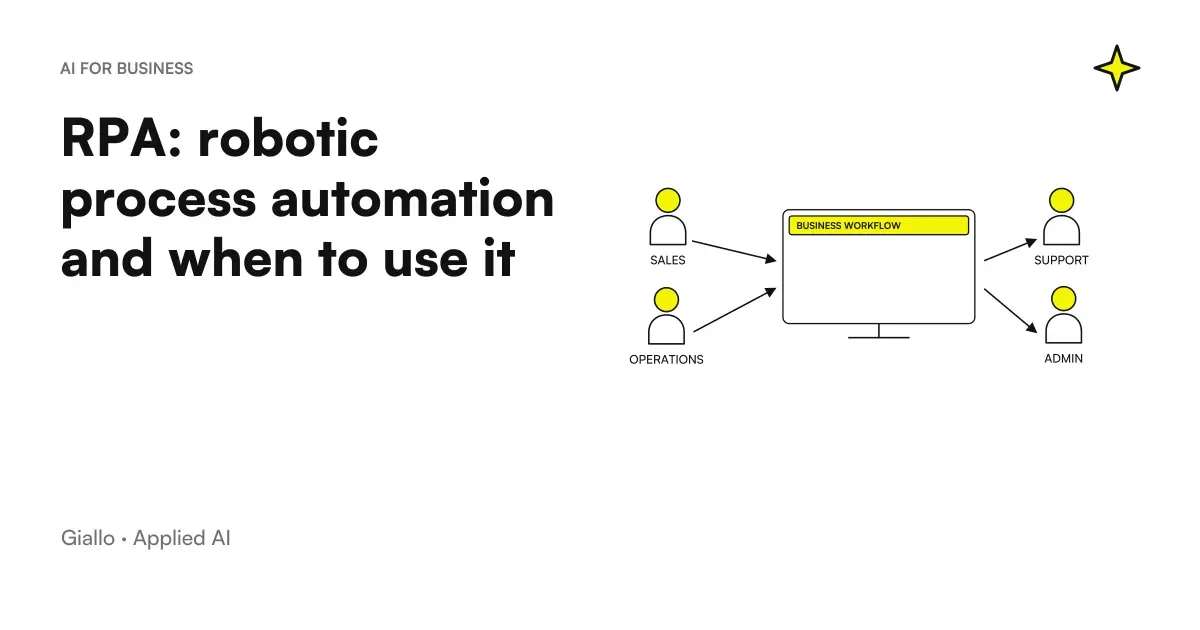 RPA explained: robotic process automation and when it makes sense
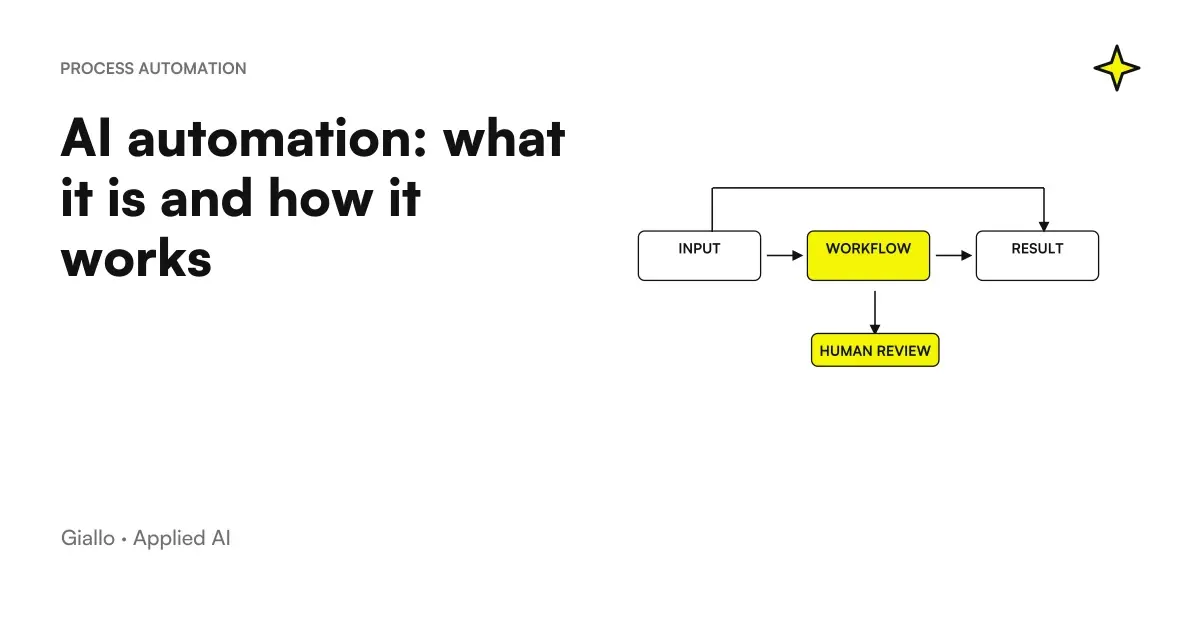 AI automation: what it is and how it works
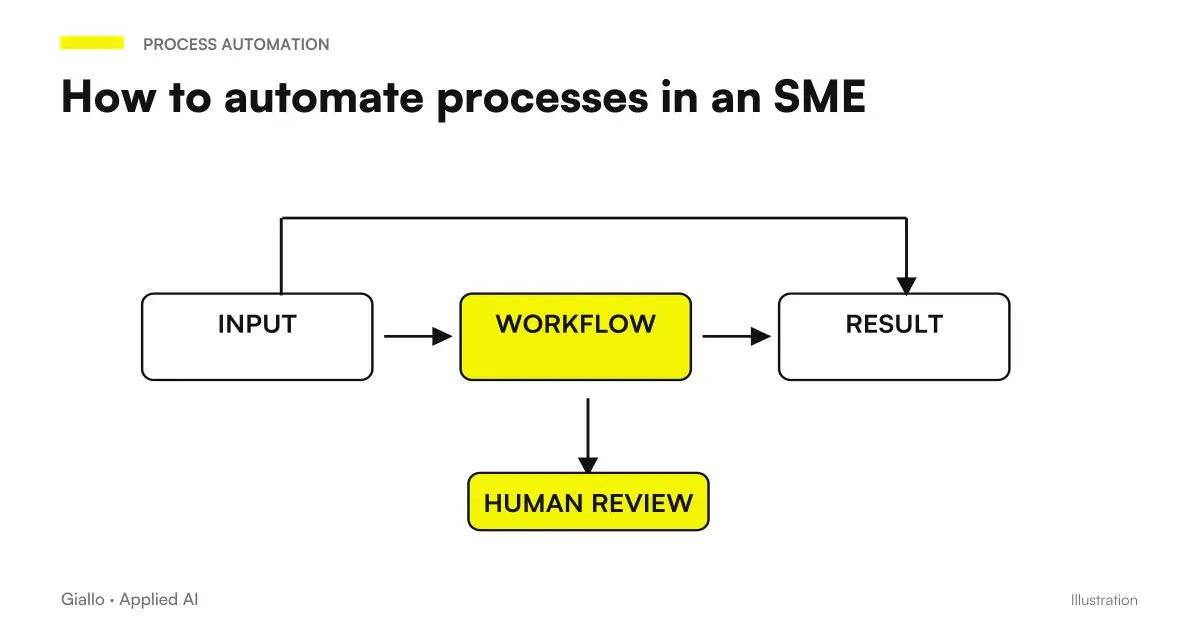 How to automate processes in an SME: the practical guide
 AI agents: what they are and how they work
 AI workflows: what they are and how to build them
 What to automate in an SME: the list of the right activities
 AWS MCP Server in New European Regions: Connect Agents to the Cloud with Clear Permissions
 Logic Apps Automation: free quotas, AI costs and limits to check
Other direct comparisons
The same criteria applied to other model pairs.
- Custom business PWA: when it makes sense over off-the-shelf software
- Voice AI or chatbot: which channel to choose
- Perplexity vs Google: response with sources or link list
- Subscription or custom AI: which makes sense?
- Claude Opus 5 vs Sonnet 5
- DIY AI or agency: how to decide
- Claude Opus 5 vs GPT-6 Astra
- ChatGPT Ads vs Google Ads (and Meta Ads): differences and when to use each
- Claude Opus 5 vs Gemini 3.1 Pro
- Free ChatGPT vs ChatGPT Plus
- Claude Opus 5 vs Fable 5.1
- ChatGPT Plus vs Claude Pro: which subscription to choose
FAQ
What is the difference between RPA and AI automation?
RPA executes fixed sequences of actions on software interfaces as a person would, but without intelligence: it follows rigid, predefined rules. AI automation adds cognitive capabilities — text comprehension, classification and content generation — to handle variable or ambiguous inputs. RPA is a robot that clicks; AI automation is a system that understands before acting.
Does RPA use artificial intelligence?
The classic RPA does not: it runs deterministic scripts on visual interfaces. Some modern products (such as UiPath or Automation Anywhere) integrate optional AI modules for OCR, NLP or classification, giving rise to Intelligent Process Automation (IPA). In that case we are talking about AI-enhanced RPA, not pure RPA.
How much does it cost to implement RPA for an SME?
It depends greatly on complexity. No-code tools such as Make or n8n cost a few tens of euros per month for simple cases. Enterprise platforms (UiPath and Automation Anywhere) start at a few thousand euros per year for licences, plus development and maintenance work. For complex processes with many exceptions, the real cost also includes handling 'robot errors', which requires human oversight.
When should I use RPA instead of AI automation?
RPA is useful when the process is already defined, stable and unambiguous: copying data from a portal to a management system, generating a standard report every Monday or sending a notification when a status changes. If the process changes often, or inputs are free text or unstructured documents, AI automation is more robust.
Are RPA and AI automation compatible?
Yes, they are often used together. A typical workflow: AI reads and classifies a PDF invoice (AI automation), then an RPA layer enters the extracted data into the management system (RPA). RPA handles the mechanical part and AI the cognitive part. Tools such as Make, n8n or Zapier can orchestrate both in a single workflow.
Is RPA good for small businesses?
Depends on the tool. Enterprise platforms like UiPath require relevant technical skills and budgets. Tools like Make or n8n (RPA-like on web apps) are also accessible to SMEs with fairly standardized digital processes. The right question is not 'can I afford it?' but 'do I have a stable enough process to automate without continuous refactoring?'
Does AI automation completely replace RPA?
No. AI automation handles unstructured and variable inputs, but it is not the easiest choice for mechanical and repetitive operations on known interfaces. RPA remains efficient where the rules are clear and fixed. AI automation excels where input is ambiguous or where it needs to be understood before acting. In practice, many streams combine both.