
RPA explained: robotic process automation and when it makes sense
What RPA is: software robots that use applications like a person. Attended and unattended modes, limitations, APIs, n8n and SME examples.
Reading time: 12 min
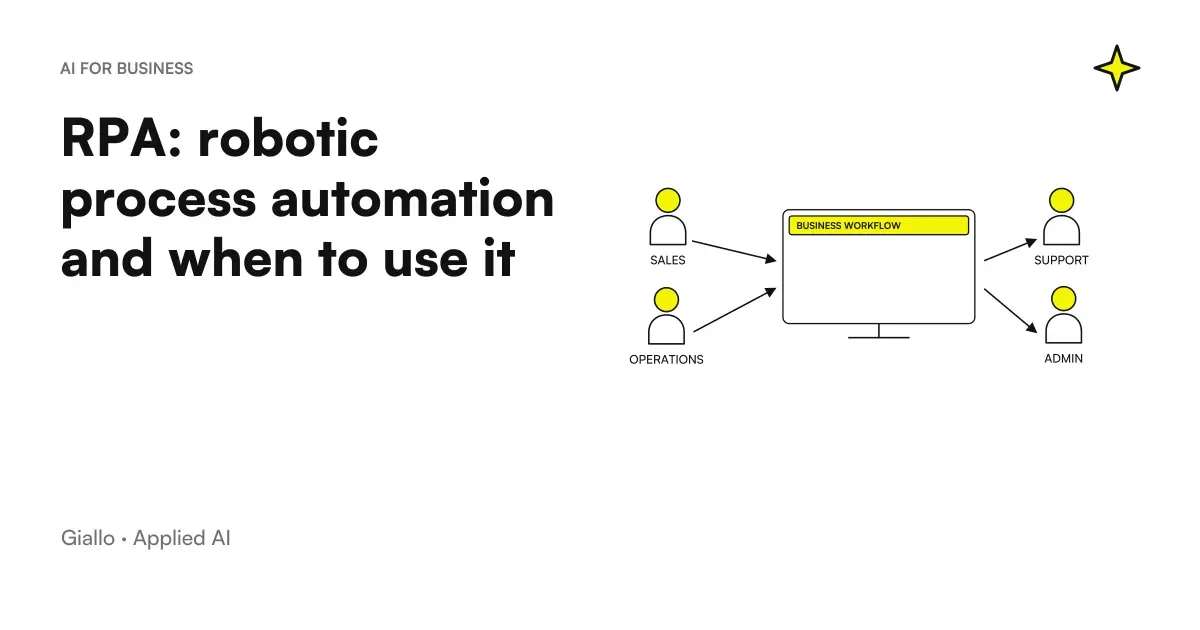
RPA, the acronym of robotic process automation, indicates software that uses other programs like a person sitting on a computer: it opens the management system, reads a value on a supplier's portal, writes it in an Excel sheet, presses Save and moves to the next line. The robot has no arms or sensors. It is a program that repeats a sequence of actions on the interface, established by who configures it.
It serves when two programs have to exchange data and there is no direct link between them: no API, no useful export, only screens. In an SME it often happens, with management software installed many years ago, portals of large customers, programs opened in remote desktop. Where a direct link there is, instead, RPA is almost always the most fragile road.
The comparison to artificial intelligence-based automation is in the article RPA vs AI automation.
In summary
- The RPA automates computer work by acting on the program interface: fields, buttons, menus, windows.
- A robot awaited works on the PC of a person who starts it; a robot unattended runs alone on a dedicated car, at times or on events.
- It agrees with clear rules, already digital data, stable screens and no direct link available.
- The main limit is fragility: an interface update is enough to stop the robot.
- If the software has a reliable API or export, an integration with tools such as n8n It's more solid.
- The classical RPA executes rules written by people: for the AI Act it is not an artificial intelligence system.
What is RPA (robotic process automation), no pun intended
Robotic process automation means process automation with software robots. Microsoft presents Power Automate desktop streams just like RPA features: they automate rule-based repetitive tasks, even on legacy applications such as terminal emulators, and interact with the computer through interface elements, images, or screen coordinates (Microsoft Learn).
The difference with a classical integration lies in the front door. Two integrated programs speak through a channel designed for machines; the robot enters the employee's door, the screen, and so also works on software never designed to dialogue with others.
The robot, however, does not read or interpret. If the “Total” field is empty, it copies the empty value; if a document different from the usual one arrives, it stops or makes a mistake. Everything it can do was programmed by someone beforehand.
How an RPA robot works: selectors, recorders, exceptions
To press the right button the robot must first find it. RPA platforms use the selectors, item descriptions (type, name, window that contains it) saved during configuration. UiPath documentation explains that recognizing an item by its on-screen location is possible but unreliable, and that with some web applications, where layouts and attributes change, selectors should be arranged by hand (UiPath, About Selectors).
A typical configuration goes by four steps:
- Recording or drawing of the stream. You perform the operation with the recorder on, or you compose the stream with ready actions: open the application, read the cell, write in the field.
- Selectors and Variables. Each click becomes an action on a recognized item, while the data that changes at each turn (order number, customer, amount) comes from a file or table.
- Exception handling. You decide what to do when something goes wrong: window that does not open, missing field, session expired. Without this part the robot freezes at the first unexpected.
- Execution and Log. The robot starts on demand, at time or when a file arrives, and notes every step: when it stops, the log says where and why.
RPA awaited and unattended: who starts the robot
In UiPath documentation automation awaited part at the user's initiative, usually asks for his interaction and runs on his computer; that unattended is managed by a central console and works independently, often in the background or out of hours, on a separate machine (UiPath, introduction to robots).
Unattended mode has requirements that are discovered late. For Power Automate, Microsoft indicates that the Process plan is needed, that the service opens a remote desktop session with the screen locked, and that on computers with Windows 10 and 11 the robot does not start if there is an open user session, even if it is locked (Microsoft Learn). Basically the robot needs a computer, or a virtual machine, all of its own.
| Attended (presided) | Unattended (unattended) | |
|---|---|---|
| Who Starts It | The person, when they need it | A schedule, an event, a work queue |
| Where it runs | On the PC of those working | On a dedicated computer or virtual machine |
| If it freezes | Those who use it immediately notice | You need a warning, otherwise you find out the next day |
| What it requires | The program on the PC; the license depends on the platform | License for unattended execution, dedicated user and machine |
When should RPA in an SME
Before leaving, verify that the process has these features:
- It repeats the same many times: same steps, same fields, same order.
- The starting data is already digital and sorted, such as an Excel or a table on a portal.
- Decisions are written as rules ("if the amount exceeds the threshold, it signals"), without having to interpret a text.
- The screens rarely change: the business management software is not updated every month, and the portal keeps the same structure.
- The software provider has confirmed that there are no APIs, webhooks or automatic exports.
- Someone who knows the process can follow the robot and replace it when it stops.
When one of these conditions is missing, the project gets complicated. Free texts and documents always different ask for a part of AI, screens that change often ask for continuous maintenance, an API available makes the robot superfluous. To choose the first process to work on, the guide on what to automate in an SME helps make the list.
RPA, API, n8n and Make: what a difference there is
The most common mistake is to put a robot to click where a direct call would suffice. A API is a channel designed for one program to ask for or send data to another without going through the screen. Tools like n8n work like this: the HTTP Request node, for example, queries any application or service that offers a REST API (n8n documentation). For Make and Zapier, and to choose between the three, there is the comparison Make vs Zapier vs n8n.
From the most solid to the most fragile link, the order to follow is this:
- Native Integration between the two software, already offered by the supplier.
- API or webhook, orchestrated with n8n, Make or custom code.
- File Exchange per hour, for example a CSV deposited every night in a folder.
- RPA on the interface, when none of the previous roads are available.
The first move is to ask the management software provider what it exposes. How it occurs, and what changes between webhooks, scheduled calls and exports, is told in the article on how integrate business management software with n8n. Often the answer takes the robot out of the way.
Where RPA breaks down: changing screens and credentials
An RPA robot depends on things you do not control. The business-software provider releases a version with a button moved, the client portal changes its design, or a new warning window appears: the selector fails to find the element and the workflow stops. Microsoft also points out a less obvious case: in unattended runs, the remote desktop session may have a different resolution from the one used to create the workflow, and the robot may fail to find an element or interact with the wrong one if it uses the mouse and keyboard (Microsoft Learn).
Then there are the credentials. The robot enters programs with a user account and a password, so it treats data like an employee would. The GDPR calls for risk-appropriate technical and organizational measures, including the ability to ensure confidentiality and integrity of systems (Art. 32 GDPR). For a robot it means a user of its own with the minimum permissions, the password in a protected archive and a register of executions available.
RPA, Artificial Intelligence and AI Agents: Where the Border Passes
Classical RPA is not artificial intelligence, and the AI Act explicitly states this: the definition of an AI system is not about rule-based systems defined solely by individuals to perform operations automatically (recital 12 of EU Regulation 2024/1689). A robot copying fields following instructions written by you is here. If it processes personal data, the rules of the GDPR still apply.
The picture changes when the robot is added a part that reads different PDFs each time, ranks an email or chooses the next step. Istat, in the survey of companies with at least 10 employees, counts the automation of AI-based workflows among artificial intelligence technologies: in 2025 it is used by 2.9% of companies (Istat, Enterprise and ICT 2025). When it's best to pair AI with a stream, and when RPA is enough, you find it in the comparison RPA vs AI automation.
With AI agents the boundary is another. An RPA robot always repeats the same sequence; an AI Agent receives an objective and chooses the steps on its own. Some models already use computers through screens, a mouse and a keyboard, such as Anthropic’s computer use: the documentation recommends a virtual machine with minimal privileges, no sensitive credentials and human confirmation before actions with real consequences (Anthropic documentation). Always check the official page: these functions change often.
Four examples of RPA in an Italian SME
The scenarios below are examples built to show where RPA works and where it doesn't.
The orders of representatives in a distribution company. A spare parts distributor receives orders from agents in Excel and copies them into the management system, installed on site and without API. A manned robot reads the file line by line, fills out the order mask and returns the number generated to the Excel; the employee who starts it checks only the lines with an unknown article code. On the subject is the guide to the data entry automation, with a demo in The Lab.
A big customer's portal. A small supplier to large retailers must download orders and confirmations every morning from its customer’s portal, which does not offer APIs to small suppliers. An unattended robot logs in before the office opens, downloads the documents into a shared folder and sends a message if the portal does not respond. The biggest risk is a redesign of the portal: every new release must be followed by a test.
The last stretch to the administrative program. A technical study collects requests from the site in a modern CRM, connected with n8n via API, but must also register each new order in the old administrative program, which has no other entrance doors. n8n prepares a file every evening with the orders of the day, the robot inserts them and reports the rejected lines. The fragile part remains confined in one passage.
Passive bills, where the robot is not needed. A company's administration thinks of a robot that downloads supplier invoices from a portal. The electronic invoices between Italian operators, however, pass from the Interchange System of the Revenue Agency, which receives the files, controls them and forwards them to the recipients, including private individuals, and dialogues with the software through accredited channels such as SdICoop and SdIFTP (billopa.gov.it). If the manager or accountant already receives them from there, the robot would be a useless turn. What you can automate after receiving it explains the guide on the Invoice automation with AI.
How much does RPA cost and what it takes to leave
A robot’s cost does not end with its licence. Include the time to map the process and configure the workflow, the machine it runs on if unattended, and especially maintenance, which lasts as long as the robot.
A few tools are enough for a test. Microsoft indicates that the use of Power Automate with a Microsoft account is available at no additional cost (Microsoft Learn); connecting to cloud streams, sharing, and centralized management requires an organization premium account instead (comparison between accounts). For dedicated RPA platforms it always checks the manufacturer's official list, because licenses and plans often change. For the total cost, including the part that does not stand in the license, there is the guide on how much it costs to automate a process.
Mistakes that make an RPA project fail
- Automating a process that no one has written down. If each employee makes the steps in their own way, the robot copies the version of who configured it, including errors. First you write the sequence, then you automate.
- Choosing the robot when there was an API. A direct integration does not depend on the graphics of the programs, so it requires less intervention when the updates come out.
- No one responsible. A robot with no name next to it stops silently: it needs someone to receive the alerts and try it after each update.
- The robot with the administrator's user account. Convenient in configuration, risky in operation: if the flow is wrong, it is wrong with all the permissions.
Where to start with the first robot
Choose the case closest to yours.
You have a management software installed on site, without API
Start with a robot manned on a single task, for example placing orders from Excel. Run it for a few weeks next to the manual work and compare the results before entrusting it with all the volume.
You must download data from a customer's or supplier's portal
Ask the manager first for a scheduled export or API access. If there are none, check the conditions of use: with a verification code at each login you need a manned robot.
Receive always different documents and requests
Here RPA alone is not enough, because the robot cannot read a free text. It needs an AI part that extracts and classifies the data before entering, as the comparison explains RPA vs AI automation.
In any case, two pieces of information are needed: the sequence of the steps as it is done today by those who work there, and what each program involved exposes. With those, the choice between integration, files and robots becomes almost obvious.
If there is a job in the company made of screens and copy-paste, Giallo Studio starts from the step map and checks the direct roads first: the robot only enters the stretch where it really needs to be.
Giallo Studio guides: methodology and sources
How we apply it in the company
Related resources
 RPA vs AI automation: differences, costs and when to use which
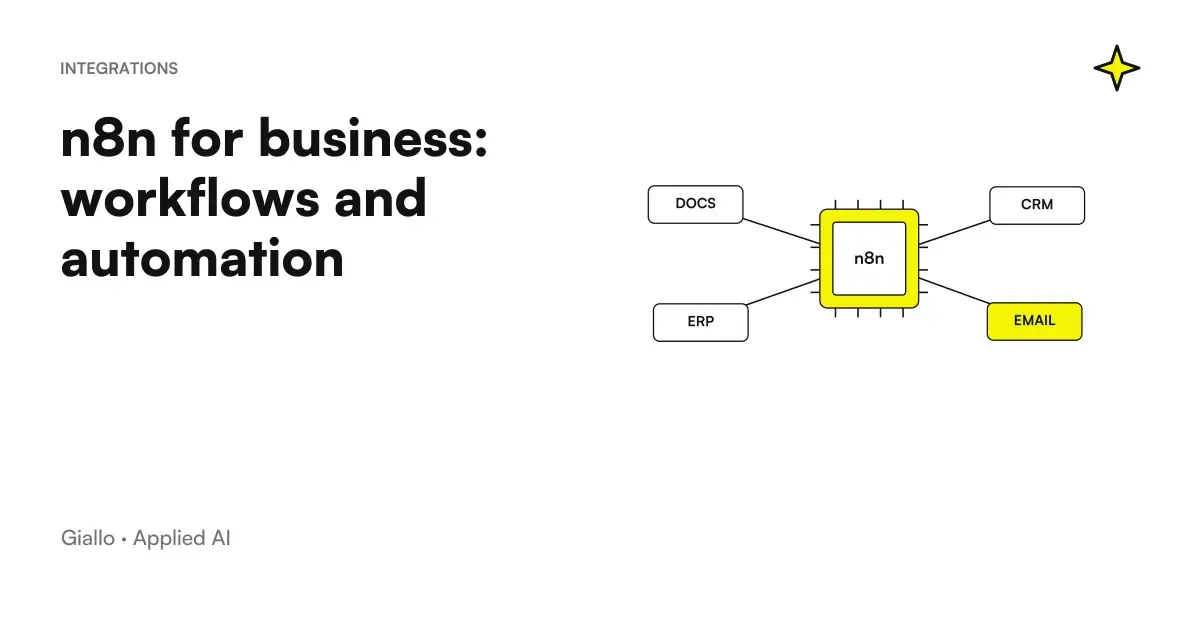 n8n explained: how it works and how to use it in business
 Make vs Zapier vs n8n: which one to choose for your company
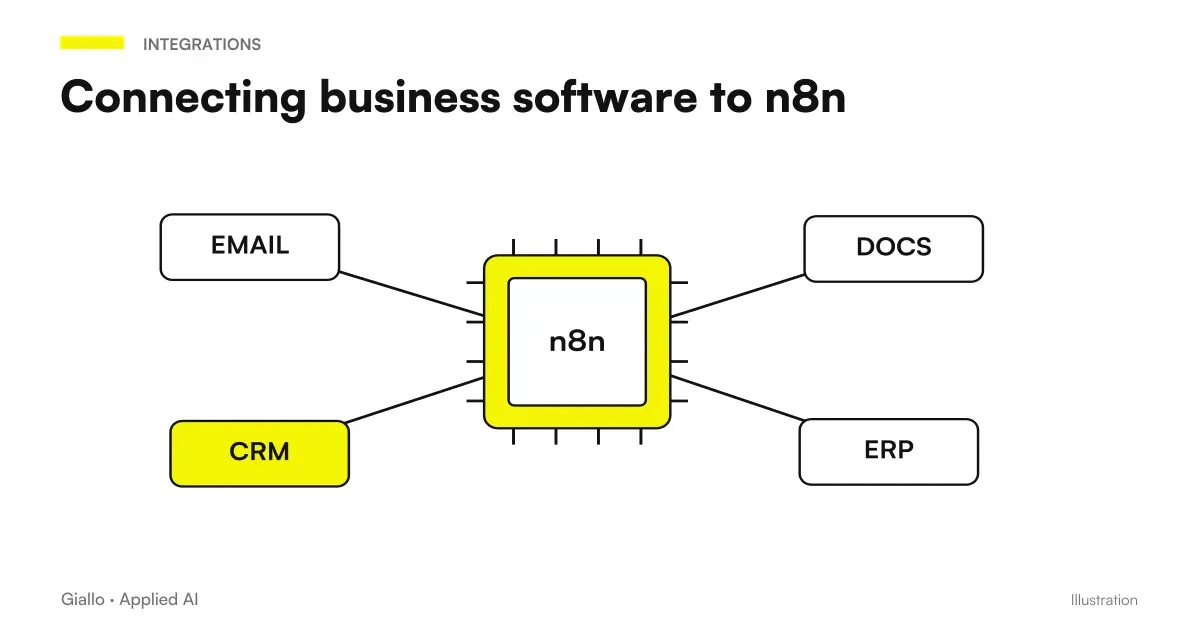 Integrate business software with n8n: APIs, webhooks and HMAC signing
 AI agents: what they are and how they work
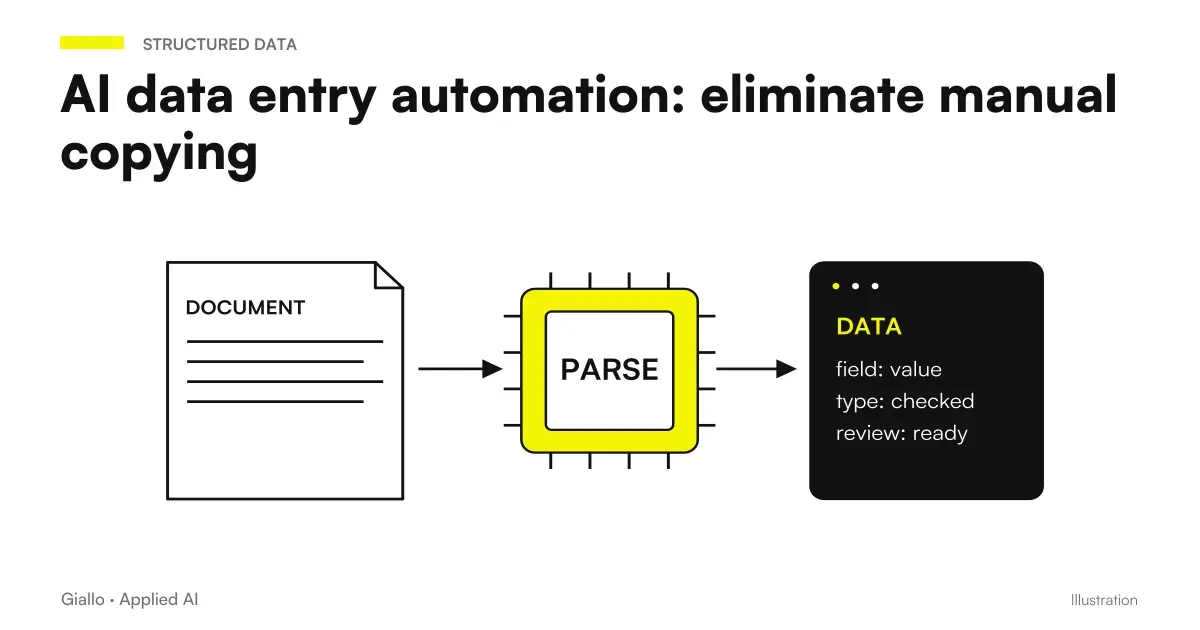 AI data entry automation: eliminate manual copying
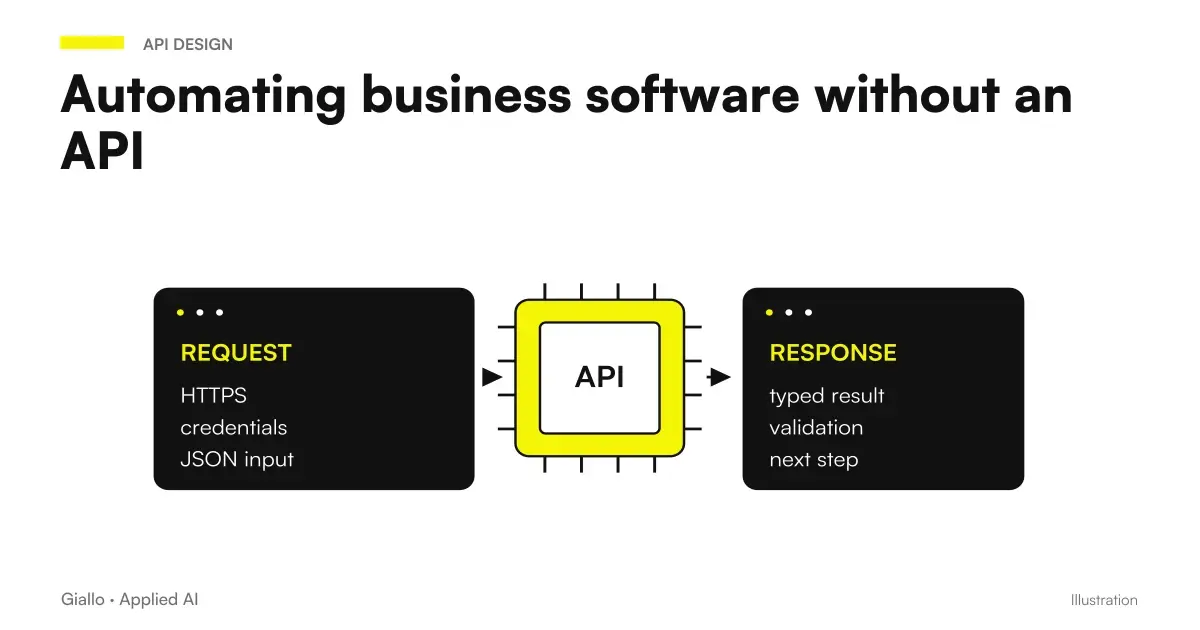 Automating business software without APIs: options and limits
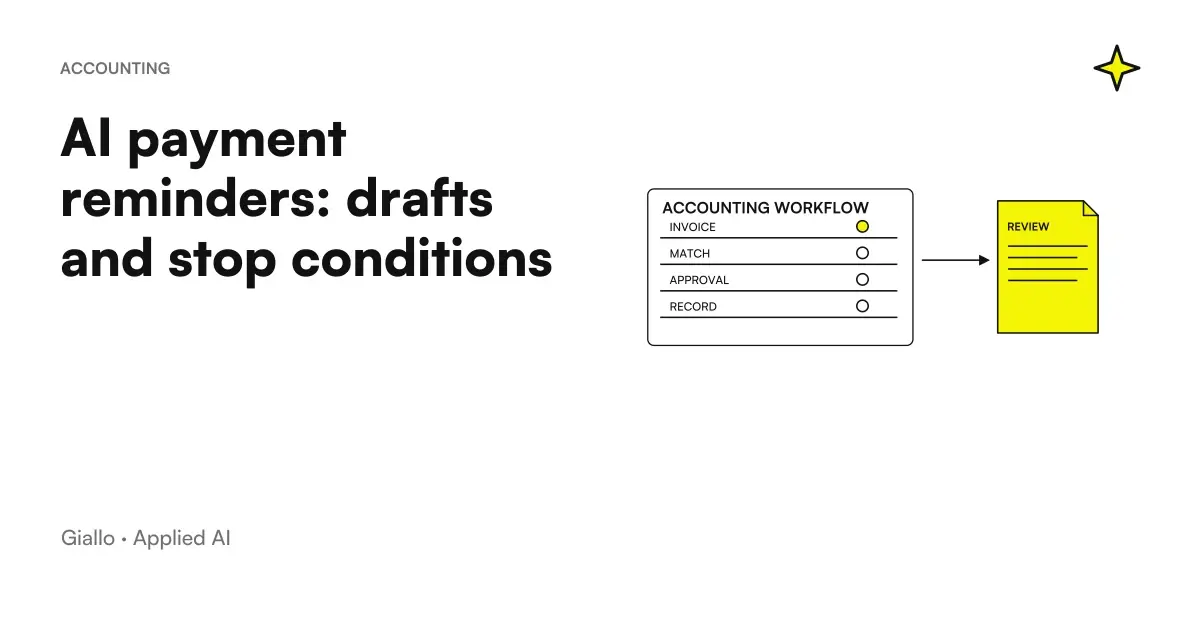 AI payment reminders: prepare the right draft and stop once paid
FAQ
What is RPA in plain words?
RPA, robotic process automation, is a software that uses other programs as a person would: it opens windows, reads fields, copies, pastes, clicks and saves following a sequence decided by those who configure it. The robot does not have a body and does not understand what it is doing: it repeats the rules that have been given to it.
What is the difference between attended and unattended RPA?
An attended robot runs on a person's computer: they start it when needed and remain present while it runs. An unattended robot runs independently on a dedicated computer or virtual machine, at scheduled times or when an event is triggered, and requires different licences and configurations.
Is RPA artificial intelligence?
The classic RPA does not: it executes rules written by people, and the AI Act excludes these systems from the definition of artificial intelligence system. It becomes a system with AI when components are added to the robot that read different documents, classify requests or choose the next step.
Better RPA or API integration?
If the software offers an API, webhook or reliable export, direct integration is more stable because it does not depend on the programs' visual interfaces. RPA is needed when the interface is the only entry point: management systems without APIs, client or supplier portals, and programs opened through a remote desktop.
Can you try RPA without buying licenses?
Yes. Microsoft states that Power Automate for desktop can be used with a Microsoft account at no additional cost, with a recorder and ready-made actions to run workflows on your own PC. Cloud scheduling, unattended execution and centralised management require paid plans: always check the official page.
How long does an RPA robot last before it breaks?
It depends on how much the interfaces it uses change. An update to the management system, a field moved within a portal or a different screen resolution can stop it. Every robot therefore needs an owner, error alerts and a test after each update to the programs involved.