
Claude Opus 5.5 prompts: what to remove, what to add and examples
Claude Opus 5.5 prompts: remove unnecessary lines, define the outcome, set style exclusions and use 8 examples drawn from the official guide.
Reading time: 11 min
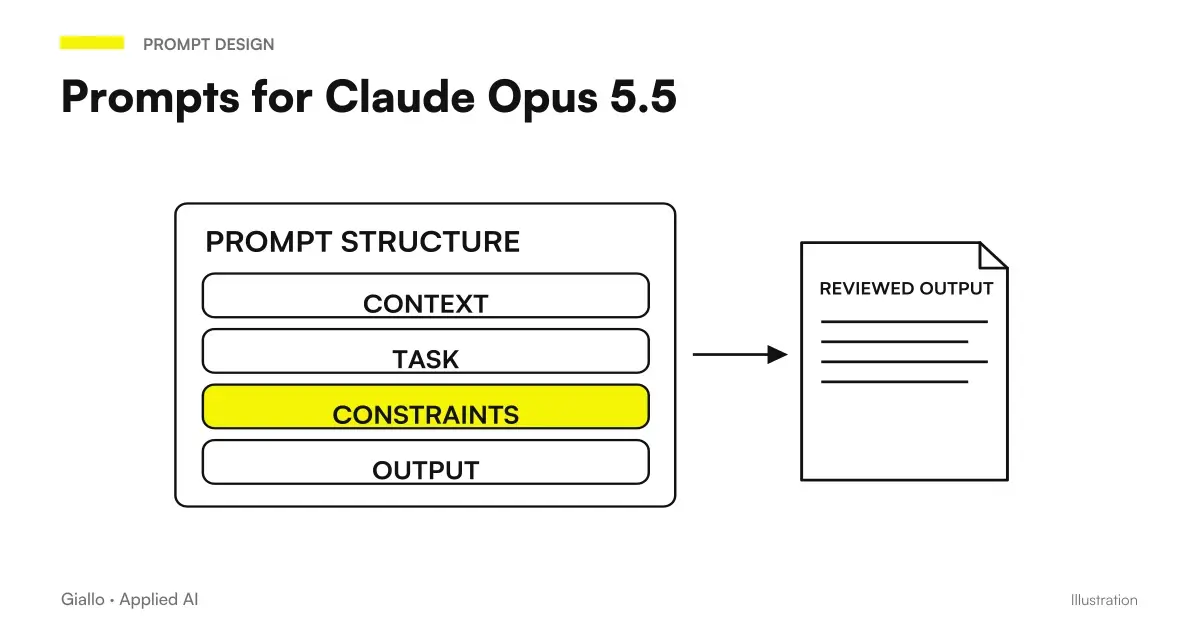
With Claude Opus 5.5 the prompt changes in a precise direction: it takes away more than you add. The lines that for two years have served to reason the models — "think carefully", "step by step" — with this model only slow down, because Opus 5.5 always thinks before answering and decides for itself how much.
What needs to be added is something else: the finish line. What does it mean that the task is finished, and when the model has to stop to ask you something. It is the biggest change, and it applies both in the app and in Claude Code.
This guide is based on the official guide published by Anthropic on launch day, with its examples reproduced faithfully and translated. Data verified on 23 September 2026.
In summary
- Remove Every line he asks to reason: he already thinks for himself.
- Add finish line: what "finished" means.
- Give the whole task in a single message, then correct in the race.
- For quick answers just "Reply directly".
- In the design lists what to exclude, not "avoid the generic".
- Don't ask about reproduce internal reasoning: is reported.
What to Remove from Prompts
If you have prompts written for Opus 5, Sonnet or models from other providers, this is cleaning to do first.
| Line to be removed | Why | What to put in place |
|---|---|---|
| "Think carefully before you answer" | He always does, alone | None |
| "Think step by step" | Add wait, not quality | None |
| "Show me your reasoning" | It is a category reported by filters | "Explain in three sentences why you chose this approach" |
| "Be accurate and accurate" | Empty: Doesn't change behavior | The concrete criterion of correctness |
| "Avoid a generic appearance" | Too vague to run | The list of things to exclude |
The point about reasoning deserves an extra line. With Opus 5.5 the reasoning is Adaptive: the model chooses how much to think based on the task, inside a level that you can set. Asking him to "think more" in the prompt text does not raise the level: it confuses him. The level is chosen elsewhere, as explained in the reasoning levels of Opus 5.5.
What to add: the finish line
For multi-step tasks the official guide is clear: give the whole task in a message, and name the finish line. The text example, translated:
"Migrates payment endpoints from the old client to the new one. Finished means: each endpoint uses the new client, the old client is deleted, and the test suite passes. Stop and ask me something only if a test fails for a reason you can't explain."
Three elements, always the same:
- The Whole Task, not the first step. The model plans better if it sees where it has to go.
- The definition of "finished", verifiable: tests pass, every record has migrated, the document has no contradictions.
- The Stop Rule: in which cases he must stop to ask you, and in which cases he must not.
It also applies outside the code. For a draft contract: "Finished means: all the clauses of the model are present, the names of the parties are consistent on each page, no date is in the past. Stop only if a fact is missing that you can't infer."
Correcting in the race
On a long job there is no need to interrupt and start again: you can send a message while the model is working. The example of the guide: "Also keep old endpoint names as aliases." The model integrates it without starting from scratch, and you save the cost of restarting.
It works well for the precisions that come to your mind along the way; not to change your goal. If the goal changes, the new message is a new task.
Prompt for short answers
If you want a dry answer — a yes or no, a line, a number — write "Reply directly". The model reduces internal reasoning and the answer comes first. It is the only case where it makes sense to talk about reasoning in the prompt: to ask for less, not more.
Prompt for design: exclude, not describe
A specific but instructive case. To get a page that doesn't seem generated, "avoids a generic appearance" doesn't work. It works the list of habits to be excluded. The example of the guide, translated:
"Build a personal site with placeholder content. Do not use a cream or off-white background, words in italics such as accent in titles, section labels numbered 01/02/03, monospace labels, or pill-shaped buttons."
The principle applies everywhere: specific exclusions beat generic instructions. "Nothing 'we apologize for the inconvenience'" works; "be friendly but not formal" does not.
Ask for verification, not reassurance
For research and analysis, a line that changes the result: "Mark everything you couldn't confirm, and tell me where you searched." Get an answer with the declared weak points instead of a confident text that you then have to check again. It's the simplest defense against the invented answers.
For long documents the guide proposes: "Check that this document does not contradict itself: numbers, dates and names. Quote every problem and tell me where it is." How to use it on quotes and contracts is in have Opus 5.5 check a document.
Eight prompts ready
| Usage | Prompt |
|---|---|
| Long task | "[Task]. Finished means: [verifiable criteria]. Stop and ask me only if [condition]." |
| Quick response | "Reply directly: [question]." |
| Revision of a text | "Review this draft. Only list the problems you wouldn't send it for. For everyone: where it is, why it's a problem, how you would fix it." |
| Consistency check | "Check that this document doesn't contradict itself: numbers, dates, names. Quote every problem and tell me where it is." |
| Honest Search | "[Question] Mark everything you couldn't confirm and tell me where you searched." |
| File finished | "Transform these notes into a spreadsheet that I can share: one line per provider, cost columns, contract expiration, referent." |
| Long Project | "Once you've answered something, consider it closed. Focus on what I'm asking now and don't go back to previous answers, unless I ask you to." |
| Motivation | "Explain in three sentences why you chose this approach." |
The system prompt in automatic systems
In chats the prompt writes it every time; in automatic systems there is a system prompt which is sent back identically to each call. With Opus 5.5 it is worth rewriting for three reasons.
The first is the cost: every pointless line you pay for it at every run, and with the cache at $0.20 per million tokens the fixed part of the prompt only costs little if it is really fixed. The second is latency: lines on reasoning lengthen the time before the first word, as explained in time to first token. The third is quality: a system prompt describing the task with the arrival line produces more stable output than one describing the desired behavior with adjectives.
A structure that works, in this order: who is the user and what the company does in two lines; the task with the definition of "finished"; the exact format of the output; what never to do; what to do when a data is missing. Nothing "you're an expert and precise assistant": nothing changes, and it occupies tokens.
Practical examples
Law Firm, 6 people, Verona. The prompt for the first reading of the contracts contained three lines of "analyze with the utmost care, reason clause by clause". Tolte, the answer comes first and doesn't change anything in quality. Added the finish line — "finished means: every clause in our model is present or reported as missing" — the answer became a verifiable list instead of a comment.
Communication agency, 12 people, Milan. For landing pages the brief said "modern, clean, not generic" and always came out the same site. Replaced with a list of seven things not to do, taken from jobs discarded in previous months. The result is not "better" in the abstract: it is different every time, which was the problem.
Background after restart
Persistent instructions are not enough for data that changes during work. SessionStart and compaction allow you to reason on which dynamic context to add and how much. If the problem is knowing when to intervene, the local Claude Code notifications They separate expected input and end of response, without turning each event into an external message.
Mistakes to Avoid
- Copying the "secret techniques" from the forums. Almost all of them were born on models that didn't reason alone.
- Giving the first step instead of the whole task. The model plans worse and asks you for confirmation all the time.
- Defining "finished" in an unverifiable way. "When it's done right" is not a finish line.
- Asking to show the internal reasoning. It is reported, and the response switches to an earlier model.
- Describing the style with adjectives. Concrete exclusions work, "elegant" doesn't.
How to apply it in the company
If your company shares prompts — in automated systems or workplace chats — this is the review to carry out once:
- Search and Remove each line on the reasoning: "think", "reason", "step by step", "carefully".
- Add to each task prompt the line "finished means:" with verifiable criteria.
- Add Stop Rule where the model acts on data or systems.
- Evidence on the same cases as before and compare: if it gets worse, the problem is almost always a misspelled finish line.
For prompts that must also work on other models, see prompts that work on multiple models; for general collection, prompt for Claude.
Conclusion
The prompt for Opus 5.5 is shorter than for previous models and more precise on one thing: where it has to go. Remove the instructions on reasoning, write down what it means to be finished, say when to stop. The rest —examples, format, exclusions.is as good as ever.
Do you want to understand what processes in your company can be automated with AI? Giallo Studio can help you turn the problem into a real workflow.
Giallo Studio guides: methodology and sources
How we apply it in the company
Related resources
 Claude Opus 5.5: what it is, what it changes and who it suits
 Claude prompts: examples for better answers
 Prompt engineering explained: how relevant is it today?
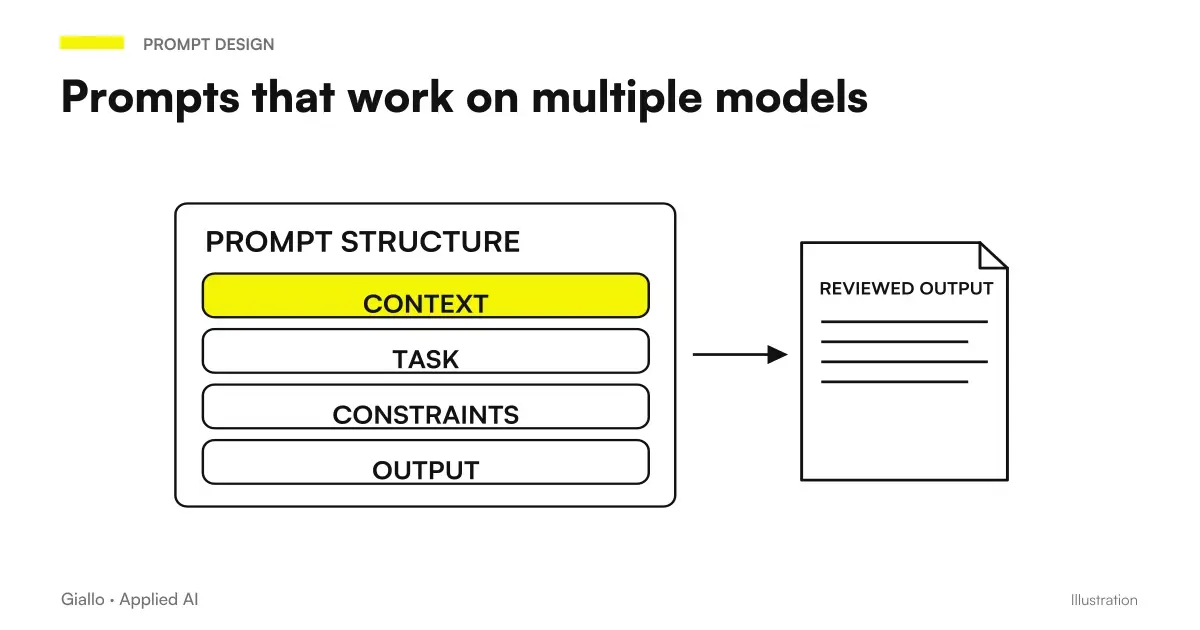 Prompts that work on multiple models: how to write them
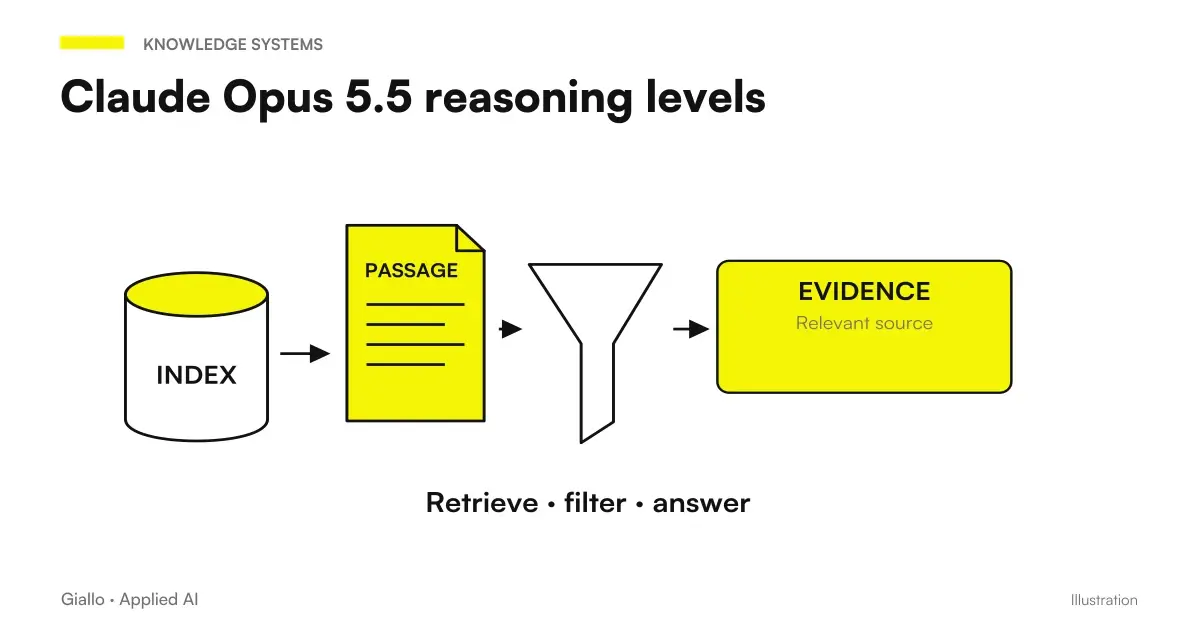 The levels of reasoning of Claude Opus 5.5: what they are and when to raise them
 Install Mods in Claude Code: scope, reloads and updates
 Replay Theater in Claude Code: review a turn's changes
 Test a Claude Code Mod without login or model calls
FAQ
What changes in prompts with Claude Opus 5.5?
Remove lines asking it to reason, such as 'think carefully', 'reason step by step' and similar instructions. Opus 5.5 always thinks before answering and decides for itself how much; those lines only add waiting time. Instead, add the finish line: what it means for the task to be complete.
How do you give a long task to Opus 5.5?
In a single message, with the definition of 'finished' and the rule on when to stop. The official guide uses this form: 'Finished means: every endpoint uses the new client, the old one is deleted, the tests pass. Stop and ask me only if a test fails for a reason you can't explain.'
Can I add instructions while Opus 5.5 is working?
Yes. During a long task, you can send a message such as 'also keep the old endpoint names as aliases', without restarting everything.
How do you get a quick and short answer?
By writing 'answer directly'. The model reduces its internal reasoning, and the answer arrives sooner.
Why is my prompt being flagged?
A common cause is asking the model to reproduce its internal reasoning in the answer: filters flag this category. Instead, ask 'explain in three sentences why you chose this approach'.
How do you ask for a design that doesn't seem to be generated?
List what to exclude rather than saying 'avoid a generic appearance': no cream background, no italic words in headings, no labels 01/02/03 and no pill-shaped buttons. Specific exclusions work; vague instructions do not.