
Claude Opus 5.5 fast mode: features, cost and when it makes sense
Claude Opus 5.5 fast mode: the same model, text up to 2.5 times faster, at $8 and $40 per million tokens. Learn when the extra cost makes sense.
Reading time: 9 min
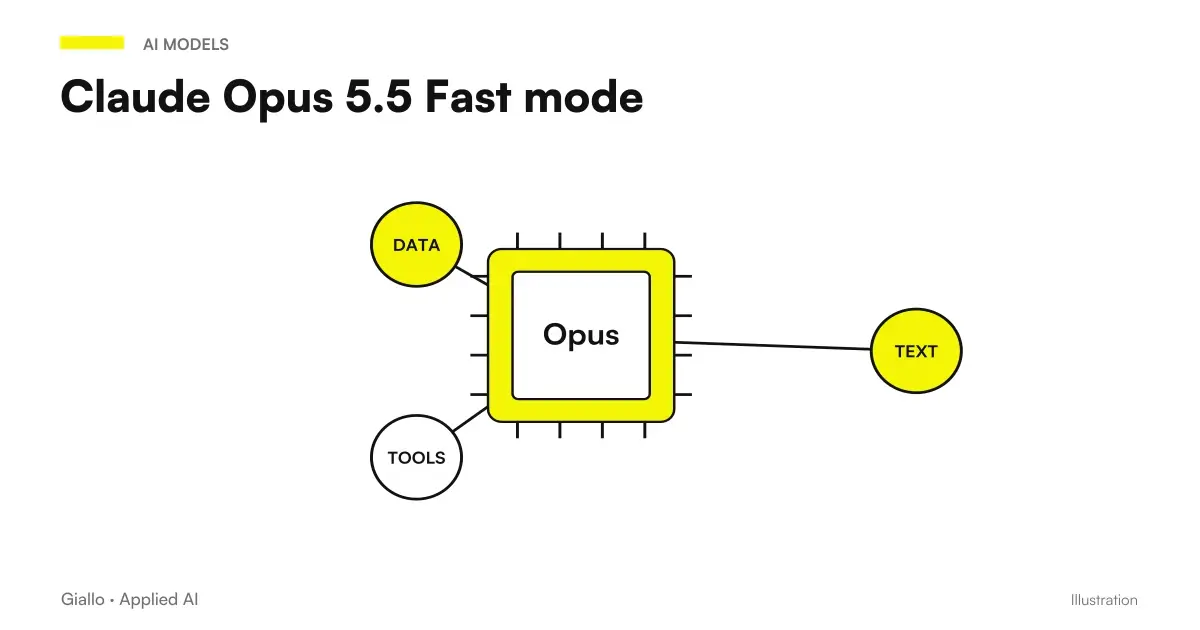
The Fast mode by Claude Opus 5.5 is the answer to a precise question: It's the same pattern, but does the text come first? Yes. Anthropic describes it exactly so — same model, text that comes first, up to 2.5 times faster pre and double the price: $8 per million token input and $40 output, against 4 and 20 of the standard mode.
It's not a different model, it's not a level of reasoning, it doesn't improve responses. It's a Leverage Speed which only makes sense in one case: when someone is waiting. Verified data 23 September 2026.
In summary
- Same model, text up to 2.5× Faster.
- Costs the double: $8 / $40 per million tokens.
- Activates with /fast in Claude Code; requires extra usage.
- In preview at launch: details subject to change.
- It is convenient where someone is waiting; it's a waste where no one looks.
- It does not replace a short prompt and a clean context, which are free.
What it does and what it doesn't
| Fast mode | |
|---|---|
| Quality of Responses | Unchanged: same model |
| Text speed | Up to 2.5× according to Anthropic |
| Price per million tokens | 8$ input / 40$ output |
| Where | Claude Code (/fast) and platform for developers |
| Requirements | Extra usage enabled |
| Status | Preview at launch |
The detail not to be confused: Fast mode acts on the speed with which the text comes out, not on the reflection time before the first word. That depends on the level of reasoning and the length of the prompt, and it rules elsewhere — see the reasoning levels of Opus 5.5 and time to first token.
When it's convenient and when not
It makes sense when
- You work at a bang and answer in Claude Code and every wait interrupts you
- An assistant responds to customers or colleagues in real time
- Responses are long and progressive reading counts
- The cost per interaction is small compared to the time value of the waiter
It's not convenient when
- Work turns at night or in batch: no one looks
- The run is long and autonomous: the model works, you do something else
- The volume is high and the margin per task is narrow
- The problem is the initial wait, not the speed of text
The rule is one: Fast mode is paid for a person's time. If there is no one waiting, you are paying double for nothing.
The account, on a real case
Get an internal assistant who answers 2,000 questions a day, with answers from 400 tokens. In standard mode the output costs $20 per million tokens: 2,000 × 400 = 800,000 tokens, i.e. $16 a day of output. In Fast mode twice as much: 32. The difference is 16 dollars per day, about 350 per month.
The question is not whether 350 euros is many: it is how much it is worth, for those who use the assistant, to receive the answer in half the time. For a team of ten people who use it all day, probably yes. For a batch of 2,000 documents processed at night, no, and there is no discussion. The method for doing these accounts is in price per million tokens, explained.
Before Fast Mode: The Three Free Things
Before paying double, three interventions that shorten the wait and cost nothing:
- Shorten the prompt and context. The time before the first word grows with what you send. A system prompt twice as long as needed is expected given away at each call.
- Using the Cache for the part of prompt that does not change. At Opus 5.5 the read from the cache costs 0.20 dollars per million: the fixed part becomes almost free and faster.
- Lowering the level of reasoning where the task is simple. Less reflection, answer first.
Once you've done these three, if waiting remains a problem and there's a person waiting, Fast mode is the right move.
The Case at the Border: Agents Talking to Customers
There is a grey area where the decision is not obvious: automatic assistants who respond to customers or employees. No person in the company waits, but wait for the customer, and his time is worth it.
Three criteria for deciding:
- Is the answer long? If they are two lines, the speed of the text is not noticed. If it is an explanation of twenty lines, progressive reading counts and Fast mode is heard.
- Can the client do anything else in the meantime? In a chat yes; on the phone, with a voice assistant, every second of silence is a problem, and there Fast mode is almost mandatory.
- How much is a conversation worth? For an assistant who qualifies commercial requests the double cost is negligible compared to the value of a contact. To answer questions about opening hours, no.
Here too the order is worth it: first the three things for free, then the measure, then the Fast mode only where waiting remains a problem. For how these assistants are built — perimeter, human control, log — see AI Agents for Companies.
Preview: what it means for those who do the math
At the launch Anthropic presents the Fast mode as Search Preview. In practice: prices, requirements, and availability may change, and a preview function may be changed without the notice given to a stable function. For interactive use in Claude Code this is no problem. To put it into a production system on a monthly budget, it is best to wait for it to come out of the preview, or at least predict that the cost may move. The overall picture of the model and its prices is in Claude Opus 5.5: what is it.
Practical examples
Technical study, 4 people, Modena. They work in Claude Code on an internal management software, long pair programming sessions. Each response interrupted them for twenty-thirty seconds. /fast during interactive sessions, standard for long runs that launch before lunch. The extra cost is on interactive work only, where people's time is worth more than the price difference.
Service company, internal help desk, Bergamo. An assistant on Opus 5.5 responds to employees on procedures and forms. The complaint was "it's slow". Before activating Fast mode they shortened the system prompt —which attached the entire manual to each question.and cached the fixed instructions. The wait is down enough not to activate the fast mode. Cost of intervention: zero.
How to Measure If It Really Serves
The decision on Fast mode is one of the few in which data is collected in a day.
- Record the perceived wait for one week: how much passes between the sending and the complete reply, on the real requests, not on a test.
- Separate the two components: the time before the first word and the scroll time of the text. Only the second improves with Fast mode.
- Ask who uses the tool if the wait interrupts it. It's a question, not a poll: the answer is almost always clear.
- Activate Fast mode for a week on the same perimeter and compare: wait, cost, and — the thing that matters — if people use it the most.
If the scroll time was already short, the Fast mode does not change anything and the double cost is pure waste. If the answers are long and someone reads them as they arrive, the difference is immediately felt. How you measure the wait correctly —typical value and worst cases, not the average —is in time to first token.
Mistakes to Avoid
- Activate it anywhere "to do it first." Double the cost where no one looks.
- Expecting better answers. It's the same model: it changes time, not content.
- Use it to cure the initial wait. That depends on the prompt and the level, not the speed of the text.
- Not checking extra usage. In Claude Code without that setting it does not activate.
- Taking for definitive prices and details. It's a preview: check the official page before budgeting it.
How to apply it in the company
- Separate tasks in two lists: where a person waits, where no one looks.
- On the second list the Fast mode is excluded by definition.
- On the first, try the three free things first: short prompt, cache, adequate level.
- Activate Fast mode only where waiting remains a problem, and measures the extra cost at the end of the month.
For the rest of the work in Claude Code — long runs, stop rules, underage — see Opus 5.5 in Claude Code. For the framework of the model, Claude Opus 5.5: what is it.
Conclusion
Fast mode is an honest tool: it says what it does — same model, text first — and how much it costs — double. The decision is all in the question "Is there anyone waiting?". If yes, and if you have already done the three things for free, it is worth the price. If not, it is an elegant way to pay twice.
AI becomes useful when it enters processes. Giallo Studio helps SMEs and teams to build concrete, measurable and sustainable automations.
Giallo Studio guides: methodology and sources
How we apply it in the company
Related resources
 Claude Opus 5.5: what it is, what it changes and who it suits
 Time to first token: what it is and why it decides the perception of speed
 The levels of reasoning of Claude Opus 5.5: what they are and when to raise them
 Claude Opus 5.5 in Claude Code: long runs, stop rules and subagents
 Price per million tokens explained
 AI news, 2–8 October 2026: what changes for SMEs
 Kimi K3: model, reasoning and practical limits
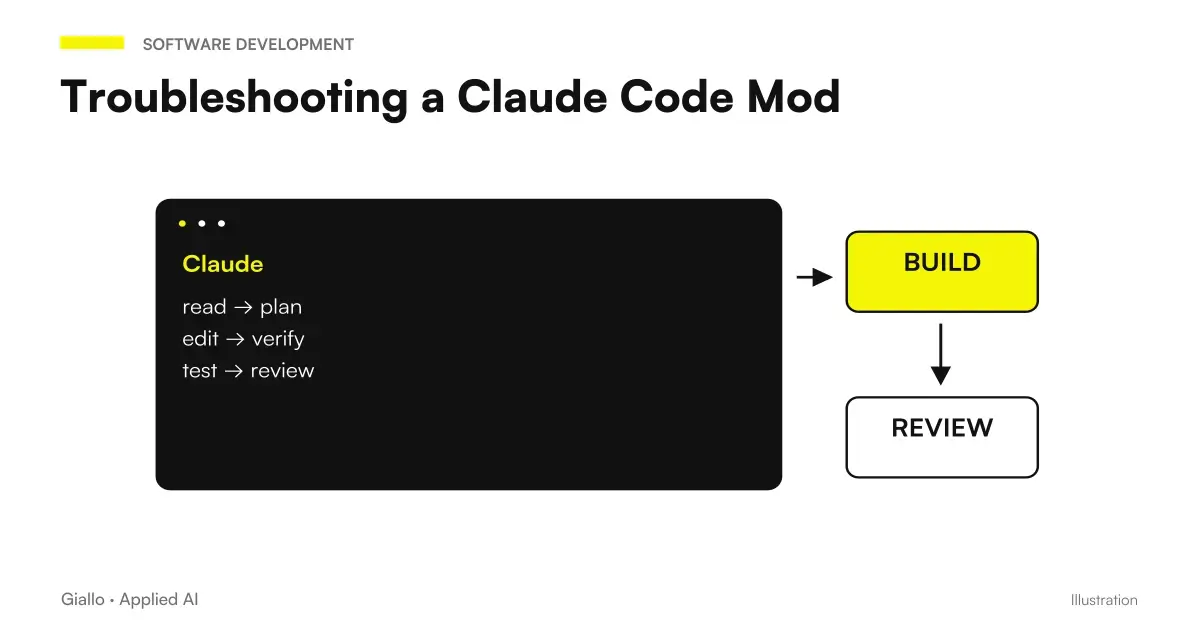 Claude Code Mod not working: loading, hot reload and state
FAQ
What is Claude Opus 5.5's Fast mode?
A mode that makes text arrive earlier, up to 2.5 times faster according to Anthropic, with the same model. It does not change the quality of the answers: it changes the time they arrive. It is available in Claude Code and on the developer platform, in preview.
How much does Fast mode cost?
$8 per million input tokens and $40 per million output tokens, compared with $4 and $20 in standard mode: twice the price. In Claude Code, extra usage must be enabled.
How do you enable it?
In Claude Code with the command /fast. On the developer platform via the dedicated parameter: check the official documentation, because the mode is in preview and the details can change.
When is Fast mode worth it?
When someone is waiting in front of the screen: back-and-forth work, interactive sessions and assistants responding to people. It is not worth it for overnight batches, long autonomous runs or anything nobody is watching in real time.
Does Fast mode improve results?
No. Anthropic is explicit: same model, the text comes first. If the results do not satisfy you, the problem is the prompt or the level of reasoning, not the speed.
Are Fast mode and reasoning levels the same thing?
No. Levels decide how much the model thinks before responding; Fast mode decides how fast the text comes out. They can be combined: a low level in Fast mode is the most responsive configuration possible.