
Claude switched to an earlier model: why it happens and what to do
Flagged messages in Claude Opus 5.5: why Claude switches to an earlier model, how to return to Opus in the app or Claude Code, and how to avoid it.
Reading time: 9 min
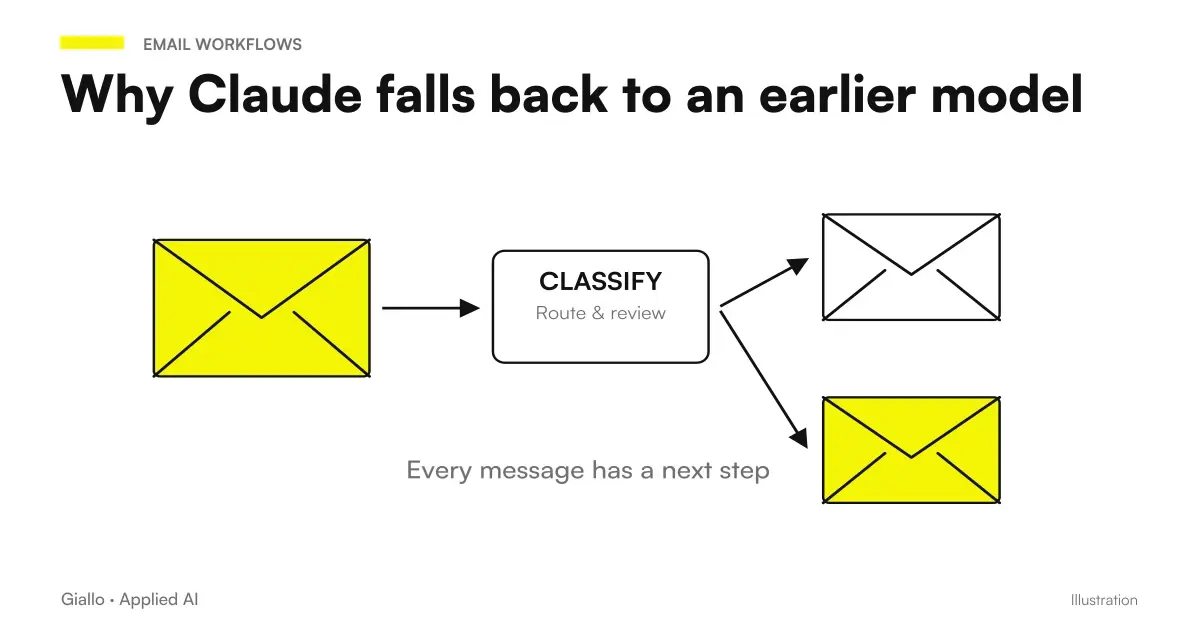
If you use Claude Opus 5.5 and at some point the notice "passed to an earlier model" appears Switched to [older model]), is not a failure and is not a limit of your plan. It is the expected behavior of Safety Filters: Opus 5.5 is the first Opus model released with bio and cyber protections at the same level as Fable, and when a message is reported the request switches to an earlier model.
The practical problem is that change can happen on entirely legitimate work — Anthropic says it openly and is taring the filters — and that from that moment answers a different model. This guide explains why this happens, how to go back in the app and in Claude Code, and how to reduce reports. 23 September 2026 on the official guide.
In summary
- The notice means that the Safety Filters They reported the message.
- Reply a previous model: quality can change.
- Control covers message, attachments and search results.
- In the app you return from model selector; in Claude Code with /model.
- The automatic transmission can be turn off in the settings.
- Frequent and avoidable cause: ask to reproduce internal reasoning.
Why It Happens
Opus 5.5 comes with the strictest filters ever applied to an Opus model: bio and cyber protections at Fable level. The check does not look only at the text you write: it also covers attached files and the results of searches the model performs for you. When something is flagged, the request is not blocked: it is served by an earlier model, and the interface says so.
Anthropic states that this produces false positives on legitimate work and that calibration is ongoing. Some categories are explicitly allowed: search for vulnerabilities in the source code, health and educational questions.
What is NOT this warning
It is worth saying, because the first reactions are almost always wrong.
It is not a block of your account. No plan limitation, no suspension: the next message returns to normal.
It's not a judgment on the content. The filter works by categories and patterns, it doesn't read intentions. A security audit on your software can be reported exactly as a problematic request, and for this there is false positives reporting.
It's not a technical error. No need to reload, change browsers or restart Claude Code. Behavior is expected and documented in the official model guide.
It's not permanent. It applies to that request. In the app, if the automatic transmission is active, subsequent requests are re-evaluated one by one.
What to do in the Claude app
- Read the notice. It says which model it's responding to. If you're doing a long job, it's time to notice.
- Back to Opus 5.5 from the model selector, high in conversation.
- If you prefer that you never change on your own: Settings → Features → disable "Switch models when a message is flagged". From that point on, a flagged message is not served by another model.
- Reformula the message that caused the report (see below the most common causes).
What to do in Claude Code
- The notice appears with the name of previous model who took charge of the request.
- /model back to Opus 5.5.
- Esc twice Allows you to edit the message that caused the report.
- /config contains the option "Change model when a message is flagged", to be deactivated if you do not want the automatic switch.
- /feedback signals a false positive to Anthropic. It really serves: that's how the calibration improves.
For the rest of the workflow with Opus 5.5 in Claude Code — long runs, stop rules, subagent — see Opus 5.5 in Claude Code.
The Most Common Causes, and How to Avoid Them
| Cause | What to do |
|---|---|
| Asking to reproduce internal reasoning ("show me how you reasoned") | Ask "explain in three sentences why you chose this approach" |
| An attachment with sensitive content in a bio or cyber area | Attach only the part you need; describe the legitimate context in the message |
| Web search that returns reported pages | Repeat the question without searching, or narrow down sources |
| ambiguous formulations on computer security | Explicitly say that it is your own code or system, and the purpose |
The first line is the most frequent and the easiest to delete: ask the model to reproduce the internal reasoning is a reported category, and in most cases it serves no purpose. A motivation in three sentences gives the same transparency. The theme of the prompts to be reviewed is in prompt for Claude Opus 5.5.
How to tell if it's a false positive
Before rewording, three questions:
- The message asked to show the internal reasoning? If so, that's almost certainly it: rephrase the request for motivation and try again.
- Was there a long attachment? Try the same message without an attachment. If it passes, the problem is in the file: attach only the necessary part.
- Did the model do a web search? Repeat the question by asking not to search. If it passes, one of the pages found has the filter activated.
If all three answers are no and the request falls into an admitted use —your code, health, training —it is a false positive to report with /feedback in Claude Code. The more reports arrive, the earlier the calibration gets better: Anthropic explicitly declares it as work in progress.
When to leave the automatic transmission active
It is not said that disabling it is the right choice for everyone.
Leave it active if
- Use Claude for varied work, in chat, and prefer to always have an answer
- You don't care which model answers a single question
- You are on a team and don't want to manage settings for each
Disable it if
- Do long jobs where model quality matters at every step
- You are measuring the results of Opus 5.5 and don't want dirty data
- You work on computer security on your code and reports are frequent
Team and Enterprise: who decides the setting
In group plans the question "Do I leave the automatic transmission active?" does not have a single answer, because it depends on the work of each. Three practical indications.
Do not impose a single choice on everyone. Those who do long analyses and those who use chat to respond to emails have opposite needs: the first always wants to know which model answers, the second always wants an answer. Let each person choose, but explain what the notice means.
Keep a record of recurring false positives. If the same kind of legitimate request is reported to multiple people capitait happens on teams working on cyber security or health issues —it is worth collecting the examples and sending them all with /feedback: a documented report weighs more than ten complaints.
For automated systems via API, a different discourse applies. There is no app that changes its model on its own: the response to a reported request follows the rules of the platform, and must be managed in the code like any other unexpected outcome. If you have automations in production, check the official documentation how reports are returned and predict an alternative route, as explained in AI Agents for Companies.
Practical examples
Software house, 15 people, Turin. During a security audit on your code the notice appeared on each file. The message was correct —finding vulnerabilities in its source is an admitted use —but each time the response came from an earlier model, less precise in false alarms. Solution: Disable the automatic transmission in /config, reformulate the aperture ("we're checking our code before release") and report false positives with /feedback.
Associate Medical Study, Bologna. Clinical questions to prepare information material for patients. Health questions are allowed, but a long annex with pharmacological terminology triggered the alert. Solution: Attach only the necessary sections and state the purpose in the message. No settings touched.
Mistakes to Avoid
- Ignoring the warning. The model change is silent for the rest: if you don't read it, you work with a different model without knowing it.
- Insisting with the same message. Rewording works, repeat no.
- Turning off the automatic transmission and then marvel at not having an answer. With the option off, the flagged message is not served by others.
- Not reporting false positives. /feedback is the channel with which calibration improves.
- Asking for internal reasoning "for safety". It's the quickest way to get flagged for no reason.
How to apply it in the company
If multiple people in the company use Claude, three rules to put in writing:
- Who works on long tasks Turn off the automatic transmission and check the model before you start.
- Who Uses Chat for Various Work He leaves it active and learns to read the warning.
- No one attaches whole documents when one part is sufficient: reduces reports and protects data, as per rules on business data and AI.
For the complete picture of the model — prices, benchmarks, availability — Claude Opus 5.5: what is it.
Conclusion
The "passed to an earlier model" notice is a consequence of filters, not a mistake: Opus 5.5 protects more and sometimes mistakes for excess. Knowing that it exists is already half the work. The other half is one rule: read the warning, reformulate, report if it is a false positive. The settings are there, in the app and in Claude Code, to choose the behavior you prefer.
AI becomes useful when it enters processes. Giallo Studio helps SMEs and teams to build concrete, measurable and sustainable automations.
Giallo Studio guides: methodology and sources
How we apply it in the company
Related resources
 Claude Opus 5.5: what it is, what it changes and who it suits
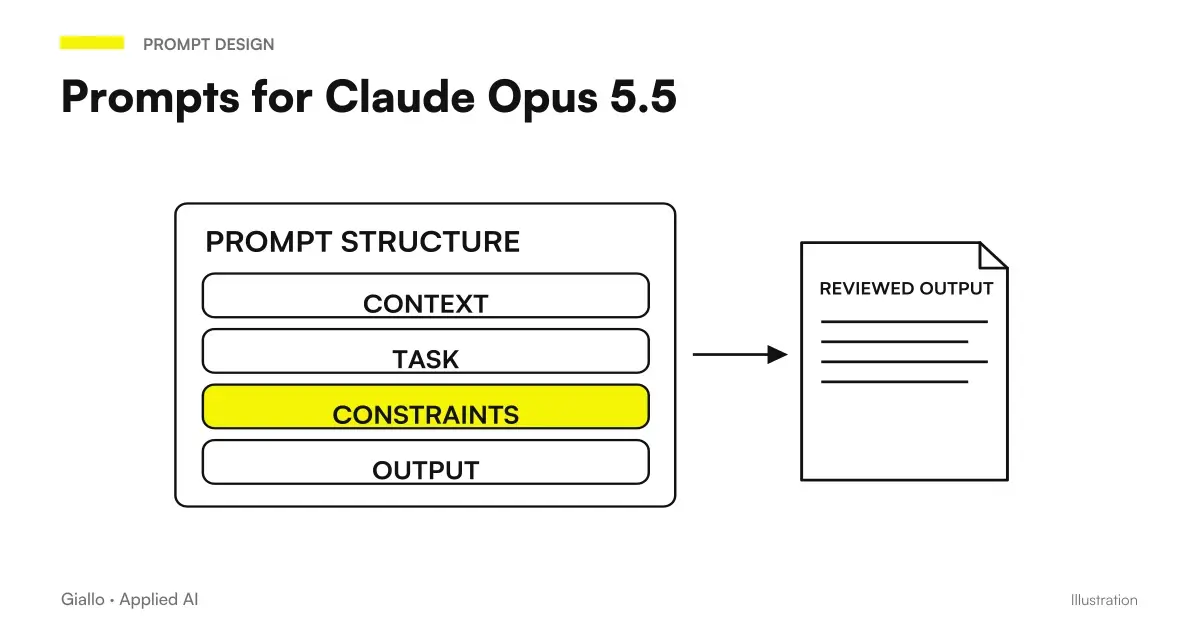 Claude Opus 5.5 prompts: what to remove, what to add and examples
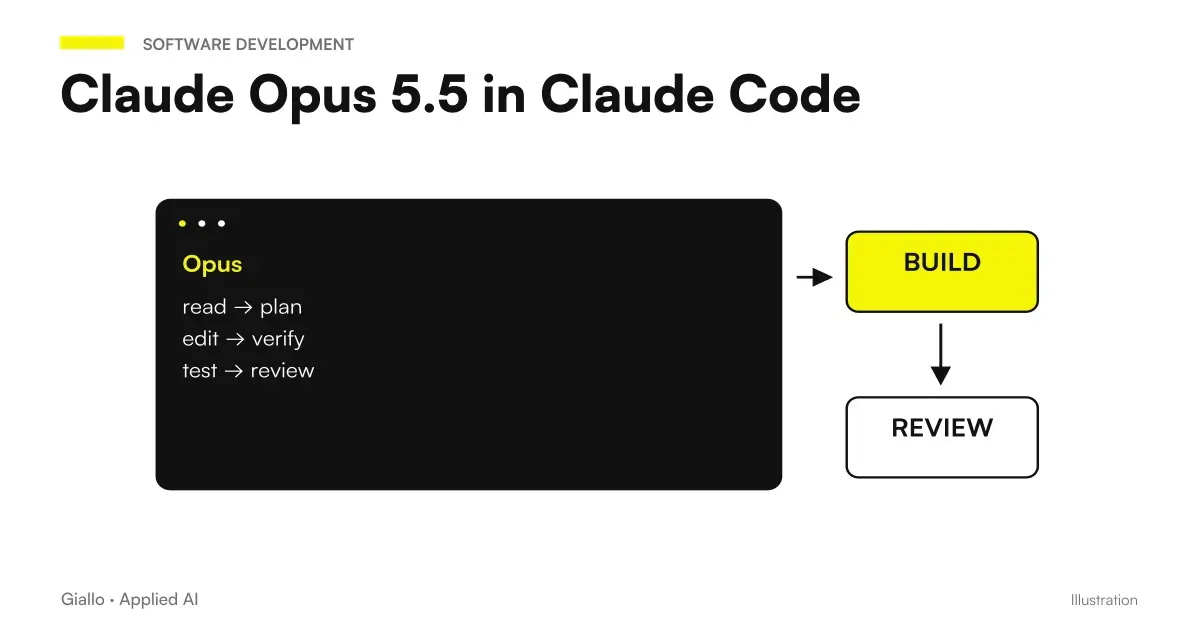 Claude Opus 5.5 in Claude Code: long runs, stop rules and subagents
 Business Data and AI: What Happens to What You Write
 Claude AI: what it is and when to use it
 Kimi AI and privacy: what to check on company data
 Blast Radius in Claude Code: Assessing Commands Before Acting
 Claude Code Mods for Teams: Distribution, Policy and Security
FAQ
Why does Claude say it has switched to an earlier model?
Because the message, an attached file or a search result triggered Opus 5.5’s safety filters, which are the strictest ever applied to an Opus model. When that happens, an earlier model handles the request and the app displays a warning.
How do I get back to Opus 5.5 in the Claude app?
From the model selector, choose Opus 5.5 again. If you do not want automatic switching, go to Settings → Features and disable "Switch models when a message is flagged".
How do I get back to Opus 5.5 in Claude Code?
With the /model command. To edit the message that caused the report press Esc twice. The option for automatic switching is in /config; a false positive is reported with /feedback.
Which requests are flagged?
Filters mainly concern bio and cyber areas. For example, search for vulnerabilities in the source code and health and educational questions are allowed. One category often flagged by mistake is the request to reproduce the internal reasoning of the model.
Does the check also concern the attached files?
Yes. The check covers the message, attached files, and search results. An attached document can trigger the flag even if the message is harmless.
Does response quality change after switching?
Yes, because a different model answers. For this reason it is worth noting the warning: if you work on a long task without noticing the change, the results can get worse in silence.