
Kimi AI: what it is, what it does and when to use it
Explore Kimi AI for Italian chat, documents, Excel, slides and research. Compare the app, K3, Code and APIs, with limits and selection criteria.
Reading time: 14 min
Kimi AI is an assistant in the Moonshot AI family with which you can dialogue, work on documents, analyze data and ask for content or files. The point to be immediately understood is that Kimi includes multiple layers: the app you use in the browser, the models that generate responses, an environment to program and the APIs to build integrations.
For an Italian SME this distinction avoids a frequent mistake: buying a subscription thinking that you already have a business automation. A chat can help prepare a report; linking that report to management software information requires a different project, with access, verification, and accountability.
This guide follows the official documentation consulted on 9 October 2026. The described capabilities are documented by the supplier; the scenarios illustrate how to set up the work and do not represent comparative evidence, real customers or measured results.
In summary
- Kimi AI is a product with chat and tools; K3 is a model, Code is a code environment and APIs serve integrations.
- Italian is documented in the interface and multilingual capabilities; the quality must be verified on one's work.
- K3 in the app can produce editable documents, sheets, and presentations, to be checked before use.
- Wide context and web search do not guarantee completeness, correct data or relevant sources.
- Membership, app limits, and API consumption are not interchangeable.
- For business data, you need to verify the product, contract, and type of information you share.
Is Kimi AI a chat, model or agent?
When a person says "I use Kimi", they usually mean the app: they write a request, attach materials, and receive a response. The app can coordinate tools in addition to text generation. The official guide distinguishes K2.6, K3 and K3 Cluster and documents the unification of previous Chat and Agent experiences. To orient yourself in the current interface it is better to use the Official selection of models and modes, instead of following screens of old tutorials.
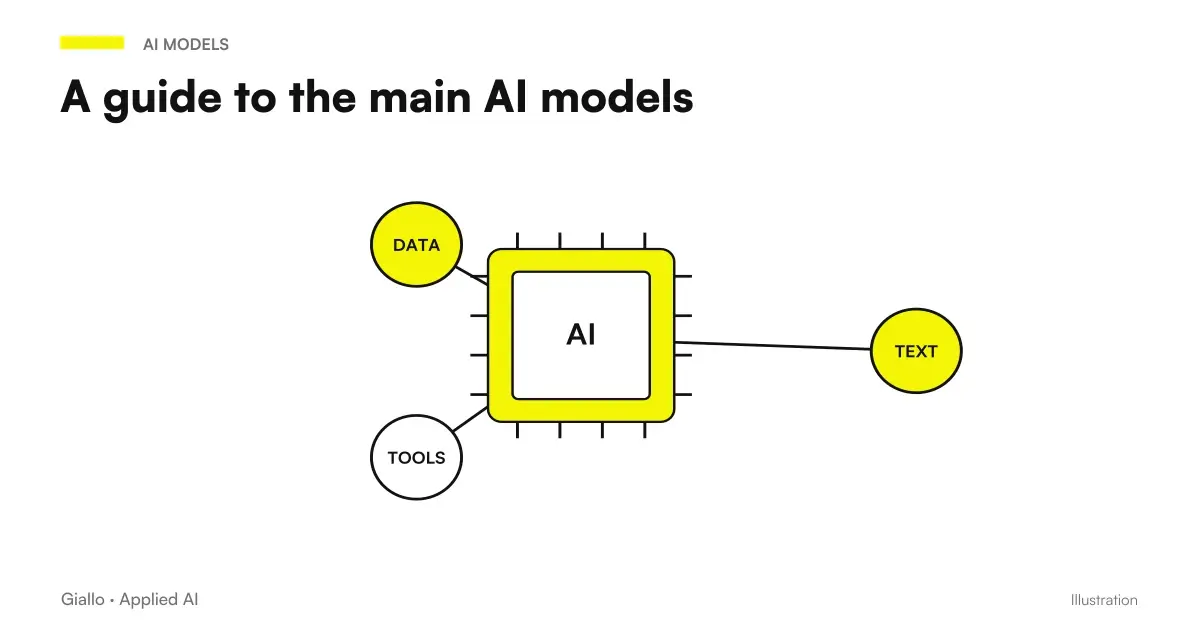
The model is the component that interprets inputs and generates output. Tools allow you to search, perform operations, or produce artifacts. An agent adds a sequence of steps to a goal: it can plan, use tools, and verify intermediate results. There are still possible errors in each step; increasing the number of operations does not automatically create a quality guarantee.
The product name does not describe the degree of autonomy on its own. Asking for ‘summarise this relationship’ and authorizing a system to modify an archive are activities with different consequences. The distinction between assistant, chatbot and agent It serves precisely to define which actions can be delegated and which require human control.
If your goal is to understand the current model, the guide to Kimi K3 separates reasoning, context, license and API. If you want to start from chat, the path to how to use Kimi AI in Italian.
What can Kimi AI do in daily work?
The most immediate value is to turn missing material into a readable result: a comparison, a draft, a list of missing items or an editable document. The official help documents multilingual conversation, file uploading and material production. In the K3 app it can generate PPTX, DOCX, XLSX and PDF; the generation of images, audio and video instead passes from plugins, so it should not be attributed automatically to the base model. These boundaries are described in Kimi Mode.
Work improves when the request contains a precise object. "Analyze my company" leaves too many implicit criteria. ‘Compare these offers with respect to delivery, assistance and payment terms; cite the section of origin’ produces an easier-to-check result. First choose the decision to support, then the format of the response.
Kimi can also be useful for rewriting technical material intended for different interlocutors. A list of requirements can become a note to the purchasing office or a business draft. However, missing information must remain missing: explicitly ask to report it, without adding certifications, availability or conditions not present in the sources.
When the task includes files, search, and intermediate steps, it treats the result as a job proposal to be verified. The fluidity of the answer does not tell you whether a data has been read, deduced or invented.
When to use chat and when you need an integration?
Chat is suitable for tasks performed by a person: preparing a note, exploring a document, discussing alternatives. An integration is useful when information has to pass regularly between systems or when the result has to feed a repeatable process. The practical difference is who starts the job, who controls the inputs, and who decides what happens next.
| Need | Starting point | Control to be foreseen |
|---|---|---|
| Understanding a Document | Kimi app, selected materials | Compare original statements and sections |
| Prepare a sheet or presentation | File generation function available in the plan | Open the file, verify formulas and contents |
| Search for external information | Research or Deep Research | Open sources and check dates and relevance |
| Working on a repository | Kimi Code | Diffs, Tests, and Tool Permissions |
| Processing data from management software | Dedicated API and workflow | Validation, log, permissions, and error handling |
| Coordinate business activities | Agent with defined roles and tools | Approval of actions with consequences |
A concrete example: a manager can load an export and ask to detect anomalies. If the same task has to start with each new export, keep a report, and open an internal request, you need orchestration. Copying and pasting in the chat each week can remain an exploratory phase, but it does not document a reliable process on its own.
To compare the approach with other technologies, the Guide to AI Models helps to choose the family of tools; it does not replace the assessment of applicable products and conditions.
How to use Kimi with PDF, Excel and presentations?
The app's help indicates support for PDF, Word, Excel, PPT, images, TXT and video, with 100 MB per file and up to 50 files per upload. They are app limits documented on the page What can Kimi do?, not universal API limits or guarantees that any file will be interpreted correctly.
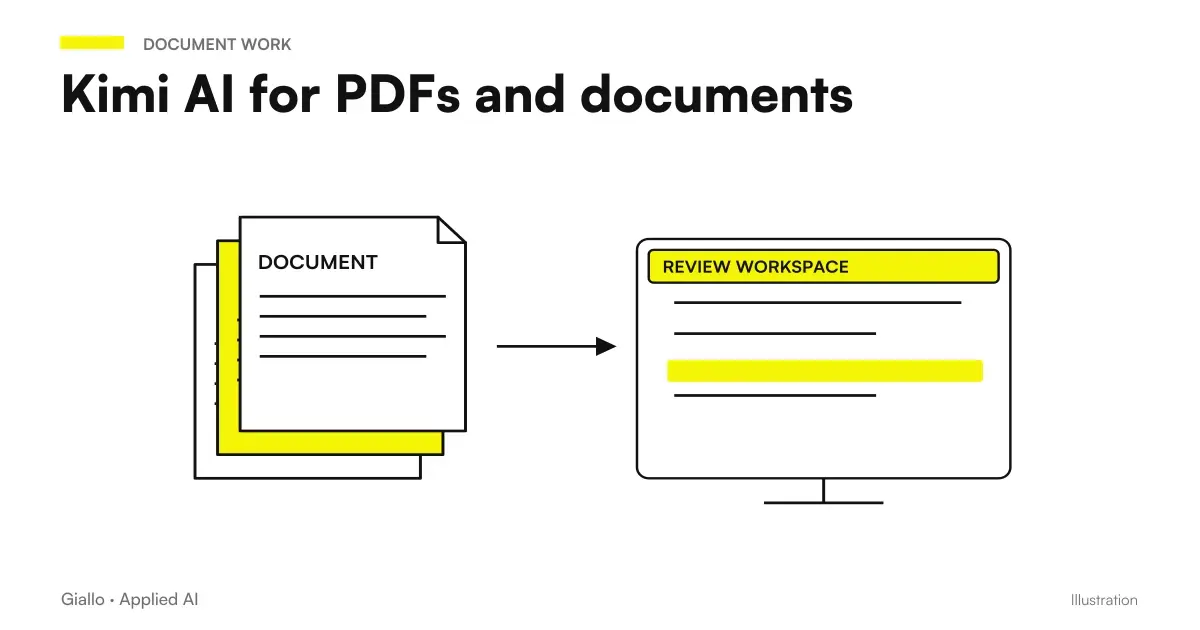
On a PDF, define first what information you want to derive. A summary compresses; an extraction must retain fields and references; a comparison must make the differences between versions visible. Different demands are made. For specifications and articulated documents, the guide to Kimi AI for PDFs and documents deepens internal citations, omissions and control of the version used.
On Excel the first risk is semantic: a column called ‘turnover’ may contain VAT amounts included, estimated values or already compensated credit notes. AI cannot correctly guess these rules. Specifies unit, period, meaning of columns, and treatment of missing values. The route on Kimi AI for Excel It faces the necessary controls before using numbers and formulas.
For presentations, ask for a structure based on approved information. First check the message, then the file and layout. An editable PPTX export is useful precisely because it allows revision. The Guide to presentations with Kimi AI distinguishes the content of the narrative from the quality of the layout.
In all these cases it keeps the original source separate from the generated material. Whoever receives the result must be able to trace the data, rather than rely only on its presentation.
Kimi searches the web and does Deep Research?
The documentation of the app describes an autonomous selection of web research and a Deep Research function capable of producing reports with quotations, even in exportable formats. Deep Research official page describes a work that combines research, reasoning and tools. The duration or size statistics published by the provider are not guaranteed times for each request.
Use short search when you want to find a source or verify a circumscribed fact. A thorough search makes sense when you have to combine information from different documents, explicit contradictions and get a verifiable trace. In both cases the application must delimit the perimeter: geographical area, period, acceptable sources and final decision.
A citation may be present but inadequate. The link could support part of the statement, relate to another version or describe only a prediction. For a comparison between suppliers, ask to distinguish price list, conditions, commercial promises and documented features. Open the steps that affect the decision.
The Guide to Kimi AI Deep Research enters the verification method. A full-looking report is good reading support; it does not prove that all alternatives have been found or that the information is up to date on the day you use it.
Kimi Code and API also serve those who don't program?
Kimi Code is an environment dedicated to working on code, with documented Desktop, CLI and VS Code clients. Its configuration can use models and addresses other than the generalist API: for example, the documentation distinguishes Code identifiers and the coding service. This information should be checked in the Official Kimi Code Configurations. The guide to Kimi Code clarifies repositories, tools, and verifications.
For a non-technical entrepreneur, Code can be a part of the development team's work. It does not make testing, maintenance, or overhaul unnecessary. If an agent modifies an application, the criterion remains the verified behavior of the software: a convincing explanation of the changes is not enough.
APIs allow software to send requests and receive results. Kimi documents interfaces compatible with OpenAI and Anthropic protocols, but with its own parameters and constraints. The Official API Overview describes the service; the guide to Kimi API deepens models, costs and conversation management.
A link with n8n can be designed via HTTP calls to the API. It is a technical possibility, not proof of an official connector or already tested workflow. The article on Kimi AI and n8n helps to separate link, validation and approvals. The goal is to make a useful transformation repeatable, not to move a chat inside a diagram.
What changes with K3 Cluster and corporate agents?
K3 Cluster is presented as a mode that can coordinate parallel work. The provider publishes maximum coordination capabilities in the mode guide; they are not a share always included in each subscription nor a measure of the quality obtained on any process.
Parallel work makes sense when distinguishable activities exist: gathering sources for different topics, comparing materials, or processing parts of a dossier. Then we need a phase that controls inconsistencies and recomposes the result. Delegating the same question to multiple executors can replicate the same error, especially if everyone receives an incomplete source.
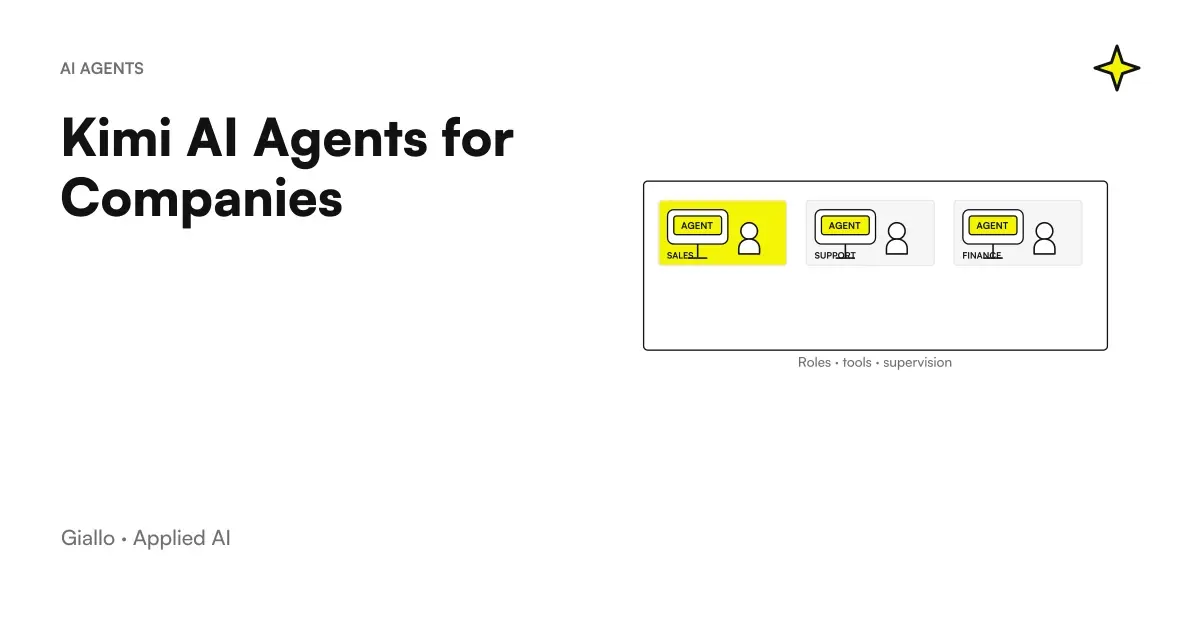
For business use especially the boundary of actions counts. An agent preparing a draft has a different impact than one sending communications, changing prices, or updating customer data. Define authorized tools, accessible data, approveable actions, and error behavior. These elements do not automatically derive from the Cluster name.
The route on the Kimi AI Agents for Companies enters role design. Before choosing a more autonomous mode, clarify which part of the process can be performed and which must be proposed to a person.
How much does Kimi AI cost and what does "free" mean?
There are features accessible under account conditions and paid membership. A universal free quantity is not documented to be considered stable and unlimited. The global price list distinguishes plans and describes shared consumption between functions; the API is consumption-based and separate. The reference for the app is Official Global Price listRetrieved 9 October 2026.
To choose, describe the workload: what materials, what output, how many repeated executions and how much parallelism. Two tasks called ‘reports’ can have different consumptions because they change sources, reasoning and tools. A quota expressed as task equivalence does not guarantee an identical number of reports of any size.
The article on Kimi AI prices compares the global USD price list, payment frequency and the questions to check at checkout. Do not compare that price list directly with a regional page in another currency. Do not assume either that buying a membership funds an API integration.
The operating cost also includes the revision. An economic draft that requires complete rewrite may be less useful than a more controllable result. It measures how much work remains for the person, rather than just counting the messages sent.
Is Kimi AI safe for my company's data?
The useful question is "what data, under what product and under what conditions?". global app privacy policy, updated August 13, 2026, contemplates user content and uses for improvement and training. It does not support an exclusively European residence. The app terms describe an opt-out from training via support with perspective effect.
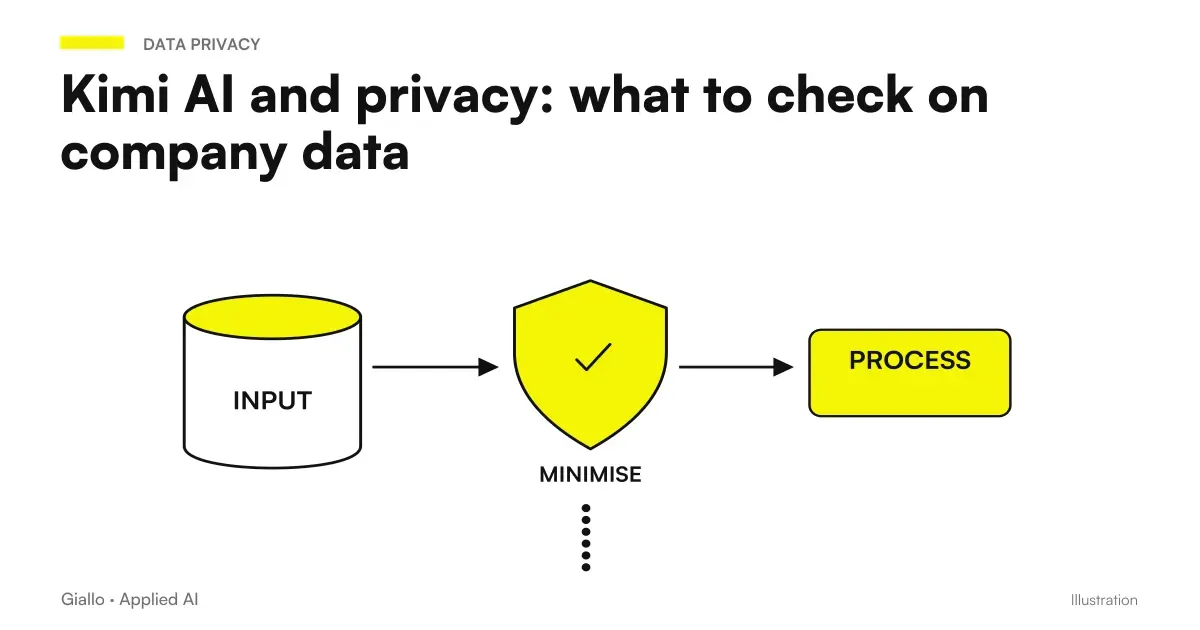
The API has a distinct policy and contractual entity. The availability of enterprise conditions, such as Zero Data Retention on demand, does not make those conditions the default of each account. So avoid transferring a read promise for one service to another. The Guide to Kimi AI and privacy It addresses the differences to be verified before sharing company material.
For a first project, choose public information or cleaned and authorized materials. Deleting a name may not be enough if the document contains contacts, identification codes, or details that make a person recognizable. Also evaluate plugins: adding a third-party service introduces another treatment to understand.
Define an internal manager of the allowed materials and a procedure to control the output. The degree of confidentiality of an information remains the same even when it is convenient to paste it into a chat.
How to evaluate it in an Italian SME without relying on the first answer?
Hypothetical scenario: distributor of components in Brescia. The purchasing department wants to compare public offers from suppliers and produce an internal note. Prepares documents with version and date, a list of criteria and a table expected. He asks Kimi to indicate the source for each condition and to leave the missing information empty. A person checks deliveries, exclusions and minimum quantities before using the note for a negotiation.
The success of the test does not coincide with an elegant table. It counts whether the extracted values are traceable and whether the differences really affect the choice. If Kimi confuses an optional condition with a guarantee, the document must be corrected. The task can also remain useful when it requires review, provided that control is clear and sustainable.
Hypothetical scenario: training company in Bologna. The team wants to turn an approved program into a presentation for prospect. It provides non-confidential content, key messages, and prohibited claims, such as undocumented employment results. It first asks for a slide structure and then an editable file. The referent checks that titles, examples, and numbers respect the original material.
Here the proof is about the editorial transformation and the usability of the file. If the material requires recurring work from shared sources, the next step may be a workflow. You don't have to start with automation right away: figuring out what instructions produce a controllable result is already a useful decision.
Which test to choose for your first task?
If you work on documents, compare an extraction with the original steps. If you work on sheets, check totals and rules with a controlled sample. If you produce presentations, open the file and check for both content and layout. For each test, write down the material used, the instructions and the necessary corrections: repeatability is worth more than the initial surprise.
Kimi, ChatGPT or Claude: which criterion to use for choosing?
Compare tools on the same assignment and on the same sources. A short writing test does not decide which product is best suited to a document archive or a work on the code. Guides Kimi AI vs ChatGPT and Kimi AI vs Claude distinguish the tasks, products and controls needed.
The most costly mistakes are choosing based on a single benchmark, confusing the model limit with the plan limit, accepting citations without opening them and using confidential data during an informal test. Another mistake is jumping from the first successful result to automation that acts without approval. Every new step must have an acceptance criterion.
Choose a circumscribed process, prepare allowed materials, ask for verifiable output, and record corrections. You will have a concrete basis to decide whether to stay in the app, change tools or design an integration. To translate this test into a choice of tools and responsibilities, the AI consulting by Giallo Studio It starts with the work that the team really has to do.
Giallo Studio guides: methodology and sources
How we apply it in the company
Related resources
 How to use Kimi AI in Italian: a practical guide
 Is Kimi AI free? Prices and plans to choose
 Kimi K3: model, reasoning and practical limits
 Kimi AI for PDFs and documents: analysis to verify
 Kimi AI Agents for Companies: Roles, Tools, and Controls
 Kimi AI and privacy: what to check on company data
 AI Models: Guide to Major Models
 Creating a Claude Code Mod in TypeScript: the first project
FAQ
What is Kimi AI?
Kimi AI is an assistant in the Moonshot AI family for conversation, analysing information and producing content or files. The app combines models and tools; Kimi K3 is one of the models powering it, while Code and the APIs have a separate scope.
Can Kimi AI be used in Italian?
The official help lists Italian among the languages of the interface and documents multilingual ability. You can ask for Italian answers with precise tone and terminology. This does not guarantee the accuracy of every professional translation or document.
Is Kimi AI free?
You can check in the app which features are available to your account without a subscription. No universal, stable free allowance has been established that can be treated as unlimited. Global paid membership and the pay-as-you-go API are separate offerings.
What's the difference between Kimi AI and Kimi K3?
Kimi AI indicates the product experience, with chats, tools, files and accounts. K3 indicates a model with its own capabilities and parameters. The available model, context and consumption in the app also depend on the plan and mode chosen.
Does Kimi AI create Excel and PowerPoint files?
The app's documentation describes K3's ability to produce editable files, including XLSX and PPTX. A generated file must still be opened and checked: formulas, data, sources and layout are not guaranteed to be correct. Structured text alone is not the same as a ready-to-use Office file.
Can I connect Kimi to the company's business management system?
A stable connection requires API integration and a workflow that handles permissions, errors and checks. Manual chat alone does not create a reliable connection to the business management system. The API has credentials, billing and terms that must be verified separately from the app.