
Kimi K3: model, reasoning and practical limits
Kimi K3: context, thinking, tools and open weights. Distinguish model, app and K3 Cluster to understand how to use it in a verifiable business process.
Reading time: 11 min
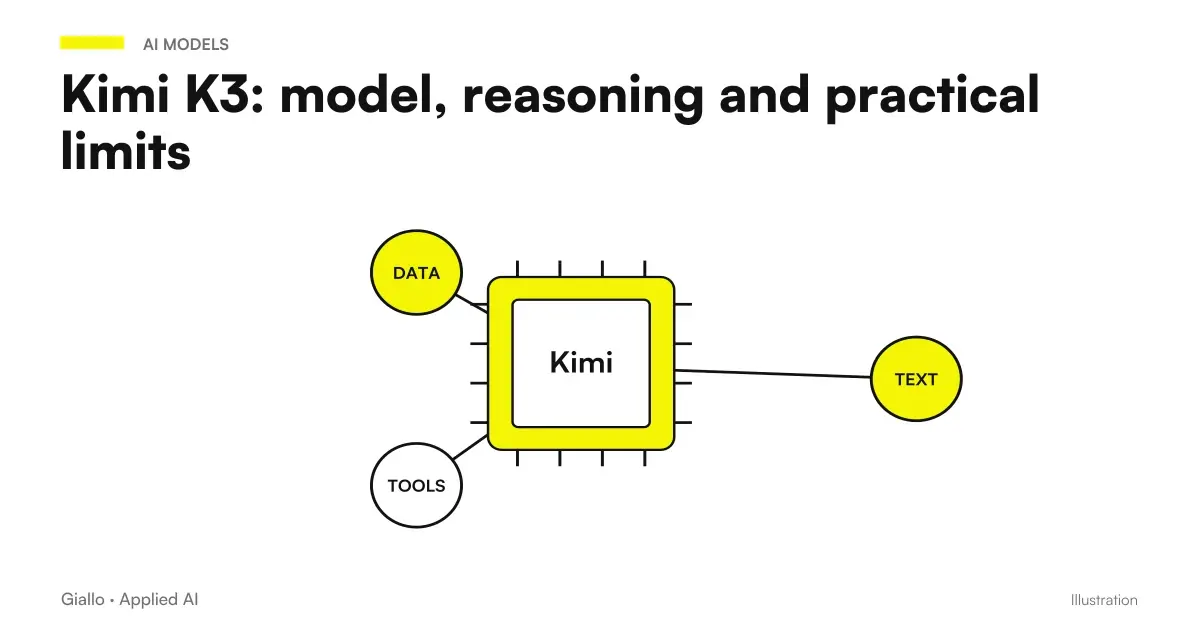
Kimi K3 is an AI model of the Moonshot family, distinct from the Kimi app and K3 Cluster mode. The official list of APIs documents it for reasoning, vision, code and knowledge work, with the identifier kimi-k3 and a context of 1,048,576 tokens. The updated reference is the Kimi Model List, consulted on 9 October 2026.
To choose how to use it, separate model capabilities, available tools, and product conditions. A model with a lot of context can help to compare articulated material; it does not automatically solve inconsistent versions, missing data or actions to authorize.
The useful criterion for a company is to understand which steps in the process become controllable. The name of the model and the level of reasoning are necessary information, but the result should be evaluated on the work that needs to be completed.
In summary
- K3 is the model; Kimi is the product and K3 Cluster is an app coordination mode.
- The K3 API documents thinking that is always active, with levels of intensity of reasoning.
- The broad API context does not automatically describe the benefit of your app plan or Code.
- Structured tools and outputs help the process, but require validation and permissions.
- K3 weights have a custom license to read before distributing or offering them as a service.
What is the difference between Kimi K3 and the Kimi app?
The app is the environment with which a person interacts: accounts, conversations, files and functions. The model interprets inputs and generates output; the product can add tools and orchestration. The app mode guide It distinguishes K2.6, K3 and K3 Cluster and attributes to K3 the production of editable files such as PPTX, DOCX, XLSX and PDF.
This does not mean that a call to the model automatically generates the same experience as the app. In an integration you have to prepare the tools, manage the material and build the flow that produces an artifact. The model can be a system component; the user interface and step control are other components.
| Level | What It Indicates | What to Check |
|---|---|---|
| Kimi app | User experience with modes and tools | Plan, quota and available functions |
| Kimi K3 | Model with documented parameters and context | API interface and model limits |
| K3 Cluster | Parallel coordination in the app | Benefit, consumption and recomposition of the result |
| Kimi Code | Environment for code work | Selected model, quota and tools |
| Business Integration | Software that uses internal models and systems | Accesses, errors, validation and approvals |
The general guide to Kimi AI help navigate between these levels. Before a technical choice, define whether you want to assist a person in the chat or build a process that interacts with other systems.
What does the context of K3 mean?
Context is the space where the model considers input, conversation, and other elements of the request. The API list documents 1,048,576 tokens by kimi-k3; in the app the context K3 up to one million is subordinated to the benefits of the plan. References are the API list and the app guide.
Context does not mean infallible memory. A document can enter the available space and still contain a detail that the result omits or misinterprets. For an important verification you must be able to trace back to the original passage. Loading more material does not replace the selection of sources.
Tokens do not match a fixed number of words or pages. Tables, languages and formats can change the report. The guide to AI tokens explains why a limit expressed in tokens should not be translated into a universal promise of manageable documents.
The output also takes up resources. Maximums of parameters do not authorize arbitrary summing of maximum input and maximum output: it considers the constraints of the complete request and the conditions documented. For a large archive, a targeted selection with references may be more verifiable than an indiscriminate synthesis.
How does K3 reasoning work in APIs?
The K3 API Guide documenta always active thinking. The parameter reasoning_effort admits low, high and max, with default max. They are levels of intensity, not degrees of certainty of response. You cannot infer that a higher level makes every data correct.
In operational terms, more articulate reasoning can serve a problem with more constraints. The evidence must, however, verify whether the findings are supported by the inputs. If a contract condition is missing, the model cannot turn that void into a reliable fact by reasoning longer.
For conversations with tools, the guide requires you to keep the full assistant message, including reasoning_content and tool_calls, in the next steps. An integration that discards important components of the conversation can lose the necessary technical context. This is one of the reasons why the compatibility of a protocol does not make all models interchangeable.
The page on Kimi API deepens configuration and billing. In the app the intensities and modes follow the product; in Code a deactivation of the thinking may result in routing to another model. Do not apply a Code screen to the behavior of the generalist K3 API.
K3 sees images and uses tools?
The official list documents native vision; the K3 guide describes visual inputs via base64 or references ms:// and does not support public URLs of images in the path described. They are indications of K3 API, distinct from uploading files into the app.
For a business process, seeing an image is not equivalent to certifying its content. An unreadable graphic detail, incomplete scan or ambiguous unit of measurement must be reported and checked. If the process depends on an exact value, predict a comparison with the source or another reliable control.
The same guide documents tool calling and structured output. The model may require a tool to run; the software decides whether to allow it. Permission belongs to the system that performs the action, not to the model response. A proposed modification should not bypass the rules of management software.
Structured output makes it easier to validate fields. A valid structure can still contain incorrect values: it controls units, allowed ranges, references, and consistency. A machine-readable format is a starting point for controls, not complete control.
When is K3 Cluster useful and when does it add complexity?
Cluster mode is documented in the app to coordinate parallel work. The provider declares capacity up to 300 subagenti and over 4,000 parallel calls in the guide to models and modes. They are declared capabilities: not quotas automatically included in each plan and not independent quality results.
Parallelism can help when there are autonomous subtasks, such as analyzing separate source groups. Then a phase of recomposition is needed that duplicate individuals and contradictions. If the starting delivery is ambiguous, more performers may produce more incompatible interpretations.
For a short question, a complex system can add consumption and review without a proportionate benefit. The criterion is the divisibility of labour: which parts can proceed in parallel and which depend on a previous decision? Do not use the maximum declared as an operational target.
The route on the Kimi Agents for Companies covers roles, tools and authorisations. The mode in the app and an agent built through the API remain different experiences: do not assume that calling kimi-k3 automatically create the same Cluster.
What changes compared to K2 and K2.5?
The official list of models declares the series kimi-k2 the Decommissioned API 25 May 2026 and kimi-k2.5 discontinued on 31 August 2026. For a new integration do not copy identifiers from a historical tutorial without checking the current list.
Endpoint decommissioning does not automatically erase already published weights. Model availability, licensing, and access to official service are separate issues. Even an old example that remains searchable does not prove that the described call works today.
Useful comparison is not just a succession of names. Check the required parameters, conversation treatment, supported inputs, and tools. A migration may require changes to the software even if the general request format is familiar.
If you use Code, check the specific configuration: the Documentation Code includes K3 and other identifiers. Do not infer generalist API models from the list of a different service. The guide to Kimi Code distinguishes environment, routing and repository control.
Can Kimi K3 host on its own?
The Kimi K3 License allows use, deployment, fine-tuning and derivatives with conditions. It is a Custom License, not pure MIT or Apache. It contains specific clauses for Model-as-a-Service activities and attribution in certain commercial products: it must be read with respect to the concrete project.
The possibility provided by the license does not prove that the model is easy to run on any computer. Hardware, memory, performance, and operating costs require sizing. Don't confuse weights availability with an SME-ready distribution.
Self-hosting can change who manages the infrastructure and data, but it introduces responsibility for updates, security, logs, and continuity. It does not represent an automatic shortcut to compliance. Linked tools can also send information to external services.
To choose between official service and own infrastructure, prepare requirements on data, performance and maintenance. The guide to Kimi and privacy distinguishes product policies; a self-hosted solution must be evaluated in its entire flow, not just at the point where the model runs.
You are designing an agent with K3: what boundaries to set?
Define permitted sources, available tools, mandatory fields, and conditions that cause work to stop. Separate reading and writing. Expect approval for changes with consequences, keep a useful track and check behavior in case of missing data. The model must operate within these boundaries; it cannot assign new permissions.
How to use it to compare articulated technical material?
Hypothetical scenario: machinery manufacturer in Vicenza. The team must compare public documents from suppliers against defined technical requirements. It prepares a matrix of criteria, indicates the versions allowed, and asks K3 to associate each value with its source passage. Undocumented requirements remain ‘to be confirmed’.
The breadth of the context can help keep related materials together. Control remains on the features that affect the choice: compatibility, conditions of use and maintenance. The model does not approve a supplier; it produces a matrix to be revised.
The team can then try a breakdown of the work by families of requirements, verifying whether the recomposition maintains consistent definitions. If different interpretations of the same field appear, the delivery must be correct. The Guide to Kimi for documents deepens the control of the extraction.
How to use it in a workflow with approved actions?
Hypothetical scenario: service company in Verona. A stream must classify internal requests and prepare a proposal for allocation. K3 receives allowed material and returns structured fields: category, motivation and missing information. The software validates the fields and submits the proposal to a manager.
Only after approval does the system update the registry. If a request is ambiguous, the workflow forwards it to the person without inventing details. Repeatability depends on the entire system: accesses, rules, controls and error recovery.
The K3 Guide keeps a notice about the web search being updated and its use in production workflows. The official WebSearch page However, it describes REST tools and recommends them for new integrations. They are indications to read together: check the current tool and endpoint, rather than extending a generic alert to each search or copying an old legacy path. This discrepancy does not automatically affect the search in the app.
What controls are needed between the answer and the instrument?
Before running a model proposal, the software must verify that the tool is allowed and that the data has the expected meaning. A syntactically valid customer code may belong to the wrong person. A valid date may be prior to the order. These controls depend on the process and must exist outside the generation.
Also define a behavior for incomplete answers: ask for clarification, try again with a smaller perimeter or pass the case to a person. Avoid automatic attempts without an arrest criterion. To read the consumptions along with these repetitions, the guide to cost of AI API helps to separate model rate and workflow cost.
How to decide if K3 is suitable for your process?
It avoids exchanging broad context for accuracy, thinking for certainty and Cluster for unlimited autonomy. Also avoid migrating old calls by copying only the model name. Any change must be verified on the behavior of the process.
Prepare a test with admitted sources, expected results and ambiguous cases. Observe errors, revisions and actions that need to be stopped. If you need to integrate business tools, Giallo Studio designs AI agents with explicit permissions and verifications, starting from the operational boundaries that K3 must respect.
Giallo Studio guides: methodology and sources
How we apply it in the company
Related resources
 Kimi AI: what it is, what it does and when to use it
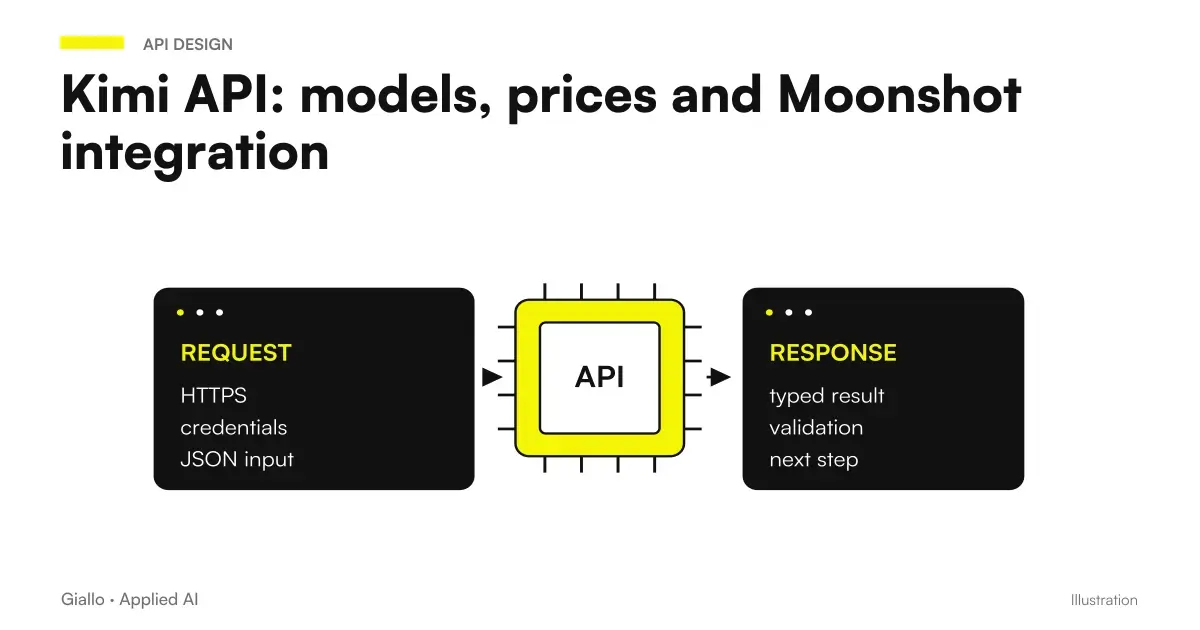 Kimi API: models, prices and Moonshot integration
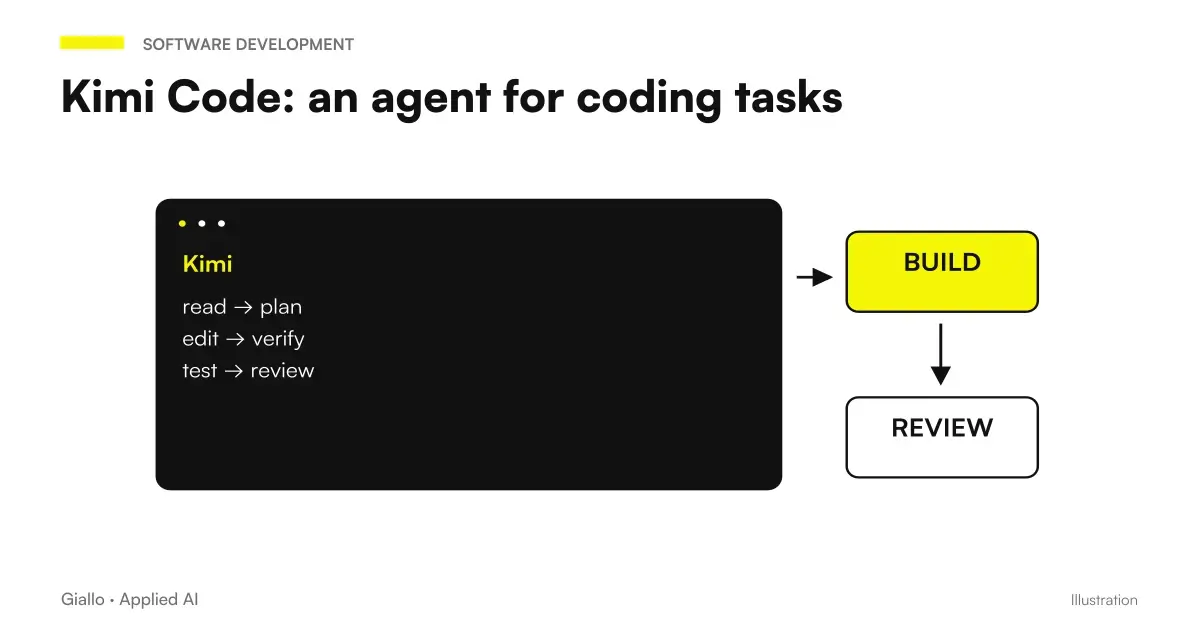 Kimi Code: an agent for coding and development
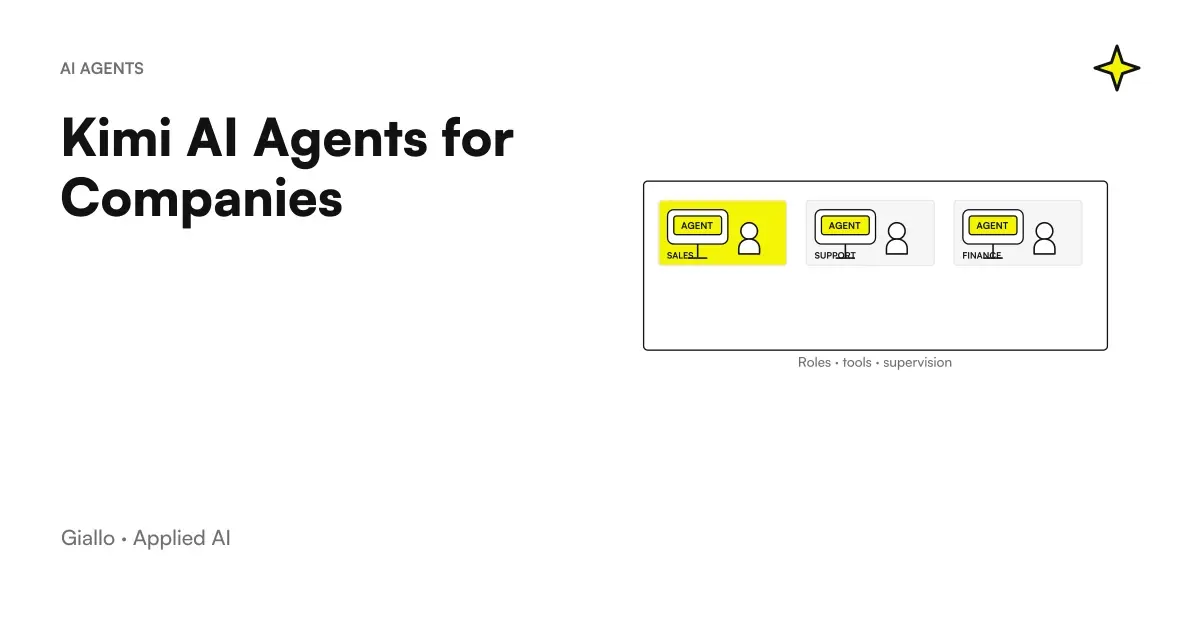 Kimi AI Agents for Companies: Roles, Tools, and Controls
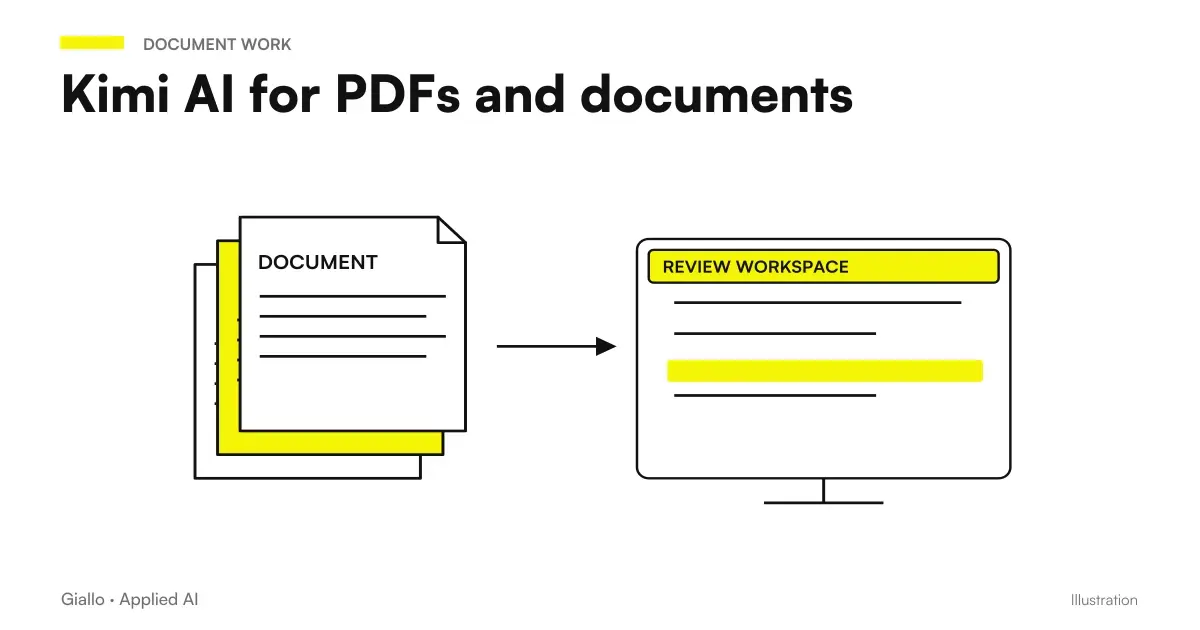 Kimi AI for PDFs and documents: analysis to verify
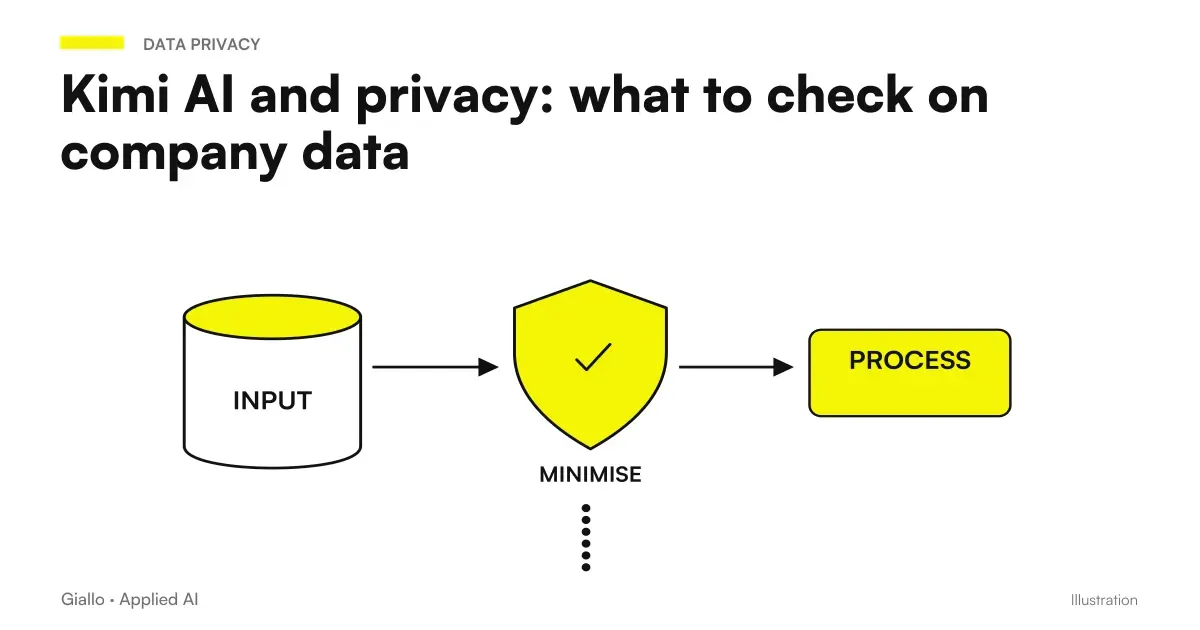 Kimi AI and privacy: what to check on company data
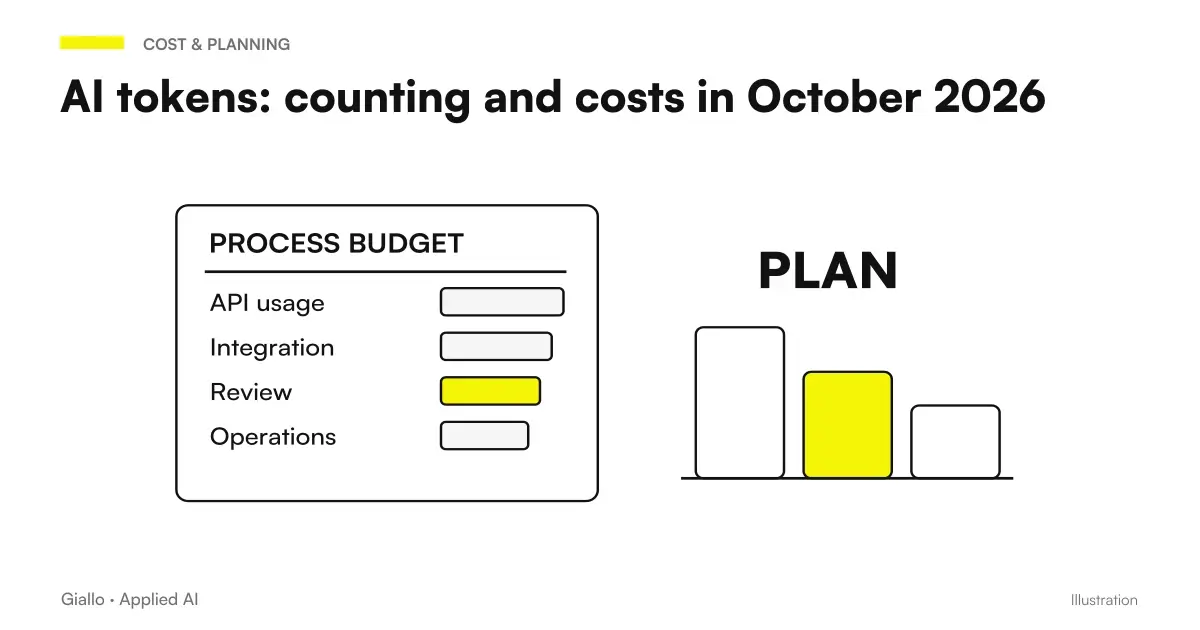 AI tokens: how they are counted and priced in October 2026
 Test a Claude Code Mod without login or model calls
FAQ
What is Kimi K3?
Kimi K3 is a model in the Moonshot AI family, documented for reasoning, vision, coding and work with information. It is separate from the Kimi app, which adds an interface, tools and access conditions. The general-purpose API identifier is kimi-k3.
How many context tokens does Kimi K3 support?
The official API model list specifies 1,048,576 tokens for K3. In the app and Code service, access to the large context depends on the plan and configuration. The limit does not guarantee perfect reading or allow maximum input and output to be added together arbitrarily.
Can you turn off K3 thinking in APIs?
The general-purpose API guide documents always-on thinking and the low, high and max reasoning effort levels. It does not describe a simple switch to disable it. Code settings can route to different models and must not be confused with this behaviour.
Is K3 Cluster another API model?
K3 Cluster is an app mode for coordinating parallel work. It must not be treated as synonymous with the general-purpose API's kimi-k3 identifier. Stated capabilities, plan allowances and the process result are separate elements.
Is Kimi K3 open source with MIT license?
K3 uses a custom licence that allows various uses, deployments and derivatives under conditions. It is neither a standard MIT licence nor a promise of no commercial restrictions. Before distributing a service or derivative, read the specific model's licence.
Is Kimi K2.5 still a current API model?
The official list declares the K2.5 endpoint decommissioned on 31 August 2026. The availability of weights is a separate matter from the availability of the official endpoint. For a new integration consult the current models instead of copying old identifiers.