
Copilot Chat and Microsoft 365 Copilot: What Changes
Copilot Chat vs Microsoft 365 Copilot: accounts, Basic and Premium licences, business files and agents. Choose appropriate access for each SME role.
Reading time: 11 min
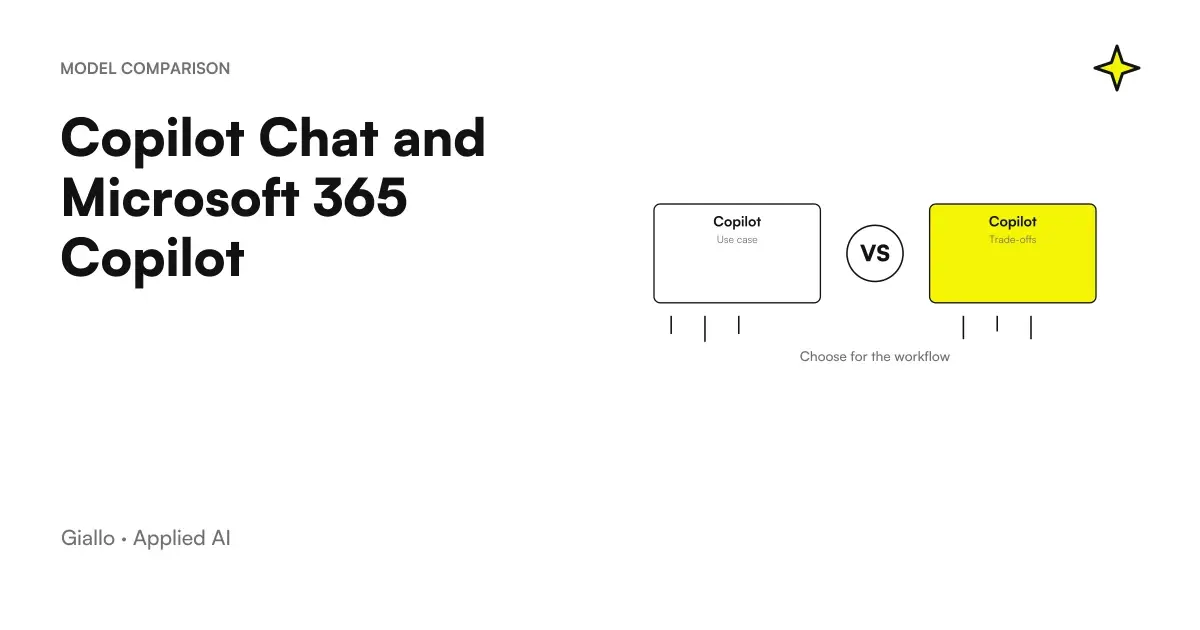
Copilot Chat and Microsoft 365 Copilot must be compared through the work they allow to do, the account used and the assigned license. Having an accessible chat doesn't prove that you have all the capabilities in the apps or the search in the business context. Microsoft documentation also distinguishes standard and priority access, with availability influenced by the tenant configuration. Microsoft, Copilot License Verification.
For an SME the useful question is concrete: does the business have to prepare an answer from a document that has already opened, find agreements in different emails and meetings or update an opportunity in CRM? They're different tasks. It may make sense to assign different experiences to people working in the same office, as long as each knows what sources they can use and how to control the result.
This guide separates those routes and proposes a method of choice. The product information has been verified on 10 October 2026; suggested tests are operational examples, not results measured on Giallo customers.
Why the names you find in the screens can be different
Microsoft is updating the names: in the administrative guides, Microsoft 365 Copilot becomes Microsoft Copilot and Microsoft 365 Copilot Chat becomes Microsoft Copilot Chat. Some licences and features retain their previous names during the transition. Web access to the updated app also moves to copilot.cloud.microsoft. Microsoft Learn, Copilot Requirements.
It is therefore possible for a purchase page to carry Microsoft 365 Copilot Business and an app screen to have a shorter name. To describe a business configuration it is best to keep the exact name of the purchased license and add the context: work account, basic plan, application and task. A phrase like “we have Copilot” leaves too many interpretations open.
The device also offers little information on its own. An app installed on your computer does not prove that approved business documents, meetings, or agents are available. For the general framework of apps you can start from Copilot for Microsoft 365; here the comparison mainly concerns what access is needed for each role.
A useful inventory can be on one page: department, work account, license present, used applications, two priority tasks. If those who buy and those who test the tool compile the same inventory, they avoid discussing two different experiences using a single name.
Read Basic and Premium without deducting too much
The official guide invites you to check the label associated with the account, accessible by entering the Microsoft 365 experience with the work account. The documented distinction is that of the following table; the label serves to orientate, while the concrete behavior must be verified in the app concerned. Microsoft Support, which license do I own.
| Documented label | Main Indication | Practical verification before assigning a task |
|---|---|---|
| Copilot Chat (Basic) | No add-ons and no access to Copilot in Word, Excel, PowerPoint, and OneNote in the path described | Check what activities are available in chat and Outlook |
| M365 Copilot (Basic) | No add-ons, but standard access in apps | Testing the required function in the company client and tenant |
| M365 Copilot (Premium) | Copilot add-on and priority access to the full experience in the indicated apps | Check available sources, configuration, and supported modes |
The table does not say that Basic is only suitable for occasional use or that Premium makes every answer correct. These are assessments to be linked to the process. Those who produce a few drafts from a chosen file may have a different need than those who have to put together months of communications and prepare documents continuously.
To compare the costs of those decisions there is the guide to Copilot prices and licenses for SMEs. Cost should come after task verification: an inexpensive but unused add-on remains an expense, while an additional function has value when solving a precise dependency.
Three different ways to give information to Copilot
The first path consists of provide a chosen source: a price list, a procedure or the notes of a phone call. In the test it is advisable to clearly indicate which material to use, what result to produce and what to do when a data is missing. The answer can be evaluated against a known set of information, without expecting the tool to reconstruct the rest of the company.
The second path is to work in the document or app. Here they affect the available operations: a draft inside Word, a workbook edit, a thread summary. Microsoft specifies that experiences in apps vary by license and tenant. Therefore, verification must be done in the actual location where the person will work, not just in a separate chat. Microsoft Learn, application experience requirements.
The third route concerns the Cross-cutting work context. Microsoft describes the use of authorized content in Graph, such as documents, emails, meetings, and chats. This context does not coincide with any file on a computer or any application purchased by the enterprise. Usable information depends on services, permissions, and integrations available. Microsoft Learn, Organizational Data, and Copilot.
The Guide Copilot, SharePoint, and OneDrive deepens the preparation of documents. The common criterion is to make the perimeter explicit: "use the selected file" and "find the authorized agreements related to the project" are required with different requirements and success criteria.
A commercial office with four different needs
Imagine a company that sells technical components. The example is hypothetical. The manager must decide how to introduce Copilot without immediately assigning the same configuration to everyone.
A person prepares recurring responses on delivery conditions. It has an approved procedure and few special cases. The first test can be a request based on that material: summarize the relevant condition, report exceptions and propose a draft. The expected result includes the reference to the source and the absence of added commercial promises.
A second person writes more complex offers. It must transform notes and product cards into a document with sections already defined. The test should take place in its Word stream, distinguishing the time of first draft from that of the revision. Application possibilities and source work are explained in the guide to Copilot in Word for documents and proposals.
A third person handles the open negotiations. His problem is finding missing information: last agreement, request still unanswered, delivery discussed at the meeting. Here a demonstration based on a single attachment is not enough. It is necessary to check whether the available experience recovers the relevant authorized context, if it distinguishes versions and if it cites really applicable steps.
The fourth person must change a state in management software. This is an action on a system, not simply an answer. You need tools, permissions, and a process to confirm the change. The path is that of the Copilot integrations with CRM and ERP, to be designed on the concrete platform.
None of the four needs alone demonstrate which purchase is correct. The distinction is used to build a sensible test: for the first it counts fidelity to the procedure; for the second the quality of the document; for the third the recovery of the sources; for the fourth the controlled execution. When the evidence is different, the choice of licenses becomes more legible.
Personal Accounts and Business Accounts: Check Active Context
The updated Copilot app keeps the experiences of personal Microsoft accounts and Work Entry accounts separate. Microsoft states that the data does not go from one to the other through the account change. The new interface therefore does not eliminate the need to recognize the active account. Microsoft Support, Copilot App Updates.
A simple convention is useful in daily work. Before a trial with company materials, the participant notes the account used and the source they selected. If the result is different from that of a colleague, these two elements help to understand if the difference arises from different permissions, sources, licenses or requests.
The evaluation of data processing then requires questions of its own: what experience was used, which providers intervene and which retention rules apply? The guide on Copilot privacy for business data separates these aspects. A price choice does not automatically resolve a data choice.
When the word agent changes the rating
Microsoft distinguishes Agent Builder, suitable for personal or small team Q&A on existing content, from Copilot Studio for workflows, integrations, wider publishing, and management controls. Inclusions depend on the context of use and do not mean that each agent has the same cost. Microsoft Learn, choose Agent Builder or Studio.
For example, an assistant explaining a procedure must find the correct document and indicate the relevant step. An agent who takes a request, collects data and initiates an approval has other responsibilities. For the second it is also necessary to describe what happens when the data is incomplete, when the user cannot see a practice and when the recipient system is unavailable.
The Guide create a corporate agent with Copilot Studio helps to delimit that project. It is preferable to get there with a described process, a responsible and few representative cases, instead of using the presence of a catalog of agents as sufficient reason to activate them all.
If a colleague doesn't find the same button
Before concluding that a license does not work, check access at the correct point. Microsoft's July 2026 guide points to the Dynamic Action Button at the bottom right and then suggests verifying version, license, update channel, and privacy settings. Business clients can be managed by the administrator. Microsoft Support, missing Copilot button.
For repeatable verification write down the application, platform, account, login label, and name of the requested function. “I don't see Copilot” is too broad a signal: it can refer to the button position, a specific capacity or an experience that is not expected in that configuration.
The test can continue with demonstration materials as long as the configuration is clarified. Instead, avoid transferring business documents to a different account just to get around the lack of the button: so you change the context of the test and do not solve the initial question.
A tab to compare two Copilot experiences
Fill in the same tab for each account: application and platform, license label, task, selected sources, available operations, returned references, and parts that require revision.
Repeat a request with known demonstration data. Record the expected result before trying it: a comparison is useful when measuring a requested capacity, not when choosing the best written answer.
If the sources or permissions are different, report the difference before comparing time and quality.
Choose a path and measure it in real work
Before a cross-request, prepare a small reference response. In the case of a negotiation it could contain the most recent agreement, the date, the applicable document and an application still open. The person who knows the project confirms these elements before the test, without showing them as a ready-made response to Copilot. Thus, the retrieval of the requested information can be observed, in addition to the quality of the text.
Also prepare an incomplete case: an unconfirmed delivery or two documents with different conditions. Success does not mean producing a confident sentence regardless. It may mean identifying the conflict, citing the versions and asking for a decision. This second case helps choose an experience suited to real work, where some data arrives late or changes during negotiations.
The most useful starting point is the experience already available, applied to a frequent and verifiable task. If an essential capacity is missing, the request for upgrade can explain that lack: cross-sectional search, application function, priority, or integration. This makes the comparison more concrete even for those who approve of spending.
During the test count preparation, generation, reading and correction. A quick summary can save little if it requires re-opening all sources; a less spectacular draft can be useful if it correctly reproduces an approved structure. The Guide Copilot for SMEs: pilot, adoption and ROI proposes how to gather those evidences.
The Copilot requests for work in the office help to make the tests comparable. First set target, sources and format; then observe if the chosen experience really meets the task. The general possibilities of Copilot for companies thus become a set of specific decisions.
Giallo can help you choose where to introduce Copilot to your SME and what integrations to design. Start with the process and documents you use every day: Request an AI consultation to set up a comparison between accesses, costs and work tests.
Giallo Studio guides: methodology and sources
How we apply it in the company
Related resources
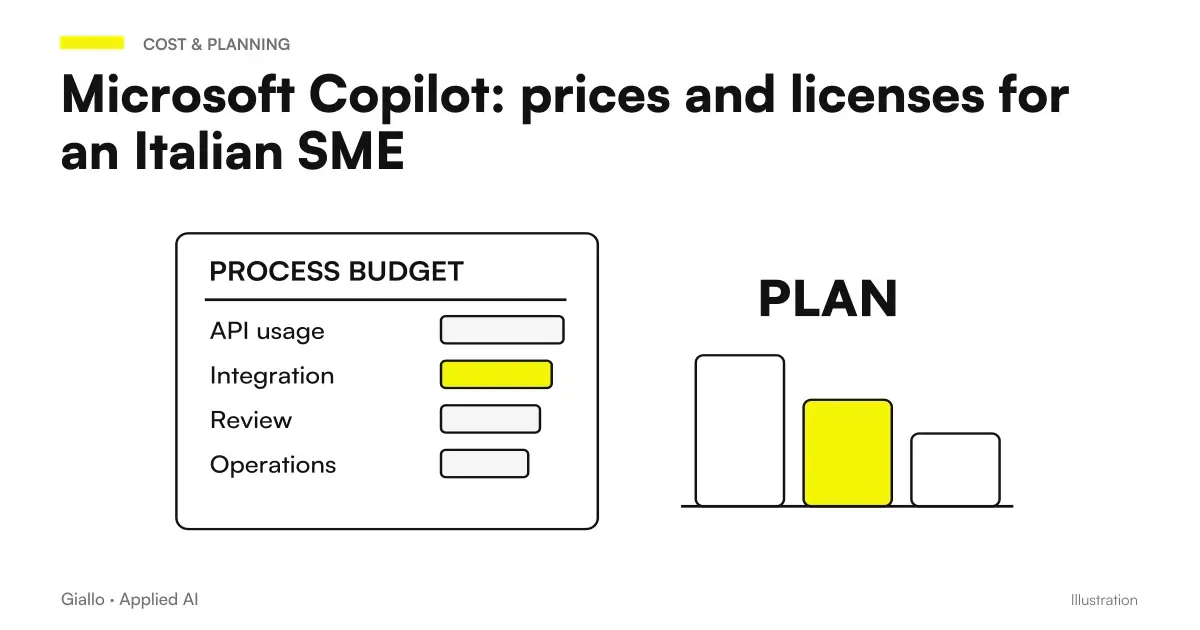 Microsoft Copilot: prices and licenses for an Italian SME
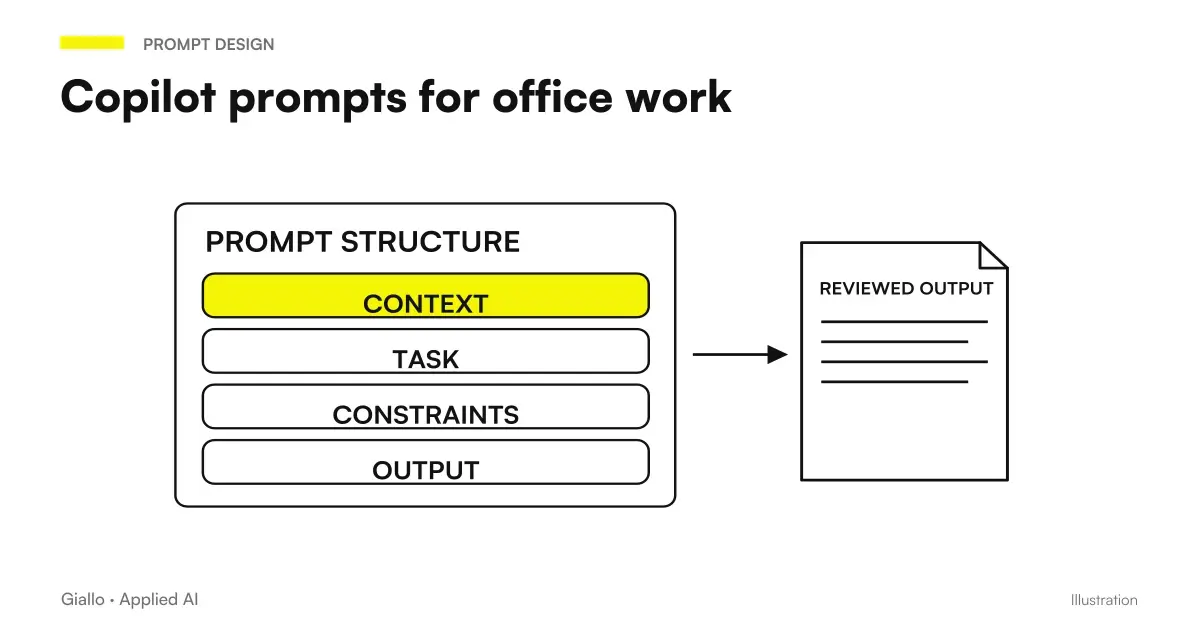 Copilot prompts: examples for office work
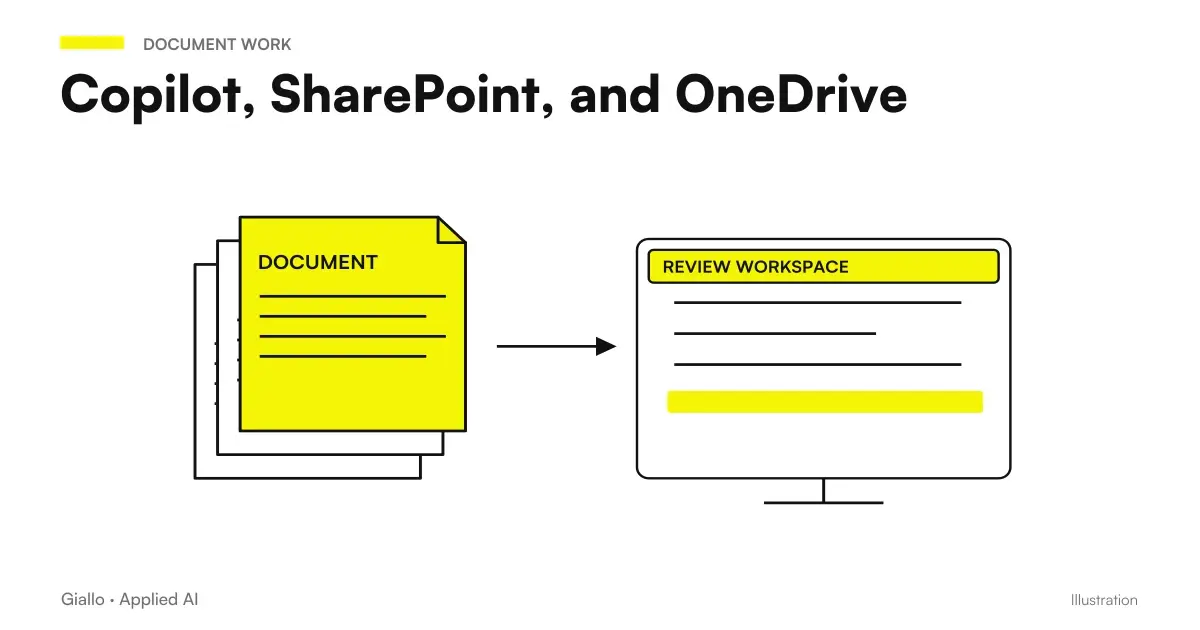 Copilot, SharePoint, and OneDrive: Finding Reliable Documents
 Microsoft Copilot and Business Data: Privacy and Permissions
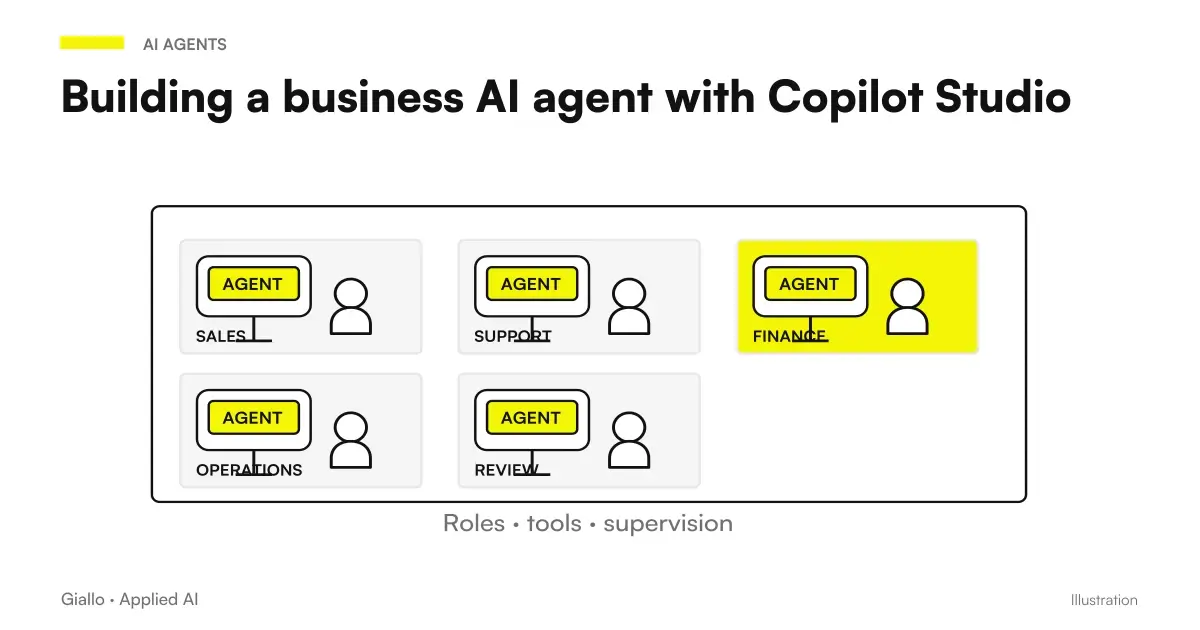 Copilot Studio: creating an AI agent for the company
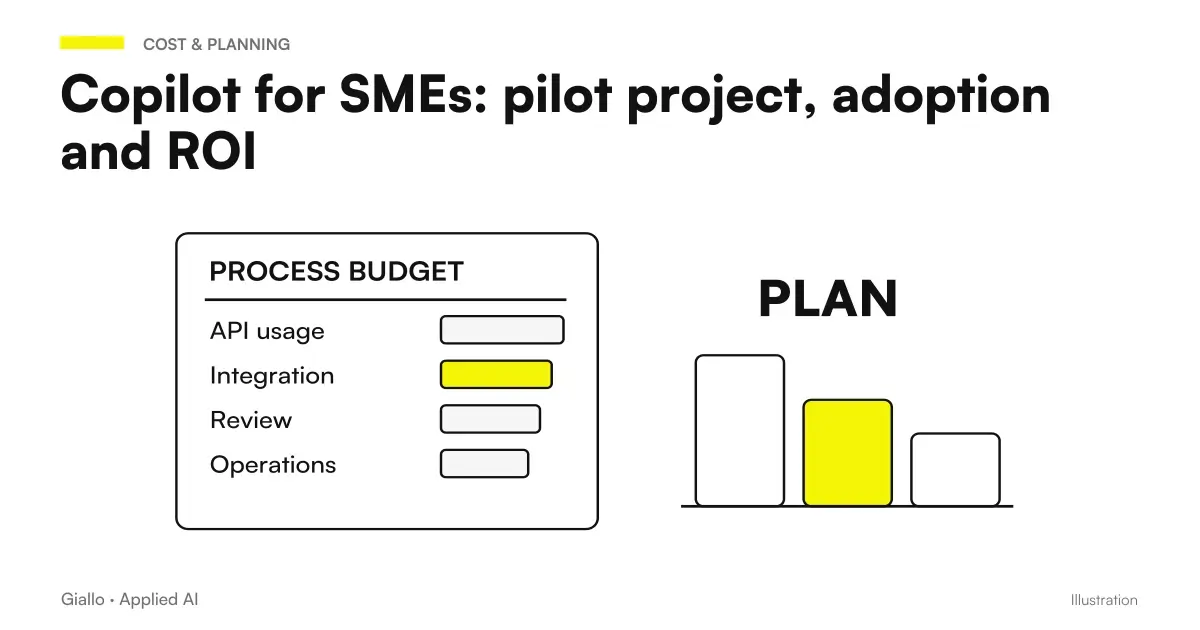 Copilot for SMEs: pilot project, adoption and ROI
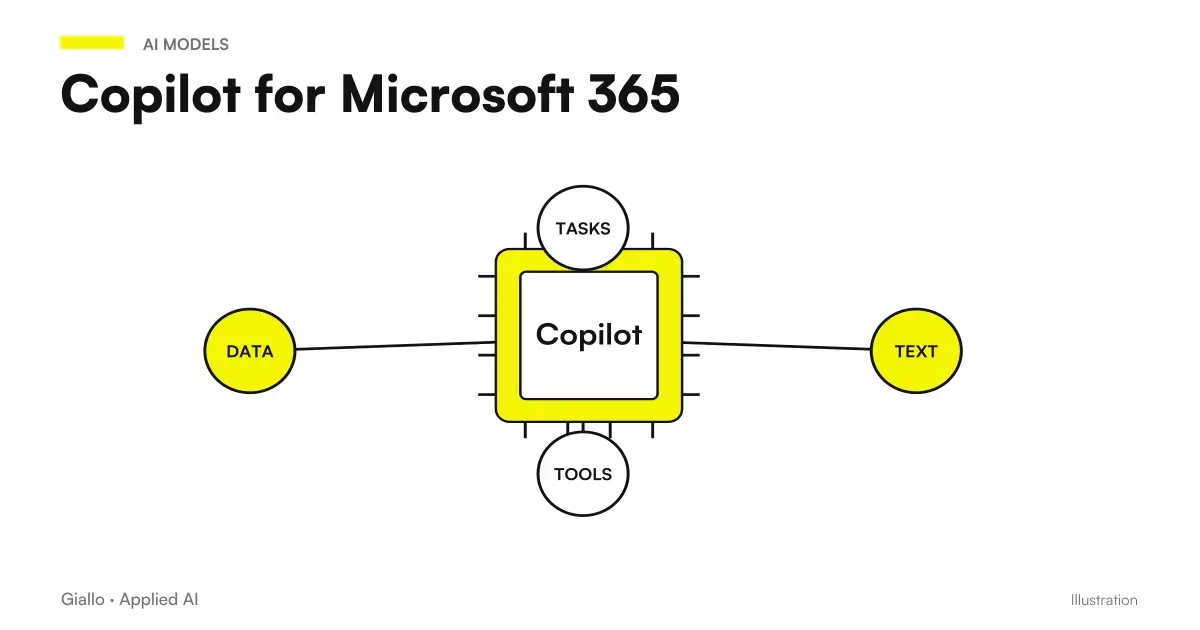 Copilot for Microsoft 365
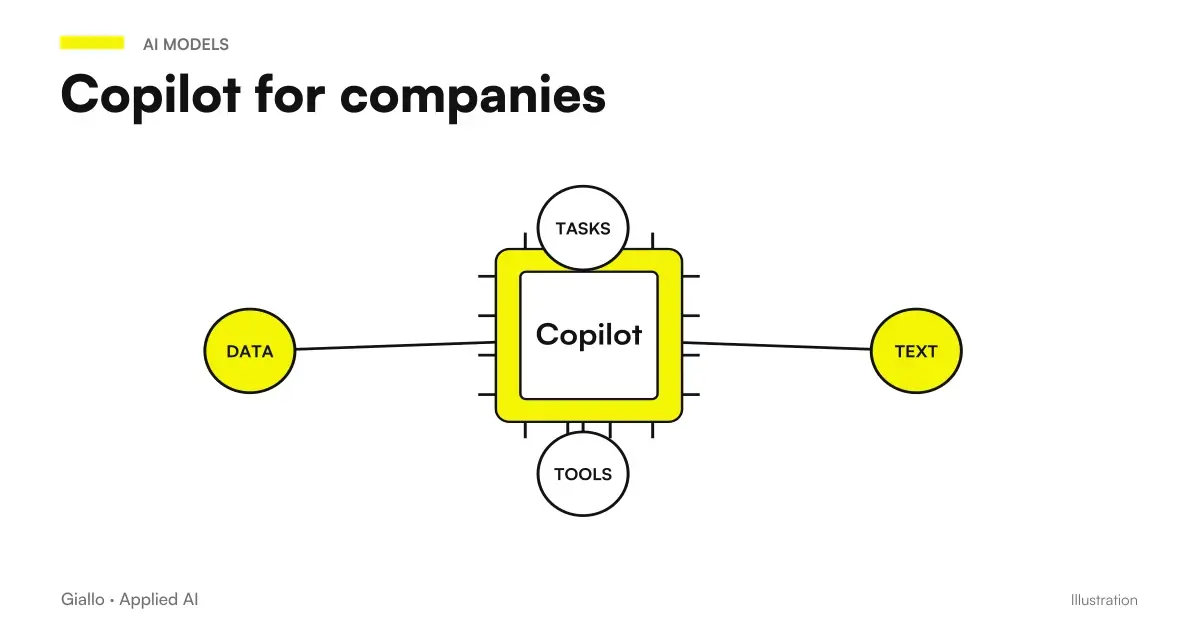 Copilot for companies
Other direct comparisons
The same criteria applied to other model pairs.
- Make vs Zapier vs n8n: which one to choose for your company
- Mistral vs Llama: comparison between the two open weight models
- Kimi AI vs Claude: documents, code and costs
- Claude Opus 5 vs Fable 5.1
- Kimi AI vs ChatGPT: which to choose for work?
- Claude Opus 5 vs Gemini 3.1 Pro
- Jev AI vs LLM: how to choose the right model
- Claude Opus 5 vs GPT-6 Astra
- Claude Haiku 4.5 vs GPT-5.6 Luna
- Claude Opus 5 vs Sonnet 5
- Claude Haiku 4.5 vs Gemini Flash-Lite
- Perplexity vs Google: response with sources or link list
FAQ
Are Copilot Chat and Microsoft 365 Copilot the same thing?
They share some of the experience, but access to features, work context, and priority depends on account, license, and tenant. Names are in transition to Microsoft Copilot and Microsoft Copilot Chat; some licenses retain Microsoft 365.
Is Copilot Chat free for a company?
It is available without a Copilot add-on for users with eligible Microsoft 365 plans. This does not mean every feature, agent or usage is free: check the base plan, access label and services used.
What do Copilot Chat Basic and M365 Copilot Basic mean?
The Microsoft guide distinguishes Copilot Chat Basic, without access to Copilot in Word, Excel, PowerPoint and OneNote, from M365 Copilot Basic, which offers standard access in apps. M365 Copilot Premium indicates add-on and priority access.
Do you need a license to search corporate documents?
Being able to use supplied files or the open document is not the same as searching across the work context. Check the available experience, licence, configured sources and user permissions.
Does the unified Copilot app mix personal and business data?
Microsoft documents that personal Microsoft accounts and work Entra accounts remain separate even in the updated app. You still need to check which account is active when using company documents.
How do I choose Copilot for a small team?
Start with concrete tasks and data: a draft based on a supplied file, searching across work documents or actions on systems. Try the experience already available and assess the add-on against the capabilities needed, not the button's name.