
Microsoft Copilot and Business Data: Privacy and Permissions
Microsoft Copilot business privacy: accounts, permissions, retention, web search and Anthropic models. Plan a trial using authorised data.
Reading time: 14 min
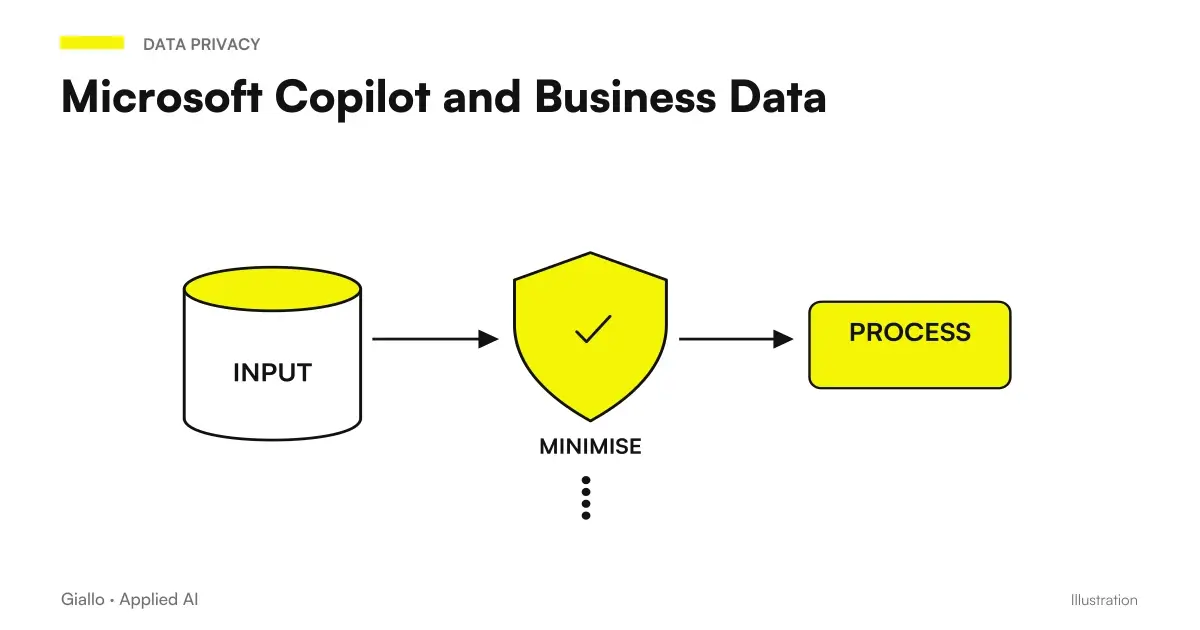
Microsoft Copilot's privacy in the company depends on the accounts, sources, permissions, and functions used. Microsoft describes Enterprise Data Protection for Copilot and Copilot Chat enterprise through DPA and Product Terms and states that Microsoft Graph prompts, responses, and data do not train basic models. This is a precise commitment, to be distinguished from preservation and localization of the processing. Microsoft Learn, Enterprise Data Protection.
For an SME, the useful question is: “can we use these documents, with these people, for this job?”. Responding requires a concrete perimeter. A summary of an internal procedure, a business draft, and an agent updating the CRM involve different data and operations.
This guide describes the Microsoft verified information on 10 October 2026 and proposes a practical method of evaluation. It does not assign general compliance to the enterprise: conditions of the supplier, technical configuration and use of the team should be considered with respect to the concrete case. Examples are hypothetical and use demonstrative materials.
Identify the account before the document
The name Copilot appears in personal and business experiences. Microsoft distinguishes the conditions of the app used with a personal Microsoft account from those applicable to logging in with a Microsoft corporate, school, or organizational account. The updated personal documentation for the August 2026 app spells out this perimeter. Microsoft, Copilot privacy for personal accounts.
For the team, prepare a simple explanation of the authorized access point. A user needs to know how to recognize the active account and what experience to use for the business documents. If it meets a function only in the personal context, the next step is to clarify its availability in the working context.
The Guide Copilot Chat and Microsoft 365 Copilot distinguishes experiences and licenses. This verification avoids discussing the conditions of one service while the test uses another. It is useful to write down accounts, apps, and function along with the test result.
When more than one person participates in the evaluation, they also agree on the materials allowed. For a first test you can use a demonstration procedure or a fictitious offer, declaring them as such. The choice allows to understand the operation before deciding the perimeter of the real contents.
Five questions that clarify the perimeter
The following questions constitute a proposed operational grid for SMEs. They are not a list of universal regulatory obligations: they help gather useful information before extending use.
| Area | Question to be answered | Useful Evidence in the Test |
|---|---|---|
| Identity | Who uses Copilot and with what account? | Recognized work experience and accounts |
| Sources | What documents are needed for the task? | Limited list of approved sources |
| Permissions | Who can access those sources? | Try with the roles actually planned |
| Treatment | What services and functions are involved? | Documentation of Enabled Options |
| Result | Who controls and receives the output? | Recipient and revision passage defined |
The advantage of this grid is making decisions visible. If you want to summarize a procedure, the operational contact can clarify the applicable source. If you want to compare business conditions, it serves who recognizes the necessary data and information that can enter the result.
The technical contact checks accounts, services and configuration instead. The two perspectives are completed: knowing the architecture is not enough to choose the correct procedure; knowing the process is not enough to describe where the material is treated.
Correct permissions: a test with two roles
Microsoft documents the use of information already accessible to the user and proposes a preparation that includes review of shares, responsibilities on sources and management tools. The available controls have specific licensing requirements and administrative role. Microsoft Learn, data foundation for Copilot.
Let us consider a hypothetical enterprise that wants to simplify the preparation of offers. The trader must consult approved models and conditions. The operations manager must verify the perimeter of the activities. Other documents, unrelated to the task, remain out of the evidence collection.
Provide demonstration materials with two levels of access. The first contains information that can be shared between roles; the second contains a test content reserved for only one. Check that each participant is able to open the intended sources and that the accesses reflect the choice of the person responsible.
The request to Copilot must remain in the defined task: prepare a perimeter draft or compare two versions of the model. If the result shows information that that role should not use, evaluate the accesses of the source before continuing. An instruction in the prompt does not replace the sharing configuration.
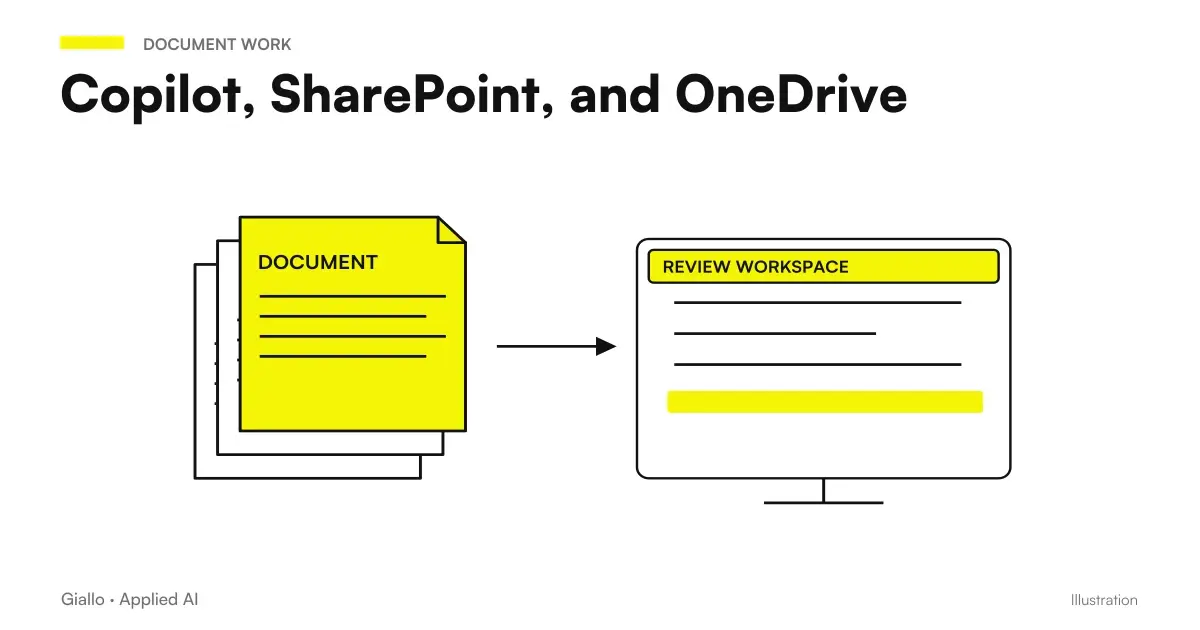
The Guide Copilot, SharePoint, and OneDrive describes how to choose recognizable documents and build these evidence. The expected result is a useful source for the intended recipient, accompanied by sufficient information to verify its use.
Training and conservation are different questions
Microsoft's commitment to not using prompts, responses, and Graph data to train basic models concerns a purpose of the processing. It doesn't mean that the interactions disappear when the window closes. It is advisable to explain this distinction to the team before they interpret "not used for training" as "unstored".
Microsoft Purview documents retention criteria for Copilot prompts and responses. The documentation distinguishes visible interactions in the app from data stored in the underlying systems and specifies that other storage or blocking conditions may affect the deletion. Microsoft Learn, Copilot storage and AI apps.
For the project, gather a concrete answer on what criteria apply to the interactions of the group involved. Avoid communicating a number of days from another organization or a personal screen. The duration to be considered is that of the configuration and conditions applicable to the service actually used.
If the company plans to use AI on business documents, it also asks who can consult the evidence of interactions through the administrative tools available. Defining this responsibility helps give the team consistent information without turning every user into an administrator.
For the first test, an essential register is sufficient: experience, demonstration materials, activated function and configuration referent. Do not copy entire documents into the register if its purpose is to remember the context of the proof. It preserves what is needed to understand the choice and to reproduce the test.
Localization of processing and choice of models
“Not used for training” does not even describe the place of processing. Microsoft documents specific commitments and limits of its EU Data Boundary; it is therefore necessary to evaluate the function, rather than deduct the location from the product brand alone.
For Anthropic models in Microsoft Online Services, Microsoft indicates Anthropic as a subprocessor and the application of DPA and Product Terms, except for offers explicitly labeled with data retention and additional conditions. The same page reports the exclusion of these models from the EU Data Boundary and, where applicable, from processing commitments in the country. Microsoft Learn, Anthropic Models in Microsoft Services.
Microsoft also documents that default enablement for many business customers excludes EU, EFTA and UK. The administrator must then verify the available option and the decision of the organization; a written guide to another market may show a different choice.
For an Italian SME the practical question is what function that model requires and for what material. An evaluation can compare quality on demonstrative data, collect the applicable conditions and decide whether the benefit responds to the use case. You don't need to activate every alternative just to complete a demo.
Document the choice in a way that is understandable to the team: authorized functions, intended materials and referent. If the model is later changed or an experience is added, review the points concerned. This approach avoids treating the first test as a permanent endorsement of any product evolution.
Web search sends queries to a distinct service
When web search is active, Copilot can generate a query for Bing. Microsoft distinguishes the query from the full prompt, removes identifiers Enter and does not send entire files; however, the query can also be informed by the content of a document under documented conditions. DPA and EU Data Boundary do not apply to generated web queries, which have specific conditions. Microsoft Learn, Web Search, and Data Management.
The same page describes administrative controls and options for eligible users. For the project, clarify whether the task should use public material, internal sources, or both. The choice must reflect the work: finding up-to-date public information is different from summarizing only an approved internal procedure.
A demonstration example can compare two requests. The first one asks you to extract the steps from a selected procedure. The second asks to compare that process with public indications from a supplier. In the register it notes the function used and the sources that support the result, avoiding presenting the two evidences as equivalent.
The possibility of consulting the web must therefore be explained precisely. Saying "all the document is sent" would be an incorrect simplification; saying "no information of the request can contribute to the search" would ignore what Microsoft documents. The content of the task and the applicable settings are needed to decide.
The result can have a different recipient from the source
A generated output requires its own evaluation before sharing. A summary for a colleague may include details useful for internal work; a presentation for a client may have a different perimeter. The fact that the author can consult the source does not automatically make any subsequent use appropriate.
In the business example, define which conditions should be reported and which points should be confirmed by the manager. Check numbers, customer references, and content added by the response. A well-written draft may introduce a guarantee that does not appear in the documents: the revision verifies the meaning, in addition to the form.
You can ask for a preliminary version with missing highlighted elements and keep the approval step before sending. Copilot prompt examples helps to make this request concrete; the guide Copilot for Microsoft 365 connects it to daily work apps.
Agents and integrations add choices to the project
Microsoft invites you to check agent policies and conditions to understand how they handle your organization's data. Copilot experience protections do not eliminate the need to evaluate the agent and the services to which it is linked. Microsoft Learn, Agents, and Enterprise Data Protection.
An agent who consults a manual has a different perimeter than a system that prepares and records a request in the CRM. In the second case, define transmitted data, recipient, allowed operation and time of confirmation. If a draft is enough to control, designing an automatic edit right away can add complexity without better solving the need.
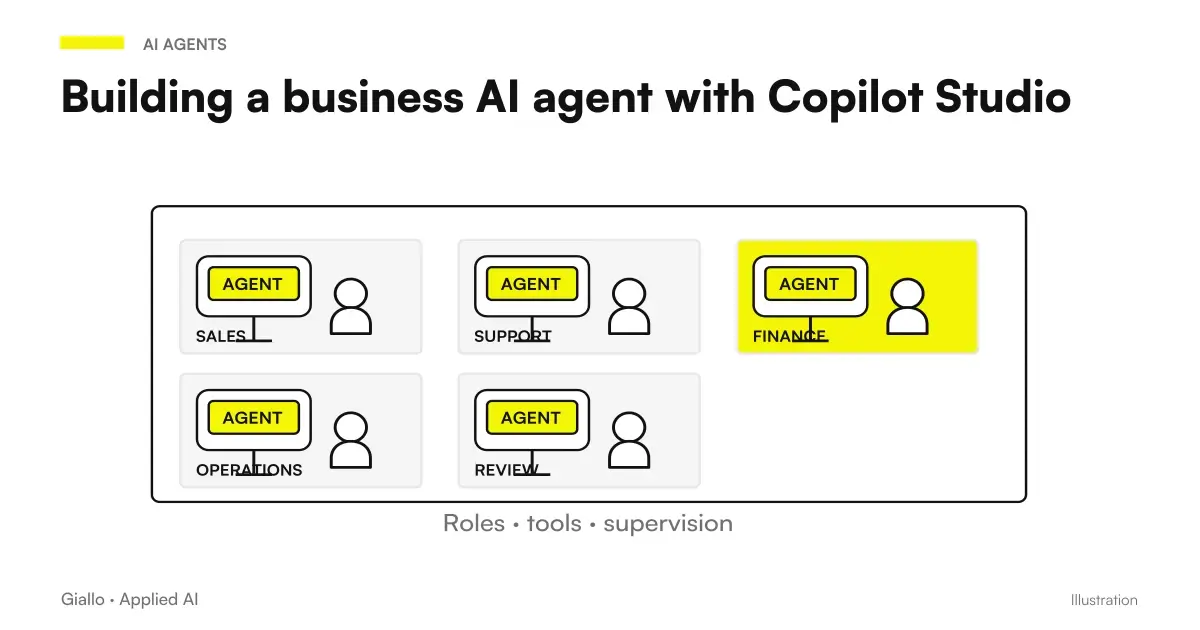
The Guide Corporate Agents with Copilot Studio clarifies the construction options. The route Copilot Studio and Power Automate deepens the flows, while connectors for CRM and ERP helps to describe sources and operations of the link.
For each integration, prepare an example with demonstration data and expected result. Check the full route: initial material, product content, expected confirmation and destination. A good response in chat only proves part of the work; the use of data should also be included in the next steps.
How to set up a first test with a clear perimeter?
Choose a repeated job and describe the expected result. Prepare demonstrative sources, two roles and questions with known answer. Identify accounts, functions, and services involved with the technical contact person. Agree who controls the output and where it can be used.
He notes the differences between expected and obtained result. Before moving on to authorized real content, resolve points related to sources, accesses, and conditions of services. Extend the test when the new pass has a concrete benefit to the process.
Give the team instructions you can follow
A brief explanation may indicate the work access point, the intended sources, the recipient of the output and the person to be involved in the event of doubt. This information helps the user much more than a generic promise that AI would be safe under any circumstances.
If a material is excluded from the test, propose a useful path: demonstration document, authorized extract or task based on public sources. The team can learn the flow while the referent clarifies the choice on the data. The work continues with an understandable perimeter.
The next step is to measure utility and quality in the selected case. The guide Copilot pilot, adoption and ROI for SMEs links these criteria to the investment decision; the framework of Copilot for companies helps to choose the department from which to start.
Do you want to evaluate Copilot on your company's data? The AI consulting of Giallo can start from a concrete process: sources, people, functions and verification of the result. We prepare an understandable test for the team and the necessary information to decide the transition to daily work.
Giallo Studio guides: methodology and sources
How we apply it in the company
Related resources
 Copilot Chat and Microsoft 365 Copilot: What Changes
 Copilot, SharePoint, and OneDrive: Finding Reliable Documents
 Copilot Studio: creating an AI agent for the company
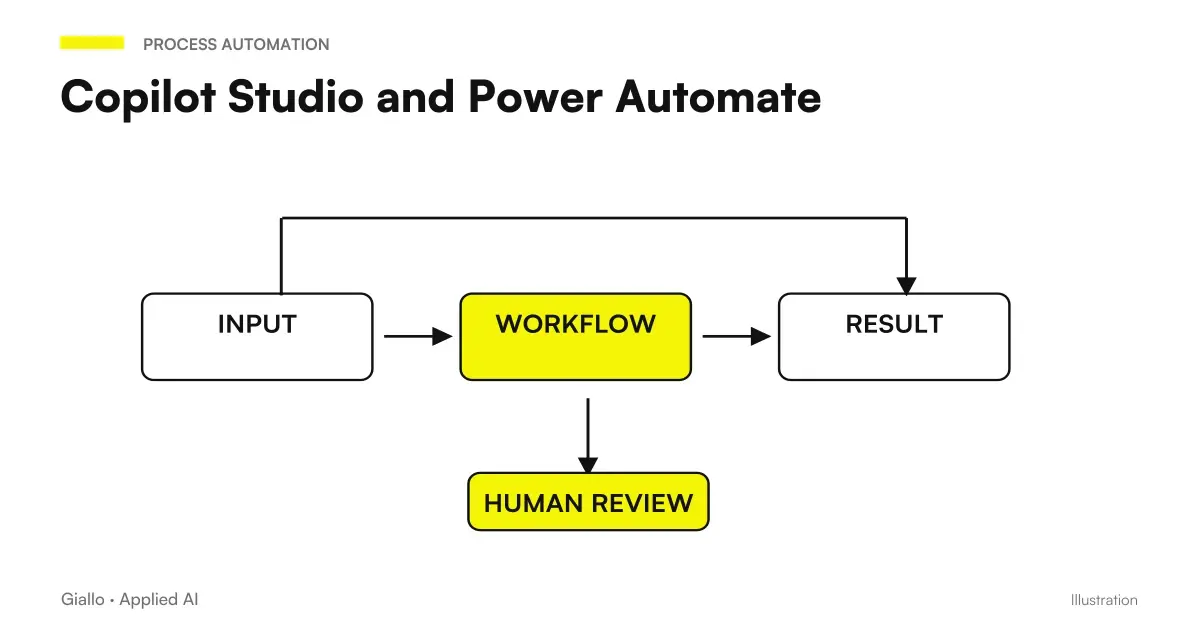 Copilot Studio and Power Automate: agents and workflows
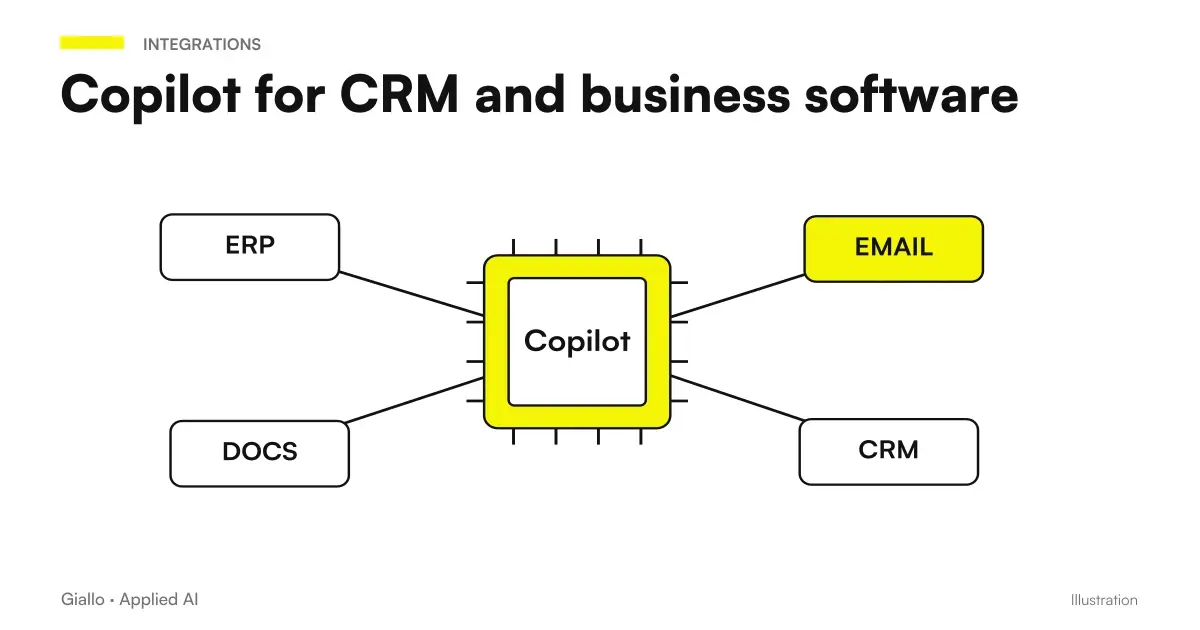 Copilot with CRM and business software: connectors and actions
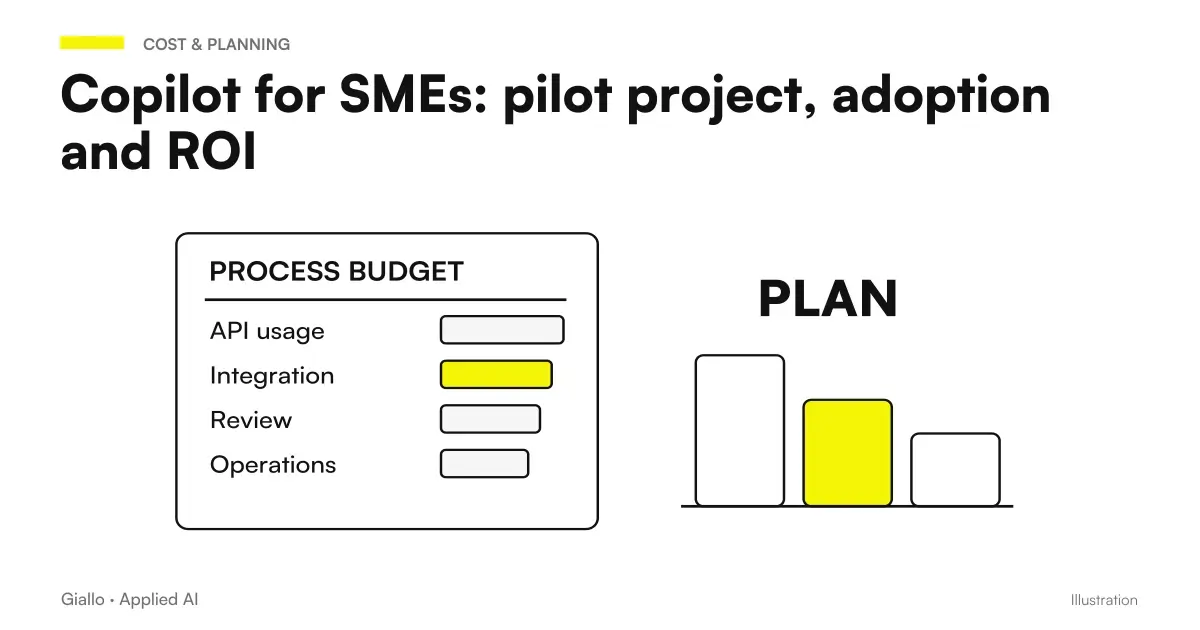 Copilot for SMEs: pilot project, adoption and ROI
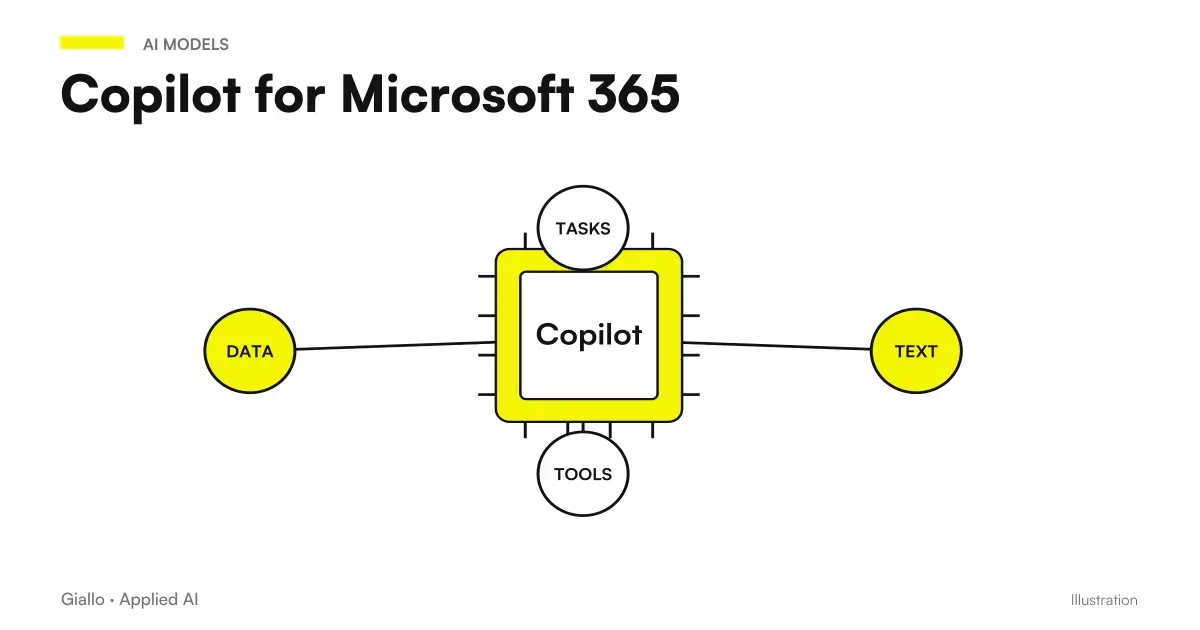 Copilot for Microsoft 365
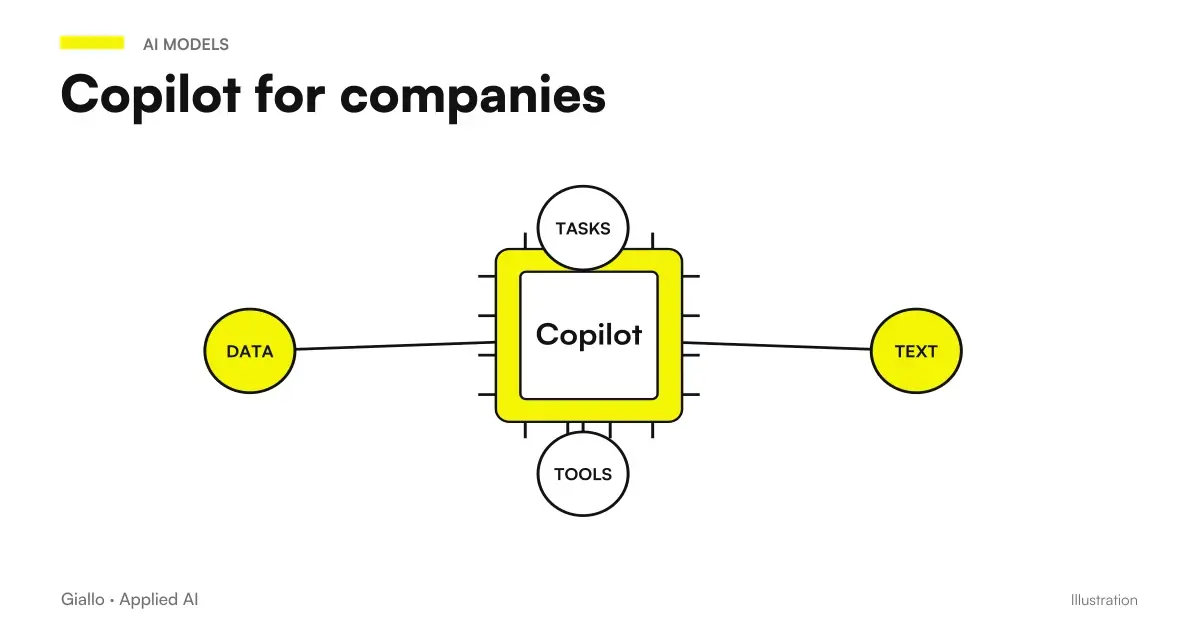 Copilot for companies
FAQ
Does Microsoft use Copilot's business data to train models?
For the documented business experiences, Microsoft states that prompts, responses and Microsoft Graph data are not used to train foundation models. This commitment does not mean there is no retention or that every service involved has identical terms.
Do personal and business Copilot have the same privacy terms?
No. Microsoft distinguishes use with a personal account from use with a Microsoft Entra business account. Before using a company document, identify the active account, experience and applicable terms.
Does Copilot automatically correct overly broad permissions?
No. Respecting existing access does not replace configuring it correctly. A source shared with too many people requires an assessment of sharing and authorised groups.
Are all Copilot data always processed in the European Union?
This blanket statement cannot be made. Microsoft documents exceptions to its EU Data Boundary, including web search queries and Anthropic models. The assessment must cover the features and providers actually enabled.
Does deleting a chat immediately delete every copy?
The app view is not enough to verify the deletion from the retention systems. Microsoft documents retention criteria and possible constraints that affect the management of interactions; it is necessary to check the applicable configuration.
How to start a Copilot trial without using real personal data?
Prepare demonstration documents, define roles, limit expected sources, and verify responses with known information. Then evaluate the move to authorized real materials with those who manage the process and business configuration.