
Copilot, SharePoint, and OneDrive: Finding Reliable Documents
Prepare SharePoint and OneDrive for Copilot: approved documents, versions, permissions and search tests. A practical method for SME document archives.
Reading time: 14 min
To use Copilot with SharePoint and OneDrive you need relevant sources, a recognizable version, and correct logins. Microsoft documents that Copilot and agents retrieve information while respecting existing permissions, shares, and policies. This basis allows to design a useful assistant; the quality of the result must be verified on the documents of the company. Microsoft Learn, prepare SharePoint for Copilot.
The need for an SME is rarely “to have all the files read to AI.” It is finding the applicable procedure, rebuilding an agreement or preparing a proposal using up-to-date conditions. Starting from that question avoids transforming the archive into an infinite project and allows you to choose a first concrete work area.
The product information is verified on 10 October 2026. The case used below is hypothetical: a maintenance company wants to make it easier to consult its documents. The proposed method is used to build and evaluate a test; it does not represent results of Giallo customers.
From the selected file to the business context
Before fixing the archive, identify the experience the team will use. A chat that is provided with a file and an experience with access to the business context solve different jobs. Availability depends on license, account, and configuration; not every Copilot button offers the same set of sources. Microsoft Learn, Copilot Requirements.
The distinction between Copilot Chat and Microsoft 365 Copilot It is therefore the first passage. If you want to summarize a known procedure, you can design the proof around that document. If you want to reconstruct information relevant to a salesperson, you need to clarify which sources are actually available in the experience used.
Write the task before the search: “Identify the approved take charge procedure for this service.” It is more verifiable than “tell me all about maintenance.” Establishing the expected result makes it possible to distinguish a finding problem from an interpretation problem, without attributing any failure to the model.
One clerk, three papers, one answer to check
In our example, the Operations Manager retains an approved procedure, a draft of the next revision, and a business summary. The three documents cite the same service, but have different purposes. The draft anticipates a passage yet to be approved; the summary simplifies the conditions for a presentation.
Before the test, the person responsible shall indicate which source describes the procedure in force. The commercial identifies the document that defines the perimeter of the service. There is no need to invent a complex classification: it is necessary to prevent two similar texts from looking equivalent to those who first meet them.
The demonstration request can be as follows:
Use the approved procedure selected to describe how to take charge of a maintenance request. Indicates the steps, the intended handler, and the information to be collected. If you find a draft with different conditions, report the conflict without replacing the approved procedure. Report the source of the operating conditions and indicate what is not specified.
The verification compares the result with three known elements: the applicable document, the order of the steps and the absent conditions. An elegant response combining draft and approved version does not pass this test. A response that makes the conflict visible instead allows the person responsible to decide the next step.
The others Copilot prompt for office show how to adapt the request to commercial, purchasing and administration. Here the central point is to prepare the sources for the same application to have a verifiable reference.
Make the applicable document recognizable
You can organize the first collection using little information understandable to the team. The following scheme is an operational proposal, not a universal technical requirement imposed by Microsoft.
| Information | Why It Helps Work | Hypothetical example |
|---|---|---|
| Understandable title | Distinguish topic without opening every file | Take charge of scheduled maintenance |
| Content Status | Avoid treating a draft as an approved rule | Approved, draft, historical material |
| Responsible for the content | Clarify who solves doubts and conflicts | Operations Manager |
| Scope | Separate services or similar situations | Scheduled Maintenance Contracts |
| Revision reference | Allows you to compare two different texts | Revision indicated in the document |
| Expected recipients | Helps to verify accesses and use | Authorized Operating Group |
Do not add columns that no one will update. If the team already maintains status and review inside the documents, consider how to make them easy to recognize without duplicating inconsistent information. A short and followed convention is worth more than a perfect taxonomy abandoned after a week.
Also choose how to treat historical material. Retaining an earlier version may be necessary to reconstruct the past; presenting it as applicable to the present is something else. The criterion should be decided by the owner of the process, holding distinguishable historical consultation and current work.
For a shared area, it agrees a recognizable destination for the approved material. For personal work, clarify when a draft becomes a team document. The recommendation is organizational: avoid that the answer depends on a copy remaining in the area of a single person without a definite passage to whom to use it.
Trying accesses with different people
A document assistant must be useful to the intended people. The first check is to verify that each test user can directly open the sources they should use. Otherwise, an incomplete answer might depend on accesses, rather than the wording of the question.
Microsoft describes Copilot as a system that uses data that the user is already allowed to access. This also implies that excessive sharing in the archive is not corrected by writing "keep the confidentiality" in the prompt. Microsoft Learn, Privacy, and Data Access.
Prepare two demonstrative roles. The operational manager must consult the procedure; an employee involved only in the communication must use the approved material for that task. It verifies both the availability of the intended sources and the absence of the excluded sources, using evidence content without real personal information.
If a question reveals too much access, go back to sharing the document or container. If there is no necessary access, evaluate the authorization with who manages that material. Do not indiscriminately enlarge permissions to make a demo work: describing the specific need makes it easier to choose the correct access.
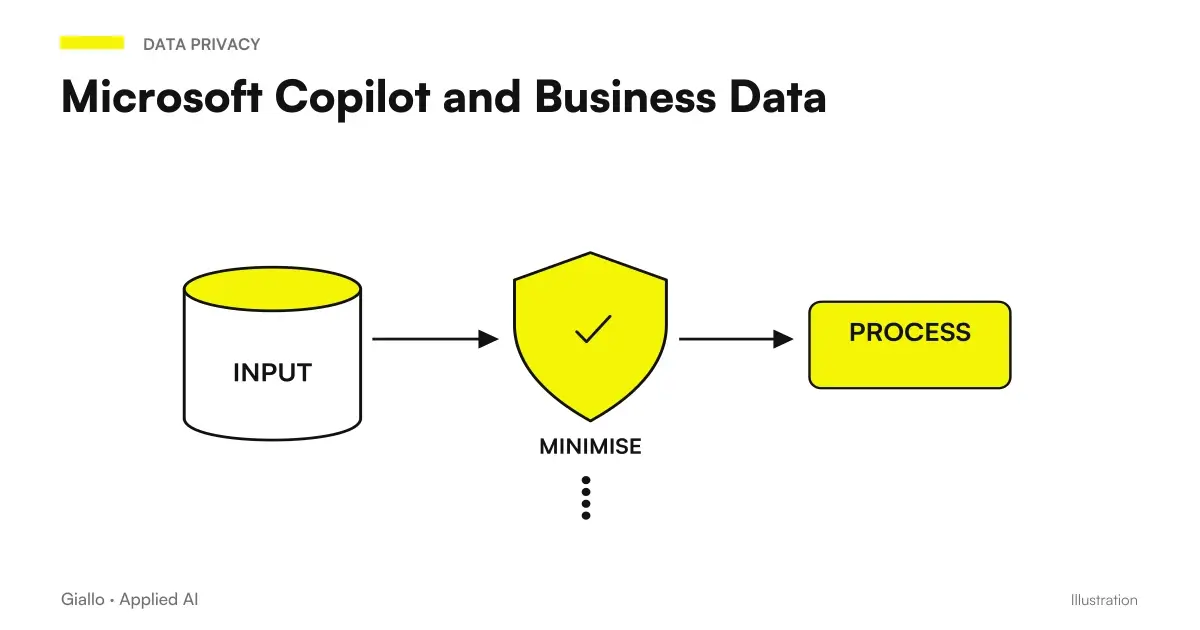
The Guide privacy and business data in Copilot deepens the differences between permits, retention and services involved. They are related issues, but require distinct responses.
A research matrix prior to deployment to the team
The most useful way to evaluate finding is to prepare questions before seeing the answers. For each question, determine which document should support the result and which error would render the answer unusable.
| Test | Demonstrative question | What to check |
|---|---|---|
| Note Source | What data do you collect to open a request? | Correspondence with the approved procedure |
| Alternative term | How do I start taking charge of an intervention? | Finding the same relevant content |
| Conflict | Does the draft change the timing with respect to the current procedure? | Distinction between approved and proposed state |
| Information absent | What is the maximum term if the document does not indicate it? | Explicit absence, no invented number |
| Different access | What conditions can you consult on this role? | Respect for the intended perimeter |
| Historical background | What did the previous selected revision involve? | Separation between past and current rule |
Open the returned references and verify the decisive steps. The presence of a citation helps to check, but does not prove by itself that the document supports each statement. It also notes when sufficient reference is missing: that result requires a verification before it is reused.
Keep the results in a simple log: question, experience used, test account, source expected, result and modification proposed. There is no need to turn it into an AI report card. You need to know if an improvement comes from the proper archive, request, or access.
Repeat the evidence involved when you change an important source. If you update the procedure, check the questions that depend on that review. If you add a department, try its roles. This makes maintenance proportionate to the change, instead of starting over from the entire archive each time.
SharePoint agents: choose sources without enlarging the theme
A dedicated agent can make the access point more recognizable for a set of recurring questions. Microsoft documents custom agents created by modern sites with edit permissions, with use subject to Copilot license or the organization's payment model. Microsoft, SharePoint Agents FAQ.
The same FAQ indicates up to twenty elements of origin. An item can be a site, a collection, a folder or a file: interpreting the limit as twenty documents leads to designing a wrong perimeter. It assesses the actual contents of the container and the questions to be answered by the agent.
In the example, the first agent may focus on taking charge and relevant procedures. Adding all commercial, historical and administrative documentation only because it is available does not help define the task. Choosing a circumscribed perimeter facilitates control of results and maintenance of sources.
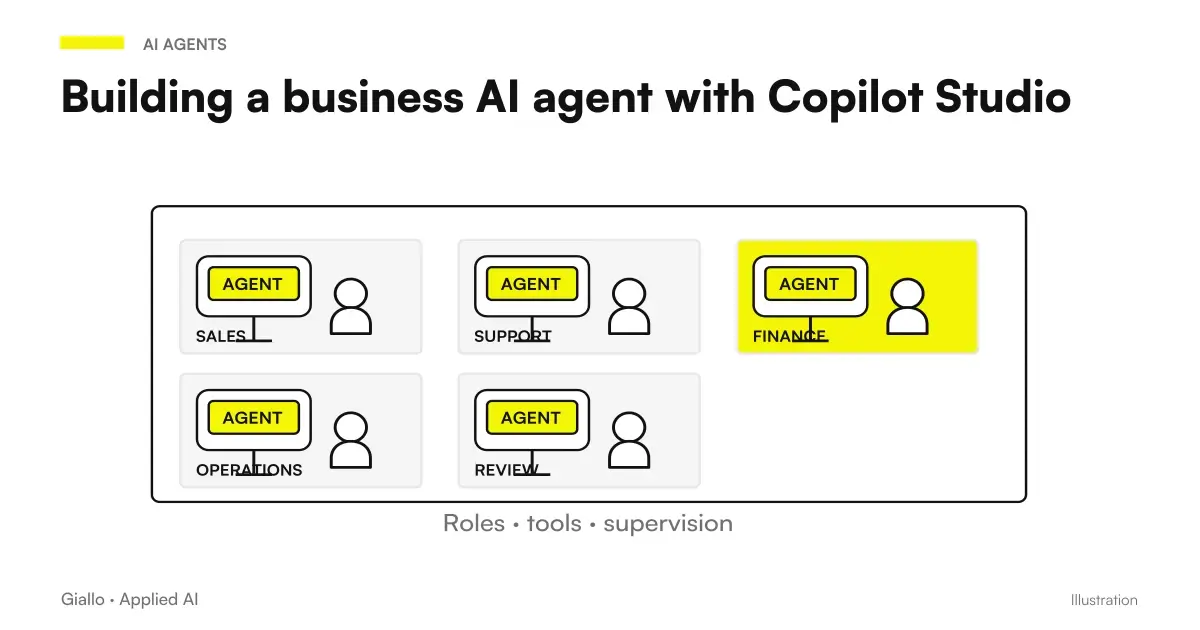
When the need includes articulated integrations or processes across multiple systems, the choice must be reassessed. Microsoft distinguishes the Agent Builder experience from Copilot Studio for customization and distribution possibilities. Microsoft Learn, Agent Builder and Copilot Studio. The guide Corporate Agents with Copilot Studio helps define that passage.
Connect external archives without confusing search and action
Business documents can also be located outside of Microsoft 365. Microsoft distinguishes synchronised, indexing, and federated connectors that query the source in real time. The concrete configuration should be evaluated for the service used. Microsoft Learn, connector overview.
Before linking, clarify what records are needed and with what identity they are read. For synchronised connectors, Microsoft documents visibility choices and permissions to configure: making content visible to everyone is a different decision than maintaining access to the source. Microsoft Learn, connector permissions.
A record retrieved to answer a question does not amount to an authorization to change it. If the project needs to update an order, it creates a separate requirement: operation allowed, fields involved, approval and verification of the outcome. Integrations deserve dedicated proof even when documentary research works well.
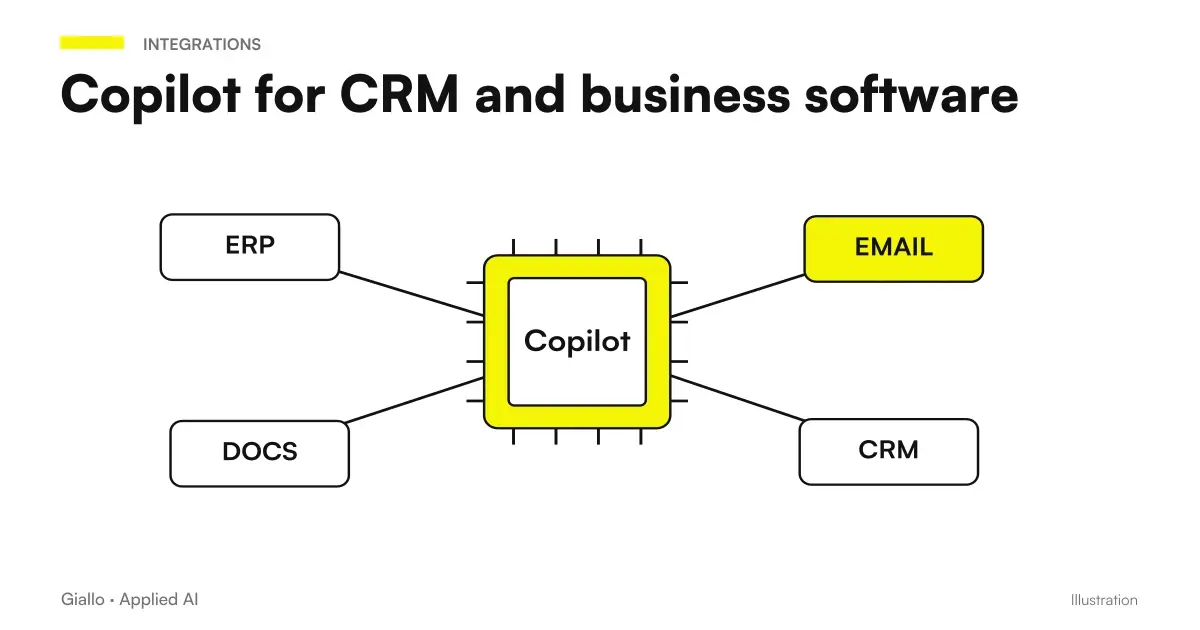
The Guide Copilot with CRM, ERP and connectors addresses this design. For the archive, the first objective remains to obtain a response supported by a usable source; actions are defined according to the process.
If a source is not found, where to start?
Open the document with the same account used in the test. If there is no access, clear the permissions with the source manager. If the document is available, verify the Copilot experience used and test a circumscribed question with the selected source. Then compare the title, content and status of the document with the initial question.
Note which step changes the result. Do not attribute a universal update time to the archive and do not move copies everywhere for attempts: you need to identify if the problem is about access, retrieval or interpretation.
From Verified Response to Daily Work
When the result passes the tests, identify who will use it and how. An internal synthesis can help the operator find the manual passage. A proposal for a customer also requires control of business conditions. A checklist must retain the responsibilities set out in the procedure.
The Guide Copilot in Word for documents and proposals shows how to bring verified material into the newsroom. The step works best if the final document maintains references and points to be confirmed, instead of turning a preliminary response into an implicit rule.
To distribute the experience, prepare a brief explanation: what questions are expected, what sources make up the perimeter and who to contact when an answer is doubtful. A colleague must be able to start without knowing all the Microsoft architecture. Technical details remain useful to those who configure; the user needs to understand the task.
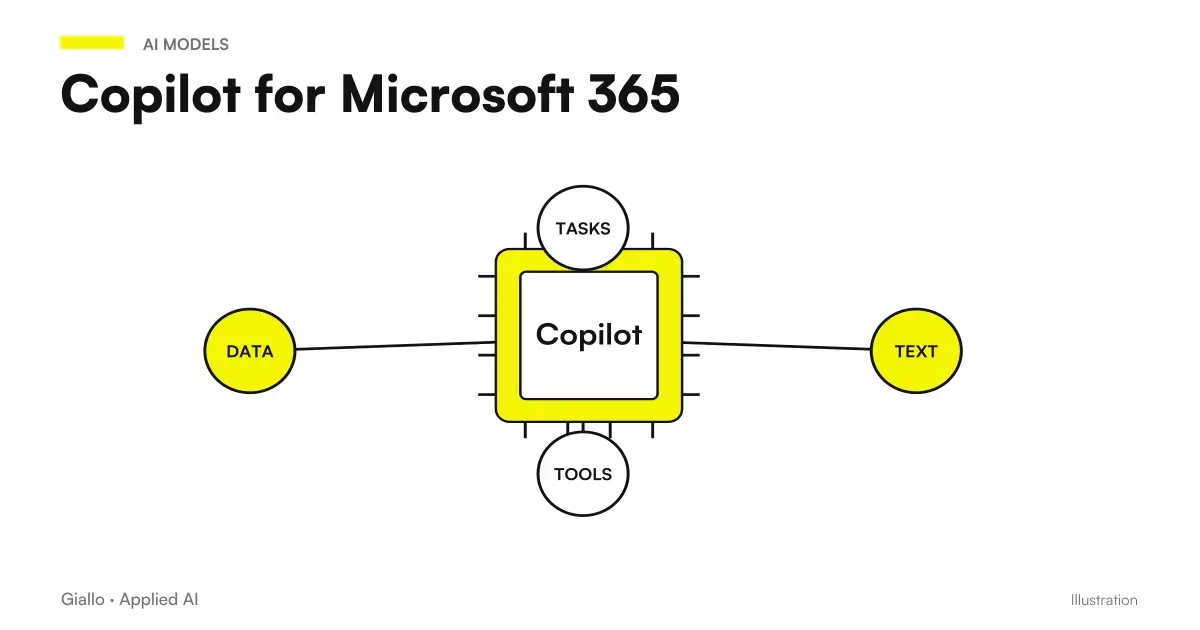
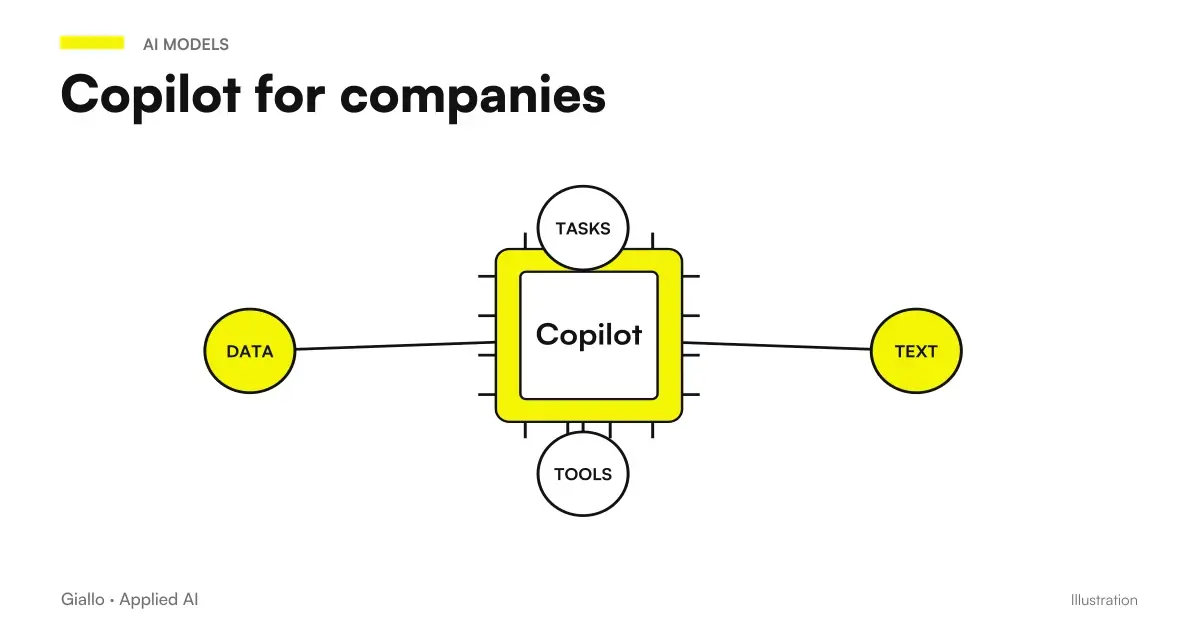
The framework of Copilot for Microsoft 365 connect this work to other apps. To choose the first area of the enterprise, you can start from the objectives described in the guide Copilot for companies: a procedure consulted often or a set of offers to be compared are more concrete evidence than an open archive without application.
Do you want to make your SME documents available with Copilot? With the AI consulting of Giallo we can define the use case, select sources and accesses and design a test with expected answers. The first result is a verifiable path from your documents to the work of the team.
Giallo Studio guides: methodology and sources
How we apply it in the company
Related resources
 Copilot Chat and Microsoft 365 Copilot: What Changes
 Copilot in Word: documents and proposals from sources
 Copilot prompts: examples for office work
 Microsoft Copilot and Business Data: Privacy and Permissions
 Copilot Studio: creating an AI agent for the company
 Copilot with CRM and business software: connectors and actions
 Copilot for Microsoft 365
 Copilot for companies
FAQ
Can Copilot find documents in SharePoint and OneDrive?
In experiences with access to the business context it can use authorized Microsoft 365 sources. The result depends on account, license, experience and permissions: selecting a file for a request is different from querying the entire available work context.
Does Copilot also see files I don't have access to?
Microsoft documents respect for existing permissions. However, overly broad sharing in the repository remains overly broad: before the trial, you must check who can open the sources and which groups receive them.
Is a SharePoint agent limited to twenty documents?
The Microsoft FAQ indicates up to twenty source items, which can also be sites, libraries or folders. The number does not automatically equal twenty individual files; you have to evaluate the actual content of the selected containers.
How do I check if Copilot uses the correct version of a document?
Prepare questions with known answer, indicate the approved source and check the returned references. Add a proof with a different draft: the result must make the applicable document recognizable, without merging incompatible conditions.
Can I connect external documents to Microsoft 365?
Microsoft documents synced connectors, which index content, and federated connectors, which query sources in real time. Each connection requires specific checks of support, identity, access and permitted operations.
Is it enough to organize folders to get correct answers?
No. A clearer archive helps the test, but does not guarantee accuracy or full coverage. We need updated content, recognizable sources and controls on what the response states, especially for commercial conditions and operational procedures.