
Copilot in Word: documents and proposals from sources
Copilot in Word: prepare proposals and documents using approved sources, focused prompts and reviews. Requirements, limitations and a practical SME example.
Reading time: 12 min
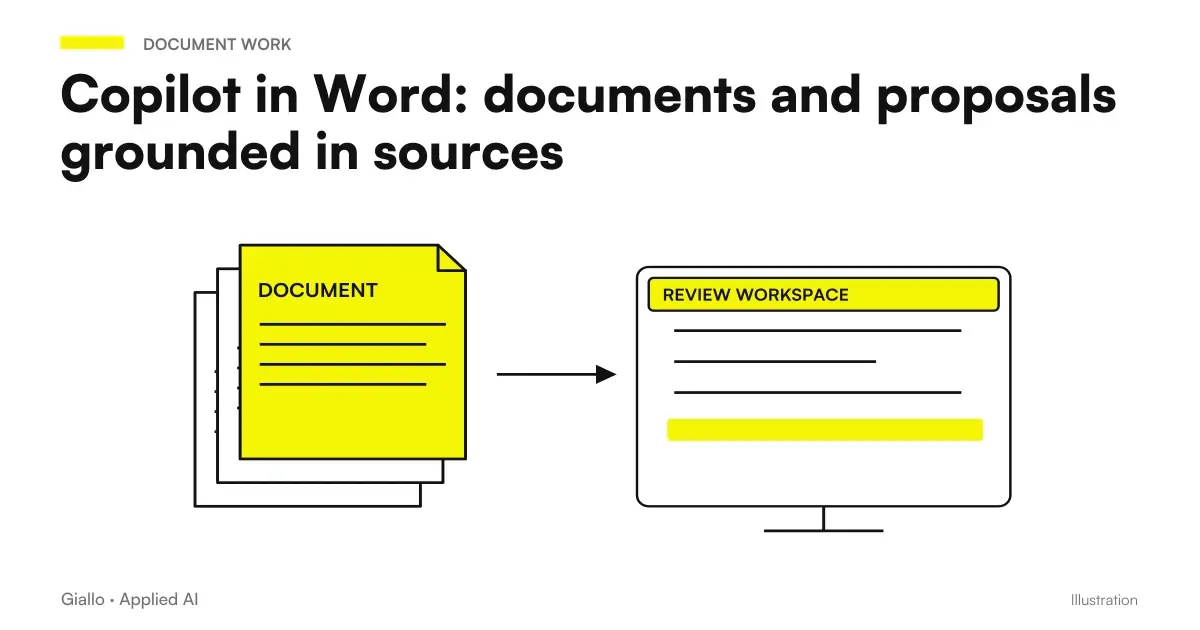
Copilot in Word helps transform sources and instructions into a business draft to be revised: a proposal, procedure or working document. The decisive point is to determine which information can be reused and which must remain open. A sliding text that introduces a non-existent business condition is less useful than an incomplete draft that correctly reports the missing data.
Microsoft documents drafting, rewriting, and adding content from authorized sources and context. Some editing experiences are in gradual distribution and change with license, platform and settings. The description should then be verified on the actual business account. Microsoft Guide to Creating Content in Word.
Here we build a practical method for preparing a proposal without losing control over prices, scope and commitments. These instructions are an editorial workflow suggested by Giallo, not a test performed in your company's tenant. To understand the difference between basic access and features connected to your work context, start with the distinction between Copilot Chat and Microsoft 365 Copilot.
The first decision: which document should exit Word?
"Write a convincing proposal" leaves too many choices open. A proposal can serve to set up a meeting, describe a service or formalize an offer with economic obligations. These documents require different information and approvals. Defining the destination before generation also makes the final control readable.
For an exploratory draft you can admit alternative options, referred to as possibilities. On the other hand, a proposal to be sent requires confirmed conditions. If the customer asks for a solution that the catalog does not include, the text must state the question to be evaluated; do not turn it into an included performance. It is a commercial choice that the model cannot derive from the elegance of the phrase alone.
Indicates the real reader. A purchasing manager can look for exclusions, dependencies and acceptance criteria; a holder may want a summary description of the intervention and the next step. The same material can produce different documents without altering the facts. The useful customization concerns order, explanation and level of detail, keeping the approved conditions fixed.
The Guide Copilot for companies places this work in overall adoption. In Word the first result can be very circumscribed: prepare a standard proposal from current sources, with an auditor able to recognize the points to be corrected. You don't need to delegate every document in the sales department right away.
Prepare a file of sources that do not contradict
Before writing choose a small set of applicable documents: the recipient's brief, service card, approved template, and current conditions. The number of files counts less than clarity about their role. If the template contains a historical price and the card a new price, the assistant could compose a consistent result in form but inconsistent in content.
You can prepare a working note that states the hierarchy: the current information sheet determines the specifications; the approved price list determines the financial terms; the brief describes the customer’s requests; the model establishes only structure and style. This note does not replace checking the sources. However, it makes explicit the rule the writer wants to apply.
Every document must have an identifiable person responsible for it. A folder called “final versions” containing three variants of the same price list is not a reliable source merely because it is in the cloud. Mark the version, effective date and scope of the content. If the proposal includes terms agreed verbally, record them in a verified note instead of expecting the model to know them.
The problem is deepened in the guide Copilot with SharePoint and OneDrive: the availability of files and their applicability are two separate controls. A user may have permission to open a document that is not the correct one for the new assignment. The technical authorisation does not decide commercial validity.
| Source of the proposal | Assigned Role | What to check before draft |
|---|---|---|
| Customer Brief | Describes target and requests | Separate expressed requirements and internal assumptions |
| Service Card | Defines standard performance | Current version and perimeter included |
| Approved Price List | Determines the applicable amounts | Validity, units, taxes and special conditions |
| Word Template | Provides structure and language | Remove old recipient names, amounts, and references |
| Manager's Note | Collects authorized exceptions | Who approves and what proposal it refers to |
A proposal prompt that leaves missing information visible
The best prompt describes the expected work and control. It is useful to ask for a precise structure, but the structure must also include uncertainty. Otherwise the system can fill out each section to make the document complete, while the commercial would have preferred a field to clarify.
Hypothetical example: a maintenance company prepares a proposal for a new warehouse. The brief describes locations and desired frequency; an internal tab lists the standard interventions; the manager has yet to confirm the availability of the evening shift. No real company and no customer results are represented in the example.
Prepare a draft proposal for the warehouse operations manager. Use the model for the structure, the service card for performance and exclusions and the brief for needs. Do not introduce prices, timescales or guarantees that are absent in the sources. Split the document into target, including tasks, exclusions, dependencies, and next steps. Enter "to be confirmed" for the evening shift and collect the open questions at the bottom. Keep the customer's request distinct from the commitment that the company can take on.
The control of the answer starts from that last distinction. If the text reads "We secure evening service", the draft did not meet the criterion. It is not enough to replace a word: it also looks for any dependencies introduced in the sections on times and price. A commercial error can propagate at several points in the document.
To make the prompt reusable, replace the recipient and sources with clear fields, avoiding examples filled with unnecessary real data. Copilot prompt for office deepens how to separate target, sources and format. A request template must help the work; it must not become a fixed text that ignores the exceptions of the proposal.
How to proceed inside the document without losing the revision
Open a working document derived from the approved template and first identify the blocks to reuse. In Microsoft’s guide, a source can be selected through the available selector or the character /; the actual path depends on the experience in the app. Generate a first section, then evaluate if the sources have been interpreted the way you want. Microsoft procedure for a draft in Word.
A section advance is useful when the document contains different commitments. You can approve the description of the problem before addressing the included activities, and check the economic conditions after verifying the perimeter. It is not an automatic guarantee of correctness. It serves to keep small the piece of text on which the auditor must exercise judgment.
When you ask for a rewrite, specify what needs to remain the same. ‘Close this section without changing amounts, conditions, exclusions and deadlines’ is more controllable than ‘make it more effective’. Compare the text before and after anyway: an exclusion can be lost even if the new version seems clearer.
You can distinguish two revision steps. In the first check facts and conditions; in the second best order and language. If you do both together, a nice new sentence can make a substantial change less visible. Keep a reference to the validated draft to verify that the stylistic intervention does not alter the offer.
The final check must follow the recipient's decisions
A correct proposal must allow the reader to understand what he buys, what he has to provide and what remains out. For this reason the revision should not be limited to grammatical errors. Reread the document as if you were to perform the work and look for points that two people might interpret differently.
Check names, company name, and locations directly from authorized sources. In documents derived from an old model the most trivial risk is to leave the previous name in the header, table or final note. A search in the file helps find remnants that narrative rereading can skip.
For numbers, prepare a separate verification: each amount has a unit, each percentage has a base, each maturity has a start condition. ‘Within five days’ means from signature, delivery of materials or confirmation of availability? The text must make explicit the reference that the commercial manager has approved.
If the document contains an economic table, do not ask the Word text to be the authoritative calculator. Keep a controlled numerical source and only transfer approved results. The route Copilot in Excel for formulas and analysis It addresses the control of intervals and calculations before inserting them into a document intended for third parties.
A review sheet for the proposal prior to submission
For each commitment, indicate the source and the person responsible who can confirm it. It controls activities included, exclusions, times, economic conditions and materials required of the customer. Look for data left over from the previous model and check for open questions.
Mark the result of the review as approved, to be corrected or to be clarified. A proposal with an unconfirmed price must remain a draft; an open question does not become a commitment simply because the text presents it in the affirmative.
Useful Limits to Know Before Building the Process
Microsoft documentation distinguishes writing in the current file from creating a new separate file; for the exact count it indicates the Word Count tool and for native charts it refers to the app tools. These are boundaries of documented experience, which can evolve with the product. Word Limits and Tools.
This helps to avoid a process based on a function not available in the used account. If the required result is a series of separate files, or an editable chart, check the full path first. The textual draft and final deliverable may require different steps, with times that must enter the evaluation.
Do not interpret the presence of Copilot as indistinct access to all information assets. For business documents choose the correct account and an appropriate source perimeter. The guide on privacy and permissions Microsoft Copilot distinguishes service protections and responsibilities in the preparation of materials. Here the practical criterion is to use only what is necessary to the proposal and verify who will be able to read the final file.
From approved document to slide and accompanying message
After the review it may be useful to turn the proposal into a presentation. However, it retains a distinction between the document that defines the offer and the slides that explain its value. Synthesis must maintain important conditions and dependencies; it should not convert a hypothesis into a guaranteed result to make the message more incisive.
The Guide Copilot in PowerPoint describes a presentation constructed from a controlled source. For the accompanying message, Copilot in Outlook helps to prepare a draft consistent with the document, without adding commercial concessions in the body of the email. The consistency between attachment and message is part of the review, not a detail of style.
Keep the difference between two revisions legible
When a commercial corrects the draft, it retains the reason for the substantial changes. If a sentence is changed because performance is not included, that clarification is information about the process; if it is changed by stylistic preference, it is a writing convention. Separating the two motifs allows to improve sources and prompts without confusing taste and correctness.
You can build a small collection of approved examples: a standard proposal, one with a missing requirement and one with an authorized exception. There is no need to store the recipient's personal data to explain the rule. Keep what makes the case recognizable and make the auditor's decision explicit.
The collection should not become a rigid model for each offering. It serves to show how the team treats important steps: when it leaves an open field, when it asks for clarification, and when a condition can be confirmed. Thus a new collaborator can apply the method even without having participated in the previous proposals.
A pilot who compares complete work and quality
To understand if Word with Copilot is useful, choose comparable documents and the same acceptance policy. Count the time to select sources, generate, verify and correct. It records substantial errors separately from small tone preferences. If the auditor has to reconstruct each statement, a quick draft could shift work instead of reducing it.
It also preserves cases where the method does not work well. A standard proposal may be more suitable than an agreement with many undocumented exceptions. The pilot serves to recognize that boundary and choose which materials to prepare best. The Guide to the Pilot Copilot and ROI Measurement links this test to the costs and capacity actually used by the enterprise.
Bring a template, an ordinary proposal and a case with exceptions to the AI consulting of Giallo. We can define the source file, initial request, and review criteria to build a document process that the team can use and control.
Giallo Studio guides: methodology and sources
How we apply it in the company
Related resources
 Copilot Chat and Microsoft 365 Copilot: What Changes
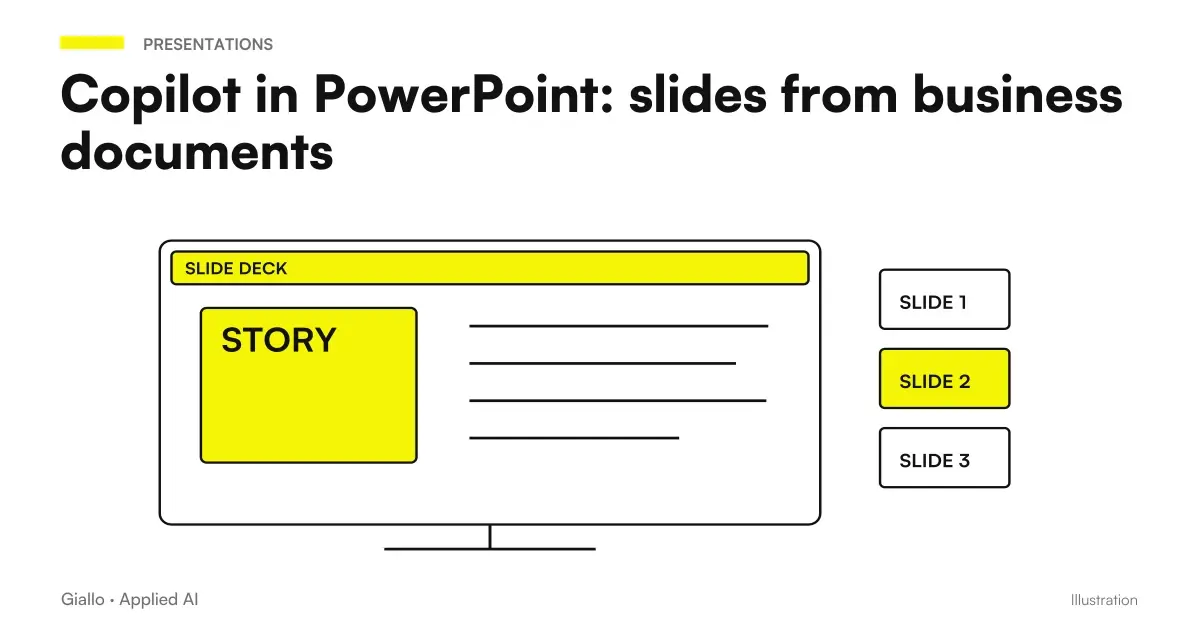 Copilot in PowerPoint: slides from business documents
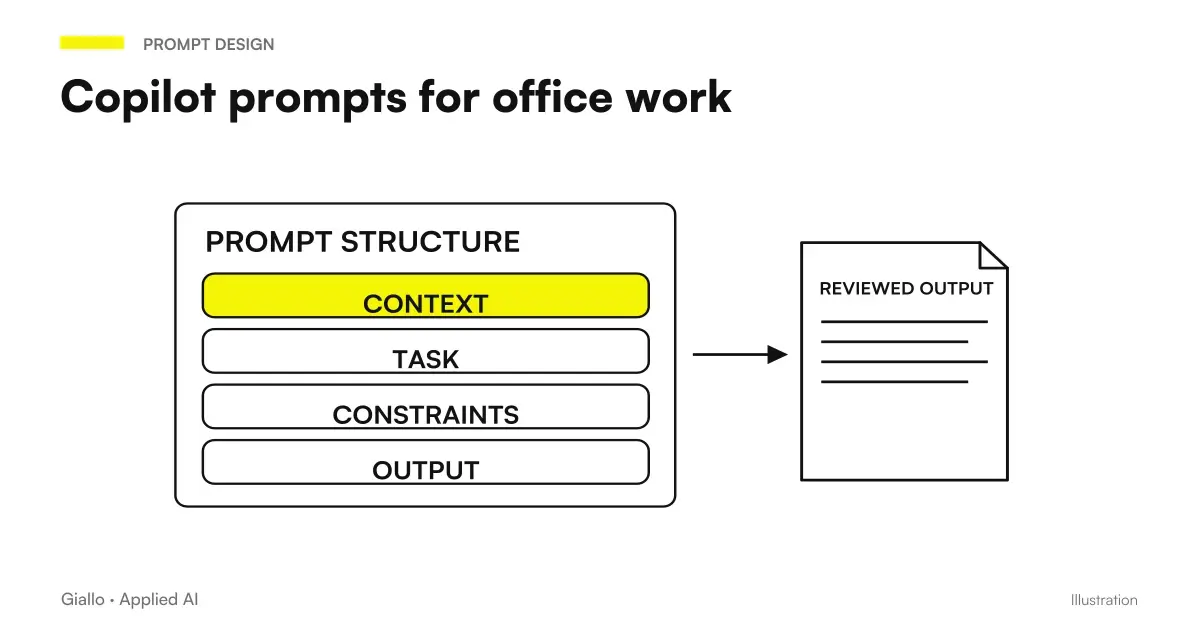 Copilot prompts: examples for office work
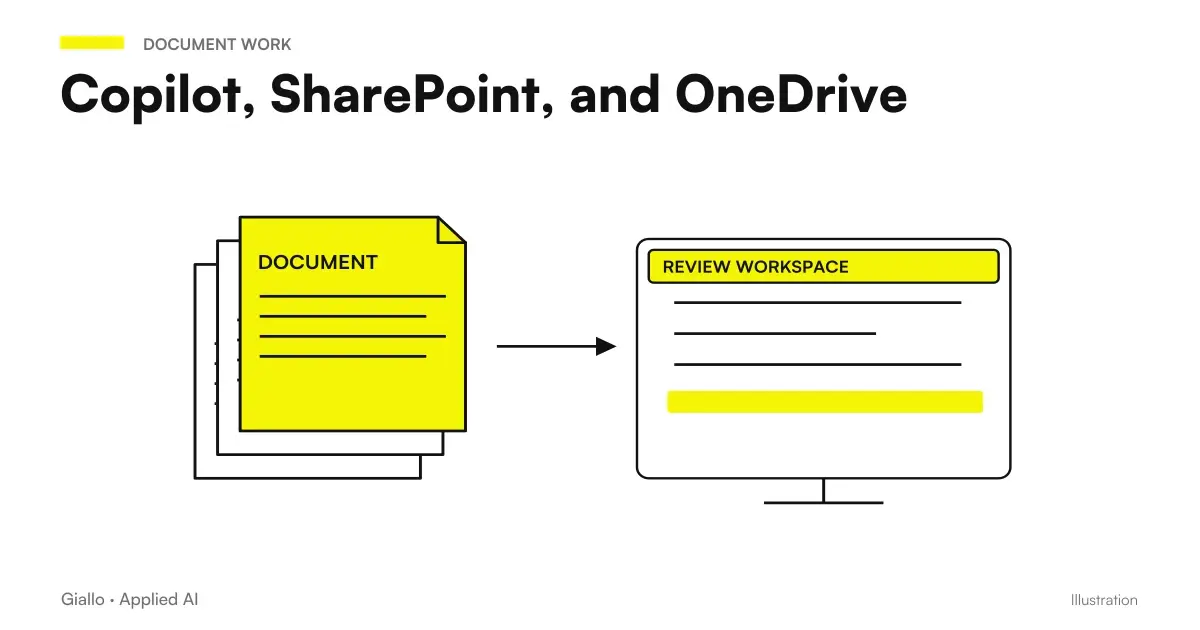 Copilot, SharePoint, and OneDrive: Finding Reliable Documents
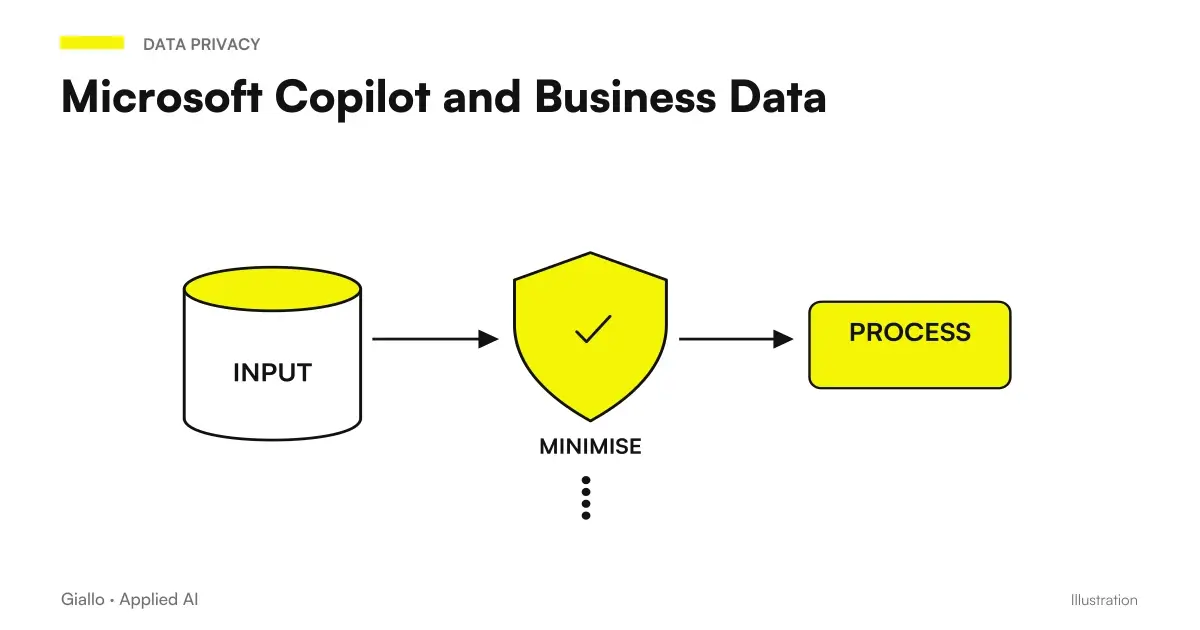 Microsoft Copilot and Business Data: Privacy and Permissions
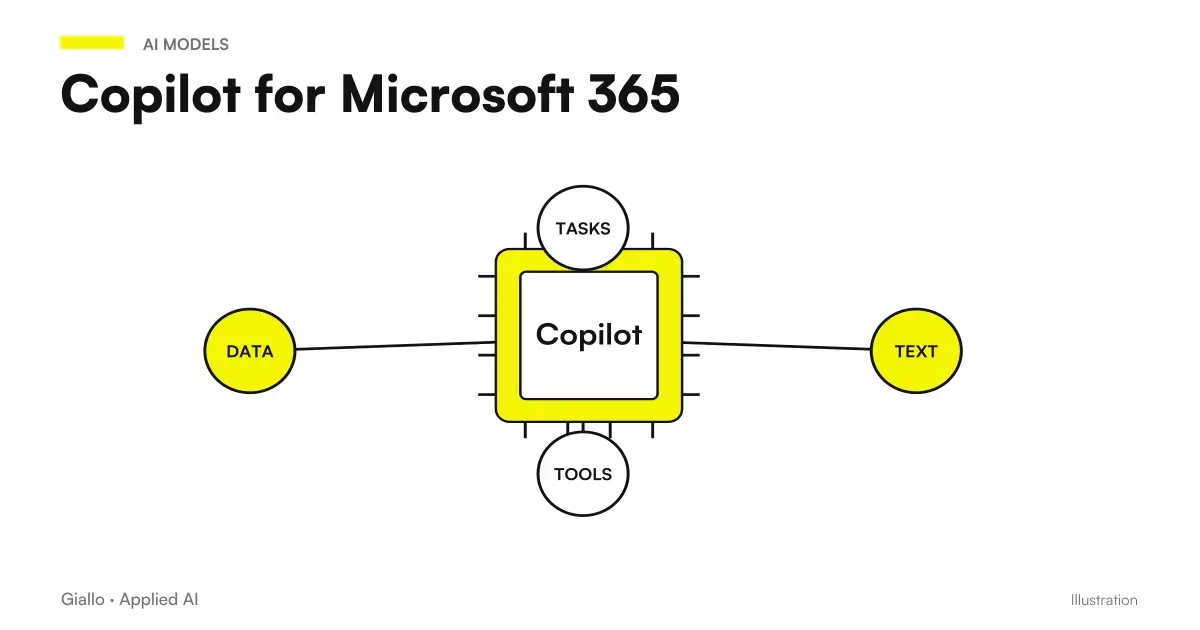 Copilot for Microsoft 365
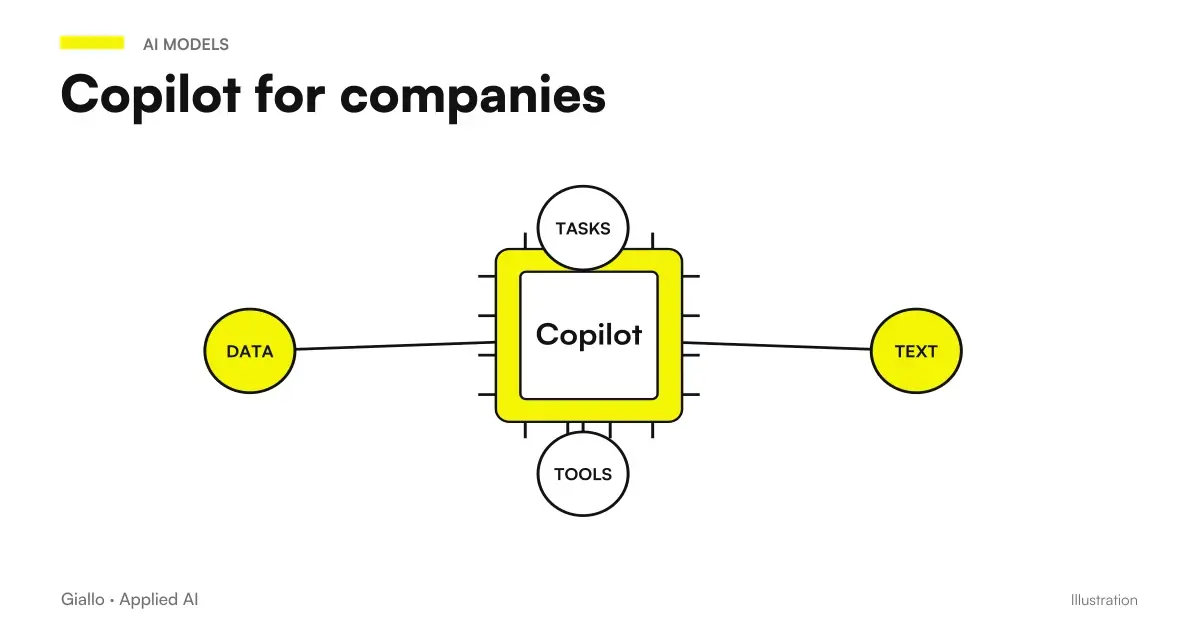 Copilot for companies
 ChatGPT Ads vs Google Ads (and Meta Ads): differences and when to use each
FAQ
What can Copilot do in Word?
It can prepare drafts, rewrite text, and add content, using indicated sources and authorized context. Some creation and editing experiences depend on license, settings, and distribution in the tenant. The document remains to be reviewed.
How do I prepare a business proposal with Copilot Word?
Start with an approved template, link current sources, and ask for a draft that separates confirmed conditions and missing information. Check prices, scope, exclusions, and commitments before sharing.
Can Copilot invent prices or clauses?
Plausible text may contain information that is not in the sources. In the prompt, ask to report the missing data; however, check each price, deadline and clause in the original document.
Do you need a specific license for Copilot in Word?
You need access that is appropriate for the experience you use. Personal account and business account have different conditions; the administrator can limit functions and sources. Check the actual license and version of the app before the project.
Can Copilot Word create a new file separate from the open document?
The Microsoft Limits Guide distinguishes content creation in the current document from the creation of a separate Word file, which must be managed with Word functions. Behavior can evolve with versions.
How do I measure if Copilot really improves business writing?
Compare equivalent documents and count preparation, drafting, review and corrections. Also record substantive errors and questions to be clarified: the speed of the first draft alone does not measure the benefit.