
Customer Care Automation: When AI Responds for You
AI customer support automation: chatbots, agents and automatic tickets. When it makes sense, when to avoid it and examples from Italian SMEs.
Reading time: 8 min
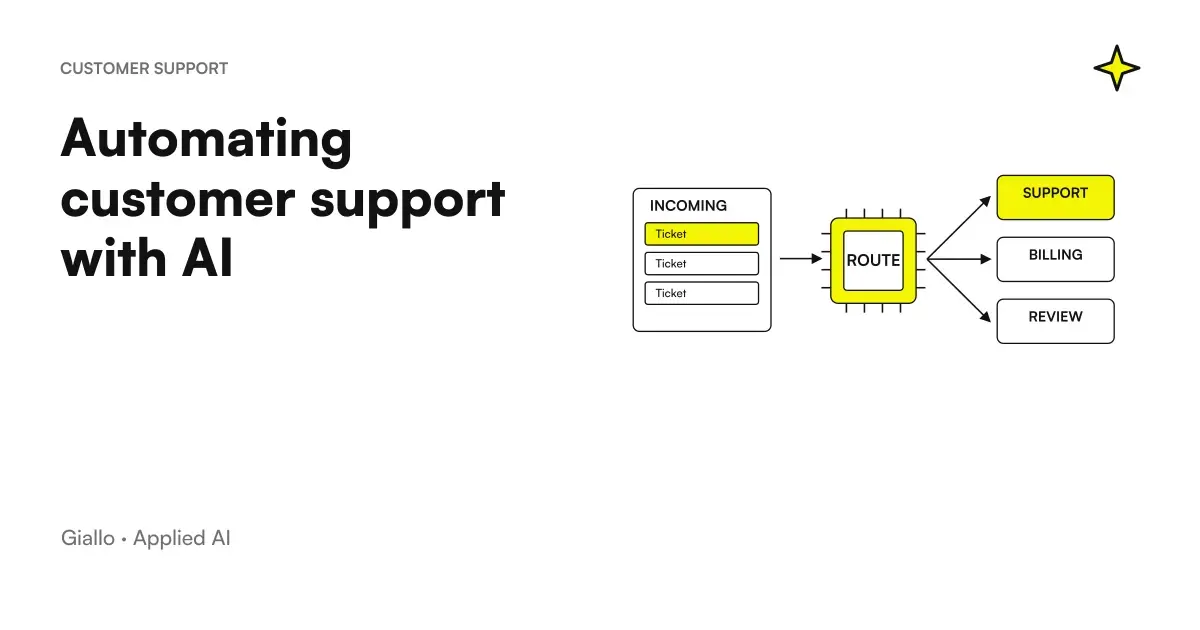
The automation of customer care is the set of systems that automatically handle a share of customer requests —frequent questions, order status, ticket sorting, confirmations. without an operator having to intervene each time. With modern language models, these systems understand text naturally and respond consistently, not just if the user uses the exact words.
The point is not to eliminate human contact, but free the operators from the questions that are repeated every day to allow him to focus on cases that require judgment, empathy, and decision. A workshop that receives thirty emails a day about "can I bring the car tomorrow?" It doesn't need thirty manual answers.
In this guide we see how customer care automation works with AI, when it makes sense to apply it, what mistakes to avoid and how to start in a concrete way.
In summary
- The customer care automation handles frequently asked questions, ticket sorting and notifications without a human operator —within a well-defined perimeter.
- Modern AI Chatbots They understand text variants, not just exact keywords: they cover many more situations than fixed-rule bots.
- The model that works is: AI responds to standard requests, human handles exceptions — with a smooth handover and context already collected.
- GDPR: if the system processes personal data of customers, it updates the information and verifies where the data is processed by AI providers (Art. 44-49 GDPR). Consult a legal expert.
- Always measure: first response time, volume solved without operator, CSAT before and after. Without baseline there is no verifiable ROI.
- Don't automate everything: complaints, emotional situations, requests outside the perimeter must be managed by a person.
How customer care automation works with AI
An automated customer care system with AI consists of multiple layers working together. The visible component is often a AI Chatbots — a text interface on the site, via email or on WhatsApp — but the value lies in the logic behind it.
When a message arrives, the system:
- Understand the intent of the customer (does he/she want to know the status of the order? does he/she have a complaint? does he/she seek an address?).
- Retrieve Information necessary: order data from management software, availability from the calendar, policy from the knowledge base.
- Generate Response or perform the action (create the ticket, send the notification, book the appointment).
- Scale to an operator when the case is out of perimeter, passing the already collected context.
Step 4 is critical. A system that locks on unexpected questions and not alerts anyone creates more problems than it solves. The customer must always know that there is an attainable human.
Difference Between Rule Chatbot and AI Chatbot
A traditional bot follows a fixed tree: "write 1 for orders, 2 for refunds". If the customer writes "I would like to know when the package arrives" instead of "order status", the bot does not understand and asks to reformulate. This frustrates users.
A language model-based chatbot (LLM) understands the question in natural language, with variations, typos, and colloquial tone. You don't have to program every possible formulation. For a broader explanation of the mechanism, you can read What is AI Automation.
What You Can Automate (and What Not)
Not all customer care is automatable in the same way. The main distinction is between requests standard and predictable — those for which there is a certain answer — and requests that require assessment, exceptions or empathy.
| Type of request | Automable? | References |
|---|---|---|
| Order/Shipping Status | Yeah | If there is integration with management software/tracking |
| Questions about pricing and availability | Yeah | With updated knowledge base |
| Confirmation or change of appointment | Yeah | Calendar integration needed |
| Opening ticket with data collection | Yeah | AI Collects, Human Solves |
| FAQ (timetables, return policy, contacts) | Yeah | The Simplest and High ROI Case |
| Complaints with angry customer | No | Requires empathy and ability to derogate |
| Out-of-catalogue or abnormal requests | No | Mandatory human decision |
| Trade negotiations | No | Discretionality, relationship, context |
| Legal Matters or Complex Refunds | No | Responsibility and human judgment |
The boundary is not fixed: it depends on the sector, the level of autonomy you want to give to the system and how frequent exceptions are in your specific case.
When to use it and when to avoid it
When customer care automation makes sense
- Receive more than 20-30 similar requests per day (FAQ, order status, reservations).
- Your operators spend more than 40% of their time on fixed-answer questions.
- Your service hours don't cover the evening or the weekend, but customers write.
- You have a knowledge base or management software that the system can draw on.
- You want to reduce the first response time under 5 minutes without taking.
When to avoid it (at least for now)
- Your support process is not yet documented: first write the procedures.
- Most requests are unique or require access to unstructured data.
- Your industry has high emotional sensitivity (worship, health, emergencies): the human is indispensable.
- You have no resources to monitor and fix the system in the first few weeks.
- Your customers are old or with low familiarity with chat: rate the channel first.
Practical examples in Italian SMEs
1. Dental study — confirmation and appointment reminder. The study received about ten phone calls each day to confirm or move visits. An AI system connected to the calendar responds to WhatsApp emails and messages, offers available slots and updates the reservation on its own. The study assistant only intervenes if the patient asks to talk to someone. Practical result: less interruptions during sessions, less no-show for automatic reminders.
2. E-commerce clothing — status orders and return policy. 60% of incoming emails concerned three questions: “where is my order?”, “how do I return it?” and “do you have size X?”. An AI chatbot integrated with Shopify and the knowledge base answers all three autonomously, around the clock. Actual return cases involving problems (a damaged parcel or the wrong product) are passed to the team with all the context already collected. The operator does not start from scratch.
3. Real estate agency — first qualification of leads. Those who write through the site to ask for information on a property receive within seconds an answer with the details available and three qualification questions (budget, times, area). AI collects the answers and creates a board in the CRM with the level of interest. The agent only calls back qualified contacts. The time spent on exploratory phone calls drops considerably.
These three cases have one feature in common: AI does not make discretionary decisions, but perform predictable response tasks freeing people for work that requires judgment. For other examples on different sectors, see examples of AI automation in the company.
GDPR and privacy in automated customer care
Automating customer support means processing personal data in a systematic way. This carries precise obligations.
Legal basis: the processing must be based on a basis of the GDPR (Art. 6) – typically performance of the contract (respond to a request on an order) or legitimate interest (improve the service). Document the choice.
Privacy Policy: if the chatbot collects data (even just name and email), the information must describe this treatment. If you have not already updated it, do so before going into production.
Third Party Providers: if the system uses an external model (OpenAI, Anthropic, Google) to process customer messages, you must verify where the data is processed and enter into a DPA (Data Processing Agreement) with the provider. Data of EU customers processed on servers outside the EU require specific guarantees (Art. 44-49 GDPR). For further information, see AI and GDPR.
Automated Decisions: if the system makes decisions with legal effects on the customer (e.g. blocking an account, denying a refund), the protections of Art. 22 GDPR on the right of human intervention come into play. Always consult a legal expert before configuring these flows.
Tools for customer care automation
There is no single right tool. The choice depends on the channels you use (email, web chat, WhatsApp), your management software, the volume of requests and the budget.
| Category | Examples | Who it is for |
|---|---|---|
| Helpdesk platforms with integrated AI | Intercom, Freshdesk, Zendesk AI, Tidio | SMEs with medium-high ticket volume, already on helpdesk |
| Standalone AI Chatbot | Tidio, Crisp, Landbot + AI | E-commerce sites, studios, agencies — quick start |
| Automations on email channels | Email automation with AI, Zapier + LLM | Who handles customer care mainly via email |
| Customized AI Agents | Custom development on API | Companies with complex processes, proprietary CRM, specific business rules |
| Automation WhatsApp Business | Automation WhatsApp Business | SMEs with customers used to WhatsApp |
For a comparative look at the best AI tools dedicated to customer support, see best AI for customer care.
Prompts and instructions: the part that makes the difference
An AI system for customer care only works well if the instructions you give it are precise. The model does not know your company, your policies, your tones.
Things to Define Before You Go:
- Tone of voice: formal or informal? With "She" or with "you"?
- Perimeter: which questions can it answer autonomously and which ones must it pass to an operator?
- Available data: Does the system have access to management software? To knowledge base? To CRM?
- "I don't know" management: what does it answer if it doesn't find the answer? (Never invent — better say "I'll pass you to a colleague")
- Escalation: how do I activate the switch to an operator? With what message to the customer?
To deepen the writing of effective instructions for these systems, the guide on AI prompt for customer care provides practical examples and templates.
Mistakes to Avoid
1. Automate without documenting procedures. If you don't know how your operators handle a situation now, the AI system can't learn it on its own. First write the procedures, then automate them.
2. Do not foresee the transition to a human. A system that freezes and not alerts anyone is worse than the absence of automation. The customer remains unanswered and does not know what to do.
3. Use a non-existent person's name for the bot. Pretending that "Giulia" is a human collaborator when it is an AI system is considered deceptive, can violate the GDPR (an obligation to inform that you are interacting with an automated system) and damages trust. Use a name that clearly signals that he is an AI assistant.
4. Do not monitor the first few months. The first few weeks should be read carefully: where does the system go wrong? What questions does it fail to handle? Without periodic review gaps accumulate.
5. Measure only internal satisfaction. The bot responds quickly, but are customers more satisfied? It measures the CSAT (Customer Satisfaction Score) before and after. A fast but frustrating system worsens retention.
To improve the service it is necessary to link a wrong response to the behavior that produced it. Google AQuA for the quality of agents in production offers an example of an investigation of operational tracks: it is an analysis tool, not a substitute for the process manager.
How to apply it in the company
- Analyze the current volume. How many requests do you receive per week? On which channels? What are the 5 most frequently asked questions? These are the initial perimeter of automation.
- Document the standard answers. Write the correct answers to the frequently asked questions, return policies, schedules, contacts. This is the knowledge base that the system will use.
- Choose the tool based on the main channel. If your customers write via email, start from email. If they use WhatsApp, start from there. Don't build on a channel that your customers don't use.
- Configure the perimeter and switch to an operator. Define exactly when the system needs to scale. Manually test limit scenarios before going into production.
- Measure FRT, volume resolved and CSAT after 30 days. Compare with baseline. If numbers improve, extend; if CSAT drops, review instructions or perimeter.
The typical route for an SME is 4-8 weeks from first analysis to commissioning, including configuration, internal testing and run-in. To understand how this fits into a broader process automation strategy, see Business Process Automation and the general guide on AI for Business Customer Care.
The natural sequel to this article: Best AI model for customer care and AI model latency compared.
Conclusion
The automation of customer care is not a way to remove human contact from customer support: it is a way to stop wasting operators’ time on questions with fixed answers. AI systems handle predictable requests in seconds, around the clock, and pass on complex cases with all the context already collected. The result is faster service for customers and more time for people to focus on the cases that really matter.
The assumption is to choose the right perimeter, document the procedures before automating them and measure the result with real data — not just the impression that it "works".
If you want to go from testing with ChatGPT to an AI system integrated into business processes, Giallo Studio design custom-made agents and automations. To get started with a map of the automated processes in your company, you can also explore the page process automation.
Giallo Studio guides: methodology and sources
How we apply it in the company
Related resources
 AI Chatbots: What They Are and How They Work
 AI agents: what they are and how they work
 AI automation: what it is and how it works
 AI for ticket management: shorter waits, more resolutions
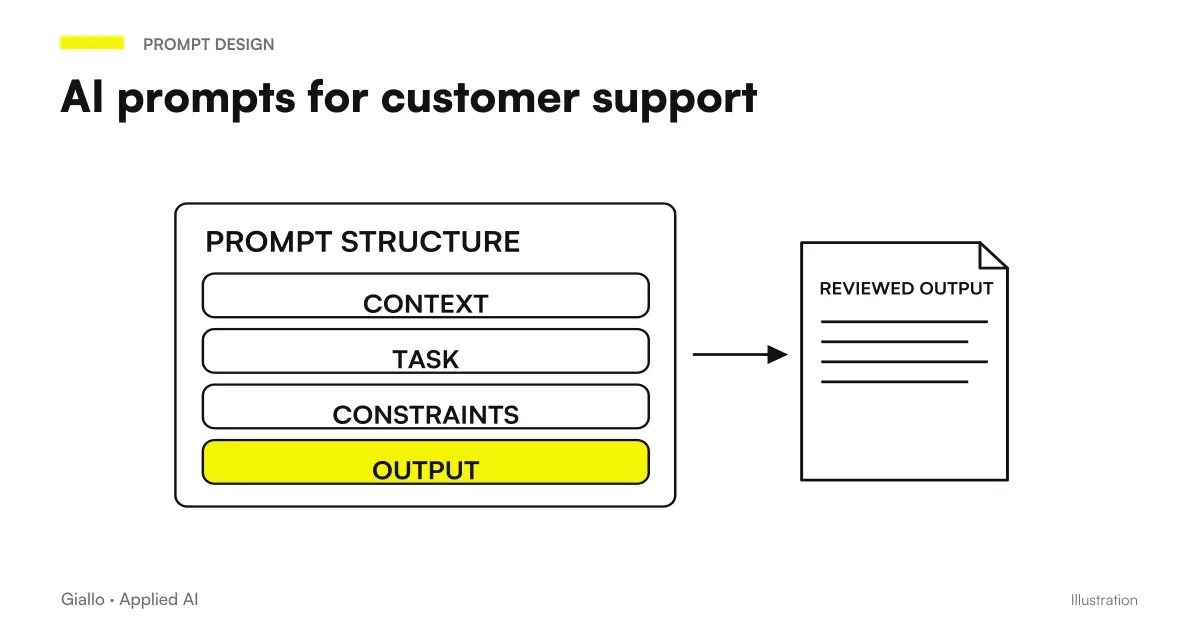 AI customer support prompts: ready-to-use examples
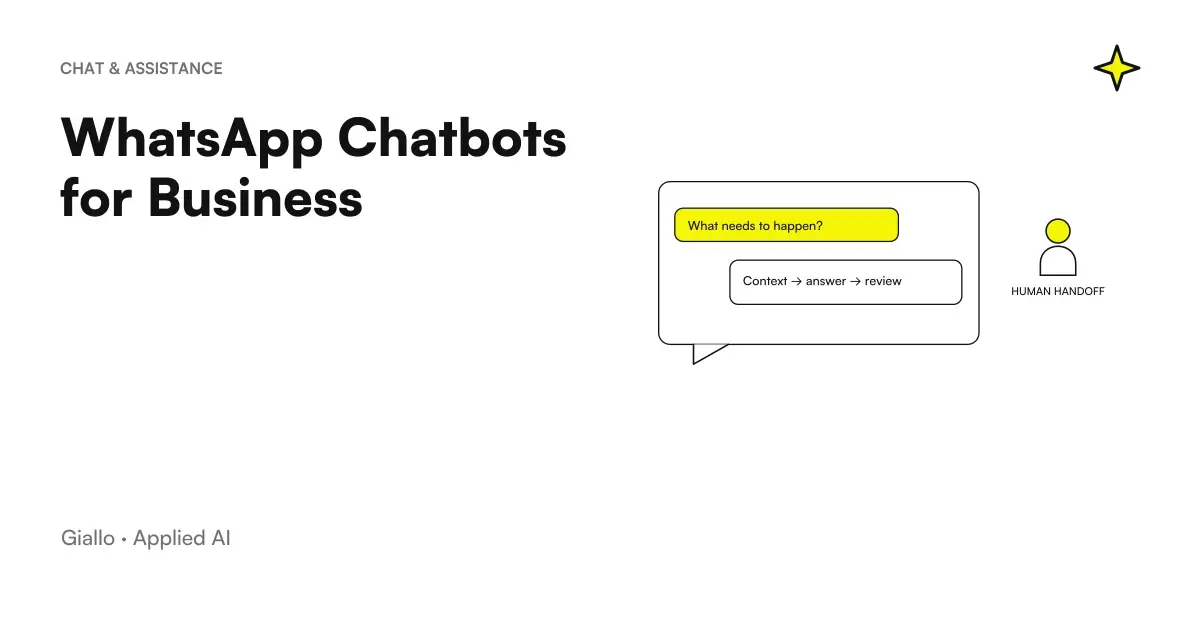 WhatsApp Chatbots for Business: How It Works and When It's Best
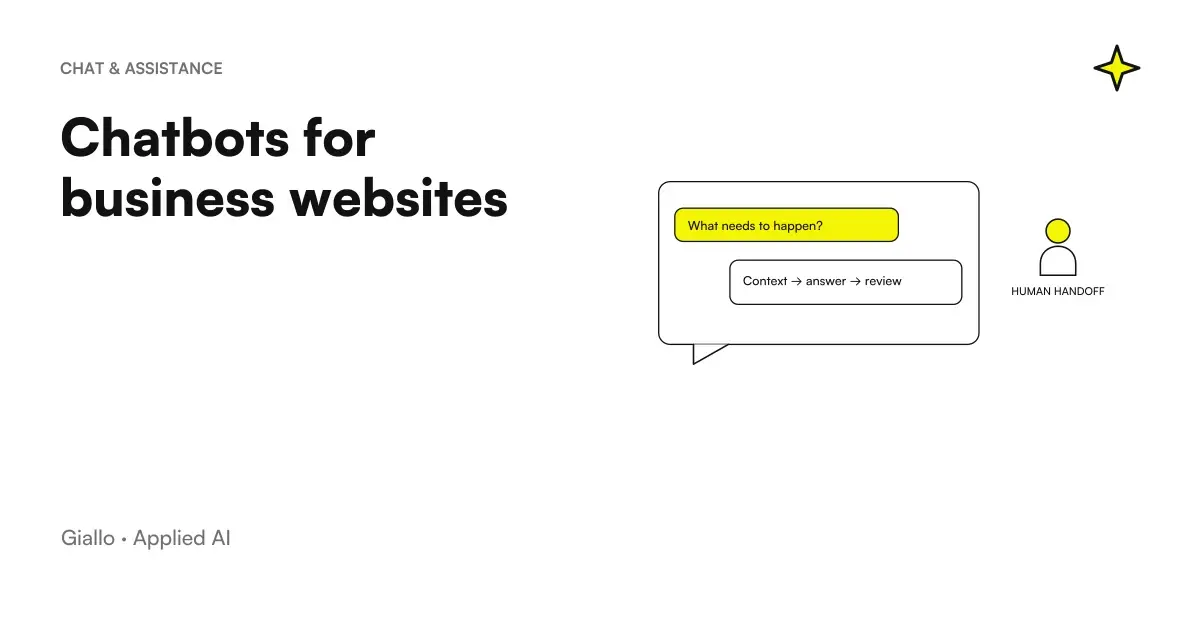 Business website chatbots: how they work and when they make sense
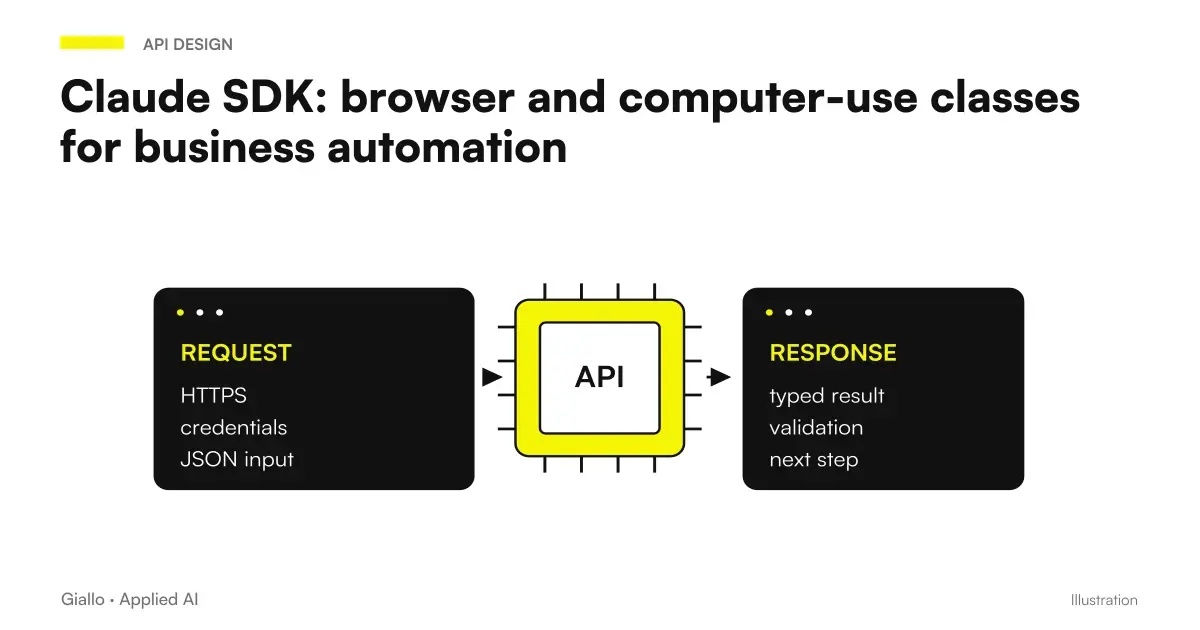 Claude SDK browser and computer use classes: automating business software
FAQ
What is customer care automation with AI?
It is the set of systems that automatically handle part of customer requests: answers to frequently asked questions, ticket sorting, order status notifications. AI reads the message, understands the intent and responds or sorts without human intervention, within predefined limits.
Is an AI chatbot different from a traditional chatbot?
Yes. A traditional chatbot follows a fixed decision tree: if the user does not use the exact words, it freezes. An AI chatbot based on a language model understands the question even if written in different ways, handles variants and tone, and can answer hundreds of combinations of questions without you having programmed them all.
What requests can an AI system handle for customer care?
Frequently asked questions (timetables, prices, return policy, shipping status), data collection to open a ticket, order confirmations, appointment reminders, proactive notifications. Complex requests, exceptions or emotionally sensitive situations always go to a human operator.
What happens when the client asks a question outside the perimeter?
A well-configured system recognises its limits: it tells the customer the question will go to an operator and hands over the conversation with all the context already collected. This reduces frustration and the operator’s response time.
How much does it cost to implement customer care automation?
It depends a lot on the case. A chatbot on FAQ with existing tools (Intercom, Freshdesk, Tidio with integrated AI) can start from a few hundred euros per month of license plus configuration time. A custom AI agent integrated with CRM and business management software requires a tailored project. In both cases the return should be measured in saved hours and response times.
Is customer care automation GDPR compliant?
It can be if configured correctly. The customer data processed by the system must have a legal basis (contract or legitimate interest), the privacy policy must be updated, and if you use third-party AI providers you need to verify where the data is processed (Art. 44-49 GDPR). Always consult a legal expert before putting into production.
How do you measure the return of automation to customer care?
The main metrics are: average first response time (FRT), volume of tickets resolved without operator, post-automation satisfaction rate (CSAT), hours saved per week. Measure these values before and after: without a baseline you cannot evaluate the result.