
Vector databases: what they are and what they do
Vector databases explained simply: similarity search, semantic search, RAG and recommendations, with business examples.
Reading time: 10 min
A vector database (or vector database) is an archive designed to store and search vectors: long lists of numbers representing the meaning of a text, image or audio. Its peculiarity is the way it looks: not for exact word, but by similarity. You ask a question, the system turns it into a vector and returns the archived elements that have the most "near" meaning, even when they do not contain any of the words you have written.
It is basically the engine that allows you to search for by meaning instead of by literal correspondence. It is the technology under the Semantic Research, under the systems that make an AI respond on your documents (the systems RAG) and under many recommendation engines. Vectors, in turn, are produced by a model of embedding: without embedding there is nothing to archive.
In this guide we see what a vector database really is, how the similarity search works, what it is used for in the company, what solutions exist (Pinecone, Weaviate, Qdrant, pgvector) and how to choose without being guided by the hype.
In summary
- A vector database archive vectors and search by similarity: find content closer by meaning, not by exact word.
- The vectors come from a model of embedding; the database stores them and quickly compares them on millions of items as well.
- It serves for Semantic Research, systems RAG (to have an AI respond to your documents) and Recommendations.
- There are dedicated engines (Pinecone, Weaviate, Qdrant) and extensions on existing databases (pgvector for PostgreSQL): no one is "the best" ever.
- Often the most solid solution is Hybrid: keywords for exact filters, vectors for meaning.
- The vector database is a piece system: quality depends mainly on data, preparation and embedding model.
What is a vector database
To understand a vector database you must first understand what it stores. When an AI model "reads" a text, it turns it into a vector: a list of hundreds or thousands of numbers (for example 384, 768 or 1,536 values) that captures its meaning. Texts with similar meaning produce vectors close to each other; very different texts produce distant vectors. This process is called embedding and is explained in detail in the guide on AI embedding.
A vector database is therefore the archive that preserves all these vectors and knows how to answer a precise question: "given this vector, what are the most similar Ns I have in memory?". It does so efficiently even on millions of elements, where a "one-to-one" comparison would be too slow.
The difference with a traditional database is clear. A classic database (a management software, a CRM) excels in the exact questions: "customers with a turnover of more than €50,000", "March Orders". A vector database excels in a different question: "the three documents most akin to the concept of 'reimbursement by way of travel'", although in those documents the exact phrase never appears.
How Search by Similarity Works
The Search by Similarity It's the heart of everything. It's worth seeing as a flow, because it clarifies where the work really is.
- Indexing. Your content (documents, product cards, FAQs) is split into pieces and transformed into vectors by an embedding model. Each vector is saved in the database along with a reference to the original text.
- Question. When a user makes a request, the question is also transformed into the same type of carrier.
- Comparison. The database measures the "distance" between the demand vector and the archived ones (usually with the Cosine similarity or the Euclidean distance) and sort the elements from the nearest to the farthest.
- Results. Returns the first N most similar elements. They are the most relevant content by meaning, not by common words.
The technical detail that counts: on large volumes the question is not compared with all vectors one by one (it would be slow). approximate search (the most common is called HNSW) who find neighbors "almost better" much faster, accepting a minimum margin of inaccuracy in exchange for speed. For those who use the system the result is simple: I look for "how do I ask for holidays?" and I get the right paragraph of the regulation, even though it's called a leave request in there.
What a vector database is for
Here's the practical point. A vector database is not interesting in itself: it's interesting for the things it enables. The three most solid use families are semantic search, RAG and recommendations.
| Use Case | What solves | Concrete example | When to Prefer It |
|---|---|---|---|
| Semantic Search | Finding Content by Meaning, Not by Exact Word | Look in the internal manual "locking machine line 2" and get the right procedure even if titled differently | Knowledge base, intranets, catalogs with free language descriptions |
| RAG (answers on your data) | Giving to a LLM the right documents before answering | Assistant responding on company policies citing source document | Internal assistants, customer support on FAQs and contracts |
| Recommendations | Suggest items similar to a reference | "Related products" by meaning, not just by category | E-commerce, content, matching supply/demand |
| Deduplication and clustering | Grouping related content, finding the quasi-duplicates | Find support tickets that talk about the same problem written in different ways | Data cleanup, review analysis, support |
The most requested case today is the RAG: instead of relying on the generic memory of a model (which does not know your company and can inventing answers), first retrieve the most relevant steps of your documents with the vector database, then pass them to the model as context. The model responds by remaining anchored to your data. It is exactly the mechanism described in the guide on What is RAG, and the vector database is its recovery engine. The same recovery often feeds the AI agents, which in addition to responding perform actions in your systems.
What vector database solutions exist
The options are divided into two broad categories: database extensions you already have and Dedicated Engines. None is "the best" ever — it depends on where your data lives, volumes and internal skills.
Extension on existing DB
- pgvector: PostgreSQL extension. If you already use Postgres, add vector search without an extra system.
- Fewer components to manage, vectors and relational data in the same place.
- Great for small and medium volumes and for those who want to start simple.
Dedicated Engine
- Qdrant, Weaviate: open source engines born for carriers, also self-hosted.
- Pinecone: Managed service, reduces infrastructure work.
- They agree on large volumes, high competition or advanced filters/search.
A useful practical rule: if you already use PostgreSQL and the volumes are contained, parts from pgvector. Avoid introducing a separate system and keep everything in the same database. When volumes grow, demands multiply, or more sophisticated search capabilities are needed, you evaluate a dedicated engine. Change after is possible: the important thing is not to oversize on the first day.
What criteria do you use to really choose?
Always evaluate on the concrete case, not on the popularity of the name. The criteria that matter most: where your data is already (if they are in Postgres, pgvector side advantaged), the volume of vectors expected, the costs total (licences, infrastructure, management hours), whether or not a Managed Service compared to self-hosting, the constraints of privacy (data in EU, GDPR) and the Internal skills available. A managed service costs more licensed but less on the job; a self-hosted open source is the opposite. For personal data, always check where they are hosted and processed.
Practical examples
Two realistic scenarios of Italian SMEs and professionals, to make the speech concrete.
1. Consulting firm — assistant on internal documents. The firm has years of circulars, regulations and models scattered in folders and PDFs. Finding the right answer takes time and depends on who "remembers where he is". With a RAG system, documents are transformed into vectors and stored in a vector database (here is enough pgvector, the volumes are contained). A collaborator asks in natural language "what rate applies in this case?" and the assistant retrieves the relevant passages and responds by quoting the source document. The value is not "AI knows the answers", but "AI quickly finds the right piece of your documents".
2. E-commerce — research and related products. A catalog of thousands of articles with free descriptions. The keyword search fails when the customer uses terms other than those on the card ("running shoes" versus "running"). Turning descriptions into vectors, the Semantic Research it finds the right products by meaning, and the same mechanism feeds the "related products" calculated on the real similarity, not only on the category. Here, with high volumes and traffic, a dedicated engine such as Qdrant or a managed service. The choice is made on the numbers (volumes, queries per second, budget), not on the most fashionable name.
In both cases the vector database does not work on its own: it needs an embedding model to create the vectors, a careful preparation of the documents and, in the case of the RAG, an LLM that generates the final answer. It is a cog in a system, not a magic box.
Mistakes to Avoid
- Believing that the vector database "understands" the documents. He understands nothing: he preserves and compares vectors. Intelligence lies in the embedding model and data preparation. If the carriers are bad, the search will be mediocre as to how good the database is.
- Introduce it without needing it. If you need exact filters on codes, dates and amounts, traditional search is enough and is simpler. The vector database is used when you search by meaning on free text. Don't add it "because they all use it".
- Discarding hybrid search. Often the best result is not just-vectors, but keywords plus similarity: the exact filters (customer, date, category) narrow the field, vectors sort by semantic relevance. Ignoring the hybrid worsens the quality.
- Oversizing on the first day. Starting with a complex and managed engine when pgvector was enough adds unnecessary costs and work. Starting from the minimum that works, you grow when the numbers ask for it.
- Forgetting the data update. Documents change. If you don't update carriers when you update content, the system responds with old information. The indexing pipeline should be maintained, it's not "just once".
How to apply it in the company
Introducing a vector database in a sensible way means starting with the problem, not the technology. The path is short and repeatable.
- Start with a real question: "our documents are hard to search" or "support always responds to the same things". The vector database serves this, not "having AI".
- Prepare data before database: collect the documents, divide them into sensible pieces, remove the noise. This is where 80% of the quality is played.
- Choose a suitable embedding model: to language (Italian), domain and privacy constraints. Carriers depend on this choice.
- Start at the minimum: pgvector if you already use PostgreSQL and the volumes are contained. A dedicated engine only when the numbers justify it.
- Measure the quality of responses: does the system really find the right document? Do people trust it? Without a concrete verification you don't know if it works.
This is exactly the kind of work that makes a useful AI Consulting: connect the vector database to the rest (embedding, documents, model, processes) and understand where it really pays to invest. If the goal is to have an AI respond to your content, the vector database lives within a larger system —often a AI Agent or a flow of process automation which recovers, reasons and acts. And if you want to see real trials and prototypes, the experiments of the The Lab show these bricks in action.
Conclusion
A vector database is the archive that makes it possible to Search by Similarity: find content closer by meaning instead of by exact word. It is the engine of semantic search, systems RAG and recommendations, and always works together with a model of embedding which transforms texts and images into vectors. The solutions are not lacking — pgvector, Qdrant, Weaviate, Pinecone — but none is "the best" ever: the right choice depends on data, volumes, costs and skills, and must be made on the concrete case. For the complete picture of how these bricks enter the processes, continue with the guide AI for businesses.
AI becomes useful when it enters processes. Giallo Studio helps SMEs and teams to build concrete, measurable and sustainable automations.
Giallo Studio guides: methodology and sources
How we apply it in the company
Related resources
 AI embeddings explained simply
 RAG: what it is and why it improves AI responses
 LLM: What Language Models Are
 AI agents: what they are and how they work
 AI for businesses: a complete guide to getting started
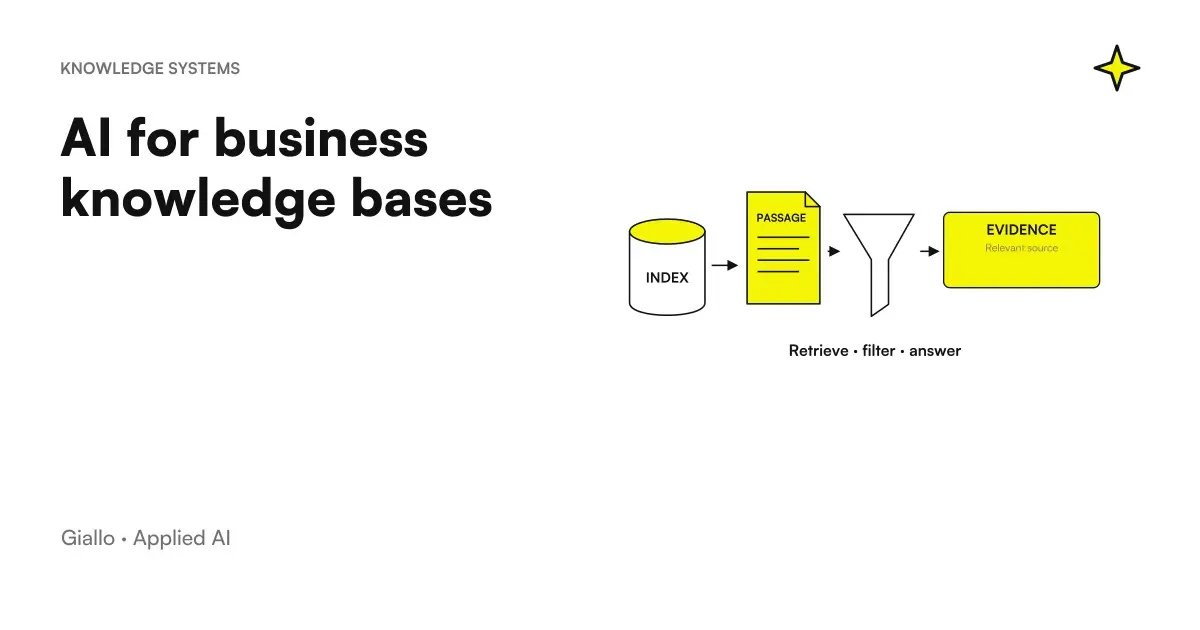 AI for business knowledge bases: find the information you need
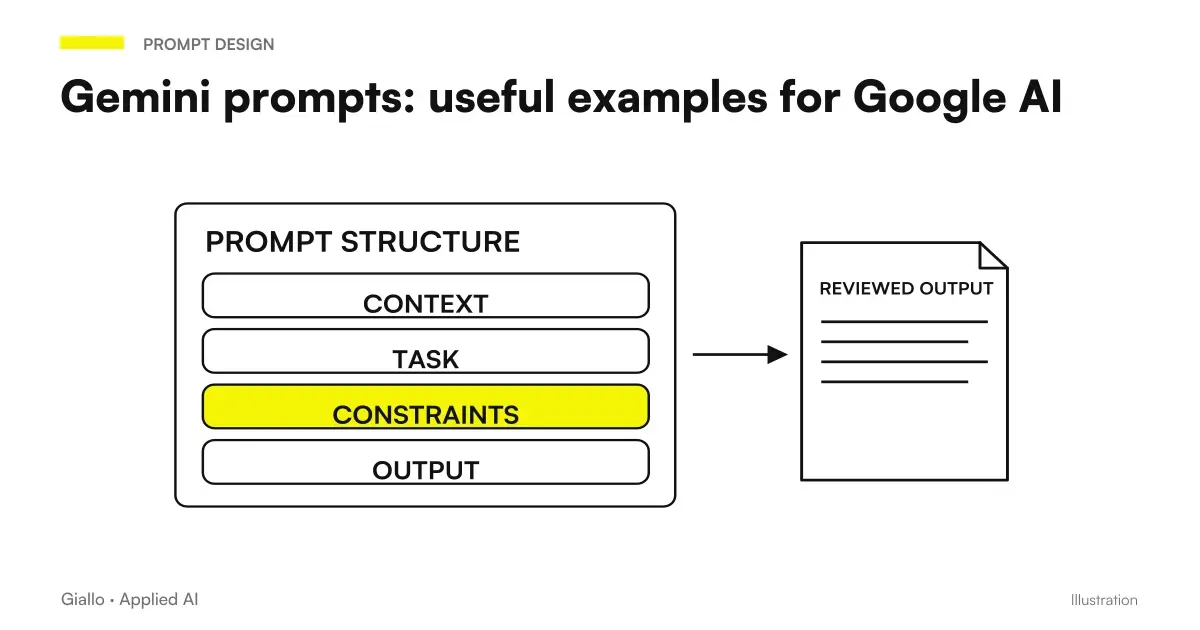 Gemini prompts: useful examples for Google AI
 Proof of concept AI: what it is for and how long it lasts
FAQ
What is a vector database in plain words?
A vector database is a store designed to hold and search vectors: lists of numbers representing the meaning of text, images or audio. Instead of looking for exact words, it finds items 'closest' in meaning. It is the technical foundation of semantic search and RAG systems.
What is the difference between a traditional database and a vector database?
A traditional database looks for exact matches or for intervals (customer code equal to X, date between A and B). A vector database looks for similarities: given a question, it returns the most similar contents by meaning, even if they do not contain the same words. They serve different things and often coexist.
What is the use of a vector database in the company?
It helps find answers in company documents, build assistants answering from your own content (RAG), power recommendation systems and provide semantic search across catalogues and knowledge bases. In practice, it is useful whenever you want to search 'by meaning' rather than by exact words.
Pinecone, Weaviate, Qdrant or pgvector: which one to choose?
There is no absolute winner. pgvector is useful if you already use PostgreSQL and volumes are limited; Qdrant and Weaviate are dedicated open-source engines; Pinecone is a managed service that reduces infrastructure work. The choice depends on volumes, costs, internal expertise and where your data already resides. Assess them on your specific case.
Do I really need a vector database or is normal search enough?
If you just search for exact codes, dates and filters, traditional search is enough and simpler. The vector database serves when you need to search for meaning on free text, documents or descriptions, where exact words are not enough. Often the best solution is hybrid: keywords plus similarity.
Does a vector database understand my documents on its own?
No. The database preserves and compares vectors, but vectors must be generated from an embedding model and documents must be prepared (divided into pieces, cleaned, updated). The vector database is a piece of the system, not the complete solution: quality depends above all on data and preparation.