
Document automation with AI: contracts, forms and PDFs automatically
How document automation works with AI: contracts, forms, automatically generated PDFs. Tools, Italian SME examples, errors to avoid and GDPR.
Reading time: 9 min
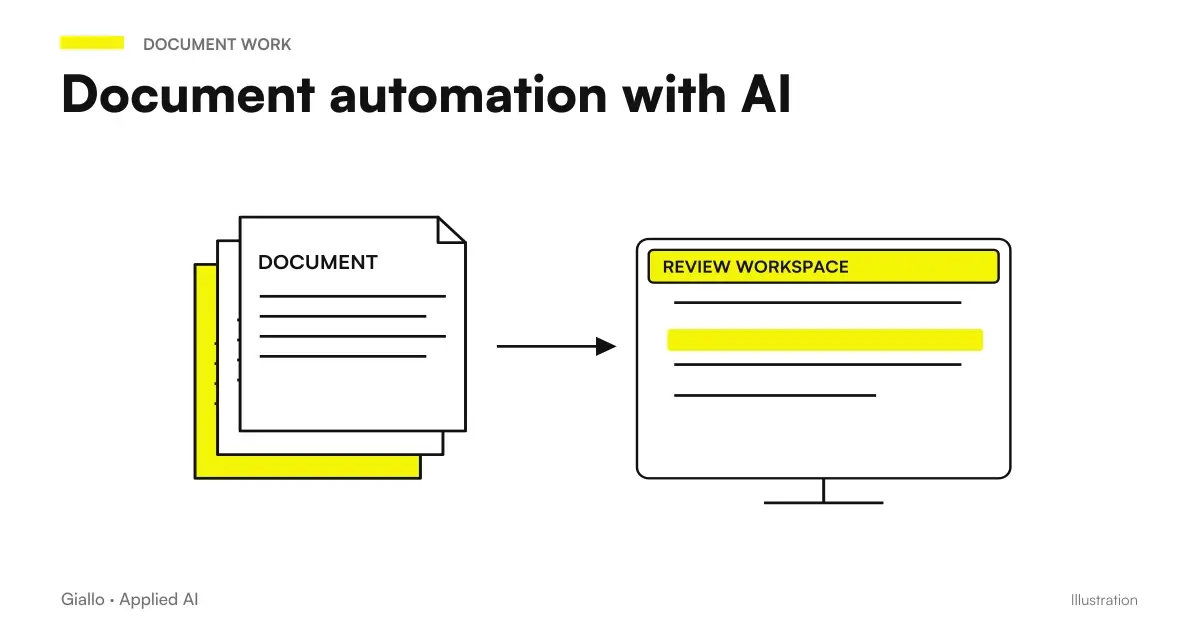
AI Document Automation It means using artificial intelligence to produce, compile, or process contracts, forms, and PDFs without a person having to do it by hand each time. The mechanism is simple: you provide a template, you pass the variable data (customer name, amount, expiration) and the system generates the finished document, ready for revision or sending.
In Italian SMEs this type of flow cuts real hours: a law firm that prepares standard NDAs, a workshop that issues work orders, an agency that generates service contracts. The value is not in AI that "understands" the document, but in the fact that you no longer have to open Word, copy data from CRM and manually save the PDF every single time.
In this guide we see how it works in practice, what tools to use, how to stay within the GDPR perimeter and where it is convenient. and where not. to introduce automation.
In summary
- The AI Document Automation generates or compiles contracts, forms, and PDFs from data and templates, eliminating manual copy-paste.
- Works better on documents structured and repetitive: same shape, different variables for each row.
- The flows are built with already existing tools (Make, n8n, API AI + template); the custom software is valid on high volumes.
- The GDPR requires attention: personal data should not be passed to external AI models without verifying the DPA and the residence of the servers.
- The passage of human approval remains necessary for documents with legal value or high risk.
What is document automation with AI and how it works
A document automation stream consists of three blocks: input data, generation logic and Outgoing Document. A proposed category must remain distinct from the registration of the document: JEV to classify documents links types, metadata, and revision to the steps in the process.
Data can come from a CRM, a Google sheet, a web form, or another application. Logic uses an AI model (or template with simple variables, for more linear cases) to fill the document. The output is a PDF file, a DOCX or a message already formatted, saved in the right folder or sent directly to the recipient.
The role of AI varies in complexity:
| Level | What AI does | Example |
|---|---|---|
| Variable replacement | Fill fixed fields with data from CRM | Contract with name, date, amount precompiled |
| Generation by structure | Constructs text from input + template fields | Narrative quote from items in a price list |
| Guided Editorial Board | Writes variable sections from a brief | Custom clauses, service descriptions |
| Analysis + Extraction | Read an existing PDF and extract data from it | Reading invoices, contracts from suppliers, forms |
| Verification and comparison | Compare drafts with company policies | Check risky clauses, differences from standard template |
For most SMEs levels 1 and 2 cover 90% of the value. Levels 3-5 require more powerful models and (especially level 4-5) closer human control.
How to Build a Document Automation Flow
Here are the concrete steps to build a working flow, also applicable with no-code tools such as Make or n8n.
- Define the target document. Which document do you want to automate? Choose the most repetitive type with fixed structure. NDA, purchase order, standard service contract are excellent candidates.
- Create the template with variables. Take the existing Word or Google Doc document and mark the variables: {{nome_cliente}}, {{importo}}, {{data_inizio}}. This template becomes the "engine" of the flow.
- Connect the data source. Connects the CRM, Google sheet, or web form that contains the variable data. Tools such as Make or n8n manage these integrations without writing code.
- Enter the AI block (if needed). If variables are only structured data, AI is not necessary: just replace variables. Add an LLM only if you need generated text (e.g. custom service description, conditional clauses, summaries). Define a precise prompt with instructions and constraints.
- Generate PDF. Use a document conversion action (Google Docs → PDF, a service such as Carbone or DocuPDF, or a native Make/n8n action) to produce the final file.
- Define destination and approval. Should the document be saved in a folder? Emailed? Sent to a signature system? Add a human approval step if the document has legal value or significant amounts.
- Head with real data and limit cases. What happens if a field is empty? If the amount has the comma instead of the dot? Test at least 5-10 cases before putting into production.
Concrete tools for automating documents
There is no single right stack. The choice depends on complexity, volume and budget. Here is a practical comparison.
| Tool | Type | Strength | Limit |
|---|---|---|---|
| Make (formerly Integromat) | No-code automation | Native, visual integrations | Consumable plans, complex logic requires long modules |
| n8n | Low-code / self-host | Fair-code license, maximum flexibility | Requires basic technical skills |
| Zapier | No-code automation | Very easy, thousands of integrations | Dear on high volumes, less flexible than Make |
| OpenAI / Anthropic API | LLM via API | High Text Quality, Customizable | Requires a minimum of code or intermediate platform |
| Google Docs + Apps Script | Script + template | Free, integrated with Drive | Require a minimum of JS scripting |
| Carbone / PDFMonkey | Document generation | Excellent PDF, DPA templates available | Monthly cost, no native AI |
| DocuSign / Yousign | Electronic signature | Legally valid eIDAS | It does not generate the document, only sign |
For a typical full flow an SME uses: Make or n8n as an orchestrator + AI API for variable text + Carbone or Google Docs for the PDF + Yousign for signing. All connected in one automatic workflow.
If you want to better understand the differences between automation platforms, the guide Make vs Zapier vs n8n Makes a structured comparison.
Practical examples: Italian SMEs
Law Firm — Automatic NDA. A Milanese law firm that runs startups manages dozens of NDAs per month, all with standard structure but different data (company name, subject of confidentiality, duration). The flow: the customer fills out a Typeform form, the data arrives in Make, a Google Docs template is compiled with the variables, converted to PDF and sent via email with a link to Yousign for signature. No manual steps. The lawyer only intervenes if the client requests changes.
Mechanical workshop — work orders and quotes. A Bolognese workshop used Excel sheets for quotes: it copied customer data, spare codes and manpower hours each time. Now the mechanic fills out a form on tablet, n8n takes the data, an API AI block generates the description in Italian readable ("Replacement belt distribution + water pump — car with 120,000 km"), the PDF is ready in 30 seconds with header, logo and total. No reformatting. To understand more about AI agents who handle similar processes See the dedicated guide.
Communication agency — service contracts. A Roman agency signs contracts with customers every time a new project starts. With an automated flow: the commercial closes the negotiation in the CRM, updates the amount and duration, and the contract is automatically generated with those variables, sent to the customer and stored in Drive. The time per contract has passed from 20 minutes (open Word, search for the last contract, change data, save PDF, attach emails) to less than 2 minutes. Automation integrates well with the flows of quote automation already in use.
For text documents also intended for AI tools, the new native Markdown editing in Google Docs can simplify collaboration. However, the format does not solve versioning, access and revision: these rules remain part of the document flow.
Document automation and GDPR: what to know
Document automation almost always treats personal data: name, address, tax code, contract data. This activates the GDPR, and is not a detail to be postponed.
The critical points to check before putting into production:
- Art. 5 GDPR — data minimisation. Switch to the AI model only the data needed to generate the document. Don't send the entire CRM card if your name and amount are enough.
- Art. 28 GDPR — Data Processing Agreement. If you use external APIs (OpenAI, Anthropic, Mistral), you must have a DPA signed with the provider. Check that the data is not used for training models in API mode.
- Art. 25 GDPR — Privacy by design. Design the flow with privacy in mind from the beginning: store only what you need, define retention times, do not log personal data in debugging.
- Server residence. EU providers (or with valid SCCs) are preferable for personal data of European customers. Read more about this in the article on AI and GDPR.
When to use document automation (and when not)
When it makes sense
- Document with fixed structure and changing variables for each line (standard contracts, quotes, orders)
- High volume: at least 10-20 documents per month of the same type
- Current process requires repeated copy-paste between multiple applications
- Do you want to reduce errors from manual typing (wrong name, wrong amount)
- You already have a CRM or structured data source to start from
When to Avoid It (For Now)
- Each document is completely different from the other: the repetitive structure is missing
- Existing template is disorganized or full of unmapped exceptions
- The document has high legal value and no human review step is envisaged
- Input data is dirty or inconsistent (garbage in, garbage out)
- You've never analyzed the process: automating chaos produces chaos faster
Mistakes to Avoid
Not testing edge cases. An empty field, an amount with different format, a name with special characters: these cases blow up the streams in production. Test at least 10 variants before activating.
Automating without reviewing the template. If the starting Word contract contains questionable clauses or errors, the system will replicate them on all generated documents. AI amplifies what you give them.
Skipping human approval on high-risk documents. A 500 euro purchase order can be issued automatically. A multi-year contract or a criminal clause should always have a human check before sending. Define the risk threshold before putting it into production.
Confusing "generate" with "analyze". They are different streams: generating means producing a document from scratch or from templates; analyzing means reading an existing document and extracting data from it. Often companies start with analysis thinking it's simpler, but it requires extra attention on accuracy and hallucinations. For analysis, see ChatGPT for document analysis.
Ignoring error management. What happens if the AI API is offline? If the PDF file does not generate? A production stream must have error notifications and a fallback (e.g. alert on Slack, log on Google sheet).
Organizing missing customer documents
A queue of incomplete documents requires a list of requirements and states more than just an extractor. The guide to customer document collection with AI shows how to link files and practice, recognize wrong material and prepare a targeted request. The completeness remains a service-defined verification, with explicit responsibilities and accesses.
How to apply it in the company: starting with the right document
Not all documents apply the same way to automate. The main criterion is frequency × time spent: a document that you produce 50 times a month and takes 15 minutes each is worth much more than one that you do 2 times a year.
- Map repetitive documents. Make an inventory: what documents do you produce every week/month? How many minutes does it take? How many errors do you make?
- Choose the document with the highest ROI. High frequency + fixed structure + data already in a system = ideal candidate.
- Clean the template before automating it. Remove unnecessary exceptions, standardize variables, have clauses reviewed by a lawyer if necessary.
- Build the flow on a test environment. Do not go into production with real data until you have validated at least 20-30 test documents.
- Define who approves and what. For each type of document: who sees the document before it is sent? What is the threshold beyond which human review takes place?
- Measure before and after. Time for document, mistakes, team satisfaction. Without numbers you don't know if you've really earned anything.
For a broader view on what to automate in the company, the guide what to automate in an SME it offers a useful framework for prioritizing. And if you want to understand how these flows connect to broader processes, Business Process Automation It's the right starting point.
How does it integrate with the electronic signature?
Document generation and signature are two separate but connectable streams. Automation produces the finished PDF; at that point an action in the workflow automatically sends the file to a signature service such as Yousign, DocuSign or Namirial. The recipient receives a link via email, signature, and the signed document is stored in the correct folder. The entire cycle —from generation to signing —can take place without manual intervention, with the person intervening only to sign or approve.
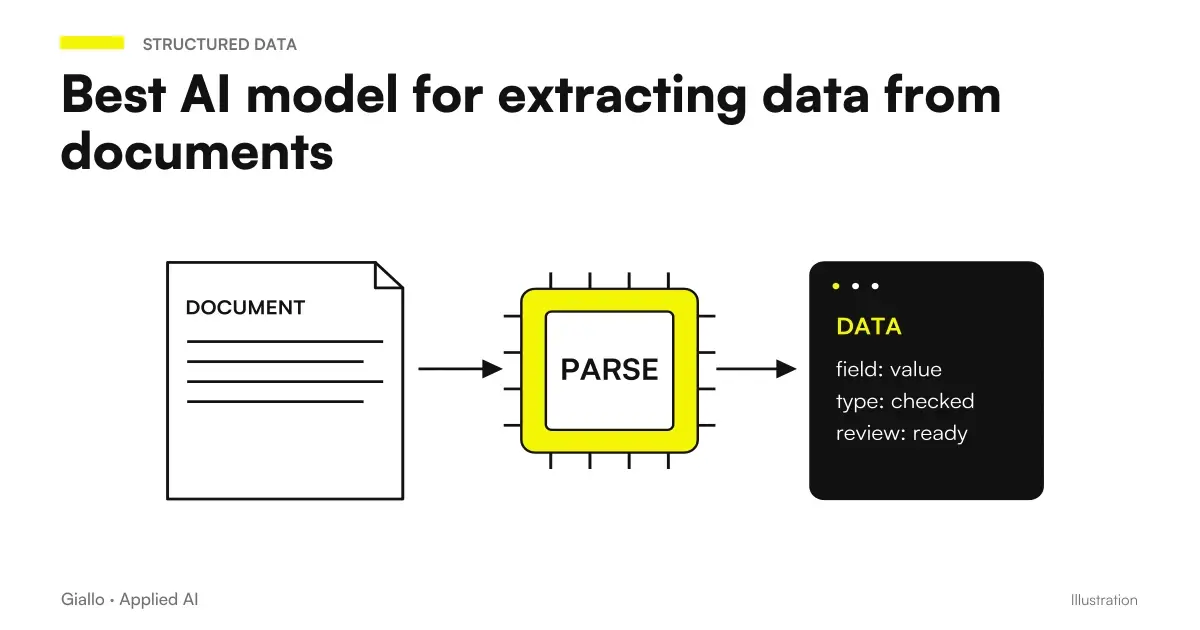
Related insights, with verified data on official documentation: Best AI model for extracting data from documents and Best AI Model for Long Documents.
Correlate documents that arrive via PEC
When the entry is a PEC, archiving only the attached PDF can cause the relationship to be lost with messages and receipts. PEC management with AI proposes a file of practice that preserves these links, separates the documents to be interpreted from the evidence of transmission and brings incomplete cases to the attention of the office.
Turn receipts into a verifiable refund request
In the case of expense notes, the goal is not only to recognize the figure on a receipt: one must understand which request it belongs to, report copies and collect the missing information. The Guide to expense notes with AI proposes fields, statuses of the practice and useful controls to prepare a review before repayment.
Extract deadlines without confusing clauses
The end date of the contract does not always coincide with the deadline within which to decide on a renewal or to communicate a cancellation. deadlines of contracts with AI find a register that distinguishes events, sources and responsibilities, with evidence of missing versions and confirmation of ambiguous clauses by the person responsible.
Conclusion
The document automation with AI It is not a complex project: it is a concrete flow that you can build from an existing template, connecting it to the data you already have and adding an AI block only where variable text is really needed. The value is immediately seen: less copy-paste, less errors, less time spent formatting PDFs.
The GDPR perimeter must be respected from the start, not added later. And the passage of human approval remains necessary for the documents that matter.
AI becomes useful when it enters processes. Giallo Studio helps SMEs and teams to build concrete, measurable and sustainable automations.
Giallo Studio guides: methodology and sources
How we apply it in the company
Related resources
 AI quote automation: save hours on every offer
 How to automate processes in an SME: the practical guide
 ChatGPT for document analysis
 AI for business document analysis: a practical guide
 AI and GDPR: What a company needs to know before using AI
 Automatically match traffic fines to drivers
 Digital vehicle documents: registration, servicing and vehicle records
 Best AI model for extracting data from documents
FAQ
What is document automation with AI?
It is the process that uses AI models to generate, compile, analyze, or store documents (contracts, forms, PDFs, reports) automatically from structured data or text input, reducing repetitive manual work.
What documents can be automated with AI?
Standard contracts, quotes, purchase orders, data collection forms, business letters, periodic reports, NDAs, certificates, informed consents. The most suitable documents are those with a fixed structure and variables that change for each recipient.
Do you need custom software to automate documents?
Not always. Many streams are built by connecting existing tools: an AI API (such as OpenAI or Anthropic), an automation tool such as Make or n8n and a document template. A custom agent or software is convenient when the volume is high or the documents are very complex.
Is document automation GDPR compliant?
It may be, but it requires attention. The personal data used to generate documents must be processed according to the GDPR (articles 5, 6, 25, 28). If you use third-party AI models, you need to verify the data processing agreement and where the data is processed. Always consult a legal expert for specific cases.
How much does it cost to automate document generation?
It depends on the case. A simple stream with Make or n8n + API AI can cost between 50 and 200 euros per month of licenses, plus configuration work (some hours up to a few days). Tailored solutions with integrated electronic signature and CRM cost more but pay off on high volumes.
Can AI sign documents digitally?
No: the AI generates and compiles the document, but the digital signature (including the one qualified under the eIDAS Regulation) requires a separate certified service such as DocuSign, Yousign or a qualified signature via SPID. However, automation can automatically trigger the sending of the document to the signature system.
What mistakes do SMEs make with document automation?
The most common mistakes are failing to review templates before automating them (AI amplifies an existing error), omitting a human approval step for high-risk documents, ignoring the GDPR when passing personal data to external AI models, and confusing generation with analysis (these are different workflows).