
Digital vehicle documents: registration, servicing and vehicle records
Organise vehicle registration documents, service records and certificates in each vehicle's record instead of a shared folder, keeping data beside its source.
Reading time: 9 min
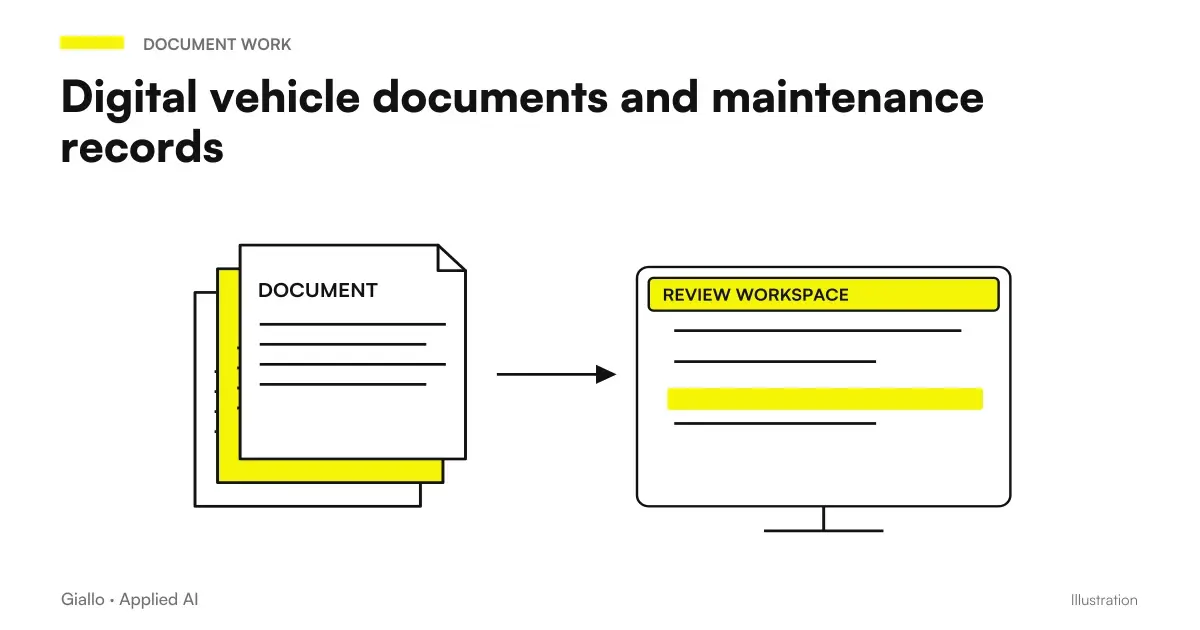
Vehicle Documents in Digital — vehicle registration documents, service records and certificates — work when they live in the middle tab, not in a shared folder. It is an organizational difference that seems minor and changes the time of each search.
The problem with a folder is not the capacity: it does not have a mandatory structure. File names decide who uploads them, and in two years of different people incompatible conventions accumulate. Finding a car book becomes a work of archaeology.
This article describes the setting used in CRM for car rental of Rial Rent, on a fleet of 27 cars plus a section dedicated to yachts.
In summary
- The documents live in middle tab: the search starts from the vehicle, not from the file name.
- The personal data is next to the document from which they came, so they are verifiable.
- The structure goes imposed by the system: if the upload is free, the mess returns.
- Access control is on the endpoint that serves the file, not on the hidden button.
- Digitizing the whole historian rarely pays off: we start from what is in the process of validity.
The shared folder problem
A folder with vehicle documents seems the easiest solution, and for the first few months it is. Then three things happen.
- File names diverge. Whoever charges chooses one convention, whoever takes over chooses another. After two years different formats coexist for the same thing.
- Duplicates multiply. When in doubt it reloads, and no one knows what the valid version is anymore.
- The connection is lost. A document in the folder does not know which vehicle it belongs to, except through the name — which is exactly the thing that has become unreliable.
The alternative: the document on the media card
In the system each vehicle has a card, and the documents load there, specifying their type: vehicle registration document, service record, insurance certificate or other.
Three things change:
| Appearance | Shared Folder | Middle tab |
|---|---|---|
| How to search | By file name | By vehicle, then by type |
| Who decides the structure | Who Charges | The system |
| Vehicle connection | Implicit in name | Explicit and reliable |
| Duplicates | Frequents | Visible, because they're in the same place |
| Access Control | On the folder, all or nothing | By role and type of document |
The last line is the one that matters most when there are different roles. A driver needs some documents for their assignment; they have no reason to access the full fleet archive. With a shared folder the granularity does not exist: either it sees everything or it sees nothing.
The data next to their source
The choice you appreciate after months is to keep the Vehicle master data — plate taken from the booklet, first registration, holder — on the card, next to the documents from which they come.
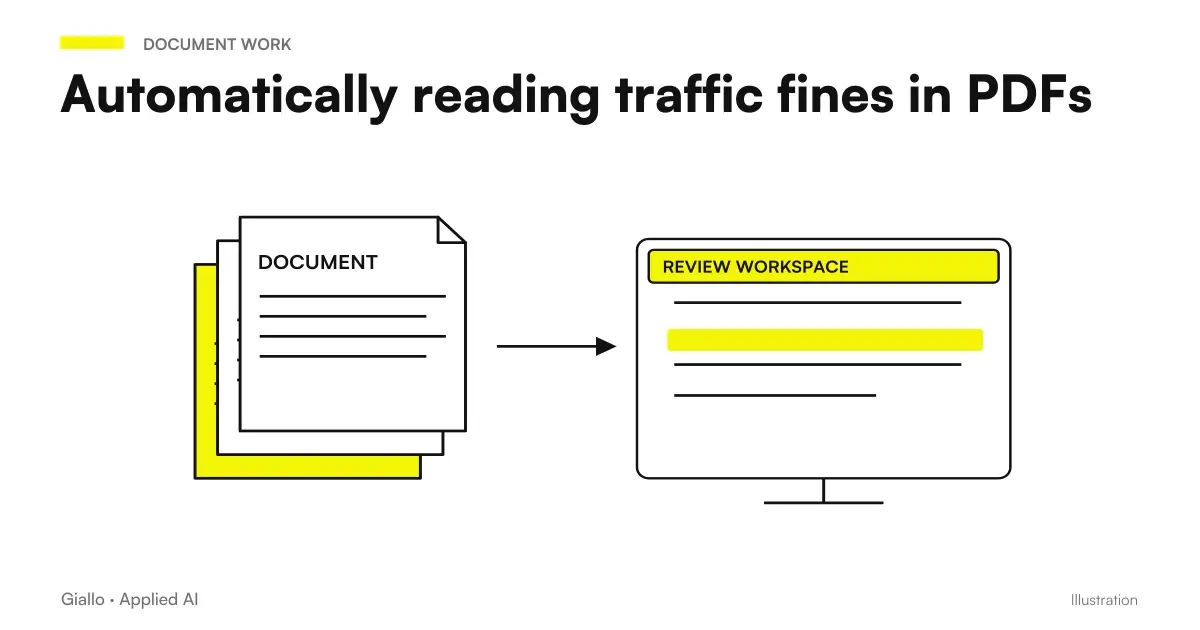
It seems redundant: the data is already in the PDF. But the PDF is not interrogable, and the system must be able to calculate deadlines, search by plate, cross contracts. You need structured data.
Keeping them next to the source solves the question that always comes up: Where did this come from, and is it still right? Who has a doubt opens the document in the same screen and verifies, instead of trusting or searching elsewhere.
Data and documents together
- The data is verifiable on the source in one click.
- Those who update the document see immediately which data should be corrected.
- A missing data is noted, because the document is there and the field is empty.
- Whoever takes over understands where what he reads comes from.
Separate data and documents
- The data is a number with no provenance.
- Updating the document does not suggest updating the data.
- Inconsistencies remain invisible until they create a problem.
- Whoever takes over does not know whether to trust.
The Link to Deadlines
Documents are not an archive for its own sake: they are the source of deadlines. The roadworthiness-inspection date, insurance validity and last service date come from there.
This creates a dependency to be made visible: if the document is not loaded or the data has not been entered, the corresponding deadline does not exist — and a vehicle with no recorded deadlines appears in order exactly like a controlled one.
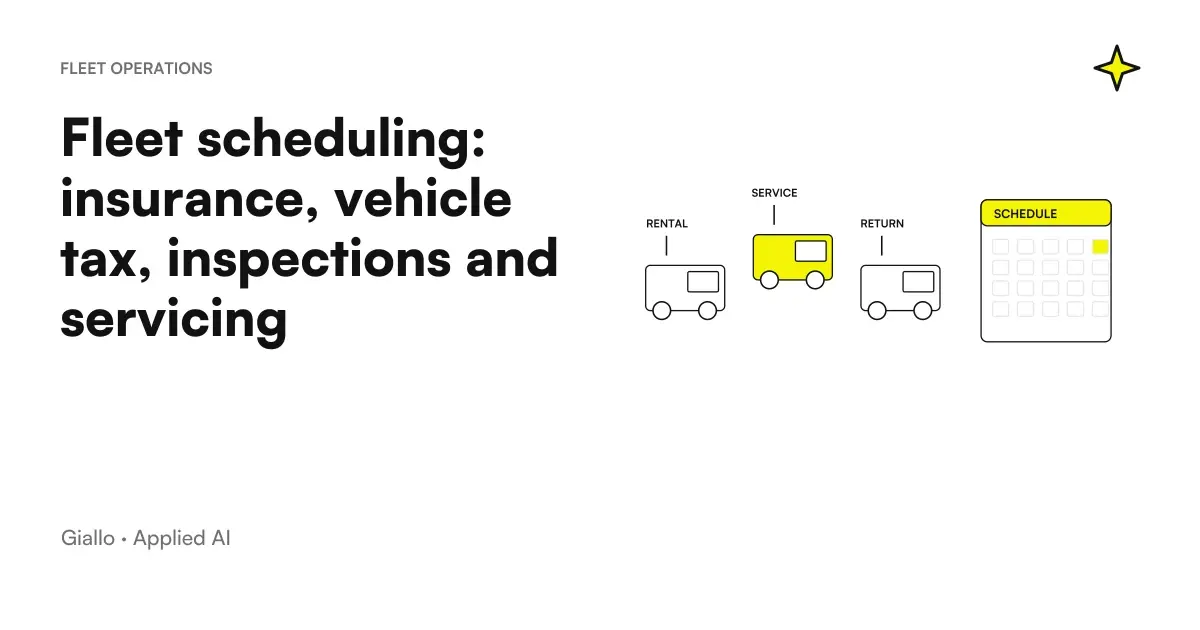
It is the most dangerous defect of any control system, because it is silent. The solution is to distinguish explicitly "All right" from "missing data", as described in Fleet Schedule.
Different documents, different cycles
Not all documents in a vehicle behave in the same way, and treating them as an indistinct pile is what makes the archive useless.
| Document Type | Cycle | What you need to know |
|---|---|---|
| Circulation booklet | Stable, rarely changes | The personal data of the medium |
| Insurance certificate | Annual | The expiration date |
| Tagliandi and interventions | Recurring, accumulates | The date of last and the mileage |
| Extraordinary Documents | Occasional | That they exist and are found |
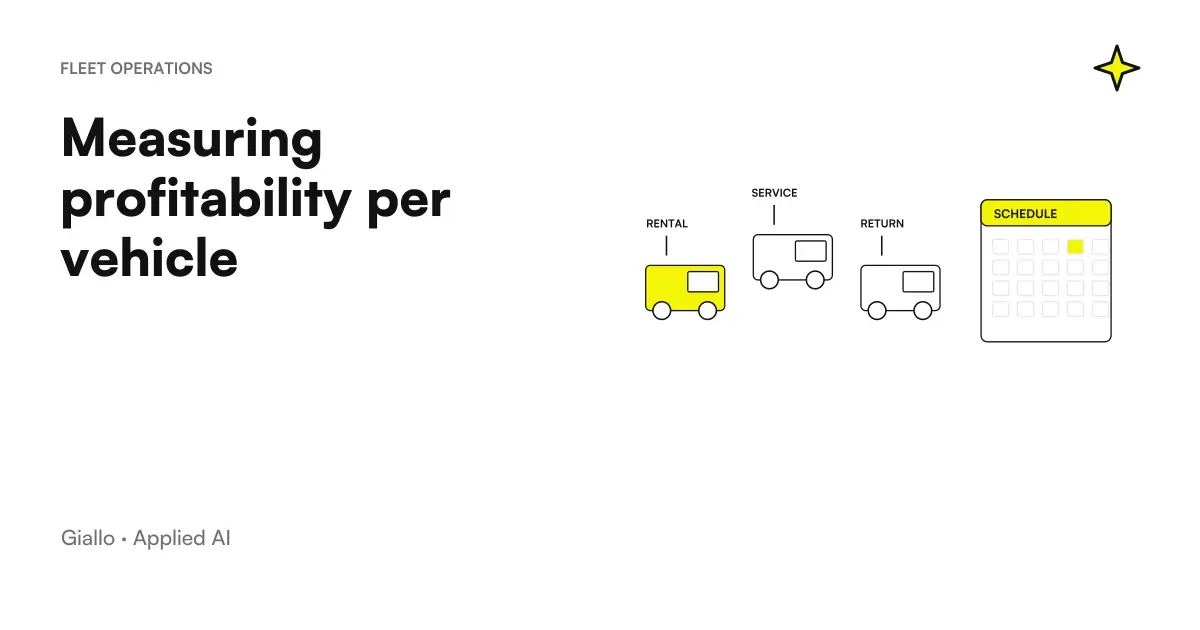
The vehicle registration document is the source of the vehicle’s identifying data and rarely changes. The insurance certificate is replaced each year, and the previous version loses operational value even though it must be kept. Service records, however, accumulate: the complete story serves, because it feeds both the deadlines and the cost calculation described in profitability by vehicle.
Distinguishing these cycles allows you to treat them differently: replace where it makes sense to replace, accumulate where history is needed.
The case of yachts: why two sections and not one
In the project the fleet also includes boats, and they live in a separate section from that of cars, with the distinction between means of ownership and partners.
The temptation, when building, is to unify: they are all "means", why two sections? The answer is that cars and boats have different documents, different deadlines and different cost cycles. Putting them in the same structure means having half the fields empty on each record and rules full of exceptions of the type "if it's a boat, then".
It applies as a general criterion, beyond this project: when two things look the same but are handled differently, they are usually not the same thing.
Practical examples
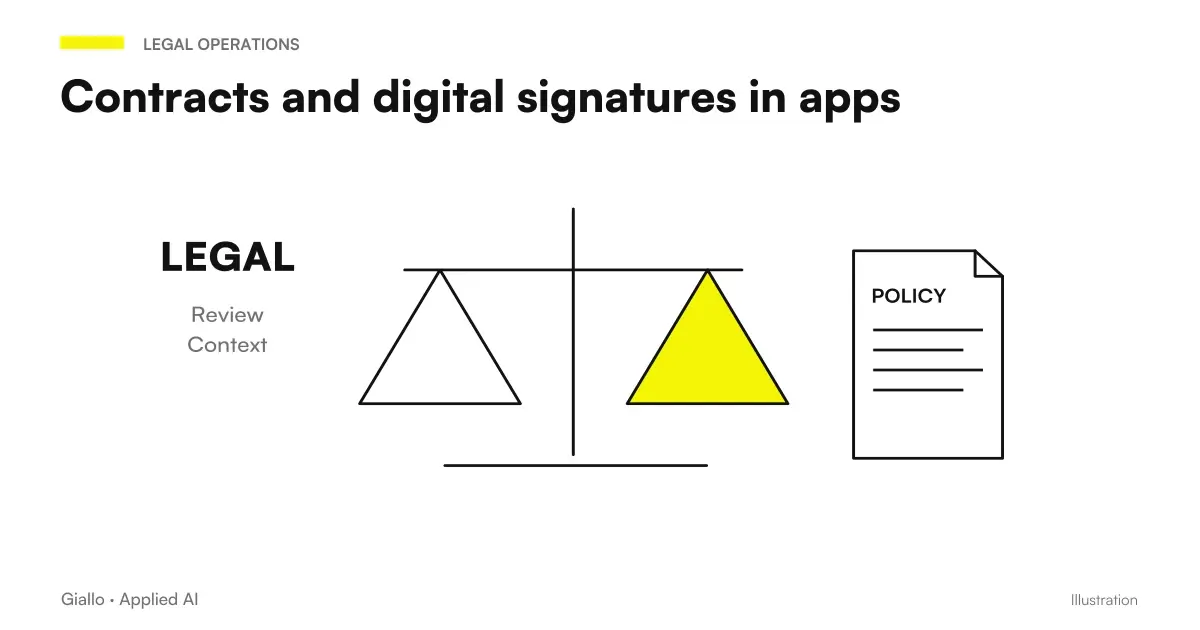
A roadside check. The driver opens its own view in the application and has the document it needs, without calling the office. It is the same logic as the driving delegation described in contracts and digital signature in app.
A vehicle entering the fleet. You create the card, upload booklet and certificates, enter the personal data. From that moment the deadlines are calculated on their own and the medium appears in the controls.
A maintenance done. The service record is uploaded to the vehicle’s file: it updates the date of the latest work and therefore the next due date, and remains as history for the cost calculation described in profitability by vehicle.
A different sector. Equipment, machinery, real estate: wherever there are goods with documents and deadlines, the scheme is identical. The general theme is in document automation with AI.
Mistakes to Avoid
Leaving the loading free. If you can upload anything to any place, you return to the shared folder with multiple steps.
Separating data from documents. It produces numbers no one knows the origin of.
Checking access only by hiding buttons. If the address serving the file does not verify the role, who knows it downloads anyway. It is one of the errors found by the security test described in 2FA on management software.
Digitizing the entire historian. It's a big job that rarely pays off. It's better to start with the valid documents.
Not distinguishing "missing" from "compliant". An empty field that looks like a green light is worse than an alarm.
How to apply it in the company
- List document types that they really exist for your possessions: they are less than they seem and change little.
- Constrain loading to a stated position and type. The structure dictates the system.
- Locate the data you need structured —the ones on which the system calculates —and keep them next to their source.
- Define who sees what, and checks the control on the endpoint, not the interface.
- Make what is missing visible, with a dedicated state.
On the processing of data contained in documents —holders, drivers, identification data — the framework is in AI and GDPR.
Conclusion
Vehicle Documents in Digital They are not a storage problem: they are a structure problem. A shared folder degrades because it imposes nothing; a middle tab works because it forces everything to be put in its place and links the document to the good to which it belongs.
The two things that make the difference: keep the structured data next to the document they come from, and always distinguish "in order" from "missing data".
AI becomes useful when it enters processes. Giallo Studio helps SMEs and teams build concrete, measurable and sustainable automations. The service is described in custom software.
Giallo Studio guides: methodology and sources
How we apply it in the company
Related resources
FAQ
Why isn't a shared folder enough for vehicle documents?
Because a folder has no mandatory structure: the person uploading decides the filenames, and over two years of use by different people, they become inconsistent. The vehicle record enforces the right place for each document, and searches start from the vehicle rather than the filename.
Which documents should be kept on the vehicle card?
Vehicle registration document, service records and maintenance work, insurance certificate, and any relevant certificates or receipts. The criterion is everything someone might need to show or consult for that vehicle.
Should data be typed or extracted from documents?
Better typed once and stored next to the document from which they come. Automatic extraction can help to prefill, but the data the system uses to calculate deadlines must be verified: a read error here produces a wrong deadline.
Who needs to be able to see the vehicle documents?
It depends on the document and the role. A driver needs what he needs for the assignment of the day; he has no reason to access the entire archive. The control should be done on the endpoint that serves the file, not just by hiding the button.
Is it also appropriate to digitize historical documents?
Only the ones you need. Digitising the entire archive rarely pays for itself: it is better to start with documents that are currently valid and add historical records when they are actually needed.
How do you prevent documents from becoming messy again?
By requiring uploads to go to a specific location in the vehicle record, with a declared document type. If uploads are unrestricted, disorder returns: the system must enforce the structure, rather than relying on goodwill.