
Invoice automation with AI: what can be automated?
AI invoice automation: issuance, checks, reconciliation, e-invoicing and Italy's SDI system. A practical guide to what an SME can automate.
Reading time: 9 min
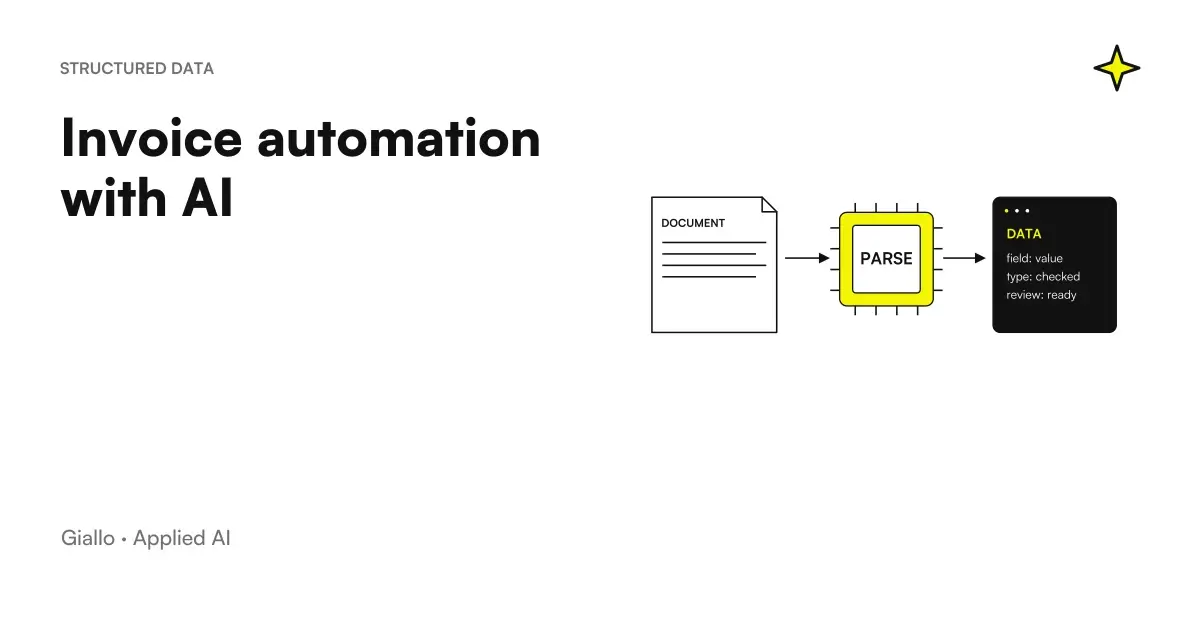
Automating invoices with AI is one of the most concrete and measurable use cases for an Italian SME: almost every company issues and receives invoices, the process is repetitive, high volume and full of manual steps that no one wants to do. But before buying a tool or launching a project, it's worth figuring out what you can really automate — and where AI still struggles.
In this guide we start from the real billing process, identify points with high automation potential, see the available tools and clarify the limits. Without exaggerated promises, with examples from real Italian SMEs.
In summary
- The billing process contains at least 6-8 manual steps: almost everyone can be lightened by AI, but rarely completely eliminated.
- The highest return points are: extracting data from received invoices, automatic accounting classification, payment reminders and bank reconciliation.
- The Electronic Billing (SDI) in Italy offers advantages: invoices already arrive in structured XML format, which greatly simplifies automatic processing.
- AI makes errors on non-standard layouts, complex VAT and ambiguous figures: the Human review of critical data remains mandatory.
- Invoices contain personal data → GDPR applies: they serve DPA with suppliers, logs, retention policies. Consult a legal expert.
How the Billing Process in an SME Works Today
Before automating, it is better to understand what automates. A typical billing cycle in an Italian SME includes at least these steps:
Active cycle (invoices issued):
- Collect order or service data
- Compose the invoice (customer, amount, items, VAT, deadlines)
- Send to SDI for B2B/PA electronic invoices
- Manage any scraps or SDI receipts
- Monitor payments and send reminders
- Record the collection and close the game in accounting
Passive cycle (invoices received):
- Receive invoice (SDI, email, paper)
- Open the document and extract data
- Check correspondence with the purchase order
- Classify expenditure by accounting account and cost centre
- Approve payment
- Pay and Register
Each of these steps has a share of manual work. AI can intervene on almost everyone, but with different impact.
Where AI Really Makes a Difference in the Bill Cycle
Extracting data from received invoices
It is the use case with the most obvious ROI. Every day invoices come from different suppliers, with different layouts: native PDFs, scans, Excel files, XML electronic invoices via SDI. Manually extract data (supplier, date, number, rows, amounts, VAT) is slow and prone to errors.
An AI system with advanced OCR reads the document, identifies the relevant fields and dumps them into the management software without copy-paste. The advantage is proportional to the volume: with 20 bills per month the gain is minimal; with 200 or more, the difference is of weekly hours.
The XML electronic invoices from SDI are even simpler: the format is already structured, AI only has to map XML fields on management software entries. In Italy this is a real advantage compared to other European countries.
To deepen how AI processes structured and non-structured documents, read How AI Analyzes Business Documents.
Automatic accounting classification
Once the data is extracted, the AI can suggest the accounting account and cost center based on the provider, the item description and the history of previous records. In practice learn from past accounting: "invoices of this type of provider are always recorded on this account".
It is not foolproof —on particular cases (reverse charges, intra-Community transactions, partial credit notes) wrong —but it reduces manual coding work on standard invoices by 70-80%.
Automatic payment reminders
The payment reminder process can be automated almost entirely: AI monitors due dates, identifies unpaid invoices, writes the reminder email in the appropriate tone (the first reminder differs from the third) and sends it to the right contact. It can personalise the message based on the customer and their payment history.
This is one of the most common uses of email automation with AI in the administrative field.
Bank reconciliation
AI compares current account movements with open invoices and proposes matching. It drastically reduces the monthly reconciliation time, especially for those who have many small payments or customers who pay by aggregating multiple invoices into a single wire transfer.
Monitoring deadlines and cashflows
An AI system connected to management software and bank can produce an automatic weekly report on: expiring invoices, expected receipts, payments to be made. It is not a complex function, but saves hours of work on manual Excel sheets. See also how to structure this type of output in AI report automation.
Where AI still struggles
Not everything is automatable without attention. Here are the real limits of 2026:
Invoices with non-standard layout. A well-structured PDF is read well. A crooked scan of a craft paper invoice with small characters can give OCR errors that propagate into accounting.
VAT and complex cases. Reverse charge, Art. 10 exemptions, intra-Community transactions, special schemes: AI may misclassify on rare cases. Explicit rules or operator review are needed.
Issue non-standard active invoices. For recurring and fixed orders, automatic issuance works well. For face-to-face quotes, custom projects, advance payments and balances with complex logics, AI can prepare a draft but cannot replace the verification before sending.
SDI waste management. The SDI may discard an invoice for formal reasons. Automatically handling a waste —understanding the error code, correcting the document, resending it —requires contextual logic that still requires human intervention in most cases.
When automation yes, when not
When to automate is convenient
- Receive or emit at least 50-100 invoices per month
- Your main suppliers have invoice layout constant
- The prompt process is the same for all customers
- You already use a management software with APIs or connectors (Fatture in Cloud, TeamSystem, etc.)
- You have XML electronic invoices via SDI: structured format greatly facilitates processing
When to wait or proceed with caution
- Many bills arrive scanned paper or PDF of low quality
- Items have complex or variable VAT logics (reverse charge, exemptions)
- The accounting process is not yet clearly defined
- You do not have a technical contact for configuration and maintenance
- Very low volume: less than 20-30 bills per month, ROI is marginal
Available tools: overview
| Category | Examples | What it does | Suitable for |
|---|---|---|---|
| Management software with integrated AI | Fatture in Cloud AI, TeamSystem, Zucchetti | Automatic extraction, classification, deadlines | SMEs already on these softwares |
| OCR + AI standalone | Docsumo, Rossum, Hyperscience | Extracting data from any PDF/scan | High volumes, various layouts |
| No-code automation | Make, n8n, Zapier | Link management software, email, bank in automatic flows | Who wants flexibility without code |
| Custom AI Agents | Customized via API (Claude, GPT-5.6) | Complex workflows, specific business logics | SMEs with non-standard processes |
| AI accounting add-ons | Dext (former Receipt Bank), AutoEntry | Loading and classifying receipts/invoices | Law Firms and Clients |
To understand how Make, n8n and Zapier confront each other in orchestrating these flows, see make vs zapier vs n8n.
Practical examples
8-person design studio, Milan. It issued 40-60 invoices per month to different customers, each manually compiled from the hours sheet in Excel. Solution: A Make stream that reads the hours sheet, composes the invoice in Fatture in Cloud with the customer data and the correct entry, and puts it in a "draft" state. The commercial reviews and clicks "send". Saved time: about 3 hours per week between compilation and follow-up.
Mechanical workshop, Bergamo. It received 120+ invoices per month from spare parts suppliers, each to be manually entered into the management software. With Dext connected to the management software, invoices are photographed or uploaded via email, the OCR extracts the data and the accountant only verifies exceptions (about 15% of cases). Insertion time reduced from 4 hours per week to less than 1.
Web Agency, Bologna. Recurring issue: customers paying late, reminders handled by hand discontinuously. Flow n8n: every Monday checks invoices that have expired for more than 10 days, generates a personalized email per tone (first/second/third reminder) and sends it. The holder approves in bulk in 5 minutes. Results after 3 months: average collection times dropped from 47 to 31 days.
GDPR and data security in invoices
Invoices contain personal data (name, address, tax code for customers natural persons) and sensitive business data. The GDPR applies:
- Art. 5 (principles): Data minimization, retention limitation — not keeping invoices in AI systems longer than necessary.
- Art. 28 (processors): Any software or cloud platform that processes invoices is a "processor" → needs a DPA agreement signed.
- Art. 32 (security): encryption in transit and at rest, access logs, control of authorized users.
- Art. 46 (non-EU transfers): If the software uses servers outside the EU, appropriate safeguards (SCCs or adequacy decisions) are needed.
Find a broader guide on these issues in AI and GDPR and AI and corporate privacy.
Mistakes to Avoid
Automating without checking the extracted data. In the first few weeks, check a sample of invoices processed automatically. OCR errors propagate silently in accounting and are only discovered at the end of the month.
To believe that "native integration" means "ready to use". Management software AI connectors work well on standard layouts. If your suppliers have invoices with unconventional structures, the setup takes time.
Ignoring VAT cases. Defining explicit rules for reverse charges, exemptions and intra-Community transactions is mandatory before automatic accounting classification. Otherwise the AI applies the wrong rate.
Automatically placing payment. Automation is convenient for preparing payments (transfer list to be executed), not for executing them without approval. A double payment or a payment to an incorrect IBAN is more expensive than any time savings.
Not considering the actual volume. If you issue 15 invoices per month, an automation stream takes longer to set up and maintain than it saves. The tie point depends on the case, but under 40-50 documents per month assesses well whether it is worth it.
How to apply it in the company
- Map the current process. How many bills do you issue and receive per month? How many different providers? How many hours do you spend there? Where do you block payments? Without these numbers you can't measure anything.
- Identifies the sub-process with more volume. Often it is the insertion of passive invoices (receipts). Start from there, not from all at once.
- Check what your management software already does. Fatture in Cloud, TeamSystem, Zucchetti already have AI functions or connectors ready. Before buying anything external, explore what you have.
- Configure and test on a sample. Before automatically putting all invoices, run the stream on 20-30 real documents and check the error rate. Only under 5% of exceptions is it worth extending.
- Always have human control over critical data. Amounts, VAT rates, IBANs of payments: these points do not automate without explicit approval.
- Measure after 30 and 90 days. Saved hours, detected errors, blocked invoices. If the numbers do not improve with respect to the starting point, adjust before extending.
If you want to understand what other business processes are worth intervening on, the guide what to automate in an SME provides a complete picture. For the topic of data entry in general, see also AI to delete data entry.
To go deeper with verified price lists and benchmarks, Best AI model for extracting data from documents and AI models for high volume work.
Check the invoice together with order and delivery
When the invoice comes from a purchase, the check may also require order and DDT, especially with partial deliveries or updated prices. comparison of DDT, orders and invoices with AI deepens the matching of lines and the reading of differences, leaving the decision on exceptions to the person responsible before registration or payment.
Prepare reminder only after administrative verification
An open invoice in the business software is not enough to justify sending a reminder: there may be unreconciled receipts, credit notes or ongoing disputes. The prompts for payment with AI are a distinct case of administrative preparation, with status checks and drafts to be approved before sending, without promising a recovery outcome.
Conclusion
Automating invoices with AI works best where the volume is high, the format is predictable and the process is already defined. In Italy the SDI electronic invoicing system is a concrete advantage: the structured XML format makes automatic processing much more reliable than paper PDFs. High ROI points —data mining, accounting classification, reminders, reconciliation —are technically mature and also accessible to SMEs without an internal IT team.
What is not eliminated is human responsibility on critical data: amounts, rates, payments. AI prepares, the human approves. It is the model that works, even in billing.
Do you want to understand what processes in your company can be automated with AI? Giallo Studio can help you turn the problem into a real workflow.
Giallo Studio guides: methodology and sources
How we apply it in the company
Related resources
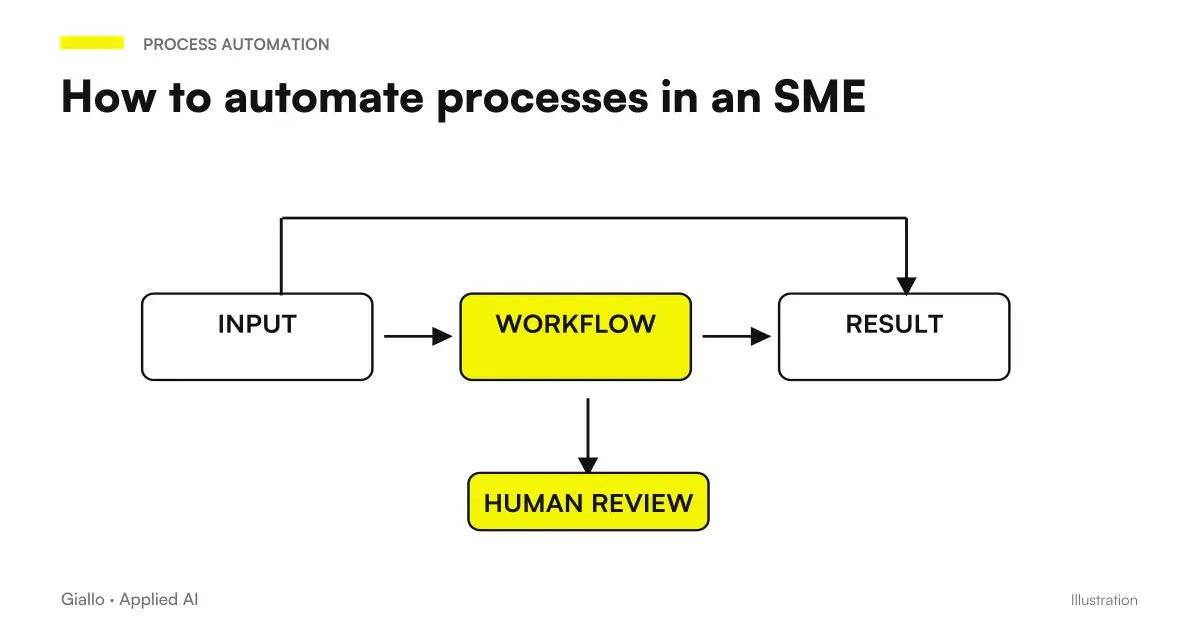 How to automate processes in an SME: the practical guide
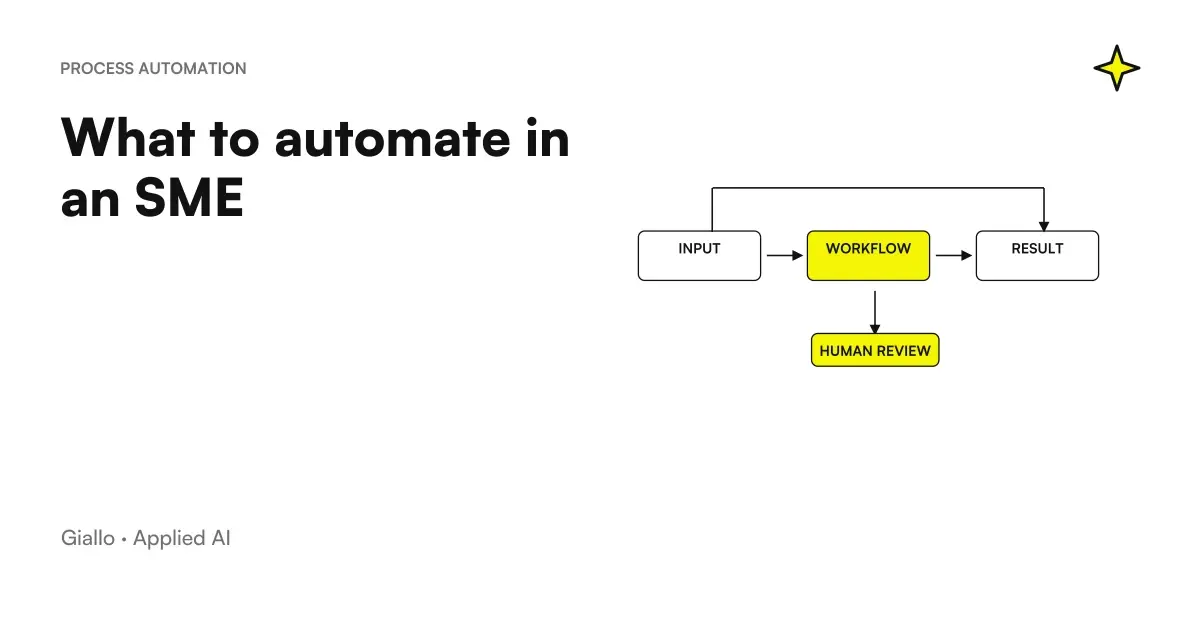 What to automate in an SME: the list of the right activities
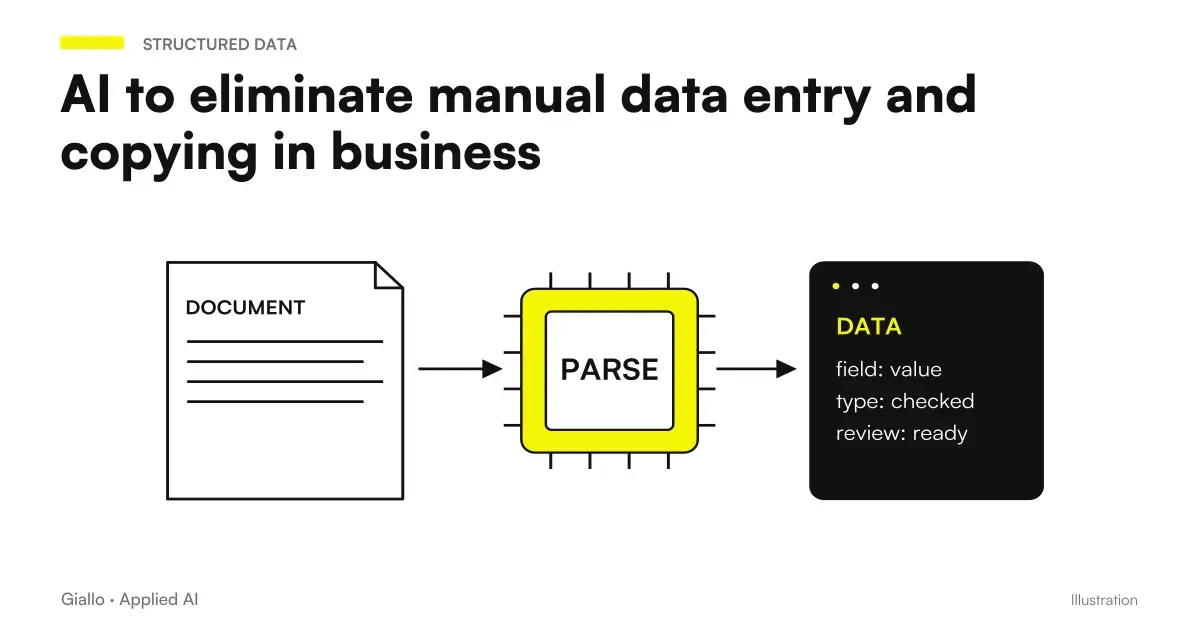 AI to eliminate manual data entry and copying in business
 AI for business document analysis: a practical guide
 Document automation with AI: contracts, forms and PDFs automatically
 Automated check-in for short-term rentals: how it works
 OpenAI and Atlassian expand Rovo: Jira and Confluence in working with AI
 Google Docs now modifies Markdown files: what changes for AI workflows
FAQ
What can you really automate in the billing process with AI?
You can automate the extraction of data from received invoices, accounting classification, payment reminders, bank reconciliation and monitoring of deadlines. The issuance of sales invoices can be partially automated, but always requires human validation before sending.
Can AI handle electronic invoicing and the Sistema di Interscambio (SDI)?
AI can support the process: extract data to compose the XML file, verify formal correctness before sending to the SDI and read receipt or rejection notifications. Sending to the SDI remains a technical step that requires certified software or an authorised intermediary.
How much does it cost to automate billing in an SME?
It depends a lot on volume and complexity. OCR + AI tools integrated into business management systems typically cost between 30 and 150 euros per month. Tailored solutions with AI agents and custom integrations start from a few thousand euros one-off plus maintenance. Always evaluate the return in saved hours.
Is invoice automation compatible with the GDPR?
Yes, but it must be handled carefully. The invoices contain personal data (name, address, tax code) falling under the GDPR art. 5 (minimization) and art. 32 (processing security). You need: DPA agreements with software providers, access logs, retention policies and, if the data comes out of the EU, the guarantees of art. 46. Always consult a legal expert for your specific situation.
Can I use ChatGPT to automate my invoices?
ChatGPT alone is not an automation tool: it can help you understand a document, write a template, or analyse data you provide. Real automation requires integrating an AI model with the business management system, an OCR system for paper or PDF invoices, and an orchestrator such as Make, n8n, or a custom AI agent.
What mistakes does AI make most often when processing invoices?
The most common errors are: misreading ambiguous digits in scanned documents, confusing product description lines with totals, miscoding VAT on particular operations (reverse charges, exemptions) and failing on non-standard layouts. That is why human review on critical data remains mandatory.
Must I change my business management system to use AI for invoicing?
Not necessarily. Many management systems spread in Italian SMEs (Fatture in Cloud, TeamSystem, Zucchetti, Quickbooks) already offer AI functions or integrate with external tools via API or via Make/n8n. Before changing, check what you can add to what you have.