
Automated check-in for short-term rentals: how it works
How to automate check-in for short-term rentals: which messages send automatically, how to choose the right time and what to leave to a person.
Reading time: 9 min
The automation of check-in in short-term rentals consists of starting the operational messages to the guest by yourself — booking confirmation, arrival instructions, departure reminders, review request. by reading the dates directly from the management software. It is not automatic reception: it is the repetitive part of the reception removed from the hands of a person.
The difference from the automatic messages already present in many management software is in the logic that decides what to send, to whom and when. One account is "send this text three days before"; another is "calculate the amount due, attach the right document for that apartment, choose the language and verify that it has arrived".
This article describes how it works in the concrete, starting from the project carried out for Rial Estate out of 17 apartments in Milan, told in full in full case study.
In summary
- Check-in automation starts with a rule on dates, not from a model that generates text: the arrival date decides everything.
- We need two different triggers: one immediately upon booking, one that every day checks which stays enter the useful window.
- The right time for instructions is not just one: two days before to organize, the morning itself to use them.
- Sensitive data — access codes first and foremost. remain out of automation: it is a choice of security, not a technical limitation.
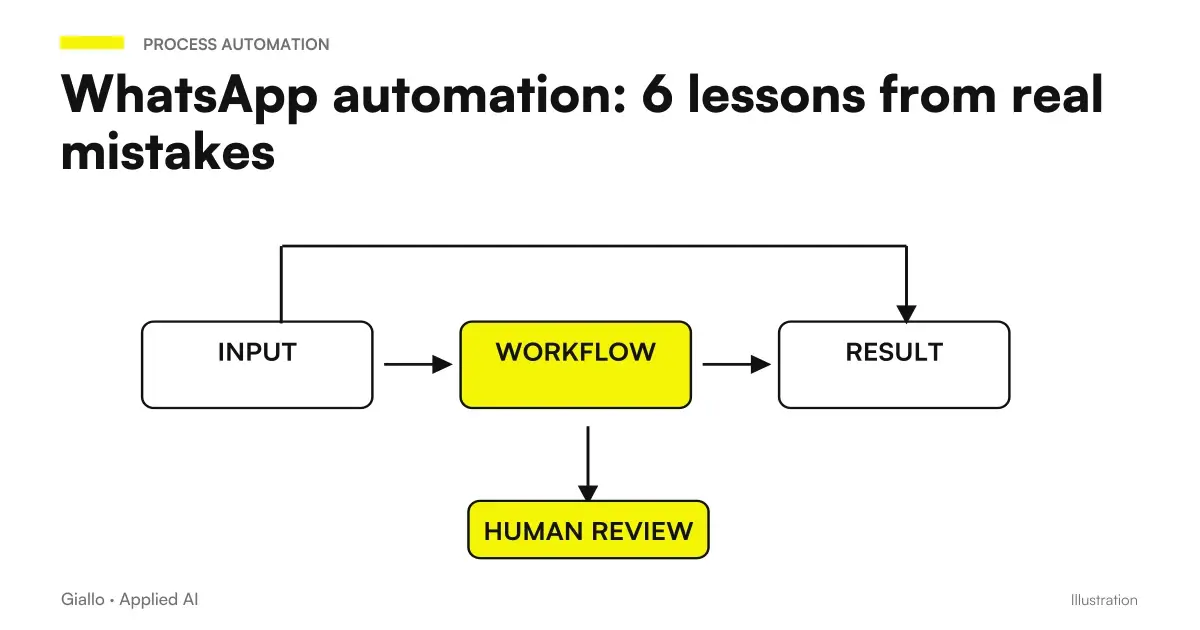
- If no one controls the answers, automation makes the experience worse: you need a shared box where the staff reads and responds.
What Messages Really Automate
Not all communications with a host are automatable in the same way. The discriminant is simple: can the content be calculated from certain data? If yes, automation is reliable. If it requires interpretation, no.
| Message | When it leaves | Automable | Why |
|---|---|---|---|
| Reservation confirmation | At the time of booking | Yes | Depends only on the event |
| Arrival Instructions | 2 days before + morning itself | Yes | Depends on the date and apartment |
| Link payment fee | With instructions | Yes | The amount can be calculated by adults and nights |
| Check-out reminder | Day of departure | Yes | Depends on the date |
| Review request | Day after departure | Yes | Depends on the date |
| Key Box Code | Arrival day | No, by choice | An error becomes a security issue |
| Answering a Question | When the guest writes | No | Requires interpretation |
| Management of an unexpected | When it happens | No | Out of any predictable track |
The column that counts is the last. An automation is not judged by how much it covers, but by how much it is predictable what it covers.
How to decide the right time
The least obvious point of check-in automation is the trigger. There are two models, and they serve both.
- Event trigger. The management software informs a dedicated web address as soon as a new booking enters. The confirmation message starts in a few seconds. It only serves for what needs to be immediate.
- I trigger on schedule. Every morning a scheduled activation reads all open bookings and compares dates with today. Those who arrive in two days receive instructions; those who leave today receive the check-out; those who left yesterday receive the request for review.
Why isn't the first one enough? Because pre-arrival communications don't depend on when the reservation was made, but on how many days are left on arrival. A reservation made six months before and a reservation made yesterday must receive instructions at the same time with respect to their stay. Only a daily check on all open bookings guarantees it.
Why Two Sending Instructions
Instructions start twice, and it's not redundancy. Two days before the guest is planning the trip: he wants to know where to go, how to get there, what time he can enter. On the morning of arrival that same information serves operationally, and searching for it in a chat full of other messages is exactly the time when the experience is ruined.
The second send costs little and solves the worst case: the guest in front of the door that flows the conversation backwards.
What it takes for it to work
- A management software that expose data: dates, apartment, number of guests, contact. If the software does not make them accessible, the automation does not start — this must be verified before designing anything.
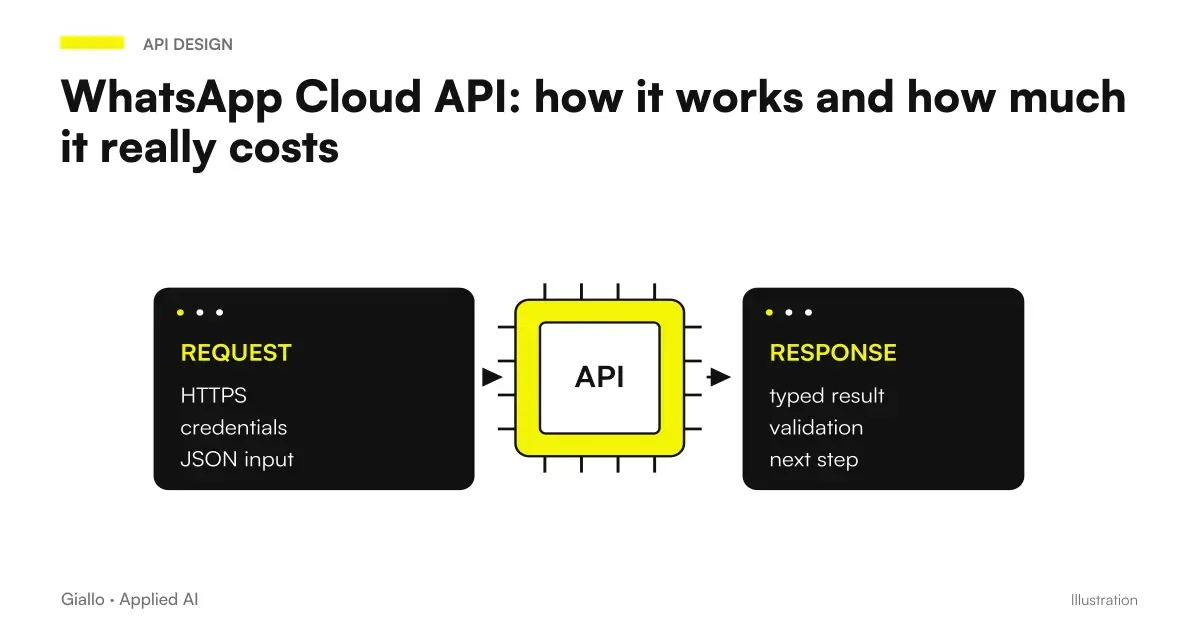
- A suitable sending channel: for short rentals WhatsApp is the channel that guests really read, with the constraints described in WhatsApp Cloud API.
- An automation engine that holds conditional logic and external calls: n8n, or alternatives compared in Make, Zapier and n8n.
- A place where answers come and someone reads them.
- An explicit and written decision on what remains manual.
The link to management software is the part that reserves the most surprises: we treat them in Integrating management software.
Practical examples
A two-room apartment with two guests, four nights. The booking comes in at 23:40 on a Tuesday. Within a few seconds, a confirmation is sent in the language inferred from the telephone prefix. Friday morning’s check finds that arrival is on Sunday: the instructions are sent with the apartment document and the link to pay the tax, already calculated for two adults staying four nights. The reminder goes out on Sunday morning. On Thursday, the departure day, the check-out message goes out. On Friday, the review request. Staff write just one message: the lockbox code, on Sunday.
A structure with very close arrivals. If the turnover is one or two days, the communications multiply and the benefit of automation grows in proportion. The risk to guard is the opposite: the old guest's check-out and welcome messages of the new one fall a few hours away, and an error in the dates gets them to the wrong person.
A professional with appointments instead of stays. The pattern is the same: a doctor's office sending reminders, exam preparation and instructions to get to the clinic has exactly the same logical structure. It is also worth looking at customer follow-up automation.
Mistakes to Avoid
Automating before you clean the data. If phone numbers are incomplete in management software or arrival dates have been used creatively, automation amplifies the clutter instead of solving it. First you fix the data, then you automate.
Not planning for the "already sent" case. It is the error that produces the duplicates, that is, the defect that the guests notice the most and that makes the activity seem sloppy. Every automatic sending must leave a trace that prevents the second sending.
Sending messages from a number that no one presides over. If the guest responds and no one responds, the automation has worsened the service. The shared box is not an accessory to the project: it is part of the project.
Automating sensitive data. Access codes, identity document information, payment data: anything that, if wrong, causes harm and not an inconvenience, must be handled by a person. On the processing of personal data of guests it is worth reading AI and GDPR.
Not tracking delivery. Knowing that a message is "party" is not enough: one needs to know if it has been delivered and read. Without that data one never discovers the worst case, that is, the guest who has never received the instructions.
How to apply it in the company
If you manage accommodations, appointments or deliveries with certain dates, the sequence to start is this:
- List repetitive communications and marks for each data that determines its content. If the data exists and is reliable, it is automatable.
- Check what the business management software exposes. It is the constraint that decides the real feasibility, much more than the automation platform you will choose.
- Start with one message. The booking confirmation is the best candidate: simple trigger, fixed content, low risk.
- Add tracking before adding more messages. Knowing if they arrive is worth more than having ten.
- Write what remains manual And why. It serves you in six months and anyone else.
The difference between an automation that holds up and one that needs to be remade after three months is not in the tool: it is in having decided in advance what happens when something fails. The theme is taken up in AI workflow: what they are.
Conclusion
Automating the check-in of a short rental means removing from a person's hands messages that depend only on a date, and leaving her everything else. The value is not in saving minutes: it is in constancy, that is, in the fact that the same information always arrives, even on crooked days.
The two rules that matter more than the others: never automate what, if wrong, causes harm instead of an annoyance; and never send messages from a channel that no one guards.
Do you want to understand what processes in your company can be automated with AI? Giallo Studio can help you turn the problem into a real workflow. If you want to see the full project from which this article is taken, it is in the case study.
Giallo Studio guides: methodology and sources
How we apply it in the company
Related resources
FAQ
What does it mean to automate check-in for a short-term rental?
It means that operational messages to the guest —confirmation, arrival instructions, reminders, check-outs, review request —start on their own based on the dates of the reservation, without anyone writing them by hand. Automation does not replace reception: it takes away the repetitive and predictable part.
When should I send the arrival instructions?
In the project described here, instructions are sent twice: two days before arrival, when the guest is organising the trip, and again that morning, when they are actually needed. Sending them twice reduces the most frustrating case: a guest searching the chat for the message while already standing outside the entrance.
Is dedicated software required, or is the business management system enough?
Many short-term rental management systems include automated messaging. These become insufficient when logic is needed that the system does not support: calculating a variable amount, different attachments for each apartment, language selection, or delivery statuses visible alongside the conversation. In that case, an external automation layer connected to the business management system is needed.
Can the access code be sent automatically?
Technically yes, but it is not recommended. A date or recipient error on an access code is not an operational inconvenience, it is a security issue. In the project we describe, the code is sent by hand by a person on the day of arrival, and it is a deliberate choice.
What happens if the guest responds to the automatic message?
The reply must reach somewhere it will be read. If automated messages are sent from a number nobody monitors, automation worsens the experience instead of improving it: the guest writes, but nobody replies. A shared inbox monitored by staff is needed.
How much work does it really save?
It depends on the number of units and the frequency of stays: the shorter they are, the more communications multiply. The most concrete benefit is not only time, it is constancy: the same message always arrives, in the same way, even when the manager is on vacation or sick.