
Copilot in Excel: Analysis, Formulas, and Changes to Check
Copilot in Excel for analysis, formulas and edits: prepare the table, check totals and margins, and verify results. A reproducible example for SMEs.
Reading time: 12 min
Copilot in Excel can help you build and edit a sheet, propose formulas, and analyze data. However, correctness depends on the question, intervals, and results checks. The first useful step for an SME is not to ask for ‘find insight’, but to define what each line represents and what measure is used to make the decision.
Microsoft describes how to edit, schedule, and chat, with different availability for platform and access. Editing requires automatic calculation; saved changes are visible to those who share the file. Before the test, check the actual experience and work on an appropriate copy. Microsoft FAQ on Copilot in Excel.
In this guide we develop a hypothetical and reproducible example of sales analysis. The numbers are demonstrative and the method does not constitute a test of your tenant. To understand the difference between standard access and broader work context, read first Copilot Chat and Microsoft 365 Copilot.
What do you want to know from the sales sheet?
A sheet can answer different questions: which lines have a low margin, how does turnover change over the period, or which customers absorb the most work. They are not equivalent questions. If you ask generically ‘which products are better’, the system must choose for itself whether they count revenue, quantity, margin or growth.
Write the question before selecting the chart. For example: «What is the overall percentage margin of September sales, excluding cancelled orders?». This sentence establishes the period, a rule of inclusion and the measure. It remains to be defined whether a line represents an order, an order entry or an invoice, and how returns and credit notes are treated.
The definition of the measure comes from the business process. If the available cost is the purchase cost, the calculation does not necessarily describe the full economic result: logistics, work and other items may be missing. Indicate "gross margin on present values" is more useful than calling it "profit" without checking the composition of the data.
The Guide Copilot for Microsoft 365 shows the role of the different apps. In Excel the quality of the work starts from this semantics: the meaning of columns, units and filters must be readable before analysis. A technically valid formula can answer the wrong question.
Sorting data without erasing exceptions
Prepare explicit headers and a consistent structure. ‘Invoice date’, ‘euro net income’ and ‘euro associated cost’ are more informative than ‘date’, ‘total’ and ‘cost’. Keep the original data and work table separate, so you can reconstruct the transformations made during the test.
Examine missing fields before filling in cells. An empty cost can mean data not available, null cost or item not relevant. Replacing it automatically with zero produces a number, but can distort the margin. You can ask to list incomplete lines without changing them; then the data controller decides how to handle them.
Duplicates also require a definition. Two lines with the same customer and amount can be two real sales. A unique transaction identifier helps to control, while a deduplication based only on values risks removing actual work. Do not apply a cleanup until you know which combination identifies the line.
Preserve units along with values. One export can mix amounts in euros, quantities and percentages; another can use different decimal separators. The sheet must make clear what transformations have been applied. For files and versions distributed across departments, the guide SharePoint, OneDrive, and Copilot sources helps to organize the origin of the data.
A minimum example to check the margin
Fully hypothetical example: an SME compares three already normalised sales, expressed in net euros. They do not represent a Giallo customer data nor a product benchmark. We use a few lines because the correct result can also be calculated independently of the assistant.
| Row | Net revenue | Associated cost | Margin in Euros | Margin on revenue |
|---|---|---|---|---|
| A | 1.000 € | 700 € | 300 € | 30% |
| B | 200 € | 100 € | 100 € | 50% |
| C | 800 € | 760 € | 40 € | 5% |
| Total | 2.000 € | 1.560 € | 440 € | 22% |
For each row, the margin in euros is revenue minus cost. The percentage margin is that result divided by revenue. In the example total, 440 ÷ 2,000 = 0.22, so 22%. The simple average of 30%, 50% and 5% is about 28,33%: answers a different question because it gives equal weight to the three lines.
A first prompt may ask, "Explain which columns you need to calculate the overall percentage margin on revenue. Do not edit the file. It shows the calculation on the three lines and reports any hypotheses". Operator control looks for the ratio of sums; it does not only assess whether the final number looks like the expected one.
This example is a test of understanding the measure, not a validation of the entire archive. In real data, you must also check filters, ranges, and entries excluded. If a total coincides by accident, a wrong formula may remain hidden. For this control must include rows with different weights and cases that produce distinguishable results.
An operating prompt for missing formulas and cases
After conceptual control you can ask for a proposed modification. Specifies the table and the result without leaving the assistant to choose the treatment of the exceptions. A request with a verifiable condition helps both generation and review.
In the working table, prepare a ‘Euro Margin’ column as a net revenue minus associated cost, and a ‘Margin on Revenue’ column. If revenue or cost is not available, report the line as to be verified instead of assuming zero. For revenue equal to zero do not divide: return a noncomputable case indication. Before the changes explain the plan, the intervals involved and which cells would change.
The concrete formula depends on workbook structure, language and separators. Do not copy a generic syntax without adapting it to the actual columns. After insertion, check that the reference remains correct when adding rows and that the original columns have not been overwritten.
If the command is not executed as expected, it returns to the question and perimeter. A sequence of vague corrections can introduce new transformations that are difficult to reconstruct. The guide to Copilot prompt for office proposes requests with objective, sources and format: in Excel you always add the numerical criterion of acceptance.
Planning, discussing and modifying are three different stages
Using the conversation first to clarify the meaning of a calculation makes it easier to decide whether to edit the file. A plan describes transformations, inputs, and outputs; a change applies those choices. You can adopt this separation even if the specific interface presents the commands differently.
For an initial test, choose a workbook and keep a previous reference. In a shared file, a change can reach other contributors when it is saved. Technical reversibility does not replace coordination: it communicates that the sheet is a proof and not the current source of the commercial report.
Microsoft documents GPT and Claude for editing in Excel; the selector requires eligible access and, in the company, the administrative authorization of Anthropic. Check these conditions in the account. Models and requirements in the Excel FAQ.
Standard access is subject to service capacity; priority licensed access is designed for more constant availability, without becoming an absolute guarantee. The Basic and Premium labels in the app help to recognize the experience, but they do not replace the control of the individual functions. Standard and priority access Copilot Chat.
For the full budget see Microsoft Copilot pricing and licensing for SMEs. For models, sources and data processing, the guide Privacy Microsoft Copilot avoid confusing the business plan with a universal promise of residence or conformity.
Four independent controls before sharing the analysis
The first check concerns the totals. Calculate revenue, cost, and margin by a distinct method on a known sample; then compare the total of the table. The explanation produced by the system is not independent of the same generation you want to verify. A small controlled table can reveal a measurement error before working on thousands of rows.
The second check concerns the perimeter: how many records are included, what period they cover and what rule excludes cancelled ones. A chart can be constructed correctly on an incomplete interval. Write these elements close to the result, so the reader knows which set is represented.
The third check looks at exceptions: missing data, zero revenue, negative values, duplicates, and new lines. You don't have to solve each case in the same way; you have to know which rule was applied. A properly suspended line is preferable to a precise value built on an unauthorized hypothesis.
The fourth control compares the narrative message with the numbers. ‘Product B is the most profitable’ may depend on percentage or absolute amount; in example B has the largest percentage but A has the most margin in euros. Ask the report to name the size and basis of the comparison. The conclusion must be able to be reconstructed from the sheet.
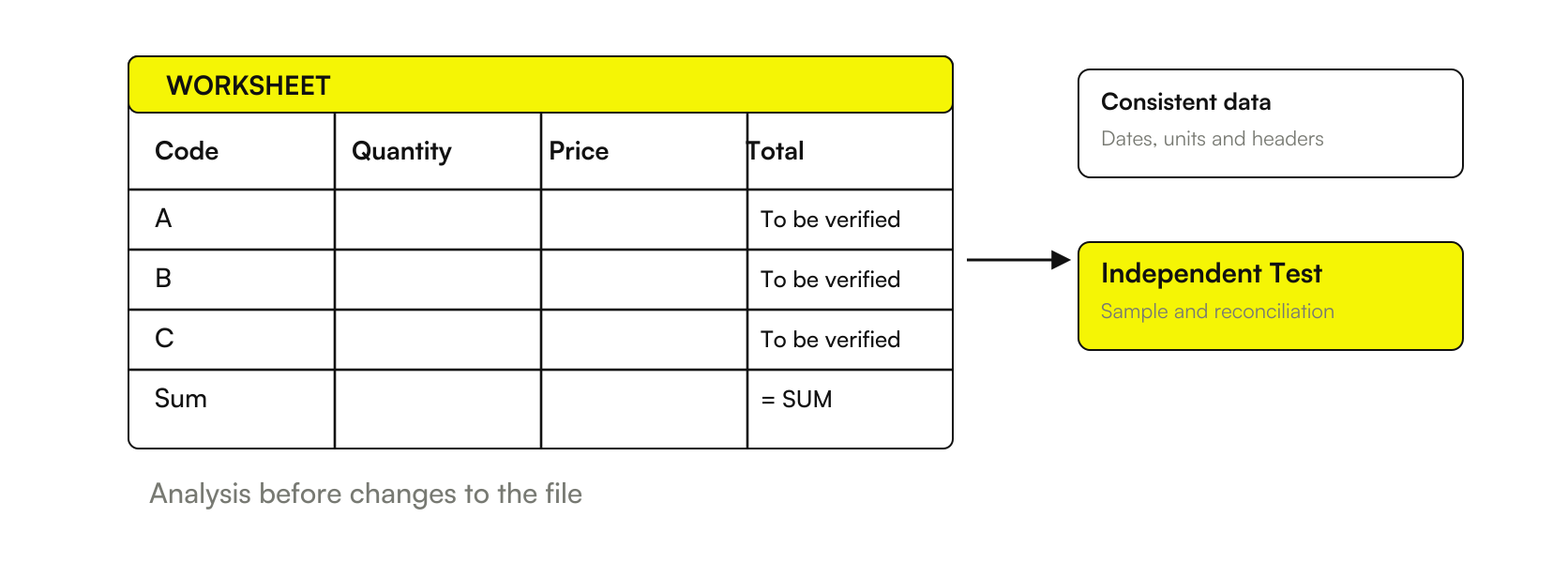
Charts and presentations must retain the meaning of the data
Before asking for a specific demand, unit and period chart. If you are comparing margins between groups, make it obvious if you show euros or percentages. Avoid a view that makes homogeneous data appear collected with different definitions: the problem is not solved by choosing a better color.
When you turn analysis into a proposal with Copilot Word, also transfer assumptions and exclusions. For slides with Copilot PowerPoint, checks that the synthesis does not lose the time reference or the distinction between observed data and scenario. A numerical report can become misleading when switching to text even if the sheet is correct.
A simple tab to keep together with the workbook
Indicates data origin, export date, row definition, unit, period and inclusion rules. Lists the calculated columns and samples used to control them. It records suspended exceptions, without converting them to definitive values.
For the shared result, note who verified totals and conclusions. Preserve the reference to the checked file: a new export or formula requires a new control, even when the layout remains identical.
Try a new line and a filter that changes the total
A useful verification must look for a different result when changing an input. In the example you can add a fourth demonstration line with revenue of 500 euros and cost of 400 euros. The margin of the line is 100 euros; the total revenue becomes 2,500 euros, the cost 1,960 euros and the margin 540 euros. The margin-to-revenue ratio is therefore 21.6%. They're hypothetical numbers for a check, not corporate data.
If the sheet continues to show 22%, verify that the new line enters the range and that the calculation is up to date. The expected result is known before the change: this makes the proof more informative than a simple re-reading of the proposed formula. The chart must also represent the same current table, without remaining linked to the previous sample.
You can then exclude row B from the original three lines. 1,800 euros of revenue and 340 euros of margin remain, therefore about 18.89%. State whether you want a total on the visible data or the entire table: both readings may have a purpose, but the report must use that request. A formula that ignores the filter is not wrong at all; it may be wrong for the reader's question.
Keep these cases in the verification card. When a new export arrives, repeat at least the controls affected by changes in columns, rows, or rules. Don't give a report for validated just because the previous month worked: a new data structure can alter references without changing the appearance of the sheet.
Measuring Excel's Useful Work with Copilot
A pilot should compare the same type of manual and assisted analysis, counting preparation, verification and corrections. The generation of a formula is only part of the time. If the sources are messy, much of the effort can remain in cleaning up and understanding the data.
It records how many analyses pass the check on the first step and what errors they make. The guide to Copilot pilot for SMEs links this data to an explicit economic comparison. Freed minutes become available capacity; their value depends on how the company manages to use them, without assuming automatic savings.
To compare alternative tools in the same task you can start from AI for Excel. If instead you want to set sources, measures and verifications for a recurring business report, bring a representative export to the AI consulting of Giallo: we define a playable test before extending the work to the operating files.
Giallo Studio guides: methodology and sources
How we apply it in the company
Related resources
 Copilot Chat and Microsoft 365 Copilot: What Changes
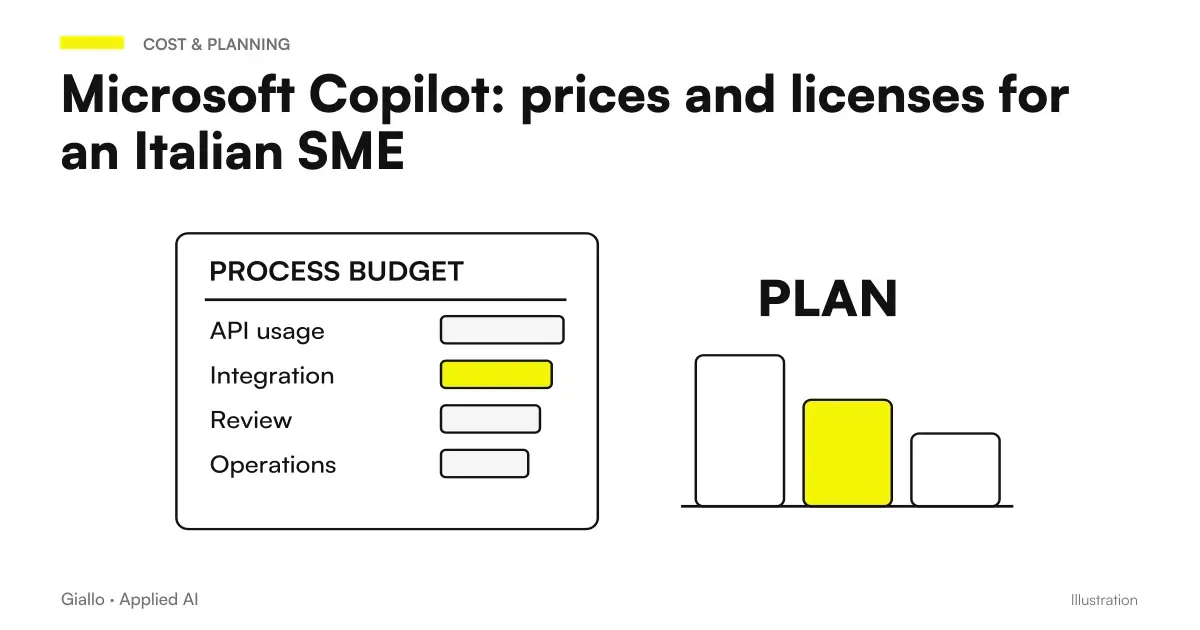 Microsoft Copilot: prices and licenses for an Italian SME
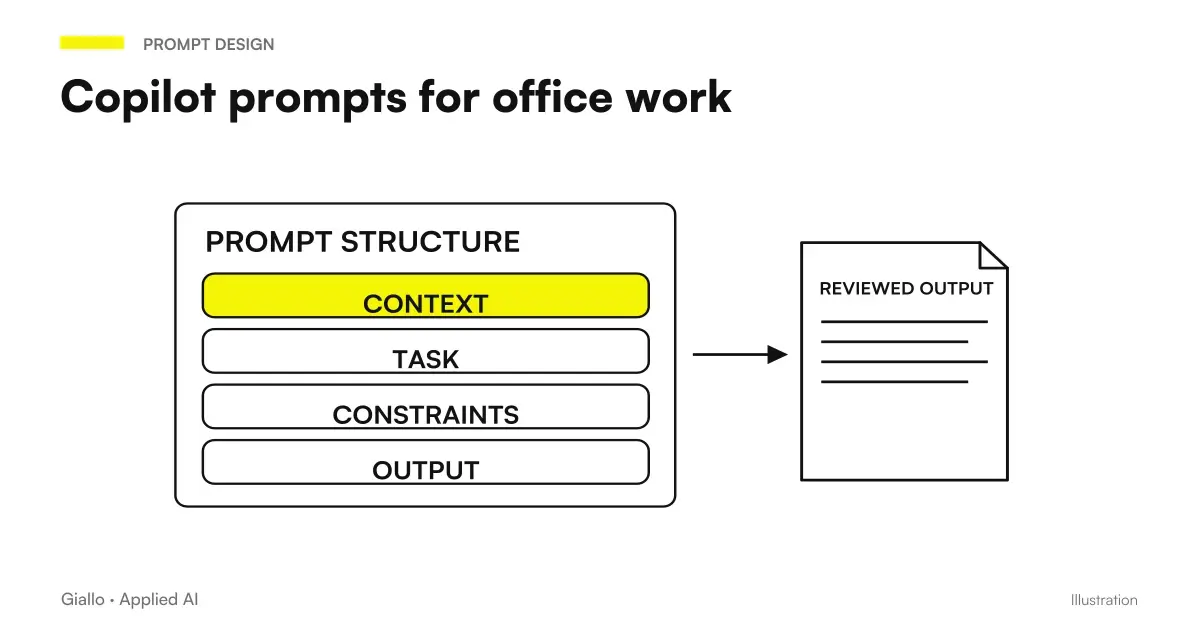 Copilot prompts: examples for office work
 Copilot, SharePoint, and OneDrive: Finding Reliable Documents
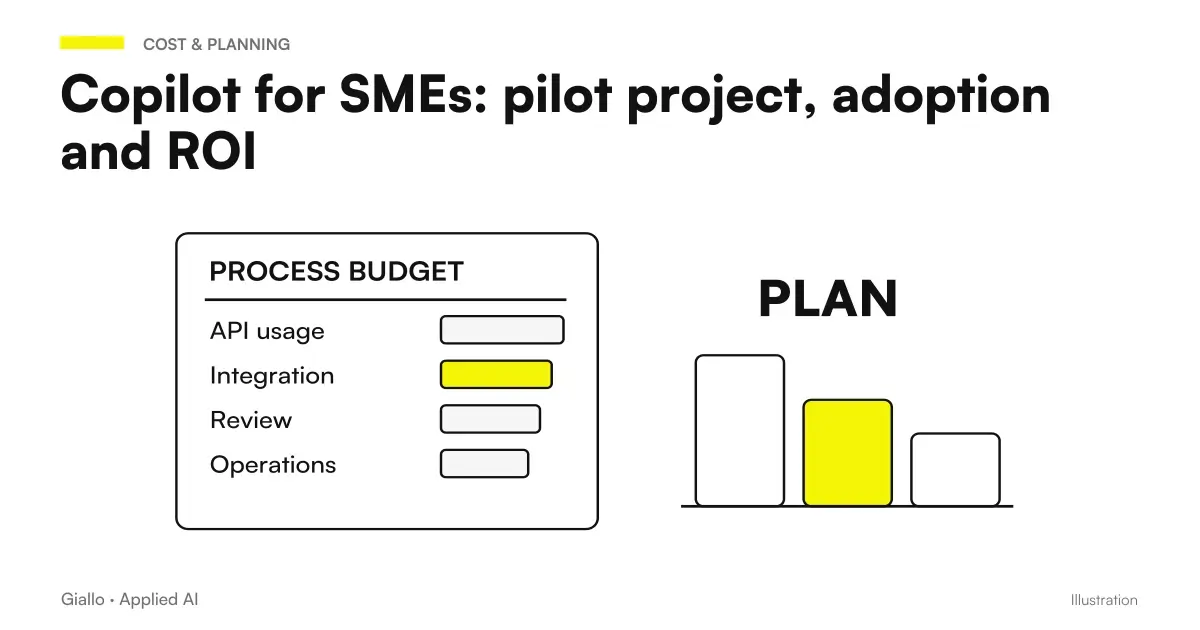 Copilot for SMEs: pilot project, adoption and ROI
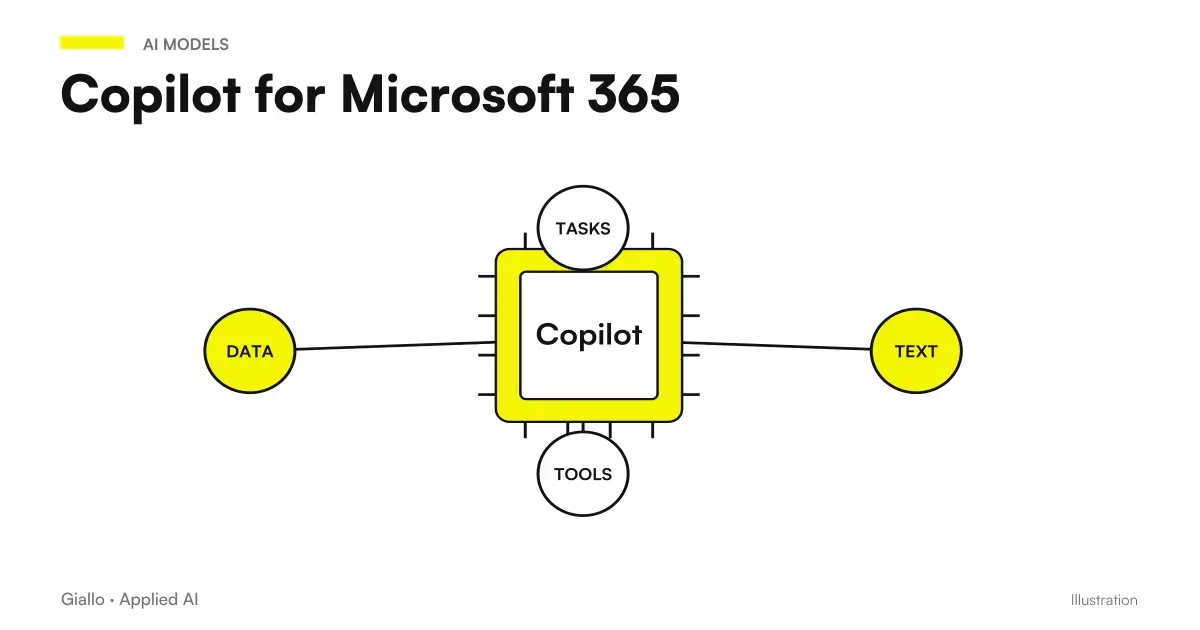 Copilot for Microsoft 365
 Copilot for companies
 ChatGPT Ads targeting: context, audiences and privacy in Europe
FAQ
What can Copilot do in Excel?
The Microsoft guide describes formulas, analyses, charts, pivot tables, and workbook changes in the modes available. Access and functions change with the tenant's license, platform, and configuration. Always check the output.
Is Copilot Excel only available with the paid add-on?
The current FAQ also distinguishes Basic standard access for eligible business subscriptions and Premium priority access with add-ons. The individual functions should not be inferred from the presence of the button alone: check the license in the account.
How do I check a formula proposed by Copilot?
Define the expected result for a few known rows, check the range and units, then compare ordinary cases and exceptions. The model’s explanation helps you read the formula, but it is not an independent check.
Is the average percentage margin calculated with the average of percentages?
It depends on the question. For the overall percentage margin on sales, divide the total margin by total revenue: a simple average of line percentages can give a different result.
Does Copilot in Excel only use OpenAI models?
No. Microsoft documents GPT and Claude for editing. The selector requires an eligible subscription; in the company the administrator must authorize Anthropic as a subprocessor before Claude is used.
Can I use Copilot's report for economic decisions without checking it?
No. A plausible result can use wrong data, filters, or formulas. The report must be verified by a competent person before using it; Microsoft documentation calls for caution in sensitive areas.