
Claude Duet, Cowork and Claude Code: which to choose
Claude Duet vs Cowork and Claude Code: compare tasks, outcomes and controls. A practical matrix to help your small business choose the right tool.
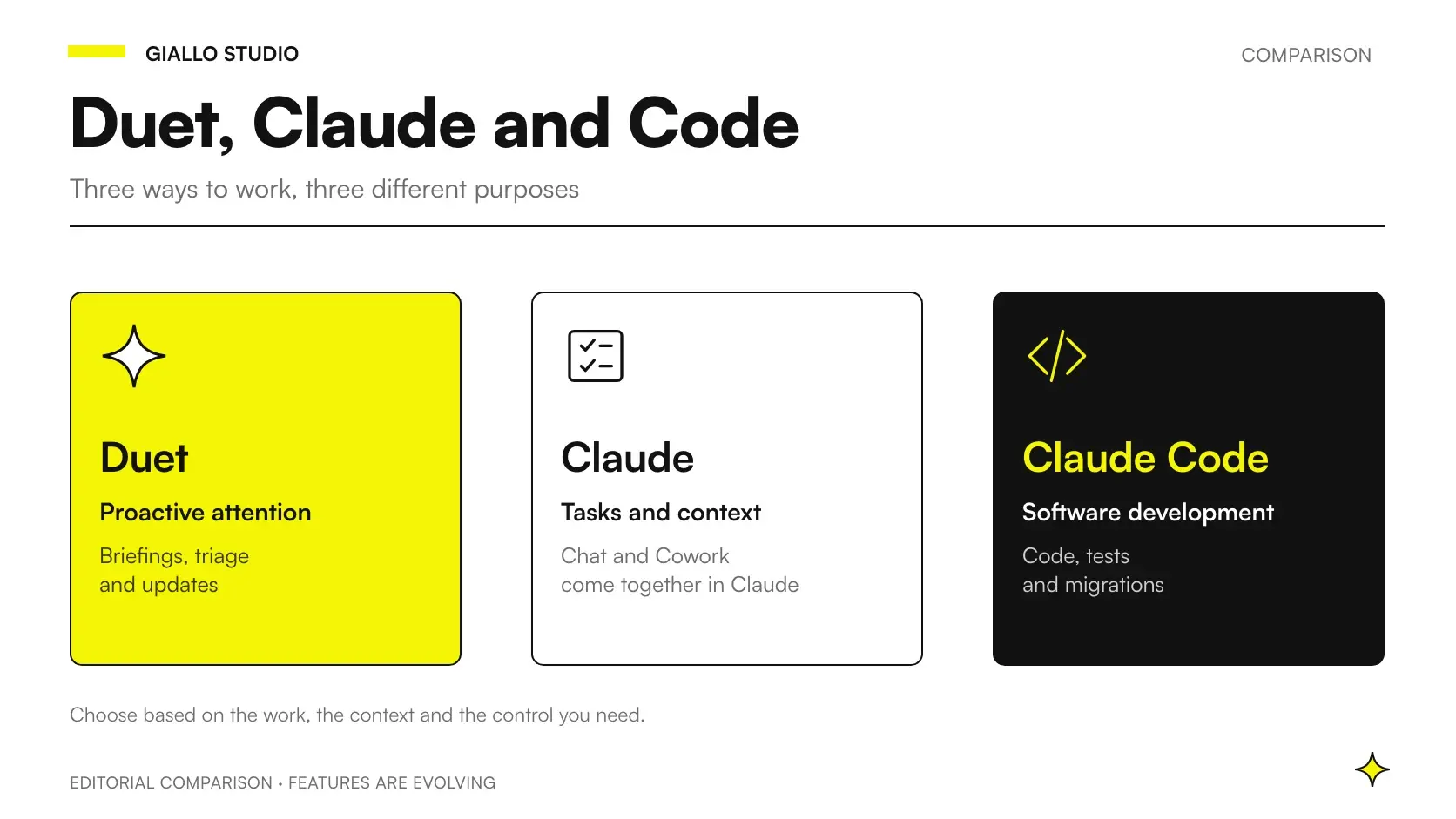
The choice between Claude Duet, Cowork and Claude Code starts with the task, rather than the promise of a more autonomous assistant. A business owner may need to understand what requires attention; an operations manager may need a usable document; the person managing the website may need to fix a problem without introducing new ones.
When comparing Claude Duet vs Cowork it helps to distinguish how work begins, the outcome to verify and who can approve it. Belonging to the same product family does not make these three elements interchangeable. Our general guide to Claude AI provides product context; here we focus on choosing a tool for the work at hand.
This information was checked as of 22 October 2026. Duet's documented preview is available by invitation to US Pro and Max users: this does not indicate availability in Italy. Source: Claude Help Center.
In summary
- Describe the outcome before choosing the product: decisions to make, files to use or software to change.
- Background work is not enough to distinguish Duet from the Claude experience that incorporates Cowork.
- A coding task requires technical verification, regardless of the interface used.
- Two tools can work together if every step has an owner and an identifiable version.
- A useful trial measures errors, corrections and how easily the work can be checked, as well as the quality of the first response.
What is the difference between Claude Duet and Cowork today?
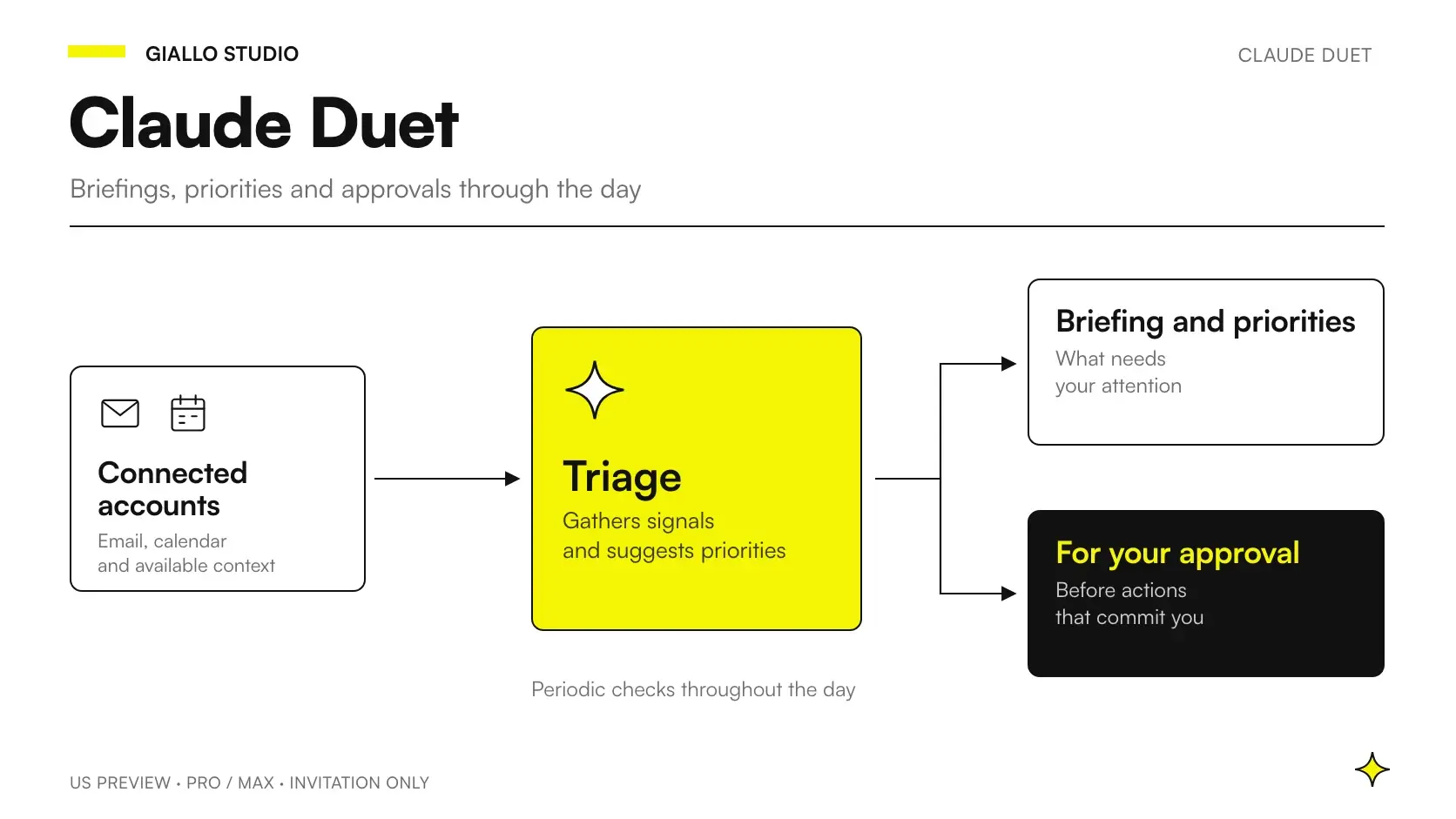
Duet focuses on proactively bringing issues to your attention and providing ongoing updates in a separate app. This is the approach described in the official Claude Duet announcement. For a definition and its scope, see how Claude Duet works.
Cowork should be assessed in its current form. Anthropic's announcement dated 16 September 2026 introduced the convergence of Cowork and chat in Claude: the experience can continue tasks after you close your laptop, use context and connectors, and schedule activities. Describing it as a simple chat that waits for you at the screen would make the comparison misleading. Source: Cowork and chat become one Claude experience.
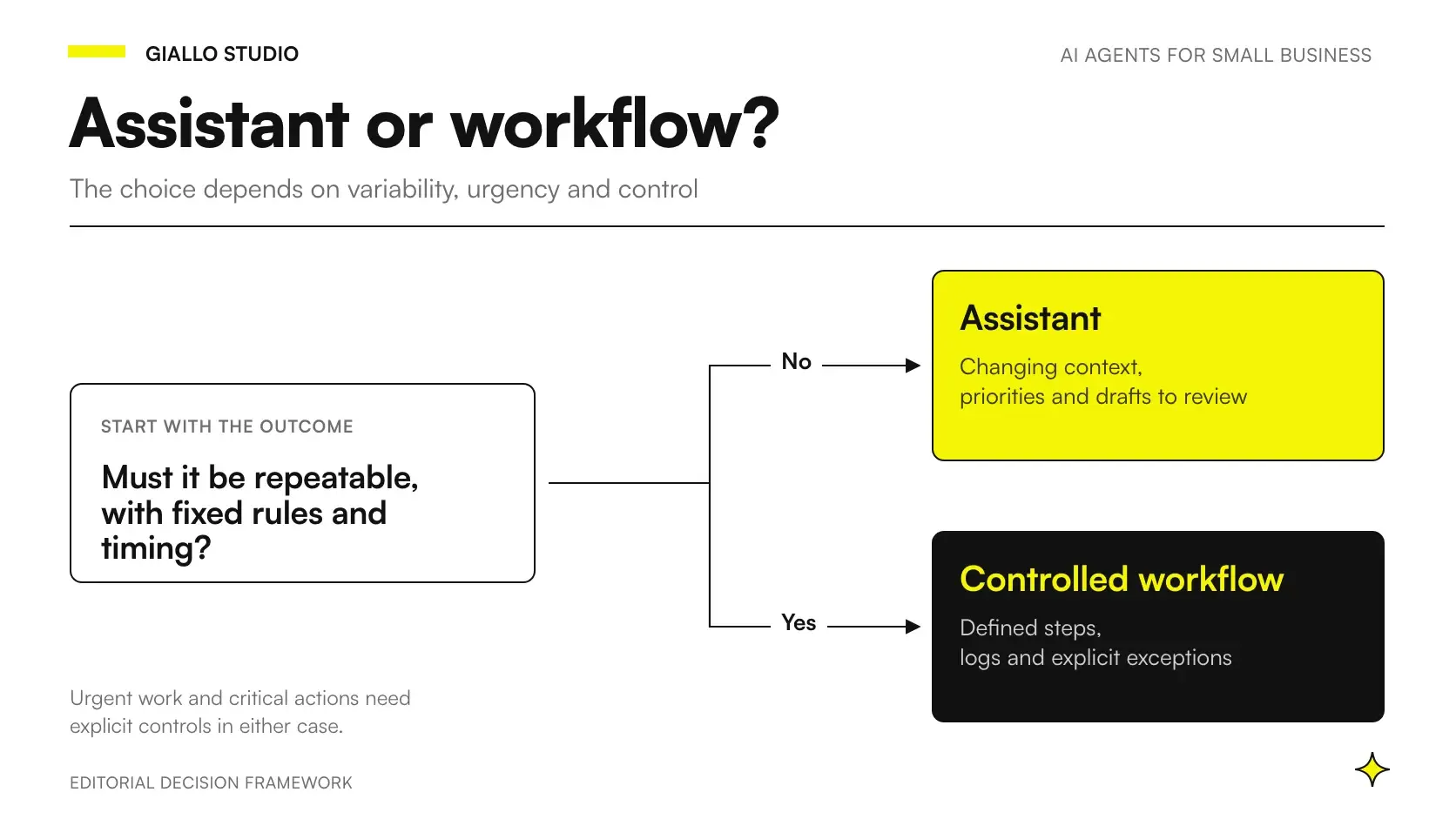
For a small business, the useful distinction is therefore the working agreement. Do you want ongoing attention to an issue, or are you assigning a task with a specific deliverable? This is not an absolute technical boundary: it is an editorial criterion to help you avoid choosing based on a single shared feature.
A summary can be polished but hard to use. A document can be complete but miss the point. In both cases, an initial definition is missing: which information it must include, which it must exclude, and what the recipient will do with it. The product cannot make this organizational decision for you.
Claude Duet vs Cowork vs Claude Code: which tasks should you assign?
The table offers a starting point; it does not confirm which operations are available for every account. Before adoption, check the current documentation and try your own use case.
| Small business task | Where to start your evaluation | Deliverable to require | Decisive check |
|---|---|---|---|
| Identify issues to follow up during the week | Duet | A short list with reasons and sources | Does each priority lead to a concrete decision? |
| Compare quotes and prepare a report | The Claude experience that incorporates Cowork | A document with a comparison and missing information | Do the conclusions match the attachments? |
| Fix an error in business management software | Claude Code | A readable change with verification | Does the fix pass the relevant tests? |
| Prepare a sales presentation | Claude | A file that matches the brief | Have prices, names and promises been approved? |
| Coordinate sales priorities and technical work | Multiple tools with an explicit handoff | An approved request, followed by a verified change | Is it clear who owns the decision? |
The official Claude Code page presents it as a tool for development, fixes, tests and migrations, through the terminal, IDEs, the web, Slack and the app. It is more than a terminal. A simpler interface does not remove the need to check the software it produces.
For a business owner without technical skills, the risk is confusing accessibility with the ability to verify the result. Being able to describe a problem in Italian does not mean knowing whether the fix exposes data, changes an accounting rule or slows down the website. You need a technical contact who can read the change and choose an appropriate test.
How can you compare tools without letting the demo decide?
Write a task brief before opening the product. It should contain five elements: starting data, expected outcome, exclusions, permitted actions and a completion condition. If any is missing, the comparison will end up favoring the most convincing response rather than the most accurate one.
For example, “organize the suppliers” is an ambiguous request. “Compare these three quotes for the same purchase, separate included and excluded costs, and flag information that prevents a decision” produces a deliverable you can check. The benchmark is the ability to trace every item to the original document, rather than response length.
In the trial, use the same data and the same criteria. Also record the questions the system asks: requesting a relevant clarification can be good behavior. Conversely, a deliverable produced without questions may hide assumptions about payment terms, availability or responsibilities.
The method also applies when you use Claude in your business for familiar activities. Starting with a real task avoids turning every product update into a new adoption project. If your current procedure works and can be verified, change it only to address a specific limitation.
Open the checklist to compare a real task
- Input: which data is allowed, and which version is it?
- Output: which document, proposal or change do you actually need?
- Exclusions: which information must not be inferred?
- Permissions: which actions require separate approval?
- Acceptance: which check proves that the task is complete?
Three examples of choosing a tool for a small business
The following scenarios are illustrative examples, rather than clients, product tests or results measured by Giallo.
A consulting firm needs to track unresolved issues
The owner wants to prevent an unclear request from being left without a person responsible. The desired outcome is a list of decisions: request a document, assign a check, confirm a proposal. Here, it makes sense to evaluate Duet's approach to bringing issues to your attention, provided those issues come from accessible, authorized sources.
The proposed organizational rule is simple: every item must include its subject, source, blocker and next owner. “Customer to contact again” is too vague; “the indicated message is missing confirmation of scope” makes action possible. Before switching tools, the firm should establish whether its real problem is discovering the issue or assigning it to someone.
A distributor needs to choose between quotes that are hard to compare
The purchasing department receives documents with different terms. It needs a report that separates specifications, exclusions and questions for suppliers. The Claude experience that incorporates Cowork is a sensible starting point to evaluate for a defined task with a final file.
The deliverable should distinguish “present in the document”, “not stated” and “to be confirmed”. The purchasing manager retains the commercial decision; the assistant prepares the comparison. If the shipping cost is missing, the system must flag the gap rather than silently fill it with an estimate. The guide to using Claude Opus 5.5 in the app explores how to request documents you can check.
A maintenance company needs to fix its customer portal
A required field prevents staff from logging certain service jobs. The work does not end with an explanation: it requires a software change. Claude Code fits this category, but the task must go to someone who can verify the requirement, code and release.
The trial must include both the reported case and cases that already work. The operational contact explains when the field is needed; the technical contact verifies that the change does not allow incomplete records in other cases. A general-purpose assistant can help clarify the report, but responsibility for technical verification must remain identifiable.
Can you use them together without duplicating work?
Yes, if the handoff between tools is explicit. Imagine that a sales issue requires a portal change: first clarify the need, then approve the requirement, and finally change the software. Each stage produces an identifiable item to pass to the next.
The initial request should not reach the developer as a summary without context. It must include the original reference, approved decision and acceptance criteria. This lets the person working on the code distinguish a customer's need from the assistant's interpretation.
You also need a single version of the decision. If two tools maintain conflicting copies of a price or priority, the problem becomes organizational. Choose an authoritative location for approved information and treat other outputs as drafts. The guide to managing permissions in an AI knowledge base addresses the issue of shared context.
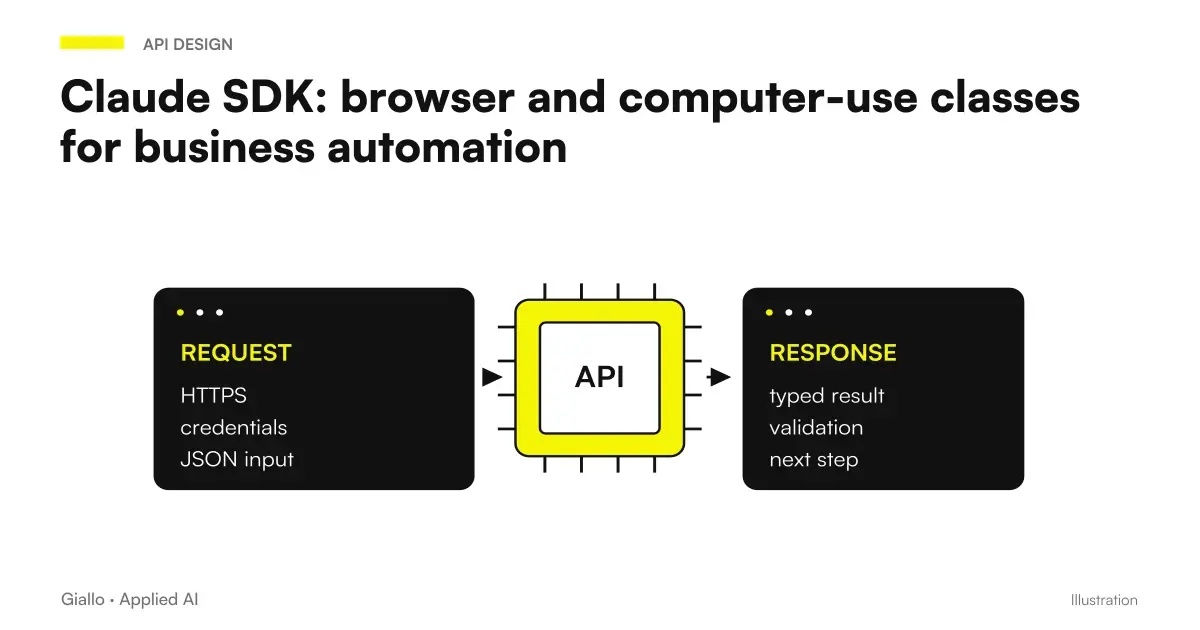
The handoff deserves particular attention when tools act in the browser. The guide to Claude browser and computer use helps explain the difference between understanding a screen, performing an action and building a process you can verify. These responsibilities need separate definitions.
Who should approve the outcome in your business?
The right person depends on the effect of the work. For a supplier report, it is someone who knows the purchase terms and constraints. A software change requires technical expertise and an understanding of the requirement. For a sales priority, the decision belongs to whoever can make commitments in the customer relationship.
This distinction prevents a common mistake: assigning every approval to the person who created the account. The tool administrator can manage access without knowing every case. The person handling a case can assess its content without configuring the system. In small businesses, one person may fill both roles, but the roles still need to be named.
Prepare a cover arrangement for absences. If the qualified person is unavailable, the work can remain a draft or go to an authorized substitute. It should not automatically become a decision made by the system. Being able to wait is also part of the process.
When the outcome crosses departments, have the content approved first and the execution second. A valid sales request may require a risky technical change; a technically sound change may implement a decision that was never authorized. Keeping these checks separate makes it clear where the problem lies.
Which mistakes distort the comparison?
The first is using background work as the only criterion. The documented convergence of Cowork and chat makes this shortcut unreliable. Instead, ask how the task begins, which context it uses and how you will receive a deliverable you can verify.
The second is comparing an introductory response with a complete technical task. Someone familiar with the content can assess a text; a software change requires different checks. Compare like-for-like activities, or the simplest demo will always seem to win.
The third is connecting everything before understanding what you need. More context does not automatically improve the outcome: it can introduce outdated documents, people with the same name or inconsistent instructions. First define the minimum information needed to complete the task.
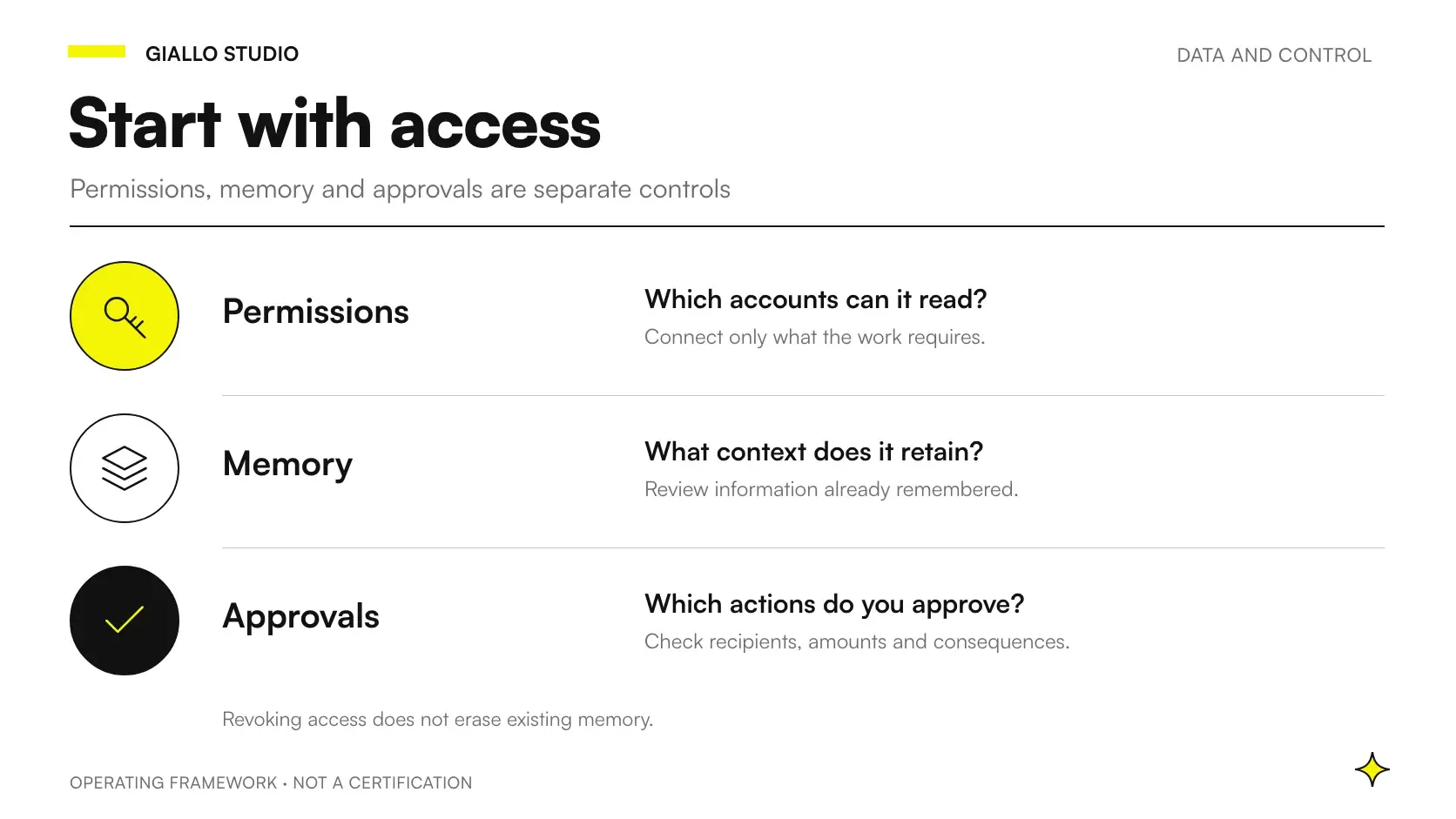
The fourth is treating an approval click as sufficient verification. The approver must be able to read the destination, action and actual content. The questions to prepare are collected in our guide to Claude Duet privacy, permissions and data.
How can you run a useful trial before adoption?
Choose a frequent, clearly defined, reversible activity. Prepare a small set of examples you are allowed to use: a normal case, an incomplete one and one with conflicting information. For each, write the expected outcome before reading the AI's response.
Record four things: significant errors, corrections needed, missing references and interventions required from the person responsible. You do not need to turn every observation into a score. One important gap, such as an omitted contractual term, may be enough to rule out a use even if the other results look good.
Also define who can stop the trial and where the approved outcome is stored. If every employee decides independently what to connect and which version to use, you are comparing different behaviors rather than tools. A company policy for AI use makes the trial repeatable.
The final choice may be to keep the current experience for documents, evaluate Duet for ongoing attention and handle code through a technical process. It may also be to add nothing. The criterion is the ability to complete a task with less ambiguity and clear responsibilities.
For processes involving several people, also read when to consider a proactive agent for your small business. If your question is which tasks to separate and how to verify them, plan the process with Giallo Studio, starting with a concrete workflow and its approval points.
Giallo Studio guides: methodology and sources
How we apply it in the company
Related resources
 Claude Duet: what it is, how it works and what changes at work
 Claude Duet and proactive AI agents: what changes for SMEs
 Claude Duet and privacy: permissions, memory and business data
 Claude AI for companies
 Claude SDK browser and computer use classes: automating business software
 ChatGPT Plus vs Claude Pro: which subscription to choose
 Claude vs Perplexity
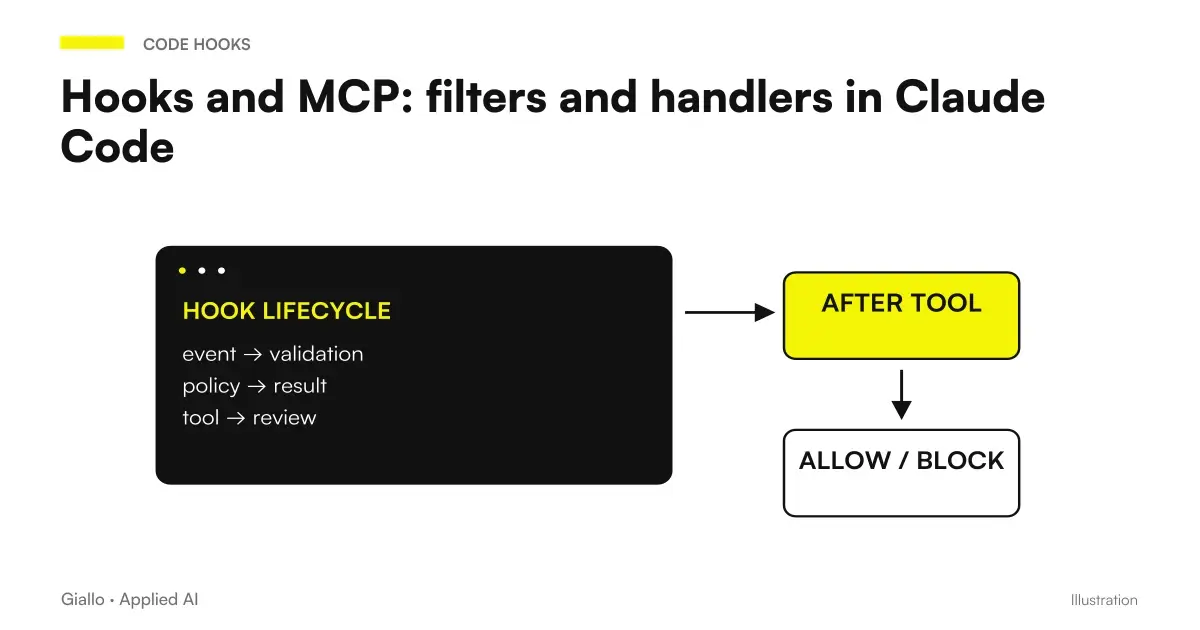 Hooks and MCP: filters and handlers in Claude Code
Other direct comparisons
The same criteria applied to other model pairs.
- ChatGPT vs Perplexity: Research or Generation
- Claude vs DeepSeek: Which to Choose
- ChatGPT vs Grok
- Claude vs Gemini: Which to Use
- ChatGPT vs Gemini: practical differences
- Claude vs Perplexity
- ChatGPT vs DeepSeek: Which to Choose
- Claude Fable 5.1 vs Sonnet 5
- ChatGPT vs Copilot: which to use in business?
- Gemini 3.6 Flash vs 3.5 Flash
- ChatGPT vs Claude: which one to choose
- ChatGPT vs Gemini: which subscription is worthwhile in October 2026?
FAQ
How do you choose between Claude Duet and Cowork?
Start with the outcome you need to check: a list of recurring decisions, a finished document or a software change. Then check the context, permissions and responsibilities required. Choose the product after making that decision.
Does Cowork only work while your computer is on?
No. Anthropic announced the convergence of Cowork and chat on September 16, 2026, including tasks that continue after you close your laptop and scheduled activities. Background work alone does not distinguish Duet from Cowork.
Can you only use Claude Code in the terminal?
No. The official page also lists IDEs, the web, Slack and the app. For a small business, the main requirement is someone who can verify software changes, tests and releases.
Does a small business have to choose just one Claude tool?
Not necessarily. It can assign different tools to different tasks, with a person responsible for each step. Avoid having two assistants produce competing versions of the same decision.
Can you compare quality by reading a single response?
A well-written response tells you little about the quality of a process. Compare completed outcomes and their sources, errors found, corrections needed and the ability to verify every important action.
What trial should you prepare before adopting an AI assistant?
Choose a clearly defined task, prepare the same starting data and set acceptance criteria in advance. Use examples you are allowed to use and actions you can reverse. Also record when the system must stop and ask for information.