
Jev AI to extract data from emails and invoices: first find, then choose
Separate parsing, candidates, semantic selection and checks: extract data with Jev AI without inventing missing amounts, dates or strings.
Reading time: 11 min
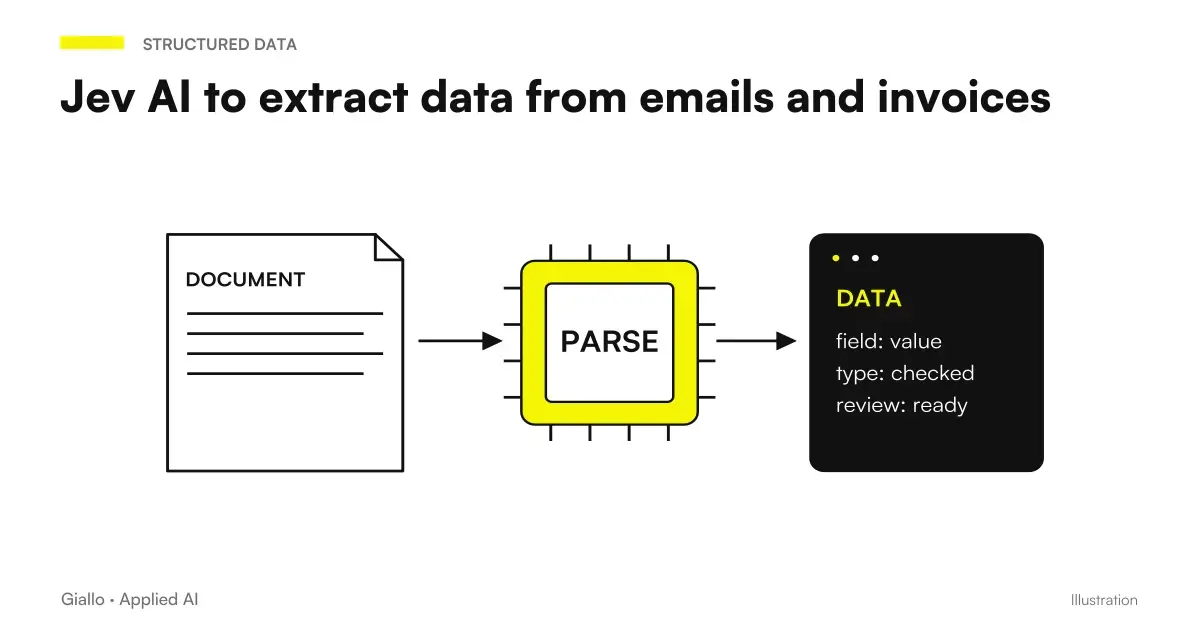
Jev AI can select the value of a field among candidates already found in the text. In the proposed stream, preparation, normalization and controls have distinct steps, with a verification before import.
The field has a full path
- Before the choice you need to find the candidates in the available material.
- Each candidate must maintain the link to his or her source.
- A present value may belong to the wrong field.
- Normalization, sums and calendar have their own application controls.
- Missing data and failed verifications must remain visible before import.
The difference between finding an amount and understanding what it represents
More than one number may appear in an email: price, quantity, order reference, and phone. In an invoice there may be line, taxable, tax and total amounts. The work is not just about recognizing the figures; it is necessary to establish which value represents the required field and which document it belongs to.
The official cookbook on extraction from prepared values separates the collection of candidates from their semantic selection. The code can then retrieve the text associated with the choice. If the parser does not find the right value, the selection cannot retrieve it from an incomplete list.
This method is different from the free production of an object with compiled fields. The choice has an explicit perimeter: available values, required field and option for absence. The overview on Jev AI explains the role of the component; here we are interested in designing the chain that makes the result usable in management software.
Then define the field before building the call. Total of the document, amount to be paid and remaining balance may be different values. If the administrative officer distinguishes them in the work, the project must maintain the distinction. A generic label as an amount makes it difficult to assess whether the result is correct.
File passes from a controlled preparation
Jev receives text; PDFs and images require separate preparation. In the proposed stream, XML and structured formats use their parsers; visual documents require proper preparation. The result is linked to the original file and any error signals.
When the format already offers a reliable structured field, first check if a deterministic reading is sufficient. There is no need to introduce an AI decision to copy a value that the software already knows how to identify. The semantic part can be useful in free messages, summaries, or when multiple plausible values need to be associated with a role.
For PDFs with tables, keep page and location directions when available. An amount extracted without the column header can lose its meaning. For emails, distinguish the new message from the mentioned conversation: a deadline present in an old forwarding may not relate to the current request.
The Guide on how to import PDF orders into management software It addresses the overall process. Here the output of the preparation step is a controllable collection: each candidate has an identifier, an original value and a provenance. If the preparation fails, the flow must not present the fields as verified.
Recognisable candidates, not just a list of numbers
A candidate identifier allows the software to retrieve the correct occurrence even when the same value appears twice. Consider 122.00 present in both the current total and in a historical summary. The two strings are the same, but the references are different. The selection must concern the candidate with his/her context.
The table shows a very simple hypothetical example. It is not an API payload nor an observed output; identifiers serve to illustrate the link between value and provenance.
| illustrative candidate | Original text | Available context | Possible Role | Next Check |
|---|---|---|---|---|
| A | 100,00 | Current Summary, Taxable Label | Document Base | Numerical type and consistency |
| B | 22,00 | Current summary, label set | Indicated Set | Numerical type and consistency |
| C | 122,00 | Current summary, total label | Document Total | Sum in simple case |
| D | 122,00 | Text on a previous document | Historical Reference | Exclude from current document |
The option given absent is part of the process. It can be chosen when no candidate satisfies the field; the software must distinguish it from a technical error and a failed verification. The operator can then search the file, ask for a clarification or leave the field unconfirmed according to the company procedure.
To avoid confusion, also show which parts of the document were considered. A number found in a signature or note must not appear equivalent to an amount in the summary. This context makes both selection and review easier, without requiring a free-form explanation.
Normalize only after choosing the occurrence
The original value is used to control the source; the normalized value is used by the software. For an amount, define separators, currency, and internal representation. For a code, check if the initial zeros are significant. For a phone, determine what transformations are allowed without losing a useful extension or reference.
Do not change the original value when correcting the representation. Keep a recognizable pair, so the operator can understand why 1,234.50 becomes a numerical quantity and why a code that looks like a number remains text. Format validation is separate from role correctness: a well-formed digit may still be the wrong subtotal.
In the simple arithmetic case of the table, the software verifies 100 + 22 = 122. It is a calculation of the example, not a sufficient rule for all invoices. Discounts, deductions, advances, roundings or more summaries require checks consistent with the document and the management software. The rules must be approved by the person who owns the administrative process.
The Document classification with Jev AI can precede these checks, because the document type determines which fields to look for. A credit note, a quotation and an invoice must not follow the same path simply because they contain a total.
Dates: distinguish expression from calendar
An email can ask for a delivery on Friday, within the end of the month or two days after approval. In these cases, one must retain the expression and decide what data makes it solvable. The Cookbook on date extraction proposes limited choices and application validations. Reference date, spindle and calendar rules remain necessary in the code.
Imagine a message forwarded Monday that contains a written request the previous Friday. The expression tomorrow may refer to the original message, not to receiving forwarding. The stream must use the relevant reference or report ambiguity. Making a correct calculation on a wrong initial date still produces an unusable field.
A conditional expression, as after approval, also requires an event that may not have happened yet. You can keep it as a condition and wait for the given application. If a business rule then generates a deadline, make it recognizable as a calculation: it is not a date read in the document.
The Guide to confidence and human review It is useful for signs of uncertainty. In the project, a date that changes delivery or payment may require a check even when the selection appears clear. The effect of the field on the process determines how much to deepen the verification.
Before importing a field, follow these four controls
- Does the source really contain the selected occurrence?
- Does the candidate represent the required role in the correct document?
- Does normalization retain the meaning of the original value?
- Do the application rules allow for import or require a review?
A field can pass the first three checks and still require confirmation before the company action.
Hypothetical scenario: administration of an SME in Milan
A hypothetical Italian SME receives an invoice and an attached summary. The prepared text contains amounts 100,00, 22.00 and 122.00 of the current document, as well as an identical amount relating to a previous practice. The clerk must fill in the total for a registration proposal.
The parser assigns distinct identifiers to occurrences. Jev is used to select the relevant candidate, while the software recovers the original value and applies simple case arithmetic normalization and control. If the candidate is the historical one, the presence of a coherent sum elsewhere is not enough to correct the choice: a check on the source is needed.
The screen then shows the field along with the summary it came from. The clerk confirms or corrects before importation. Any permissions to register the document remain in the management software. If a necessary data is missing, the document remains in a completion queue with no invented values.
The test evaluates separately missing candidates, incorrect choices and failed application verifications. A total number of fields filled out would hide different problems. The scenario is illustrative: it does not demonstrate a Jev performance or Giallo administrative savings.
Hypothetical scenario: industrial spare parts in Modena
A second hypothetical Italian SME receives orders via email. The customer lists two codes, mentions the price of the previous purchase and asks for delivery in the following week. The signature contains phone and references that look like numeric codes. The flow must prepare a card to check, not confirm the sale.
The preparation distinguishes required products, historical text and signature. Candidates for codes maintain context and move on from a verification on the catalog. The price mentioned is not taken as the current price: the management software applies the updated conditions. The delivery request remains a fact to be compared with availability and schedule.
If the code is not found, the system signals the field instead of choosing the most similar one without a rule. If the relative date is ambiguous, the card retains the original expression and asks for verification. The operator can complete the fields and approve the transition to the next task.
This example shows why extraction and commercial decision do not coincide. Finding the code indicated by the customer does not certify that the replacement is suitable; recovering the delivery request does not promise that the company can comply with it. Process controls come after the fields.
Design a revision by field, not an indistinct rereading
For the pilot, build a reference card with the expected value and the occurrence that justifies it. The comparison must be able to recognize four situations: the correct candidate has not been found; the candidate exists but the choice is wrong; the choice is right but the transformation alters the given; the field is consistent but does not exceed a rule of the process. Each situation requires a different intervention and a recognizable manager.
Include documents where the field is absent. They are useful to verify that the queue does not present a plausible compilation as a confirmed data. It also inserts cases with two equal occurrences, numbers in a historical reference and different formats between suppliers. The collection must reproduce the work of the workers, not just the simplest path.
When the referent corrects a field, it retains the reason and stage that required the intervention. If the same digit is selected from the wrong page, the fix must remain linked to the source; saving only the final value would make the correct result appear without showing the error. This register allows you to improve the preparation, criteria or screen, choosing the point of the process that produced the problem.
The cookbook SDE cascade explores a path with an extractor, field checks and a more capable model for reported cases. It is a pattern to be evaluated; the results of his example are not a guarantee on his own process. In the project, it is better to choose first which errors should provoke a deepening.
A useful revision only shows the fields to be checked with their source, leaving others available. The referent sees if a candidate is missing, if there are more plausible occurrences or if a check has failed. Thus it can correct the cause and not just overwrite the final data.
The comparison of models for document extraction serves to evaluate the preparation component and complex cases. Keep the test on the entire document and individual fields: a good selection does not compensate for an absent candidate, and a correct source does not compensate for a skipped validation.
To link these steps to management software, use a controlled integration as described in the guide to Jev AI API. Estimate separately preparation, calls, storage and review time with the article on automation costs with Jev. Giallo can build the process automation from really available fields, sources and controls.
Giallo Studio guides: methodology and sources
How we apply it in the company
Related resources
 Document classification with Jev AI: build reliable categories
 Integrate Jev AI through its API: a workflow for n8n and business software
 Jev AI: API pricing and cost of business automation
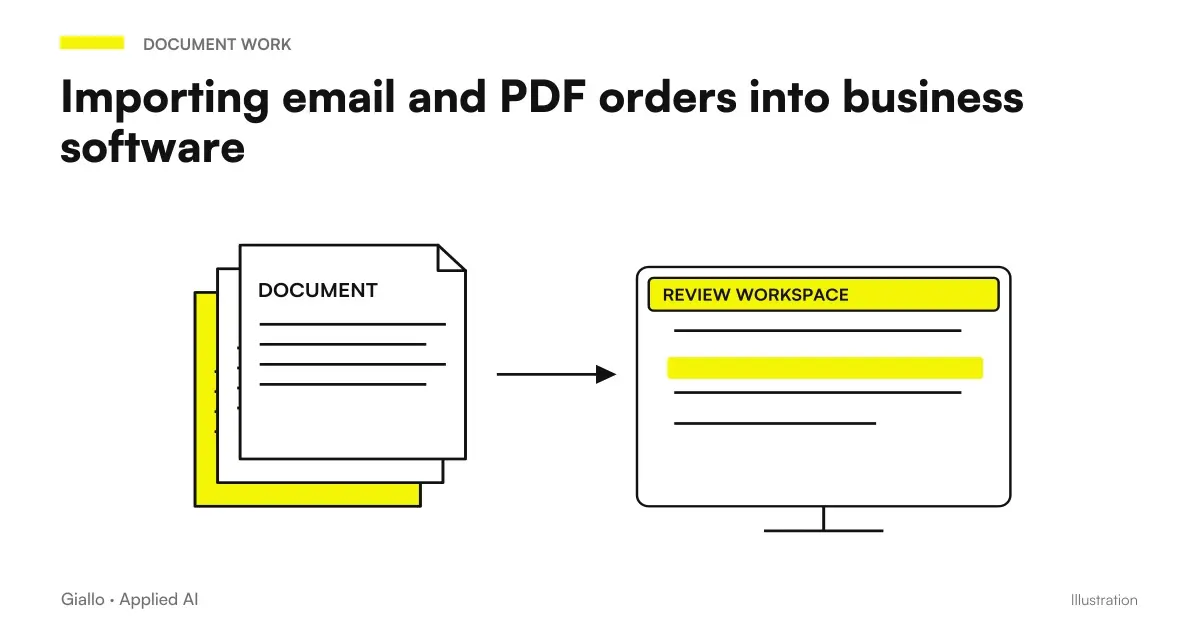 Import email and PDF orders into business software: AI, checks and confirmation
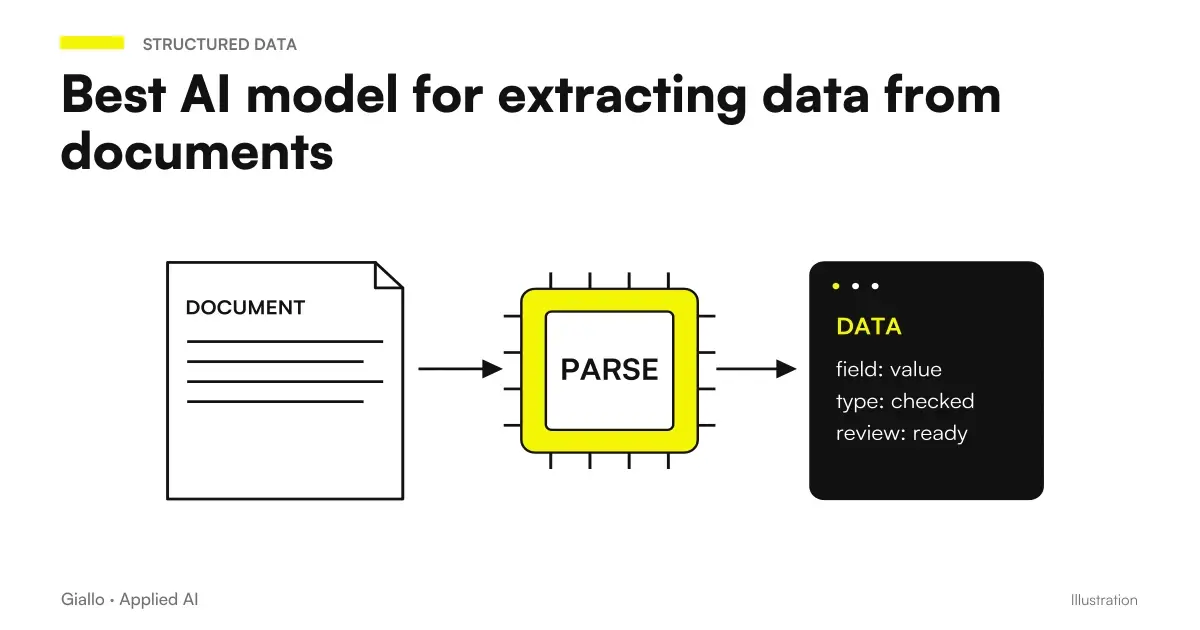 Best AI model for extracting data from documents
Jev AI in business processes
APIs, Decisions, Data, and Controls: Choose the step that relates to your process.
- Deduplication with Jev AI: connecting records without merging the wrong ones
- Business chatbot guardrails: where to use Jev AI
- Jev AI, confidence and probability: when to get a person to intervene
- Lead scoring with Jev AI: Prioritizing requests in CRM
- Document classification with Jev AI: build reliable categories
- Jev AI in RAG: choose sources before answering
- Route support tickets with Jev AI: department, urgency and review
- Verify chatbot citations with Jev AI
- Integrate Jev AI through its API: a workflow for n8n and business software
- Jev AI vs LLM: how to choose the right model
- Parallel questions in Jev AI: fewer requests and repetitions
- Jev AI explained: what changes for SME automation
FAQ
Does Jev AI invent the value to put in the field?
In the candidate-based workflow, the choice stays within the prepared list. The software retrieves the associated value. When the correct candidate is missing, the field requires review.
Is a value copied from the invoice necessarily the right one?
No. An invoice may contain the taxable amount, tax, total and references to previous amounts. The choice must match the field's meaning, and subsequent checks must verify consistency and provenance.
What should you do if the document does not contain the due date?
Leave the field without a confirmed value and activate the step defined for missing data. Do not replace missing information with a plausible date. Any business rule for calculating the due date is separate from extraction and must be identified as such.
Where should sums and formats be checked?
In the application code, with deterministic rules appropriate to the document. Keep the original value alongside the normalised one. If verification fails, show the field to the member of staff before importing.
How should you handle a relative date in an email?
Keep the expression and establish which message provides the reference date. The application uses the calendar, time zone and business rules to resolve it. If a forwarded message makes the reference ambiguous, verification is needed.
When to use a generative model in the process?
It can be evaluated to prepare or interpret content that the simple path does not cover. Its result must maintain sources and verifications by field. Adding a different model does not eliminate the need to distinguish missing data, selected values, and failed controls.