
Best AI for Writing
Which AI is best for writing? Compare articles, emails and copy on Italian quality, tone, structure and editing, with advice for each type of text.
Reading time: 11 min
The Best AI for Writing It's not just one: it depends on what You have to write. For a long and neat article, for a quick email or for an advertising headline the needs change, and it also changes the most suitable tool. That said, today three names cover almost all cases: ChatGPT, Claude and Gemini. Everyone writes a correct Italian; the differences lie in the tone, in structure of long texts and in the ease of editing.
Quick summary: who writes long and reasoned texts (articles, reports, documents) often found in Claude the more sober tone and the greater fidelity to the instructions; who wants a Versatile Assistant for ideas, variants and quick drafts connected to so many tools you will find well with ChatGPT; who lives inside Google Workspace (Documents, Gmail) takes better advantage Gemini. None of these are "the absolute best": they are good on different things.
In this guide we see the criteria that really matter when you write with AI, a comparison by type of text and a practical tip for articles, emails and copy. For the complete overview with more models in comparison you can find everything in the guide best AI models for writing.
In summary
- There is no Best AI for Writing valid for everything: the choice depends on the type of text and your workflow.
- Claude tends to a more sober Italian and a good hold on long documents and rewrites faithful to the tone.
- ChatGPT is the most versatile for ideas, quick variants and integration with other tools; great as a handyman assistant.
- Gemini It is convenient for those who work in Google Workspace and wants to write directly in Documents and Gmail.
- The criteria that matter: quality in Italian, tone control, structure, ease of editing and management of sensitive data.
- The winning model is always the same: AI writes draft, person edited facts, tone and voice of the brand.
What criteria really matter to write with AI
Before choosing a tool, you should know on what judge it. When writing, the raw power of the model matters less than it seems: it matters the rendered in Italian and how well you follow your instructions. Here are the criteria that make the difference in daily practice.
- Quality of Italian: fluency, naturalness, absence of casts from English and puffy phrases.
- Tone control: ability to keep a consistent voice (formal, direct, ironic) throughout the text.
- Structure: how to organize a long text into paragraphs, titles and logical passages without repeating.
- Ease of editing: how simple it is to have a piece corrected, shortened or rewritten without losing the rest.
- Adherence to instructions: compliance with precise constraints (length, words to avoid, required format).
- Data Management: what you can safely enter, especially with texts that contain customer data.
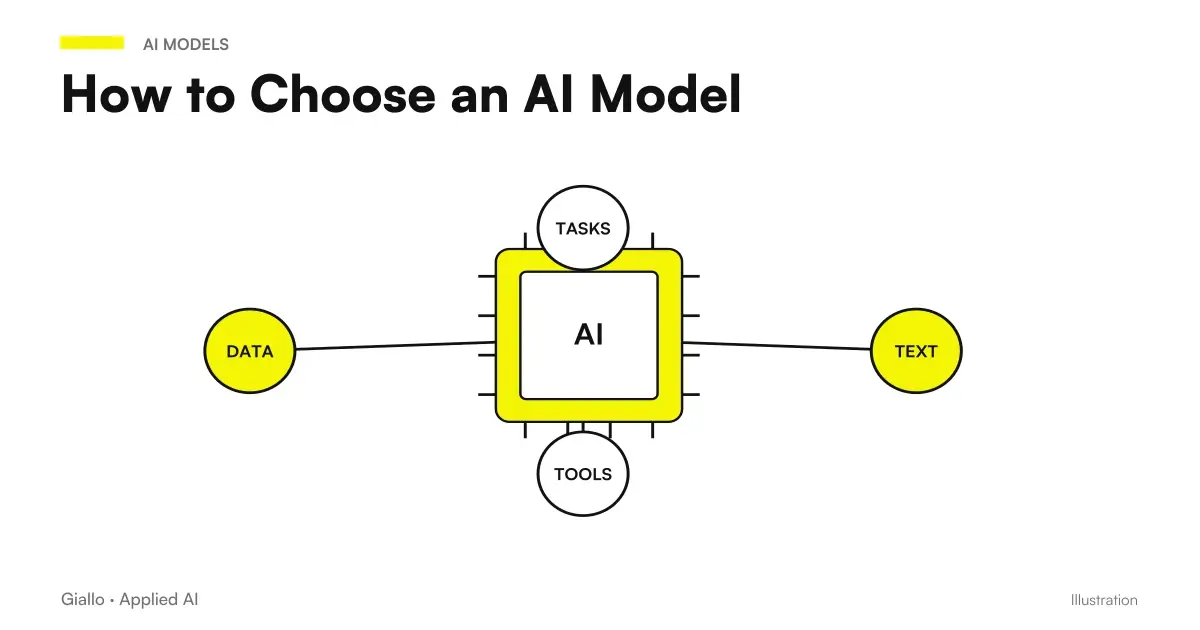
A common mistake is choosing the "most powerful" model on paper and then finding out that it writes in a woody Italian or ignores half of the instructions. That's why the best test is always the same: take your real text and have it written to the various models, then compare. The overview on how to choose an AI model explain this method in detail.
Best AI for Writing: Comparison by Text Type
This is the heart of choice. Instead of looking for a unique winner, it is better to reason for type of writing. The table compares the three main tools on the criteria that matter, with a practical recommendation for each.
| Criterion / type of text | ChatGPT | Claude | Gemini |
|---|---|---|---|
| Long articles and texts | Good, sometimes verbose | Often the best: sober tone, solid structure | Good, integrated into Documents |
| Email and Communications | Very convenient and fast | Great for well-groomed and measured tone | Convenient if you write in Gmail |
| Copy and short texts (announcements, claims) | Strong on variants and brainstorming | Good but drier | Discreet |
| Rewriting True to Tone | Good | Often more faithful to instructions | Good |
| Natural Italian | Natural and flexible | Natural, less puffy adjectives | Natural |
| Integration with other tools | Very wide (assistant handyman) | Growing | Best in Google Workspace |
| Useful free version | Yes, with limits | Yes, with limits | Yes, with limits |
As you read this table: there is no column that wins anywhere. Claude shines on long texts and on fidelity to tone; ChatGPT is the most versatile and the most comfortable as a general assistant; Gemini gives the best to those who are already inside the Google ecosystem. The right choice is the one that matches your type of text prevalent.
Which one to choose for your case
To avoid rereading the entire table, here is a quick guide to the most common cases. Open what concerns you.
I write articles, guides and long blog content
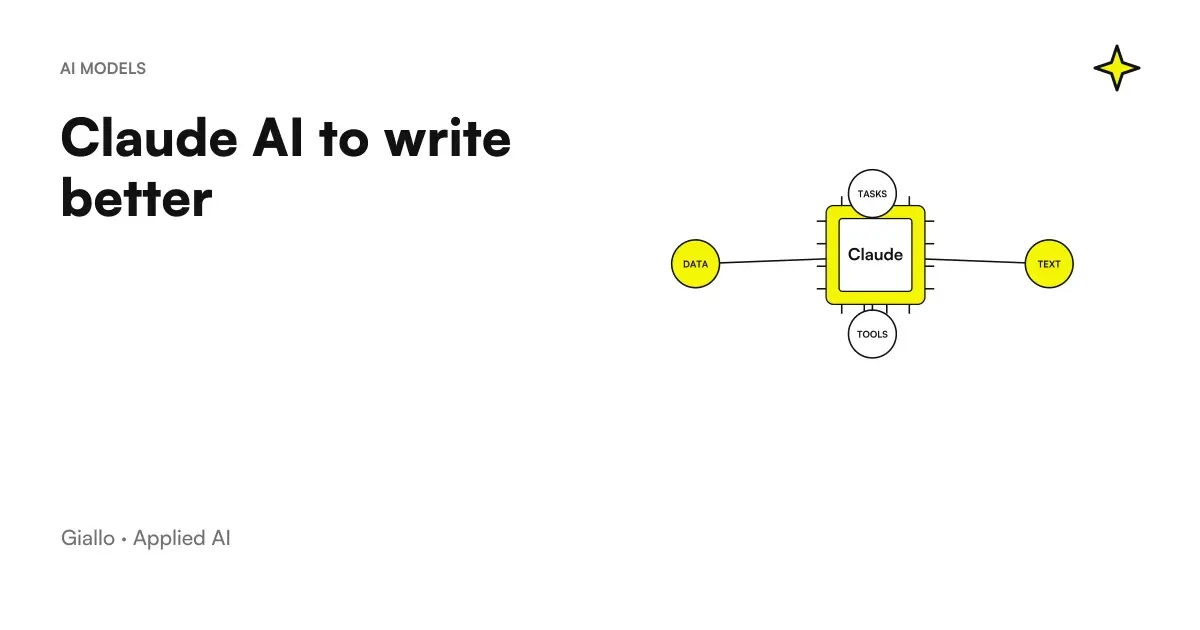
Start from Claude for the first draft: it tends to a sober Italian, keeps the structure better on long texts and follows precisely the instructions on tone and words to avoid. ChatGPT in parallel to generate ideas, alternative titles and playlists. Dedicated in-depth: Claude to write better.
I have to write a lot of work emails
For speed and tone ChatGPT and Claude are both great; if you live in Gmail, Gemini makes you write without leaving the box. Create a reusable instruction set (salut, tone, signature) so you don't start from scratch each time. Practical guide: ChatGPT to write emails.
I need copy, claim and short advertising texts
ChatGPT is often the most comfortable to generate many variants quickly and do brainstorming. Then select and finish by hand: on the short copy the human judgment weighs more than the model. Avoid publishing the first variant without editing.
I work with business documents and customer data
Here the choice is not only quality but privacy. Do not enter personal data into free plans that can use it for training. Evaluate business plans with data protection and define internal rules about what is shareable. See below the section on GDPR and sensitive data.
Practical examples
Two concrete scenarios of Italian professionals and SMEs, to see how the choice changes according to the text.
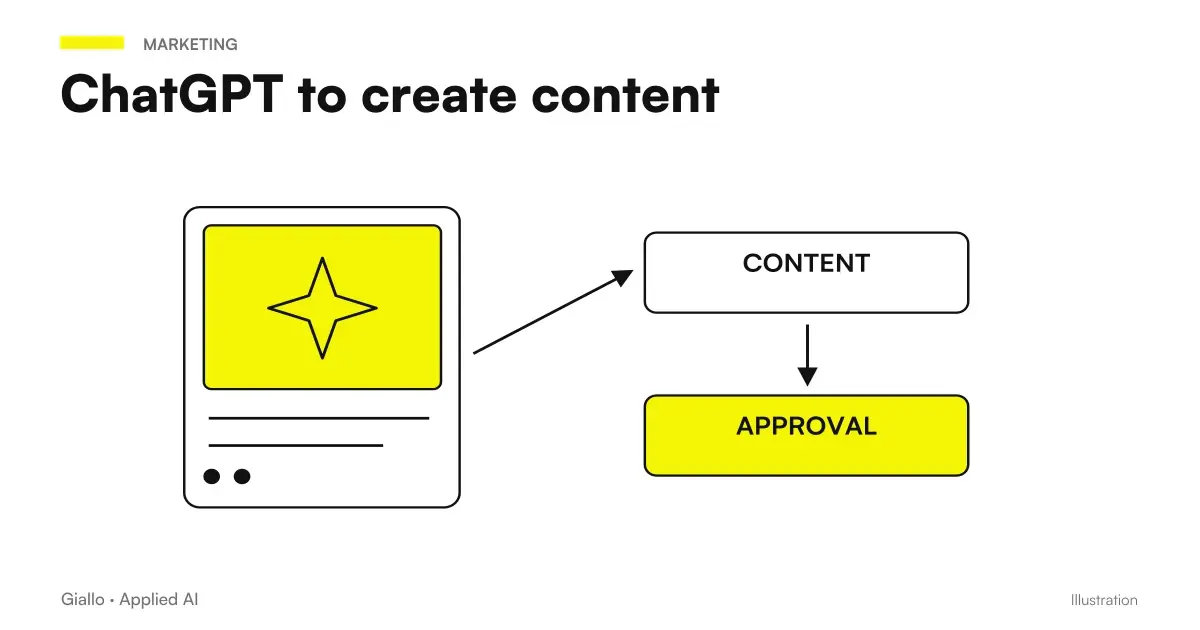
1. Consulting firm — blog articles. A consulting firm publishes two articles a week. The copywriter uses Claude for the first draft starting from a playlist and real notes (not vague prompts), then revises facts, examples and tone to align them to the studio voice. ChatGPT enters first, at the stage of ideas: ten titles, three possible angles, a playlist. Typical result: time per article drops significantly, but quality remains because human editing is not skipped. The same flow is described in ChatGPT to create content.
2. E-commerce — product and email descriptions. For a broad catalog, generative AI writes the first drafts of description starting from the actual data sheet, not from invented adjectives. For emails to the customer (confirmation, follow-up, cart recovery) the team prepares reusable instructions and leaves the first version to AI. The person checks numbers, links and tone before sending. The point is not "AI does everything", but "AI makes the draft, the human decides".
In both cases the same rule applies: AI accelerates drafting, but facts and voice of the brand remain human responsibility.
When only one model is enough and when it is best to use more than one
A single model is enough when
- You almost always write the same type of text (e.g. email only).
- You want simplicity and a single subscription.
- You are already in an ecosystem (e.g. Google Workspace with Gemini).
- Use is occasional and free versions are enough for you.
It is advisable to use two or more when
- Alternate long texts (Claude) and fast brainstorming (ChatGPT).
- You want to compare two drafts and choose the best one.
- Write a lot and every hour saved pays off the second subscription.
- You have different needs in the team (who writes, who does research, who programs).
Many writing professionals end up holding two instruments: one for long and edited writing, one as a quick assistant for ideas and variants. It's not waste: they're good on different things, and the cost of a second subscription pays off quickly if you write every day.
Privacy and sensitive data when you write with AI
Often overlooked, but decisive for those who write business texts. One email to a customer, one commercial proposal or a internal document can contain personal data. Inserting them into a public AI, especially in free plans, can mean surrendering them for model training and potentially violating the GDPR.
- Do not paste personal customer data (names, contacts, sensitive data) into free plans.
- Check in the settings if your content is used for training and turn it off where possible.
- For business use, it evaluates business plans, which offer multiple contractual data protections.
- Define clear internal rules about what you can and cannot share with AI.
This is not just true for writing: it is a general theme of AI Automation and consulting, because it concerns how AI enters the processes without exposing the company.
Mistakes to Avoid
- Looking for "the absolute best". No way. The right question is "best for this text": a long article and an advertising headline reward different models.
- Publishing the first draft without editing. AI produces plausible, unverified text: it can invent data, repeat itself, and sound generic. Facts and tone are always reviewed.
- Giving vague prompts. "Write me an article about marketing" produces fuff. From context, playlist, tone and words to avoid: the quality of the output depends on the quality of the instructions.
- Ignoring privacy. Pasting customer data into free plans is a concrete GDPR risk, not a detail.
- Relying on a single benchmark or ranking. Rankings change with each new version. The only test that counts is on your type of text.
How to apply it in the company
For an SME or a professional, choosing the best AI to write is less a matter of "which model" and more than How to integrate it into real work. The route is short and repeatable.
- Locate the text you write most often. Emails, product descriptions, articles, quotes: start from there, not from the rarest case.
- Try two or three patterns on the same real text. Compare tone, structure and how much editing is needed afterwards. It is the only reliable test.
- Create reusable instructions. Tone of voice, words to avoid, format: a good instruction set is worth more than a more powerful model.
- Keep the person in the editing. AI writes the draft, the human controls facts, brand voice and data, especially on public texts.
- Measure the savings. Hours for text before and after: If numbers improve, extend the method to other text types.
This is the kind of work that turns "use every now and then ChatGPT" into a faster and more consistent writing process across the company. If you want to compare the two most used tools for writing in depth, read ChatGPT vs Claude. To see concrete experiments on how AI enters workflows, take a look at The Lab.
Conclusion
The Best AI for Writing is the one that matches your type of text and your way of working, not a single winner valid for everyone. In practice: Claude for long texts and edited in tone, ChatGPT as a versatile assistant for ideas and variants, Gemini for those who live in Google Workspace. The same golden rule applies to everyone: the AI writes the first draft, the person edits facts, tone and voice of the brand. From here you can continue with the complete overview on best AI models for writing or deepen why Claude writes better on certain texts.
AI becomes useful when it enters processes. Giallo Studio helps SMEs and teams to build concrete, measurable and sustainable automations.
Giallo Studio guides: methodology and sources
How we apply it in the company
Related resources
FAQ
What is the best AI for writing?
There is no single winner for every case. For long texts with carefully controlled tone, many prefer Claude; for versatility, brainstorming and integration with other tools, ChatGPT is often the most convenient choice; Gemini suits those working within Google Workspace. The best AI for writing depends on the type of text and workflow.
What is the best AI for writing in Italian?
The latest ChatGPT, Claude and Gemini models all write correct, natural Italian. Differences appear in tone and nuance: Claude tends towards more restrained Italian with fewer excessive adjectives, while ChatGPT adapts more flexibly to different styles. Actual quality must still be checked on your type of text.
What is the best free AI for writing?
Free versions of ChatGPT, Claude and Gemini already allow you to write good quality texts, with limits on the amount of messages and access to the most powerful models. For occasional use, that's enough. However, beware of privacy: always check if free plans use your texts for training before entering business data.
Can AI write an article to be published without modification?
Technically yes, but it's a bad idea. AI produces a solid and fast first draft, but it can invent data, repeat concepts and use a generic tone. Value comes when a person revises the structure, facts and voice of the brand. The right model is: AI writes the draft, human edits and publishes.
Is ChatGPT or Claude better for writing?
It depends on the text. For long documents, faithful rewrites and controlled tone, Claude is often more precise; for ideas, quick variants and an all-purpose assistant connected to many tools, ChatGPT is more convenient. Many professionals use both depending on the task.
Does AI for writing comply with the GDPR?
It depends on the tool and the plan. Inserting personal data of customers into a public AI can violate the GDPR, especially on free plans that can use content for training. For business texts you need clear rules about what you can share and, where needed, business plans with data protections.