
Ollama vs LM Studio: choosing a local AI runtime
Ollama vs LM Studio: chat, APIs, local and cloud models, documents and management. Choose a runtime through a test that reflects your work.
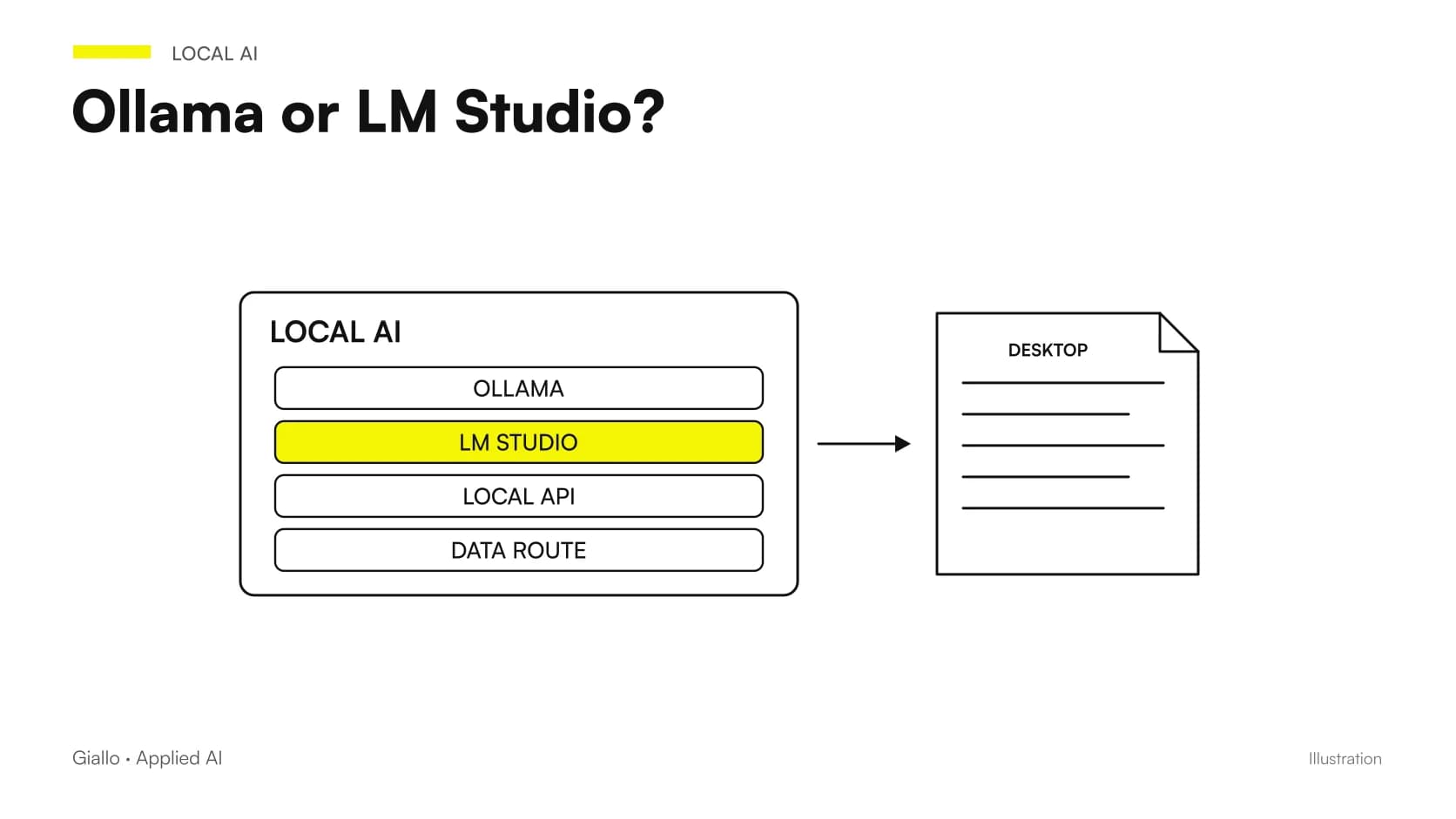
Ollama vs LM Studio is a choice about running and managing models: neither is the AI model itself, and neither alone guarantees quality or offline operation. A personal trial needs an understandable workflow; business integration also needs APIs, configuration, access control and maintenance.
Their features overlap more than the phrase “Ollama for technicians, LM Studio for beginners” suggests. The Ollama getting-started guide includes apps and integrations; LM Studio documents a local server and CLI. Choose according to the actual work, checking versions and the checkpoint to use. The cited pages were consulted on 27 October 2026.
In summary
- The runtime runs the model but is not its weights.
- Both tools can participate in local API workflows.
- Ollama also offers cloud models: identify the execution path.
- API compatibility does not mean identical support for every feature.
- The test must include restart, errors and configuration updates.
What are you choosing: model, engine or interface?
The model contains the parameters that produce the answer. The engine performs the calculations; the application provides management, chat and connections. These layers may be presented together, but separating them helps diagnose problems. A different response may result from the model or settings, while a rejected attachment may concern the interface or engine support.
The project sheet should therefore state the complete checkpoint name, weights format, runtime and version. “We use LM Studio” does not identify which AI will answer. “We use Qwen” does not specify how it will be managed. The guide to local models explains the wider picture; this distinction prevents switching tools when the real problem is an unsuitable model or incorrectly configured context.
Which differences matter to a business user?
| Need | Question to ask about Ollama | Question to ask about LM Studio |
|---|---|---|
| Individual chat | Is the app workflow clear? | Are loading and settings understandable? |
| Software integration | Which endpoints does the application need? | Does the native or compatible API meet the requirement? |
| Offline usage | Is the model local and cloud use excluded? | Are components and models already available? |
| Documents | Which interface handles extraction and search? | Does the document pipeline preserve sources? |
| Newly released model | Does the selected version support the checkpoint? | Are the engine and format compatible? |
| Shared service | Who manages access and updates? | Which server settings need protection? |
The table is an evaluation framework, not a list of permanent product limitations. Features change: a sustainable choice documents what was tested in the actual configuration. Internal support matters too. The most suitable runtime may be the one the team can restore and inspect when a conversation is interrupted.
How can you tell whether Ollama is using a local or cloud model?
The Ollama cloud documentation describes a remote path distinct from running downloaded weights. An app on your computer does not make a model hosted elsewhere local. Record the selected name, request address and presence of weights on the device.
If the requirement is exclusively local, the Ollama FAQ explains how to disable cloud features. Combine this useful check with a review of connected tools. Selecting a downloaded model is insufficient if an extension uses web search or another provider for part of the work. The correct boundary follows the content: input, inference, tools and storage. The guide to privacy and offline operation helps construct this check without inferring execution location from the app's brand.
What does offline mean for LM Studio?
LM Studio states that chat with downloaded models, documents and the local server do not need internet for the described functions. The same page distinguishes model searches, engine downloads and updates, which require connectivity. Prepare all components before a disconnected test.
The business requirement must specify which functions remain available in that condition. A chat answering offline does not establish that document search, a tool call or export to an application works the same way. Prepare a complete case and check that unavailable operations produce understandable errors. The solution remains useful if the operator can distinguish a local response from a request requiring an explicitly planned connection.
Is comparing the two with different models fair?
It depends on the question. To compare runtimes, keep models and settings as equivalent as possible: same revision, quantization, context and request. If instead you are choosing between two complete configurations you would actually use, different weights are acceptable, but the result concerns those configurations rather than a product's general superiority.
State the difference before testing. Otherwise, a smaller file may make a runtime seem faster, or a template correct in only one may distort the quality comparison. Unattainable academic precision is unnecessary: you need to know which variables changed. The local LLM benchmarking protocol provides a basic record to avoid turning user impressions into technical claims.
How can application integration be verified?
The LM Studio REST API distinguishes the native interface from compatibility endpoints. Compatibility simplifies some clients; it does not promise identical behaviour for every remote feature. Check the calls the application actually needs, including errors and interruptions.
For Ollama, check documented endpoints and the client-required format rather than infer the API from the model's name alone. An application test should include simple text, the expected response format and handling of an oversized input. If tools or images are needed, include those cases explicitly. Approve a contract between components: what is sent, which response is accepted and what happens when the model cannot complete it.
A simple diagnostic check for Ollama
The documentation distinguishes available models and running models. With a local server already active, these requests show the two states:
curl http://localhost:11434/api/tags
curl http://localhost:11434/api/ps
The first list does not prove a model is loaded; the second does not measure answer correctness. The distinction matters when an operator thinks they are using one checkpoint but the application has selected another. Record identifier, state and configuration before running the sample.
These are documented diagnostic commands, not a Giallo hardware test or a Qwen3.8 installation command. A recent checkpoint requires specific compatibility checks: do not invent a tag by adding a vendor's name to a download command.
How can documents be evaluated without confusing interface and search?
LM Studio offers a document workflow, while other setups may connect a runtime to a separate interface. Assess the required outcome: text read, fragments retrieved, source reference and behaviour when information is absent.
Successfully uploading a file does not prove every page was considered. If the work requires many revisions or differentiated access, individual chat may not meet the requirement. For a business, local RAG must be designed around the archive and authorized people. The runtime remains a replaceable component; preserving that separation helps improve retrieval without rewriting the whole application.
A scenario: one person consults procedures on their computer
Imagine an operations manager who wants to find passages in a few company procedures. This is a hypothetical scenario. The test can prioritize document loading, answer readability and ease of opening the source. The initial requirement includes neither concurrent users nor writes to business software.
Test both workflows with fictional but representative documents: a valid procedure, an old revision and an unanswered question. Observe whether the operator understands which model is in use and how to stop a session. The best experience does not necessarily expose fewer settings: it makes important states clear. If useful, extend the test to more documents before designing sharing and integration.
A scenario: an application drafts from structured data
In a second illustrative example, business software must turn fictional records into a draft explanation for an operator. API stability, output format and interrupted-request handling matter here. Individual chat convenience matters less than identifying a failed call and repeating it without duplicating operations.
Compare the service at startup, after inactivity and with overlapping requests representative of the intended process. Do not attribute a general product limitation to one error: check configuration and record the cause. If a draft contains data absent from the record, the program must reject it or request review. The runtime does not remove the need to define acceptable application results.
Which access controls should be checked before sharing the server?
The LM Studio authentication documentation describes enabling tokens and notes that API requests do not require authentication by default. A server being on a colleague's computer does not automatically make it suitable for network sharing.
Is the individual trial ready to become a team service?
First define who can reach the server, what data they can send and who manages configuration and updates. Verify the application workflow without exposing an endpoint merely because it responds during a demonstration.
Access, retention and responsibilities must be understandable even to people who did not install the system. Beyond a messaging page, a shared configuration needs an operational owner and a way to stop the service if something goes wrong.
How can restarts and updates be tested without losing comparability?
A successful session does not establish reproducibility. Document files, settings and startup procedure, then repeat the sample after restarting. If the model loads with different values, the record must make that visible. This simple test often clarifies previously implicit dependencies.
Updates should include checks against the reference sample, especially when the engine, template or weights format changes. The project must know how to restore the approved configuration and retain conversations needed for work. Versions need not be frozen forever; prevent silent changes from becoming unexplained differences in answers. This work also contributes to local operating costs.
Which mistakes should be avoided when testing both on one computer?
Running two runtimes together may change available memory and obscure the comparison. For an individual trial, record active services, load one configuration at a time and distinguish initial startup from subsequent requests. Do not compare a slow response after loading with one from an already-ready model without explaining the difference.
Another mistake is confusing a display name with weight identity. Similar labels may identify different quantizations or revisions; retain the precise file reference. Check that the request contains the same material rather than an earlier conversation still present in one app.
Finally, do not choose solely by the friendliest or most detailed response. Include a required format, missing information and a case needing refusal or clarification. These outcomes show how easily the system fits the work, whereas free chat often rewards style without revealing constraint handling.
Which should you choose for a bounded project?
Choose the workflow that meets the requirement with fewer fragile steps and that the team can control. For personal chat, test documents, settings and model management. For integration, test the actual API, errors and access. If evaluating a specific model, the Qwen3.8-27B procedure helps distinguish checkpoint availability from runtime support.
A universal winner is unnecessary for a useful decision. Record why a configuration meets the task and what remains excluded. If you want to connect a local runtime to your software, Giallo Studio designs custom integrations based on actual data, calls and checks, keeping the choice sustainable beyond the first demonstration.
Giallo Studio guides: methodology and sources
How we apply it in the company
Related resources
 Local LLMs on a Mac with 16, 24 or 32 GB
 Local LLMs on Windows: GPU, VRAM and practical limits
 Local AI models: when they make sense
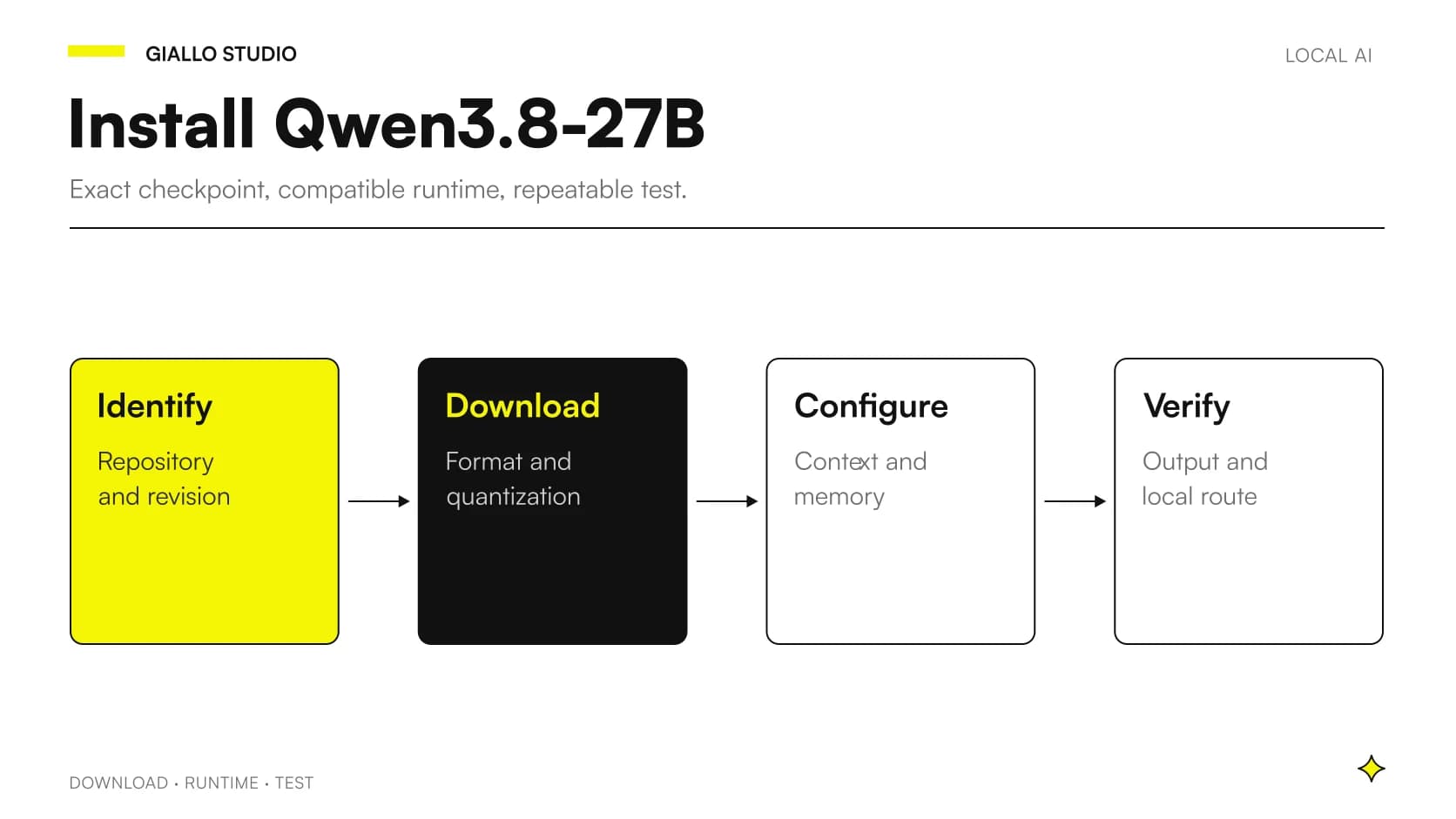 Install Qwen3.8-27B locally: checks and workflow
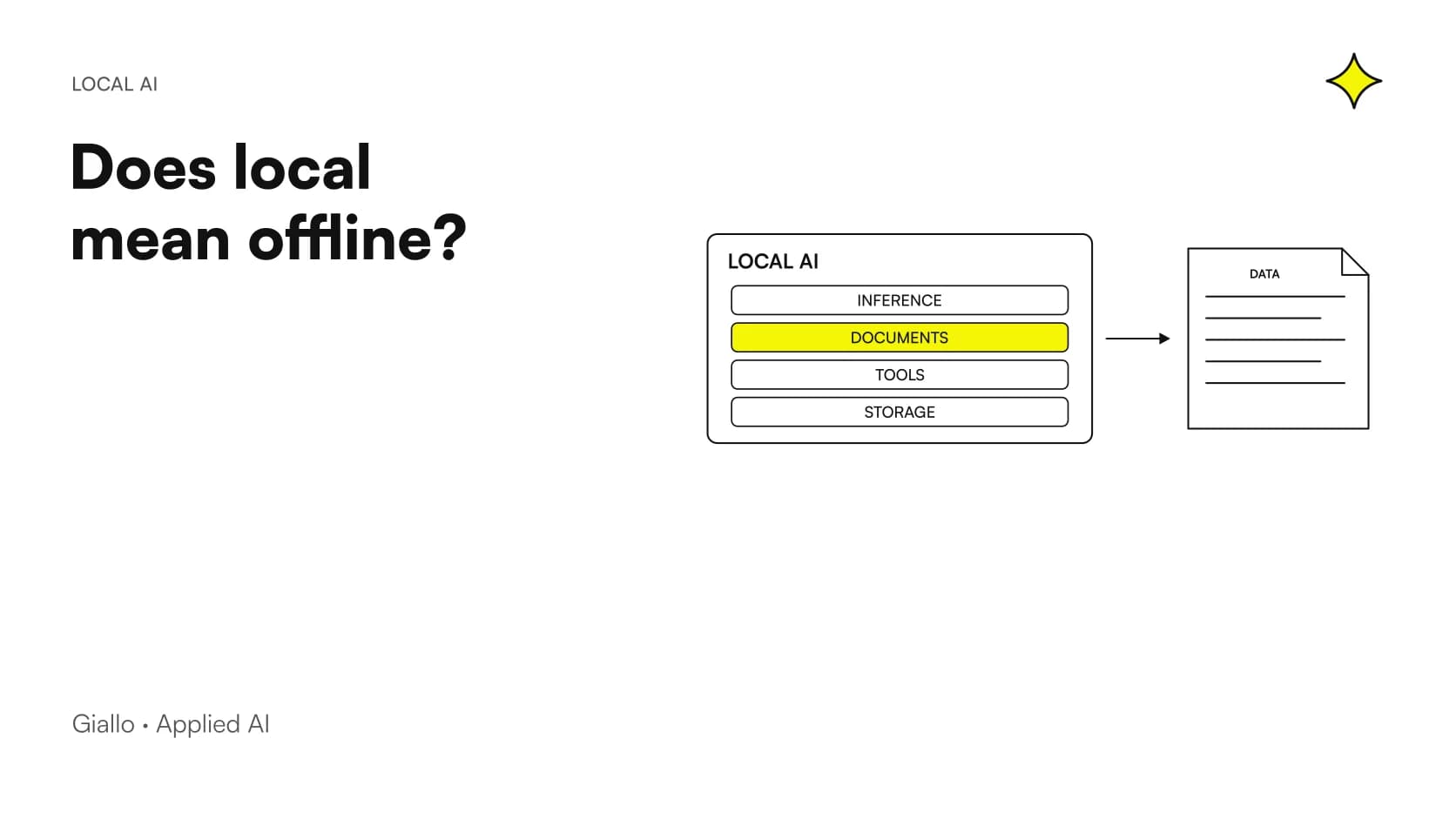 Local AI privacy: verifying an offline workflow
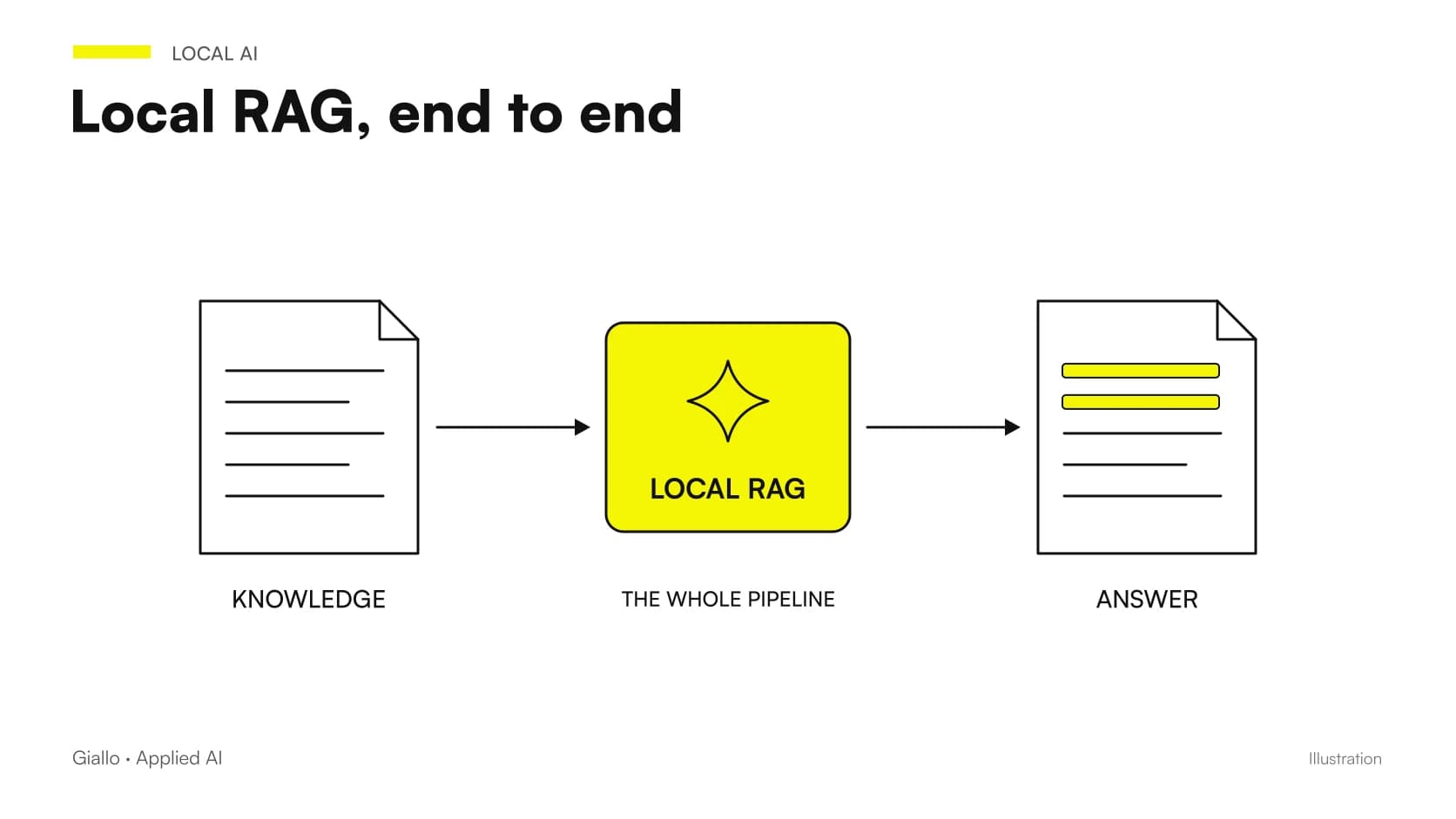 Local RAG for business documents: a practical design
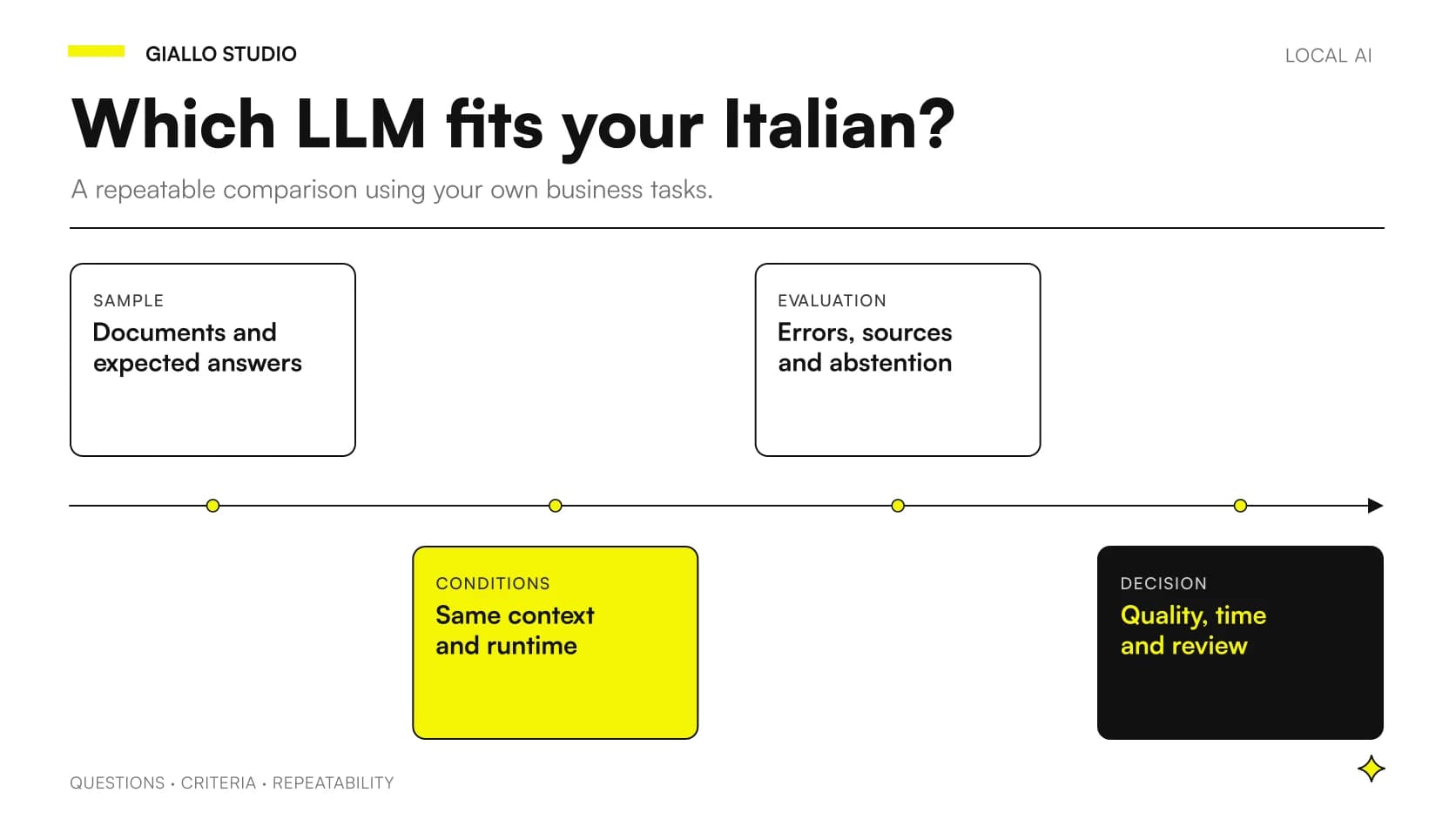 Local LLMs in Italian: comparing without misleading tests
Other direct comparisons
The same criteria applied to other model pairs.
- Mistral vs Llama: comparison between the two open weight models
- Claude Opus 5 vs Fable 5.1
- Copilot Chat and Microsoft 365 Copilot: What Changes
- Claude Opus 5 vs Gemini 3.1 Pro
- Make vs Zapier vs n8n: which one to choose for your company
- Claude Opus 5 vs GPT-6 Astra
- Kimi K3.1 Pro vs K3: differences and a verifiable migration
- Claude Opus 5 vs Sonnet 5
- Kimi AI vs Claude: documents, code and costs
- Perplexity vs Google: response with sources or link list
- Kimi AI vs ChatGPT: which to choose for work?
- Custom business PWA: when it makes sense over off-the-shelf software
FAQ
Is Ollama terminal-only and LM Studio GUI-only?
No. Ollama also has an app and integrations; LM Studio offers a local server, APIs and a CLI. Compare the actual workflow you will use rather than a rigid distinction between interfaces.
Does Ollama always mean local execution?
No. Ollama also offers cloud models. An exclusively local workflow requires identifying the selected model and checking configuration, endpoints and network-enabled features.
Does LM Studio work without internet?
The documentation states that chat, documents and the local server can work offline once the necessary components are downloaded. Model search and downloads, updates and external services require separate checks.
Which runtime makes the model smarter?
A runtime's name does not establish a general improvement. Checkpoint, quantization, template, context and parameters can change behaviour and must be recorded in the test.
Are OpenAI-compatible APIs OpenAI services?
No. Compatibility describes an interface. Execution location depends on the server address and configuration; not every feature of the original API is necessarily available either.