
Install Qwen3.8-27B locally: checks and workflow
Install Qwen3.8-27B locally: check weights, runtime, memory and APIs. A documented workflow, essential commands and error diagnosis.
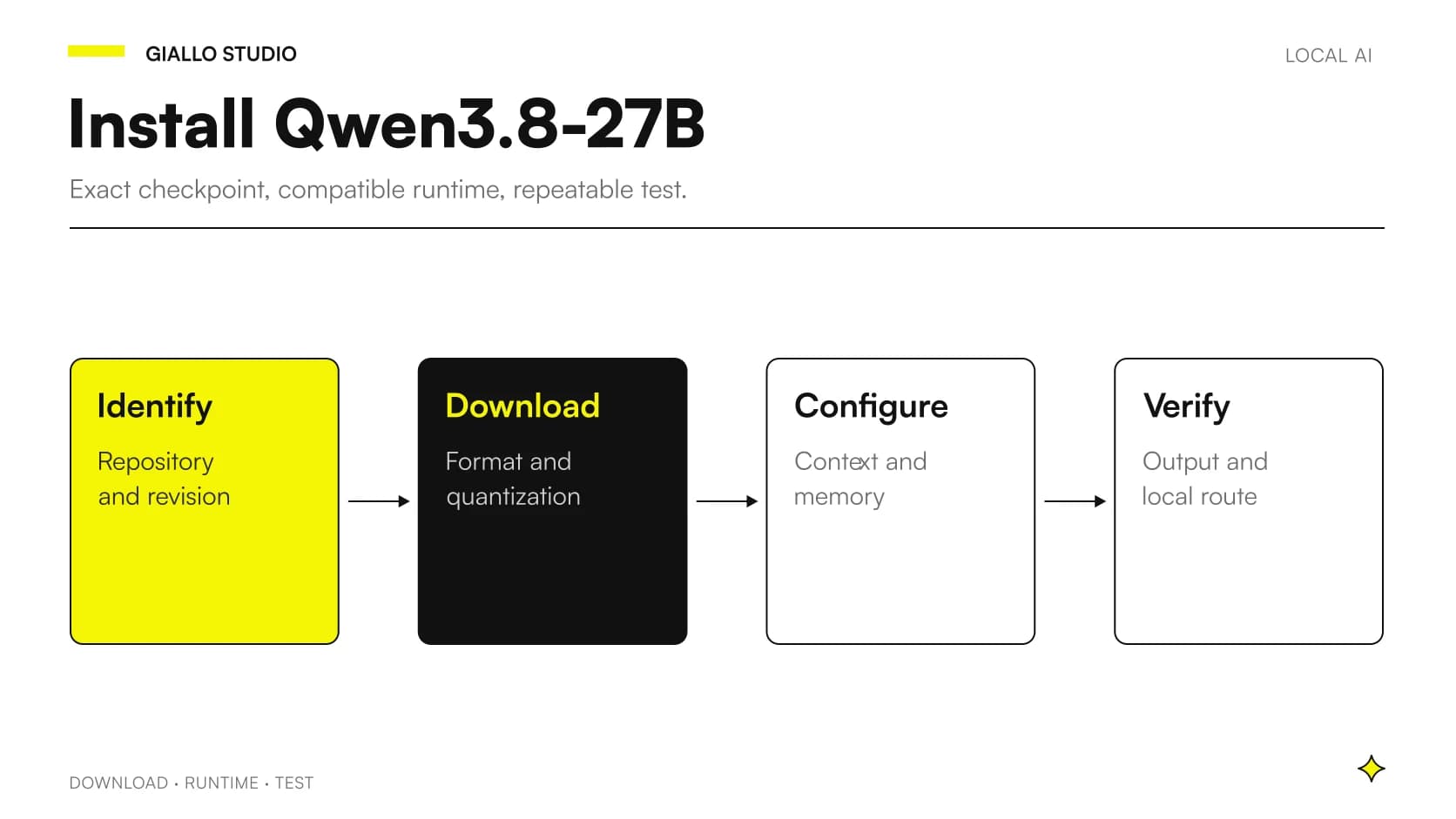
To install Qwen3.8-27B locally, first choose the exact checkpoint and a runtime supporting its architecture, then check memory and the request path. No universal command makes the model suitable for every PC or Mac; the steps below distinguish a documented approach from the checks needed on your machine.
The reference is Qwen/Qwen3.8-27B. This guide uses documentation consulted on 27 October 2026 and a text-only vLLM example. Commands are checked against primary sources; they are not a Giallo hardware test. On a memory-constrained laptop, a smaller model or compatible conversion may be more reasonable than forcing the original weights.
In summary
- Keep repository, revision and weights format.
- Runtime support must cover the exact checkpoint.
- Successful startup does not establish quality or sufficient memory for every input.
- The first test uses fictional data and a server reachable only from the computer.
- Visual functions require verification separate from text functions.
Which Qwen are you actually about to download?
Similar names may identify models with different sizes, architectures and formats. First open the repository card and check author, licence and files. A third-party conversion is not the original weights even when derived from the same checkpoint. It may be useful but must be documented as a distinct component.
The evaluation sheet should record the complete identifier and a revision, not just the app's display name. This helps identify changes after an update or new download. The Qwen3.8-27B guide describes the model; here the aim is a configuration another person can reconstruct. For a business service, retain the test record and settings separately from user conversations.
Why check the environment before downloading?
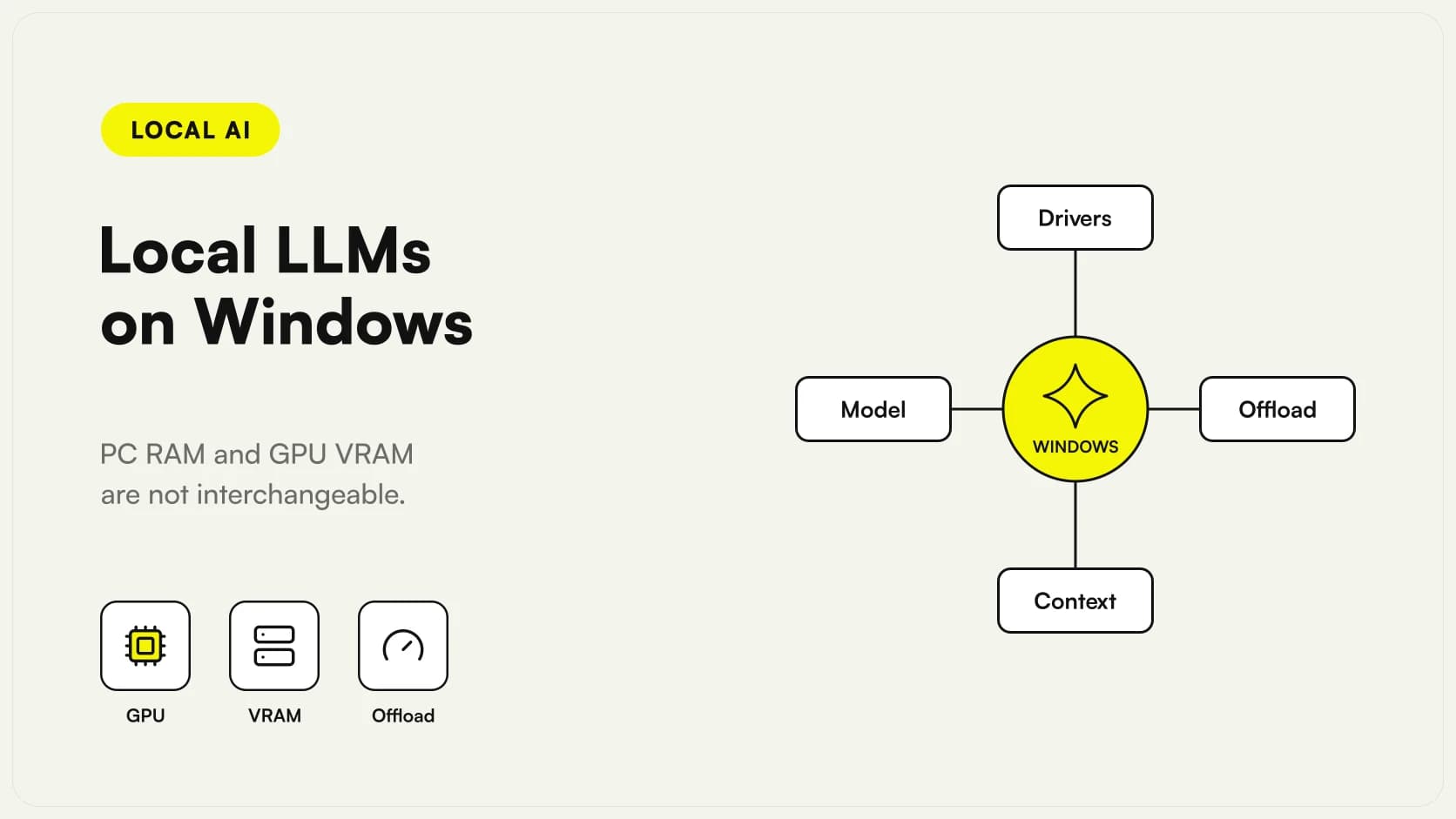
Operating system, drivers and accelerator determine the software path. The vLLM installation documentation distinguishes platforms and execution methods. Do not assume a Linux GPU recipe applies directly to a Mac or a different Windows configuration.
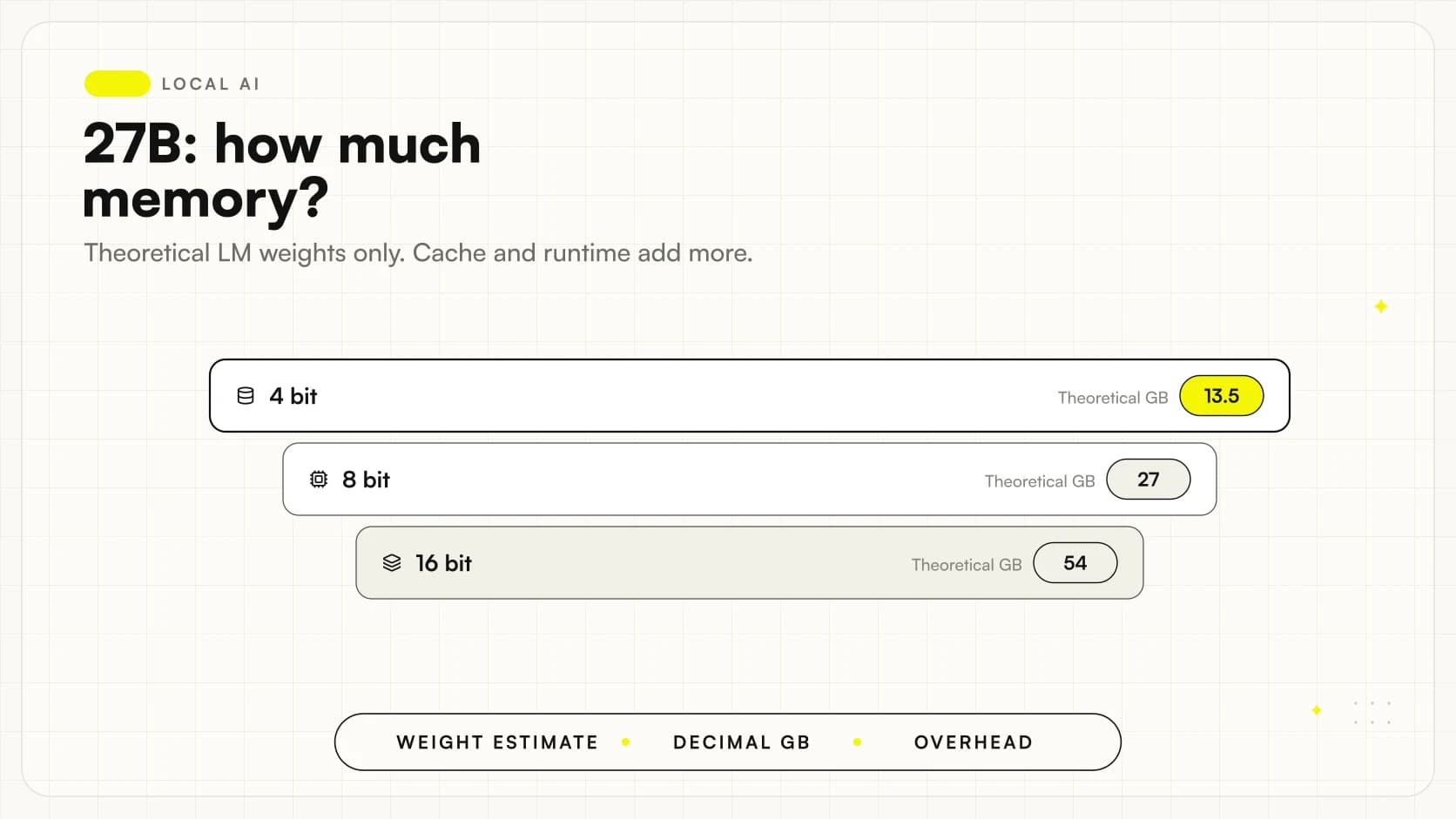
Before proceeding, record machine, available memory, disk space and applications that will remain active. Space for downloading files is not the memory needed to load them. If the project involves long documents or multiple requests, include that requirement in initial sizing. The guide to RAM and VRAM for Qwen3.8-27B explains why 27B alone is insufficient and how to distinguish theoretical estimates from actual resource requirements.
Which paths are documented, and which need checking?
| Path | Primary reference | Check before use |
|---|---|---|
| Original checkpoint with vLLM | Specific Qwen3.8-27B recipe | Versions, hardware and precision |
| Checkpoint with SGLang | Specific Qwen3.8-27B cookbook | Supported backend and components |
| Conversion for desktop apps | Conversion card and engine | Architecture, template and vision |
| Tag in a runtime catalogue | Page for the actual tag | Distributed files and revision |
The vLLM recipe and the SGLang cookbook describe the exact model. Optimized configurations depend on hardware: copying only some options may create an untested combination. Keep the first installation simple and defer optimization, tools and extreme contexts to a second phase.
How can vLLM be prepared without mixing dependencies?
In a supported environment, the model card indicates installing vLLM; the specific recipe requires Transformers version 5.8.0 or later. Use a dedicated Python environment and first follow the official instructions for your backend. Once the environment is ready, package installation takes this form:
python -m pip install vllm "transformers>=5.8.0"
python -m pip show vllm transformers
The first command does not replace system prerequisites or promise the original weights will fit in memory. The second helps record the versions actually installed. To reproduce an approved configuration, retain resolved versions and the hardware guide used, rather than let every new installation choose different components unchecked.
If the package manager reports incompatibility, resolve it before starting the model. Adding random server options does not fix a missing dependency or a build unsuitable for the accelerator.
How can you start a first text-only test on your computer?
The base command published in the model card uses vllm serve with the original repository. The following example adds options documented in the vLLM CLI: local-only listening, a limited test context and one concurrent request. The reasoning parser follows the model recipe.
vllm serve Qwen/Qwen3.8-27B \
  --host 127.0.0.1 \
  --port 8000 \
  --max-model-len 8192 \
  --max-num-seqs 1 \
  --reasoning-parser qwen3
The 8,192 tokens are an illustrative choice for the first test, not the model's maximum context or a guaranteed requirement for any hardware. The original checkpoint remains large: reducing context does not compress weights. Wait for loading to finish and read the logs before sending requests. This initial configuration does not enable automatic tools or expose the server to the team's network.
How can you send a minimal, verifiable request?
Once the server is ready, a text request through a compatible endpoint checks the path. The example uses a fictional question without documents or personal information:
curl http://127.0.0.1:8000/v1/chat/completions \
  -H 'Content-Type: application/json' \
  -d '{"model":"Qwen/Qwen3.8-27B","messages":[{"role":"user","content":"Rispondi in italiano: che cosa significa eseguire un modello sul proprio computer?"}],"max_tokens":1024,"chat_template_kwargs":{"enable_thinking":false}}'
Check the HTTP response, requested identifier and returned content. The enable_thinking option disables explicit reasoning for this brief check, using the format documented in the recipe. Generation interrupted by a limit does not necessarily mean installation failed: inspect status and the finish reason. The test establishes only that client, server and model communicate. Assessing accuracy and usefulness then requires the sample described in the Italian-language local benchmarking protocol.
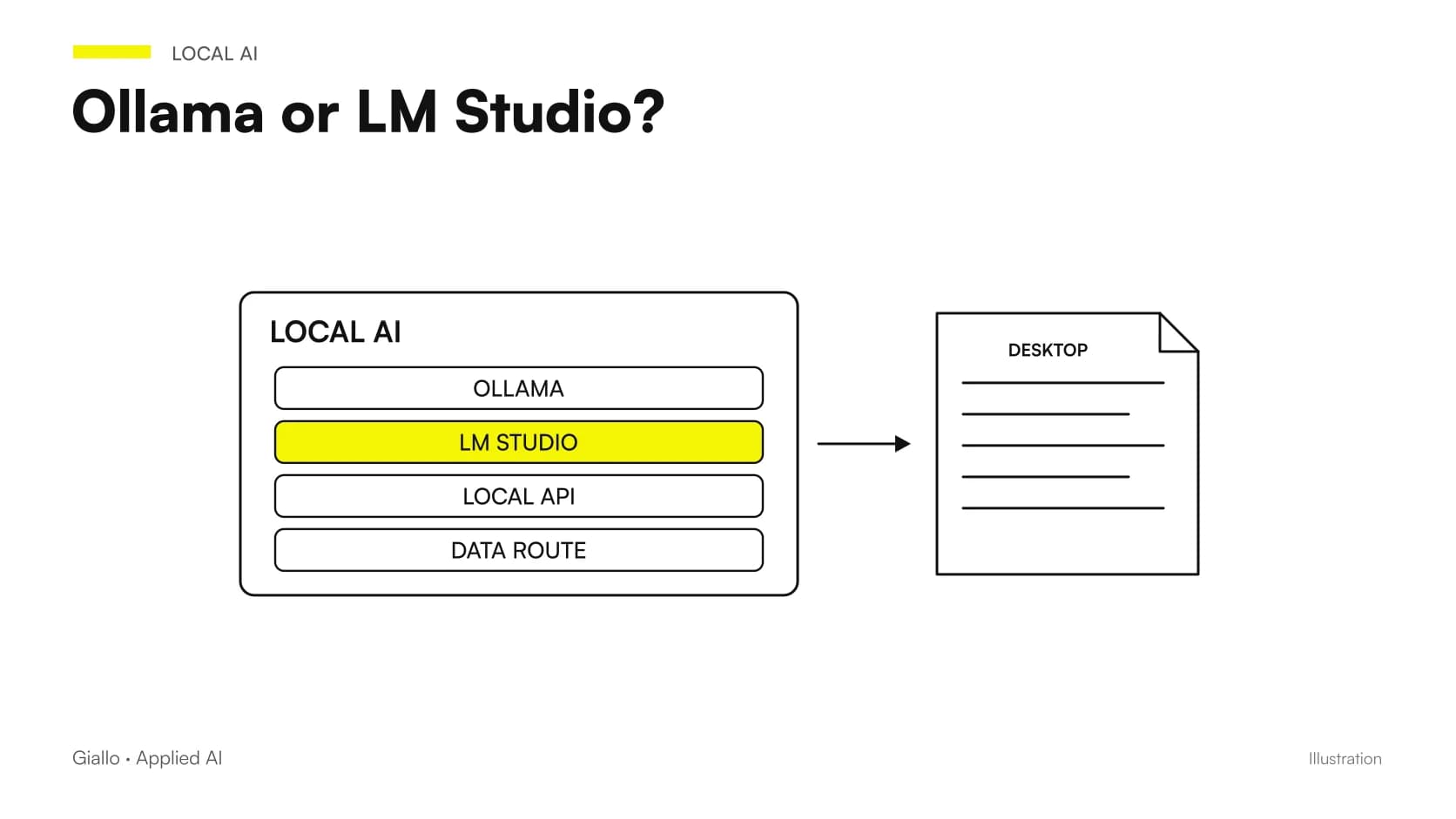
Can I use Ollama or LM Studio instead of vLLM?
They are alternatives to assess when a distribution is compatible with the installed engine and version. Do not invent an Ollama tag from the repository name or assume any GGUF file automatically supports all Qwen3.8 capabilities. The Ollama import guide describes a mechanism, not certification of every possible architecture.
Even an app that can download a file may need an updated engine or additional components. Check the conversion page, template and any visual support, then test the result. Comparing Ollama and LM Studio helps choose the operating approach; no label replaces testing the actual checkpoint. This guide does not publish a download command for an unverified tag.
What if the model does not fit in memory?
First identify the failure stage: download, weights loading, cache preparation or generation. These are different problems. Retain the full log in controlled storage, avoiding publication of data that requests might contain. Diagnosis starts with the actual error, not a list of changes found for other models.
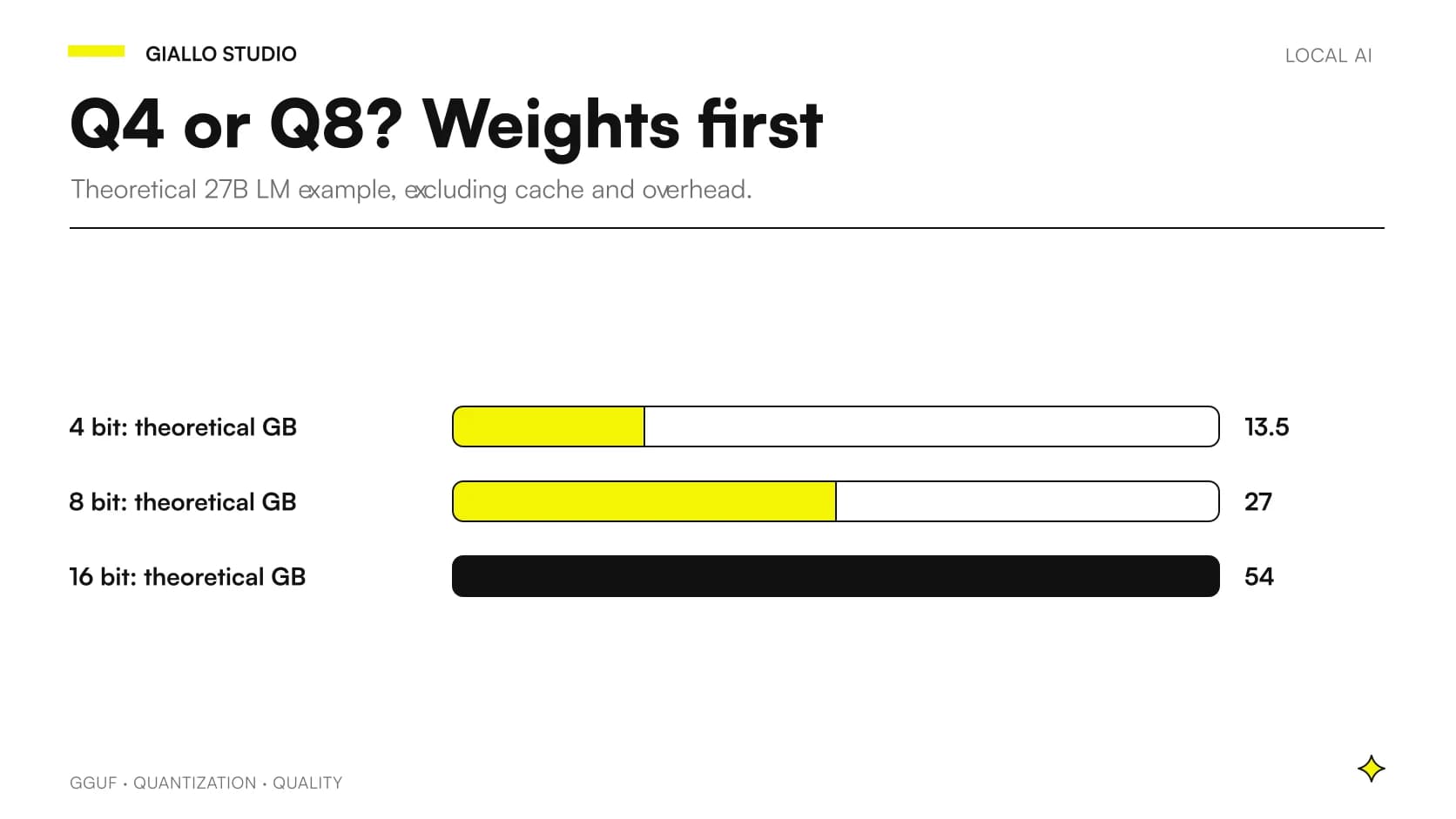
Then compare selected files, precision and available resources. A compatible quantized checkpoint may reduce weight memory but requires a new quality check. Reducing context or concurrency affects other parts of the workload. If original weights remain the issue, choosing a smaller model may be simpler. Repeating startup while changing many options together obscures what worked and which compromise was introduced.
How can images and PDFs be checked after startup?
A correct text response does not establish a complete multimodal path. Prepare a fictional image containing information absent from the question, using the runtime-supported format. The result must show the image was received and interpreted, without relying on filename clues.
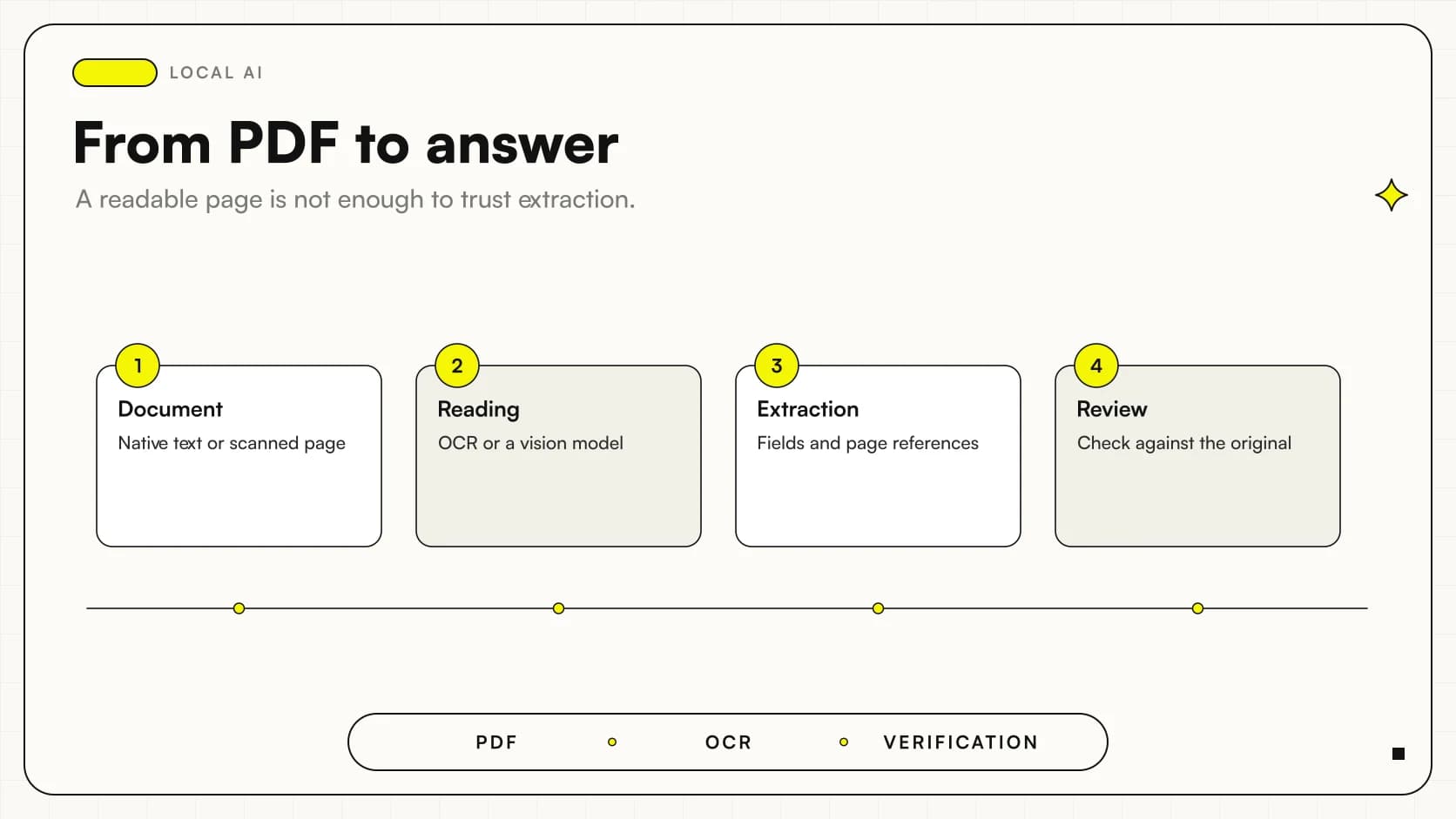
For PDFs, also establish how the application transforms them: text extraction, page images or fragment retrieval. Inference is just one stage. The guide to local multimodal AI for PDFs describes page and citation checks. Avoid introducing real documents until file paths, access and storage are clear. Start with fictional material reproducing task difficulties, including unreadable scans.
A scenario: a technician prepares the test computer
Imagine a technician evaluating an assistant for classifying internal requests. This is a hypothetical example. They prepare a dedicated environment, fictional messages and a table of expected categories. After startup, they verify the format, then save configuration and results before adding a graphical interface or connecting business software.
This sequence helps identify where errors originate. If the model misclassifies a request in the direct test, the business-software module is not the problem. If the direct test succeeds but integration fails, compare the actual requests. Avoid changing weights, prompts and application code simultaneously, keeping the link between change and result clear.
A scenario: a practice wants to consult documents offline
In a second illustrative case, a practice wants to search confidential procedures. Installation is not complete merely because the model answers without a browser. Also check where extraction, search and conversation storage occur, then test the complete workflow with fictional files.
The owner must know which operations need network access, how to prepare updates and who may use the service. If a document is missing or unreadable, the application must show that limitation rather than hide it behind a generic answer. Checking local AI, privacy and offline operation helps define the scope. An installed model is a technical prerequisite; reliable use also needs an operator procedure.
How can a server error be distinguished from an invalid request?
A correctly started server may reject a request because the client uses a different identifier, unsupported format or limit incompatible with the configured context. Before reinstalling everything, retain the minimal request and compare the error with logs from that attempt. Check that the client is querying the process just started, particularly when multiple runtimes are installed.
First check without additional interfaces. If the minimal request works, introduce one component at a time: application, attachment, tools or conversation memory. This identifies the step causing failure. A generic interface message may hide a useful HTTP response, which developers must be able to inspect without exposing user-request content.
What should be retained to restore a working configuration?
Alongside package versions, save the startup command, model revision and a fictional input with its expected outcome. Before updating, check that the reference remains reproducible. Afterwards, repeat the same workflow and observe differences, including response behaviour and API fields.
Restoration must concern a known combination, not just a version number in notes. Converted files, templates and client settings may change results even if the runtime's name stays identical. Technical handover should therefore explain how to reconstruct the whole workflow and which parts remain outside the initial operating scope.
Which checks actually complete installation?
- Repository, revision, files and software versions are recorded.
- The request reaches the intended local server and uses the correct model.
- The sample covers real input types, limits and observable errors.
- A restart reproduces the configuration without undocumented intervention.
- Someone owns updates and recovery.
A basic record also states what was not tested: images, concurrent users, long documents or integrations may remain outside the first scope. Stating this limitation is not a flaw; it prevents a bounded check becoming a general promise.
If you want to turn installation into a team service, Giallo Studio designs AI agents around workflow data, permissions and checks. The runtime choice becomes part of a documented configuration maintainable even by someone who did not run the first command.
Giallo Studio guides: methodology and sources
How we apply it in the company
Related resources
 GGUF quantization: Q4 or Q8 for local LLMs?
 Qwen3.8-27B vs Qwen3.6-35B-A3B: local AI trade-offs
 Qwen3.8-27B locally: capabilities, limits and requirements
 How much RAM and VRAM does Qwen3.8-27B really need?
 Ollama vs LM Studio: choosing a local AI runtime
 Local LLMs on Windows: GPU, VRAM and practical limits
 Local multimodal AI for business PDFs and images
FAQ
Which official repository should I use?
The reference checkpoint is Qwen/Qwen3.8-27B on Hugging Face. Identify quantized variants, conversions and similarly named models separately, retaining author and revision.
Is there one command that works on any computer?
No. Operating system, accelerator, drivers, weights format and runtime must be compatible. The vLLM procedure described assumes a supported environment and enough memory for the original checkpoint.
Can I invent an Ollama tag from the name Qwen3.8-27B?
No. Use the published tag and verify its contents and compatibility. Generic support for the Qwen family or GGUF format does not establish support for the exact checkpoint.
Does an answer to the first question prove installation is correct?
It establishes only an initial working path. Check model identity, required formats, memory, representative inputs and behaviour after restarting.
Is the published procedure a Giallo hardware benchmark?
No. Commands and software requirements come from primary documentation. Giallo has not performed this installation on every configuration or measured speed or memory on a sample machine.