
Local LLMs on a Mac with 16, 24 or 32 GB
Local LLMs on a Mac with 16, 24 or 32 GB: unified memory, models, context and memory pressure. Assess actual work before buying.
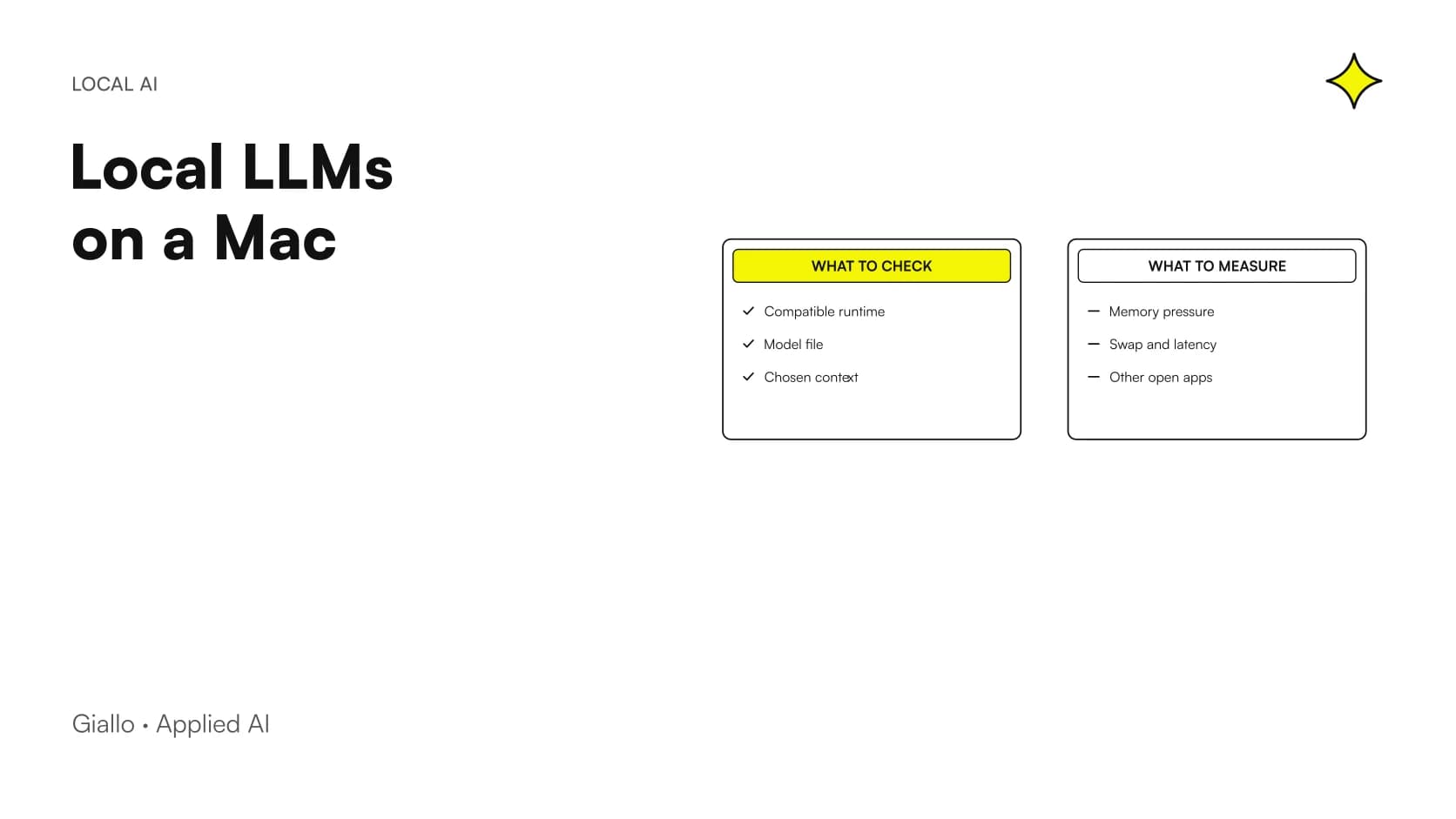
To choose a local LLM on a Mac with 16, 24 or 32 GB, compare the model and actual workload while leaving memory for macOS and applications. Nominal capacity does not guarantee a class of models: quantization, context, images and runtime may change the result.
This guide mainly concerns Apple Silicon and offers a selection method rather than a computer ranking. Giallo has not benchmarked three equivalent Macs, and we do not assign universal speeds to a RAM capacity. The primary sources cited were consulted on 27 October 2026; recheck tool requirements and compatibility before installing or buying.
In summary
- Mac memory is also needed by the system and other applications.
- 16, 24 and 32 GB are budgets to verify, not model guarantees.
- A smaller model may better suit the workflow if it remains usable.
- Observe memory pressure and swap during representative work.
- Before buying, also test long inputs, images and restarting.
Why does unified memory not mean unlimited AI memory?
The local model must coexist with the computer you use. Browsers, editors, professional applications and macOS consume resources alongside the runtime. Even if a configuration loads the weights, it may leave little request headroom or make other activities less convenient.
The documentation for Apple MLX describes a framework designed for Apple Silicon and unified memory. This does not eliminate workload sizing. The useful question is how much memory remains while work is performed with the required applications open. A business test must reproduce that situation. Testing after closing everything can be a technical measurement, but must be distinguished from the Mac's everyday behaviour.
How should the choice between 16, 24 and 32 GB be assessed?
| Nominal memory | Starting point for testing | Decisive question |
|---|---|---|
| 16 GB | Smaller candidate and bounded context | Is there room to work in other apps? |
| 24 GB | More alternatives to test on the same task | Does the benefit justify the extra load? |
| 32 GB | More demanding configurations, if compatible | Which inputs and requests are genuinely sustainable? |
The table describes a cautious method, not verified minimum requirements for specific models. Greater capacity expands the budget but does not establish that every variant fits or is worthwhile. The exact chip and software path matter too; comparing two different Macs and attributing every difference solely to memory would be incorrect.
If you already own the machine, first find a useful configuration. If purchasing, test a sample of the workflow before deciding, rather than turn the largest available model into an unnecessary requirement.
Which tools should be checked before downloading models?
The official page LM Studio System Requirements specifies Apple Silicon, macOS 14 or later and recommends at least 16 GB; it also states that Intel Macs are not currently supported. These are application requirements, not a promise for every checkpoint or context.
Other paths use different software and formats. MLX LM is a project for running language models with MLX; an app may instead manage an engine through another interface. Before testing, check support for the exact variant, not just its family. The Ollama vs LM Studio guide distinguishes user experience from integration. A file's availability in a catalogue does not establish that every model modality works in your version.
Which model should be the first candidate?
Start with a bounded task: classifying fictional messages, extracting text fields or preparing a reviewable draft. Then choose a candidate with relevant size and capabilities. A larger model does not automatically provide a usable benefit for every request, while greater consumption may affect daily convenience.
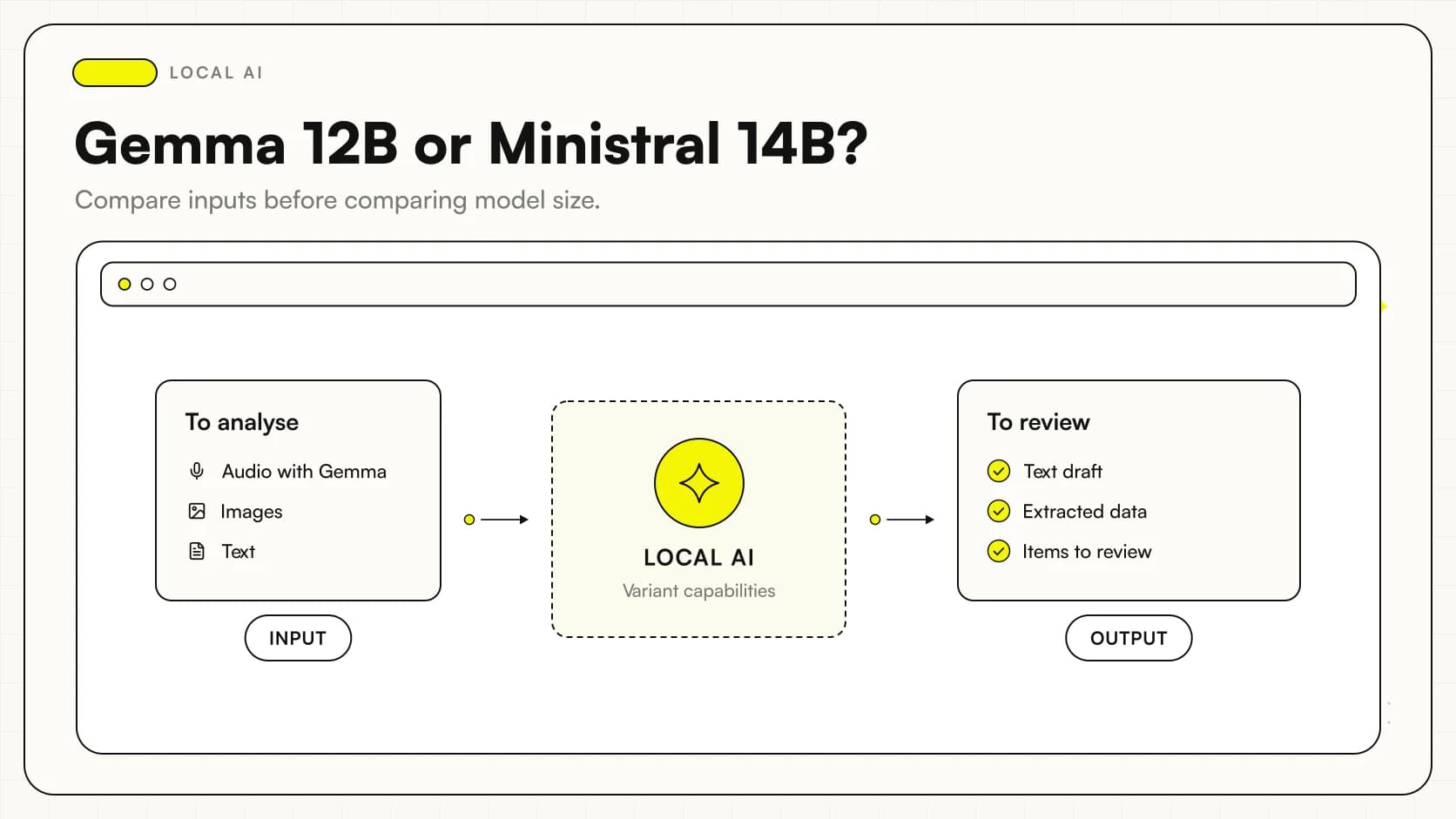
References to assess include smaller variants such as Qwen3.5-9B or members of the Gemma 4 family. These are examples of actual checkpoints, not a claim that every distribution fits a particular budget. Select a compatible conversion, record precision and test the sample. The guide to choosing AI models helps avoid selection based only on size and announcements.
Is starting with Qwen3.8-27B on a 16 GB Mac realistic?
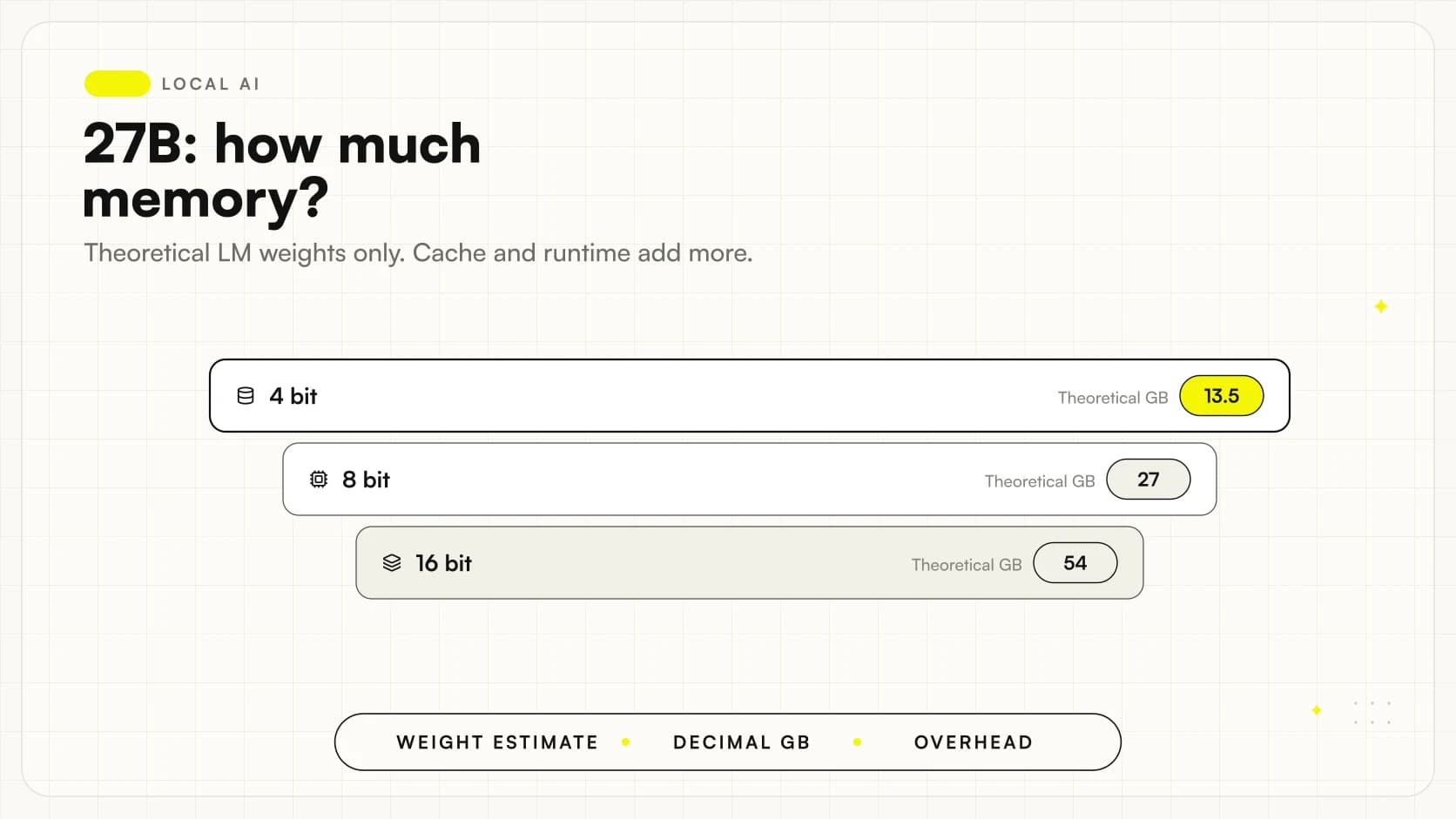
Do not promise this based on the model name alone. A theoretical language-weights-only calculation puts 27 billion parameters at exactly four bits at about 13.5 decimal GB. Components, metadata, caches and workspace are excluded. The figure does not establish that the Mac has enough operating memory.
The same reasoning applies to 24 or 32 GB: a larger budget still requires the exact file and configuration. The guide to Qwen3.8-27B RAM and VRAM separates these levels. Without measurements, choose a smaller first candidate and compare the 27B in a suitable environment rather than sacrifice computer usability to reach an arbitrary size.
How does the Q4 versus Q8 trade-off change?
Weight precision affects memory use and behaviour, but the conclusion is not “fewer bits are always better”. Quantization must be engine-compatible and tested on the task. Small quality differences may matter when the model must preserve codes or distinguish similar information.
The Hugging Face quantization documentation explains the alternatives; the GGUF Q4 and Q8 guide addresses practical comparison. On Mac, first test sufficient quality, then memory headroom and usability. A heavily compressed variant needing many corrections may be less worthwhile than a smaller model at a different precision. Keep these two changes separate in the record.
How should Activity Monitor be used during testing?
In its Activity Monitor memory section Apple documents memory pressure, used memory, compression and swap. Do not observe only a figure for the main process: the whole computer's behaviour is part of the test.
Record a baseline, then load the model and run representative requests with indicators visible. Determine whether the system retains headroom appropriate for the work. One peak or a context-free swap figure does not establish failure; observe trends, errors, waiting and interaction with other apps. Retain the configuration to repeat the comparison after an update.
Why can context matter more than the initial question?
A request often includes much more than newly typed text: instructions, previous conversation, documents and tool results. If context grows unchecked, a brief test may not represent the session after many exchanges. Observe memory use during the intended longer workflow too.
You need not use the declared maximum context simply because the model supports it. Define the limit the process needs and verify quality within that boundary. For a large archive, retrieving relevant passages is an option to assess instead of inserting files indiscriminately. The business local RAG guide covers this design, which depends on search, permissions and citations as well as model capability.
How do tests change when images and PDFs are included?
An app may process a PDF by extracting text or converting pages into images. These paths may have different workloads and should not be confused. Components outside the model, such as conversion and OCR, may also consume memory during the operation.
Prepare a separate visual sample for the Mac using fictional files of representative quality. Observe loading, processing and response, then verify that content was read correctly. The guide to local multimodal AI explains why a successful text response does not certify scan reading. If images are only occasionally required, a separate step may be useful rather than sizing every operation for the most demanding case.
A scenario: a consultant uses the Mac during appointments
Imagine a consultant organizing fictional notes into a structure for review. This is a hypothetical example. The Mac also remains the tool for scheduling, documents and video calls. The test must reflect that coexistence, rather than produce an answer only when the computer is otherwise idle.
The sample includes a clear note, an incomplete note and two contradictory pieces of information. The model should preserve uncertainty rather than fill missing parts confidently. Measure the consultant's remaining work and check other activities remain smooth. If a smaller configuration already meets the requirement, there is no operational reason to replace it with a model making the computer harder to manage solely because it has more parameters.
A scenario: a small team wants to share a Mac
In a second illustrative case, a team considers a Mac as a shared service for drafting from fictional records. Required memory cannot be inferred from one person's chat. Define concurrent requests, queues, access and behaviour when the computer is busy or restarted.
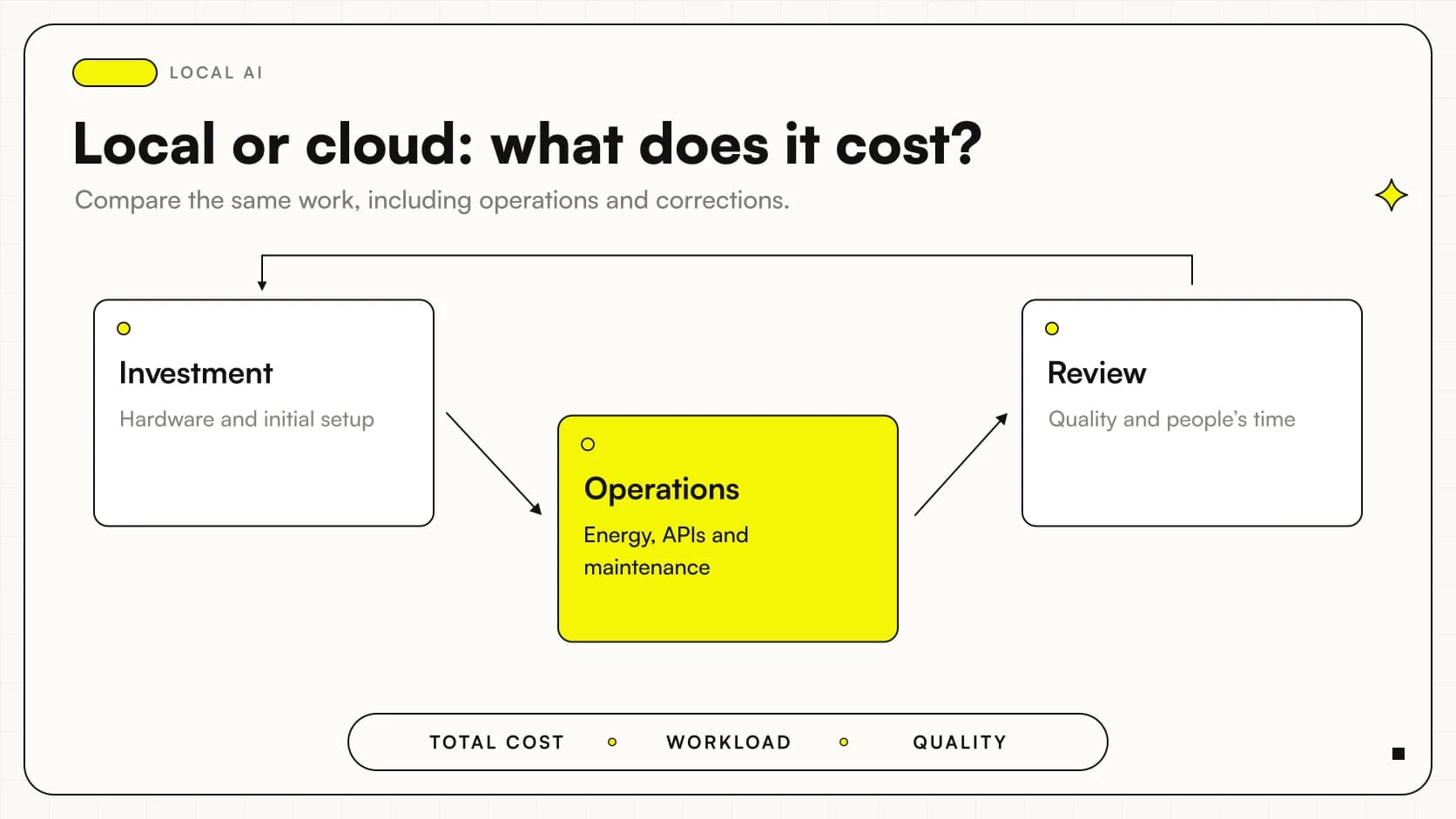
A shared solution needs an operational owner. If the machine also handles personal activities, assess whether that overlap is compatible with required continuity. The comparison may include a dedicated configuration or remote service, without assuming local is always cheaper. The analysis of local AI and cloud costs distinguishes investment from management: buying more memory does not resolve service responsibilities on its own.
What test should precede a purchase decision?
- Define task, sample and minimum acceptable quality.
- Record chip, memory, system, runtime and checkpoint.
- Test with necessary applications open and a defined context.
- Check quality, memory, waiting and errors, then repeat after restarting.
Keep the sample accessible for future updates. Retain a smaller comparison configuration too: if the demanding candidate does not improve the outcome, the evidence supports a decision without chasing hardware. The Italian-language local benchmarking protocol helps document these steps. A universal threshold is unnecessary for a decision grounded in your work.
Which mistakes make a Mac test unhelpful?
The first is considering only whether the model starts. The second is using a sample too simple for the actual documents. The third is changing model, precision and context together without identifying what improved or worsened behaviour. Another common mistake is testing with programs closed and expecting the same experience throughout the day.
Also avoid attributing every slowdown to memory: diagnosis must examine logs, inputs and actual conditions. A document-workflow bottleneck needs a different intervention from an oversized checkpoint. Test outcomes must be allowed to say “this configuration is unsuitable” rather than become a search for increasingly complex settings to justify an initial choice.
From memory capacity to the configuration you will use
The useful choice between 16, 24 and 32 GB supports the task and keeps the Mac usable in the intended setting. The largest model remains an option to justify, not a mandatory goal. Retain the approved configuration's limits and repeat the sample when documents, users or runtime change.
To explore possible workflows, start with the demos in The Lab, then define a test using fictional data. If evaluating hardware for a work project, AI consulting by Giallo Studio can connect model, memory and checks to the actual workflow before purchase, so the budget follows a demonstrated need and maintainable configuration.
Giallo Studio guides: methodology and sources
How we apply it in the company
Related resources
 Local AI vs cloud: comparing business costs
 Gemma 4 12B vs Ministral 3 14B: compact local AI
 How much RAM and VRAM does Qwen3.8-27B really need?
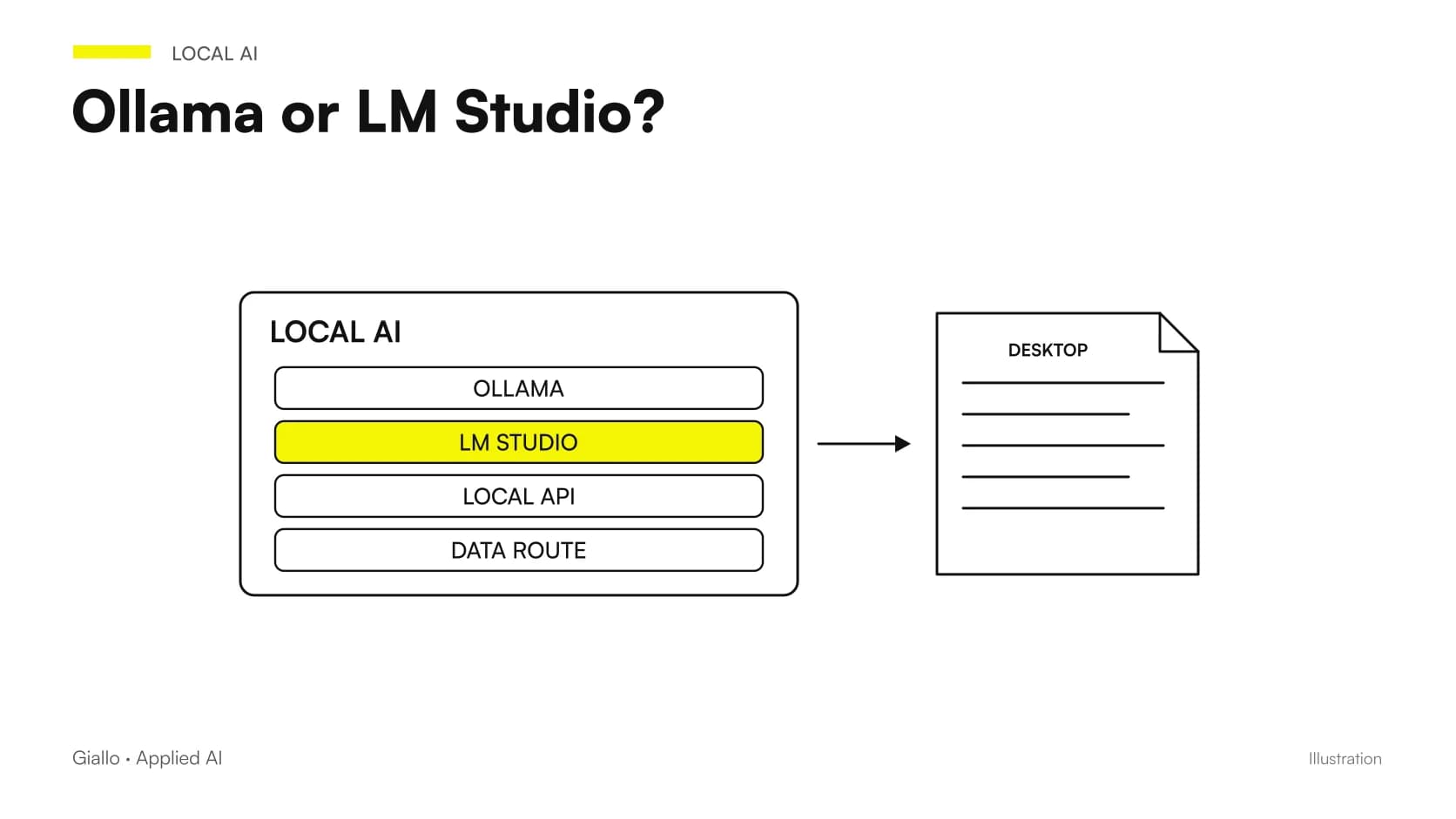 Ollama vs LM Studio: choosing a local AI runtime
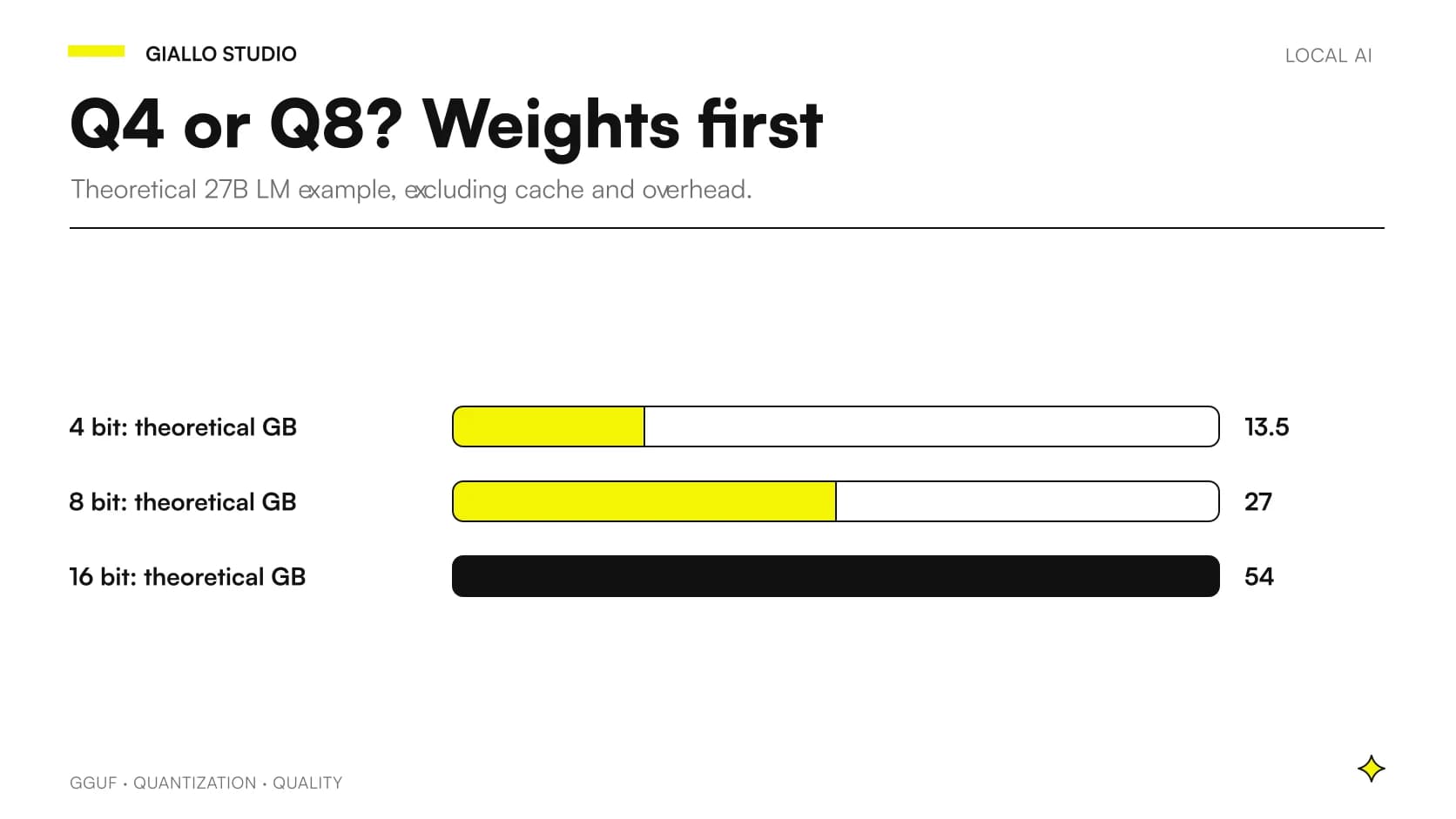 GGUF quantization: Q4 or Q8 for local LLMs?
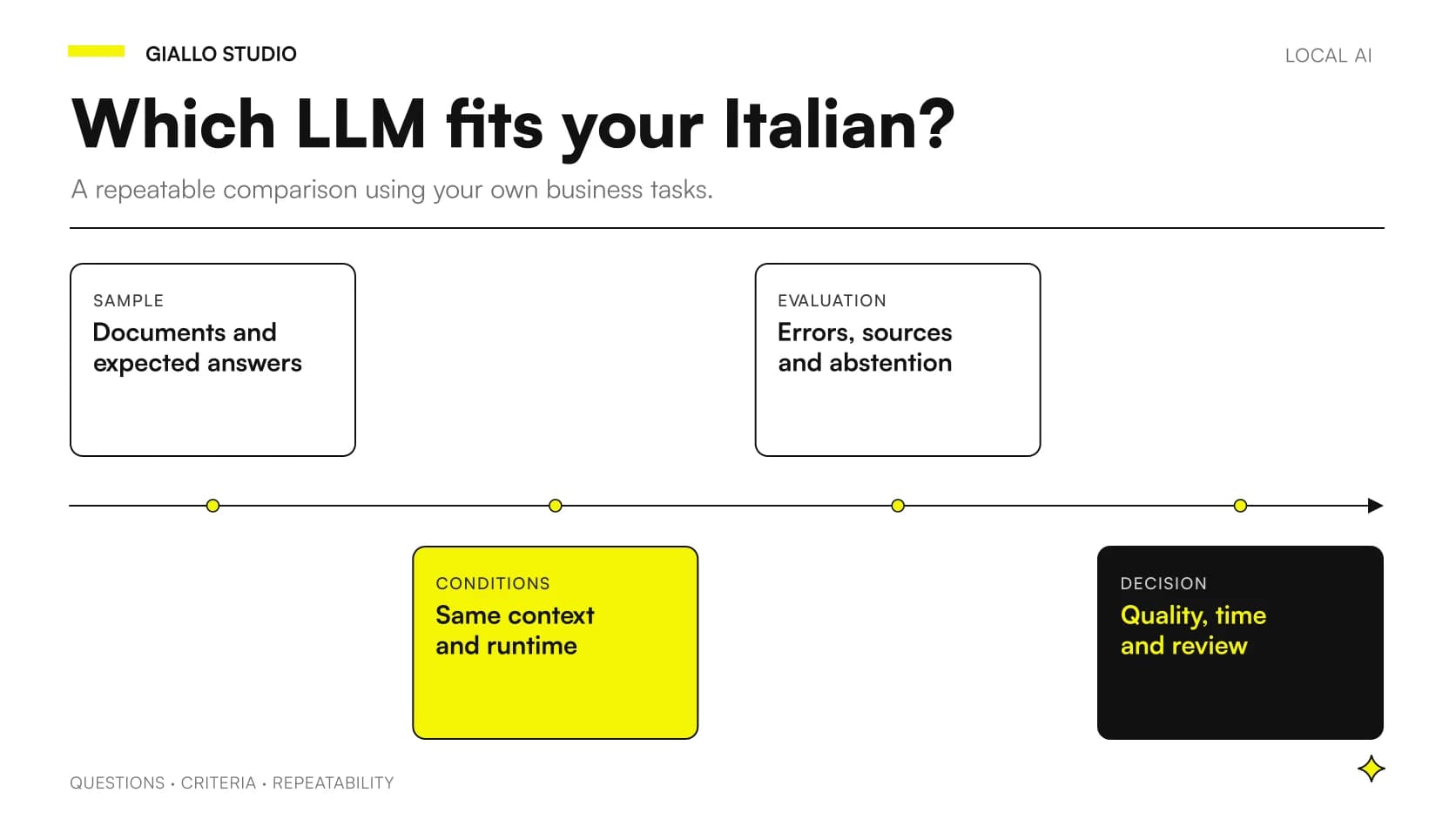 Local LLMs in Italian: comparing without misleading tests
 Local AI models: when they make sense
FAQ
Is 16 GB enough for a local LLM on Mac?
It may suffice for some configurations but is not a universal requirement. Choose a compatible model and check available memory, context, quality and open applications.
Does every 27B model work well with 32 GB?
No. Weight precision, visual components, caches and runtime can substantially change consumption. Nominal capacity does not guarantee speed or a sustainable context.
Is unified memory entirely reserved for the model?
No. It is shared with macOS and other applications. Assess the computer's overall workload and leave room for everyday activities.
Does LM Studio also support older Intel Macs?
The official requirements page consulted on 27 October 2026 specifies Apple Silicon and macOS 14 or later, and currently excludes Intel Macs. Recheck support before installation.
How can you tell whether a model is putting the Mac under strain?
Use Activity Monitor to observe memory pressure, used memory and swap during a representative sample. Compare timings and the usability of other applications too.