
Local LLMs on Windows: GPU, VRAM and practical limits
Choose a local LLM for Windows: RAM and VRAM, drivers, offloading and practical checks before buying a GPU.
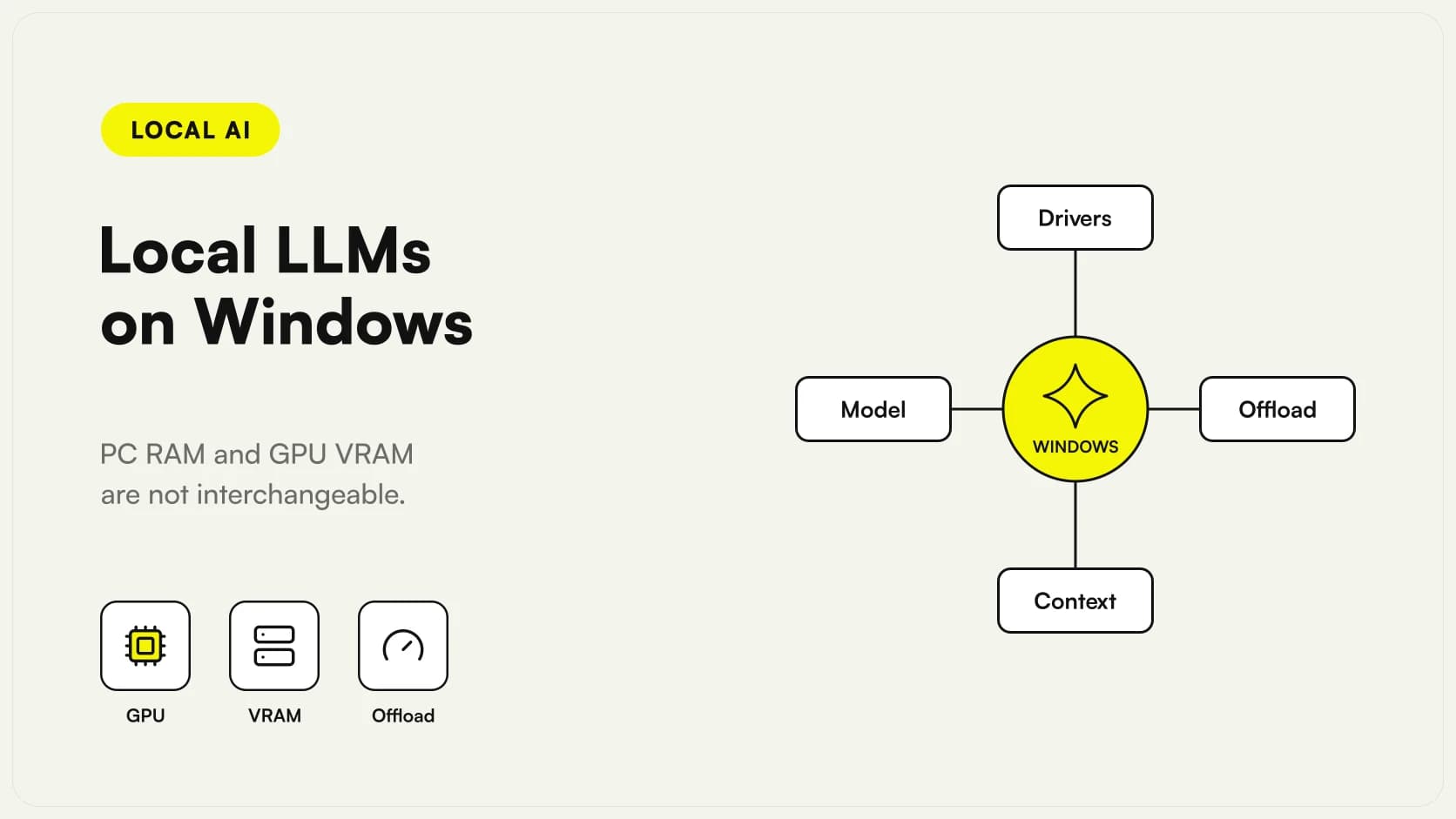
To run a local LLM on Windows you need to check the model, available memory and the runtime's GPU support together. The computer's RAM capacity alone cannot tell you which model will work well, because dedicated graphics memory and system memory serve different roles.
A PC that launches Qwen3.8-27B is not automatically suitable for serving an office: uploaded documents, concurrent requests and the maximum acceptable wait all matter. This guide provides a way to assess the machine you already own before buying hardware. We are not presenting speeds measured by Giallo Studio or a ranking of graphics cards.
In summary
- System RAM, dedicated VRAM and shared memory are not interchangeable quantities.
- The model must leave room for context, cache, the runtime and other applications.
- GPU support depends on the backend and drivers as well as the card's brand.
- Reducing the model size or context can be more useful than adding memory indiscriminately.
- The decisive test reproduces real work on the PC people actually use.
How do you interpret RAM and VRAM on a Windows PC?
The RAM serves the operating system and applications. The dedicated VRAM, on a discrete GPU, resides on the graphics card. Windows also distinguishes dedicated from shared GPU memory: shared memory uses system RAM and does not physically turn a small card into one with more VRAM. This distinction is documented by Microsoft in its explanation of Task Manager.
Record installed capacity separately from the memory available during work. A nominal total does not tell you what remains after the browser, business software, video calls and company security tools.
For help with the initial checkpoint selection, start with the guide to Local AI Models. The next question is practical: will the machine support a personal chat or a shared service? For a shared service, sizing must also account for users and overlapping workloads.
Why is download size not enough?
The file contains the model weights and information needed for loading. Execution requires additional memory: runtime structures, input processing, conversation state and, depending on the architecture and backend, context-related caches. Multimodal models also use components that process images.
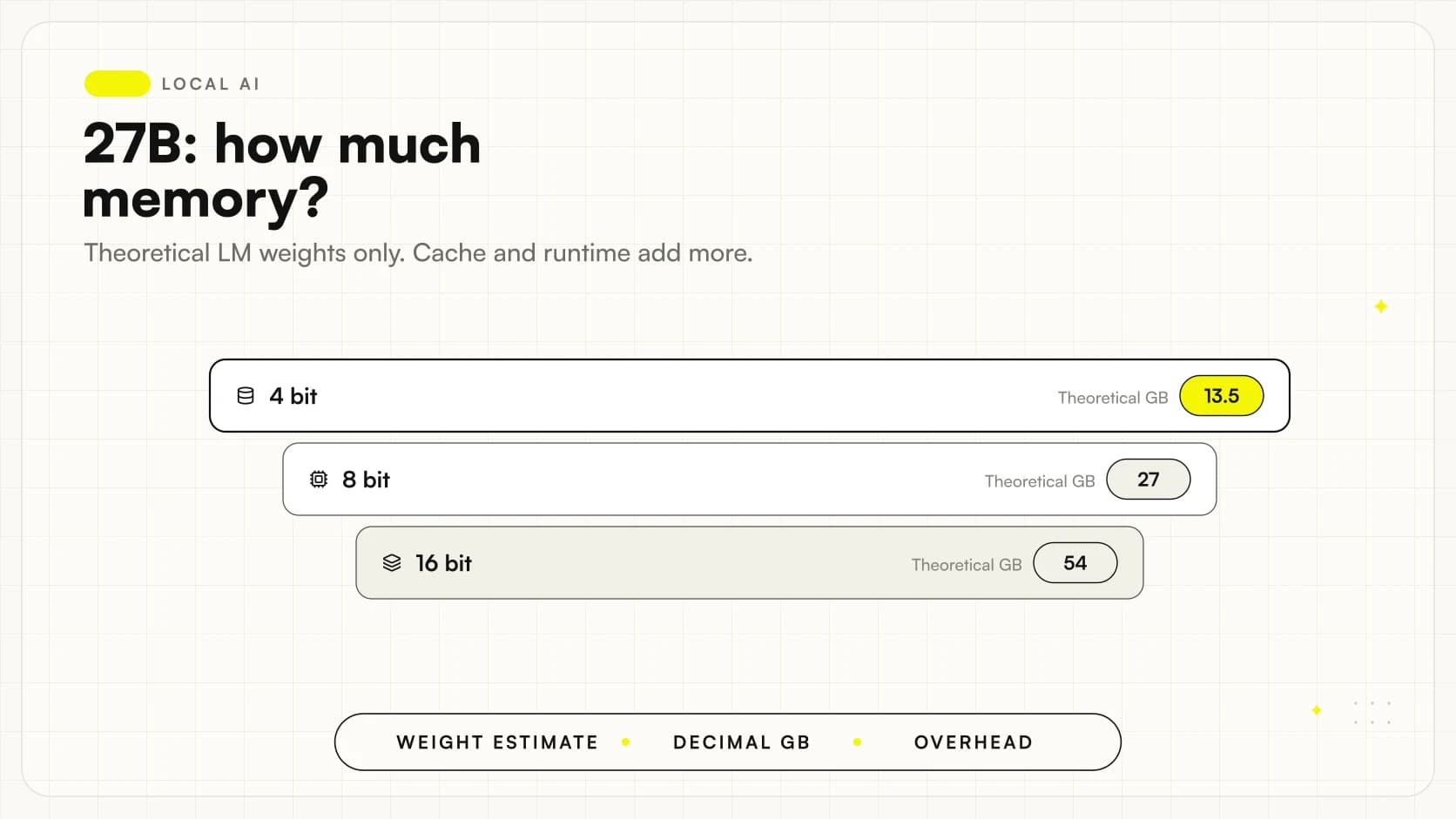
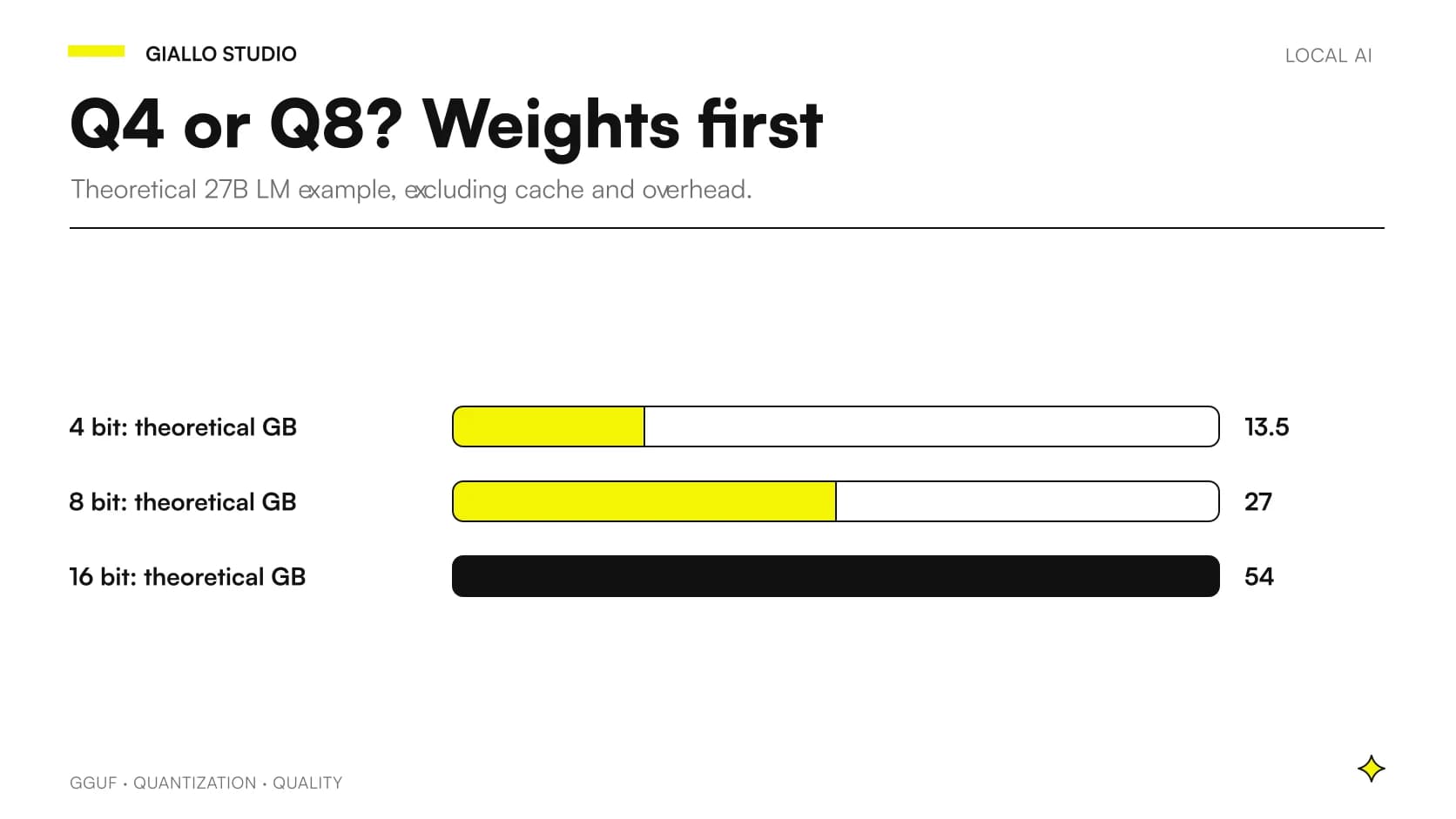
A theoretical calculation helps rule out impossible expectations. For 27 billion parameters, four bits per parameter amount to approximately 13.5 decimal GB for theoretical weights alone: 27 billion × 4 / 8. This is not a guaranteed GGUF file size or a sufficient requirement. Qwen distinguishes the language model from the vision encoder in the official 27B model card.
The Guide on RAM and VRAM for Qwen3.8-27B separates these layers. Before buying a card, check the exact file size and observed consumption with the intended context.
Which GPUs does your chosen application support?
There is no single list that applies to every application. CUDA, ROCm and Vulkan are different execution paths; a GPU supported by one engine may have limitations in another or require specific drivers.
The Ollama hardware support matrix lists cards and backend requirements. The Windows page describes native execution and NVIDIA and AMD driver specifics. Check both: a general entry for a GPU family does not replace operating-system-specific notes.
Keep the full card name, driver version and runtime version in the test record. Avoid updating everything at once during a comparison: if the result changes, you need to identify which change caused it.
Ollama or LM Studio for the first check?
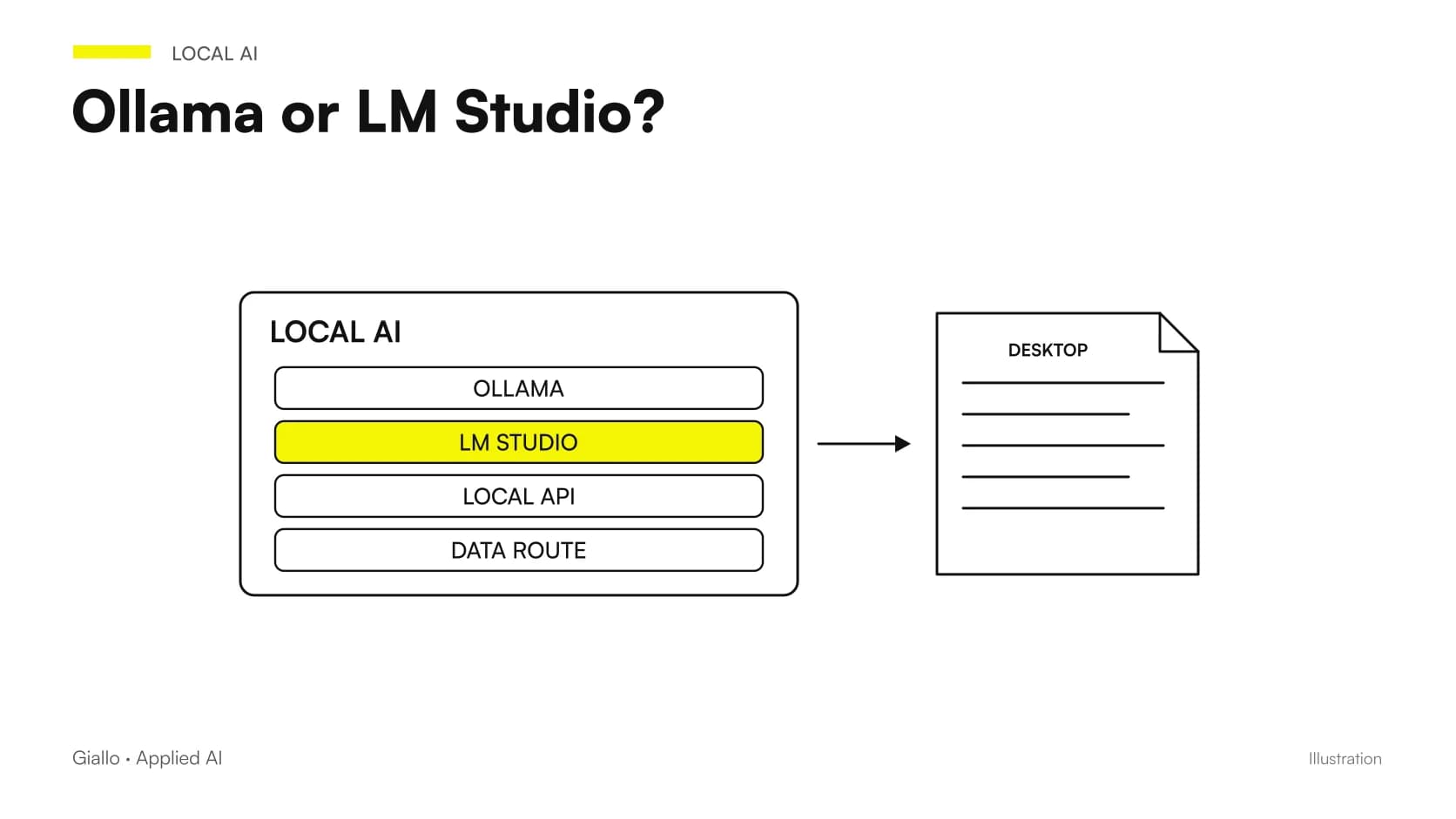
Ollama and LM Studio provide different routes to local inference. The choice depends on the work: desktop interface, application server, integrations and model management. The Ollama and LM Studio comparison explores these differences.
LM Studio sets out its own system requirements and recommendations in the official documentation. Those recommendations concern the application: they do not mean that every model in the catalog will fit on the machine.
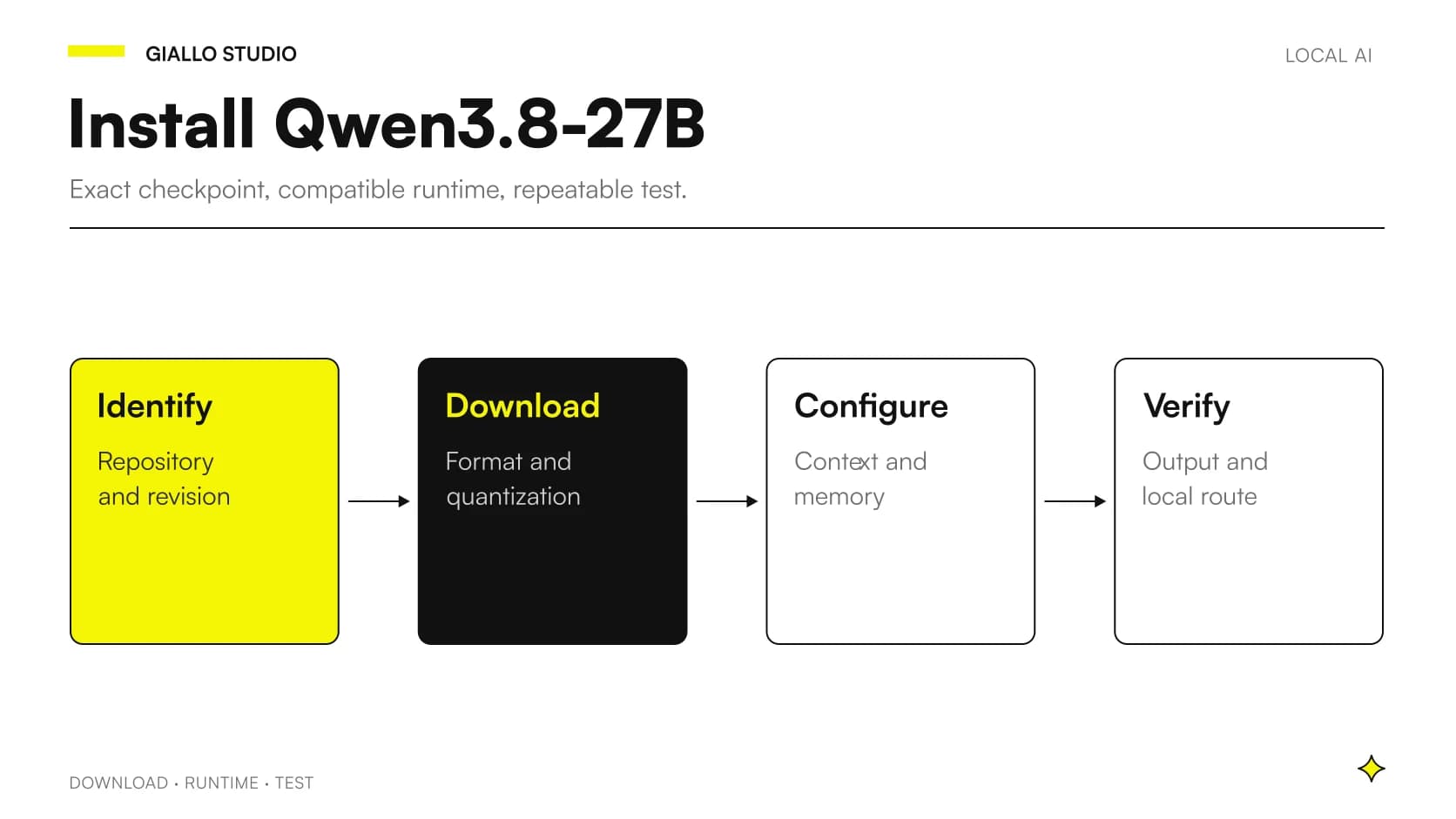
For the first test, use a compatible checkpoint small enough to distinguish installation issues from capacity limits. Only then move on to the business candidate. This prevents an unrecognized driver from being mistaken for an overly demanding model.
What happens when the model does not fit on the GPU?
Some runtimes can move part of the work onto the CPU and system memory. This mechanism is often called offloading. It can enable loading that would otherwise fail, but it changes the processing path and requires practical timing checks.
We do not assign a universal slowdown: it depends on hardware, transfers, the engine and the workload. The useful measurement is the duration of the entire operation the user needs to complete.
With Ollama, the command ollama ps shows loaded models and the processor split, as explained in the context and offloading documentation. If you expected all processing to run on the GPU, check this information before attributing the result to model quality.
Which components should you check before spending?
| Component | Useful question | Common mistake |
|---|---|---|
| dedicated VRAM | How much remains free with applications open? | Considering only the number on the box |
| RAM | Is there headroom for the system and parts of the model? | Adding it to VRAM without distinguishing the execution path |
| Drivers and backend | Does the runtime support the combination? | Choosing by brand alone |
| SSD | Is there room for files, versions and working documents? | Confusing disk capacity with execution memory |
| Cooling | Does behavior remain stable during work? | Relying on a single initial response |
| Network and access | Is the service personal or shared? | Exposing the machine as a server without a design |
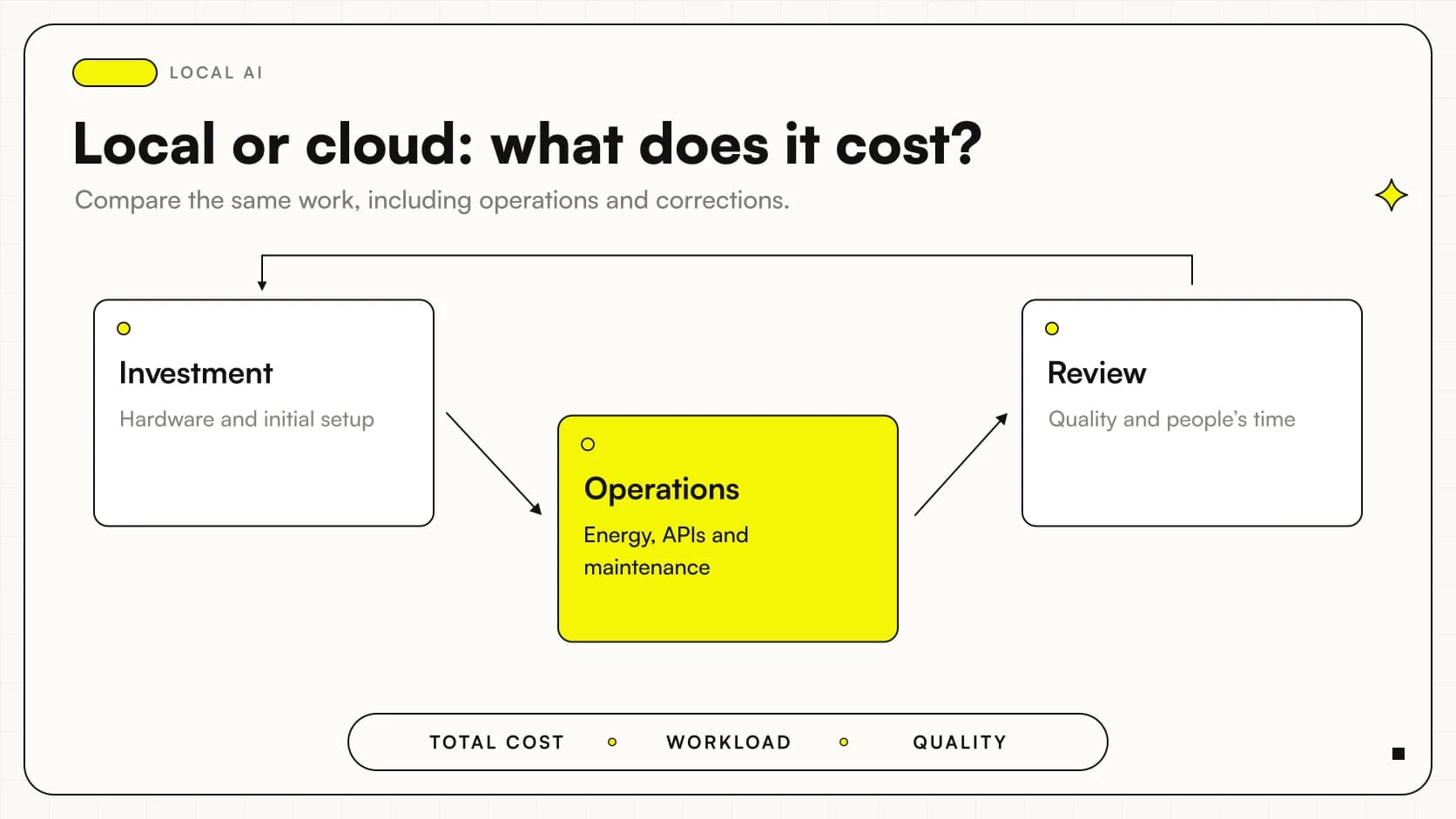
The table is a design checklist, not a list of recommended components. For a financial decision, also compare local and cloud AI costs: hardware with more capacity can avoid a technical limit, but it still needs maintenance and administration.
How much does conversation context matter?
Context is the material the model can consider during a request: instructions, conversation, documents and room for the answer. A checkpoint that advertises a large window does not guarantee that your PC can use all of it.
The Ollama context-length documentation explains that increasing it raises memory requirements. The test must therefore report the actual configuration, rather than only the limit advertised by the producer.
Start with a representative question and a document of the usual size. Increase the load gradually, recording consumption and timing. If the work involves consulting many documents, consider a local RAG system: selecting relevant passages often makes more sense than inserting an entire archive into the prompt.
How can you test the PC without creating a misleading benchmark?
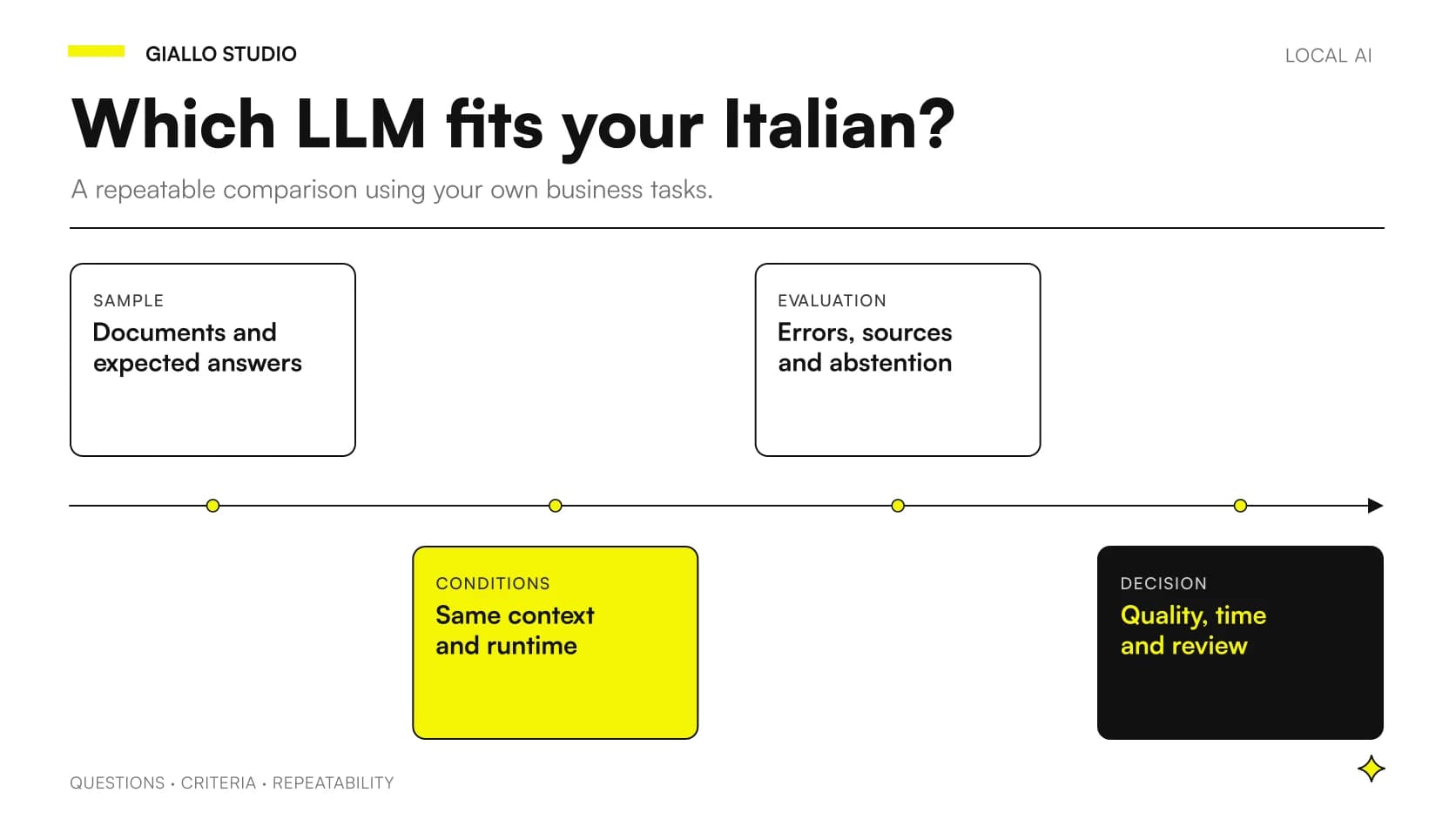
Prepare a small test set using synthetic or authorized documents. Define in advance what makes an answer usable: correct data, a verifiable citation, the required format and timing suitable for the task. The protocol for comparing LLMs in Italian helps avoid assessments based solely on impressions.
- Record the exact model, file, application version and settings.
- Close only applications that would not be open during normal work.
- Run an initial request to observe loading.
- Repeat the task with representative documents and conversations.
- Check memory, the CPU/GPU split, errors and the final result.
- Test a second user only if the service will actually need to support one.
Do not compare a freshly started machine with one that is updating the system. Keep tests repeatable and flag conditions you cannot control.
A small trading business: workstation or shared service?
Consider a hypothetical scenario: a distributor wants to draft replies from technical data sheets. One person prepares the drafts and checks the sources before sending.
The first test can use their Windows workstation, with business software open and documents similar to everyday ones. If the result is correct but the PC becomes difficult to use, declaring that the model 'works' does not solve the problem: you need to assess model size, settings or a dedicated machine.
If several salespeople need to query the same archive, the design changes. Access controls, document isolation, queue management and operational responsibilities are required. The GPU is one component; it does not replace the software that governs the service.
A useful criterion in this example is preserving the assistant's benefit without forcing the salesperson to keep switching environments. The draft should arrive with a reference to the data sheet used and a clear indication of missing information. The process owner can then distinguish a model limitation from an incomplete product sheet. If the machine also handles other demanding activities, record which tasks can overlap: an isolated test may not represent the moment the office actually needs it. All these conditions inform the decision before the graphics card model does.
An engineering practice: what should you check with PDFs and drawings?
In a second hypothetical example, a practice prepares summaries of specifications and scanned drawings. The model must also be evaluated on its reading path: a PDF with selectable text and a page captured as an image may require different processing.
A file that fits in memory with text input may behave differently with images, long documents or parallel processing. Check the workflow described in the guide to multimodal AI for PDFs and images.
Use verifiable details in the test: page references, units of measurement and data that must not be confused. Measuring only how quickly a summary appears does not demonstrate that extracted information is reliable for technical work.
Also prepare a document in which the requested information does not exist. The system should state the limitation rather than complete the answer with a plausible assumption. Then change a value in the test set and check that a new request does not repeat an earlier version retrieved from history. These are design checks, not results already obtained: they define what to observe during testing. If the PC passes the hardware checks but the workflow cannot distinguish versions and sources, adding VRAM does not address the practice's problem. Fix the document workflow first, then repeat measurements on the candidate configuration.
Why do an NPU and a high TOPS rating not answer the question?
AI PC specifications describe hardware capabilities, but the application must be able to use them. The actual execution path depends on engine support, weight format and the operations required by the model.
Do not infer Qwen3.8-27B's speed from the NPU's TOPS rating. First find an officially supported combination and a test covering that model or a relevant configuration. The Ollama support matrix is a reference for that runtime, not automatic approval for every accelerator.
This distinction prevents purchases driven by generic labels. A computer can be excellent for operating-system AI features while requiring a different execution path for your downloaded LLM.
Which mistakes make the comparison unhelpful?
The first is choosing the largest available checkpoint and compressing it until it fits without checking whether task performance deteriorates. The GGUF quantization guide explains why memory footprint and quality should be compared together.
The second is using very short prompts in testing and long documents at work. The third is blaming the GPU for a driver, template or runtime-version error. The fourth is forgetting that the same application may also offer cloud execution: check where processing actually happens.
Finally, do not treat swapping or simply avoiding an application crash as success. A test must verify continuity of work and correctness, not just the absence of an error message.
When is the machine ready for everyday work?
The decision becomes sound when you can describe what works, its limits and who will intervene if it stops working. Keep a reproducible configuration, an update procedure and a small set of requests to repeat after each significant change.
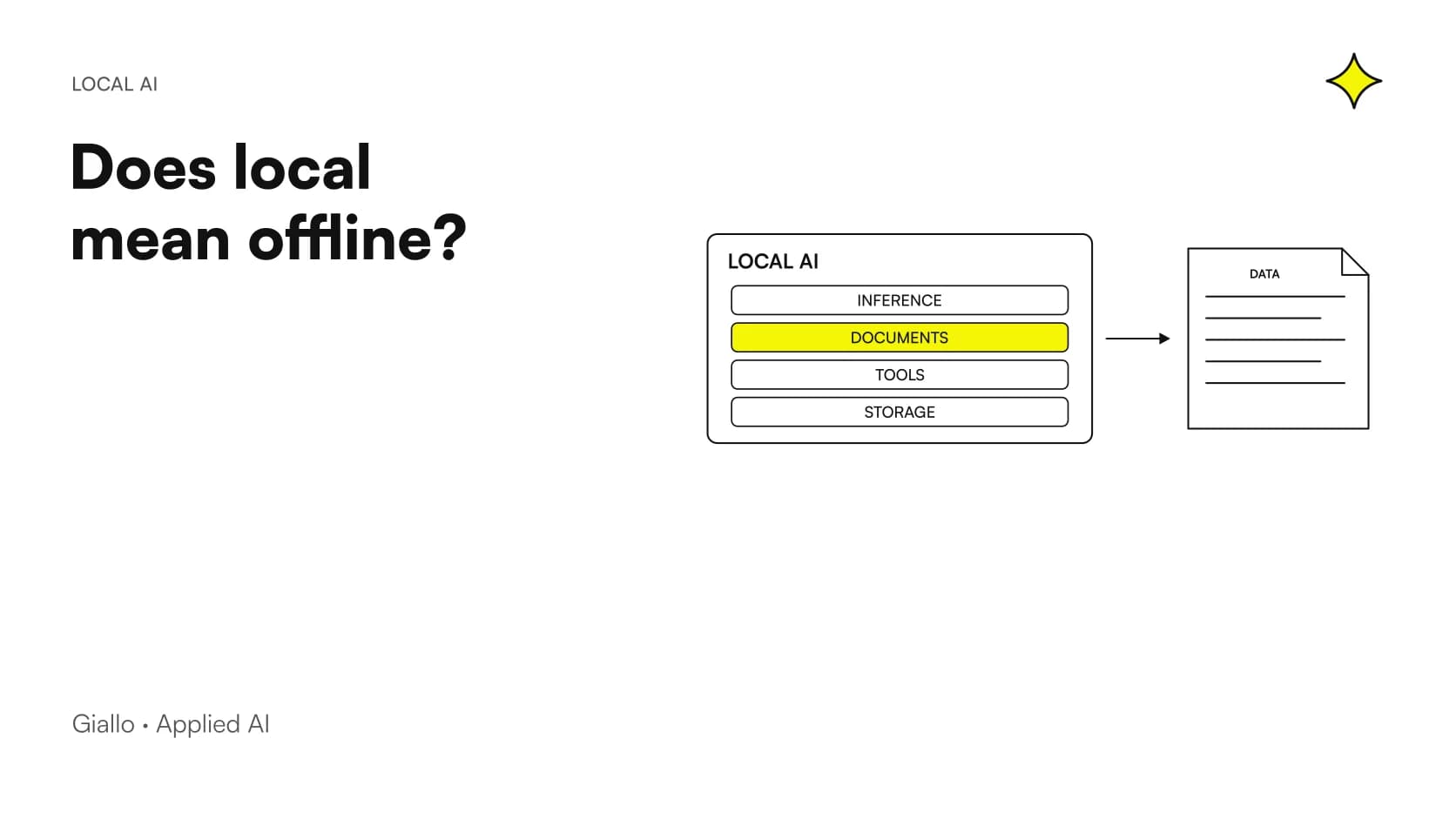
Also define what must not be processed on that workstation, where conversations and documents remain and who can access them. The guide to offline verification and privacy completes the technical checks without confusing local execution with automatic compliance.
If you want to size the service around office tasks, AI consulting by Giallo Studio can turn the PC's specifications into a test plan: candidate checkpoints, a representative workload and clear criteria for deciding whether to use the existing machine or design a dedicated system.
Giallo Studio guides: methodology and sources
How we apply it in the company
Related resources
 Local AI vs cloud: comparing business costs
 Install Qwen3.8-27B locally: checks and workflow
 How much RAM and VRAM does Qwen3.8-27B really need?
 GGUF quantization: Q4 or Q8 for local LLMs?
 Ollama vs LM Studio: choosing a local AI runtime
 Local LLMs in Italian: comparing without misleading tests
 Local AI privacy: verifying an offline workflow
FAQ
How much VRAM does a local LLM need on Windows?
It depends on the checkpoint, quantization, context and concurrent requests. File size is a starting point, but you need headroom for the cache and runtime. No single threshold applies to every model.
Can I add RAM and VRAM together when choosing a model?
Not as though they were a single memory pool with identical performance. Some runtimes split work between the CPU and GPU, but this changes their behavior and must be measured. The shared memory shown by Windows is not additional dedicated VRAM.
Does Ollama work on Windows without WSL?
The official documentation provides for a native Windows application. GPU support depends on the card model, driver and backend; check the current support matrix before installing.
Can a PC without a dedicated graphics card run an LLM?
It may be possible using the CPU or a supported integrated GPU. The model, available memory and acceptable response time determine whether it is practical. Loading a file does not prove that the business workflow is viable.
Does an AI PC's NPU automatically accelerate Ollama?
No: the execution path must support that NPU, the model and its format. Commercial TOPS specifications alone do not demonstrate compatibility or speed for your LLM.