
Local AI privacy: verifying an offline workflow
Check local AI privacy across models, documents, embeddings, networks and retention. Verify offline workflows without false GDPR guarantees.
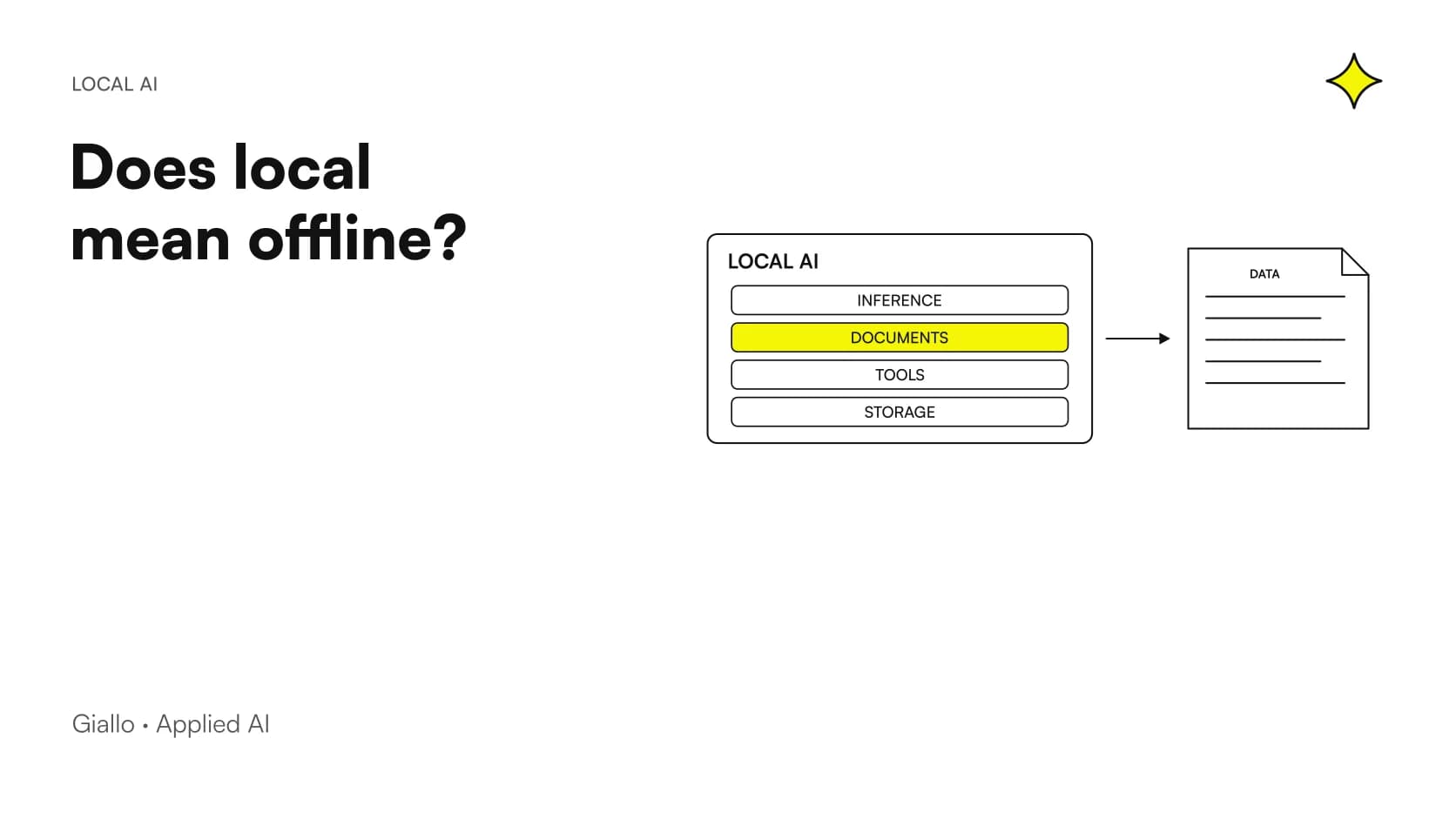
With local AI, privacy depends on the entire data path: running the model on a business PC or server does not prove that documents and conversations always remain there. Verification must also cover connected services, networking, access and retained copies.
Offline testing is useful but must be interpreted correctly: if a chat responds without internet, you have shown that the function can operate under those conditions. You have not certified the entire system or its GDPR compliance. This guide proposes practical checks for describing the actual boundary without promising automatic protection.
In summary
- Local, offline and GDPR-compliant describe different aspects.
- OCR, embeddings and tools can change the path documents take.
- Functional testing without internet must be paired with network-connection checks.
- Conversations, logs and copies need defined access and retention rules.
- Verified settings should be checked again after significant changes.
What is the difference between local and offline?
Local indicates where the processing in question happens. Offline means the workflow can run without necessary external connections. A service can be local on an office server while still requiring an internal network to reach it.
A desktop application may instead call a cloud model. The Ollama cloud documentation shows how one ecosystem can offer both paths: the installed application's name is not enough to identify them.
Define the boundary precisely: a single workstation, business server, internal network or managed infrastructure. A useful description states which components process which data and which connections are allowed. The guide to Local AI Models completes the distinction between downloadable weights and services accessed through APIs.
Physical location and management responsibility must also be distinguished. A server at company premises may be administered by a supplier; remote infrastructure may have well-defined access and conditions. Neither description alone tells you who can read the content. Ask which parties have technical access, under what circumstances and with which records. This information helps assess the actual service without treating 'local' as an indiscriminate synonym for the absence of third parties.
What data actually enters the system?
Beyond typed text, consider attachments, images, audio, history and passages retrieved from an archive. Some integrations may add information from other workplace tools.
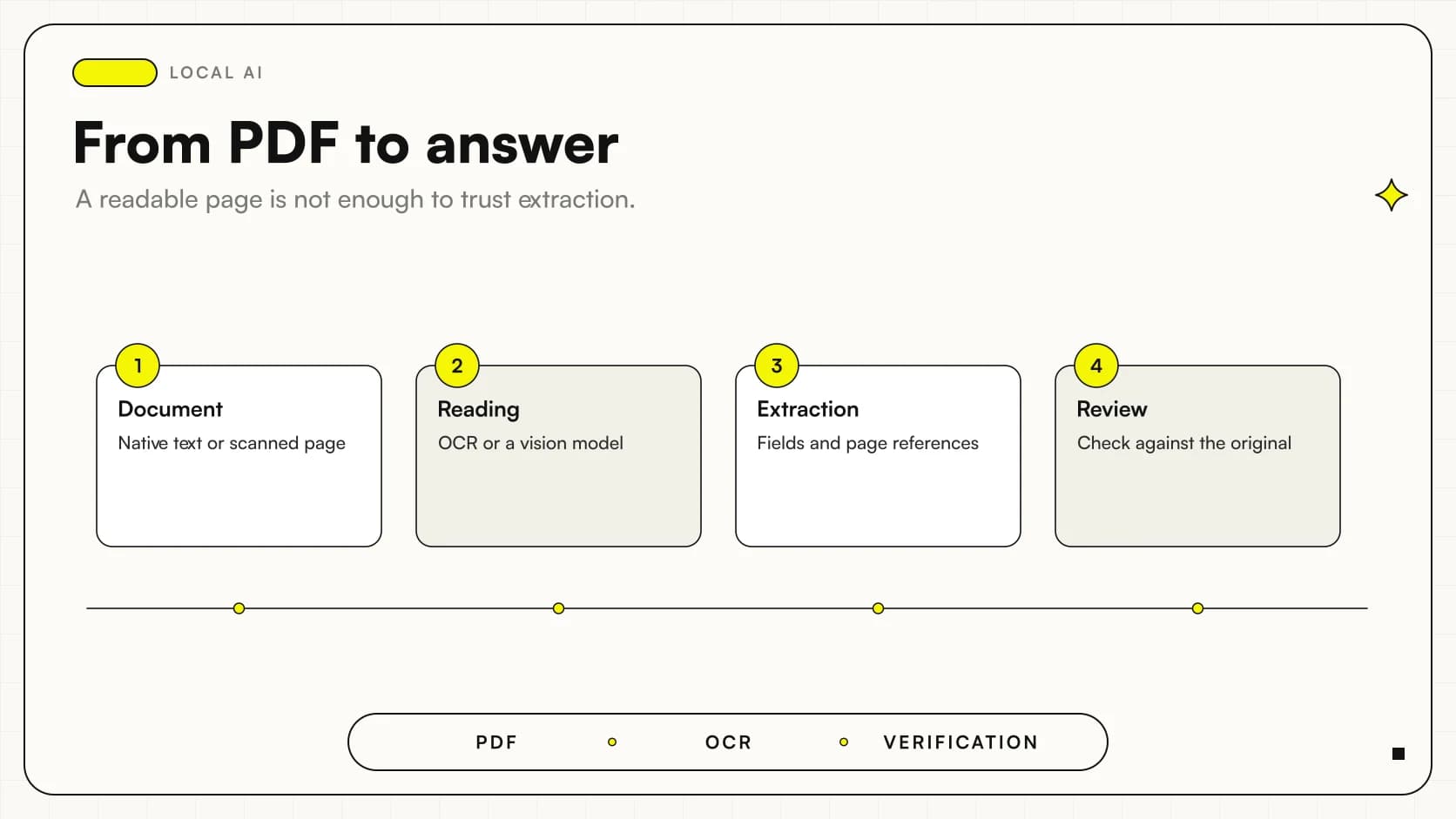
Draw a simple path from question to answer and note where each element is processed or stored. Do not focus only on the moment the model generates text: converting a scan to text or creating embeddings may happen elsewhere.
For a RAG system for business documents, identify extraction, the index, retrieval and generation separately. The list must also be understandable to the process owner: if only the installer knows where data goes, part of the operational documentation is missing.
How do you verify that the selected model is local?
Check the selected model, service path and application configuration. A seemingly nearby address or desktop interface does not rule out a component forwarding requests to an external provider.
Ollama documents a local-only mode, including settings to disable cloud features and web search. The official FAQ also specifies the variable OLLAMA_NO_CLOUD=1; follow the procedure appropriate to your installation and verify the effect after restarting.
The runtime configuration does not automatically govern every surrounding tool. An interface may have its own external connector, for example, or an assistant may call other services. When choosing an application, compare Ollama and LM Studio against the actual workflow you want to build.
Can OCR and embeddings leave the boundary?
Yes, if an external service performs them. A local generator connected to remote OCR or embeddings does not make the entire pipeline local. Read each component's configuration and verify the data it receives.
The LM Studio offline documentation describes local document processing within the application workflow. For a custom system, do not automatically transfer that property to tools added later.
Prepare a table covering function, supplier, execution path and data processed. If a component is unnecessary for the task, consider removing it from the workflow. If it is necessary but external, describe it openly: an informed choice needs an accurate map, not a local label applied to the whole system.
What should you prepare before disconnecting the internet?
Models, dependencies and components must be available. A chat working with an already loaded model does not prove that a new document can be processed after a restart.
The Open WebUI offline guide highlights cache preparation and distinguishes application settings from network isolation. If an embedding model or audio component is missing, the problem may appear only when that function is used.
Also define the intended access method: authentication depending on an external service can interrupt work when connectivity is absent. Testing must keep required local services reachable, without confusing a lack of internet with interruption of the project's internal network.
How do you run a representative offline test?
Use synthetic material without confidential data, containing a distinctive fact absent from the model's general knowledge. The question must require that particular content; otherwise, a correct answer may not demonstrate that the file was read.
- Record the applications, models, versions and test settings.
- Prepare the required components and interrupt external access within the authorized scope.
- Restart the workflow and verify access using the intended method.
- Send an ordinary question, then upload a new synthetic document.
- Check the answer and source, including OCR or audio only if required for the work.
- Check network configuration and observations separately.
Repeat the workflow after adding a significant integration. Keep the outcome as verification of that configuration; do not extend it to functions you did not test.
If the document was already processed while networking was available, the result may depend on previously prepared data. That is why the test includes a new file and a restart. Also keep a question the file does not answer: it helps distinguish content consultation from producing a plausible answer. Record missing functions without bypassing the network block merely to complete the demo. The limitation revealed is design information to resolve and verify before routine use.
Why does switching off Wi-Fi not prove everything?
It can show that a function is available without internet, but does not prove the absence of connections under other conditions. A component might contact external services during updates, startup, optional-tool use or later reconnection.
That does not mean it necessarily sends content: a connection alone is not evidence of exfiltration, just as an offline answer is not evidence of complete isolation. Interpret observations alongside documentation and configuration.
Open WebUI states that offline variables do not block every external connection: configured APIs, tools or services may remain usable if networking allows them. The official source therefore distinguishes workflow testing from network controls. The environment's administrator should conduct the test while preserving necessary business services.
What should you check beyond generation?
| Point | Concrete question | Useful Evidence |
|---|---|---|
| History | Who can read conversations and attachments? | Verified paths and permissions |
| Logs | Is content retained, or only events? | Configuration and an authorized sample |
| Synchronization | Are folders copied to external services? | Actual policies and destinations |
| Tools | Can they use the web, email or other APIs? | Connection list and permissions |
| Updates | Which components contact suppliers? | Planned and recorded procedure |
| Assistance | Who can access the machine? | Roles, methods and responsibilities |
Visibility does not require indiscriminately logging all content. Choose evidence proportionate to the check, with limited access. The verification system should not unnecessarily create an additional archive of confidential documents.
How do you protect a service used by several people?
A model reachable from one workstation and a shared server are different situations. A shared service requires user identification, authorization and resource separation.
The Ollama FAQ documents default local binding and network-exposure options. Do not turn a personal configuration into an office-accessible service without deciding who may access it and how the connection is protected.
For applications managing document collections, also check the permissions described by Open WebUI or your chosen platform. The prompt phrase 'do not show confidential files' does not replace system controls. Test different roles and check citations, previews and document names as well as the final text.
A professional practice: what changes with copies?
Consider a hypothetical scenario: a practice wants to summarize documents kept on a workstation. The model and extraction work offline, but the history folder follows the practice's normal synchronization policies.
This does not make the local project pointless. It shows that inference location and copy destinations are separate decisions. The practice must identify which files are kept, where they go and who can retrieve them.
Before routine use, testing with synthetic documents can verify history creation, export and management. Retention needs a process rule, not just a 'new chat' button. Data collected during testing must follow the same criteria as the intended service.
The practice can list expected copies: original document, extracted text, index, conversation and any export. For each, identify the owner and procedure when it should no longer be available. Do not assume removing an attachment from the interface automatically removes every derived representation or backup. Checking the application's documented behavior helps define a policy consistent with the processing, keeping user controls distinct from required administrative operations.
A manufacturing business: what changes with tools?
In a second hypothetical example, a company uses a local assistant to consult procedures and adds web search. The generator can remain local while searches introduce an external path.
The choice must be explicit: which questions may become external queries, which content may accompany them and who authorizes any actions. Relying on the model to recognize every confidential item on its own is insufficient.
Separating functions can help: internal consultation with limited tools and external research for authorized activities. Verify the complete workflow, including requests attempting to send an internal document to an unintended tool. Integration convenience does not remove the need to define the boundary.
Why does local execution not mean GDPR compliance?
The GDPR concerns the actual processing of personal data. The official text on EUR-Lex covers, among other things, principles and minimization in Article 5, protection by design in Article 25 and security in Article 32.
Local execution can be a relevant technical choice, but does not by itself address purpose, lawful basis, information for data subjects, access or retention. If a supplier processes data on the business's behalf, applicable roles and conditions must also be assessed, including under Article 28.
Do not infer certification from the model's brand or weight license. For organizing processing considerations, see the guides on AI and GDPR and business privacy, applying them to the context with the relevant responsible professionals.
Before introducing new documents, also distinguish personal data, confidential commercial information and public material. They may need different controls and should not be collapsed into one label. A file without personal data is not automatically shareable; conversely, keeping personal data on premises does not remove processing obligations. The map should connect information type, purpose and permitted access while keeping the reasons for technical choices understandable.
What documentation should system users receive?
Prepare a brief record covering scope, authorized functions, permitted data, access and support procedures. Add checks performed and limitations: for example, which functions were tested offline and which need external connections.
Keep an update procedure and repeat relevant checks when models, applications or integrations change. A configuration verified today does not automatically describe the one modified tomorrow.
To turn the goal 'our documents remain under our control' into a practical workflow, Giallo Studio designs AI systems and custom software: a data map, necessary components and repeatable tests before use with the company's material.
Giallo Studio guides: methodology and sources
How we apply it in the company
Related resources
 Local multimodal AI for business PDFs and images
 Local LLMs on Windows: GPU, VRAM and practical limits
 Local RAG for business documents: a practical design
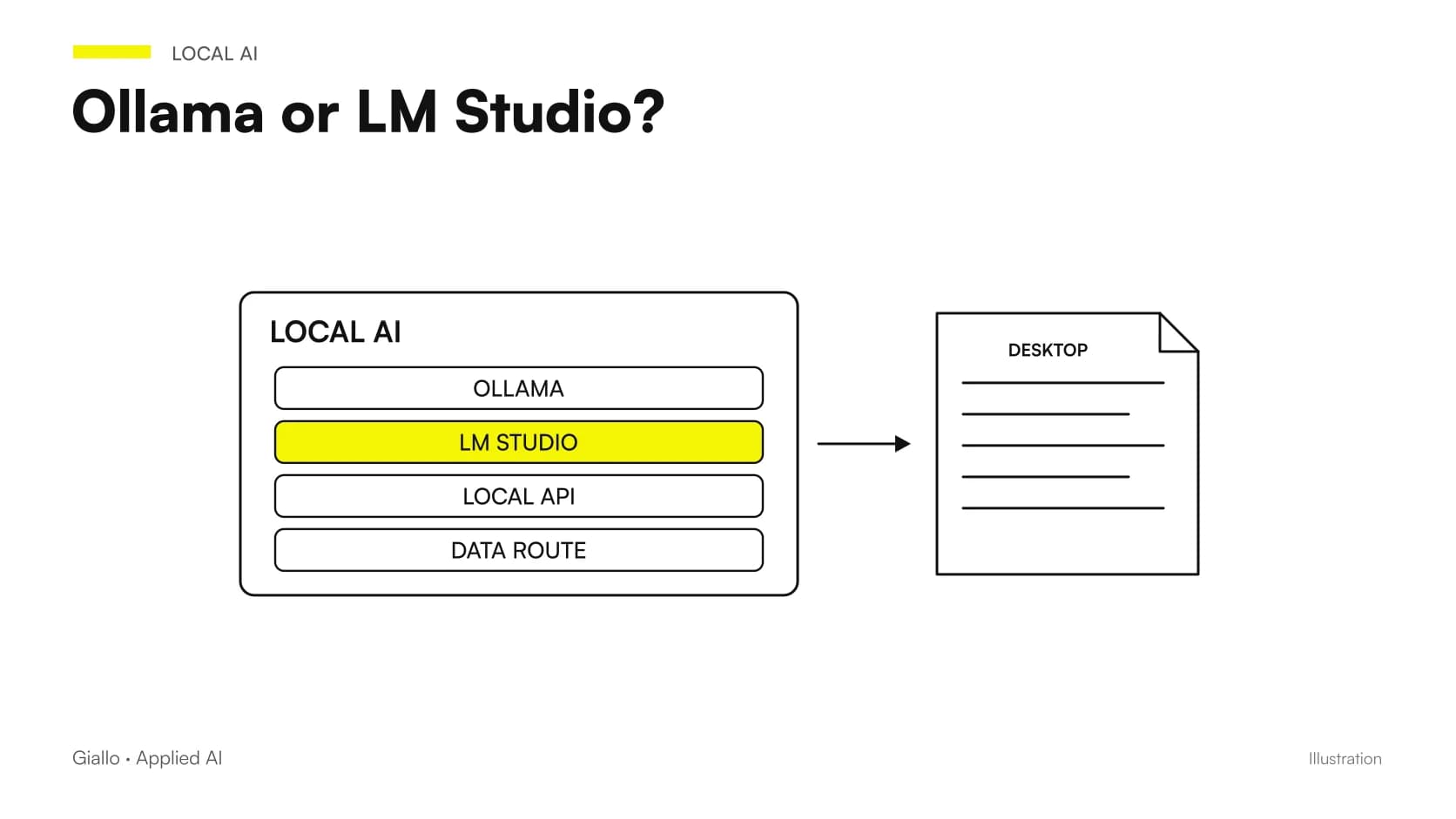 Ollama vs LM Studio: choosing a local AI runtime
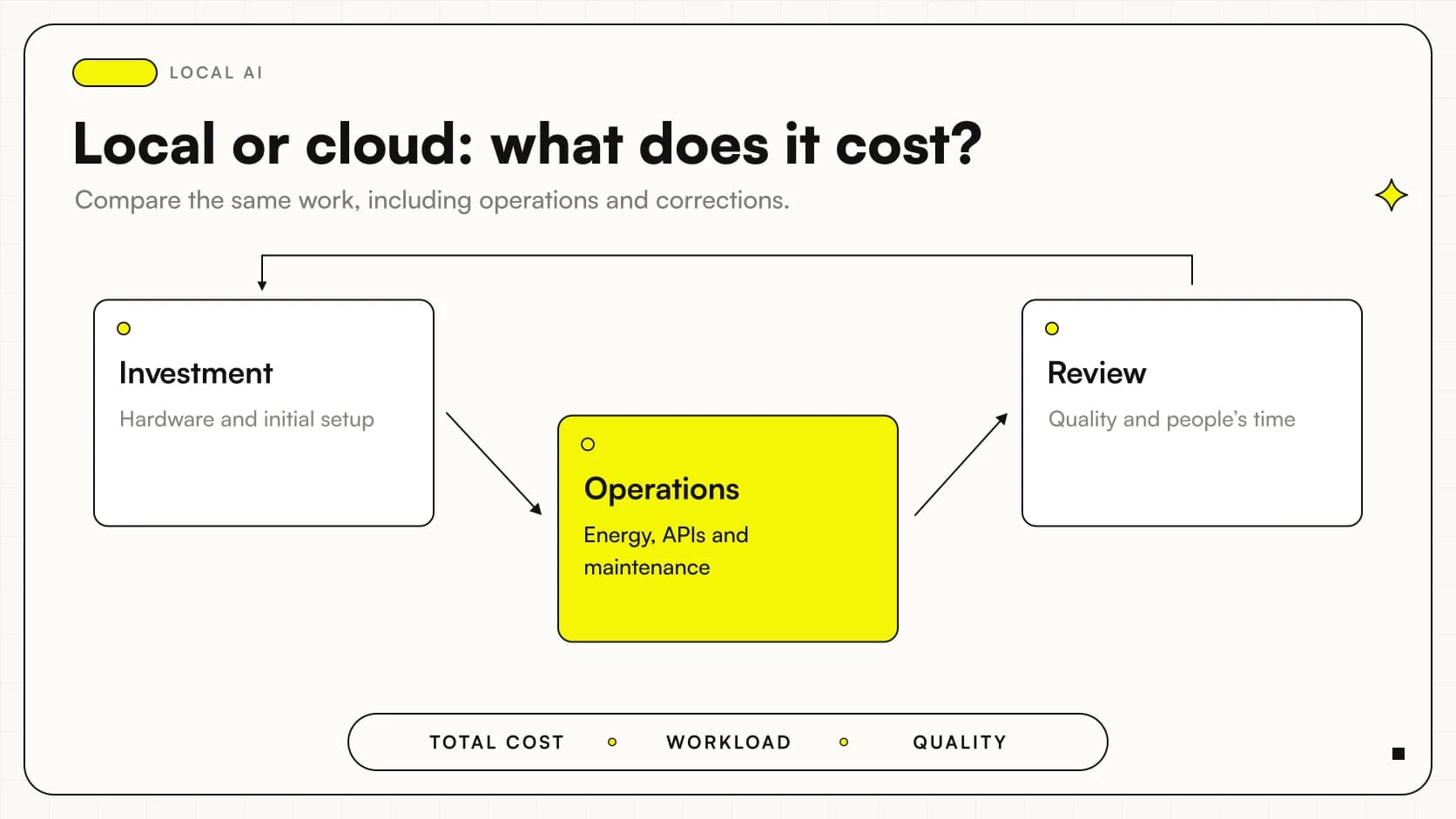 Local AI vs cloud: comparing business costs
 AI and GDPR: What a company needs to know before using AI
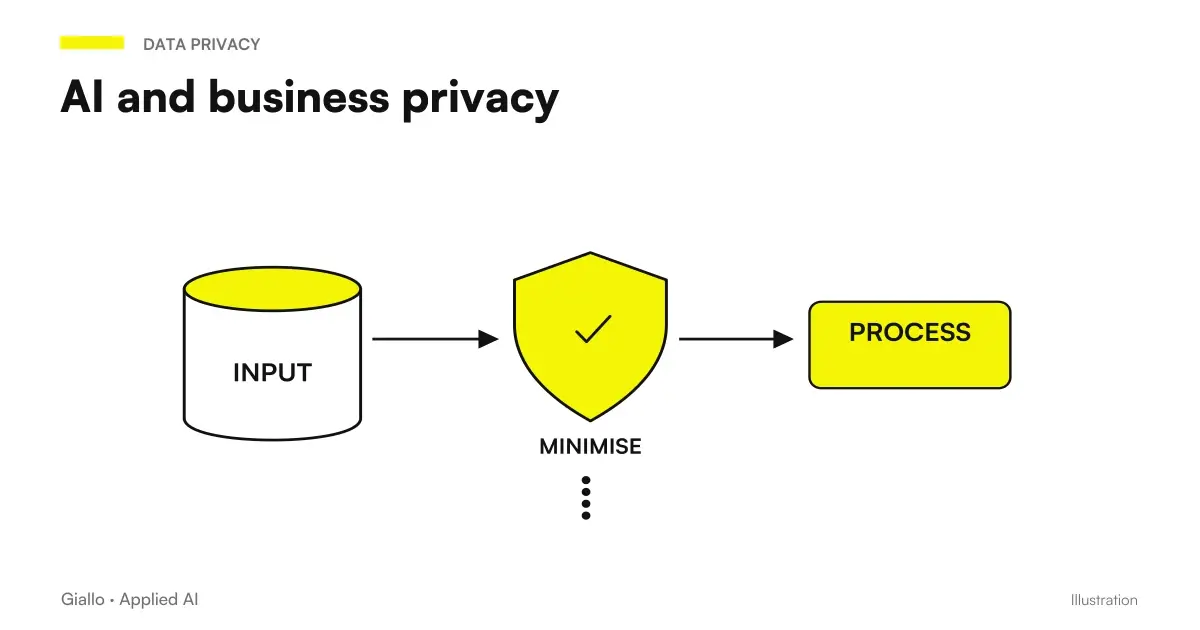 AI and corporate privacy: what happens to your data in AI tools
FAQ
Does a local model guarantee that no data leaves?
No. It describes where inference happens, but other components may use external services. OCR, embeddings, tools, history, synchronization and network configuration must be checked.
If chat works without internet, have I proved privacy?
You have verified that the workflow can function offline under the test conditions. That alone does not demonstrate the absence of other connections or later transmissions. Configuration, networking and retention require separate checks.
Can LM Studio work offline with documents?
The documentation describes chat, document processing and a local server without internet once models and dependencies are prepared. Model discovery, downloads and updates require connectivity. Verify the actual configured path.
How do I disable Ollama's cloud features?
The current documentation provides a local-only mode through configuration or the OLLAMA_NO_CLOUD variable. Follow the official page and verify the effect after restarting. This check does not replace verification of other connected applications.
Is local AI automatically GDPR-compliant?
No. Purpose, lawful basis, minimization, access, retention and security must still be assessed for the actual processing. Processing location is part of the design, not a certificate of compliance.