
Traditional Automation and AI Automation: Differences for an SME
What is the difference between traditional automation and AI automation? An SME comparison with Power Automate, Make and n8n, from official sources.
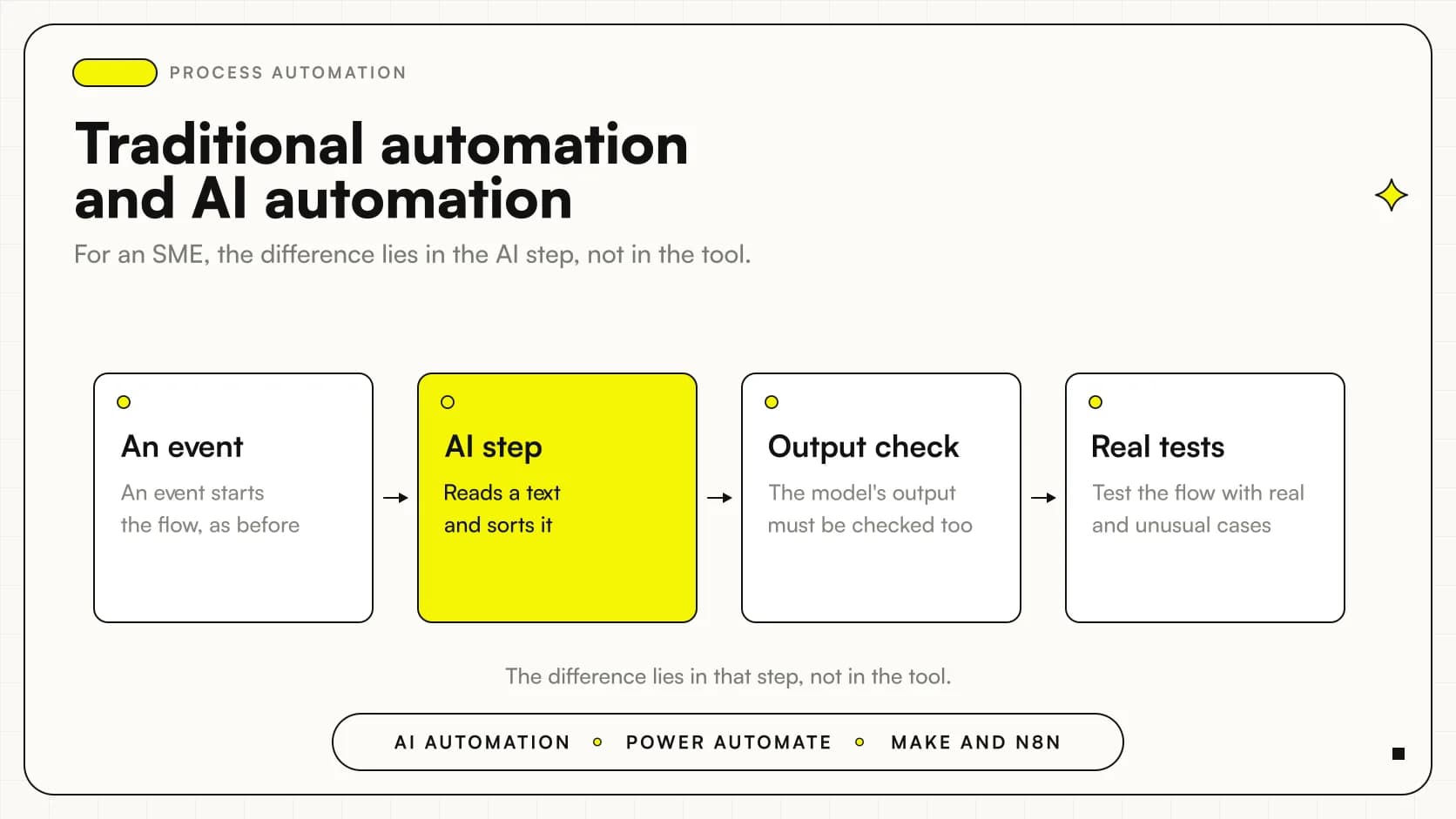
Traditional automation runs fixed rules: when an event happens, the system carries out the actions you decided in advance. AI automation adds to the flow a step that interprets a text, sorts it or decides how to proceed. The difference lies in that step, not in the tool that hosts it.
For an SME this means a concrete choice. If the process is always the same, fixed rules are enough and are easier to control. If requests arrive written in free form, in different languages, AI can do the part that rules cannot. The rest of the flow stays the same.
A note on method: the official sources we read, from Microsoft, Make and n8n, describe the features of the individual tools, but none of them states a clear distinction between classic automation and AI automation. The distinction you find here is our own reading, built on documented facts, and we always tell you when we move from facts to interpretation.
In summary
- Traditional automation follows fixed rules: an event starts the flow and the following actions are decided in advance.
- AI automation puts into the flow a step that interprets or sorts, for example customer requests.
- Power Automate documents Copilot, which creates flows from natural language, but with limited support for languages other than English.
- Make and n8n connect applications and services; n8n also documents LLM models, agents, tools and memory.
- The sources we read contain no prices: costs should be checked on the official pages before choosing.
What is the difference between traditional automation and AI automation?
Let's start from what is documented. In Microsoft's guide, a trigger is an event that starts a flow, while actions are what the flow must carry out after the triggering event (Power Automate, create a cloud flow with Copilot). This pattern, an event followed by actions, is the heart of traditional automation.
Make's guide describes the same logic with everyday examples: alerting the sales team when a customer fills in an interest form, or processing invoices after orders have been fulfilled and shipped (Make, What is Make?). In these cases nothing needs to be interpreted: the event is clear and the response is always the same.
AI comes in when the input is not predictable. Also in Make's guide, one example is handling customer questions by automatically creating tickets and using AI to sort them by topic, location and the language used (Make, What is Make?). Here a fixed rule would struggle, because the customer's text changes every time.
Our reading, then, is this: in traditional automation you decide every step in advance; in AI automation you entrust a model with a step where the input is free text, and you keep rules and checks around that step.
| Appearance | Traditional automation | AI automation |
|---|---|---|
| How it starts | An event starts the flow | An event starts the flow, as before |
| What decides | Rules written in advance | Rules plus a step entrusted to the model |
| Suitable inputs | Structured data, such as a completed form | Free text, requests in different languages |
| Control | The behavior can be read in the flow | The model's output must be checked too |
What do Power Automate, Make and n8n actually document?
It is worth separating what the sources say from what is assumed. Here is the picture, tool by tool, with the verification date: sources read on October 27, 2026.
| Tool | What is documented | Source |
|---|---|---|
| Power Automate | Copilot creates a cloud flow by describing what you need in natural language, across several steps of the conversation | Microsoft Learn |
| Make | A platform that connects applications and services to automate workflows and tasks, without programming skills | Make, What is Make? |
| Make | Operations count the activities performed in scenarios; credits are what you pay for those activities | Make, Credits and operations |
| n8n | AI flows that connect LLM providers such as OpenAI, Anthropic and Google, with tools, memory and multiple models in the same flow | n8n, Integrate AI |
| n8n | Two ways of using it: n8n Cloud, fully managed, and self-hosted on your own infrastructure | n8n, Choose how to use n8n |
There are two limits to declare. For Power Automate we only have material on Copilot, not on the whole product. For Make and n8n we have general pages, not feature comparison sheets. Zapier is not covered by any of the sources provided, so we do not compare it here.
Which tasks stay with fixed rules and which are worth giving to AI?
A practical rule, which is ours and not from the sources: keep fixed rules where the data is structured and the response is always the same, and use AI where the input is text written by a person.
The notification to the sales team after a form is filled in and invoice processing after shipment both work well with fixed rules, and both are among Make's examples (Make, What is Make?). These are tasks with a clear event and a predictable outcome.
Sorting requests by topic, location and language lends itself to AI, again following Make's example. For us it is only an editorial hypothesis, not found in the sources, that a similar step, done well, saves someone from reading every message just to decide who to forward it to. If you want to explore the document side, you can read how document automation with AIworks, while for the sales side there is the article on AI for CRM and Sales.
If the topic is precisely the comparison with software that imitates an operator's actions, the reference is RPA versus AI automation, while what robotic process automation is explains the classic side.
How do the platforms compare, without declaring a winner?
There is no best platform in absolute terms. The sources let us say what each one documents, and the choice depends on your process, your language and who will maintain the flows.
Where the sources are clearest
- Power Automate: creating a flow by describing it in words, with Copilot powered by Azure OpenAI Service (Microsoft source).
- Make: automating processes as a developer would, without programming skills (Make source).
- n8n: LLM models, agents, tools, memory and MCP servers inside the same flow (n8n source).
What to keep an eye on
- Copilot is optimized for English and has limited support for other languages (Microsoft source).
- Copilot is available only in the new designer, not in the classic one (Microsoft source).
- In n8n, feature availability changes over time and depends on plan and edition (n8n source).
For a broader comparison of the tools, you can find Make, Zapier and n8n side by side. If you want to understand a single tool, there are guides on Make for SMEs and on n8n in business.
What does it look like in practice? Two hypothetical examples
The following two examples are scenarios built to explain, not client stories. They contain no figures because no source provides any.
An accounting firm. The firm receives appointment requests from its website. The traditional part is simple: when someone fills in the form, the flow alerts the front desk, as in Make's example about the interest form. If, however, requests also arrive by email, written in free form and sometimes in English, an AI step can recognize the topic and language and route the request to the right team member. The front desk remains responsible for the final confirmation.
A home goods distribution company. The company wants invoices to go out on their own after orders are shipped. Here fixed-rule automation is enough: the event is the shipment, the action is invoice processing, as described in Make's example. Adding AI would bring no advantage. If, on the other hand, customer service receives many text questions, a second flow with AI ticket sorting can run alongside the first, without touching it.
In both cases the lesson is the same: AI is one piece of the flow, not a replacement for the flow.
How much does it cost and what do the sources say about prices?
The sources we read contain no price figures, and we do not invent any. We can, however, explain how costs work in two cases.
In Make, credits and operations are related but distinct concepts: operations count the activities performed in scenarios, while credits are what you pay for those activities (Make, Credits and operations). In our reading, a flow with many steps may consume more than a simple one, and this would also apply to AI steps; the source, however, does not state it, so it needs to be verified.
In n8n you can start from n8n Cloud, with no installation, or use the self-hosted mode on your own infrastructure; you can stay indefinitely on the free Community edition or register for free to unlock extra features. The pricing page lists features, usage limits and final prices, and feature availability varies over time and by plan and edition (n8n, Choose how to use n8n). Before deciding, that page should be read directly. For a general overview of costs there is the guide How much does it cost to automate a business process.
What mistakes should you avoid when moving to AI automation?
There are four recurring mistakes. They are observations on method, not data from the sources.
Putting AI where a rule was enough
It happens because AI seems more modern. A completed form and an invoice to process after shipment do not require interpretation. Use fixed rules first and add AI only where the input is free text.
Assuming it works well in Italian
Copilot in Power Automate is optimized for English and has limited support for other languages, and it is described as a technology still under development (Microsoft Learn). Try requests written the way your customers write them, in Italian, before trusting it.
Not testing after saving
Microsoft's guide recommends testing the flow once it is saved (Microsoft Learn). With an AI step, testing matters even more: try normal cases and odd cases, and see where the model gets it wrong.
Choosing the tool without reading the pricing page
Features change by plan and edition, so what you see in a guide may not be in your plan (n8n, Choose how to use n8n). Read the official page and ask what is included before you build.
How do you apply it in an SME, step by step?
- Choose a process you repeat often and describe it in words: which event starts it and which actions follow.
- Separate the steps with clear data, to be left to fixed rules, from those with free text, where AI can help.
- Build the version without AI first, with trigger and actions, and check that it works.
- Add the AI step only where needed, for example sorting, and keep a person who checks the outcome.
- Save and test the flow with real cases, in Italian and with anomalous cases, before putting it into use.
- Read the official pricing pages and review the flow when plans or features change.
Note on method. This article is based on five official pages. Where the sources are silent, as on prices or Zapier, we have said so. If you need a piece of data to decide, verify it at the source.
For an overview of how to set up the work, the practical guide to process automation in an SME puts priorities, tools and controls in order. If you would rather use Microsoft, the article on Copilot Studio and Power Automate explains how agents and flows connect.
Where to start?
The starting point is almost always a single, well-described process, with an event that starts it. First you automate it with clear rules, then you assess whether an AI step really adds something. If you want to think through your case together, you can see how we work on automation of business processes.
Giallo Studio guides: methodology and sources
How we apply it in the company
Related resources
 RPA vs AI automation: differences, costs and when to use which
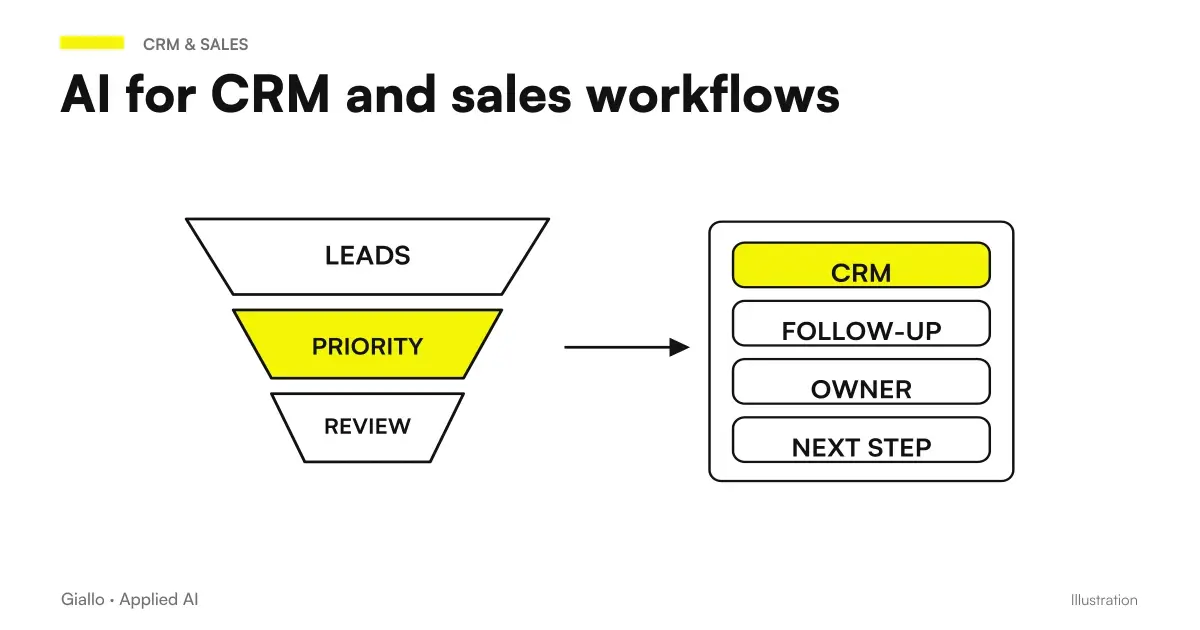 AI for CRM and sales: automate the sales process
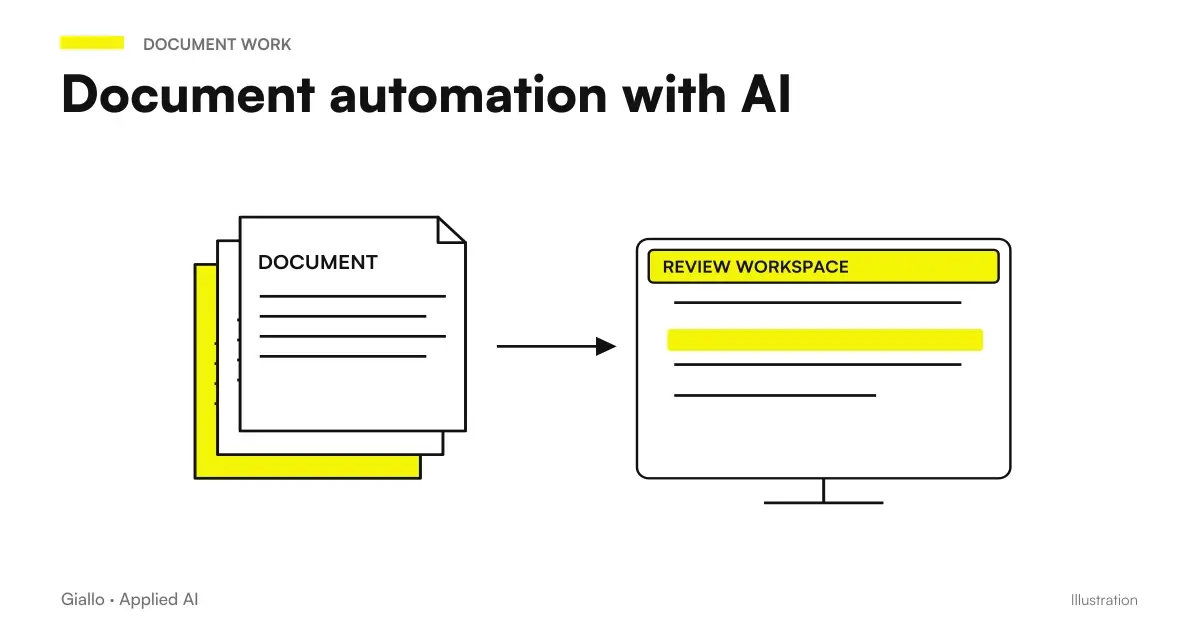 Document automation with AI: contracts, forms and PDFs automatically
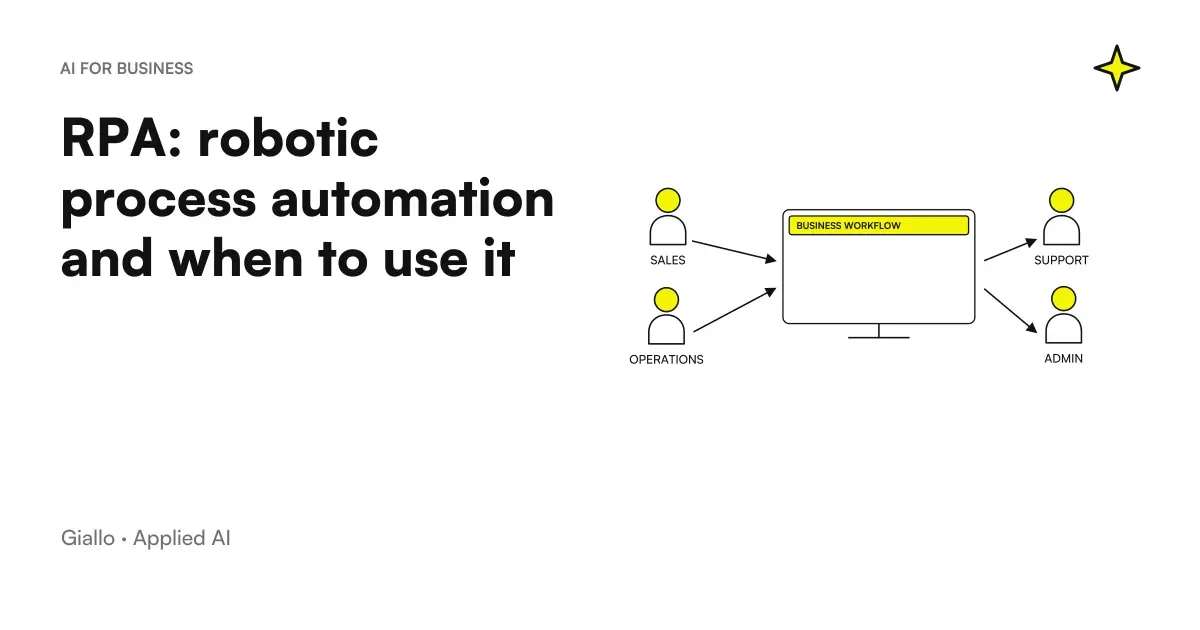 RPA explained: robotic process automation and when it makes sense
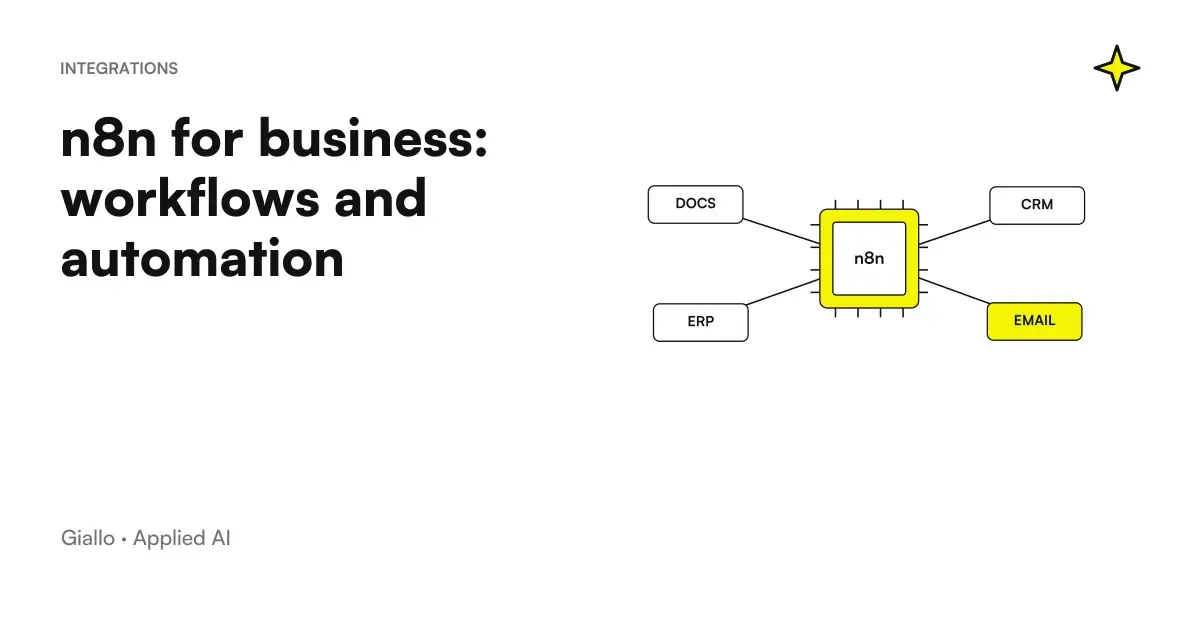 n8n explained: how it works and how to use it in business
Other direct comparisons
The same criteria applied to other model pairs.
- DIY AI or agency: how to decide
- ChatGPT Ads vs Google Ads (and Meta Ads): differences and when to use each
- Subscription or custom AI: which makes sense?
- Free ChatGPT vs ChatGPT Plus
- Voice AI or chatbot: which channel to choose
- ChatGPT Plus vs Claude Pro: which subscription to choose
- RPA vs AI automation: differences, costs and when to use which
- ChatGPT vs Claude: which one to choose
- Custom business PWA: when it makes sense over off-the-shelf software
- ChatGPT vs Copilot: which to use in business?
- Perplexity vs Google: response with sources or link list
- ChatGPT vs DeepSeek: Which to Choose
FAQ
What is the difference between traditional automation and AI automation?
In traditional automation, an event starts the flow and the actions are decided in advance. In AI automation, one of the steps is entrusted to a model, for example to sort requests written in free form. This is our own distinction, built on the sources: none of them separates the two explicitly.
Does Power Automate's Copilot work in Italian?
Microsoft's documentation says Copilot is optimized for English and has limited support for other languages. It should therefore be tried with real requests in Italian before you rely on it for important flows. Microsoft also describes it as a technology still under development.
Do Make and n8n use AI in their flows?
Yes, according to their respective official pages. Make mentions AI for sorting tickets by topic, location and language. n8n documents flows with LLM providers, agents, tools, memory and MCP servers.
How much does it cost to automate with AI?
The sources we read give no price figures, so we cannot state any. In Make, credits are what you pay for the activities counted as operations. For n8n, the pricing page lists features, limits and final prices, and should be consulted directly.
Can n8n be used for free?
n8n's documentation states that you can stay indefinitely on the free Community edition or register for free to unlock extra features. There are also n8n Cloud, fully managed, and the self-hosted mode on your own infrastructure. Available features change over time and by plan and edition.
Is it worth adding AI to every automation?
No. If the event is clear and the response is always the same, fixed rules are enough and are easier to control. AI makes sense where the input is free text, and even there a person is needed to check the outcome.