
GGUF quantization: Q4 or Q8 for local LLMs?
GGUF, Q4 and Q8 explained: weight size, actual memory use, quality and a practical method for choosing quantization.
The GGUF quantization process lets you choose weight representations that occupy less memory, but Q4 and Q8 do not indicate two universal levels of reliability. The useful choice is the quantization that lets the model run on your machine while delivering results suitable for the task.
First, separate two concepts: GGUF is a format, while labels such as Q4_K_M and Q8_0 describe tensor representation methods. This distinction is documented in the ggml project's GGUF specification. We have not performed comparative tests from which to derive a percentage quality loss applicable to every LLM.
In summary
- GGUF contains weights and metadata; it does not identify a single precision.
- Read Q4 and Q8 alongside the method and full file name.
- Actual memory use includes more than theoretical weights alone.
- A valid comparison uses the same checkpoint, the same task and documented settings.
- A fluent answer can conceal errors that a general benchmark alone does not detect.
Why are model weights quantized?
An LLM contains large quantities of numerical values. Representing them with fewer bits can reduce the space needed to store and load them. The llama.cpp project offers several methods, listed in its official quantization tools.
The reduction does not systematically remove less important knowledge. It is a numerical transformation whose effect depends on the model, method, tensors involved and task. We therefore cannot claim that a quantized model will preserve a fixed percentage of its original quality.
In business, the question is not how intelligent a generic answer sounds. It is whether the system still extracts codes correctly, follows instructions and distinguishes known information from missing information. The guide on how to choose an AI model starts with the task to be performed.
What does a GGUF file contain?
GGUF organizes tensors and metadata for inference in GGML-compatible engines. This information can cover the architecture, tokenization and other elements needed to interpret the weights. The Hugging Face documentation on the format helps you read these files and distinguish them from original distributions.
The container alone does not determine whether the model suits your use case. A file can be valid yet require a newly introduced architecture or features not available in your installed application version.
Also check who produced the GGUF. The checkpoint producer and conversion author may be different parties. Keeping the origin, revision and full file name makes the work reproducible and aids diagnosis when two apparently identical downloads behave differently.
Do Q4_K_M and Q8_0 mean exactly four and eight bits?
These labels identify specific schemes. Reducing them to a generic 'four bits versus eight bits' label while ignoring suffixes and methods is unhelpful. The options in the llama.cpp quantization code show that several variants exist within the same family.
Some representations use blocks, scales and different treatments for tensors. The nominal number does not necessarily equal the effective average bits across the entire checkpoint. This is one reason calculations based on the label may not match the downloaded file size.
In the test record, write Q4_K_M, if that is the actual format, rather than just Q4. The same applies to the repository: an incomplete name makes it impossible to reconstruct which version you evaluated.
How can you estimate the scale of the weights?
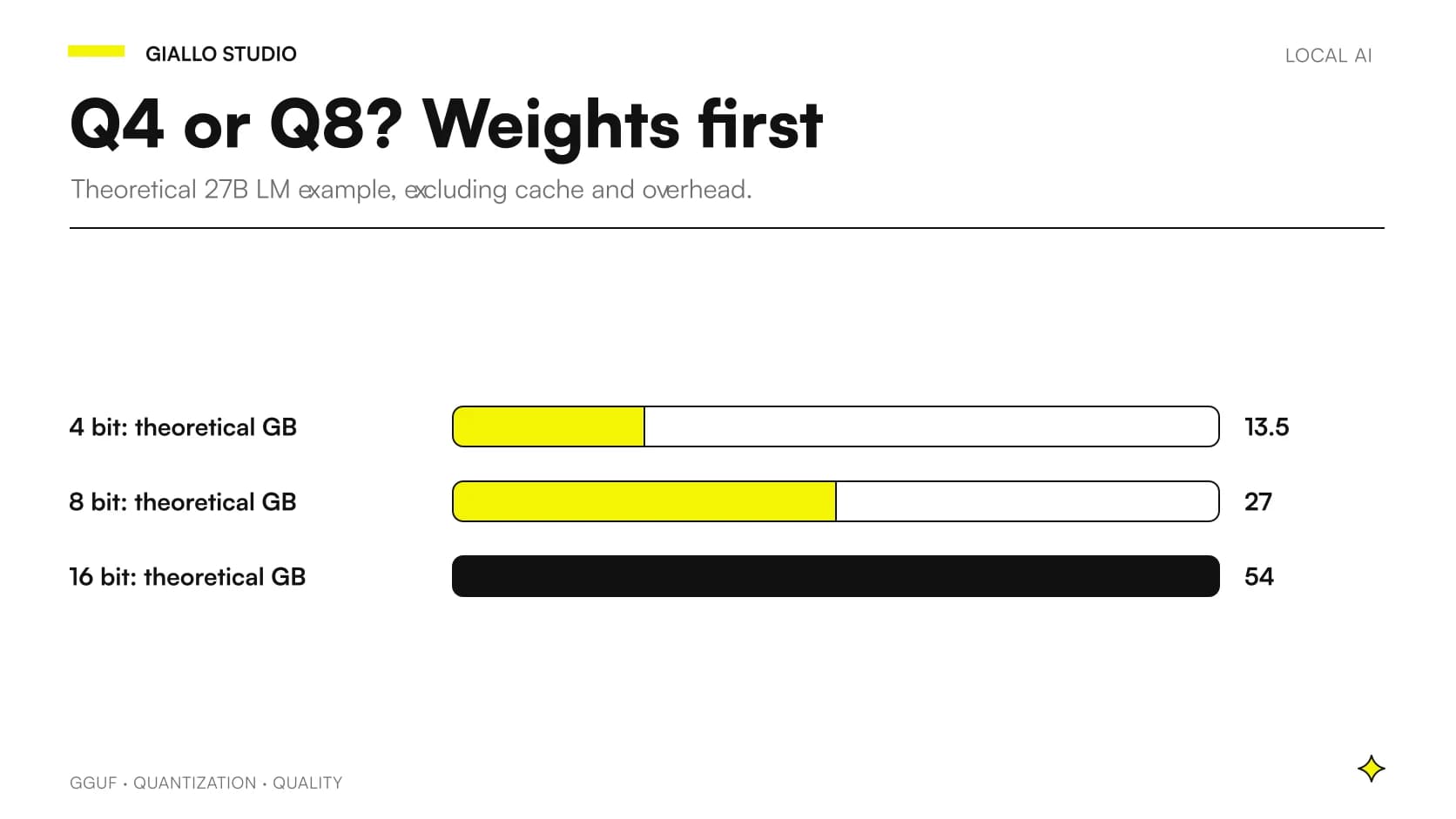
The basic formula is parameters × bits / 8. It indicates the order of magnitude; it does not replace measurement of the file or memory used.
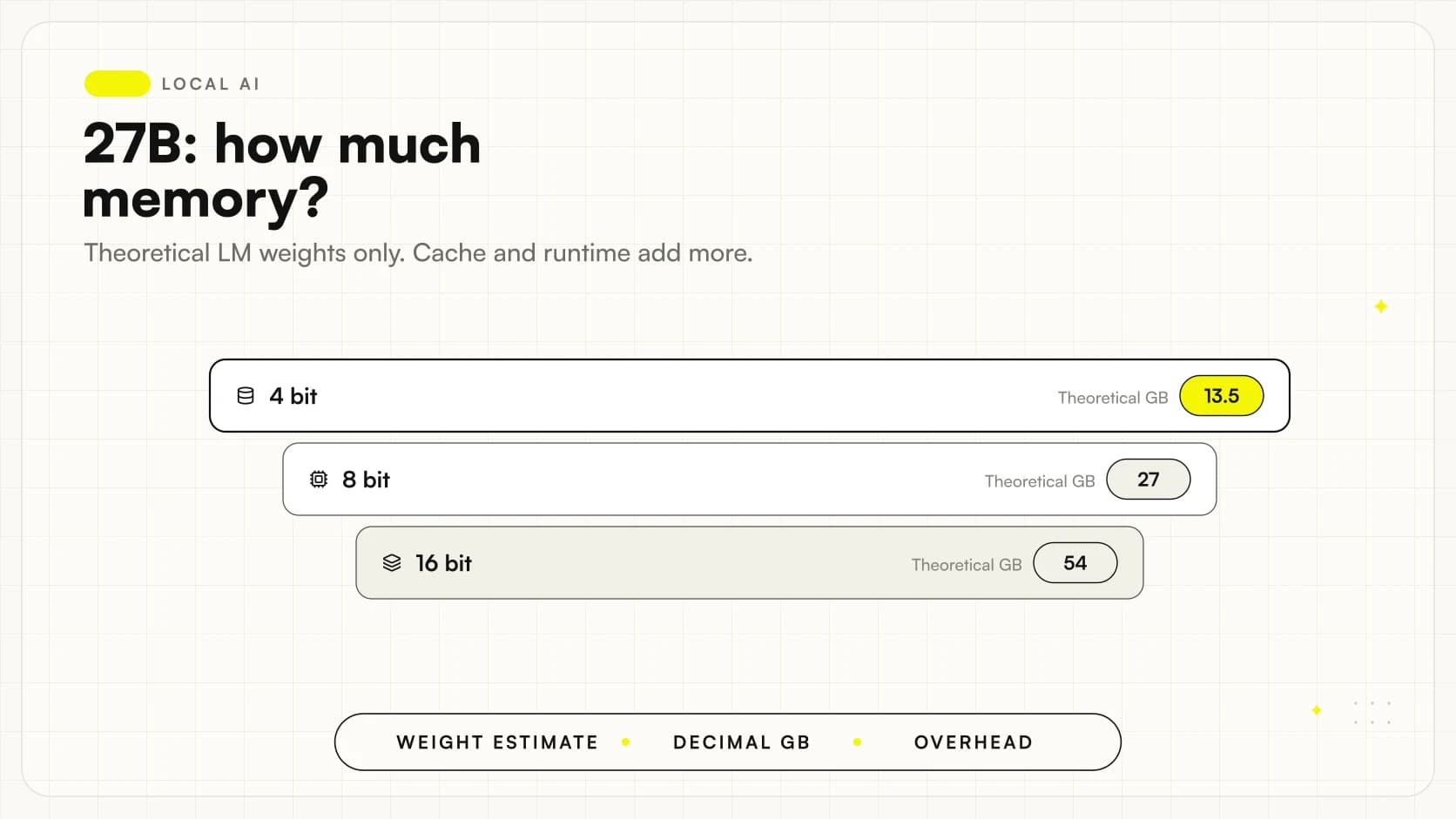
For a hypothetical set of 27 billion weights all represented at the same precision:
| Hypothetical uniform precision | Calculating | Theoretical weights alone |
|---|---|---|
| 16 bits | 27 billion × 16 / 8 | 54 decimal GB |
| 8 bits | 27 billion × 8 / 8 | 27 decimal GB |
| 4 bits | 27 billion × 4 / 8 | 13.5 decimal GB |
These are independent illustrative calculations, not published Qwen file sizes. The Qwen3.8-27B model card distinguishes the language model from the vision encoder. The 27B memory guide explains which items to add before discussing requirements.
Also record the unit of measurement used by the application. Decimal GB and GiB are different quantities: comparing a download in one unit with memory displayed in another can create apparent headroom. Unnecessary precision is not needed; simply keep units consistent in the test record and distinguish the disk file, allocated memory and observed peak. If the repository distributes the checkpoint in several parts, check the complete set needed for loading. The smallest individual file in the folder does not necessarily represent the complete model you need.
Why might a file fit on disk but not in memory?
The disk stores the download; RAM and VRAM support execution. Beyond the weights, the engine must handle the conversation and document workload. Context, multimodal components and concurrent requests can change consumption.
The Ollama context documentation confirms that a larger window increases memory requirements. Reducing weight size does not eliminate this item.
If lighter quantization lets you expand context, compare both effects. A more precise model with truncated documents may be less useful than a configuration that can read the required material; the reverse can happen if compression introduces critical errors. These are hypotheses to test, not a verdict that Q4 or Q8 is superior.
Is a smaller quantization always faster?
That promise cannot be inferred from the name. Speed and latency depend on available kernels, backend, memory bandwidth, transfers and configuration. The clearest benefit to check is whether a representation keeps work on the GPU rather than requiring a different execution path.
The measurement you choose also affects interpretation. The first token concerns the initial wait; completion time includes the answer; a document workflow additionally includes extraction, retrieval and checking.
For the Windows PC observe the CPU/GPU split. On the Mac with unified memory check memory pressure and competing applications. Do not transfer a measurement between systems simply because the file has the same suffix.
When should you compare Q4 with Q8 instead of changing models?
It makes sense when you have already identified a suitable checkpoint and want to deploy it on the available hardware. If the model consistently fails an instruction or does not support the required inputs, changing precision may not solve the underlying problem.
The model fits only in its most compressed representation
Treat it as a candidate and compare it with a smaller but less compressed checkpoint. Keep the same requests and check errors that affect the workflow. Do not choose solely by the nominal parameter count.
A small model that performs the task correctly may be preferable to a larger one requiring unacceptable compromises. Compare complete, usable configurations as well as variants of the same checkpoint.
Which requests reveal useful differences in Italian?
Prepare material close to real work: a table with similar rows, a clause containing an exception, a request for an answer in a strict format. Add a question with no answer in the documents to check that the system does not invent a completion.
You do not need only difficult puzzles. If the assistant will handle product codes, a transposed digit is more significant than a small advantage on an abstract exercise.
When interpreting results, also keep examples that both versions pass. A comparison consisting only of striking differences can exaggerate quantization's effect. Record recurring errors and those limited to a single response, then repeat important cases without changing the instructions. Do not retrospectively hunt for the prompt that makes your preferred configuration win: the task must remain the same. If you use an automatic evaluator, manually check a sample of its judgments and do not give it greater authority than documents containing the expected answer.
The protocol for comparing local models in Italian distinguishes accuracy, citations, format compliance and abstention. To assess quantization, keep the original model, prompt and test conditions unchanged. If you change precision and checkpoint together, you can assess the final system but cannot isolate the effect of quantization.
A machine shop: codes matter more than prose
Imagine a hypothetical case: a workshop uses the assistant to draft a spare-parts list from an internal procedure. Two representations of the same model produce fluent text, but one confuses codes that differ by a single character.
The selection criterion must record the exact code and source, not score readability alone. Add samples with excluded parts, earlier versions and units of measurement: a plausible answer can be unusable in these cases.
If both configurations get the same passages wrong, check document extraction and instructions before blaming compression. The source may have been read incorrectly or presented to the model without the necessary context. A well-designed test distinguishes these situations.
A communications studio: when is a difference acceptable?
In a second hypothetical scenario, a studio drafts product-description variants that are always reviewed. Small stylistic changes may be acceptable here, but names, materials and features must not be invented.
The evaluation can separate objective constraints from editorial preference. First check that no configuration adds nonexistent certifications or changes measurements; only then compare tone and naturalness.
This example shows why an average result is insufficient. A configuration may suit the studio but not the workshop, even with the same model. Choose compression in relation to the risk of error and the human review actually planned, not the prestige of the name.
How much do templates, tokenizers and runtime versions matter?
Weights are not the only element determining the request read by the model. Conversation templates, tokenization and architecture support must match the checkpoint. The GGUF specification includes metadata precisely to describe parts of this technical context.
When a quantized model behaves strangely, first check compatibility, origin and configuration. An inconsistent result does not automatically prove that quantization has 'ruined' the model.
Also check support for the features used: text, images and tools are not interchangeable. For a practical workflow using a checkpoint in this cluster, the guide to installing Qwen3.8-27B locally collects checks to perform before the first business document.
Before changing a configuration already used by the office, prepare a way to return to the previous version. Keep references to the weights, settings and comparison results. This makes the update a verifiable decision: a new representation may benefit one task while worsening a constraint nobody included in the test. Review the service delivered to people, not simply whether loading completes without errors.
Which shortcuts should you avoid when selecting?
The first is turning a perplexity measurement published for another model into a reliability percentage for your assistant. They are different quantities and different tasks.
The second is comparing two files without checking they derive from the same checkpoint. The third is further compressing an already quantized file without assessing the process and additional losses. The fourth is choosing on the basis of one successful response while ignoring questions where the system invents information or fails the format.
Finally, keep the files actually tested or references that let you retrieve them. A similar suffix and a recent download are insufficient documentation to repeat the test after an update.
How do you decide without chasing the perfect label?
Write requirements before the comparison: which errors are disqualifying, what wait is acceptable, which documents must be processed and how much memory other tasks need. If no configuration meets them, change the checkpoint, workflow or hardware: do not implicitly lower the criteria to accommodate your preferred model.
The decision should contain the full file name, settings and reasons why the configuration is sufficient. Keep a set of requests to repeat when runtimes or weights change.
To design a comparison around your documents, Giallo Studio can help you choose the AI system: first the tasks and checks, then the quantization that makes the project practical.
Giallo Studio guides: methodology and sources
How we apply it in the company
Related resources
 Gemma 4 12B vs Ministral 3 14B: compact local AI
 Qwen3.8-27B vs Gemma 4 26B A4B: dense or MoE?
 How much RAM and VRAM does Qwen3.8-27B really need?
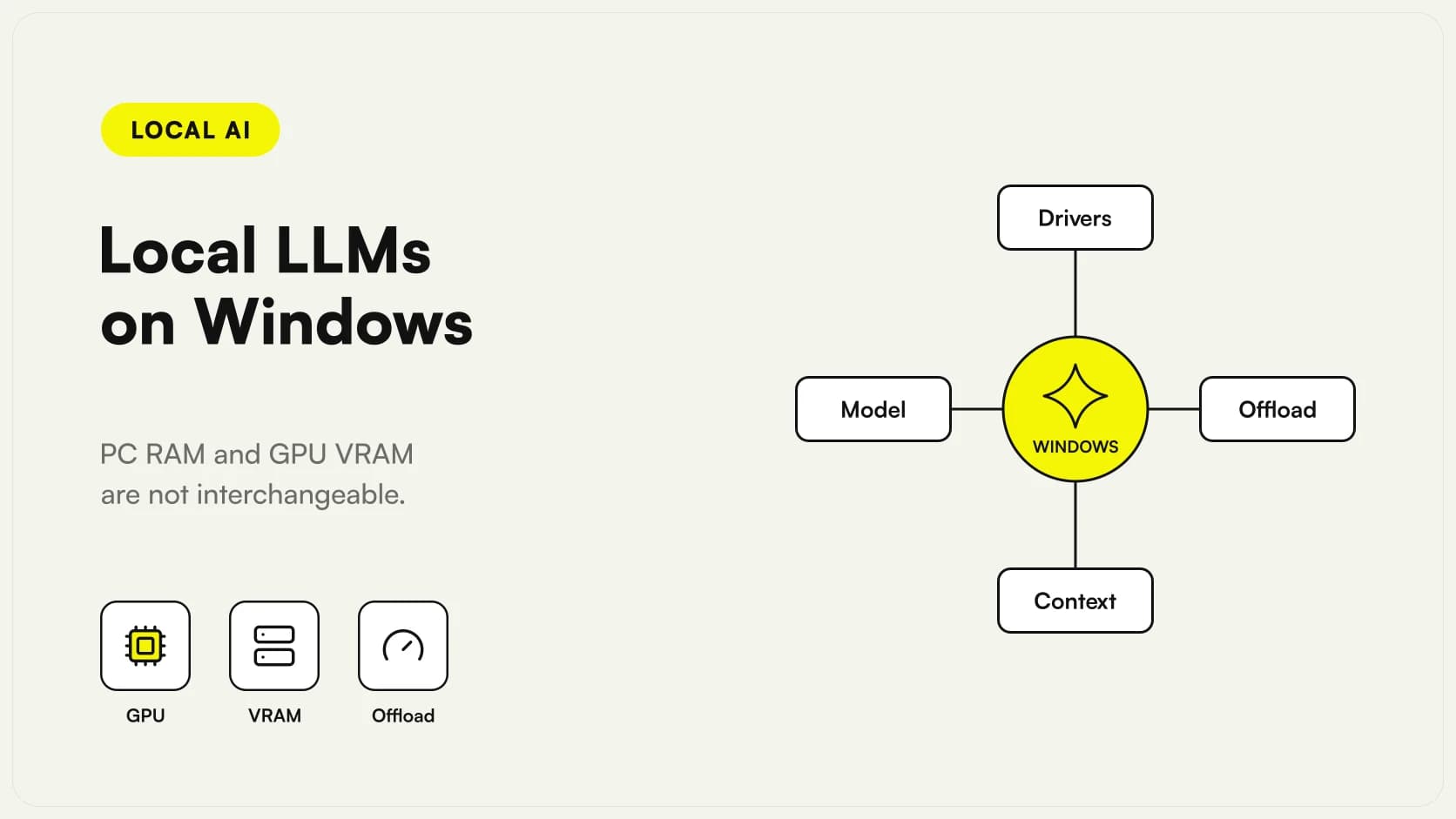 Local LLMs on Windows: GPU, VRAM and practical limits
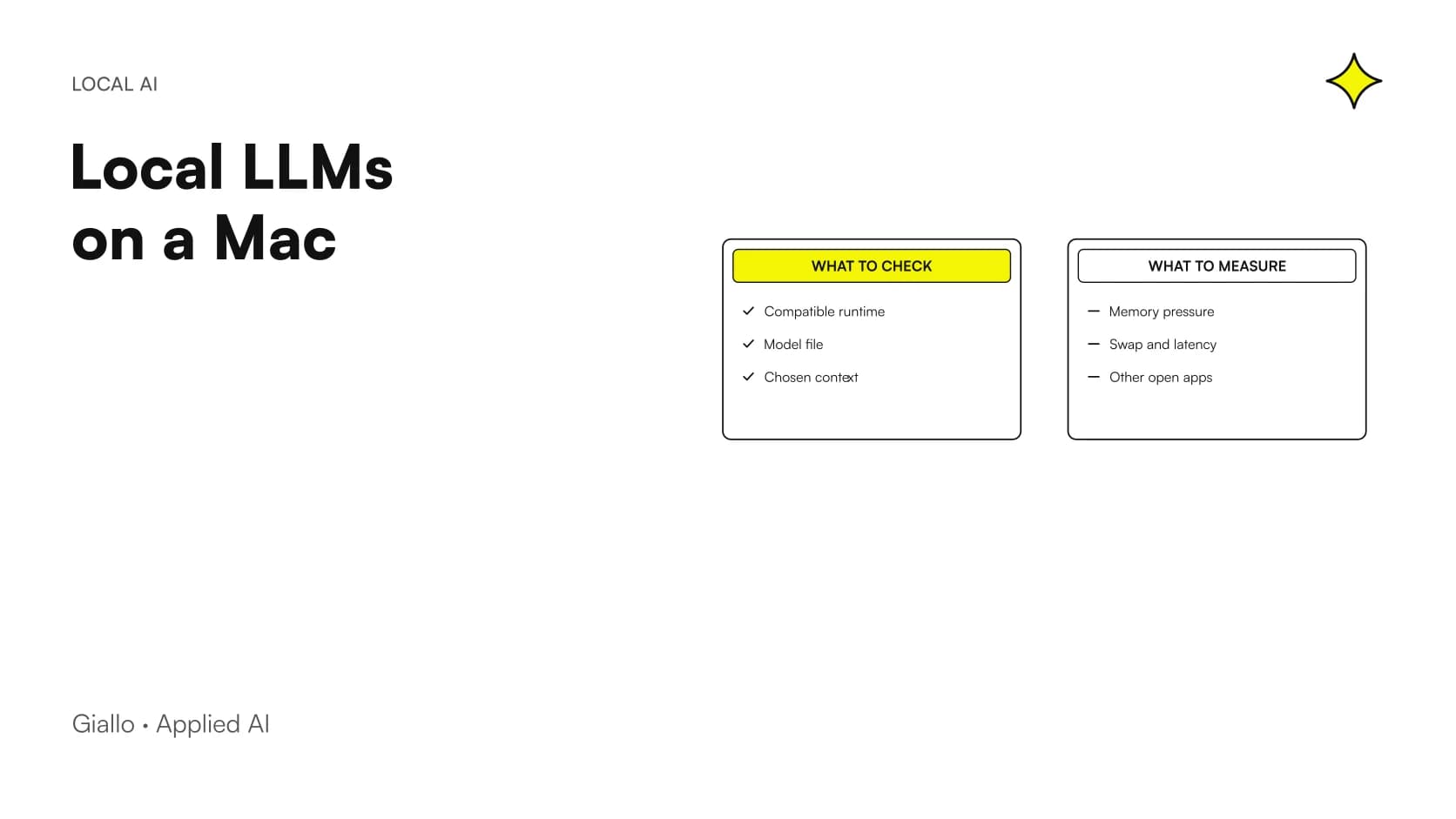 Local LLMs on a Mac with 16, 24 or 32 GB
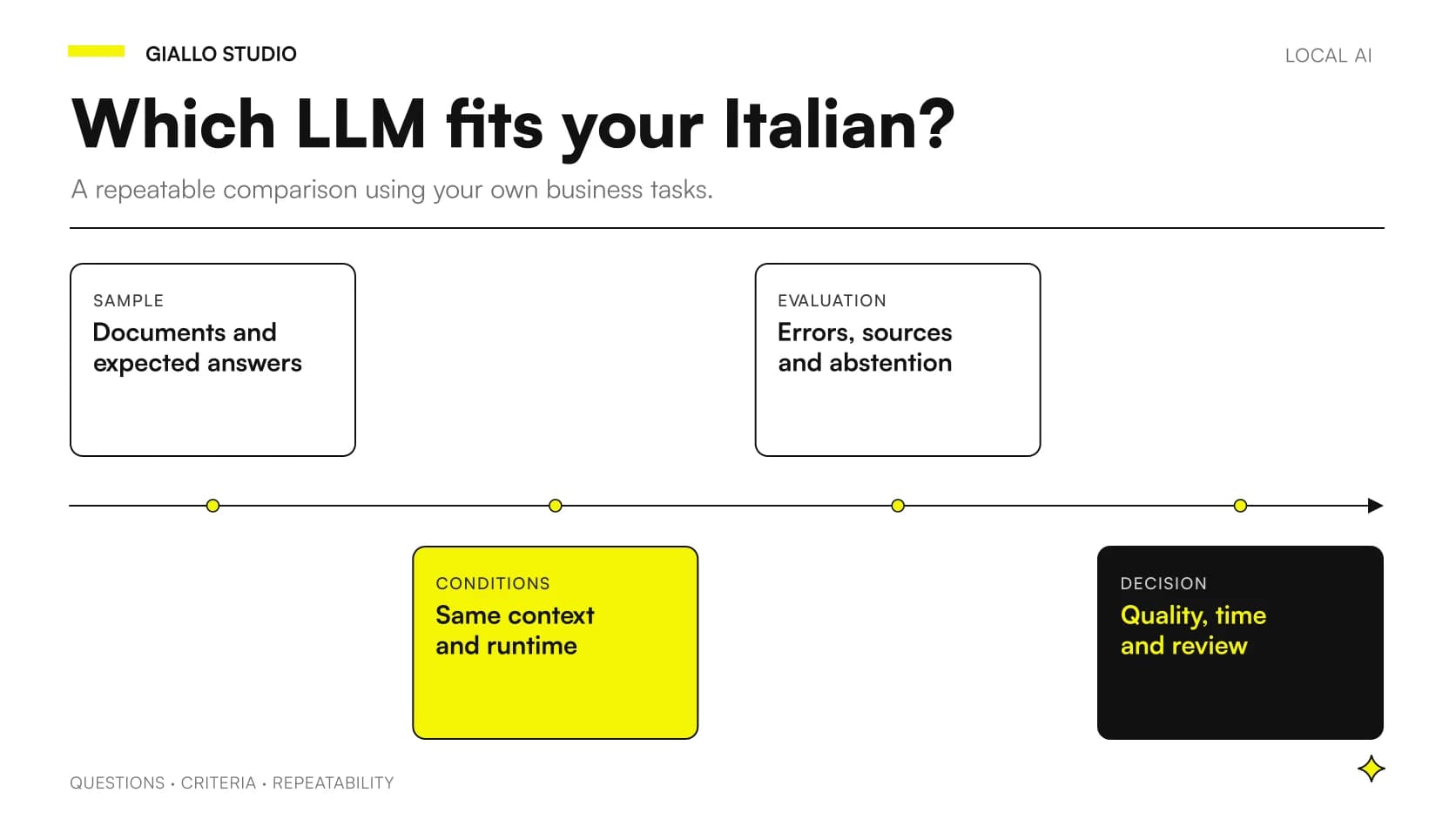 Local LLMs in Italian: comparing without misleading tests
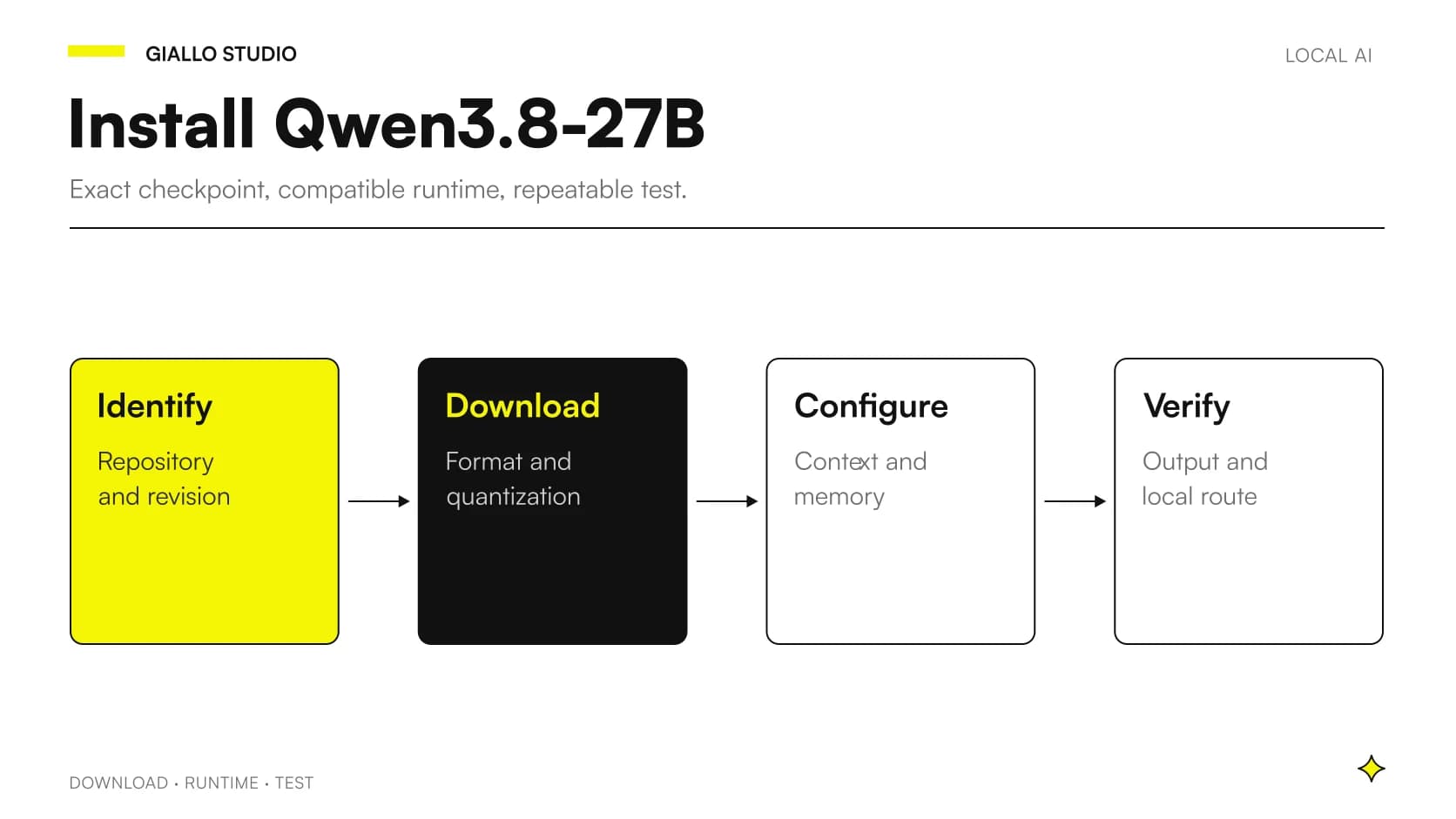 Install Qwen3.8-27B locally: checks and workflow
FAQ
What is LLM quantization?
It represents weights at lower precision than the starting format. It can reduce the memory footprint, but its effect on results depends on the method and model. The choice must be checked against the required task.
Does GGUF mean the model is four-bit?
No. GGUF is a format containing tensors and metadata; it can hold different representations. Read the full file name and repository information to identify the quantization.
Is Q8 always better than Q4?
That is not a sufficient rule for choosing a system. A less compressed representation can preserve more information in the weights, but needs more memory and does not by itself guarantee correct answers. Compare the same checkpoint on real work.
Does a four-bit 27B model occupy exactly 13.5 GB?
That is the theoretical calculation for weights alone at a uniform four bits. The actual file may include scales, tensors at different precisions, metadata and additional components. Execution also requires caches and buffers.
Can I use the same GGUF in every application?
Only if the runtime supports the checkpoint's architecture, quantization and features. The GGUF extension does not guarantee compatibility with every version of Ollama, LM Studio or llama.cpp.