
Contracts and digital signature in the app: how it really works
Generate a contract from existing system data, sign it on screen at delivery and archive the PDF, including driving authorisation for the driver.
Reading time: 9 min
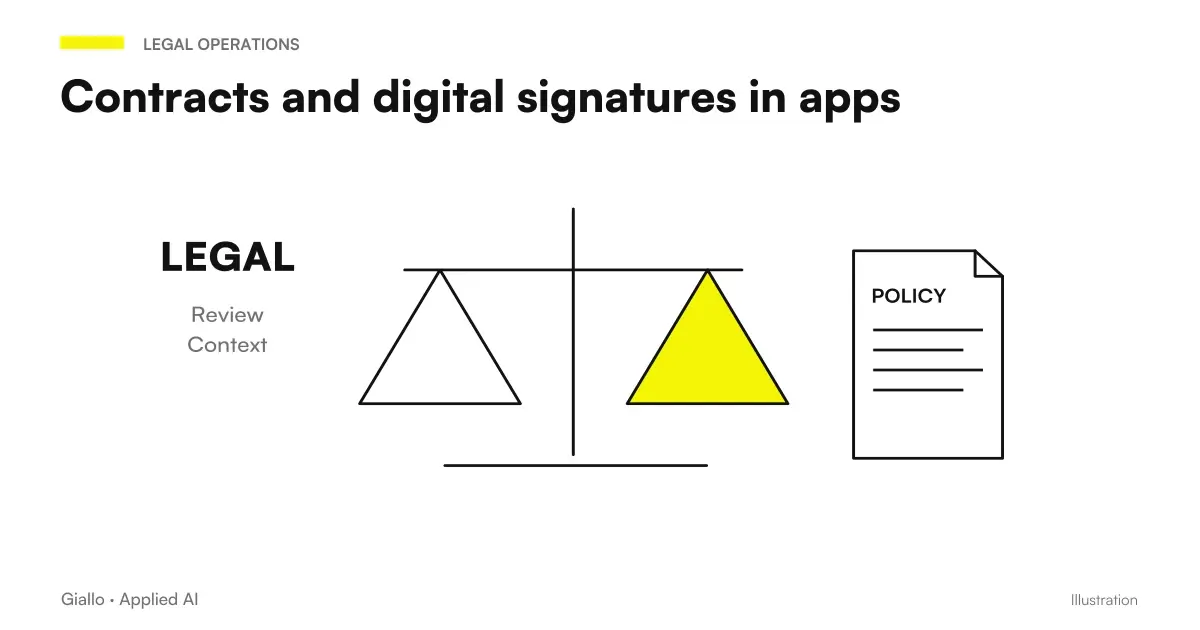
A contract with digital signature in app it is generated from the data already present in the system, it is signed on the screen at the time of delivery and archived in PDF. No printing, no scanning, no sheet that runs between office and car.
The most obvious benefit is speed. The most important one is another: the transcript disappears, which is where almost all errors in contracts are born. If customer, vehicle, dates and conditions are already in the system, no one retypes them at the time of delivery, when in a hurry.
This article describes the flow implemented in the CRM for car rental of Rial Rent.
In summary
- The contract consists of data already in system: no retyping, no transcription error.
- The signature takes place on screen at the time of delivery, and the document is archived in PDF.
- It is worth keeping not only the file but also the context: when, on what, managed by whom.
- When the delivery is entrusted to a driver, the system also produces the delegation to the guide.
- A signed contract never overwrites itself: it generates a new version.
From Data to Document
- The model. The contract is a text with placeholders: customer data, vehicle, period, conditions, amounts, notes.
- The filling. The placeholders take the values from the system — from the customer registry, from the vehicle card, from the accepted quote.
- The review. Whoever prepares the delivery checks the generated document and corrects the exceptions.
- Sign it. On delivery the customer signs on the device screen.
- Archiving. The signed PDF is saved and linked to the rental, customer and vehicle.
The connection to the vehicle is what seems least important and serves the most: it is what allows, months later, to answer questions such as "who had this car on this date" — the function described in Matching the fine to the driver.
What an on-screen signature really is
It is worth being precise, because a lot of confusion is circulating on this point.
A signature traced with the finger or with a nib on a device is a Simple electronic signature. It is not equivalent to a qualified digital signature with a certificate: it is a test element, the weight of which depends on the overall context and what has been preserved around.
What can be said in general is that context matters how much the trait. Retaining only the signature image is weak; retaining the signed exact document, the moment, the device and who handled the delivery builds a much more solid reconstruction of what happened.
- The exact PDF that was shown and signed, not a subsequent regeneration of it.
- Date and time of signature.
- Reference to the operator who handled the delivery.
- Connection to rental, customer and vehicle.
The rule that makes the archive useful
A signed contract It never overwrites. If something changes — extension, change of conditions, change of vehicle — a new version connected to the previous one is generated.
It is the rule that distinguishes an archive from a container. Overwriting means losing the state in which the customer has actually signed, which is exactly the information that is needed when someone disputes something. And it's an easy mistake to make, because overwriting is technically simpler and seems more orderly.
The delegation to the guide
When the delivery is not done by the customer but by a company driver, you need a document attesting that that person is authorized to drive that vehicle.
The system generates it with driver and medium data, and makes it available in the driver view: the guide opens the application, sees his own assignment of the day and has there the document to show if it serves.
It is a good example of how the separation of roles, described in case study, it is not only a matter of security but of usability: the driver does not navigate a management system to find a PDF, it has it in the screen that opens anyway.
What changes in delivery
| Pass | Before | With the contract in app |
|---|---|---|
| Document Preparation | Compiled by hand or on a Word template | Generated by data, to be reviewed |
| Transcription Errors | Frequent on dates and customer data | Deleted at source |
| Sign | On paper, in two copies | On screen, once |
| Delivery to the customer | Paper copy | PDF sent or available |
| Archiving | Scanning, then Folder | Automatic, connected to rental |
| Next findability | Depends on how it was archived | Search by customer, vehicle or date |
The last line is the one you appreciate after six months, not the first day.
The contract as a link node
There is a role of the contract that is not about signing and that is appreciated months later: it is the node connecting customer, vehicle and period.
Almost every operational question that comes next comes through there. Who had this car on this date. How many times has this client rented. How many days has this medium been out. What contract covered the time of this infraction.
- The link to the customer Enables the relationship historian.
- The link to the vehicle enable the matching of fines and rental days account.
- The period with date and time, not just day, enable search by instant.
- The amount feeds the vehicle's profitability calculation.
It is why it is worth curating connections even when they seem redundant at the time of creation: what seems like an extra field today is the answer to a question that will come. The two functions that directly depend on it are described in Matching the fine to the driver and in profitability by vehicle.
What it takes before you can generate a contract
A contract generated by the data is as good as the data that feeds it. Before building the generator it is worth checking three things.
- The customer record is complete. If there is no data that the contract requires, the generated document will have holes and someone will fill them by hand — that is, you return to the starting problem.
- The vehicle card has the correct data. Plate, model and registration data come from the documents, as described in Digital Vehicle Documents.
- Conditions are stable. If the text of the contract changes often, it is better to make it editable without touching the code, otherwise any change becomes a technical intervention.
Practical examples
A delivery at the airport. The operator opens the rental on the phone, the contract is already composed, the customer signs on the screen, the PDF is archived and sent. Delivery time is reduced to vehicle verification, which is the only part that deserves attention.
An extension required at half rental. A new version of the contract with the new dates is generated, linked to the previous one. Both remain available, and when a fine dated in the extended period will arrive the crossing will work.
A delivery entrusted to a driver. In addition to the contract, the system produces the delegation. The driver finds it in its own view along with the address and time, without having to ask anyone.
A different sector. The schema — generate from the data, get signed, archive linked — applies identically to service contracts, delivery minutes, take charge forms. The broader theme is in document automation with AI.
Mistakes to Avoid
Regenerating the PDF instead of retaining the signed one. If the archived document is reconstructed from the data at the time of the consultation, it is no longer the document that the client has signed.
Overwriting versions. He loses the historian just when he needs to.
Keeping only the signature image. Without the document and context it is worth little.
Treating electronic signature as equivalent to qualified digital signature. They are different things with different value, and the difference must be understood before choosing.
Not linking the contract to the vehicle. It is the link that makes all subsequent searches possible, and it is the one that is forgotten most often because it seems redundant.
How to apply it in the company
- Start from the contract model you already use and identify which parts are variable: those become placeholders.
- Verify that data exists in the system. If the customer registry is incomplete, the generated contract will be.
- Decide the signature level with a consultant, based on value and industry. The technical choice comes after.
- Define what you keep in addition to the file: moment, operator, connections.
- Set the version rule before going into production, because correcting it later means you have already lost data.
On the processing of personal data contained in contracts — personal data, identity documents — it is worth reading AI and GDPR.
Conclusion
Contracts and digital signature in app They eliminate transcription, which is the main cause of errors in contracts, and make documents available instead of archived. The benefit is not modernity: it is that a six-month-old contract is in three seconds and is connected to the right vehicle and customer.
The two rules that matter: keep the exact document that was signed, and never overwrite a version.
Do you want to understand what processes in your company can be automated with AI? Giallo Studio can help you turn the problem into a real workflow. The installable form is described in PWA and web app, the full service in custom software.
Giallo Studio guides: methodology and sources
How we apply it in the company
Related resources
FAQ
How is a contract generated from business management software data?
The contract is a template with placeholders that are filled with the data already present: customer, vehicle, dates, conditions, amounts. Whoever prepares it does not retype anything, and this eliminates the most common cause of errors in contracts, i.e. transcription.
Does the signature on the screen have value?
An on-screen signature is a simple electronic signature: it is valid as evidence, but its weight depends on the context and on which supporting details are stored (date, time, device, signed document). For high-value contracts or in regulated sectors, more robust forms should be evaluated with a legal advisor.
What should you keep in addition to the signed PDF?
The moment of signing, the exact document that was signed and the reference to who handled the delivery. A PDF without context is less defensible than one accompanied by the data that reconstructs its formation.
What is a vehicle driving authorisation, and when is it needed?
It is the document that attests that a person other than the holder is allowed to drive that vehicle. In the project it is generated when the delivery is entrusted to a driver, with driver and vehicle data, and is downloadable from his view in the application.
Do you need to print something?
No, and that's one of the goals. The contract is generated, signed and archived in digital format. Printing remains an option for those who ask for it, not a step in the process.
How do you prevent the signed contract from being changed afterwards?
The signed document should be archived as an immutable file and distinct from the data that generated it: if the contract is modified, a new version is produced, it does not overwrite the previous one. Overwrite is the error that renders all storage useless.