
Verifying AI Answers Before You Use Them: A Working Checklist
How to check an AI answer before sending it to a client: practical tips, a checklist, common mistakes and a method for your small business.
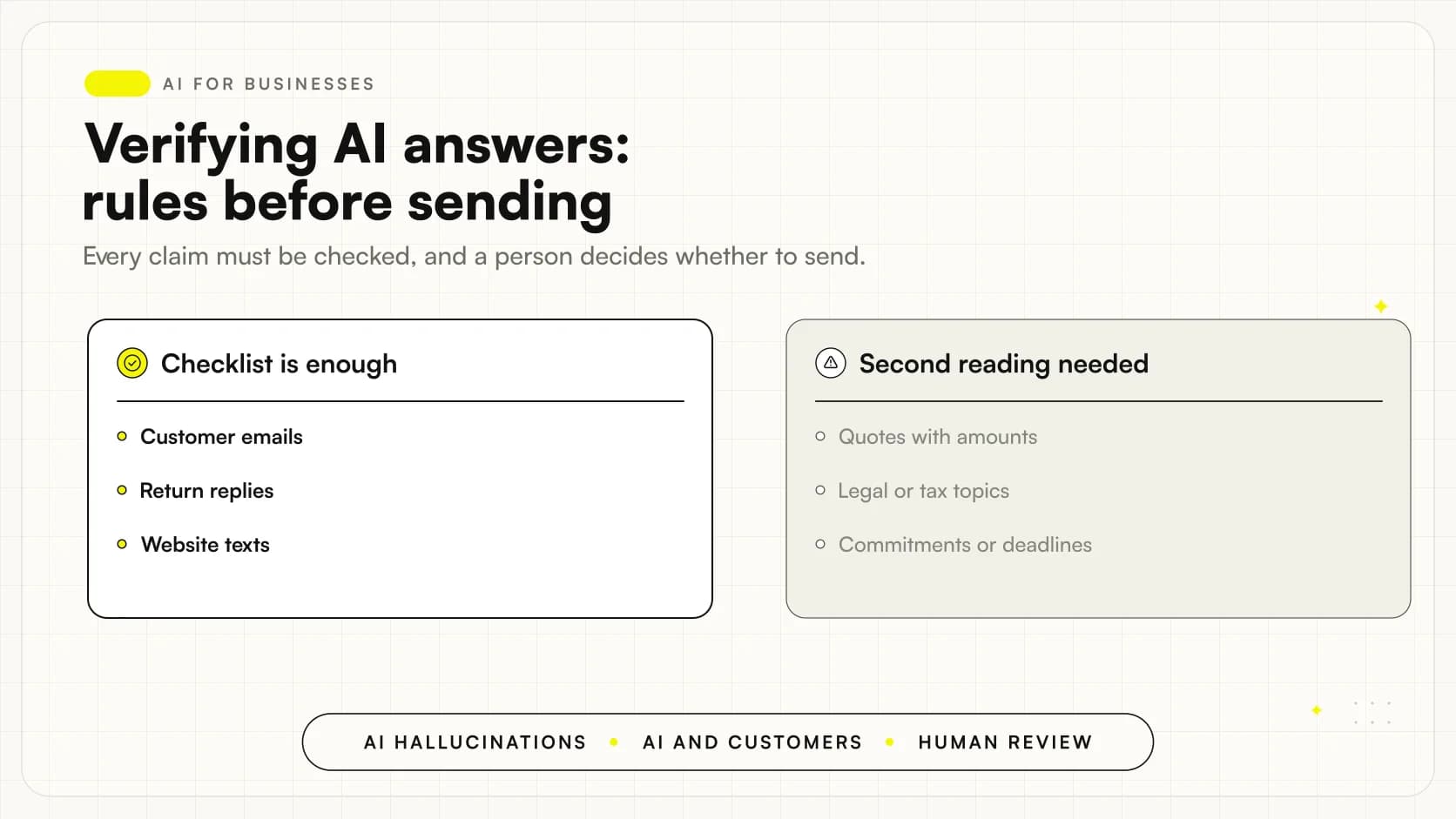
To check an AI answer before sending it to a client, treat it as a draft, not a finished document. Every claim must be verified by looking for confirmation from reliable sources, and the decision to send always rests with a person who is accountable for it. It is the simplest method and, for a small business, the safest.
Verifying an AI answer means comparing what the tool wrote with what you know or can confirm elsewhere: facts, names, dates, numbers, quotations and promises. It is not distrust of the technology. The providers themselves warn that answers can be inaccurate, as we will see in the sources cited below.
This guide is for people who run a business or a professional practice and use AI to write emails, quotes or replies to clients. You will find practical tips, a checklist table, two examples, the most common mistakes and a way to introduce the rule in your company without slowing work down. Where the official materials do not say enough, we point it out: in that case the checklist is the editorial team's own work and not a rule set by the providers.
In summary
- An AI answer can sound confident and still be inaccurate: treat it as a draft to be checked.
- Numbers, dates, names and quotations are verified one by one, looking for confirmation on reliable sites.
- The sources the AI cites must be checked in turn, because the tool may describe its own workings incorrectly.
- Answers are not medical, legal or financial advice: for those topics you need a professional.
- The one who decides whether to send is a person, and the company decides in advance who rereads what.
Why can an AI answer be wrong even when it sounds confident?
The problem is that the tone of an answer says nothing about whether it is correct. Google explains that the Gemini apps are constantly evolving and can sometimes produce inaccurate, offensive or inappropriate information. It says so on the help page dedicated to answers: Information about answers from the Gemini apps.
The same page uses the term hallucinations: Gemini may present inaccurate information as factual. It may also misrepresent how it works, for example when you ask how it was trained or how it uses features such as source citations and retrieval of up-to-date information. For a business owner the consequence is concrete: if you ask the tool where it got a piece of data, its explanation is not enough as proof. For more on the phenomenon, you can read our article on what AI hallucinations are and how to reduce them.
There is also a second, less visible risk. According to Google's guide on how the Gemini apps help protect users from harmful content and prompt injection, prompt injection is an attempt to provoke an unwanted or harmful response from a generative AI tool. Bad actors can also do this by sharing harmful content with you, which you then put into your prompts without realizing it. If you paste into the AI an email or a document received from a third party, that text can influence the answer.
How do you check an AI answer before sending it to a client?
Below you will find the tips in working order. Each one gives the reason, drawn from the official materials, and where the material falls short we say so.
Treat every answer as a draft
The first tip is a change of habit: the AI's answer is a starting point, not a text to forward. Google encourages you to verify answers, in particular those about people, which may be inaccurate or inappropriate, as stated on the help page about Gemini answers. If the client is named in the text, checking the name and the facts about them is the first thing to do.
Check numbers, dates and names one by one
The materials do not say which data to check first, so this is an editorial choice. The criterion we recommend is simple: anything the client could use to make a decision or to raise a dispute is verified against the original document. Amounts, deadlines, references to contracts, and names of people and companies should be compared with your management system, with the quote or with the contract, not with the memory of whoever is rereading.
Look for confirmation on reliable sites
The Bank of Italy, in its Economia per tutti section, writes that browsing the internet and looking for confirmation on reliable sites is certainly a good starting point. It says this while discussing scams that use AI, in the article Con l'intelligenza artificiale il lavoro dei truffatori si semplifica. The principle also applies to work: information that influences a decision must be confirmed outside the chat, on an official site or in a document you own.
Verify the sources the AI cites
If the answer contains references, links or quotations, open them. Since Gemini may misrepresent how it uses source citations, as explained in Google guide, a source named by the tool is not necessarily real or relevant. Check that the address exists, that the page really contains what is claimed, and that it is a source the client too would consider reliable. There are also tools designed for this purpose, as we describe in how to verify chatbot citations.
Don't mistake the answer for professional advice
Google asks that you not treat answers from the Gemini apps as equivalent to medical, legal, financial or other advice (source). If a client asks whether they can deduct an expense, whether a contract is valid or whether a therapy is suitable, the answer written by the AI should not be forwarded as an opinion. You need the competent professional, who in your case may be you: then the responsibility is yours and the check must be even more careful.
Beware of external content pasted into the prompt
When the AI works on an email or an attachment you received, the prompt injection risk described by Google concerns precisely content shared by third parties (official explanation). If the answer contains odd requests, unexpected links or instructions unrelated to the question, stop and don't send it. Data protection is also covered in AI and data security: concrete risks and how to manage them.
Mind the tool's memory
Some assistants remember context. The Anthropic Help Center explains that Claude can remember context from your chats and carry it into new conversations and Cowork tasks, and that it saves memory as a set of individual topics while you chat. The source is the guide Use Claude's chat search and memory. The link to our topic is an inference: if the answer comes from earlier context, check that it does not contain details of another client or of an old matter. We discuss this more generally in what happens to company data when you type it into an AI.
Have a second person reread important answers
No official material we have read says when a second reading is needed. For this reason it is a company decision, to be made before sending and not after a mistake. A reasonable rule is to have anything reread that contains financial commitments, deadlines, legal or tax aspects, or that will go to many clients at once.
Report the error to the tool
When you find an inaccuracy, don't just fix it in the text. Google says to click the Dislike button and provide feedback; the guide to answers says so, and the one on safety repeats it for inaccurate answers or ones deemed unsafe. It is not an obligation, but it leaves a trace of what did not work.
What should you check, in brief, and where do you find confirmation?
The table summarizes the main checks. The source column points to the official materials; where the material gives no guidance, the row is a method suggestion from the editorial team.
| What to check | Why | Source |
|---|---|---|
| Facts and statements about people | Answers may be inaccurate or inappropriate, so they must be verified | Gemini answers guide |
| Sources and citations given by the AI | The tool may misrepresent how it uses citations | Gemini answers guide |
| External confirmation of important data | Looking for confirmation on reliable sites is a good starting point | Bank of Italy, Economia per tutti |
| Third-party content given as input | It may contain prompt injection | Gemini safety guide |
| Context carried over from earlier chats | Some tools remember context between conversations | Anthropic Help Center |
| Numbers, dates, amounts | No material indicates an order: editorial criterion, to be checked against the original document | Editorial method |
What is a quick checklist before sending?
You can print it or paste it into your team's reply template. It is a summary of the checks described above.
- I have read the whole answer, not just the beginning.
- I have compared names, amounts and dates with the original document.
- I have opened every link or cited source and verified that it says what is claimed.
- I have looked for confirmation on a reliable site for the facts the client will use to decide.
- The text does not present legal, medical or financial opinions as certain.
- There are no odd instructions or links, especially if I pasted a message I received.
- For important answers, a second person has given their OK.
How does it work in practice? Two examples
The two examples below are hypothetical and serve to show the method. They do not describe real clients.
Example: an accounting firm. A professional uses AI to prepare a draft reply to a client who asks whether they can deduct an expense. The draft is fluent and cites a regulation. The professional does not send it: they open the cited regulation, check that it exists and that it says what the draft claims, and then adapt the text to the client's case. The opinion remains theirs, because AI answers are not equivalent to professional advice, as Google's guidanceindicates. Those working in this field may also want to read our article on AI for Accounting.
Example: a shop with online sales. A shop owner uses AI to answer messages about returns. The draft states a deadline and a procedure. Before sending it, she compares the text with the return conditions written on her own website and with the client's order in her management system. She corrects two points that did not match and leaves the procedure as it is. If handling complaints becomes frequent, it may be useful to look at how to set up the flow in customer complaints with AI: priorities, facts and responsibility.
Which mistakes should you avoid?
Four mistakes recur more than the others.
- Trusting the tone. A well-written answer seems correct. But Gemini may present inaccurate information as factual, according to Google. Whoever rereads must look for the facts, not judge the style.
- Asking the AI to verify itself. If the tool may describe its own workings incorrectly, its confirmation does not count as a check. Confirmation must be sought outside, on reliable sources.
- Pasting third-party messages without looking at what they contain. Content shared by a bad actor can influence the answer, as the guide on prompt injection. If the answer changes tone or asks for odd actions, that is a signal.
- Leaving the rule implicit. If everyone decides alone when to have something reread, sooner or later an important answer goes out unchecked. Write down who checks what. A reference model is the corporate policy on the use of AI.
Beware of scammers. The authorities remind us to stay calm, pause for a moment and think before acting, to verify the origin of emails, messages and calls, and never to share credentials and PINs. This is stated by the Bank of Italy. It also applies to the messages that AI helps you write or read.
How do you introduce the rule in your company without slowing work down?
The goal is not to check everything with the same intensity, but to decide in advance what deserves which level of attention. The official materials do not give a complete procedure, so this is the method we propose.
- List the types of answer the AI prepares today: client emails, quotes, replies about returns, website copy.
- Divide the answers into simple and sensitive. Sensitive ones are those with financial commitments, deadlines, legal or tax topics, or personal data.
- For the simple ones, establish that whoever sends checks facts, names and links with the checklist.
- For the sensitive ones, add a second reading by a competent person before sending.
- Write the rule on a page and put it where the team works, together with the reply templates.
- When an error slips through, report it to the tool and update the checklist with what you have learned.
If the answers come from company documents, it is also worth improving the starting quality: choosing carefully the documents the tool draws on reduces errors upstream, as we explain in choosing sources before the answer in RAG. If you need to understand the mechanism better, there is the guide on what RAG is and why it improves answers. And for those who use AI mainly for email, it is useful to read how to reply to business emails with AI.
One more rule: beware of generated code
If your team also uses AI for code, Google specifies that you are responsible for the use of code generated by the Gemini apps, which may be subject to an open source license (source). Here too the rule applies: the result is a draft, and whoever puts it into production is answerable for it.
Where to start?
You don't need to change tools. You need to choose a category of answers, for example client emails, and apply the checklist for a trial period. If you want to discuss where to place checks and responsibilities in your processes, you can talk to us on the page about AI consulting for companies.
Giallo Studio guides: methodology and sources
Want to apply this to your business?In 30 minutes, free of charge: the first process to automate and its estimated return, in writing.
Book the free auditHow we apply it in the company
Related resources
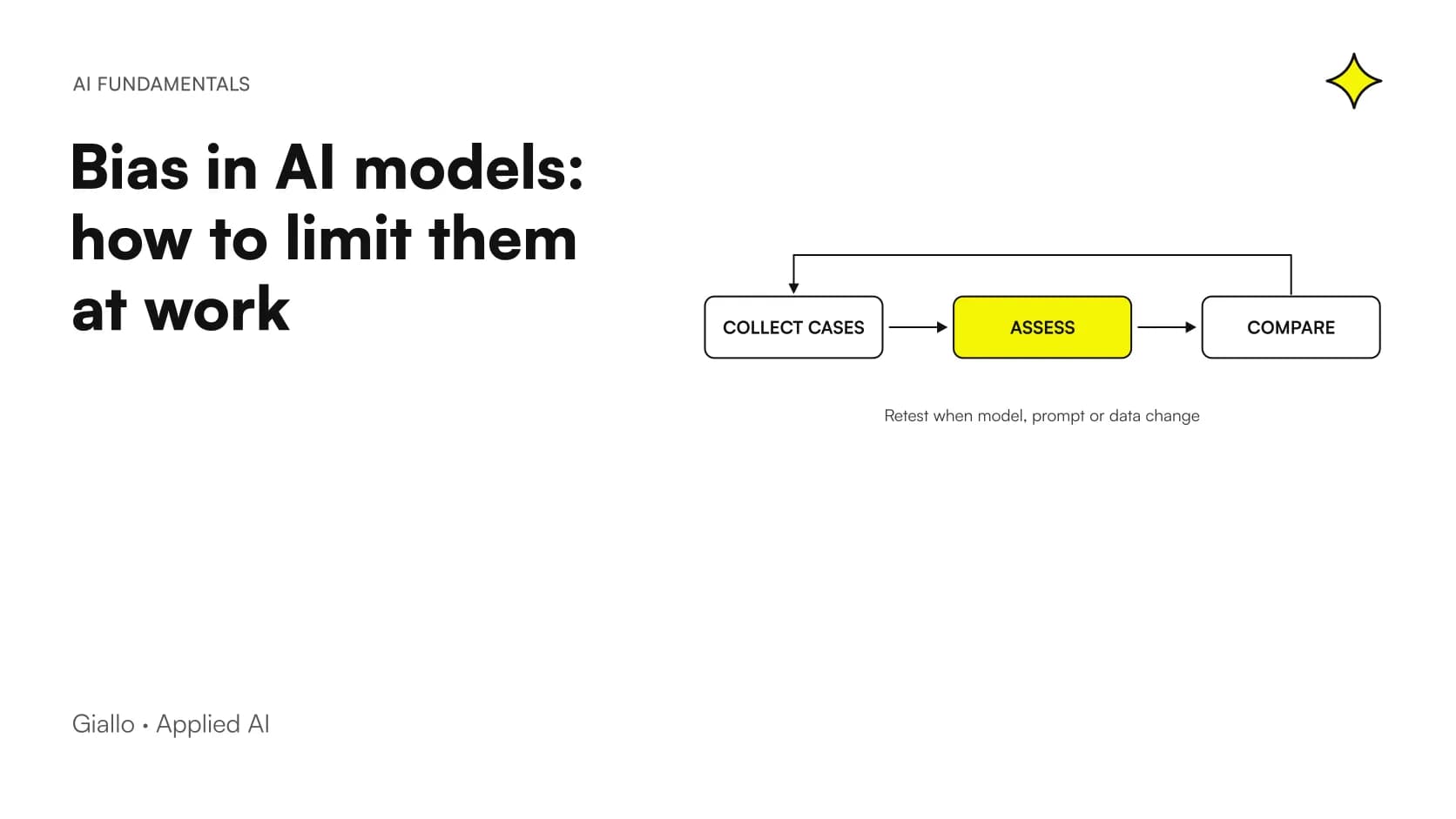 Bias and prejudice in AI models: where businesses go wrong and how to avoid it
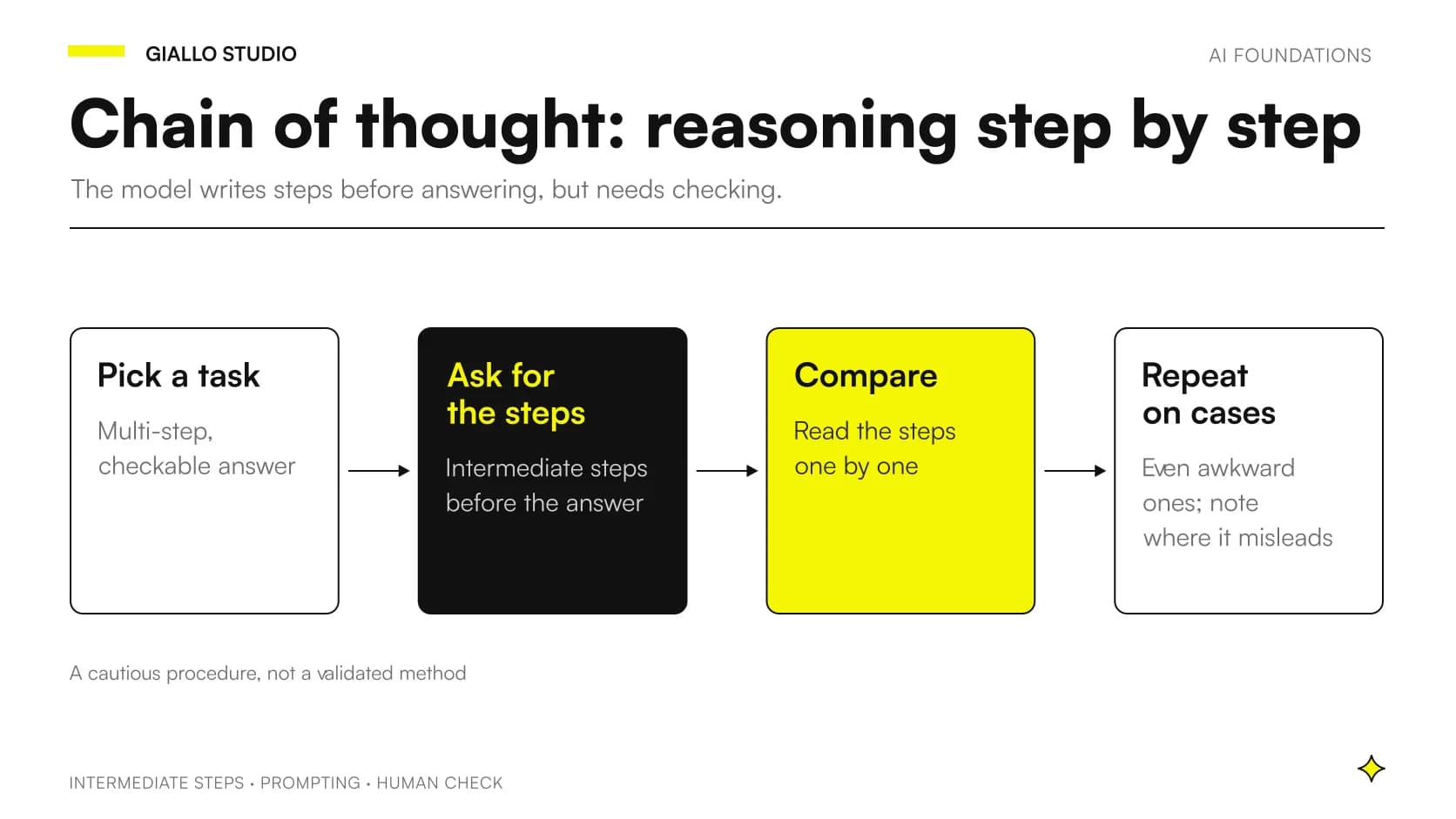 Chain of thought: what it means when a model reasons step by step
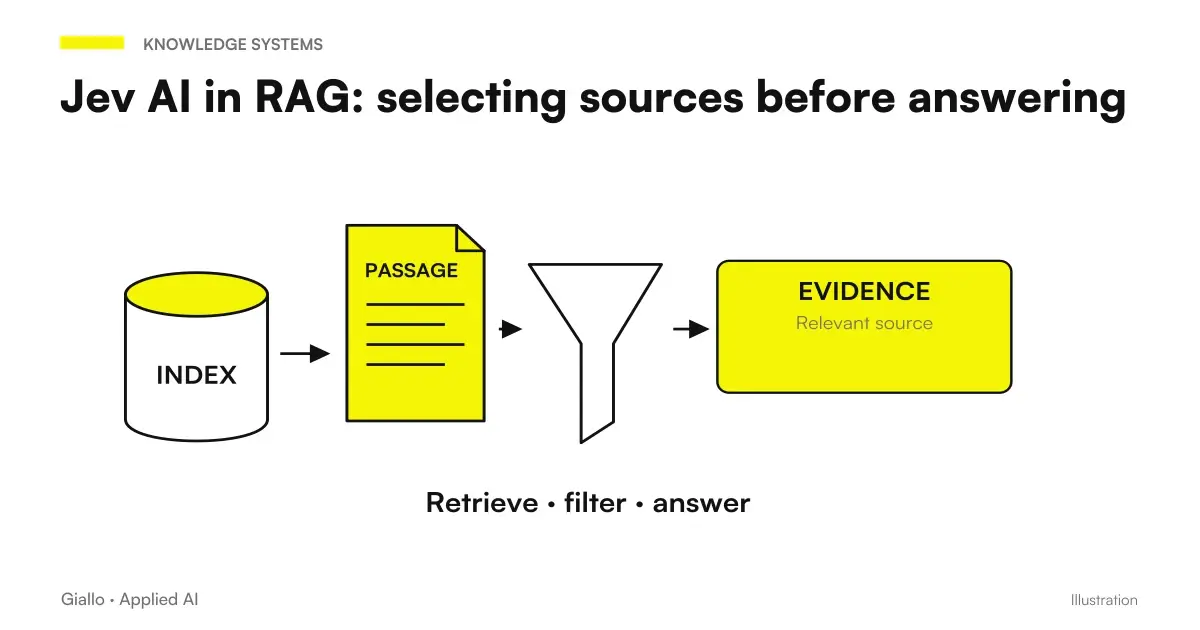 Jev AI in RAG: choose sources before answering
 AI Hallucinations: What They Are and How to Avoid Them
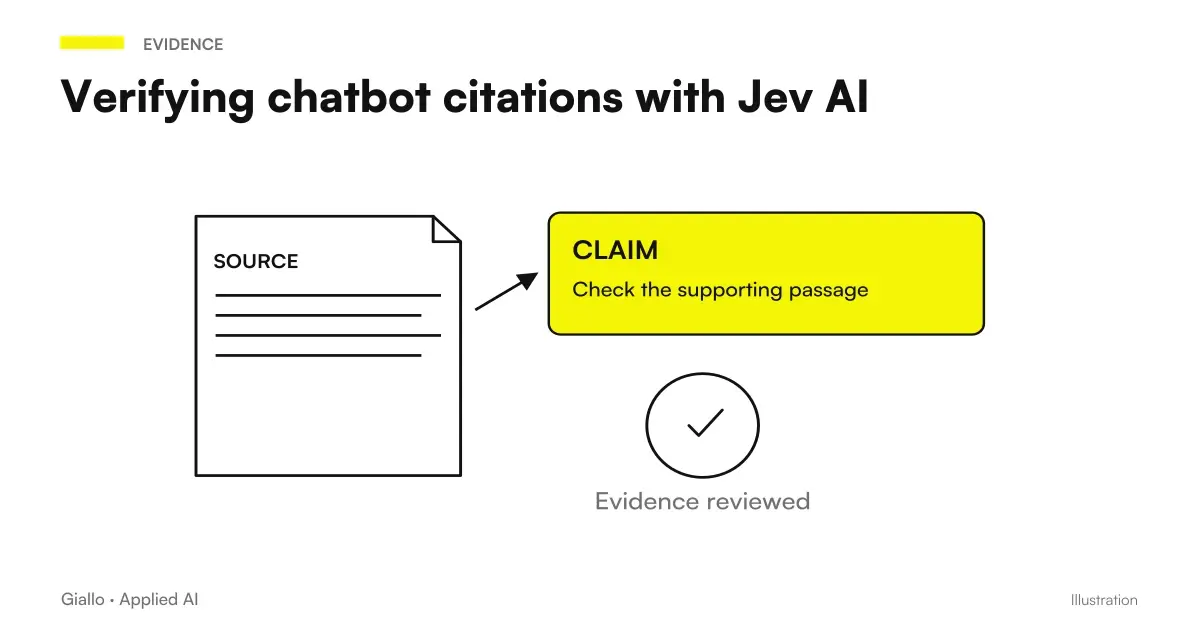 Verify chatbot citations with Jev AI
 Corporate policy on the use of AI: how to write it
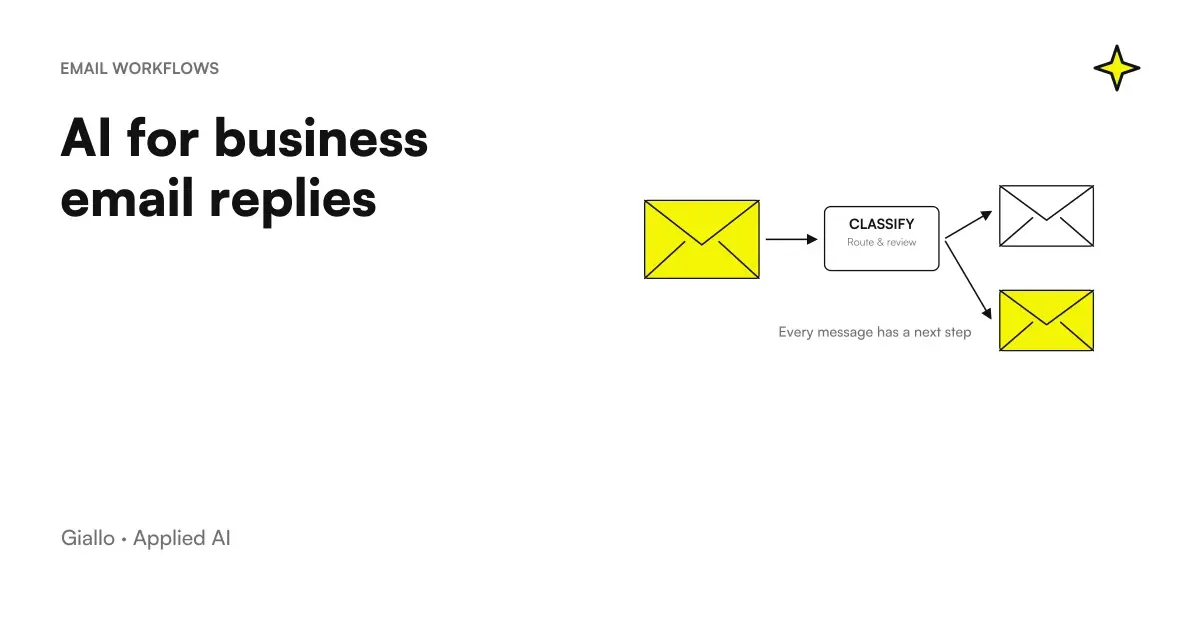 AI to Respond to Business Emails: How It Works
FAQ
Can I send a client an AI-written answer without editing it?
It is not advisable to do so without checking. Google warns that answers from the Gemini apps can be inaccurate and should be verified. Before sending, a person must check facts, names and references.
What are AI hallucinations?
They are cases in which the tool presents inaccurate information as factual. Google states this explicitly in its guide to Gemini answers. For this reason every important piece of data should be compared with a reliable source.
Can I ask the AI to cite its sources and then trust it?
No, the sources it cites must be opened and checked. According to Google, Gemini may misrepresent how source citations work. Verify that the link exists and that the page really says what the answer claims.
Can AI give a legal or tax opinion to my client?
Answers should not be treated as medical, legal, financial or other advice. If the client asks for an opinion, a competent professional is needed. AI can help with the draft, but it does not replace the opinion.
What is prompt injection and why should I worry about it?
It is an attempt to provoke an unwanted or harmful response from a generative AI tool. It can also happen through content shared with you that you then put into prompts. If you paste messages from third parties, check the answer carefully.
When is a second person needed to reread?
The official materials do not specify this, so it is up to the company. A prudent choice is a second reading for answers involving financial commitments, deadlines, or legal or tax topics. It is better to write the rule before a mistake happens.