
ChatGPT Ads Manager: how to create your first campaign, step by step
ChatGPT Ads Manager step by step: account and verification, campaign structure, context hints, a landing page open to OAI-AdsBot and a launch checklist.
Reading time: 11 min
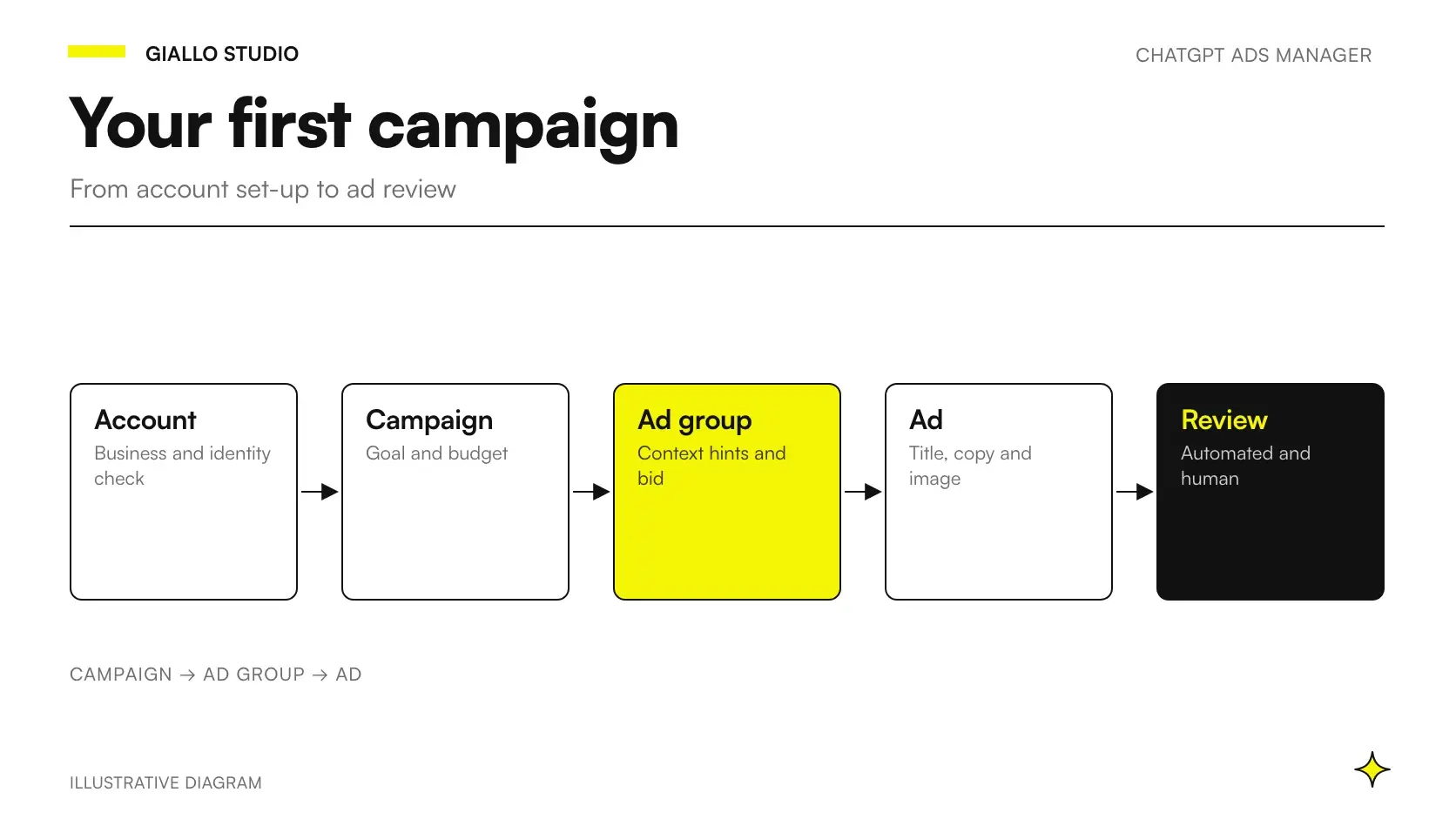
ChatGPT Ads Manager is the self-service platform where a business creates, launches and manages advertising campaigns on ChatGPT. In Italy it is available from 31 August 2026, on one condition: the legal entity that advertises and receives the invoice must be based in an available country, and Italy is one. To reach your first ad you need a verified account, a campaign split into three levels and a landing page that can be read by the crawler OAI-AdsBot.
The process is: registration and verification, billing, campaign, ad groups with context hints, ads, review. The guide walks through it using OpenAI's Help Center pages, consulted on 19 October 2026, with two examples: an online language school and a bike rental in Riva del Garda. What the platform is and who sees the ads is covered in the complete guide to ChatGPT Ads.
Ads Manager is in beta (official overview) and may change: it is worth rechecking the official guide before every launch.
In summary
- To use ChatGPT Ads Manager in self-service, the legal entity that pays must be based in an available country, and Italy is one.
- The account goes through Persona verification and a queued review that OpenAI says it cannot speed up.
- Every campaign has three levels: campaign (objective and budget), ad group (context hints and bid) and ad (headline, text, landing page, image).
- An account's country, currency and time zone cannot be changed after creation, and neither can a campaign's objective.
- A landing page that blocks OAI-AdsBot cannot be evaluated, and an ad that cannot be evaluated is not published.
- Tracking accepts only static UTM parameters, and the conversion event must be linked to the campaign before traffic arrives.
What do you need to open a ChatGPT Ads Manager account?
You need an OpenAI account, a legal entity based in an available country, your business details and a credit card that matches the company and its country. The account must be created by a single person, the owner, who then invites colleagues (account setup guide). There are five official steps.
- Registration. You enter Ads Manager from ads.openai.com with an OpenAI account, which you can create on the spot.
- Details and verification. Business name, website, logo and industry, then country, currency and time zone. A few verification questions through Persona follow, and the request goes into review.
- Account information. When the access email arrives, check “Account name” and “Logo” in the settings: they appear in the ad, and without this step the ads do not go live.
- Billing. A profile with the company's legal name, address and email for invoices, then the card. To verify it, the bank may show a temporary hold, which is not a charge and is released after verification, although it can stay visible for 8 days or more (billing guide).
- Team. From the users section of the settings, you invite colleagues by email.
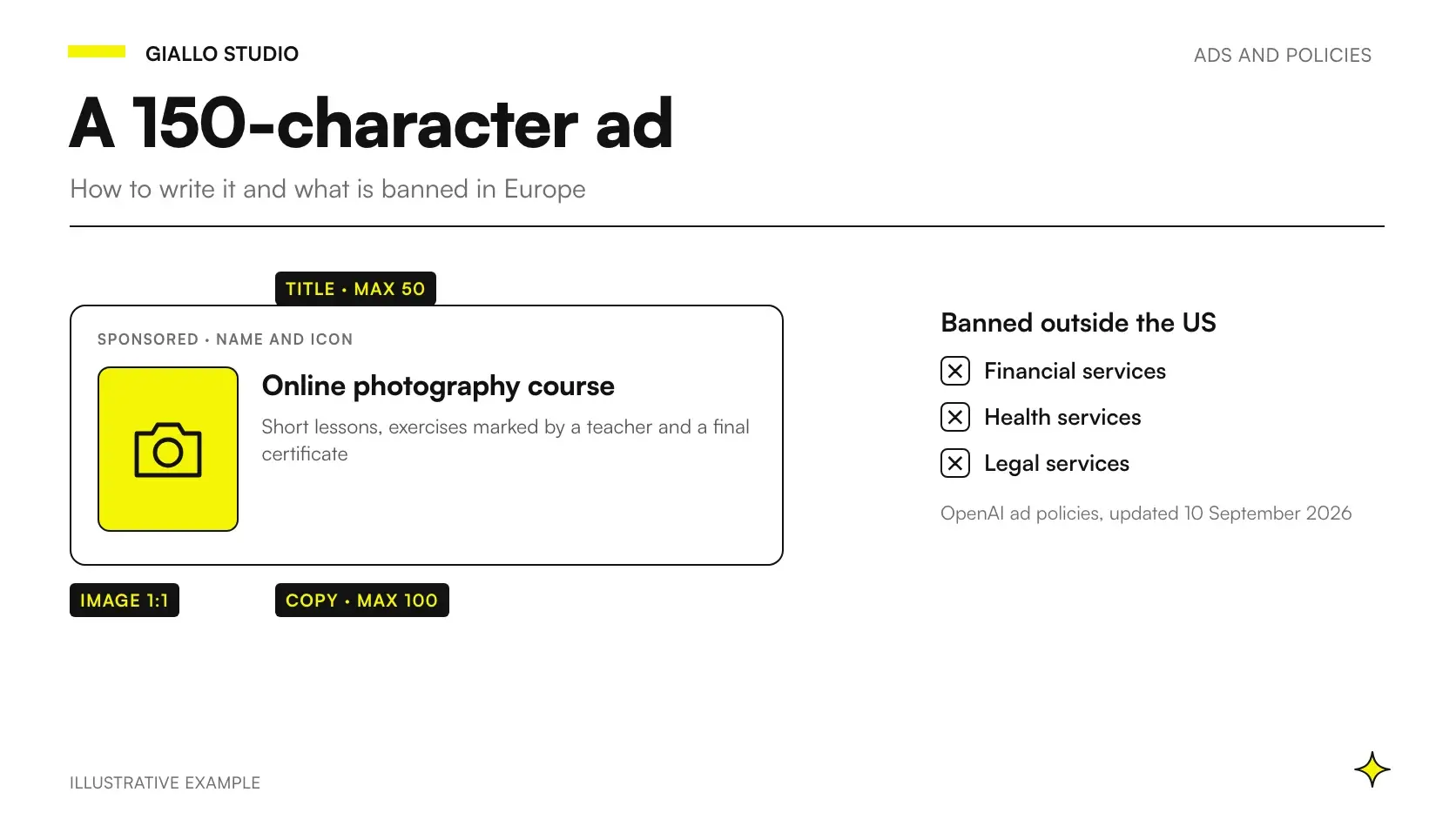
The review is not a formality: OpenAI also checks whether products and services fall within the categories its policies allow, so an industry that is excluded outside the United States, such as legal services, risks being stopped right here. Requests are reviewed in a queue and can take a while. OpenAI says it cannot speed them up, and a duplicate request does not move you up the queue.
For agencies and consultants who handle several clients, the rule is clear-cut: each advertiser has its own account, created with an email address that is not already used for another account. The same user can then be invited to several accounts.
One point remains open. The pages talk about a “legal entity” without listing the legal forms that are accepted: for a sole proprietorship, no published answer appears as of 19 October 2026, so it is worth asking OpenAI Ads support before entering your details.
How is a campaign structured: campaign, ad group, ad?
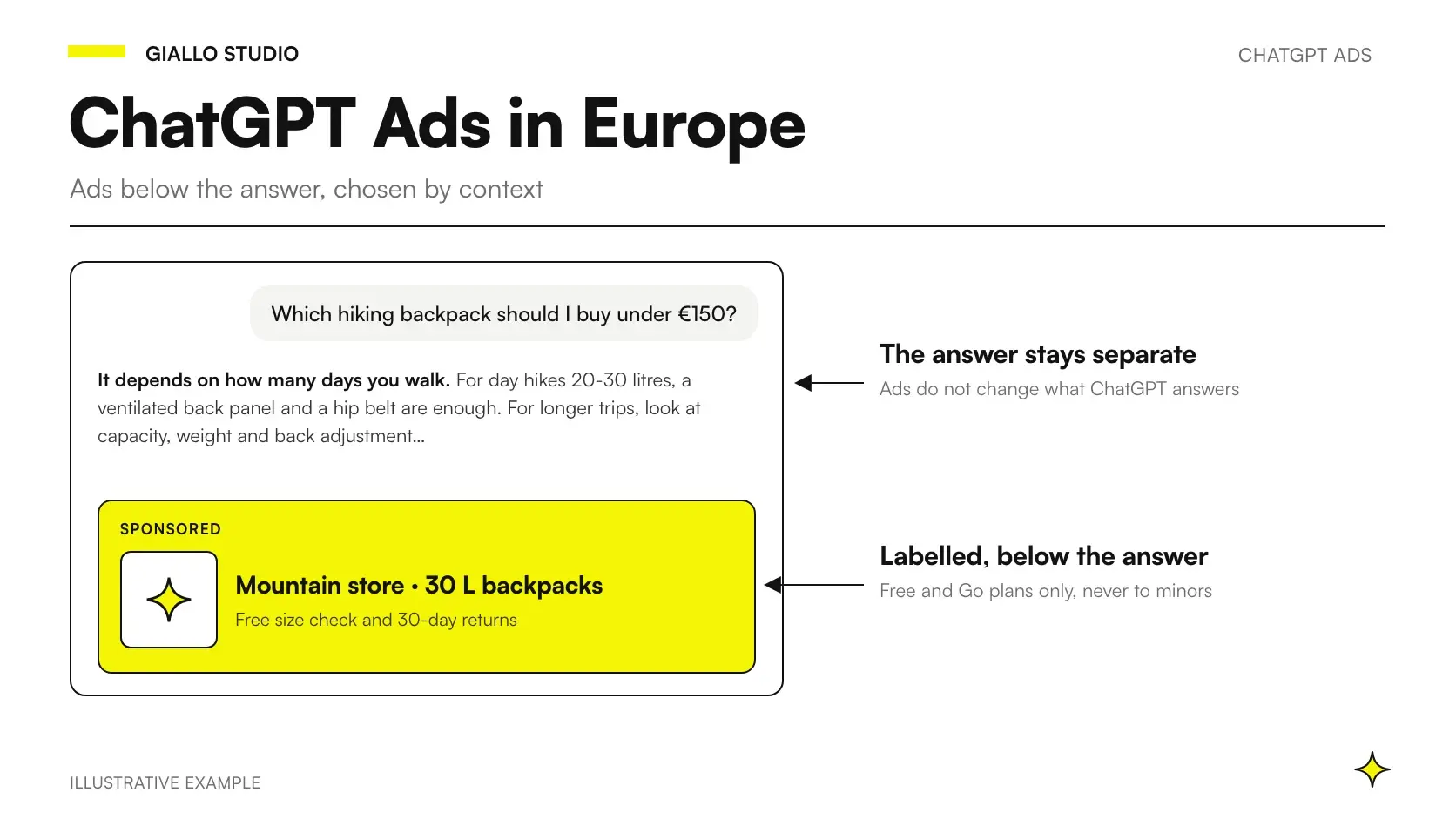
Every campaign has three nested levels, and the middle one works with context hints instead of keywords (OpenAI's campaign launch guide).
| Level | What it is used for | What to set | Limit per account |
|---|---|---|---|
| Campaign | Sets the objective and spend | Name, objective, conversion event (Conversions only), daily or total budget, dates, countries; optional: platforms (iOS, Android, web) and custom audiences | 5,000 campaigns |
| Ad group | Collects one theme or intent | Name, bid strategy or maximum bid, context hints | 5,000 ad groups |
| Ad | The creative shown under the answer | Headline, text, destination page, image; name and logo come from the account | 5,000 ads |
The campaign guide suggests separate campaigns for different objectives, areas or product categories, and several ad groups within each campaign to test different messages. Audiences built from customer lists have their own rules, explained in the guide to targeting, audiences and privacy.
Which objective and budget should you choose for your first campaign?
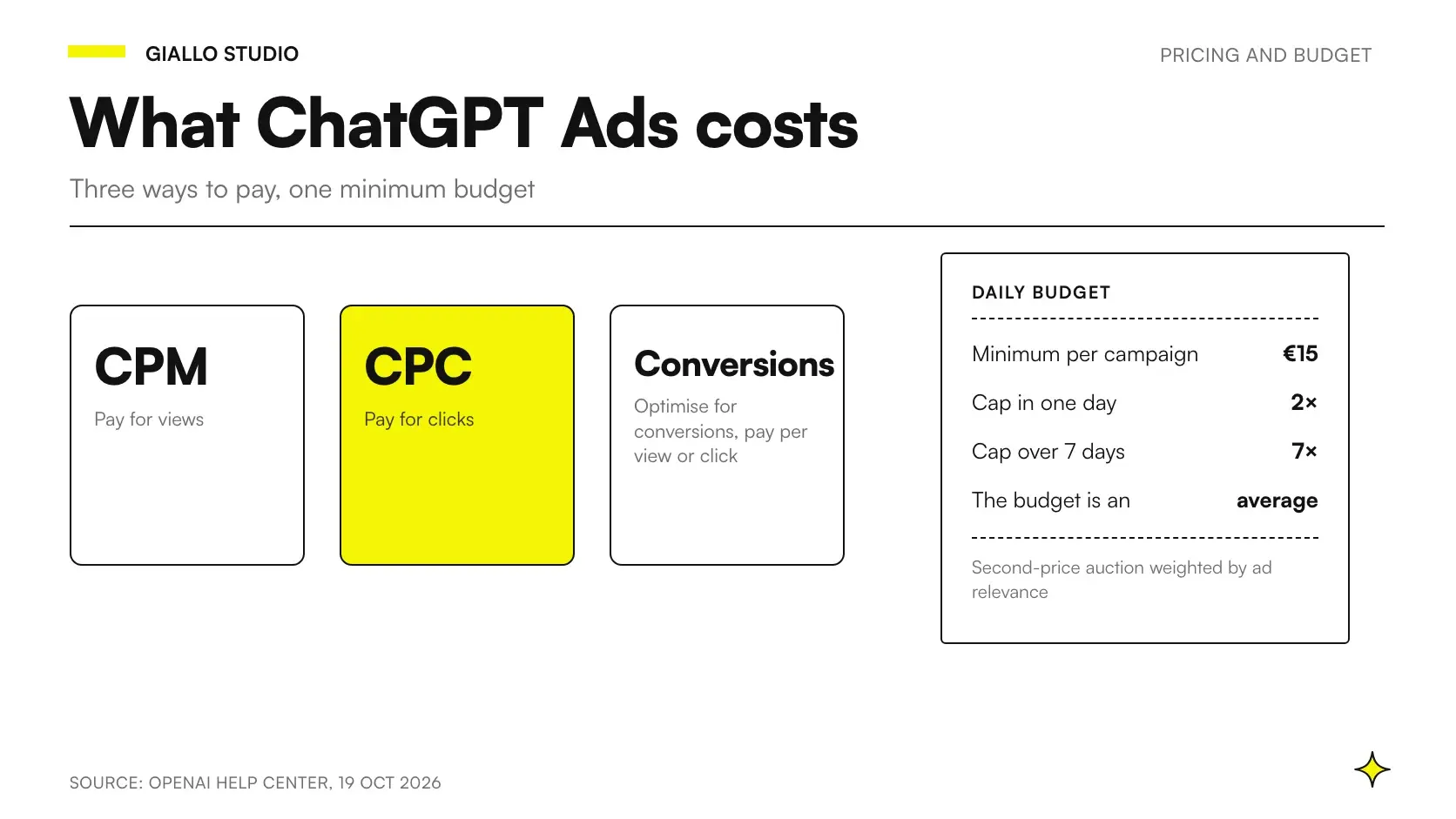
The objective determines how you pay and how ads are delivered: Views billed per impression (CPM), Clicks billed per valid click (CPC), Conversions, which optimizes toward a conversion event and is billed, at your choice, per impression or per valid click.
The choice depends on tracking. Conversions requires an active Pixel or Conversions API and a standard conversion event, because custom ones are not supported (guide to conversion-optimized campaigns). If you are not tracking yet, start with Clicks and prepare the rest in the meantime.
The bid is set at the ad group level. For eligible groups, Ads Manager defaults to Maximize results, which adjusts bids automatically without guaranteeing a cost per click or per acquisition; if you want a cap, choose “Manual: Max bid” (Maximize results guide). Which values to set is covered in the guide to how much advertising on ChatGPT costs.
The budget can be daily or total. OpenAI recommends the daily one to new advertisers, and it works as an average over seven days. For accounts in euros, the minimum is €15 a day per campaign (minimum amounts).
How do you write context hints instead of keywords?
The context hints describe the conversations, topics or terms for which an offer is relevant. They guide matching, but they are not exact-match keywords and do not guarantee that your ad appears in a specific conversation (basics guide). The system also reads the ad text and the landing page.
- One intent per group. Groups collect themes and intents: mixing different needs makes it hard to tell which message works.
- Situations, not just terms. “I have an interview in English in two weeks” says more than “English course”.
- Consistent signals. If the context hints talk about e-bikes and the landing page sells hikes, the ad and the page contradict each other.
In bulk upload they are written as a JSON list: ["hint 1", "hint 2"].
Example: an online language school's first ChatGPT Ads campaign
An online language school sells English and German courses for adults, with live lessons by video call. Education is one of the categories the advertising policies focus on in the initial phase, so the school can advertise from Italy.
Account. The company opens it with a business email, chooses Italy, euros and the Italian time zone, and uploads the logo. After Persona verification it waits for the access email, completes billing and card details, and invites whoever handles marketing.
Campaign. “English courses – Italy”, objective Clicks because enrollments are not tracked yet, daily budget, dates for an initial trial period, country Italy. German gets a campaign of its own: it is a different product line.
Groups. “English for work”, with context hints such as “preparing for a job interview in English” and “improving my English for meetings with clients abroad”. “Certifications”, with “preparing for an English certification required by the university”.
Ad. Headline “English for work” (16 characters), text “Live online lessons, evening slots too” (38), both within the recommended values. Destination: the business course page, not the homepage, with static UTMs such as ?utm_source=chatgpt&utm_medium=paid&utm_campaign=inglese-lavoro. Image: a square PNG hosted on the school's domain. Alongside, two variants with different angles: schedules and the final certificate.
After launch. Once the Pixel records enrollments reliably, the school opens a new Conversions campaign: a click-based one cannot be converted.
Example: a bike rental in Riva del Garda and local context hints
A bike and e-bike rental in Riva del Garda falls under local services and experiences, which are allowed categories. The catch is location. Besides the country, the campaign guide covers regions, cities and postal codes where available, with differences from country to country. Which Italian locations can be selected does not appear in the pages consulted on 19 October 2026: check in the campaign's location selector or in the location CSV you can download from Ads Manager. And even if Riva were available, limiting yourself to people already at the lake would exclude those planning their holiday from home.
So the work is done by the context hints, which describe the holiday more than the location:
- “things to do in Riva del Garda by bike”
- “renting an e-bike for a ride around Lake Garda”
- “bike route from Riva del Garda to Torbole and Arco”
- “holiday on Lake Garda with children and rental bikes”
If many customers come from Germany and Austria, it is worth splitting two campaigns: Italy and German-speaking countries, each with a landing page in the right language and dates tied to the season. The minimum applies per campaign and depends on the account currency: in euros, two campaigns start at an average of €30 a day (minimum amounts). OpenAI announced on 16 September 2026 an optional feature that translates the text into the user's language (OpenAI): check in Ads Manager whether it is active for your account.
The landing page shows models, prices and availability with no login. Store links, deep links and pages that require an app may not offer enough content for review (crawler guide): a web booking page is the better choice.
When should you use bulk upload with a CSV, and where do mistakes happen?
Besides guided creation, there is bulk upload: download the template from “Create”, under “Upload bulk”, fill it in and upload it again. It pays off with many campaigns or variants. The file has three sheets (campaigns, ad groups, ads) and is rejected if it does not follow the schema exactly. The main rules, from the official checklist:
- sheets and headers must not be renamed, no merged cells;
- unique campaign and ad group names, identical across all sheets;
- dates in YYYY-MM-DD format, countries and context hints in JSON, objective Views or Clicks only;
- images with public URLs that open the file directly.
Two traps. To edit existing campaigns, start from an up-to-date export, which contains the current IDs. And uploaded context hints do not add up: the row replaces the entire list. Finally, the CSV does not create campaigns from product feeds.
What should you prepare before uploading ads: landing page, UTMs and Pixel?
Ad specifications, from the launch guide and the ad creation guide:
| Item | Limit | OpenAI's guidance |
|---|---|---|
| Title | 50 characters | 16-24 recommended |
| Text | 100 characters | 32-48 recommended, with new information compared with the headline |
| Image | Square PNG or JPG, up to 1200 × 1200 pixels, public URL | Simple and consistent with the text |
| Destination | Valid, reachable, open to OpenAI crawlers | The most relevant page, not the homepage |
How to write effective ad text and what the rules prohibit is covered in the guide to ChatGPT ads and ad policies.
The landing page is also a technical check. OpenAI uses OAI-AdsBot to check the page and work out when the ad is relevant: allowing it is required, allowing OAI-SearchBot is recommended. The block can come from robots.txt, the firewall or the CDN, or from CAPTCHAs and JavaScript checks; Cloudflare recognizes OAI-AdsBot as a verified bot, while other services need to be configured. In robots.txt, an explicit permission is enough:
User-agent: OAI-AdsBot
Allow: /

User-agent: OAI-SearchBot
Allow: /
If you get 429 errors during a large upload, the crawler guide suggests smaller batches; after unblocking a page, you may need to resubmit the ads.
To read traffic in Google Analytics, add static UTMs to the URL, even different ones for each ad: dynamic macros are not supported (results guide). Conversions go through the OpenAI Pixel, also via Google Tag Manager, or through the Conversions API; how to connect them to leads and your CRM is explained in the article on measuring leads in ChatGPT Ads.
Two things matter before launch. The event linked to the campaign must match the one being sent and be set up before traffic arrives, because events collected with the wrong configuration cannot be recovered. Data must also be sent only after informing users and collecting the consents required by law (conversion measurement).
How long does the review take, and what should you check if ads don't start?
According to the policies, the review looks at the advertiser, the creative with its landing page, and the placement. It is carried out mostly by automated systems, including language models and classifiers, with escalation to human reviewers depending on severity or uncertainty.
A guaranteed review time is not published as of 19 October 2026. After launch, according to the launch guide, campaigns and ads should show as active and receive impressions and clicks within 24 hours. Impressions and clicks update about every 15 minutes, spend with a delay of 7-8 hours, conversions within 24-48 hours (basics guide, results guide): zero spend in the first hours does not mean there are no costs.
If nothing happens after a day, the Official FAQs list five checks:
- Status. On “Not serving”, the tooltip explains the reason.
- Account verification. If it is missing, a banner appears.
- Budget. Once the limit is reached, ads stop.
- Dates. Outside the set period, the campaign does not run.
- Payment. After a failed charge, ads may stop until the card is updated.
Which settings cannot be changed afterwards?
Some mistakes force you to start over.
- Campaign objective. To switch from Clicks to Conversions, you create a new campaign.
- Conversion event and billing model. They stay as chosen at the start: to change them, you copy the campaign.
- Budget type. A campaign switched from a total budget to a daily one cannot go back.
- Card from another country. Payment and billing address must match the account's country, or the card may be rejected.
Checklist: what to check before launching your first campaign on ChatGPT Ads Manager
- Allowed industry outside the United States.
- Verified account, with the country, currency, time zone and legal name of the paying entity.
- Name and logo as they should appear in the ad.
- Billing details consistent with the company and country.
- Objective chosen according to the tracking available.
- One intent per group, with context hints written as situations.
- Creative within the limits, with several variants per offer.
- Landing page that is specific, with no login, and open to OAI-AdsBot.
- Tracking: static UTMs, event linked before traffic, consent handled.
- “Active” status and dates that include the launch day.
How do you turn your first approved ad into a test you can read?
The first campaign is for understanding how the platform matches ads to conversations, not for scaling. OpenAI says it does not yet have industry benchmarks, so the useful comparison is with your own data: cost per lead on Google or Meta, landing page conversion, quality of the inquiries. The guide on whether ChatGPT Ads is worth it for a small business sets out a test with phases and metrics; the comparison between ChatGPT Ads and Google Ads shows where the channel adds something. If inquiries come in through a form, it is worth feeding contacts into your CRM automatically from day one.
Often the missing piece is the destination page: with Giallo Studio website creation service we prepare landing pages that OpenAI's crawlers can read, with UTMs, Pixel and consent ready before your first campaign.
Giallo Studio guides: methodology and sources
How we apply it in the company
Related resources
 ChatGPT Ads: what it is and how advertising on ChatGPT works in Italy
 ChatGPT Ads cost: CPC, CPM, minimum budget and welcome credit
 ChatGPT Ads creative: how to write your ads and what OpenAI's policies prohibit
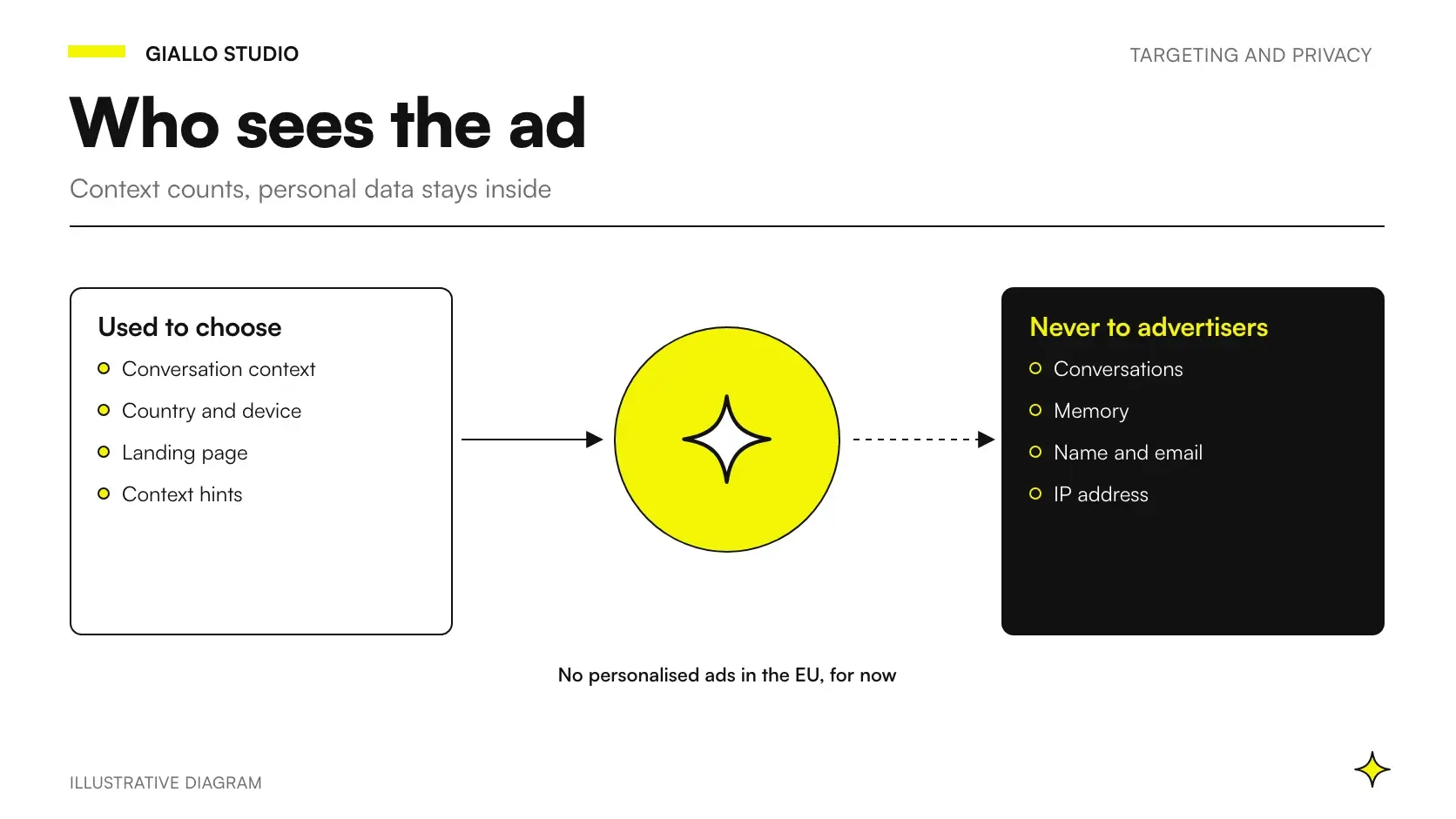 ChatGPT Ads targeting: context, audiences and privacy in Europe
 ChatGPT Ads: new formats, lead measurement and availability in Italy
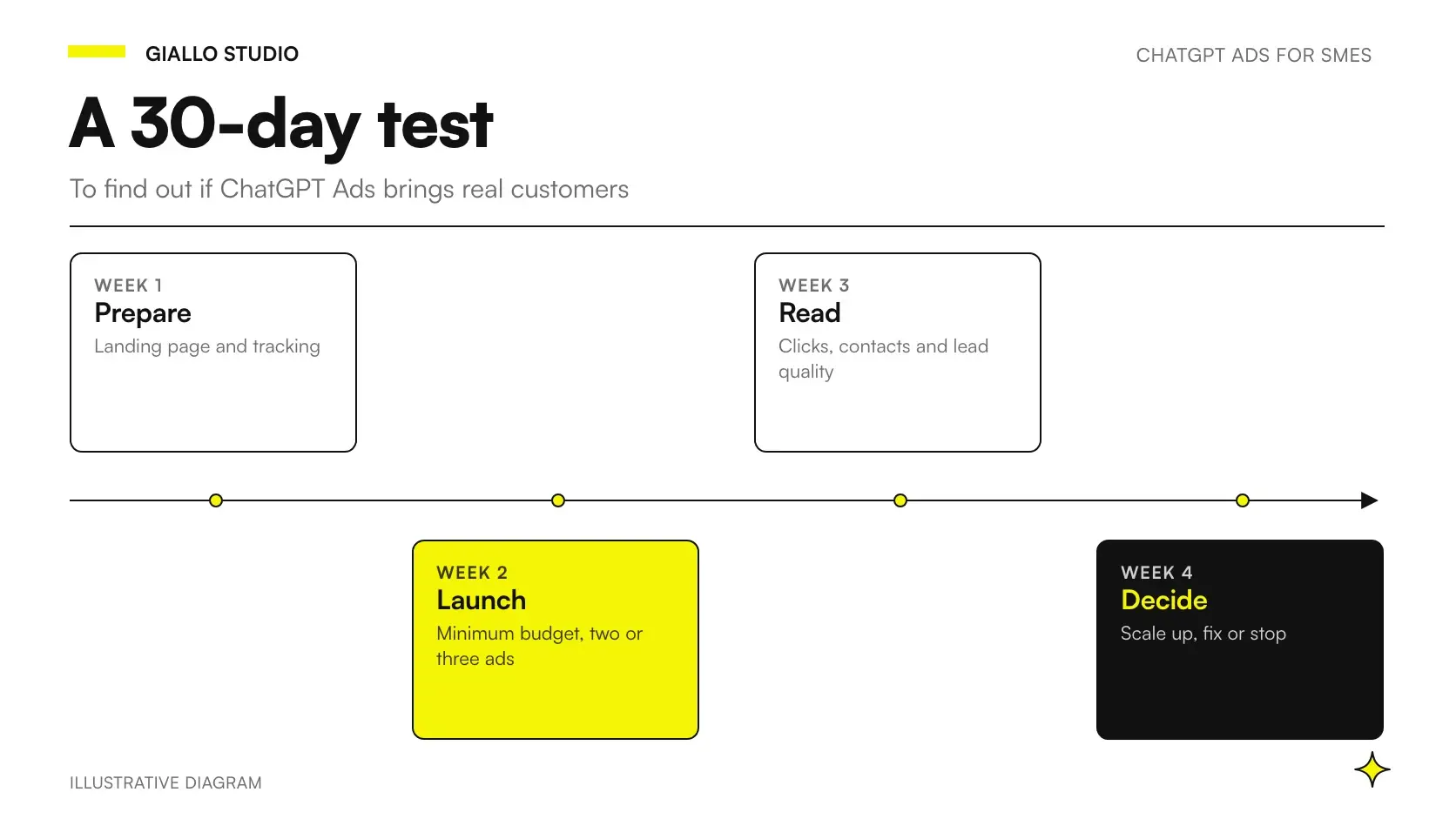 ChatGPT Ads for small business: is it worth it? Best-fit sectors and a 30-day test
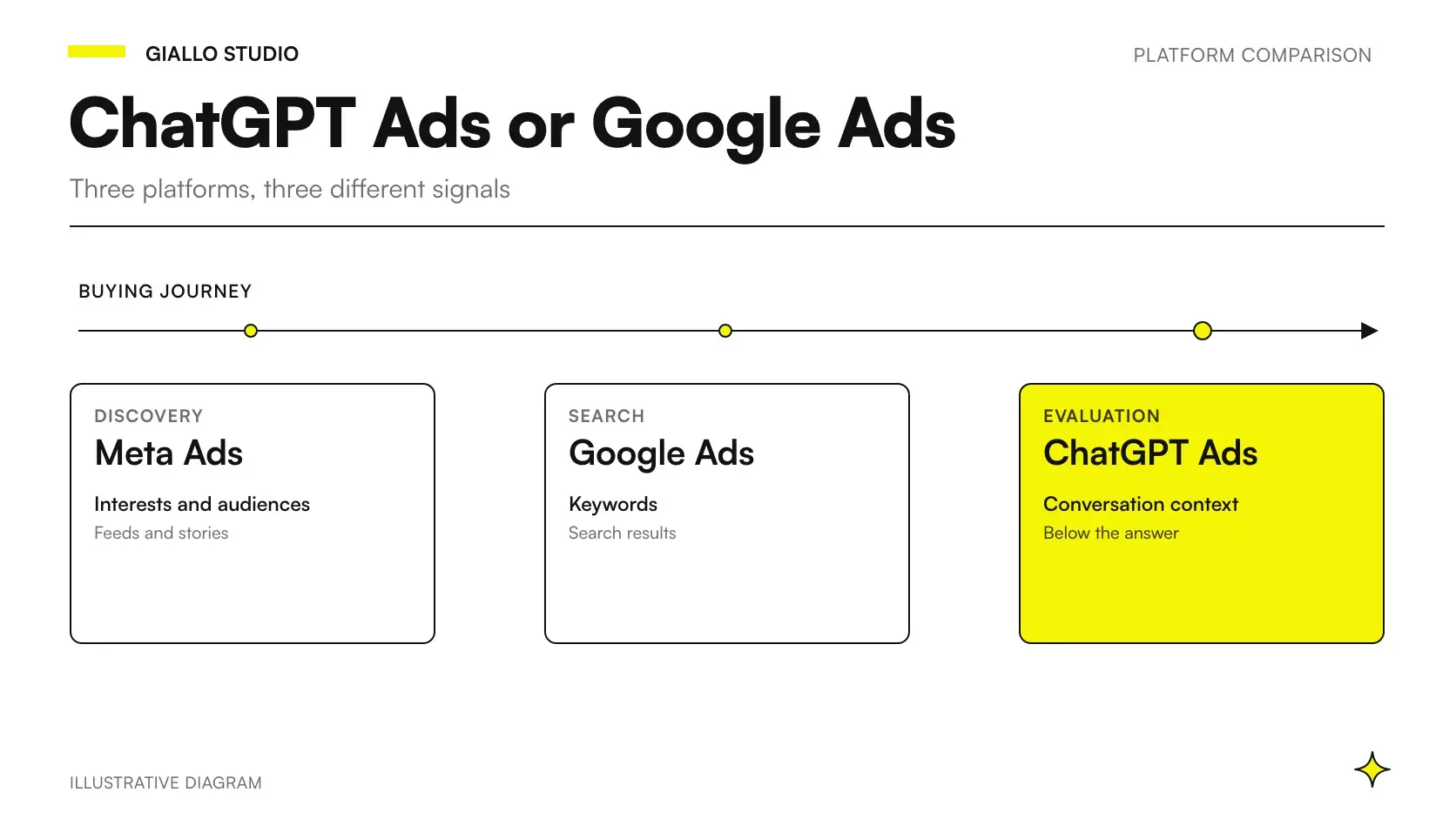 ChatGPT Ads vs Google Ads (and Meta Ads): differences and when to use each
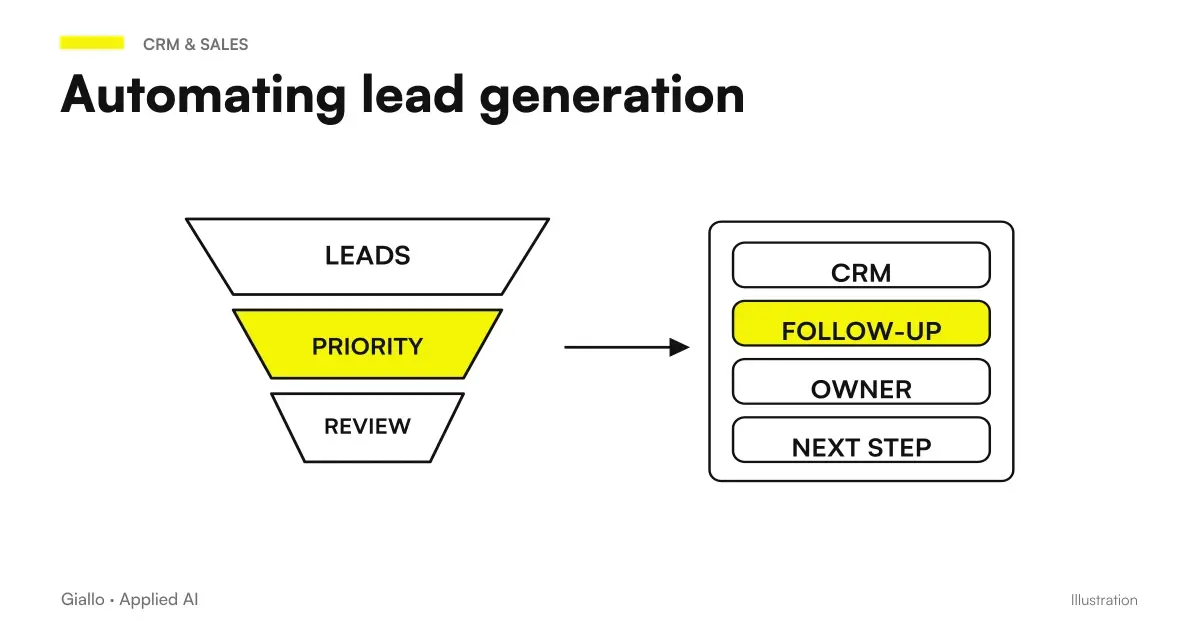 Lead generation automation: how AI populates your CRM
FAQ
How do you access ChatGPT Ads Manager?
At ads.openai.com, with an OpenAI account. During sign-up you enter your business details, country, currency and time zone, then answer verification questions through Persona. Full access arrives by email after the account review.
Can a sole proprietorship advertise on ChatGPT?
It is unclear. OpenAI requires the legal entity that advertises and receives the invoice to be based in an available country, such as Italy, but in the pages consulted on 19 October 2026 it does not list the legal forms it accepts. It is worth asking OpenAI Ads support for confirmation before opening the account.
How long does ChatGPT Ads account approval take?
OpenAI does not give a specific time. Requests are reviewed in a queue and verification can take a while. OpenAI says it cannot speed up either the account review or the ad review, and a second, duplicate request does not move you up the queue.
Can you create ChatGPT Ads campaigns from a CSV file?
Yes. Ads Manager offers a bulk upload template with three sheets: campaigns, ad groups and ads. The file must follow the schema exactly, otherwise it is rejected. The CSV cannot be used to create campaigns from product feeds, however.
Why are my ads not showing on ChatGPT?
Usually for one of these reasons: the ad is still in review, account verification is incomplete, the budget is used up, the campaign dates do not include today, or there is a problem with the card. Another possible cause is a landing page that blocks the OAI-AdsBot crawler.
Can an agency manage several clients with a single ChatGPT Ads account?
No. Each advertiser needs its own account, created with a different email address. The same user can then be invited to several accounts and switch between them.
Do dynamic UTMs work on ChatGPT Ads?
No. You can only add static UTM parameters to the destination URL, even different ones for each ad. According to the Help Center pages consulted on 19 October 2026, dynamic macros are not supported.