
Kimi K3.1 Pro: what it is, what changes and when to use it
Kimi K3.1 Pro explained: availability, 1M-token context, APIs, coding and announced weights. What to check before using it in an SME.
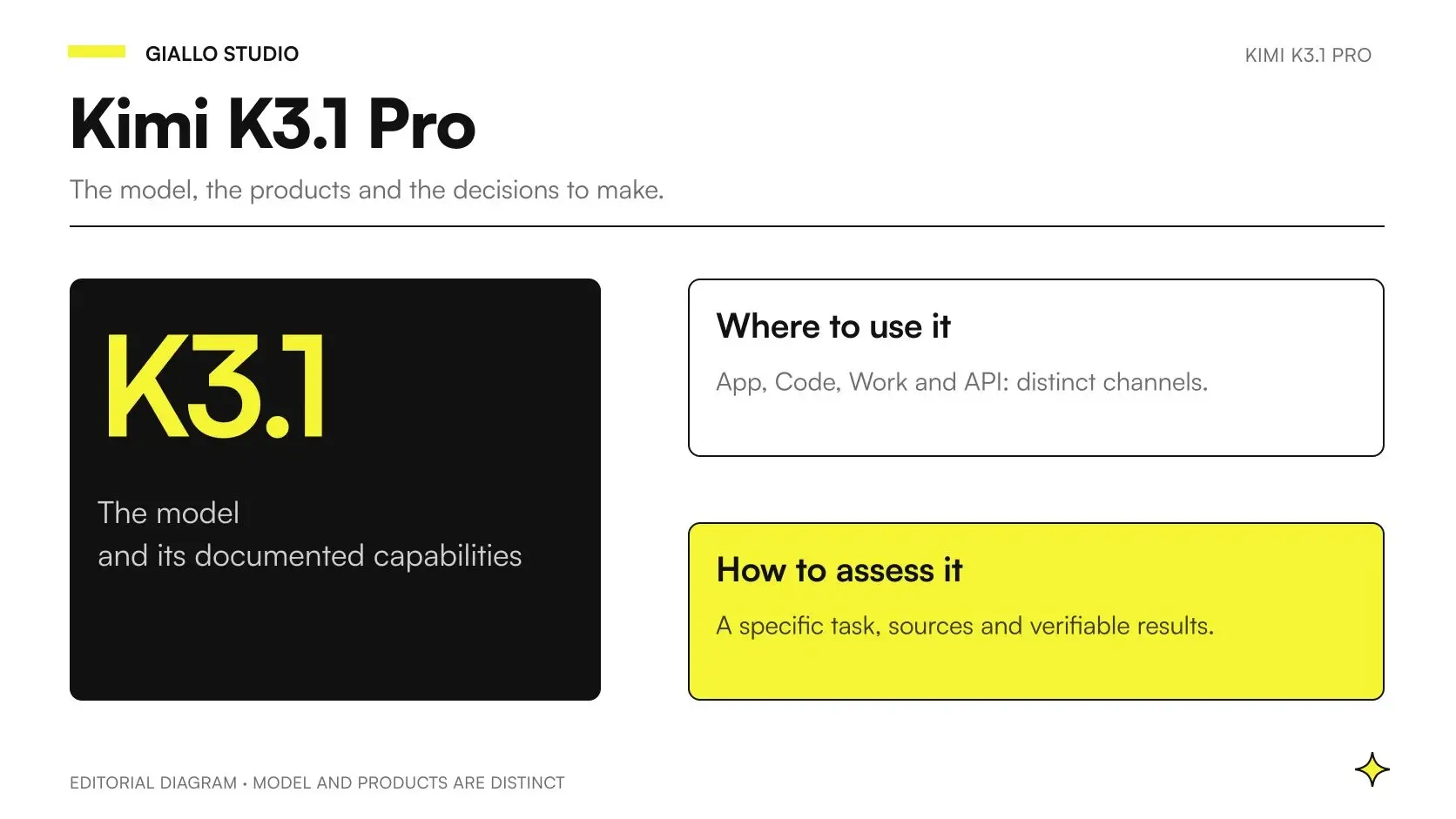
Kimi K3.1 Pro is Moonshot AI’s new multimodal model, the first in the K3.1 series, developed through further post-training of K3. It is already available in hosted products and the API catalog as checked on October 24, 2026. The developer states a context window of one million tokens and presents results on coding, tool use, documents and visual tasks. These facts come from the official Kimi technical blog; they are not performance measurements made by Giallo.
The date needs a distinction: the Kimi Code changelog dates the release to 23 October 2026, while the blog reports a modification on 24 October. The full weights are announced for release by 4 November 2026 and do not yet appear in the public Moonshot AI catalog consulted. Online access, API access and weight downloads are three different forms of availability.
For an SME, the interesting development is the ability to assess another candidate for complex tasks, while keeping clear what the model does and what the surrounding system must do. This guide helps inform an initial choice; pricing, configuration and quantitative comparisons have dedicated articles. It is not a review based on authenticated tests or a productivity promise.
In summary
- Kimi K3.1 Pro is a model from Moonshot AI; the app, API and Kimi Code organize its use in different ways.
- The official changelog dates the release to 23 October; this guide verifies the sources as of 24 October 2026.
- The stated context window is one million tokens and does not guarantee correct reading of every source.
- The full weights are promised by 4 November; the K3.1 download and license remain to be verified.
- The pay-as-you-go API and Kimi Code use different identifiers and default settings.
- A business decision requires a defined process and verifiable results, alongside published benchmarks.
Are Kimi 3.1 and Kimi K3.1 Pro the same name?
People searching for “Kimi 3.1” usually want information about the new version, but the name to use to identify the documented product is Kimi K3.1 Pro. Precision matters especially when moving from an article to a console, a configuration or a comparison with other models. “Kimi” alone can refer to the service, the family or the chat interface.
The launch publication describes it as the first model in the K3.1 series. This does not allow the same behavior to be attributed automatically to every future member of the series, or “Pro” to be interpreted as a subscription valid across every channel. Model name, commercial plan and access method should be recorded separately.
The general guide to Kimi AI helps explain the context of the family. This page focuses on K3.1 Pro: what is available, what has only been announced and how to turn its stated capabilities into a sensible business test.
What is the difference between the model, Kimi app, API and Kimi Code?
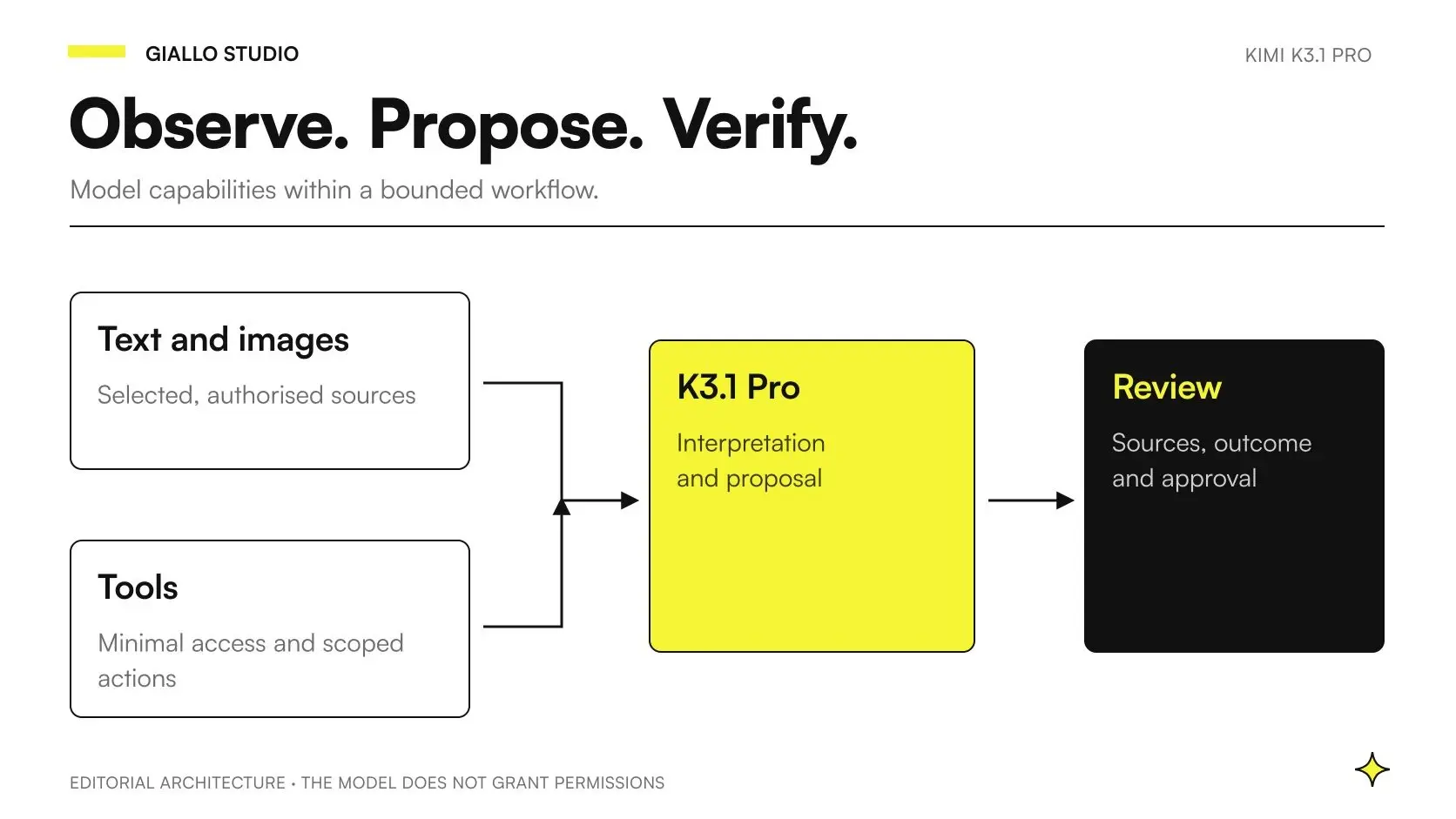
The model processes inputs and produces a response. The app provides an interface for using it; the API lets software call it; Kimi Code provides an experience dedicated to working with code. An agent can use the model together with tools, instructions, working memory and stopping rules. These are connected layers with different responsibilities.
| Level | What it offers | What to check for your project |
|---|---|---|
| Kimi K3.1 Pro | Model capabilities and reasoning behavior | Supported inputs, context, limits and quality on your own cases |
| Kimi hosted product | Interface and features available to the user | Selected model, plan, availability and service terms |
| Consumption API | Integration callable from software | ID, effort, usage, errors and channel contract |
| Kimi Code | Operating environment for development tasks | Active model, tools, session, permissions and checks |
| Business agent | Sequence of actions for an assignment | Data access, permitted actions, approvals and tracking |
| Downloadable weights | Artifacts for potential use on your own infrastructure | Actual release, license, requirements and operational sustainability |
This distinction avoids a common misunderstanding: seeing a demonstration in the app and treating it as a ready-made connection to business management software. Integration requires defining what information goes in, how it is retrieved, what result should come out and who can accept it. A capable model does not automatically know the company’s structure, permissions and rules.
What changes compared with Kimi K3?
The documented development is further post-training of K3, accompanied by new evaluations and availability through the channels specified by the developer. Post-training means work after the main training phase to shape model behavior; it does not reveal every internal change by itself and does not justify inventing architectural differences. The source for this description is the K3.1 Pro technical blog.
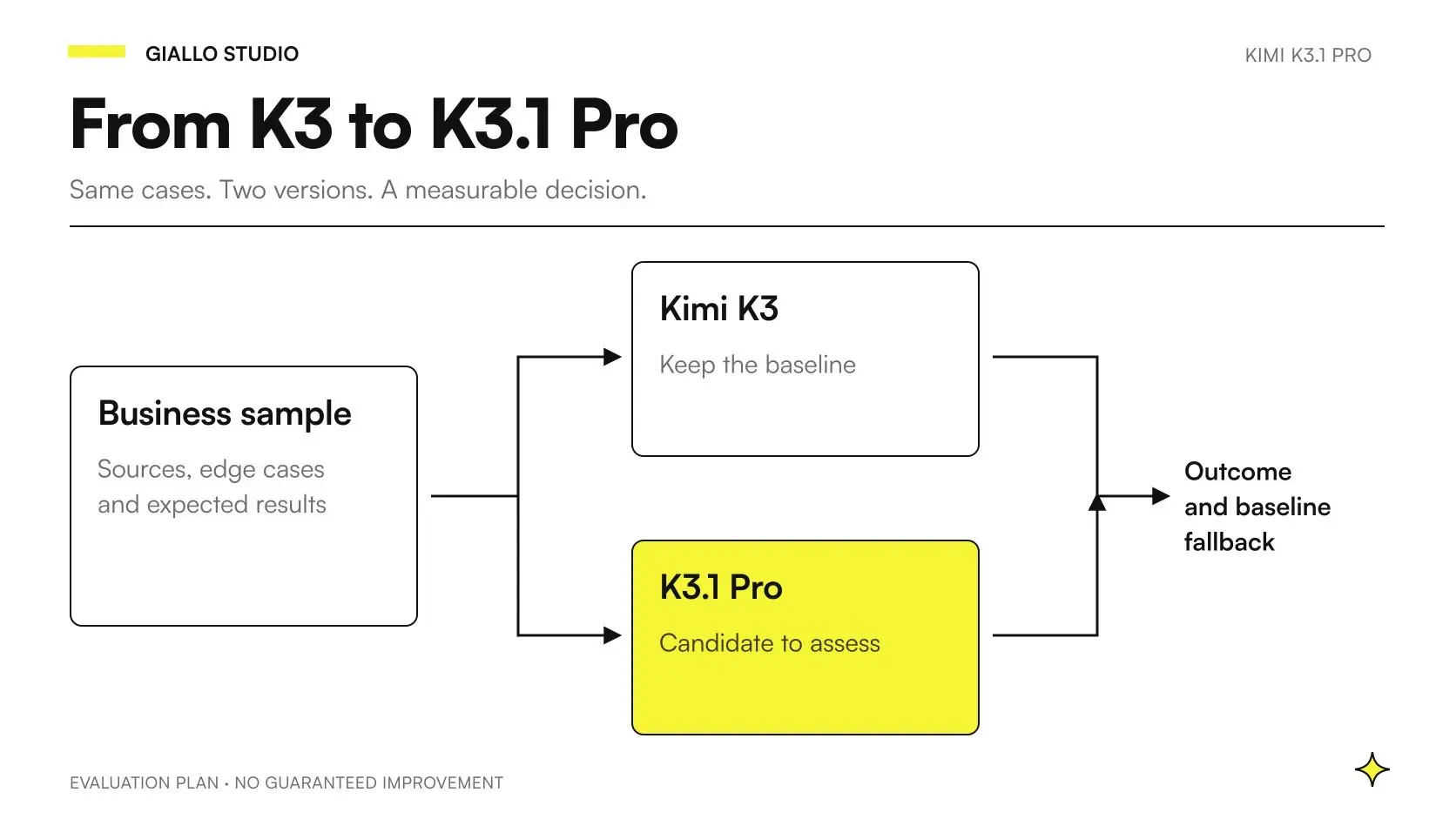
For those already using K3, the practical question concerns the continuity of their own system. A later model may respond differently to the same message, choose a tool at a different point or generate a longer explanation. None of these changes automatically improves the result accepted by the person responsible for the process.
The guide to migrating from K3 to K3.1 Pro explores this transition. It is useful to keep the previous system’s behavior as a reference and update the model, instructions and tools separately: changing everything together makes it difficult to identify the cause of an improvement or regression.
What does a context window of one million tokens mean?
The stated window indicates how much material the model can handle in context, subject to the limits of the service used. A token is not a page, and its relationship to words, code or images varies with the content. The figure of one million tokens is published by Kimi and should be read alongside the API channel documentation, consulted on 24 October.
A large context window may be interesting when distant parts of documents or a repository need to be connected. It does not demonstrate that every detail has been interpreted correctly, however. The model may overlook a note, confuse two revisions or link an amount to the wrong row. Loading more material does not automatically correct source quality.
For a business archive, it is also necessary to decide which information belongs in the request. Duplicated material, outdated versions and instructions hidden in documents increase ambiguity. A useful procedure retains the files’ origin, date and revision, then requests answers that let the reader trace the relevant passage. Context thus becomes an organized container rather than a promise of universal memory.
Does Kimi K3.1 Pro understand images, videos and documents?
The API documentation describes visual inputs, including images and video, alongside text. The launch collection also includes evaluations on documents and CAD reconstruction. This makes it reasonable to design tests with mixed content, but does not demonstrate that every format is accepted directly by every interface or that the model produces any type of final file. The sources are the API quickstart and the blog with the protocols.
A PDF can contain selectable text, scanned pages, split tables, notes and images. Turning it into input requires a technical choice: extract the text, render the pages as images or combine both approaches. The result also depends on resolution, order and preparation of the materials, not just the model’s name.
For example, recognizing a dimension in a drawing does not certify the correctness of a design. Extracting an amount from a document does not authorize an accounting entry. The guide to multimodal agents with K3.1 Pro addresses the transition from reading ability to building a process with identifiable controls and responsibilities.
Why do the API and Kimi Code have different IDs and defaults?
The official pages describe two operating contracts. The pay-as-you-go API uses kimi-k3.1-pro and kimi-k3.1-pro-highspeed; thinking is always active and the available effort levels are low, high and max, with default max. In Kimi Code, the IDs are k3.1-pro and k3.1-pro-highspeed, while the detailed table specifies high as the default. This is reported in the API quickstart, the Kimi Code configuration and the changelog.
The difference matters when two people compare their responses. “I used K3.1 Pro” still leaves the channel, variant, effort and tools unspecified. A repeatable comparison records these elements, along with the instruction version and the material provided. Otherwise, a difference introduced by configuration may be attributed to the model.
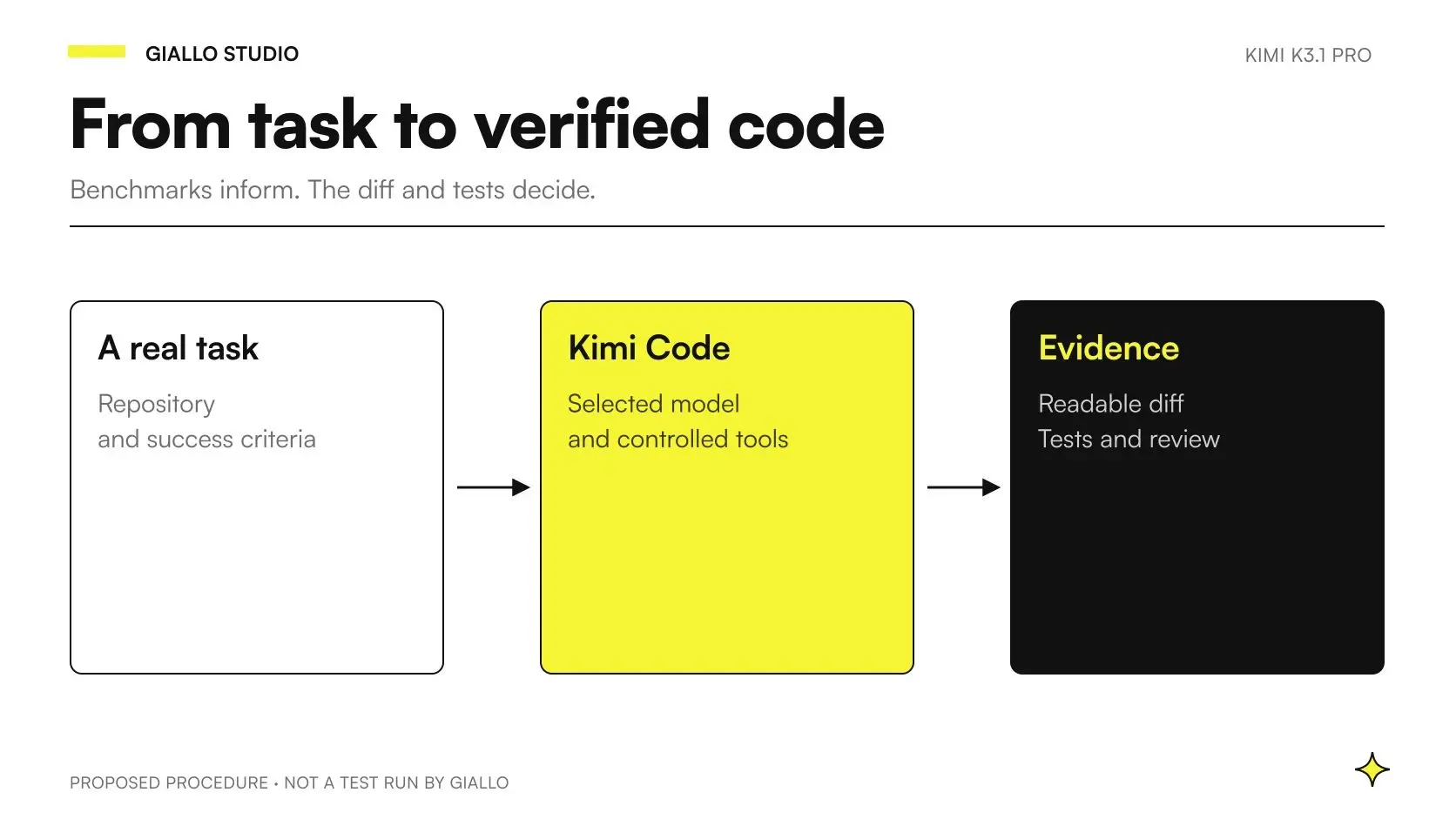
There is no need to turn the first test into a complex infrastructure project. A minimal record identifying the system actually used is necessary, though. For a development team, the K3.1 Pro coding guide collects the operational details, including the official recommendation to start a new session when switching from K3.
What is the Highspeed variant for?
Highspeed is presented as a variant with equivalent capabilities and faster generation. Kimi states that output is approximately two to three times faster, but distinguishes this speed from the time spent using tools. The launch table does not contain a separate Highspeed evaluation for every benchmark: we cannot assign independent experimental scores to it. The reference is the Kimi Code model documentation, checked on 24 October 2026.
A task involving reading files, searching, running programs and waiting for responses may depend primarily on those steps. If the model generates faster but the tool remains slow, total time does not necessarily follow the same ratio. Human review may also matter more than the output phase.
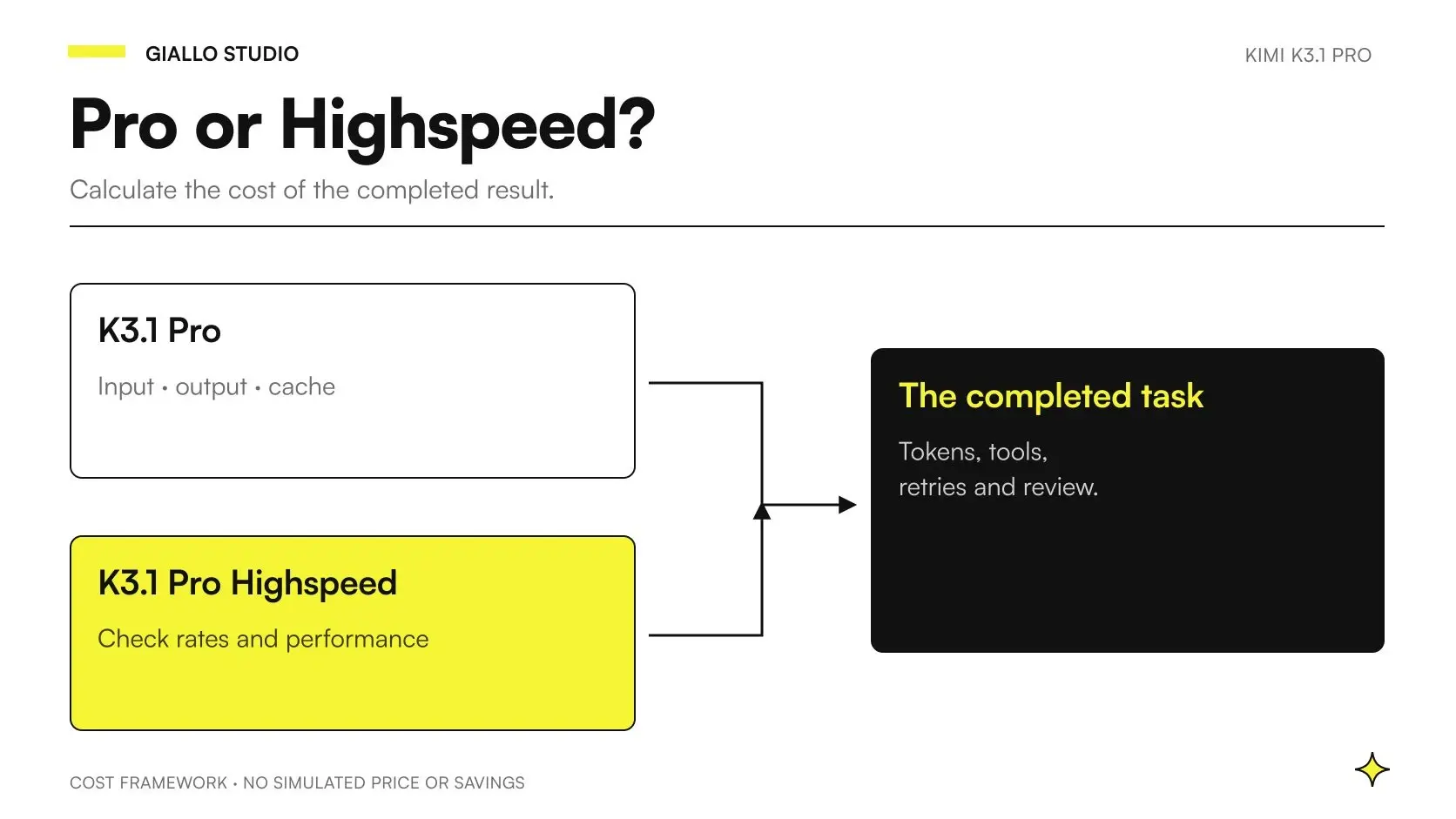
The choice therefore requires measuring the entire process. The guide to K3.1 Pro pricing and APIs helps separate usage, variant and caching. The operating criterion is to pay for speed that improves the service in the real case, after checking that accepted quality remains adequate.
Is Kimi K3.1 Pro already open weight and usable locally?
As of 24 October, the correct wording is: the full weight release is promised by 4 November 2026. The public catalog consulted shows the predecessor K3, but not a public K3.1 repository. The Kimi blog and the Moonshot AI catalog are the references to check again before planning an installation.
The announcement informs technical research, but does not replace the necessary artifacts. Actual accessible weights, a model card, the applicable license and inference documentation are needed. K3’s terms do not automatically transfer to K3.1. Without these elements, it is not justified to specify minimum hardware, operating costs or commercial usage rights as though they were already confirmed.
Even after release, hosting the model will require an evaluation separate from API use. Infrastructure, maintenance, updates, access control and service availability contribute to operating costs. “Open weights” describes one aspect of distribution; it does not mean an integration is ready or business operation is free.
Do the benchmarks prove it is better than Claude and GPT?
They demonstrate results on specific tasks and protocols. In the official collection, Kimi scores 65.7 on Terminal-Bench 4.0, compared with 66.4 for Claude Opus 5.5, while on SWE Marathon v1.1 it reports 51,7, above the other values shown in that panel. These data are compiled by Kimi from non-uniform sources and environments; they are not a general test under identical conditions. The source is the official table with methodology.
An SME can use these results to choose what to investigate. If the need involves software maintenance, coding tests suggest a relevant candidate. If it concerns complex documents, protocols that test reading and tools are more useful. The difference is substantial: an advantage on one test does not justify promising the same quality on the company’s quotations, procedures or archives.
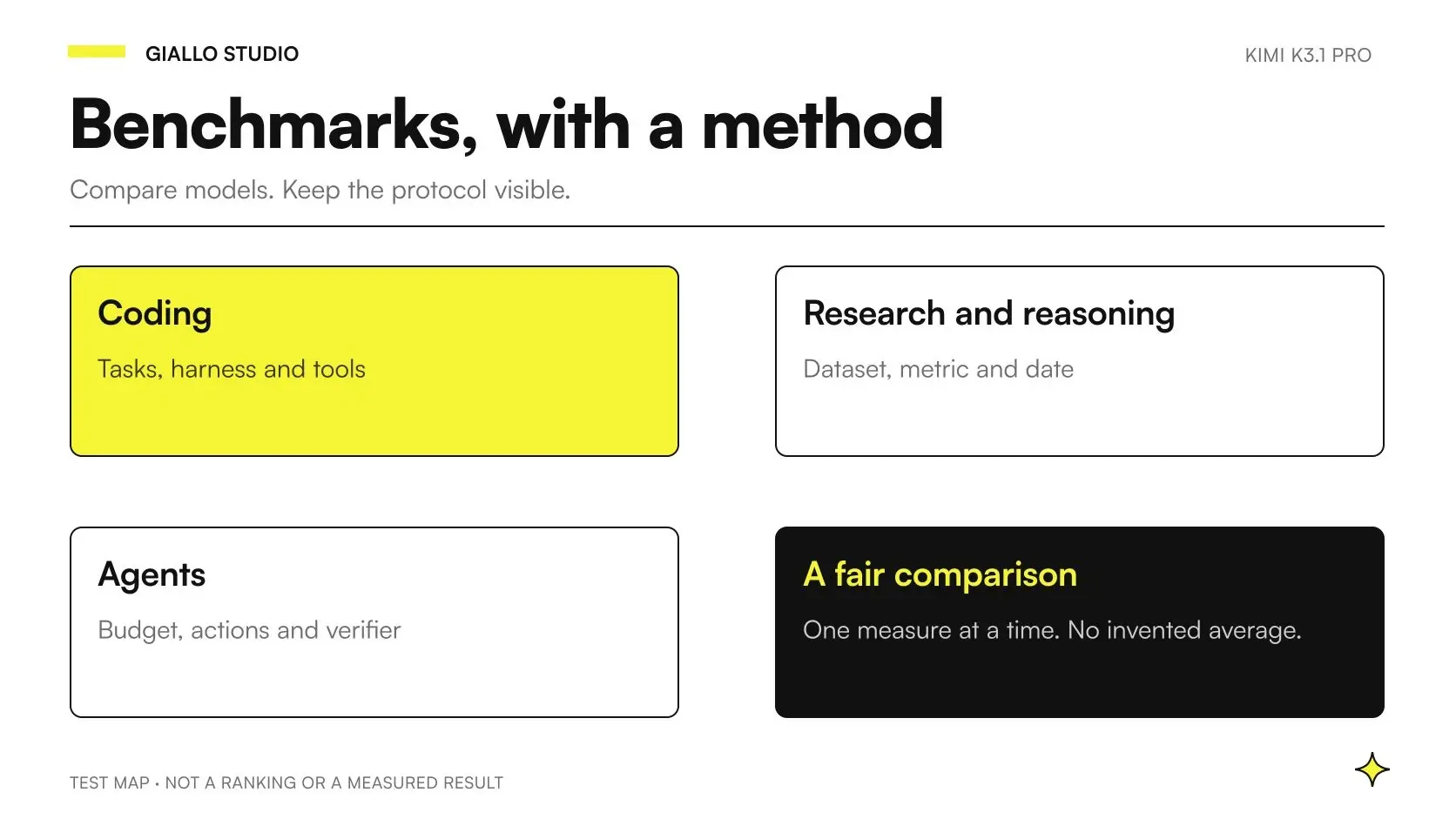
The K3.1 Pro benchmark comparison with other LLMs provides charts, accessible tables and data limitations. We have not replicated the measurements and do not turn them into return-on-investment estimates. A business evaluation must also include errors that an average may conceal.
First hypothetical scenario: preparing a brief from supplier documents
Imagine an SME distributing components and receiving technical sheets, price lists and revision notes from suppliers. Before preparing a quotation, someone must understand which features are confirmed, which options are compatible and which information is missing. This is a design scenario, not a client case or a test performed with K3.1 Pro.
A useful first assignment would be to produce an internal brief with the required features, the source of each data point and items to check. If the material contains images or scans, the system should show the original passage alongside the extraction. If two revisions report different information, the result must highlight the conflict without silently choosing the more convenient one.
Verification goes beyond the fluency of the text. The person responsible checks whether the product code is correct, whether a missing requirement has been declared and whether the source belongs to the valid revision. The system remains at the preparation stage: final pricing, availability and commitments to the customer still require the checks provided for by the business process.
A useful result can be a more organized basis for human decision-making. Only after recurring errors are understood does it make sense to assess automatic updates to fields or documents. The next step depends on the verifiability of the extracted data, not the context length or the professional appearance of the response.
Second hypothetical scenario: supporting maintenance of business management software
A small software company wants to analyze bug reports in a client’s business management software. The material includes a description of the behavior, selected logs and a development repository. The initial assignment could be to find the affected paths, formulate a hypothesis and propose a narrowly scoped correction. This is also a hypothetical example, with no results attributed to Giallo.
To make the test useful, the team prepares an isolated environment and a way to reproduce the problem. A good response indicates which clues support the diagnosis and which remain uncertain. If it proposes code, the change must follow the project’s conventions and include a relevant check. The existence of a patch does not prove that the defect is fixed.
Comparison with the current workflow can examine diagnostic quality, scope of the change, verification steps and remaining work for the maintainer. Model time is only one part: a quick response requiring lengthy review may be less useful than a slower but precise proposal. The decision comes from the entire path to an accepted correction.
How can you choose a first test without changing the whole business?
Start with a task that has an identifiable input, a defined output and someone capable of evaluating the result. “Help sales” is too broad; “prepare an internal requirements brief citing the documents” is verifiable. The sample should include ordinary materials, ambiguous cases and missing information, so that you can also observe when the system needs to stop.
Choose the path based on the result you need
Internal document: prepare examples with verifiable sources and ask the system to distinguish available data, deductions and open questions.
Code work: use an isolated environment, define the expected behavior and request a change that can be reproduced and verified.
Agent with tools: map access and approval points first, then verify reading, proposal and action separately.
Self-hosting: wait for and verify the K3.1 weights, license and documentation before assuming requirements or value.
For each response, retain the starting material, instructions and reviewer’s judgment. The criteria must describe the desired result: correct references, complete fields, respect for constraints and the ability to recognize missing data. A comparison based only on style favors persuasive text and leaves the most costly errors hidden.
Which mistakes should you avoid during initial adoption?
The first mistake is confusing the context window with correctness. More available information does not eliminate conflicts, omissions and misinterpretations. The second is using the same words for different channels: an app test and an API integration may have different configurations and terms. The test record must make them identifiable.
The third mistake is giving the model broad access before understanding the errors it makes. A system preparing a proposal does not need permission, at the same stage, to send it or record it as final. The fourth is measuring only token costs, ignoring preparation, tools, attempts and review. The fifth is treating the announcement of weights as though the installation question were already resolved.
A practical check also concerns data: before using business material, you need to understand which service receives it, which terms apply and who can access it. The consumer interface’s settings do not by themselves establish another API’s contractual terms. Channel selection comes before uploading the process documents.
When does K3.1 Pro deserve a test in your SME?
It deserves a test when there is a complex but bounded task, the result can be checked and the current system provides a point of comparison. Starting with vague assignments, disorganized data or actions no one knows how to verify is less useful. In those cases, the first design task is to make the process observable, before even selecting a model.
The arrival of K3.1 Pro broadens the options to evaluate; the practical decision remains focused on the company’s work. To explore the financial constraints, see pricing and APIs; for a system that works with tools, start with the guide to multimodal agents.
If you want to choose a narrowly defined assignment, prepare a verifiable sample and understand which results justify the next step, we can set it up together through AI consulting for your business.
Giallo Studio guides: methodology and sources
How we apply it in the company
Related resources
 Kimi K3.1 Pro benchmarks: comparison with other LLMs
 Kimi K3.1 Pro: API pricing, caching and budgets for SMEs
 Kimi K3.1 Pro for coding: configuration and practical tests
 Kimi K3.1 Pro: multimodal agents for business processes
 Kimi K3.1 Pro vs K3: differences and a verifiable migration
 Kimi AI: what it is, what it does and when to use it
 Kimi K3: model, reasoning and practical limits
 Grok AI: what it is and how it works
FAQ
What is Kimi K3.1 Pro?
Kimi K3.1 Pro is a multimodal model from Moonshot AI, the first in the K3.1 series, developed through further post-training of K3. As of 24 October 2026, it is available in hosted products and the API catalog. It should be distinguished from the Kimi app, Kimi Code and the agents that use it.
Was Kimi K3.1 Pro released on 23 or 24 October 2026?
The official Kimi Code changelog dates the release to 23 October 2026. The technical blog consulted has a modification date of 24 October, without an explicit publication date. In this guide, 24 October refers to source verification, not a second launch.
Can Kimi K3.1 Pro weights already be downloaded?
As checked on 24 October 2026, the full weights are announced for release by 4 November, but do not appear in the public Moonshot AI catalog consulted. We have not verified a K3.1 model card or weights license. API availability does not mean the weights are available to download.
How much context does Kimi K3.1 Pro support?
Kimi states a context window of one million tokens. This is a model capability to be read alongside the limits of the channel used, not a promise to remember or correctly interpret any document. There is no fixed conversion between tokens and pages.
What is the API identifier for Kimi K3.1 Pro?
The documented identifiers in the pay-as-you-go API are kimi-k3.1-pro and kimi-k3.1-pro-highspeed. In Kimi Code, they are k3.1-pro and k3.1-pro-highspeed. The defaults also differ: max in the pay-as-you-go API and high in the detailed Kimi Code configuration.
Is Kimi K3.1 Pro Highspeed smarter than the standard version?
The documentation states equivalent capabilities and faster generation for Highspeed. It does not publish a separate Highspeed benchmark column in the launch table. Output speed is not the same as the total duration of a process that uses tools.
Should an SME immediately replace the model it uses?
No. It is more useful to choose a narrowly defined process, prepare verifiable examples and compare the current system with the candidate. The decision should consider accepted quality, errors, total cost, waiting time and data controls.