
Grok for business: Business, Teams and Enterprise, what it offers and when it makes sense
Grok for business: Teams from $30 per user a month, Enterprise on custom quote, connectors, admin controls and when you need a custom AI agent.
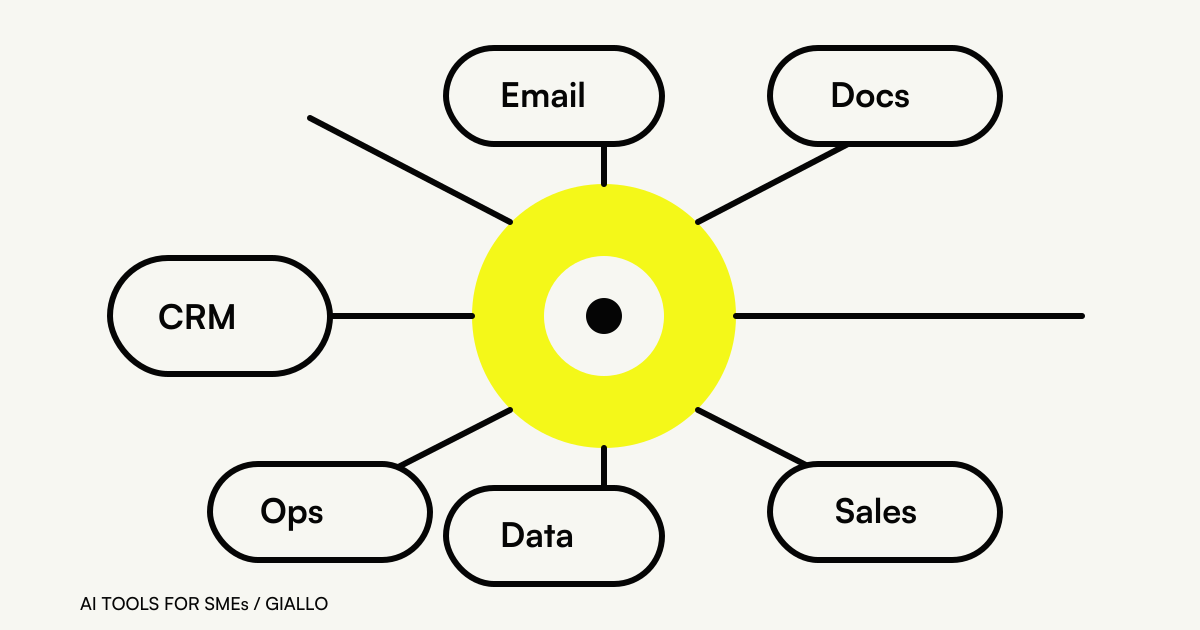
Grok for business comes in two forms: a Teams plan at $30 per user a month and an Enterprise plan on custom quote, with shared workspaces, connectors to Google, Microsoft and Salesforce, and admin controls such as SSO, SCIM and audit logs (prices excluding VAT, as of November 2026). It makes sense for teams that want a shared assistant with real-time search across the web and X; it doesn't replace an agent connected to your processes and management software. The information comes from the pricing page, the business page and the Grok user guide, read on November 8, 2026.
The vendor is now called SpaceXSI (SpaceX Super Intelligence LLC), as stated in the privacy policy; according to the press, the name came after SpaceX acquired xAI in February 2026 and a change announced on October 4 (Cybernews). For anyone evaluating a vendor, stability matters: Grok's names and plans have changed several times in a few months, and the contract should be read with the current legal entity name.
In summary
- Teams from $30 per user a month, Enterprise on custom quote: no official price list in euros.
- Personal and team workspaces; conversations can be shared only among members with an active license.
- Connectors for Gmail, Drive, Outlook, Teams, SharePoint, Salesforce and custom MCP, enabled by the admin.
- Certifications (SOC 2 Type II, HIPAA, GDPR, CCPA) and Enterprise Vault are vendor statements.
- A team assistant doesn't replace an agent that works inside the process with data from the management software.
Which Grok plans are designed for businesses?
SpaceXSI's pricing page groups Grok, X and Cursor under the name “The X Subscription.” Next to the individual plans there are two offers for organizations. Here's how they look as of November 2026.
| Plan | List price (excl. VAT) | Who it is for | What the page lists |
|---|---|---|---|
| Plus (individual) | $8 a month | A professional | API access to Grok; does not include Grok Bot |
| Premium (individual) | $30 a month | A power user | Grok Bot, latest models, images and video |
| Teams | from $30 per user a month | Departments and SMEs | Centralized billing, usage analytics, team privacy settings |
| Enterprise | custom quote | Organizations with security requirements | Custom chat retention, SSO, SCIM, audit logs (some items only here) |
Source: x.ai/pricing and docs.x.ai/x-subscription/pricing. The individual plans are in the table for a practical reason: in many SMEs someone already has a personal subscription paid with the company card, and the first step is to see whether consolidating makes sense. Details on personal plans are in our guide to Grok pricing and plans.
A word of caution on switching: the old SuperGrok and X Premium plans stay active until you change them, but switching to The X Subscription is permanent and cannot be undone. Better to decide with full knowledge.
What can Grok do with company data?
The value of a team assistant lies in its connections. The connectors documentation lists integrations with Gmail and Google Calendar, Google Drive, OneDrive, Outlook, Microsoft Teams, SharePoint and Salesforce, plus a catalog with services such as Box and Canva and the option to add custom MCP servers. The business page also mentions HubSpot, Slack and Notion.
On Business and Enterprise plans, connectors don't turn on by themselves: the admin enables them first. It's the right choice, because a connector to email or the CRM gives the assistant access to personal data of customers and colleagues. Before activating one, it's worth asking which folders, which mailboxes and which CRM objects are really needed.
For work on manually uploaded documents, the Grok FAQ lists up to about 100 files per message on the web, files up to 150 MB in most cases, and formats such as PDF, DOCX, XLSX, PPTX, CSV, images, audio and MP4 or MOV video. To summarize a call for tenders or compare three bids, that's more than enough.
Then there's what sets Grok apart from other assistants: real-time search of public X posts and the web, described in the legal FAQ. For people working in communications, press offices or customer service on social media, it's a concrete advantage.
Who controls access, conversations and licenses?
A business plan is also judged by what it lets you block. According to the user guide and the pricing page, Grok Business offers:
- Separate personal and team workspaces.
- Conversation sharing only among members with an active license.
- Licenses managed from the console at console.x.ai.
- SAML or OIDC single sign-on and user provisioning with SCIM.
- Audit logs and usage analytics.
- Custom chat retention, with dedicated policies for Enterprise.
Which of these items are available on Teams and which only on Enterprise must be checked in the table at the time of purchase: the pricing page notes that some are reserved for Enterprise. For an SME, SSO and SCIM matter because they prevent accounts from staying active after an employee leaves.
Are Grok's stated certifications enough?
The business page lists SOC 2 Type II, HIPAA, GDPR and CCPA, plus an Enterprise Vault where data is encrypted with customer keys and isolated. The legal FAQ adds that SpaceXSI does not use business and enterprise customers' content to improve its models.
These are vendor statements, and they should be treated as such. The developer security FAQ, when asked about GDPR and SOC 2, mentions only SOC 2 Type 2 compliance and refers to a Trust Center accessible under NDA. A SOC 2 certification is a report on security controls, not a guarantee of GDPR compliance: that requires a contract, defined processing roles and an assessment of transfers to the United States. We cover this in detail in Grok and GDPR.
Can Grok Bot work for your business?
Grok Bot is a product separate from the chat: an agent with access to a real computer in the cloud, with a browser, file system and terminal, that works across apps and sites and can collaborate with other Bots. It launched in August 2026 and is used with desktop apps for macOS, Windows and Linux, a companion app for iOS and Android, and a Cursor account. Source: Grok Bot overview and getting started guide.
For business use, what matters are three details in the Grok Bot FAQ: the cloud computer is assigned per user, not per Bot, and the documentation warns against using separate Bots as a security boundary; the model used for each task can't be chosen and isn't shown; sensitive actions go through an “approval card,” with “Ask first” rules recommended for sending, publishing, purchases, deletions and permission changes. To go deeper, see our guide to Grok Bot.
It's an interesting tool for the individual professional. For a business process with customer data, a model you can't choose and an environment shared between Bots are constraints to weigh.
What if you want to integrate Grok into your own systems?
Then the right channel is the API. The flagship model Grok 4.7 costs, below 200,000 prompt tokens, $2 per million input tokens and $6 per million output tokens (as of November 2026, the model price list); the API is compatible with the OpenAI SDK and supports function calling, web and X search, the Batch API and remote MCP. The technical guide is in Grok API.
Two notes for decision-makers: the main endpoint doesn't guarantee the processing region, and the documentation lists no EU endpoint; since November 7, 2026, text responses include by default an invisible watermark tied to the AI Act, which admins can turn off per model.
What should you ask the vendor before signing?
The public documentation leaves some questions open that, for a business purchase, must be settled in writing. They apply to Grok as to any team assistant.
- Processing role. On the Teams or Enterprise plan, does SpaceXSI act as a processor on the company's behalf? Is there a DPA to sign?
- Grok Bot. Is it included in the team plan, or does it have to be bought separately with individual licenses?
- Features by plan. SSO, SCIM, audit logs and custom retention: which are on Teams and which only on Enterprise?
- Data region. Where are the workspace's prompts, files and responses processed and stored?
- Exit. How do you export and delete the team's conversations if you switch vendors?
The answers to these five questions are worth more than any model comparison: they decide whether the tool can be used with customer data or only for internal work without personal data.
When is Grok Business enough, and when do you need a custom agent?
It's the decisive question, and it applies to any assistant. The simplest way to answer is to follow a real process from start to finish: let's take a sales quote that starts from an opportunity in the CRM.
| Step | With Grok Business and the Salesforce connector | With a custom agent |
|---|---|---|
| Start | The salesperson opens the chat and asks for a draft for the customer | The agent starts on its own when the opportunity changes stage |
| Prices and terms | The salesperson checks them on the price list or in the management software | The agent reads them from the management software, even without a standard connector |
| Document | The text has to be copied into the company template by hand | The quote comes out already on the template, with correct numbering and terms |
| Discounts above the threshold | Depends on the writer's attention | The agent stops and asks the manager for approval |
| Audit trail | Stays in the individual's chat history | Every quote is logged in the CRM along with who approved it |
In the first column, the gain is the salesperson's speed; in the second, it's the process that changes. For an office that sends a few quotes a month, the first is more than enough. When quotes become numerous and similar to each other, or when a pricing error is costly, designing the agent makes sense.
Often the answer is both: an assistant for people and one or two agents on the processes that matter most. The comparison with other vendors' suites is in ChatGPT for companies, Claude for companies, Gemini for companies and Copilot for companies; for an overall picture, see our guide to the best AI for companies.
How to choose without blocking your team
The path we propose is short. Start from two or three concrete processes, measure how much time they take today and what data they touch, then decide what stays with the team assistant and what becomes an agent. To understand how to build an agent that really works inside a company, see our guide to AI agents for companies.
If sales quotes, ticket management or another process looks like the right candidate, we at Giallo Studio (Refreesh) design the agent starting from that workflow and choose the model that handles it best among Claude, GPT and Gemini. How we work is explained on the page about AI agents; if you prefer, tell us about your process.
Giallo Studio guides: methodology and sources
Want to apply this to your business?In 30 minutes, free of charge: the first process to automate and its estimated return, in writing.
Book the free auditHow we apply it in the company
Related resources
Grok Alternatives: The Best Options for Chat, Images and AI Agents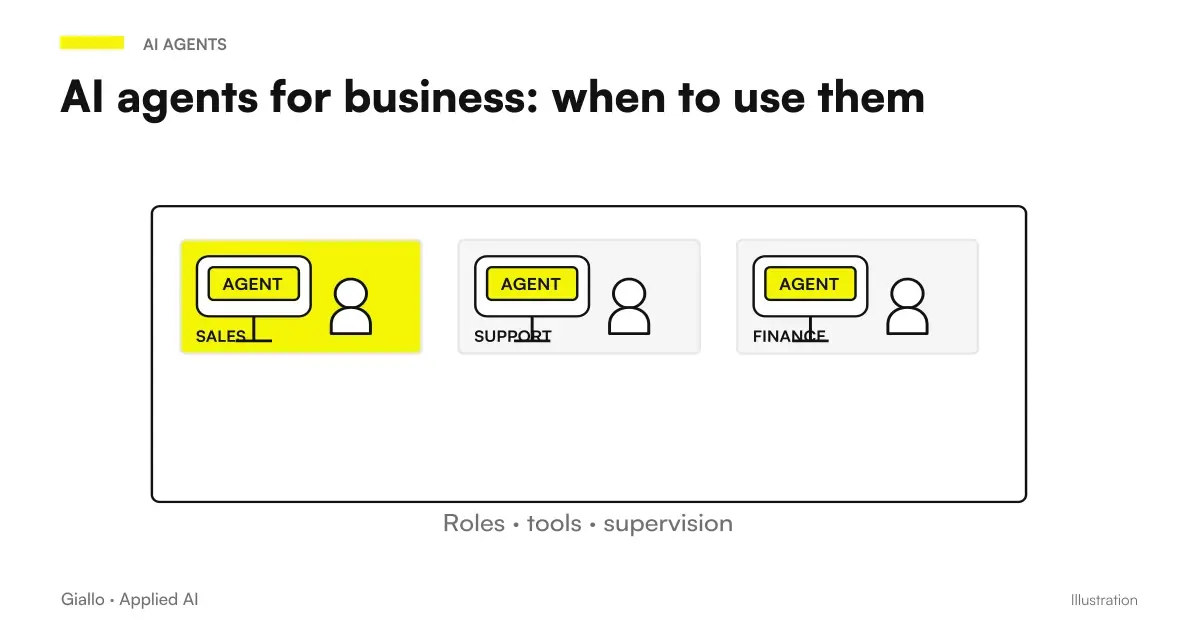 AI agents for businesses: processes, costs and controls before you start
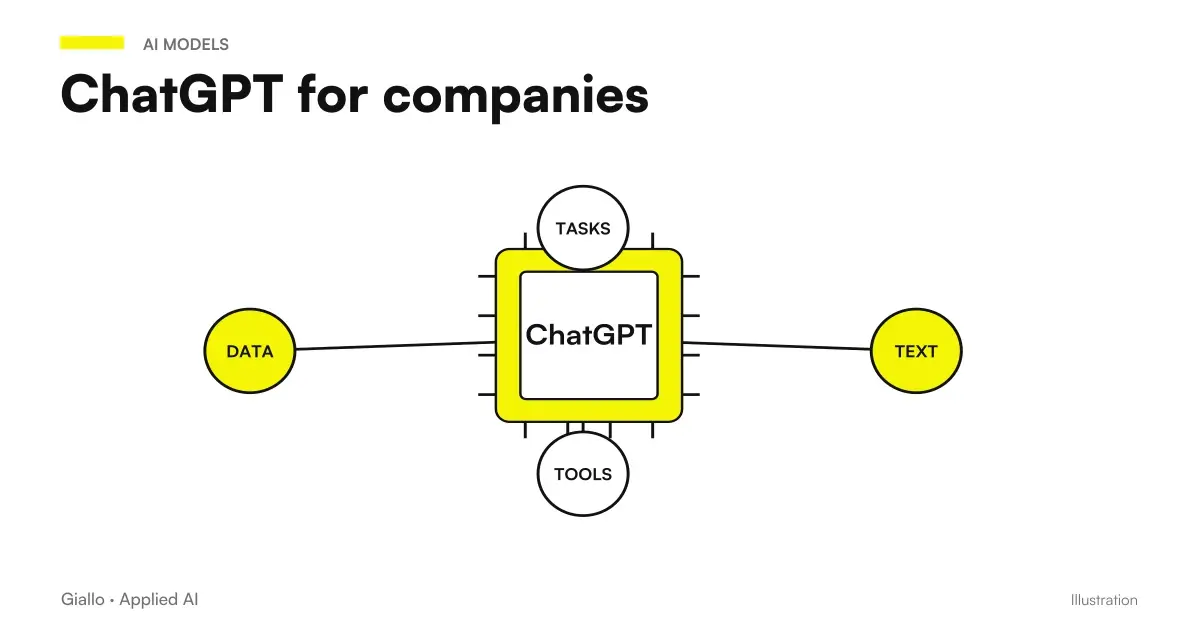 ChatGPT for companies
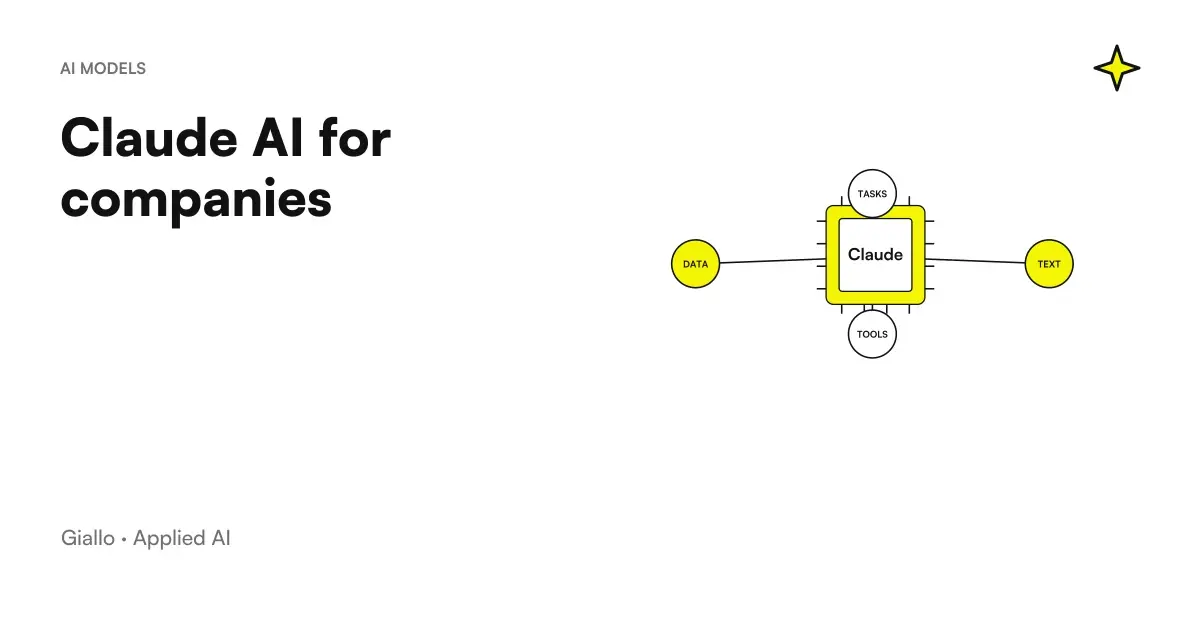 Claude AI for companies
 Gemini for Companies
 Best AI for companies: which one to choose from the bestGrok privacy and GDPR: training on your data and investigations in EuropeGrok Pricing: How Much the Subscription Costs in 2026 (Free, Plus, Premium, Super, Ultra)Grok Bot: what it is and what it really does (and why it's not the Grok chat)Grok API: pricing, API key and first steps for developers
FAQ
How much does Grok cost for a business?
As of November 2026, the official pricing page lists the Teams plan from $30 per user a month, excluding VAT, and the Enterprise plan on custom quote. We found no official prices in euros: anyone invoicing in Italy must factor in the exchange rate and VAT at the time of purchase.
What does Grok Business include compared with a personal subscription?
A personal workspace and a team workspace, conversation sharing among licensed members, centralized billing, usage analytics, team privacy settings and licenses managed from console.x.ai. SAML/OIDC SSO, SCIM, audit logs and custom chat retention appear in the table, with some items for Enterprise only.
Does Grok connect to Google Workspace and Microsoft 365?
Yes. The built-in connectors include Gmail, Google Calendar, Google Drive, OneDrive, Outlook, Microsoft Teams and SharePoint, plus Salesforce, a catalog with services such as Box and Canva, and custom MCP servers. On Business and Enterprise plans, connectors must first be enabled by the admin.
Does Grok train its models on company data?
SpaceXSI states that it does not use business and enterprise customers' content to improve its models. It is a vendor statement in the legal FAQ: for use with personal data, you still need to check the contract and the transfer of data to the United States.
Is Grok Bot included in team plans?
The documentation read on November 8, 2026 lists Grok Bot as included in the individual Premium, Super and Ultra plans, not in Plus and Free. For the Teams and Enterprise plans we found no explicit statement: ask the sales team before counting on this feature.
Grok Business or a custom AI agent: which is better?
Grok Business is an assistant for people: it helps whoever writes, searches and summarizes. A custom agent is needed when the work has to run inside a process, with data from the management software, company rules, controls and costs set by the company. Often the two coexist.