
Best AI for long documents
Which AI is best for long documents? Practical criteria for contracts, reports and manuals: context, citations and privacy.
Reading time: 10 min
The best AI for long documents is not a single valid tool for everyone, but what, on the your type of document, gives you answers that you can check. To analyze or summarize contracts, reports, specifications and manuals, four concrete things count: how much part of the document the model can keep in mind at once (the context window), if quotes the passages from which he takes the answers, such as process the data which loads and how much is reliable on the details. Anyone promising “the absolute best AI for documents” is selling, not advising.
In this guide we see the criteria for choosing, how the most common tools on these criteria behave and — above all — because on a document that really counts the summary of AI is a starting point, never the final word. For the complete overview of available models refer to best AI models for long documents; here we focus on choice according to the use case.
The goal is not to find "the number one", but to understand when one tool is convenient and when another does a better job.
In summary
- There is no one best AI for documents absolute: the choice depends on the type of document and the objective (analysis, synthesis, search for a given).
- The four criteria that really matter are context window, citations from sources, Data privacy and reliability on details.
- A large context window is used to read long documents at once, but the more text grows the greater the risk of lost details.
- On critical documents (contracts, balance sheets, acts) the AI summary is a first reading: always needs a human review on the cited passages.
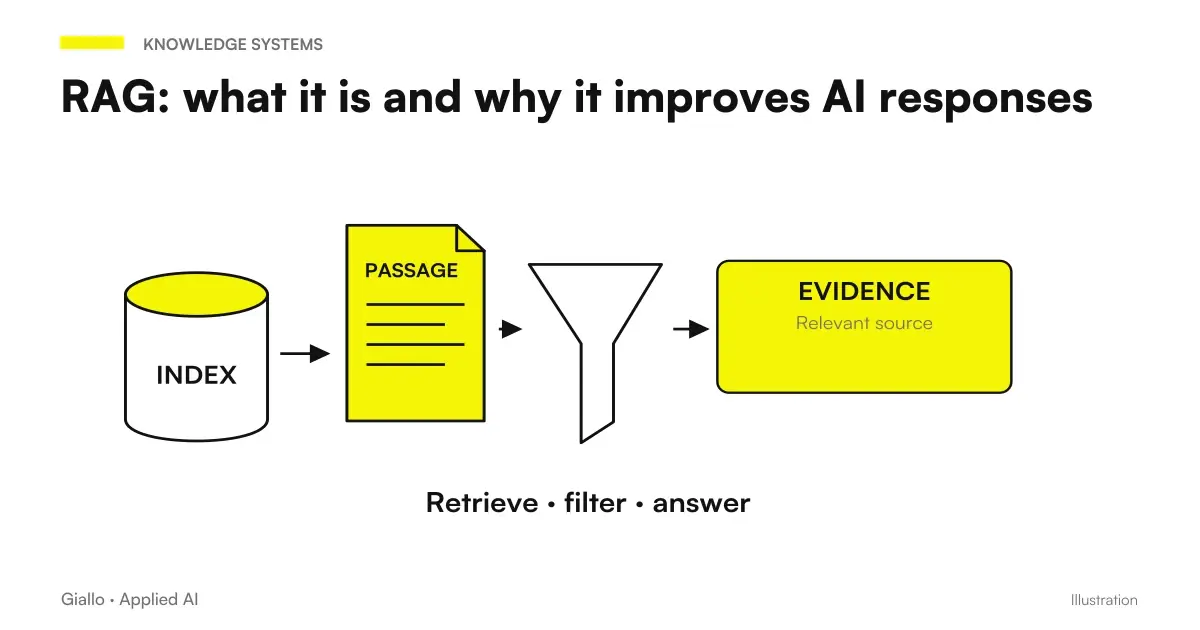
- For many recurring documents, a dedicated system based on RAG, which looks only in your documents and indicates the source.
What Makes an AI Suitable for Long Documents
When a document is short, almost all tools get away with it. The differences emerge on long texts: a forty-page contract, an annual report, a technical manual, a contract specifications. There counts how the model handles the amount of text and how much is precise finding a buried detail on page 30.
The first factor is the context window: the amount of text a model can “keep in mind” in a single request. If the entire document fits in the window, AI can reason about the whole; if it does not, it must be split, and links between the parts are lost at the joins.
The second is the ability to quote: some instruments indicate from which passage they have taken an information, others return only a synthesis without references. For documents that matter, being able to trace back to the original line is what turns a "credible" answer into a response verifiable.
The Four Choice Criteria
In order not to get lost in names and versions (which change quickly), it is better to evaluate each instrument on four stable criteria. These are the ones that make the difference, not the brand.
- Context window. How much text does it read at once? The wider it is, the more long documents it handles without breaking them. But a large window does not guarantee attention to every detail.
- Quotations from sources. Does it indicate the steps from which it gets the answers? Without references, checking becomes rereading the whole document by hand.
- Data privacy. What happens to the document you upload? Is it used to train the model or remains confidential? Fundamental to business and personal data.
- Reliability on details. How accurate is it on numbers, clauses, technical terms? The fluidity of the text is not proof of correctness.
How the most popular tools behave
No instrument wins on all four criteria: each is balanced differently. The table compares the categories of tools you encounter more often, not a ranking. Details about versions and capabilities often change: always check the official page Before you decide.
| Criterion | Generalist assistants (type ChatGPT/Claude/Gemini) | AI search with sources (Perplexity type) | Customized Dedicated System (RAG) |
|---|---|---|---|
| Long documents at once | Good: large context windows, read all pages together | Limited: designed more for web pages and individual files than for deep analysis | Great for big archives: search your documents, don't read them all together |
| Quotations from sources | Variable: some functions cite, others do not | Strong point: answers with references to what he read | Strong: cites exact document and passage |
| Data privacy | Depends on the plan: business plans offer non-training clauses | Depends on plan and source: check terms | Maximum control: the data remains in your perimeter |
| Suitable for | Analysis and synthesis of individual documents | Questions with need for verifiable sources | Many recurring documents (contracts, invoices, KB) |
| Boot Effort | Minimum: Loads and Ask | Minimum | High: Must be designed and connected to your data |
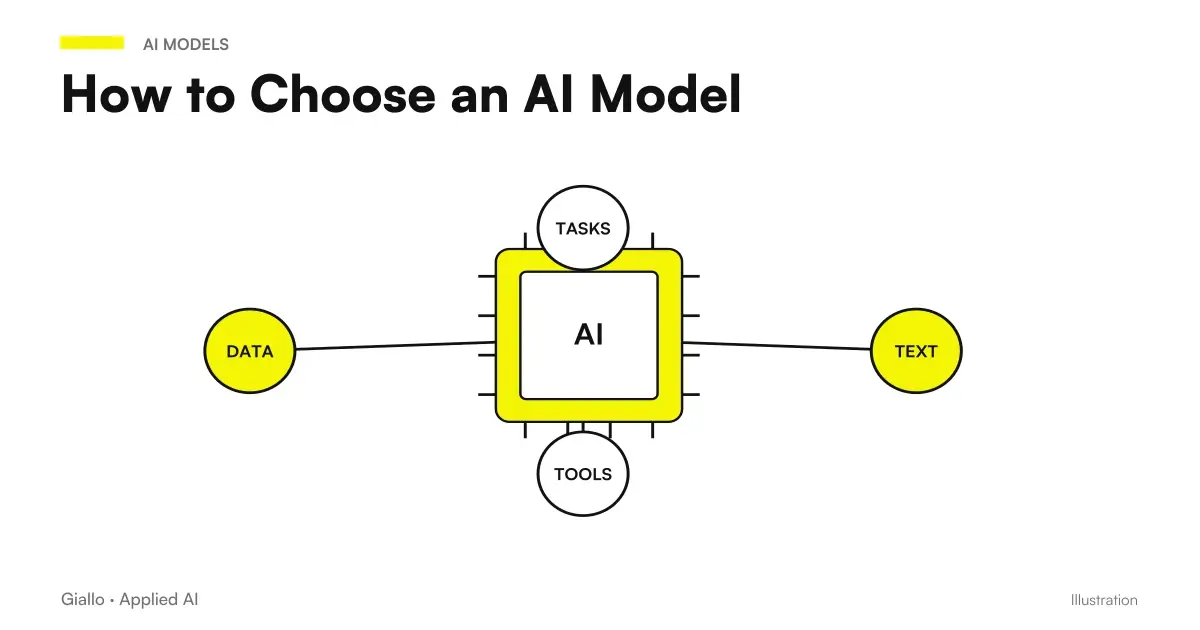
For a targeted comparison between a generalist assistant and a research AI on this type of tasks, guidance is useful Claude vs Perplexity: well shows the difference between "reasoning on a document" and "finding the right source". And if you want to understand the upstream method of choice, how to choose an AI model sets the reasoning for any use case.
Which to choose based on the document
The right question is not "which is the best", but "what should I do with this document". Expand the case more like yours.
I have to summarize a contract or a legal act
You need an assistant with a large context window and, above all, the ability to show you the original steps. Always ask to quote the clause or page, and You review the critical points: deadlines, penalties, withdrawal conditions. The summary is a map, not a substitute for reading on the points that matter. For those who work in the legal field can make sense a dedicated path: see AI for law firms.
I need to extract data from reports or balance sheets
Count the reliability on the numbers. Have the data extracted in table form and sample verification against the original: a model can confuse a line or a unit of measurement. If reports are always the same format and there are many, a dedicated system that reads them in a repeatable way instead of copying-paste each time is convenient.
I have to look for precise information in a manual
Here wins who cites the source: you want to know where it's written, not just what it says. A search AI with references or a RAG system on your manuals takes you to the exact step, so you check in an instant instead of trusting a closed box.
I have to handle hundreds of recurring documents
This is no longer a "chat" case. Uploading one document at a time does not scale. You need a system based on RAG that indexes your archive and responds by quoting the file and the passage. It is a project, not a tool: it is part of the work of process automation.
Practical examples
Two realistic scenarios of Italian professionals and SMEs, to make the choice concrete.
1. Accountancy firm — fast reading of a supply contract. There comes a 35-page contract to evaluate before a meeting. The professional uploads it to an assistant with a large context and asks: "List deadlines, penalties and withdrawal conditions, quoting the page of each". AI prepares a summary with references; the accountant reread only the cited passages on delicate points. Reduced reading time, but the decision remains his. Here the decisive criterion is not the power of the model: it is the possibility of go back to the source.
2. Manufacturing company — answers from technical manual. Operators search for information in a manual of hundreds of pages, each time. Instead of relying on a single upload in chat, the company builds a system RAG on their own manuals: who asks a question receives the answer with reference to the chapter, and can verify it in one click. It is not a generic assistant: it is a custom software linked to the company's actual documents.
In both cases the value does not come from the "smartest model", but from having chosen the right tool for the type of document and from having kept the human verification where it is needed.
When an assistant is enough and when a dedicated system is needed
All you need is a ready-made assistant
- The documents are few and occasional.
- You need a one-off synthesis or extraction.
- You can manually control the output each time.
- The documents do not contain confidential data (or use an appropriate business plan).
We need a tailored system
- The documents are many, recurring and of the same type.
- You always want answers with the cited source.
- The data is confidential and must remain within your perimeter.
- The process must be repeatable and traceable, not manual.
Practice rule: chat assistant is for single document, dedicated system is for archive. Uploading files one at a time works as long as the documents are few; when they become a process, you need an infrastructure that looks for and cites for you.
Mistakes to Avoid
- Trusting the summary on a critical document. On a contract or budget, the AI may omit a clause or mistake a number. The summary is a first reading: the points that count must be verified on the original.
- Ignoring data privacy. Uploading confidential documents to a free tool can mean handing them over for training. Check the terms and, for personal data, evaluate the GDPR before loading.
- Confusing fluidity with correctness. A well-written summary seems reliable, but the form is not proof of the content. Always ask for the citations and check the steps indicated.
- Using chat where you need a system. Loading hundreds of documents by hand does not scale and is not traceable. When the volume grows, you need a process, not a copy-paste.
- Looking for the "best model" instead of the right process. The gain comes not from the tool’s name, but from choosing the right criterion (context, citations, privacy) for your document.
How to apply it in the company
Choosing AI for documents is a short and repeatable path, not a model race.
- Start with the document, not the tool. What type is it (contract, report, manual)? How many times do you handle it? The answer already indicates whether you need a chat or a system.
- Weigh the four criteria on your case. For a lawyer it counts citation; for a management control it counts reliability on numbers; for an archive it counts privacy and scalability.
- Try on a real document. Upload your own file and check the answers against the original. The field test beats every generic benchmark.
- Keep the human in control. On the documents that matter, AI prepares and the person approves. Always.
- If it becomes a process, build it. When documents are many and recurring, it switches from a tool to a dedicated system based on RAG.
This is exactly the type of assessment for which there is a AI Consulting: understand if you need a ready-made tool or if you should build a system that reads and cites your documents in a repeatable way.
For updated numbers and model by model comparison, Best AI Model for Long Documents and Claude Fable 5 vs Fable 5.1.
Conclusion
The best AI for long documents is the right one for your document and your goal, chosen on four concrete criteria: context window, source citations, privacy and reliability on details. For a single and occasional document, a good assistant is enough; for a recurring file archive, you need a dedicated system that looks for and cites for you. In any case, on what really matters —contracts, budgets, acts. the AI summary is a first reading, not the final word: human review remains the passage you cannot take away. From here you can continue with the best AI models for long documents for the full overview, or with Claude for long documents for an in-depth study of a single instrument.
AI becomes useful when it enters processes. Giallo Studio It helps SMEs and teams build concrete, measurable and sustainable automations. including to read and quote the documents that matter.
Giallo Studio guides: methodology and sources
How we apply it in the company
Related resources
FAQ
What is the best AI for long documents?
There is no absolute winner: it depends on the document and the objective. Accurate analysis of contracts and long reports requires a model with a large context window and attention to detail; summaries with verifiable sources depend on precise citations. The right choice is the one that, for your type of document, gives you answers you can check line by line.
How long is a document that AI can read all at once?
It depends on the context window of the model, i.e. how much text it can keep in mind in a single request. Recent models handle the equivalent of hundreds of pages, but as the document grows the risk of lost details increases. Real abilities often change: always check the official page of the model you use.
Can I trust AI-generated summaries on a contract?
Only as an initial reading. AI produces the most likely summary, not a verified one: it can omit a clause or misinterpret a technical term. Critical documents (contracts, financial statements and legal instruments) always need human review, ideally comparing the summary with the original passages cited.
Is it safe to upload confidential business documents to an AI?
Not always. Some free tools may use uploaded data to improve models. Documents containing personal or confidential data require business plans with no-training clauses and, for GDPR purposes, attention to where data is processed. Check the official terms before uploading sensitive information.
Is generic AI or a custom system better for company documents?
A ready-made AI assistant is sufficient for occasional use. When documents are numerous and recurring (for example, all invoices or all contracts from a year), a dedicated system is worthwhile, often based on RAG, that searches for answers only in your documents and cites the source. This is the difference between using a tool and building a process.
Can AI replace those who read documents in the company?
No, it shifts their work. AI performs the first reading, extracts key points and prepares a draft summary; the person verifies, decides and takes responsibility. For documents that matter, human checking remains the step you cannot remove.