
WhatsApp automation: 6 mistakes we learned from in practice
Six real failures in a production WhatsApp automation: silent errors, duplicate nodes, blocked queues and open webhooks. What breaks and how to avoid it.
Reading time: 10 min
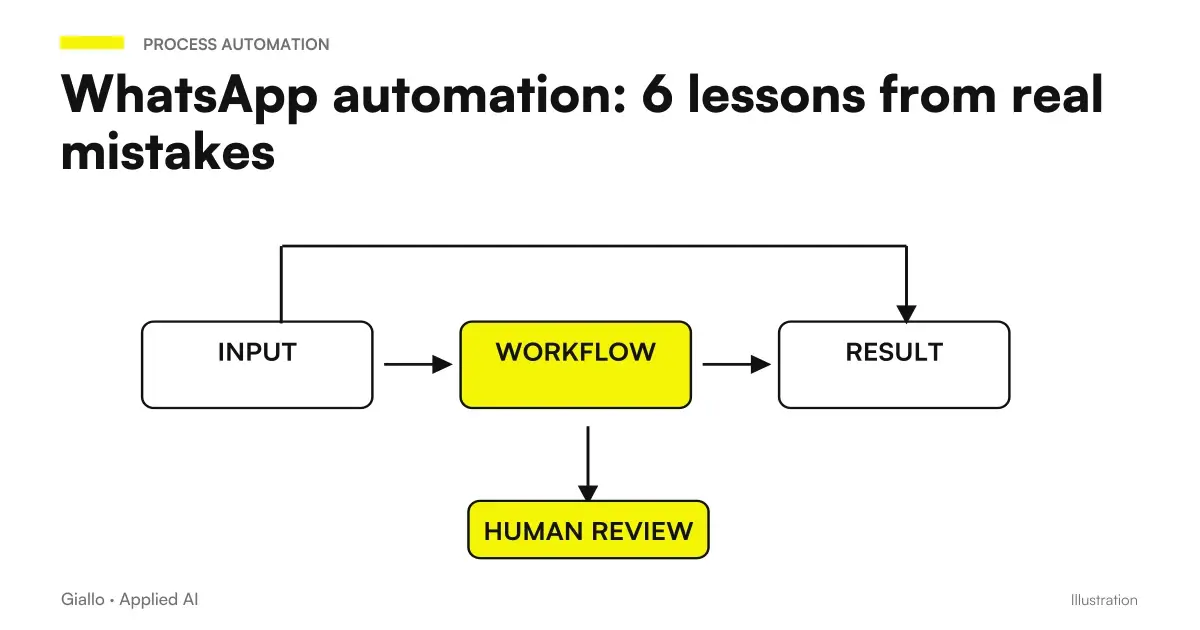
This article collects Six Real Mistakes committed by putting into production a WhatsApp automation for managing short rents. They are not theoretical mistakes or generic good practices: they are things that have produced wrong messages towards real guests, and that we have discovered and corrected in the field.
The common thread is only one, and is worth more than individual cases: The worst failures are not the crashes, they are the silences. An automation that stops with an obvious error is fixed in half an hour. An automation that keeps turning producing wrong results without reporting anything can do damage for days.
The project from which they are described in full case study, made for Rial Estate.
In summary
- The Silent Failure is the most expensive error: an automatic fallback turns a technical bug into an invisible commercial damage.
- Importing a workflow from file adds nodes instead of replacing them: after each import, count them.
- A 200 OK does not prove that something happened: verifies that the downstream nodes performed.
- In mass mailings, only one recipient in error can Stop the Queue: each recipient must be isolated.
- The code node environment is not complete JavaScript, and permission for notifications should be asked during a user action.
The six mistakes at a glance
| # | Error | Symptom Visible | Correction |
|---|---|---|---|
| 1 | Silent failure | None: Logs are clean | Record the pattern in an inspectable field |
| 2 | Duplicate knots after import | Messages received 2-3 times | Counting nodes after each import |
| 3 | Multi-method Webhook disconnected | 200 response, no effect | Verify that downstream nodes perform |
| 4 | Queue blocked by a recipient | The last receive nothing | Isolate each recipient |
| 5 | Public endpoint without verification | No one, until it happens | Signing, secreting or validating data |
| 6 | Different code node environment | Strange and incoherent behaviors | Check with a minimum test |
1. The silent failure that did not cash in
What happened. For an environment configuration error, the residence tax payment link was not generated. The code, instead of stopping, replaced the missing link with a fallback text and continued. The message started anyway, with no link.
Because we didn't notice. The executions were all successful. Zero errors in logs. From the outside the system looked perfectly healthy: messages started, delivery statuses were positive, no alarms. The problem only emerged when someone noticed that the receipts were no longer coming.
The damage. Days of messages left without the payment link, so guests arrived without having paid and fee to be chased by hand — exactly the problem that automation had to eliminate.
The correction was not to remove the fallback, but to make it inspectable: Every message that starts in degraded conditions records the reason, and that field is visible in the shared staff box. The payment flow detail is in automatic payment of the tourist tax.
2. Three identical triggers and triple copy messages
What happened. Guests started receiving the same message two or three times.
The cause. Importing a workflow from file adds nodes to those already present instead of replacing them. After a couple of imports to update the logic, three identical activations coexisted in the same stream. Every event started them all.
Because it's insidious. The interface signals nothing: the flow is valid, the nodes are correct, there are simply three equals. If you don't look at them, you don't see it.
The broader theme —making flows idempotent, i.e. safe even if executed twice —is covered in Integrating management software.
3. The webhook that answered 200 and did nothing
What happened. The manager correctly called the address of the webhook, received 200 OK, and nothing happened at all.
The cause. A webhook node configured to accept multiple HTTP methods exposes one output for each method. Only the output used by the initial verification was connected. The real calls, which used the other method, exited a disconnected branch: positive response, no downstream nodes executed.
Because it's insidious. Every available signal said it worked. The management software was satisfied, the logs showed no errors, the response code was the right one.
4. One recipient in error blocking everyone else
What happened. In a massive posting, guests after a certain point on the list received nothing.
The cause. A template not yet approved in a language failed to send to that recipient. The default behavior of the engine is to stop the execution at the first error: all subsequent recipients in the queue remained messageless.
Because it's insidious. The problem case was a rare language, so it rarely appeared — and when it appeared, the damage affected people with that problem had nothing to do with it.
The management of missing languages and fallback is described in Multi-language automatic messages; the approval of templates in WhatsApp Business templates.
5. Webhook address without any secret
What happened. The address the business management software called to report a new booking was, in practice, public. Anyone who knew it could have called it with invented data and triggered WhatsApp messages at the customer’s expense.
Because he stayed that way. Because it worked. The security of an endpoint doesn't produce symptoms until someone takes advantage of it, so it's easy to put it off.
The correction. The management software offered neither signature nor custom headers, so the defense was to validate the data: verify that the reservation really concerns one of the managed properties. It is not an absolute barrier —who knew a real identifier could still activate the flow —but it is proportionate to the risk.
6. The execution environment that wasn't what we believed
What happened. Code running on trial behaved strangely inside the code node of the automation engine.
The cause. The execution environment is limited: some library functions must be imported explicitly, others simply do not exist. It is not JavaScript as in a browser or on a server.
Bonus: cold asked notification permission
It's not about WhatsApp but the shared box, and it deserves a place because it has the same profile as the others: no visible error, null effect.
The permission for push notifications requested when opening the application is ignored by the browser: no pop-ups appear and no errors appear. Result: an application that seemed to work and in which no one had active notifications. Permission must be asked during a user action, typically an explicit button. The full theme is in Web Push Notifications.
Practical examples
How to make a failure noisy. Instead of replacing a missing value with a fallback and continue, write the pattern in a dedicated field and show it where someone sees it. If the value is essential, do not send at all and report.
How to verify a newly linked webhook. Make a test call using the method that will use the real system, then open the execution list and check that there is a line and that the nodes downstream are executed. The response code is not enough.
How to Try Limit Cases Before Production. Send to a test number: one recipient with an unsupported language, one with an empty required field, and one with an invalid number. These are the three cases that will certainly occur in production and never appear in tests.
Mistakes to Avoid
Summaries in form of control before going into production:
- Each failure leaves a person-readable track, not just in technical logs.
- After each workflow import, nodes and in particular triggers were counted.
- The nodes downstream of each webhook are executed in a real test, not just with 200 response.
- Massive mailings isolate each recipient: an error does not stop the queue.
- Each public endpoint has a proportionate verification of what can happen.
- The limit cases —missing language, absent data, invalid recipient — were really tried.
How to apply it in the company
If you are about to put into production an automation that communicates with customers, the general rule is one: Designing Failure Before Success.
- List what can go wrong in each step: missing data, unreachable service, expired credential, invalid recipient.
- Decide for each what has to happen: stop, jump and continue, or proceed in a degraded way leaving a trace.
- Determine who notices and how. A mistake that no one sees is equivalent to an ignored error.
- Try Limit Cases on fake data before connecting real customers.
- Reread after a month of production. Real errors emerge with the real data, not in the tests.
The overall picture of how reliable flows are built is in AI workflow: what they are and in automation with n8n.
Conclusion
All six of these WhatsApp automation errors They have one thing in common: the system kept working. No crashes, no alarms, no red lines. This is what makes them expensive — and what makes fault tolerance the most important part of an automation project, much more than platform choice.
If we were to keep only one rule: Make the system scream when something's wrong. An automation that stops noisyly is repaired; one that degrades silently produces damage for days before anyone notices it.
AI becomes useful when it enters processes. Giallo Studio helps SMEs and teams to build concrete, measurable and sustainable automations. If you want to see the whole project, it is in the case study; other real projects are in the Case Studies.
Giallo Studio guides: methodology and sources
How we apply it in the company
Related resources
 WhatsApp agent for short-term rentals: the full case study
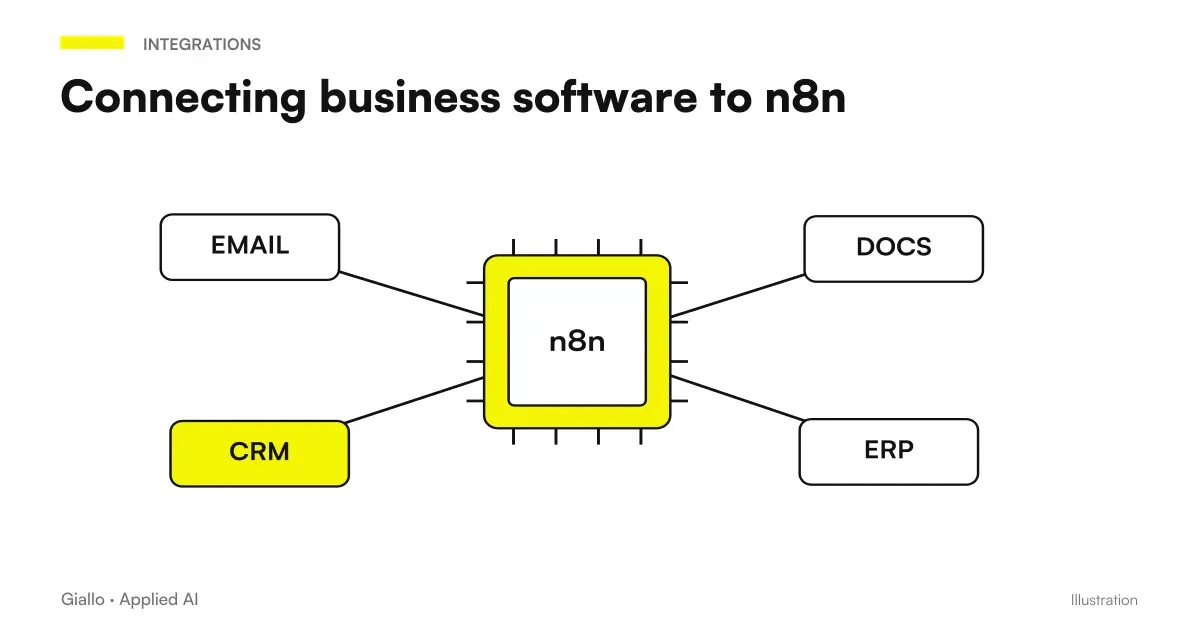 Integrate business software with n8n: APIs, webhooks and HMAC signing
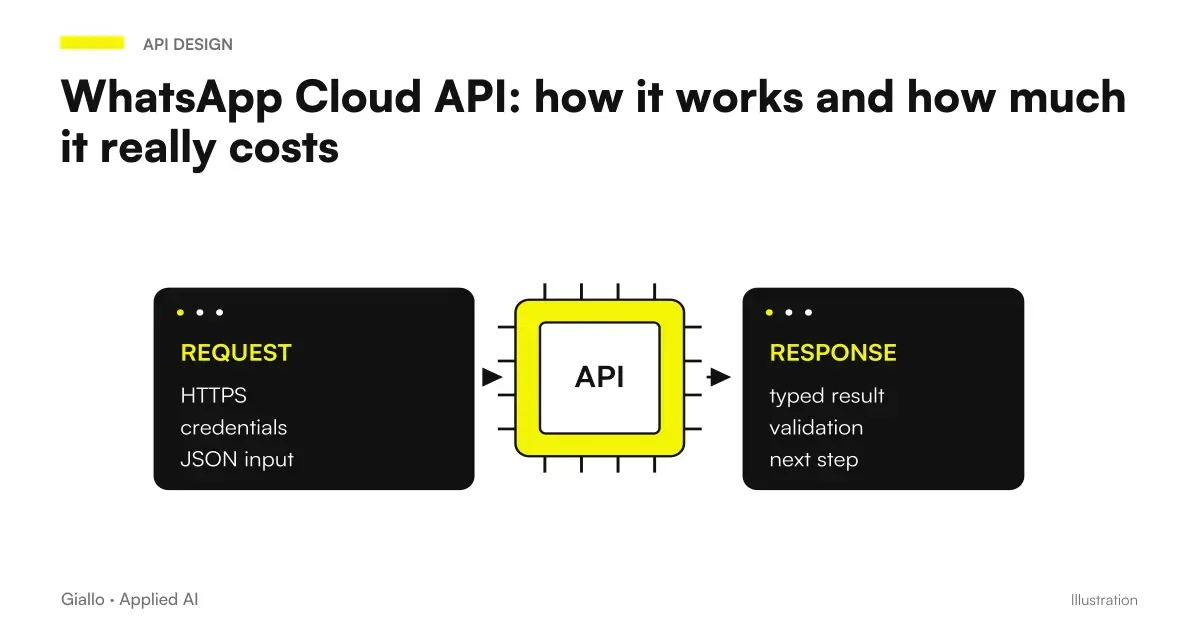 WhatsApp Cloud API: how it works and how much it really costs
 WhatsApp Business templates: get approval from Meta
 Multilingual Automatic Messages: How to Choose the Right Language
 Mistakes to avoid with voice AI
FAQ
What is the most dangerous error in a message automation?
The silent failure: a piece of the system does not work, the code replaces it with a fallback and the message is still sent incomplete. No errors appear in the logs, so no one notices until commercial damage emerges — often days later.
Why have guests received the same message several times?
Because importing a workflow from a file adds nodes to those already present instead of replacing them. In our case, three identical triggers accumulated in the same workflow, and every event caused three sends. After every import, check the number of nodes.
Is a webhook returning 200 OK working?
No, not necessarily. A webhook configured for multiple HTTP methods exposes one output per method: if only the verification one is connected, the real calls respond 200 without touching any nodes. The response code says that the call came, not that it produced effects.
Why does an error for one recipient block all the others?
Because the default behavior of many automation engines is to stop the execution at the first error. In a bulk send this means that the recipients queued after the problematic one receive nothing. The isolation per recipient must be explicitly configured.
Is a webhook address dangerous?
If it is not protected, yes: it is a public address and anyone who knows it can call it by starting the workflow at your expense. It should be protected with a signature, a secret in the header or by validating that the data received corresponds to something real.
How do you avoid repeating these mistakes?
With three habits: make each failure noisy instead of letting it degrade silently, verify that the downstream nodes have actually run instead of trusting the response code, and try the limit cases — missing language, absent data, invalid recipient — before going into production.